
JBL PartyBox


Take full control of the sound and light show directly from your pocket. Link speakers wirelessly, fine-tune the bass, and personalize every beat for an unforgettable party experience.
Publisher
Category
MusicDownloads
5M+User Rating
Total Ratings
154K+Locales
19Discover the interface used by 5M+ users.
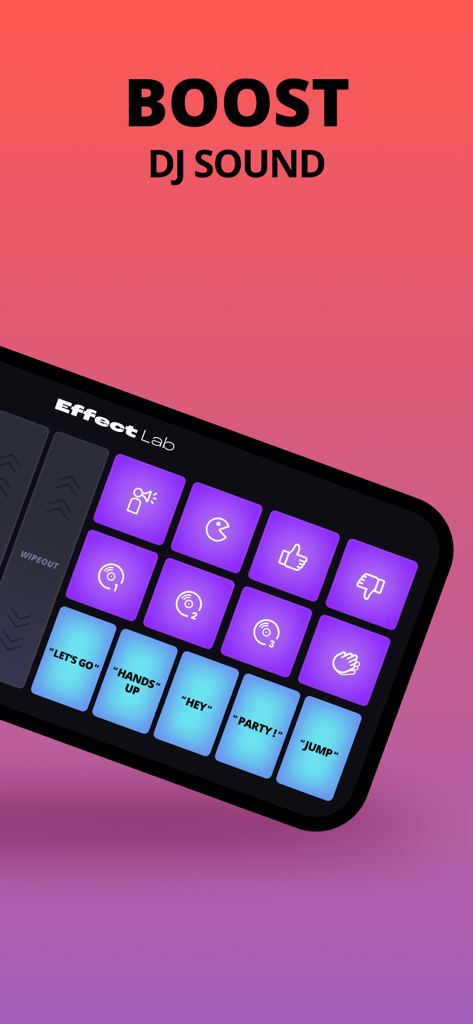
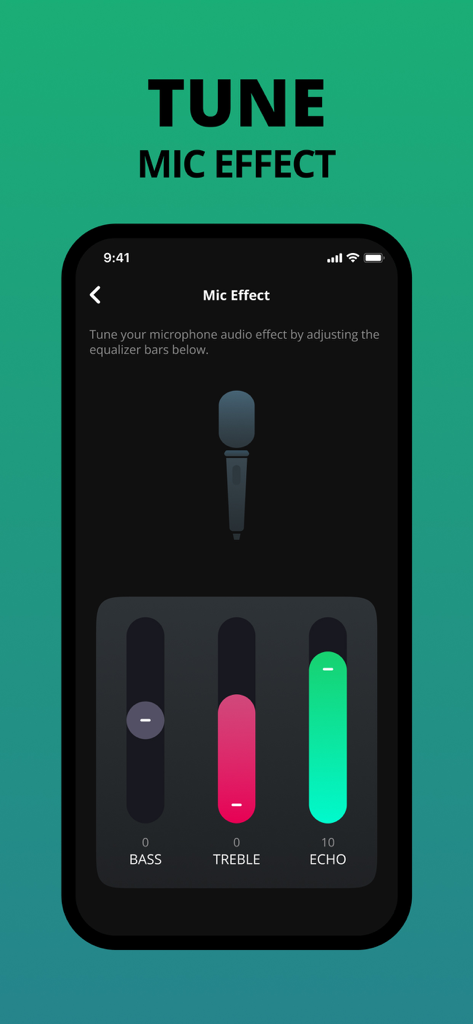
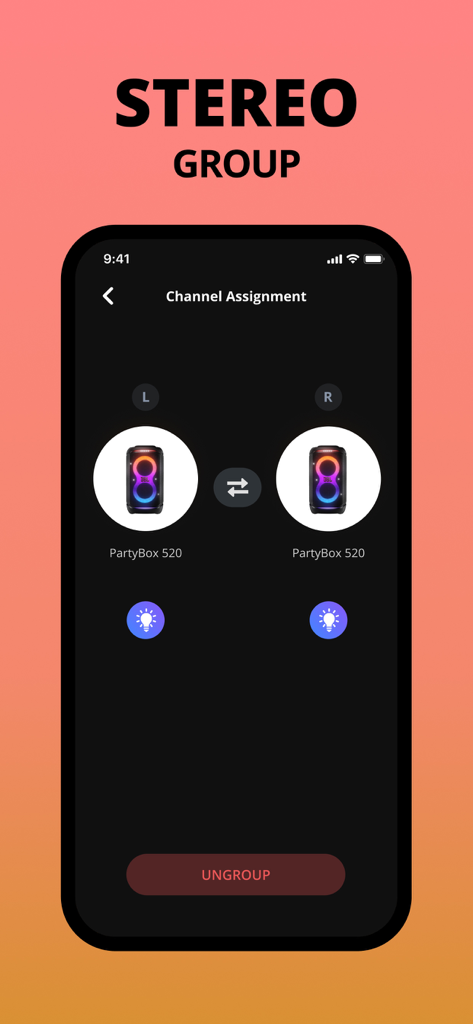
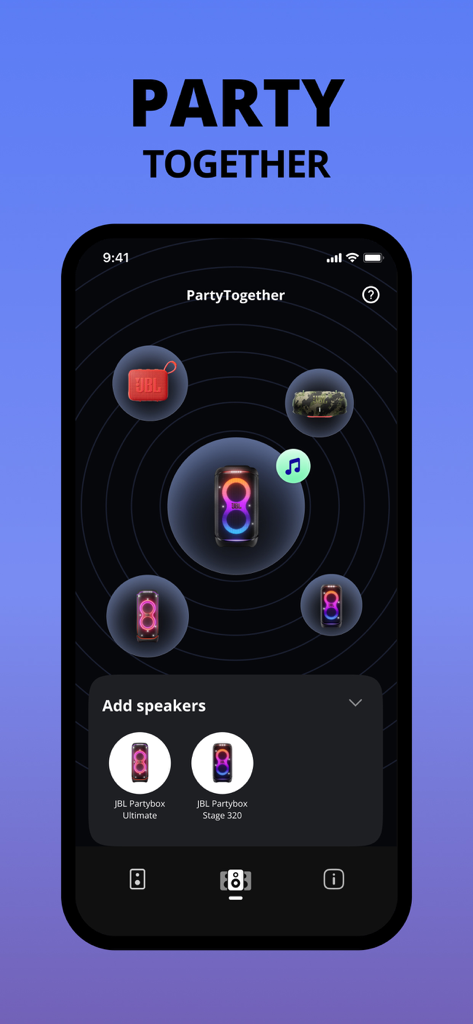
The tools that make this app stand out, trusted by 5M+ users.
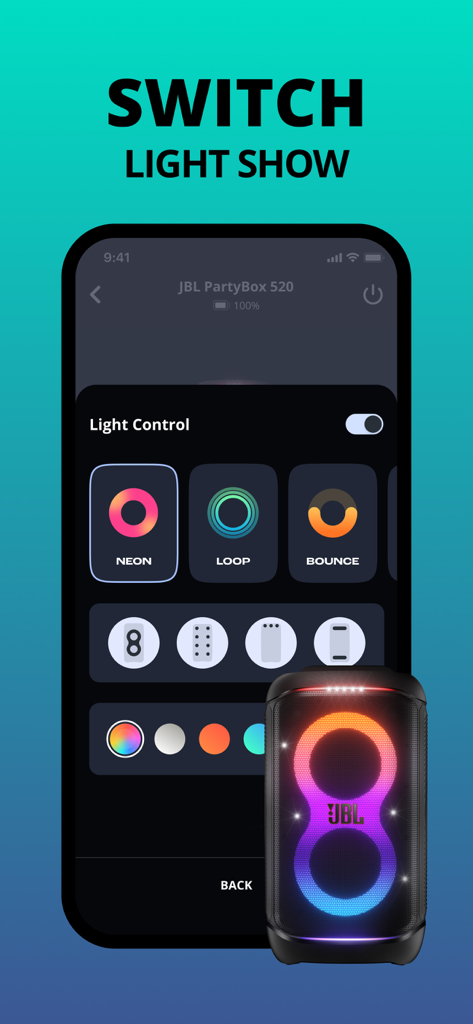
Own the vibe by choosing the perfect colors and lighting patterns to match your music and set the mood.
Go bigger and louder by wirelessly connecting multiple speakers for an immersive soundscape that fills any space.
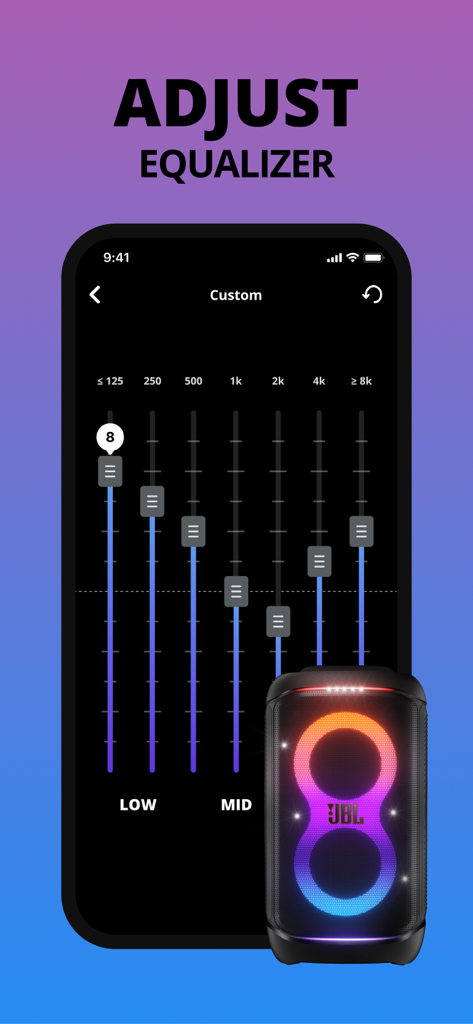
Be the host, not the technician. Adjust EQ settings, boost the bass, and trigger DJ effects without leaving the dance floor.
Trusted by 5M+ people who love this app.
"The ultimate remote for the ultimate party speaker. Being able to sync my Stage 320 with my friend's Club 120 wirelessly through the app is incredible. The light show customization really sets the mood for our weekend tailgates!"
"Finally, an app that doesn't glitch when you need it most. I use it to manage the EQ and LED colors for our pool parties. It's super intuitive, and the firmware updates keep the connection rock solid."
Everything you need to know about JBL PartyBox.
Description
Latest Version
3.12.20
Size
143.4 MB
First Released
Jul 27, 2020
Join over 5 million hosts and elevate your party with pro-level light shows, deep bass control, and seamless speaker syncing—all from the palm of your hand.
Everything you need to know about JBL PartyBox
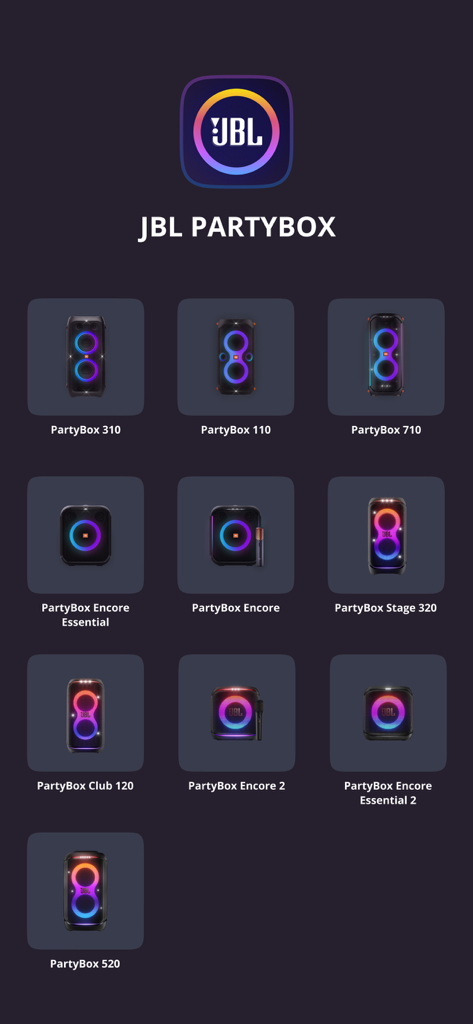
The JBL PartyBox app is compatible with PartyBox 310, 110, 710, Encore Essential, Encore, 520, Stage 320, Club 120, Encore 2, Encore Essential 2, Partylight Beam, and Partylight Stick speakers.
No, the JBL PartyBox app is not compatible with PartyBox 100, 200, 300, 1000, or On-The-Go models. These older models are specifically listed as incompatible.
The JBL PartyBox app allows users to connect compatible speakers wirelessly, personalize and control their speakers, get software updates, and access product support.
Yes, the JBL PartyBox app includes a "Light Control" feature to switch between various light show modes such as Neon, Loop, and Bounce for compatible speakers.
Yes, the JBL PartyBox app provides an equalizer feature to customize sound settings, allowing precise adjustments for low, mid, and high frequencies to suit user preferences.
Yes, the JBL PartyBox app features an "Effect Lab" to boost DJ sound, offering various pre-set sound effects and samples like "LET'S GO" and "PARTY!".
Yes, the JBL PartyBox app includes a "Mic Effect" feature. Users can tune microphone audio by adjusting bass, treble, and echo levels directly within the app.
Yes, the JBL PartyBox app allows users to create a "Stereo Group" by assigning channels (Left/Right) to compatible JBL PartyBox speakers for enhanced stereo sound.
The JBL PartyBox app features "PartyTogether" functionality, enabling users to wirelessly connect and manage multiple compatible JBL PartyBox speakers for a unified party experience.
Yes, the JBL PartyBox app connects compatible JBL PartyBox speakers wirelessly. This enables seamless control and management of your audio setup through the app.
Apps with similar features and user experience

Bose Corporation

Marshall Group AB (publ)

Bose Corporation

Bose Corporation

Harman International Industries

Power Mobile Life LLC

Harman International Industries

Beijing Xiaomi Co., Ltd

Shenzhen Shokz Co., Ltd.