
Marshall Bluetooth



The ultimate companion for your Marshall speakers and headphones. Tweak the EQ, manage noise cancellation, and crank the volume from across the room—all while keeping your heritage gear updated with the latest features.
Publisher
Category
MusicDownloads
8M+User Rating
Total Ratings
188K+Locales
11Discover the interface used by 8M+ users.
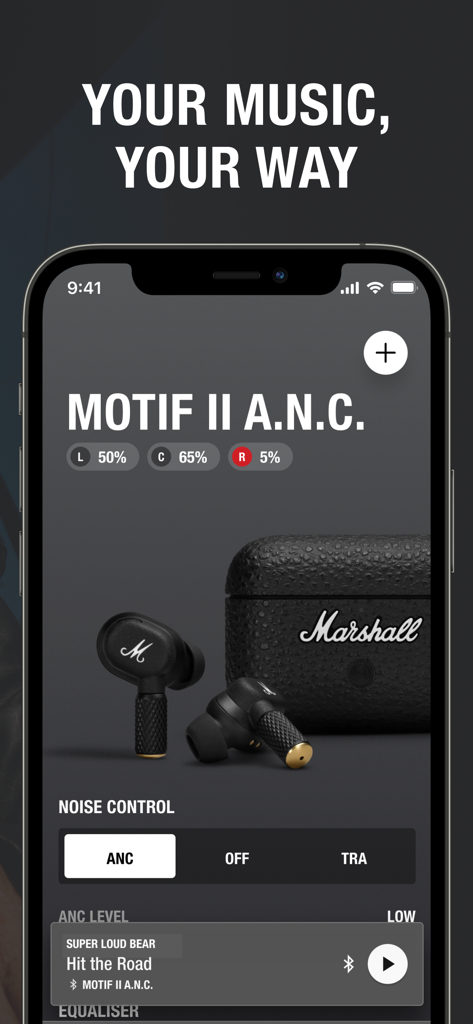
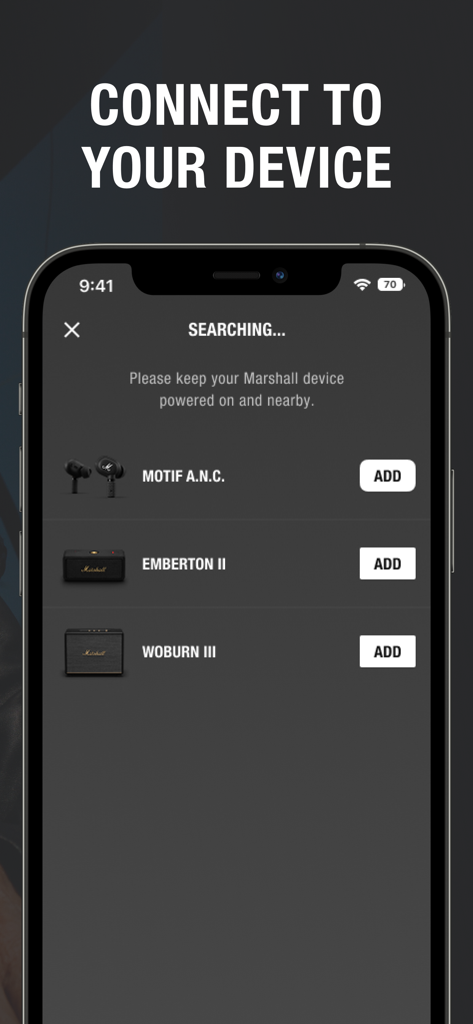
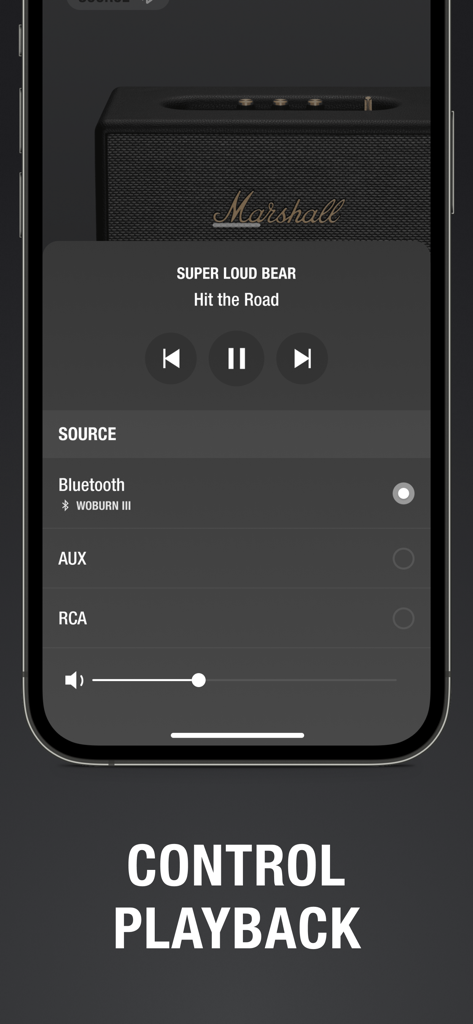
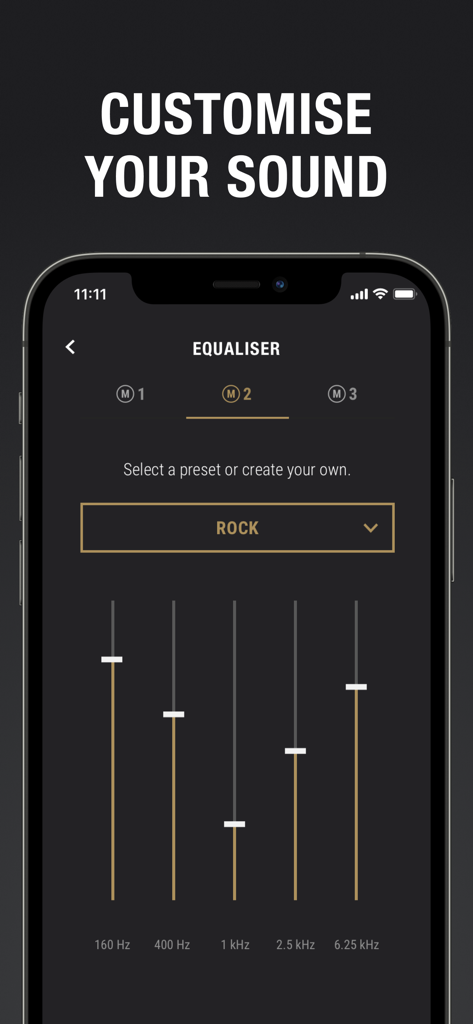
The tools that make this app stand out, trusted by 8M+ users.
Sculpt your signature sound with professional-grade EQ presets. Whether it's heavy bass or crisp highs, tailor every track to match your unique taste.
Stay in control of the vibe without leaving the conversation. Adjust volume and playback across your Marshall speakers from anywhere in the room.
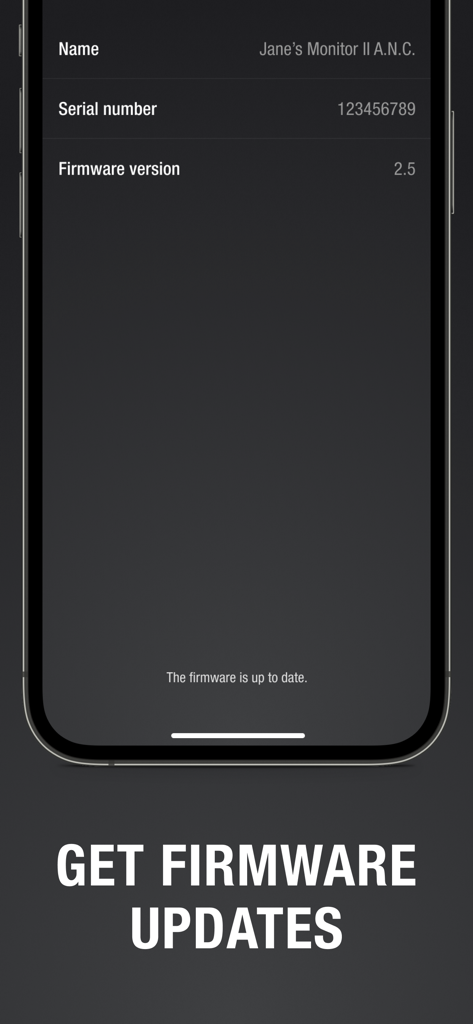
Keep your premium gear at its peak. Receive over-the-air firmware updates and manage Active Noise Cancellation for an immersive, uninterrupted experience.
Trusted by 8M+ people who love this app.
"The aesthetic of my Marshall speaker is iconic, but the app is what actually makes it practical for my apartment. I love being able to tweak the EQ to get that perfect warm sound from my phone while I'm hosting friends. It's seamless and keeps the vibe going without me having to get up."
"I use my Monitor III headphones for my daily commute and the app is essential. The noise control settings are incredibly responsive, and the ability to customize the equalizer ensures my playlists sound exactly how I want them to. It’s technology used for good, simple and effective."
Everything you need to know about Marshall Bluetooth.
Description
Latest Version
3.5.6
Size
65.3 MB
First Released
Oct 9, 2018
Put the power of Marshall in your pocket. Download the app to customize your EQ, manage noise cancellation, and keep your legendary sound stage-ready.
Everything you need to know about Marshall Bluetooth
The Marshall Bluetooth app manages Marshall audio devices remotely. It controls volume, customizes sound with equalizers, manages noise cancellation, and ensures device connectivity for a personalized listening experience.
Yes, the Marshall Bluetooth app provides remote volume control for connected Marshall devices. Users adjust audio levels from their mobile device, ensuring convenient management of their sound environment.
Yes, the Marshall Bluetooth app includes a customizable equalizer. Users select preset sound profiles or create their own, adjusting frequency bands like 160 Hz, 400 Hz, 1 kHz, 2.5 kHz, and 6.25 kHz.
The Marshall Bluetooth app provides noise control options including Active Noise Cancellation (ANC), Off, and Transparency (TRA) modes. Users adjust the ANC level directly within the app for their headphones.
The Marshall Bluetooth app supports products like Bromley 750, Middleton II, Kilburn III, Monitor III A.N.C., Emberton III, Willen II, Motif II A.N.C., and many other listed Marshall audio devices.
Yes, Marshall products function independently without the Marshall Bluetooth app. The app offers advanced controls and customization, but it is not essential for basic operation of the devices.
To connect a device, launch the Marshall Bluetooth app and ensure your Marshall device is powered on and nearby. The app automatically searches for and lists available devices for pairing.
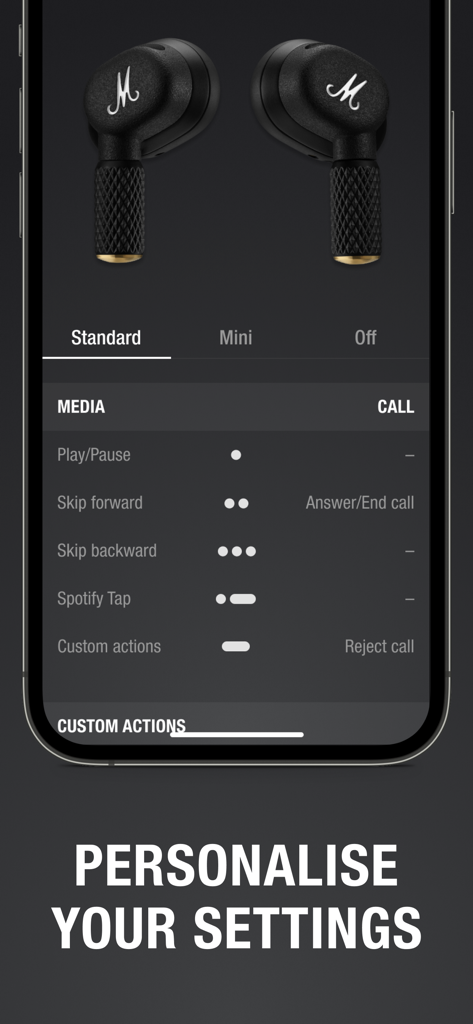
Yes, the Marshall Bluetooth app allows users to personalize various settings, including media playback controls for actions like play/pause and skipping tracks, as well as call management options.
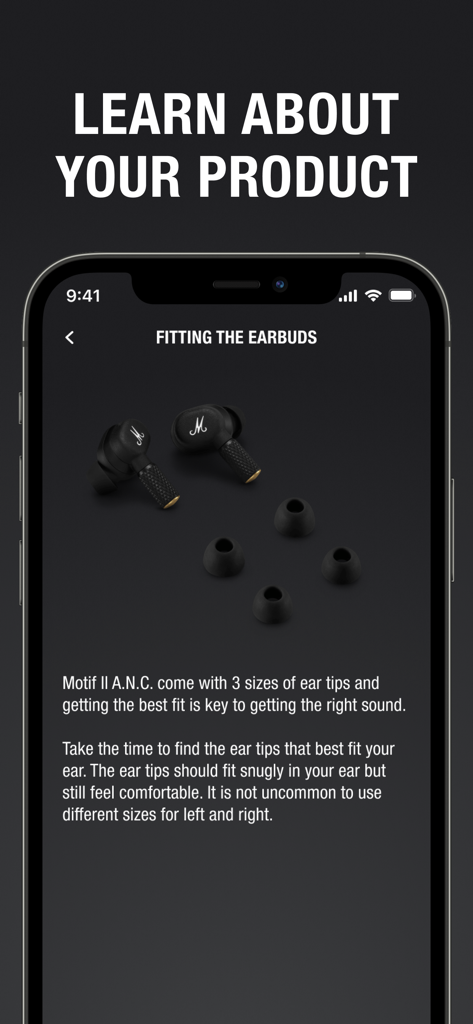
Yes, the Marshall Bluetooth app provides access to product information, such as guidance on fitting earbuds for optimal comfort and sound, and details regarding device firmware.
Yes, the Marshall Bluetooth app manages firmware updates for compatible devices. It displays the current firmware version and confirms if the device's firmware is already up to date.
Apps with similar features and user experience

Bose Corporation

Harman International Industries

Bose Corporation

Bose Corporation

Harman International Industries

Power Mobile Life LLC

Harman International Industries

Beijing Xiaomi Co., Ltd

Shenzhen Shokz Co., Ltd.