
Layout for Instagram: Collage



Join over 1 million creators crafting stunning stories and professional grids. Master your feed with pro-level editing tools, signature filters, and custom recipes for a perfectly curated digital brand.
Publisher
Category
Photo & VideoDownloads
1M+User Rating
Total Ratings
19K+Locales
17Discover the interface used by 1M+ users.
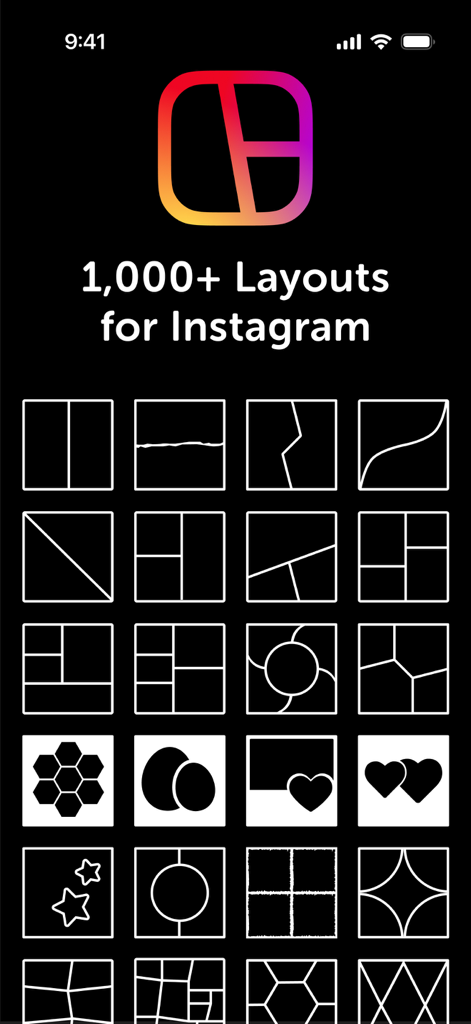
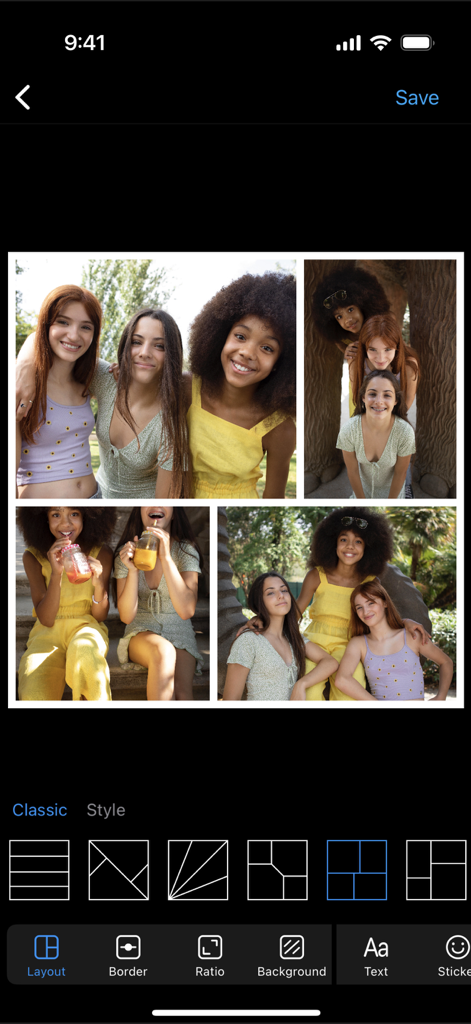
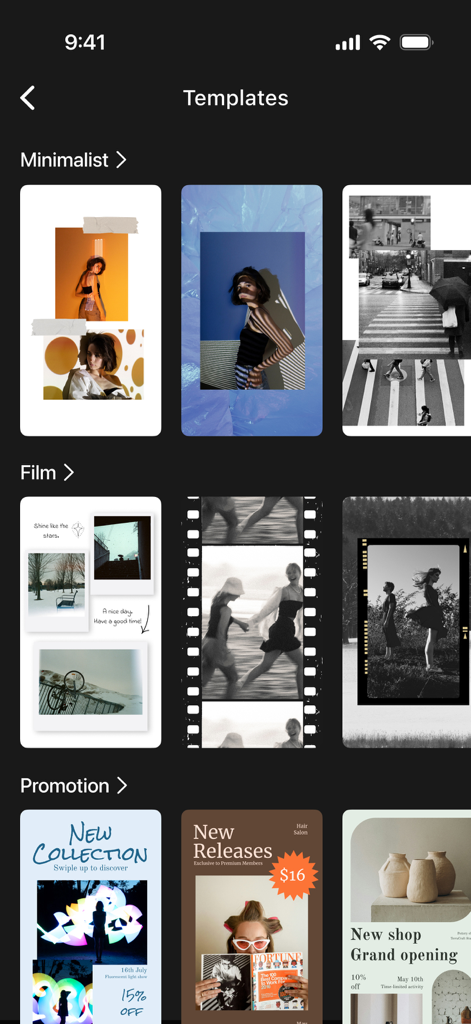
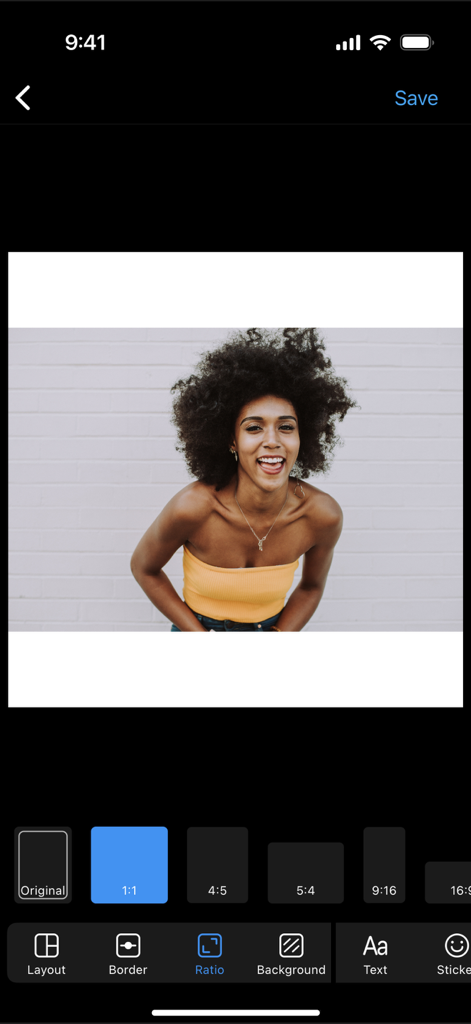
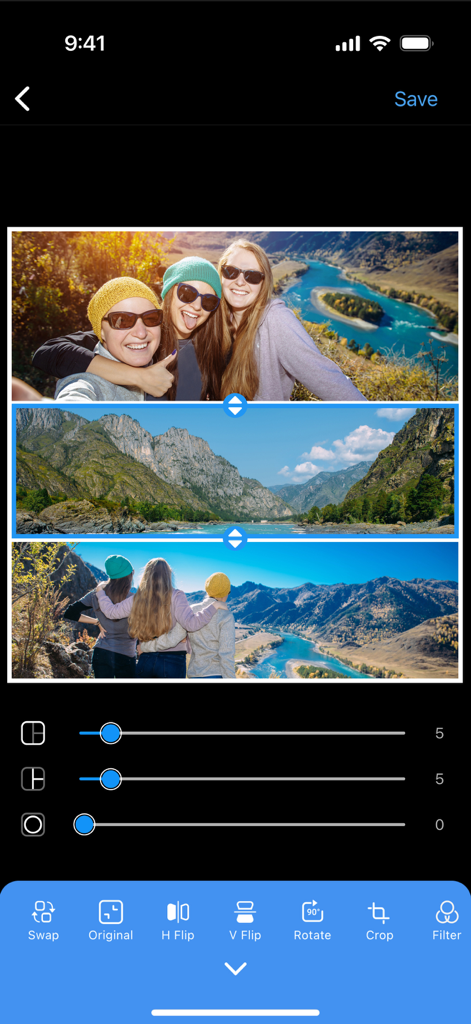
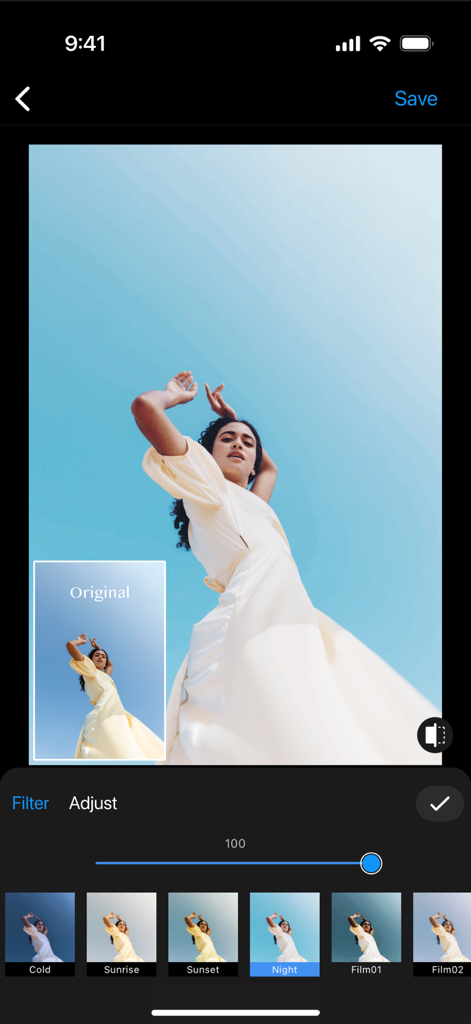
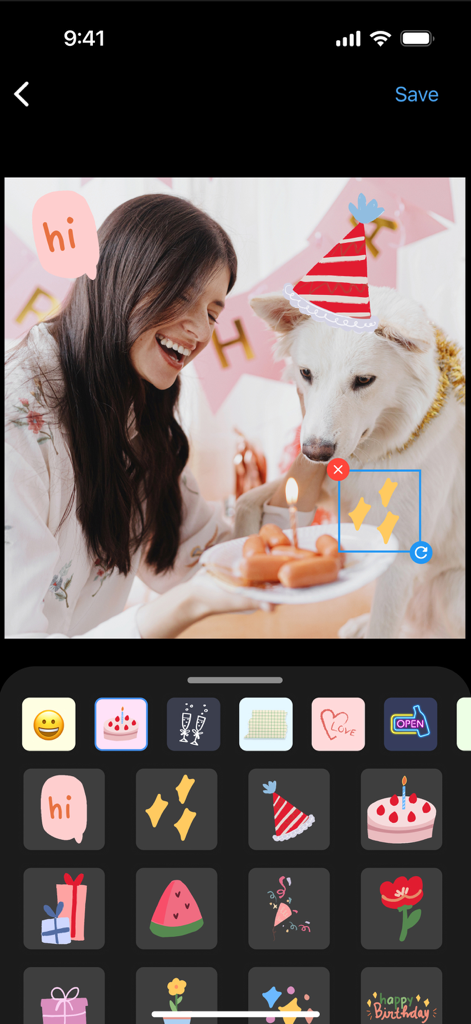
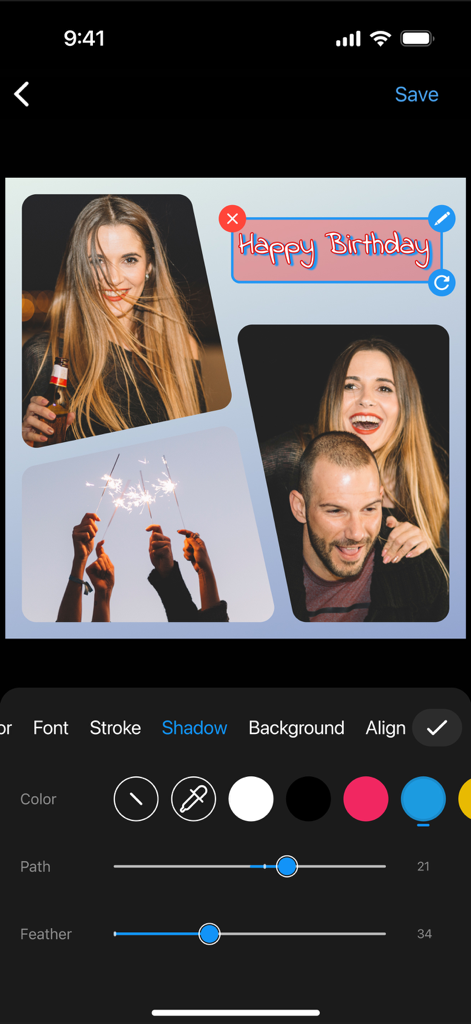
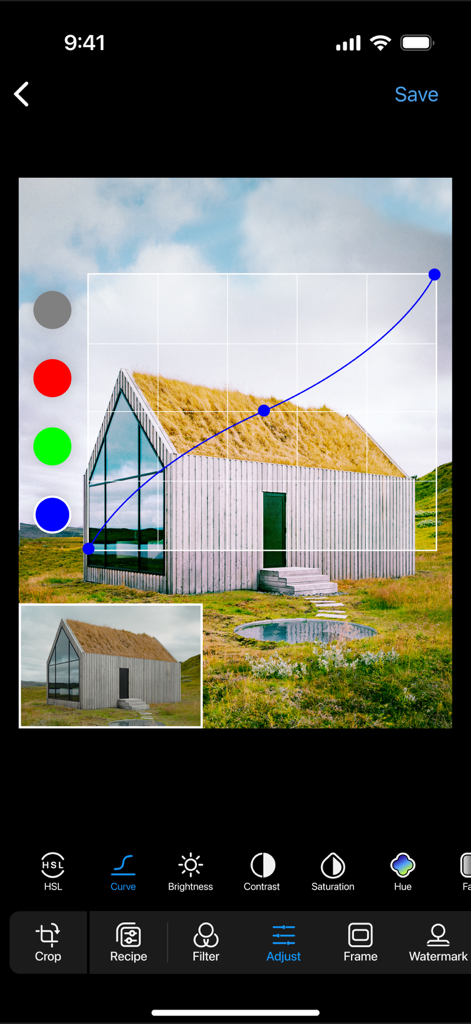
The tools that make this app stand out, trusted by 1M+ users.
Save your unique edits as custom Recipes to instantly apply your signature style across every photo for a perfectly cohesive Instagram grid.
Unlock high-end editing tools like HSL and Curves to achieve that polished, influencer-grade look without the complexity of desktop software.
Transform your daily captures into captivating visual narratives with stunning templates and layouts optimized for viral Stories and Feed posts.
Trusted by 1M+ people who love this app.
"As a small boutique owner, keeping my Instagram feed consistent was a struggle until I found this app. The 'Recipe' feature is a game-changer—I can apply my signature look to every product photo in seconds! Plus, being able to add my own watermark directly gives my brand that professional edge I was looking for."
"Obsessed with the templates! I use this for all my weekend photo dumps and the filters are actually high-quality, not like the basic ones you usually see. The HSL and Curves tools help me get that perfect vintage vibe effortlessly. It is my go-to before anything hits my grid."
Everything you need to know about Layout for Instagram: Collage.
Description
Latest Version
2.2.12
Size
260.4 MB
First Released
Mar 22, 2023
Join over 1 million creators crafting professional grids and stunning stories. Start your 3-day free trial and unlock your signature style today.
Everything you need to know about Layout for Instagram: Collage
Layout for Instagram: Collage allows users to create photo collages, design Instagram Stories with templates, and edit photos using tools like crop, rotate, filters, and adjustments.
Yes, Layout for Instagram: Collage enables users to remix photos into collages using a variety of layouts. It offers over 1,000 different collage layouts for creative photo arrangements.
Yes, Layout for Instagram: Collage provides beautifully designed templates to craft stunning Instagram Stories effortlessly. Template categories include Minimalist, Film, and Promotion designs.
Layout for Instagram: Collage includes photo editing tools such as Crop, Rotate, Flip, Skew, 100 Filters, Brightness, Contrast, Grain, HSL, and Curves adjustments for precise control.
After a 3-day free trial, the Photo Layout Pro subscription costs $24.99 per year. This premium subscription unlocks all advanced editing tools and exclusive filters within the app.
Yes, Layout for Instagram: Collage offers a 3-day free trial for its Photo Layout Pro subscription. This trial provides full access to all premium features and advanced editing tools.
You can manage your Layout for Instagram: Collage Pro subscription by navigating to "Settings" > "Your Name" > "Subscription" > "Cancel Subscription." Ensure cancellation occurs 24 hours before renewal.
The Privacy Policy for Layout for Instagram: Collage is available at https://collage.plus/PrivacyPolicy.html. This document outlines the app's practices regarding user data collection and usage.
Yes, Layout for Instagram: Collage allows users to add their own custom watermark to photos. This feature helps personalize edited images with unique branding or signatures.
Layout for Instagram: Collage enables users to save their preferred filter, adjust, frame, and watermark edits as a "Recipe." This feature allows for consistent application of favorite settings.
Apps with similar features and user experience

Appostrophe AB

JUPITER PALACE PTE. LTD.

SHANTANU PTE. LTD.

Zhuhai Kuxiong Network Technology Co., Ltd.

Shamble, Inc.

Honk Honk Punch Pty Ltd

Honk Honk Punch Pty Ltd

Honk Honk Punch Pty Ltd

Shanghai Ruishixinyan Information Technology Co., Ltd
