
Photo Collage Montage Maker



Join over 3 million users who transform everyday photos into stunning collages. Perfect for parents, travelers, and small businesses who want professional layouts without the effort.
Publisher
Category
Photo & VideoDownloads
4M+User Rating
Total Ratings
157K+Locales
20Discover the interface used by 4M+ users.
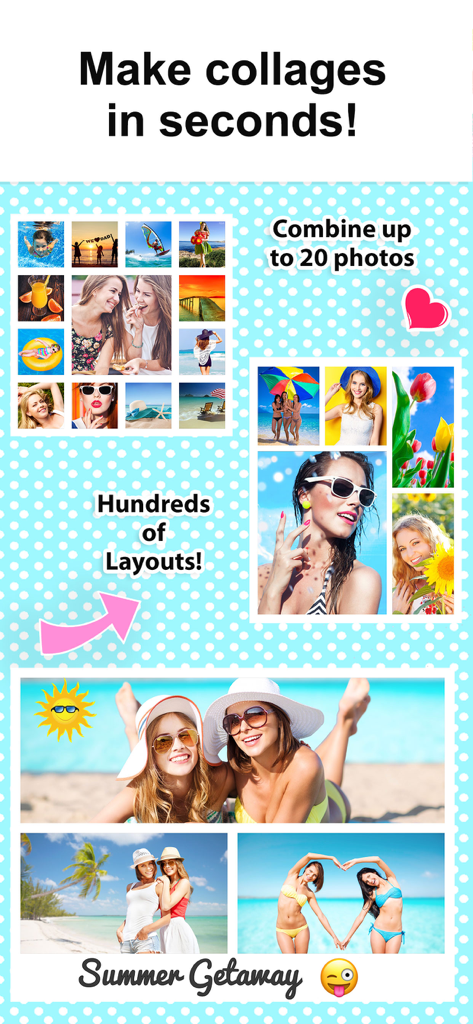
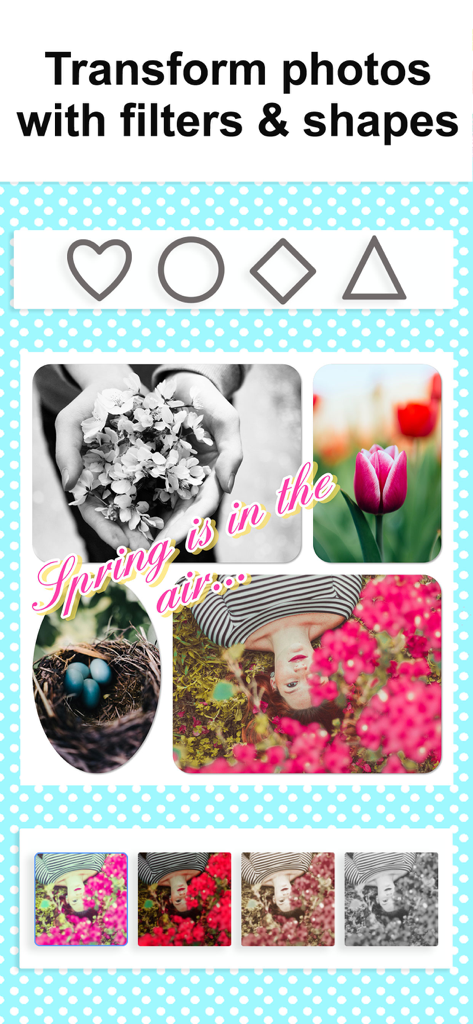

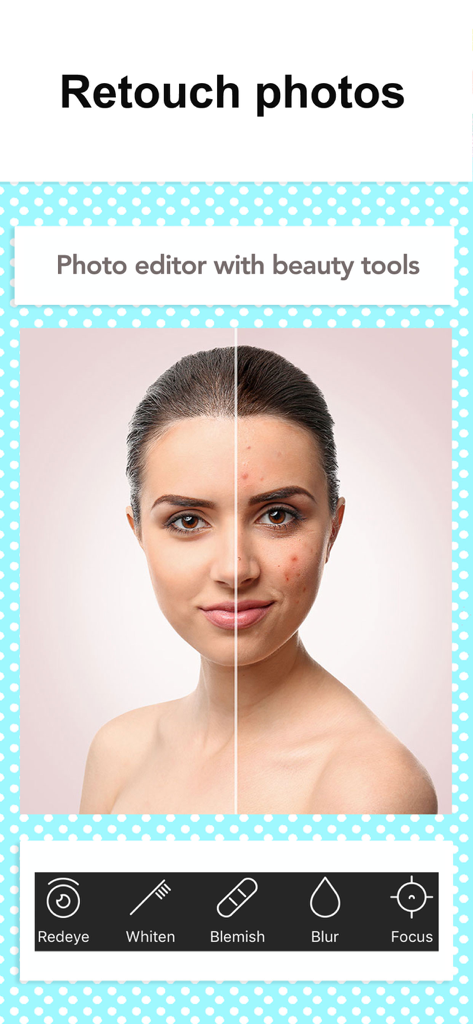
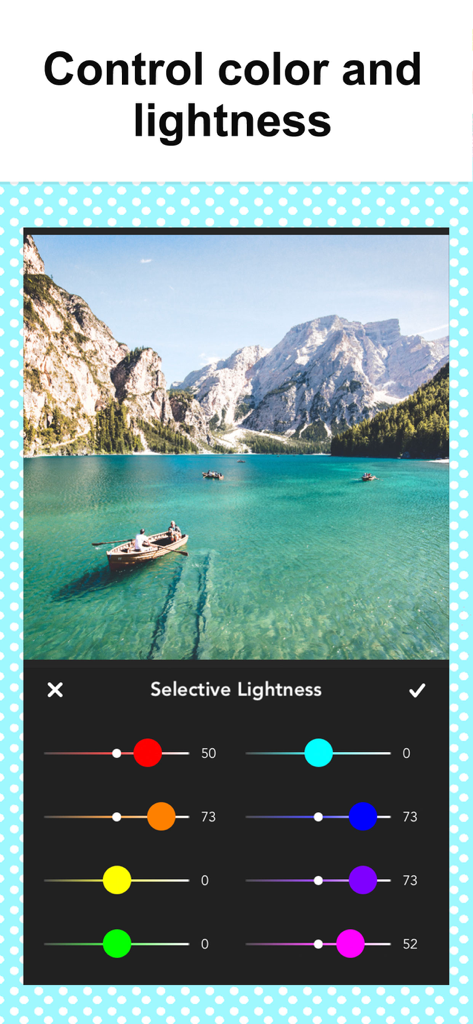

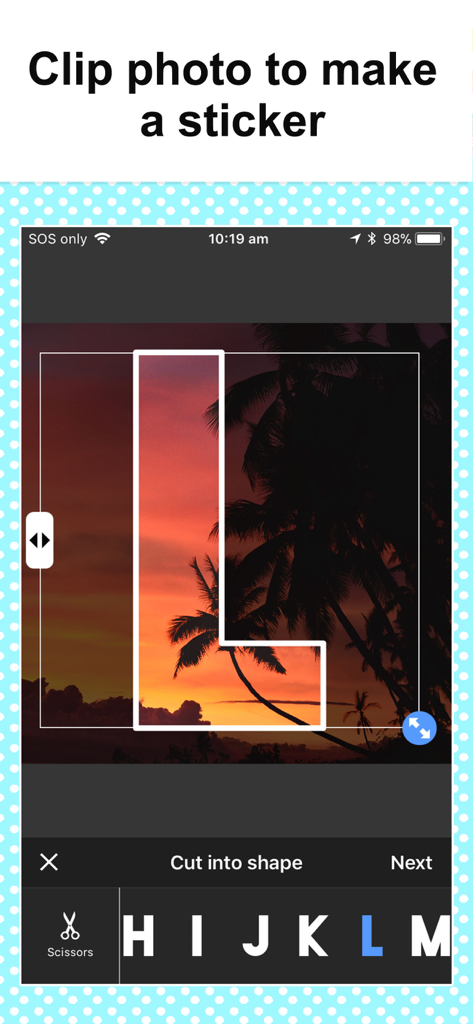
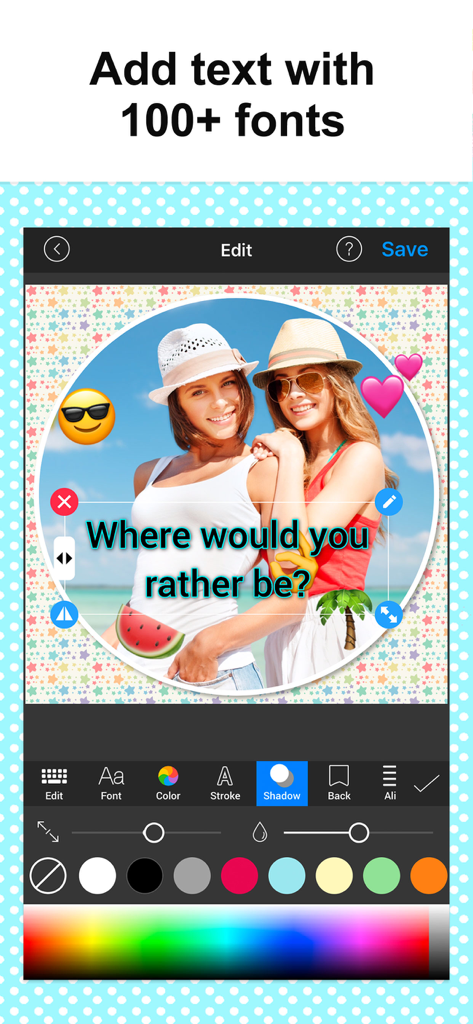
The tools that make this app stand out, trusted by 4M+ users.
Perfect for busy parents and creators—simply select your photos and watch the app automatically generate beautiful layouts in seconds.
Bring back the joy of scrapbooking with 120+ layouts, 60+ creative fonts, and hundreds of patterns to make every memory feel personal.
Ideal for side-hustlers and small businesses to create stunning multi-angle product grids and high-impact 'before and after' sequences.
Trusted by 4M+ people who love this app.
"As a busy mom of three, I have thousands of photos sitting on my phone. This app is a lifesaver! I love how it automatically suggests layouts so I can turn a whole birthday party into one beautiful collage in seconds. It is like digital scrapbooking without the mess, and my family on Facebook always asks how I make such cute posts!"
"I use this for my online boutique to create multi-angle product shots and it has totally leveled up my branding. The text options and shadow effects make my photos look professional without needing a designer. It is the easiest way to show off new arrivals on Instagram and my customers love the clean look."
Everything you need to know about Photo Collage Montage Maker.
Description
Latest Version
5.6.0
Size
58.6 MB
First Released
Aug 15, 2012
Join over 4 million users turning their favorite moments into beautiful, framed masterpieces. Download now and start creating in seconds.
Everything you need to know about Photo Collage Montage Maker
The Photo Collage Montage Maker app creates collages by selecting photos, picking a layout, and customizing with colors, patterns, text, and stickers. Users can then save or share the finished collage.
Users can combine up to 20 photos into a single collage using the Photo Collage Montage Maker app. This allows for comprehensive visual storytelling and composition.
Photo Collage Montage Maker offers customization with patterns, stickers, text, borders, filters, shapes, and frames. Users can also adjust colors, lightness, and apply beauty tools.
Yes, Photo Collage Montage Maker provides over 120 free layouts and more than 90 free pattern backgrounds. These free features allow users to create diverse collages without a subscription.
Yes, Photo Collage Montage Maker includes a built-in photo editor. It allows users to zoom, rotate, mirror, drag & drop photos, and perform retouching with beauty tools like blur and blemish removal.
Photo Collage Montage Maker Premium unlocks all stickers, patterns, fonts, and custom photo backgrounds. This subscription also removes all advertisements from the application for an uninterrupted experience.
Photo Collage Montage Maker subscriptions automatically renew unless cancelled at least 24 hours before the current period ends. Users manage their subscriptions anytime in Account Settings.
Yes, Photo Collage Montage Maker allows users to add text to collages. It features over 60 fonts and provides full styling control, including options for color, stroke, and shadow.
Yes, Photo Collage Montage Maker supports resizing collages specifically for social media. This feature ensures optimal display and sharing across various online platforms.
Apps with similar features and user experience

Appostrophe AB

JUPITER PALACE PTE. LTD.

Shamble, Inc.

SHANTANU PTE. LTD.

Zhuhai Kuxiong Network Technology Co., Ltd.

Shamble, Inc.

Honk Honk Punch Pty Ltd

Honk Honk Punch Pty Ltd

Shanghai Ruishixinyan Information Technology Co., Ltd


