
Remote for Hisense TV.


Stop hunting for the remote and start typing faster. Control your Hisense Smart TV with a responsive touchpad and full keyboard directly from your smartphone.
Publisher
Category
UtilitiesDownloads
101K+User Rating
Total Ratings
1K+Locales
1Discover the interface used by 101K+ users.
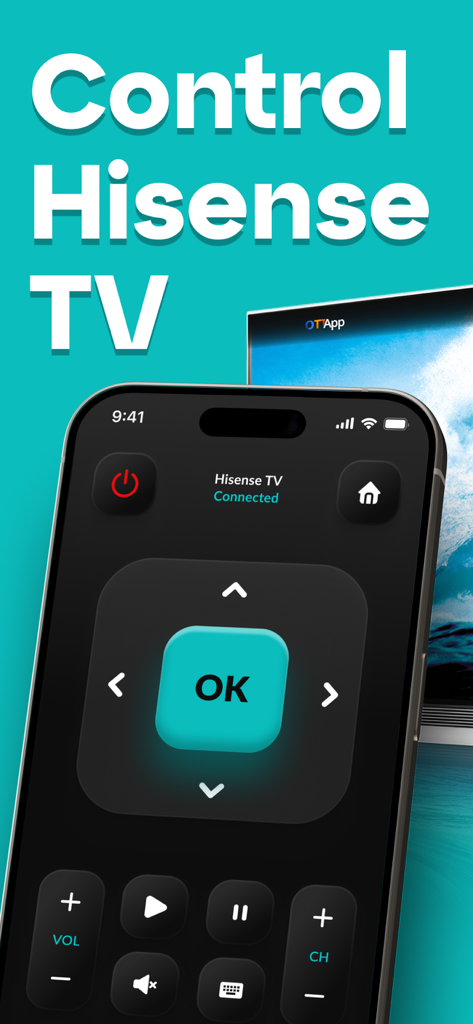
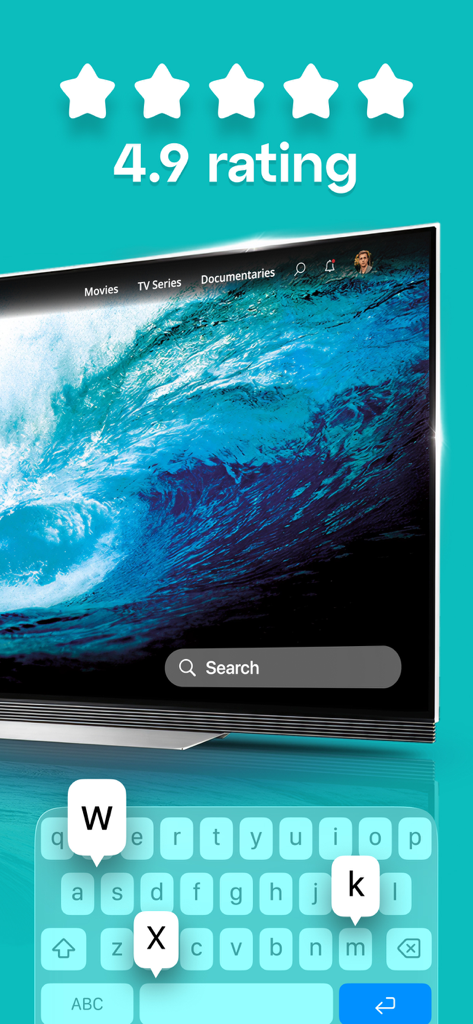
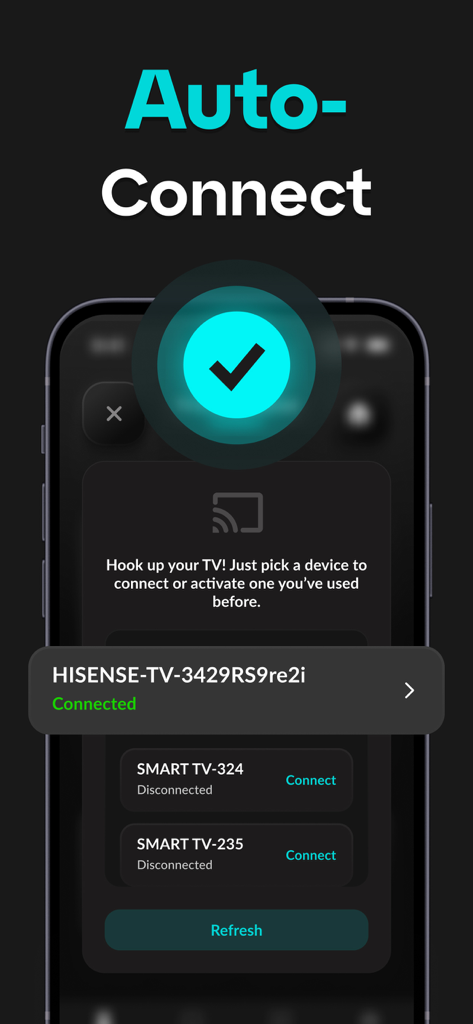
The tools that make this app stand out, trusted by 101K+ users.
Stop hunting for letters with a physical remote. Use your iPhone keyboard to search for movies and enter passwords in seconds.
Navigate your TV interface with smooth, responsive swipes. Experience fluid control that feels more natural than a standard D-pad.
Control your TV over Wi-Fi from anywhere in the room. There is no need for line-of-sight, so you can adjust the volume even while multitasking.
Trusted by 101K+ people who love this app.
"I was so tired of using the clunky arrow keys on my physical remote to search for shows on Netflix. This app's keyboard support is a total game-changer! Now I can type in movie titles in seconds directly from my iPhone. Plus, I never have to worry about the kids losing the remote in the couch cushions again."
"Finally, a remote app that actually works perfectly over Wi-Fi! I love that I don't have to point my phone directly at the TV to change the volume or channel. The touchpad navigation is incredibly smooth and responsive, making it feel way more modern than the original plastic remote. It has simplified my whole living room setup."
Everything you need to know about Remote for Hisense TV..
Description
Latest Version
1.0.7
Size
67.1 MB
First Released
Jan 11, 2025
Join over 100,000 users who have ditched the physical remote for effortless keyboard typing and smooth touchpad navigation. Download now and simplify your entertainment.
Everything you need to know about Remote for Hisense TV.
The app "Remote for Hisense TV." is a mobile application that allows users to control their Hisense smart TV from a smartphone or tablet, serving as a virtual remote.
Yes, the "Remote for Hisense TV." app provides universal control. Users can adjust volume, change channels, and navigate menus with its fully functional virtual remote.
Yes, the "Remote for Hisense TV." app supports keyboard input. Users can type effortlessly using their device's keyboard for faster browsing and searching.
The "Remote for Hisense TV." app connects to a Hisense TV via Wi-Fi. This enables uninterrupted control without requiring line-of-sight from anywhere in the room.
No, the "Remote for Hisense TV." app is not an official Hisense product. It is also not an affiliated entity of Hisense.
Unlimited access to the touchpad and playback controls requires a subscription to the yearly plan for "Remote for Hisense TV."
The yearly plan for "Remote for Hisense TV." costs $9.99. This subscription provides unlimited access to touchpad and playback controls.
Users can manage and cancel their subscription for "Remote for Hisense TV." in their iTunes account settings. Auto-renewal must be off 24 hours before the billing period ends.
Yes, "Remote for Hisense TV." offers smooth and responsive touchpad controls for easy navigation through the TV's interface. Unlimited access to this feature requires a subscription.
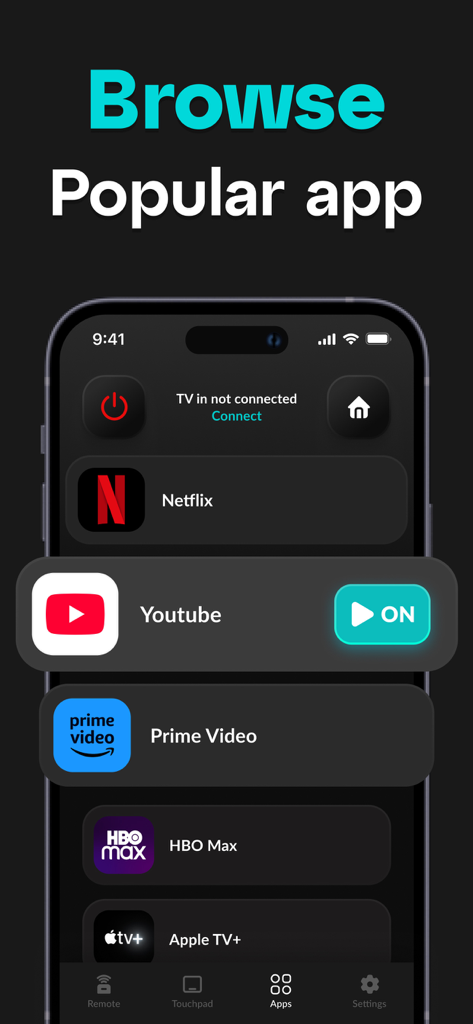
Yes, "Remote for Hisense TV." allows browsing popular apps. Screenshot #3 displays options for Netflix, YouTube, Prime Video, HBO Max, and Apple TV+.
Apps with similar features and user experience

SZ DJI TECHNOLOGY CO., LTD

SZ DJI TECHNOLOGY CO., LTD

Aleh Piashkou

恒茂 刘

Centurion Systems (Pty) Ltd

Artur Belov

Synthe FX, LLC

FUJIFILM Corporation

Seiko Epson Corporation