Roku TV Remote Control & Cast

Roku TV Remote Control & Cast

Download on App Store
Spark by MWM logo
Logo of Roku TV Remote Control & Cast
Roku TV Remote Control & Cast: The Ultimate Wireless Mirroring & Control Hub

Say goodbye to tangled wires and lost remotes. Effortlessly mirror your iPhone in real-time, cast your favorite memories in crystal-clear quality, and take full control of your Roku TV with a single tap.

Publisher

Aleh Piashkou

Category

Utilities

Downloads

208K+

User Rating

4.7/5

Total Ratings

1K+

Locales

13

Experience the Magic

Discover the interface used by 208K+ users.
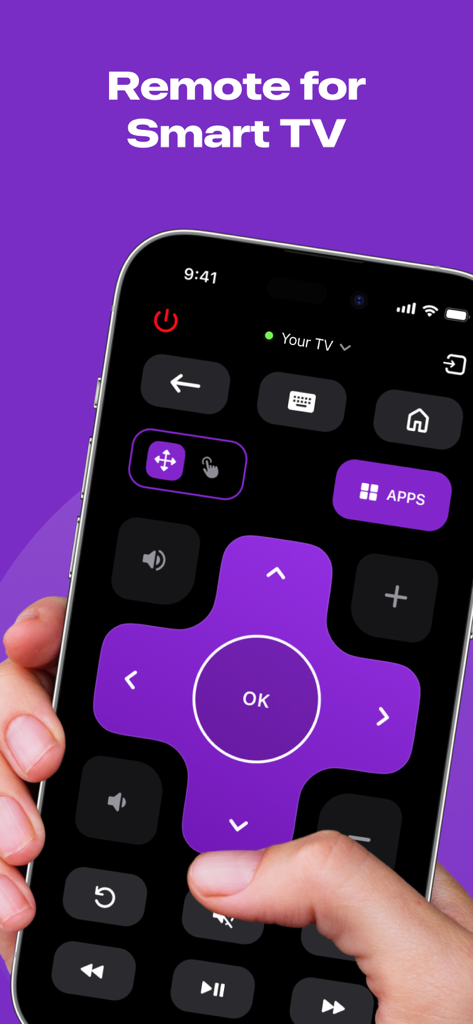
Digital remote control interface for Smart TV on an iPhone screen

Digital remote control interface for Smart TV on an iPhone screen

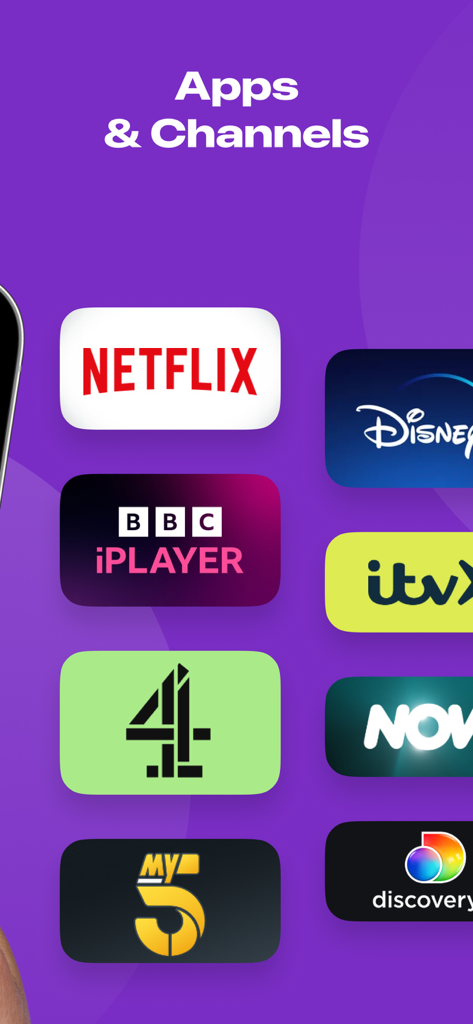
A list of streaming apps and channels including Netflix and Disney Plus

A list of streaming apps and channels including Netflix and Disney Plus

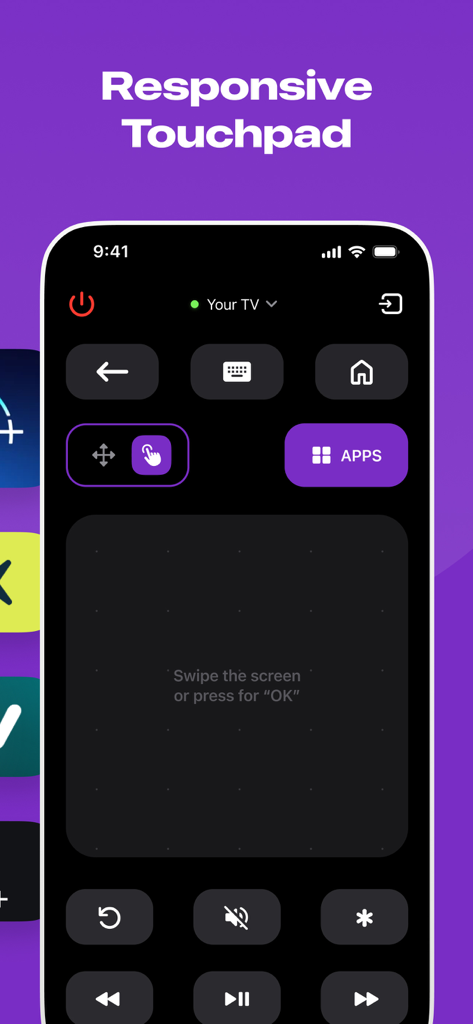
Interface of the Roku TV Remote app showing a responsive touchpad for navigation.

Interface of the Roku TV Remote app showing a responsive touchpad for navigation.

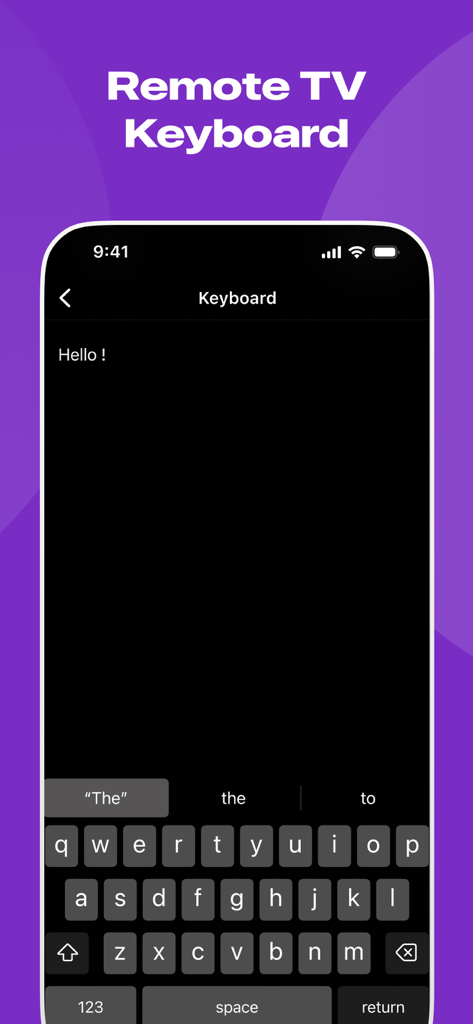
Remote TV keyboard feature for Roku on iPhone

Remote TV keyboard feature for Roku on iPhone

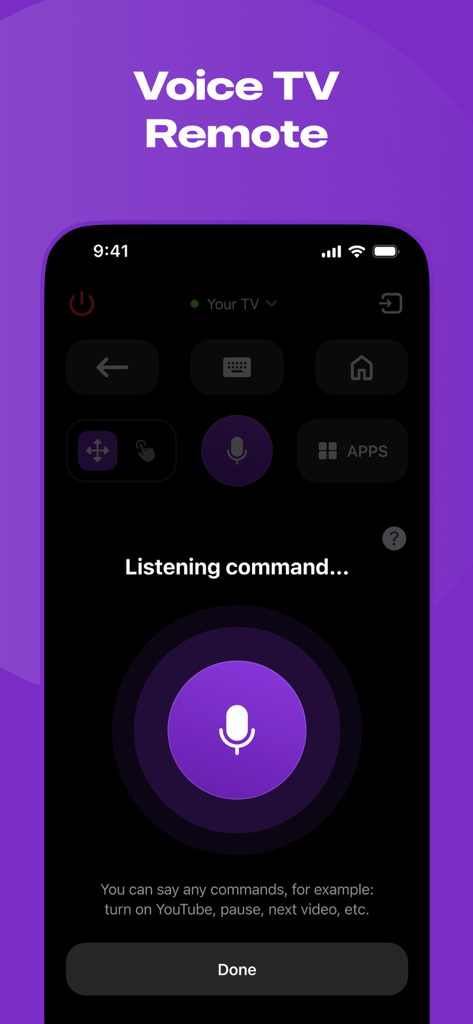
A mobile app interface for a Roku TV remote showing a voice control feature with a large microphone button and listening prompt

A mobile app interface for a Roku TV remote showing a voice control feature with a large microphone button and listening prompt

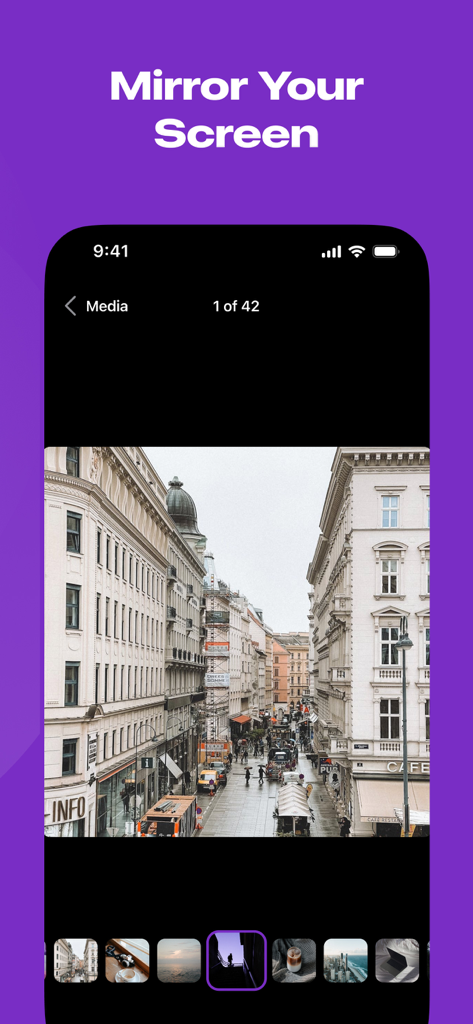
iPhone screen displaying a photo gallery under the heading Mirror Your Screen

iPhone screen displaying a photo gallery under the heading Mirror Your Screen

The Ultimate Roku Companion

The tools that make this app stand out, trusted by 208K+ users.

📱

Always-Ready Remote

Never dig through couch cushions again. Control your TV, launch apps, and adjust volume with an interface that is faster and more reliable than a plastic remote.

📡

Wire-Free Mirroring

Cast your favorite TikToks, mobile games, or family photos instantly. Ditch the expensive adapters and enjoy a clean, minimalist setup without tangled cables.

Lag-Free HD Streaming

Experience your media in stunning high definition. Our real-time technology ensures that every presentation or video looks just as smooth on the big screen as it does on your phone.

Loved by users worldwide

Trusted by 208K+ people who love this app.

"

"I lost my physical Roku remote months ago and finally found this app. It is a lifesaver! I love how I can instantly show my kids soccer videos and vacation photos to the grandparents right from my iPhone. No wires, no lag, just super clear quality. It is so intuitive that even my mom can use it when she is babysitting."

Sarah J.
"

"As someone who often gives quick presentations and hates carrying dongles, ShareRemote is a game changer. The screen mirroring is incredibly responsive—almost zero latency, which is rare for wireless casting. It turned my Roku TV into a professional display for my portfolio in seconds. Definitely worth the subscription for the reliability alone."

Marcus T.

Review Analysis

Insights from user reviews.

Sentiment Score

27%
Negative

Summary

This mobile app elicits a highly polarized response from users. A small segment finds it very useful, praising its remote control capabilities and even noting its functionality as superior to the original app. However, the overwhelming majority of feedback is negative, primarily due to the app's mandatory payment structure for core features, leading many to label it a scam or unusable. Users frequently report frustration with recurring charges and connectivity problems.

Common Themes

App Utility(2)
Performance and Functionality(2)
Overall User Experience(2)
Remote Control Feature(1)
Convenience(1)

About the app

Everything you need to know about Roku TV Remote Control & Cast.

Description

Introducing ShareRemote iOS screen mirroring app. Whether you're showing off your latest photos, streaming videos with friends, or presenting that killer presentation, our app is your go-to for making it all happen effortlessly. **Why You'll Love It:** 1. **No More Wires:** Tangled cables? No, thank you! Our app lets you mirror your device wirelessly. Just a quick tap, and voila – your screen is on the big stage! 2. **Crystal Clear Picture:** Your memories and content deserve the best. Our app keeps the quality top-notch, making sure your pictures and videos look as fabulous on the big screen as they do on your device. 3. **Keep it Real-Time:** Show off your skills live! Whether you're playing games, giving a presentation, or just goofing around, our app mirrors every move in real-time. It's like having your own mini movie premiere. 4. **Easy Peasy Interface:** No tech degree needed here! Our app is designed to be super easy to use. Just open, tap, and watch the magic unfold. It's so simple even your grandma could do it. Whether you're a pro or just looking to spice up your digital life, our screen mirroring app is the sidekick you've been waiting for. Turn any screen into a portal to your device. Download now and let the mirroring adventures begin! ShareRemote subscription plans are: - Yearly subscription - 6 months subscription - Monthly subscription - Weekly subscription - Payment will be charged to iTunes Account at confirmation of purchase. - Subscription automatically renews unless auto-renew is turned off at least 24-hours prior to the end of the current period. - The account is charged for renewal within 24-hours before the end of the current period. - Subscriptions may be managed by the user and auto-renewal may be turned off by going to the user’s Account Settings after purchase. - The cost of renewal is equal to the value that “Apple’s App Store Matrix” determines as the equivalent of the subscription price in $USD. - Any unused portion of a free trial period, if offered, will be forfeited when the user purchases a subscription to that publication. *Prices are equal to the value that "Apple's App Store Matrix" determines is the equivalent of the subscription price in $USD. Privacy Policy - https://docs.google.com/document/d/1ahEeO01U4RiZyrZyXq2MkmMjxl8cBKmxlYxlrHaGwUg/edit?usp=sharing Terms of Use - https://docs.google.com/document/d/1xD4dteABb8nb7IY_UNEBLtTUo7Z4KFDfuvoq2gmuVk8/edit?usp=sharing

Latest Version

1.5

Size

52.3 MB

First Released

Jan 23, 2024

Ready to Master Your Roku TV?

Join over 208,000 users who have ditched the lost remotes and tangled wires. Download ShareRemote today and start mirroring your world in real-time.

Download on App Store
FAQ

Frequently Asked Questions

Everything you need to know about Roku TV Remote Control & Cast

What is the Roku TV Remote Control & Cast app?

The Roku TV Remote Control & Cast app functions as a remote for smart TVs and provides wireless screen mirroring. It features responsive controls, a keyboard, voice commands, and allows casting photos and videos to a larger screen.

Does the Roku TV Remote Control & Cast app allow screen mirroring?

Yes, the Roku TV Remote Control & Cast app allows wireless screen mirroring. Users can display photos, stream videos, or present from their device to a larger screen with crystal clear quality and real-time performance.

What remote control features does Roku TV Remote Control & Cast offer?

Roku TV Remote Control & Cast offers comprehensive remote features including power control, navigation, access to apps, volume adjustments, and media playback. It also includes a responsive touchpad, a remote keyboard, and voice control for your TV.

What subscription options are available for Roku TV Remote Control & Cast?

Roku TV Remote Control & Cast offers several subscription options. Users can choose from yearly, 6-month, monthly, and weekly plans to access the app's full range of features.

How do I manage auto-renewal for my Roku TV Remote Control & Cast subscription?

Users can manage their Roku TV Remote Control & Cast subscriptions and turn off auto-renewal. This is done by navigating to the user’s Account Settings on iTunes after the purchase.

Where is the Privacy Policy for the Roku TV Remote Control & Cast app located?

The Privacy Policy for Roku TV Remote Control & Cast is available through a direct link provided in the app description. It ensures users have access to information regarding data handling practices.