
Screen Mirroring・Air Cast TV


Stream videos, share photos, and play games on any smart TV with zero lag. No cables or extra hardware required—just seamless wireless casting for your home and office.
Publisher
Category
UtilitiesDownloads
803K+User Rating
Total Ratings
3K+Locales
1Discover the interface used by 803K+ users.
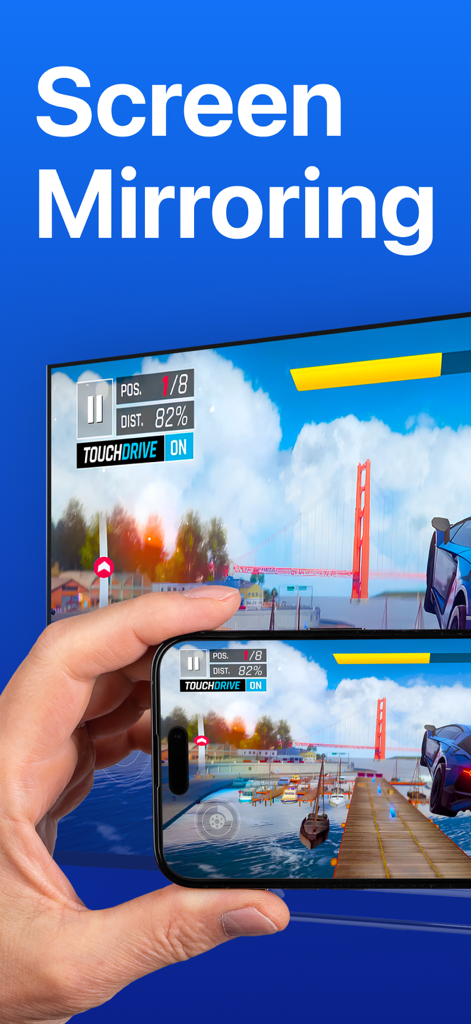
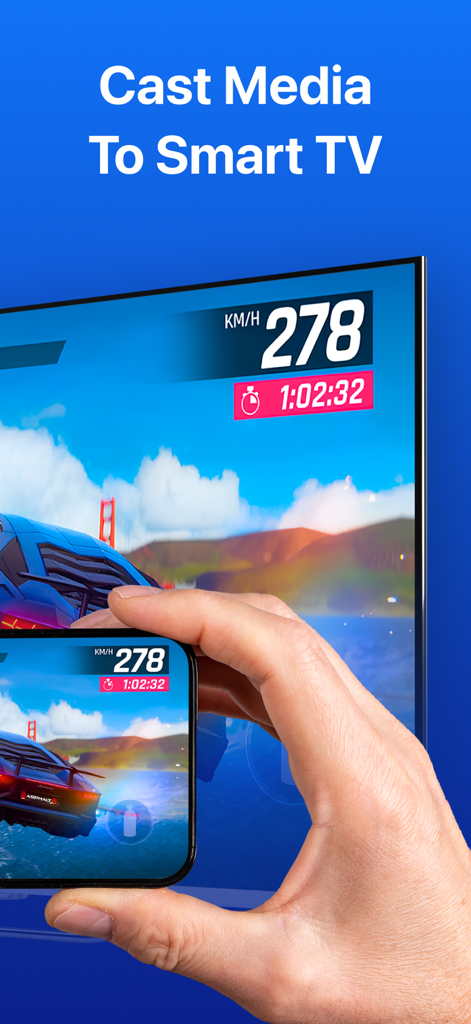
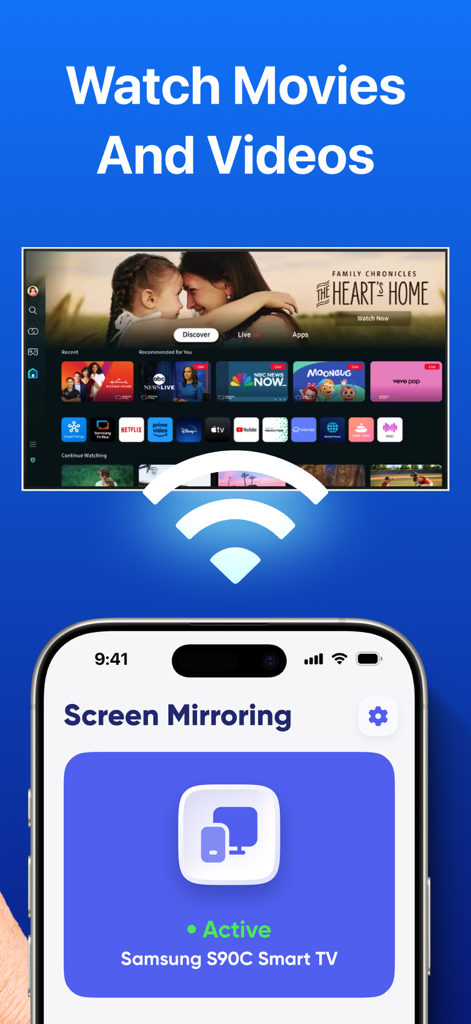
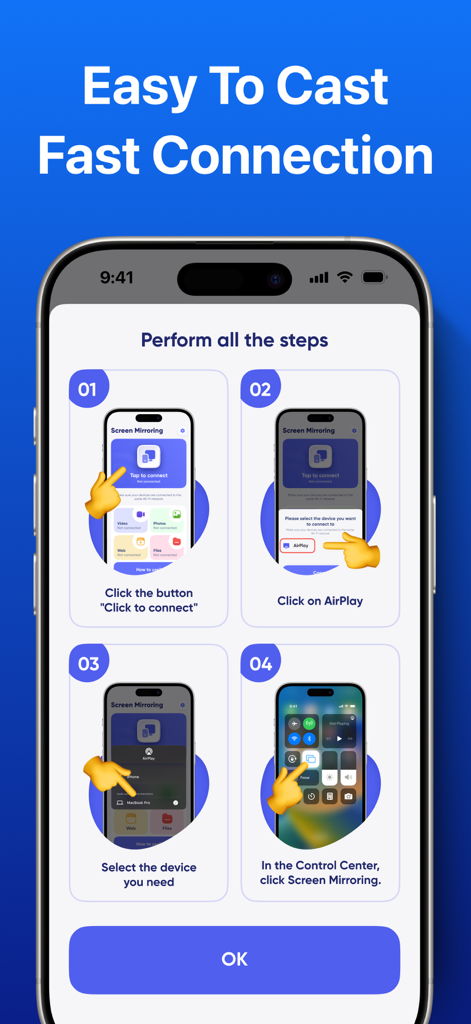
The tools that make this app stand out, trusted by 803K+ users.
Bridge the ecosystem gap. Instantly connect your iPhone to Samsung, LG, Roku, or Sony TVs without needing an Apple TV box.
Perfect for mobile gaming, live sports, and social media. Enjoy ultra-low latency mirroring that keeps your content in perfect sync.
Follow workout videos with better form on a large display or cast professional presentations from your phone in seconds.
Trusted by 803K+ people who love this app.
"Perfect for my morning workouts! I love being able to cast my fitness apps from my iPhone to my Samsung TV without any lag. It has also been a lifesaver for quickly showing slide decks during home office meetings without hunting for cables or dongles."
"Finally, an app that actually works seamlessly with my Roku TV! Setup was incredibly fast, and now I can share vacation photos and TikToks with the whole family on the big screen. The low latency makes even casual mobile gaming feel like a console experience."
Insights from user reviews.
Sentiment Score
Summary
The app receives overwhelmingly negative feedback, primarily due to its aggressive and often unauthorized subscription model. Users frequently report being charged immediately, even during supposed free trials or after cancellation, leading to significant frustration and financial loss. The app's core functionality, screen mirroring, is widely criticized for not working with various devices like LG, Samsung TVs, or PCs, and many users find it offers no additional value over standard AirPlay features. A common complaint is the high weekly subscription cost, coupled with a difficult or non-existent refund process.
Common Themes
Everything you need to know about Screen Mirroring・Air Cast TV.
Description
Latest Version
1.8
Size
93.3 MB
First Released
May 24, 2023
Join over 800,000 users who've ditched the cables. Cast your favorite movies, games, and presentations to any Smart TV with zero lag and instant setup.
Everything you need to know about Screen Mirroring・Air Cast TV
Screen Mirroring・Air Cast TV is an application that mirrors your phone screen to your smart TV. It enables wireless sharing of videos, photos, games, and apps on a larger display.
Screen Mirroring・Air Cast TV connects to your smart TV via Wi-Fi. It requires no cables, offering an easy and wireless connection method for screen mirroring.
Yes, Screen Mirroring・Air Cast TV allows you to share games on the big screen. It mirrors your device screen in real-time and supports audio and video playback with low latency.
Yes, Screen Mirroring・Air Cast TV is compatible with major smart TV brands and devices. This allows users to expand their viewing experience across various television models.
Users manage their Screen Mirroring・Air Cast TV subscription and turn off auto-renewal in Account Settings after purchase. Auto-renew must be turned off at least 24 hours before the current period ends.
Screen Mirroring・Air Cast TV may offer a free trial period. If offered, any unused portion of this period is forfeited when a subscription is purchased.
Yes, Screen Mirroring・Air Cast TV features a user-friendly interface designed for quick setup and control. It offers a simple, fast, and seamless screen casting experience.
Apps with similar features and user experience

InstantBits Inc

Sichuan FalconAI Technology Co., Ltd.

Mihkel Pikk

Ozuna Limited

TOGGLE APPS SP Z O O

AER SOFTWARE COMPANY LIMITED

SAND STUDIO CORPORATION LIMITED

Hainan Delta Software Co., Ltd

梦 孟