Screen Mirroring・Smart View TV

Screen Mirroring・Smart View TV

Download on App Store
Spark by MWM logo
Logo of Screen Mirroring・Smart View TV
Screen Mirroring・Smart View TV: Cast Your iPhone to Any Big Screen Instantly

Experience high-quality, lag-free mirroring for movies, photos, games, and presentations. No cables or extra hardware required—just one click to bridge your phone and TV.

Publisher

TOGGLE APPS SP Z O O

Category

Utilities

Downloads

15M+

User Rating

4.7/5

Total Ratings

229K+

Locales

7

Experience the Magic on the Big Screen

Discover the interface used by 15M+ users.
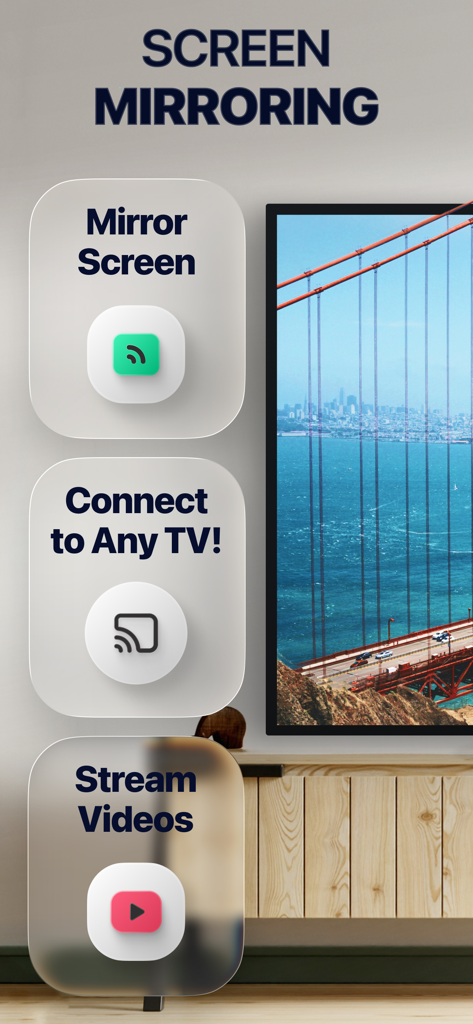
Screen mirroring app interface showing options to mirror screen connect to any TV and stream videos

Screen mirroring app interface showing options to mirror screen connect to any TV and stream videos

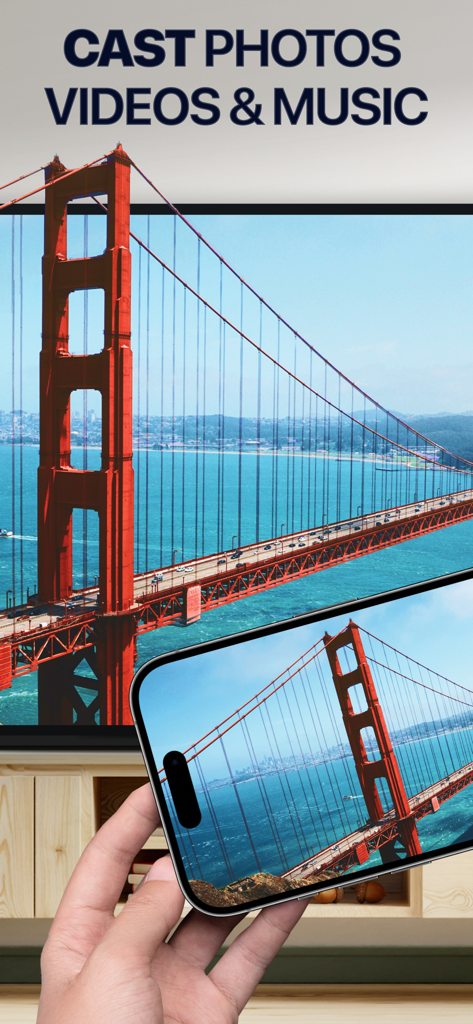
iPhone casting a photo of the Golden Gate Bridge onto a smart TV screen

iPhone casting a photo of the Golden Gate Bridge onto a smart TV screen

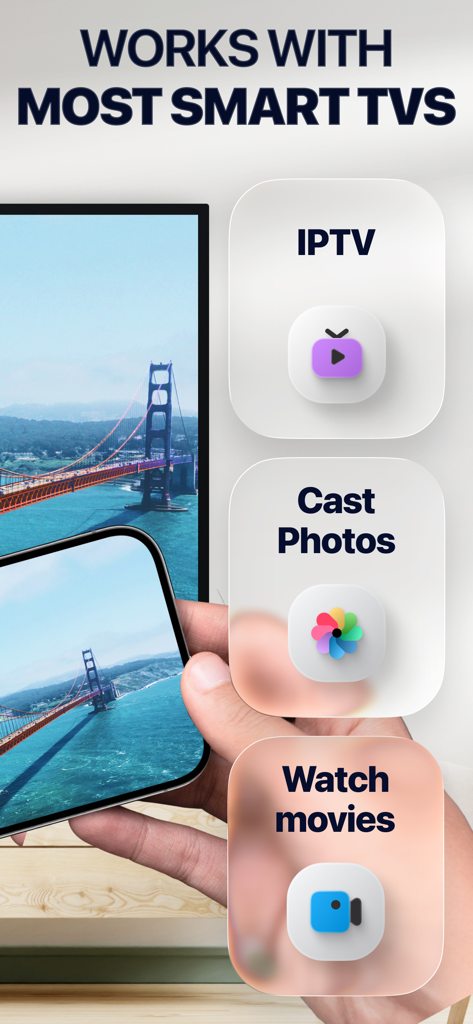
Mobile app screenshot showing an iPhone screen mirroring a bridge to a smart TV with options for IPTV, casting photos, and watching movies.

Mobile app screenshot showing an iPhone screen mirroring a bridge to a smart TV with options for IPTV, casting photos, and watching movies.

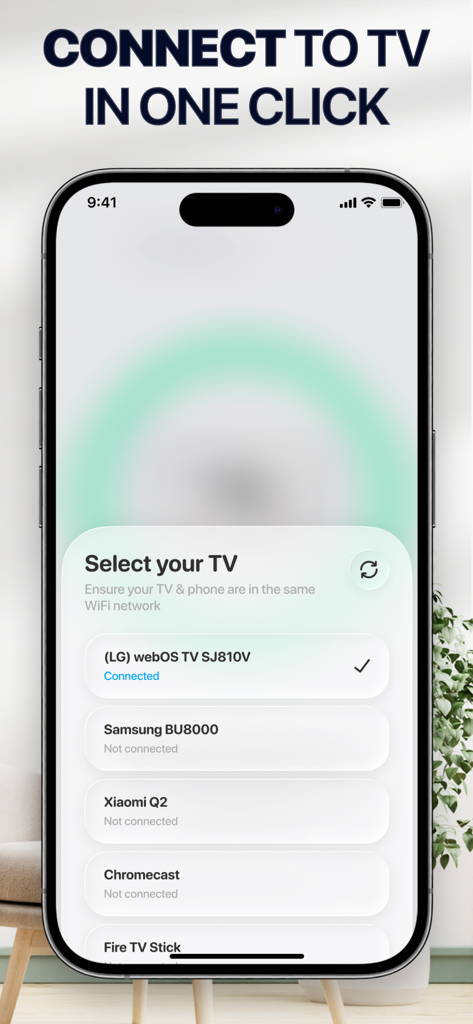
iPhone screen displaying the Select your TV menu with a list of compatible devices including LG and Samsung

iPhone screen displaying the Select your TV menu with a list of compatible devices including LG and Samsung

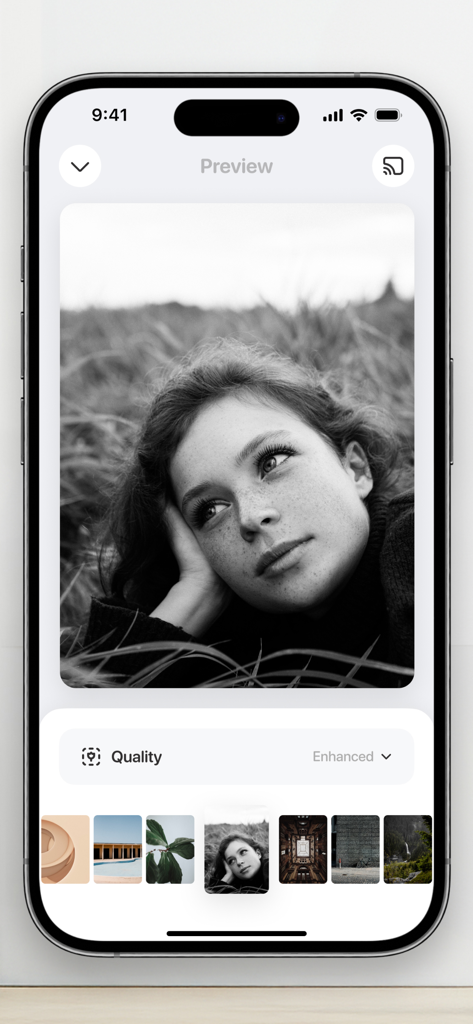
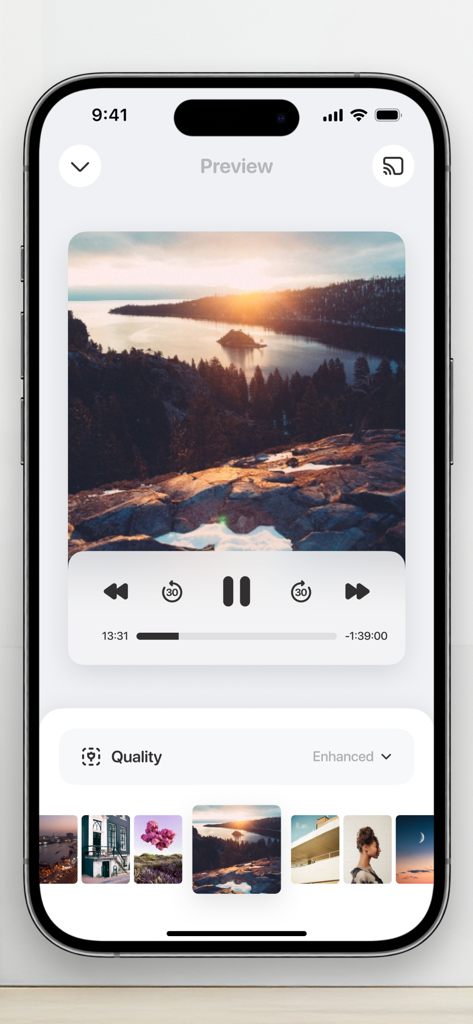
Mobile app interface displaying a photo preview and quality enhancement settings for TV casting

Mobile app interface displaying a photo preview and quality enhancement settings for TV casting

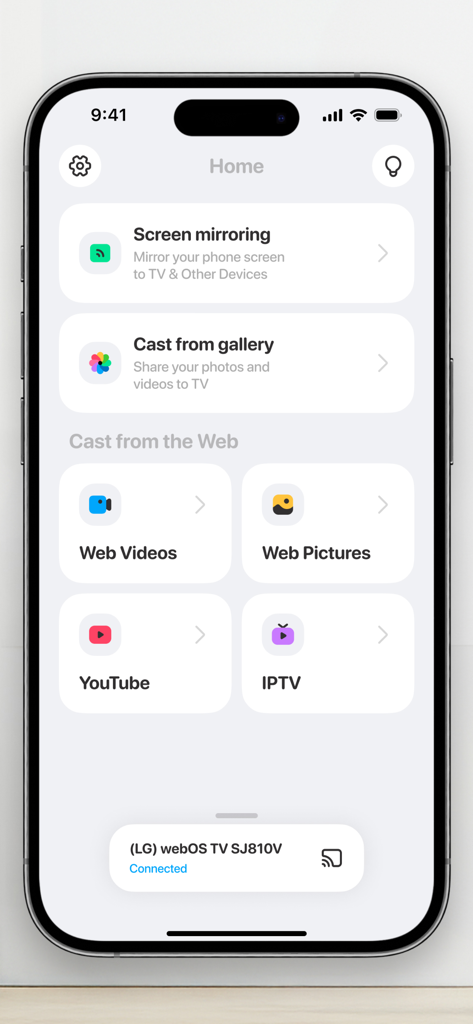
Home screen of the Screen Mirroring app showing options for screen mirroring cast from gallery and web video casting with a connected LG TV status

Home screen of the Screen Mirroring app showing options for screen mirroring cast from gallery and web video casting with a connected LG TV status

Screen mirroring app interface showing a photo preview with media playback and quality controls

Screen mirroring app interface showing a photo preview with media playback and quality controls

Unlock the Full Power of Your Big Screen

The tools that make this app stand out, trusted by 15M+ users.

High-Definition Lag-Free Mirroring

Enjoy a seamless connection for gaming, social media, and photos. Experience your mobile content in stunning quality on your Smart TV without any delay.

💼

Productivity Without the Cables

Perfect for the remote professional. Cast presentations, PDFs, and video conferences from your phone to any TV for a professional setup anywhere.

🌐

Universal Web & Media Casting

Stream favorite web-based movies or IPTV channels directly. If you can watch it on your phone, you can cast it to the big screen in one click.

Loved by users worldwide

Trusted by 15M+ people who love this app.

"

"Finally, a mirroring app that actually works without any lag! As a consultant who travels often, being able to cast my presentations or Zoom calls to any hotel or office TV with just one click is a total game changer. No cables, no stress."

Sarah Jenkins
"

"We love using this for family nights and sharing our latest travel photos on the big screen. It connected to our Samsung TV instantly, and the picture quality is crystal clear. It is so much faster than trying to navigate native TV apps with a remote."

Marcus Thompson

About the app

Everything you need to know about Screen Mirroring・Smart View TV.

Description

Mirror your phone's screen and cast media right to TV just in a single click. App works with all major Smart TVs and streaming devices available today. No any additional hard- or software is needed. This app will help you to: • Mirror your phone screen to TV • Cast photos and videos • Stream favorite movies, TV shows and series • Play games • Share presentations and documents • Have video calls on the big screen How it works: • Connect you phone and TV or streaming device to the same WiFi network • Open the app and select TV from the list • Choose the feature and follow simple instructions NOTE! You need to turn off proxies or VPNs on your phone otherwise you won’t be able to connect to TV. Features: • All major platforms are supported • No any additional hard- or software needed • High quality screen mirroring without delays • Photo and video cast from Photo Library • Photo and video cast from the web • Easy to use IPTV player DISCLAIMER: This application is not affiliated with nor endorsed by any aforementioned brand, and it is not an official product of it or of its affiliates. Available in-app purchases: • 1 week subscription • 1 month subscription • 12 month subscription • Lifetime access Payment will be charged to your Apple ID account at the time of purchase confirmation. Subscription renews automatically unless it is canceled at least 24 hours before the end of the current period. Your account will be charged for renewal within 24 hours prior to the end of the current period. You can manage and cancel your subscriptions by going to your account settings on the App Store after purchase. Privacy Policy: https://toggleapps.io/privacy.html Terms of Use: https://toggleapps.io/terms.html

Latest Version

2.5.5

Size

171.1 MB

First Released

Feb 17, 2021

Ready to See it on the Big Screen?

Join 15 million users and transform your viewing experience today. No cables, no hardware, and zero lag—just your favorite content on any TV in seconds.

Download on App Store
FAQ

Frequently Asked Questions

Everything you need to know about Screen Mirroring・Smart View TV

How do I mirror my phone screen to TV using Screen Mirroring・Smart View TV?

To mirror your phone screen, connect your phone and TV to the same WiFi. Open the Screen Mirroring・Smart View TV app, select your TV, and choose the screen mirroring feature.

Which Smart TVs and streaming devices are compatible with Screen Mirroring・Smart View TV?

Screen Mirroring・Smart View TV supports all major Smart TVs and streaming devices. Examples include LG webOS, Samsung, Xiaomi, Chromecast, and Fire TV Stick.

Does the Screen Mirroring・Smart View TV app require extra hardware or software?

No, the Screen Mirroring・Smart View TV app does not require any additional hardware or software. It functions with your existing smart TV or streaming device.

Can I cast photos and videos from my phone using Screen Mirroring・Smart View TV?

Yes, Screen Mirroring・Smart View TV allows casting photos and videos. You can cast media from your Photo Library and also from the web directly to your TV.

What is the connection process for Screen Mirroring・Smart View TV?

Connect both your phone and TV to the same WiFi network. Open the Screen Mirroring・Smart View TV app, then select your desired TV from the displayed list to initiate connection.

What subscription options are available for Screen Mirroring・Smart View TV?

Screen Mirroring・Smart View TV offers 1-week, 1-month, and 12-month subscription plans. A lifetime access purchase option is also available for users.

What kind of content can Screen Mirroring・Smart View TV stream to my TV?

Screen Mirroring・Smart View TV streams movies, TV shows, and series. It also supports playing games, sharing presentations, documents, and making video calls on a large screen.

Does Screen Mirroring・Smart View TV support streaming from YouTube?

Yes, Screen Mirroring・Smart View TV includes a direct feature for streaming content from YouTube. This option is available on the app's home screen.

Why is my Screen Mirroring・Smart View TV app not connecting to my television?

Your phone must not have proxies or VPNs active to connect. Also, ensure both your phone and TV are connected to the identical WiFi network for successful pairing.