
AirDroid Cast-screen mirroring



Experience true cross-platform freedom. Mirror your iPhone to Windows or Mac, control your mobile apps with a mouse, and share up to five screens simultaneously for seamless presentations and remote collaboration.
Publisher
Category
UtilitiesDownloads
3M+User Rating
Total Ratings
10K+Locales
10Discover the interface used by 3M+ users.
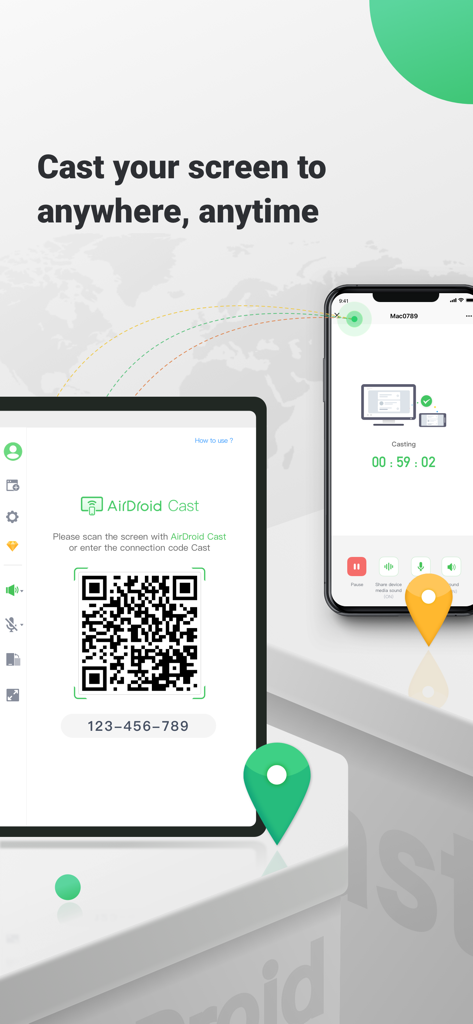
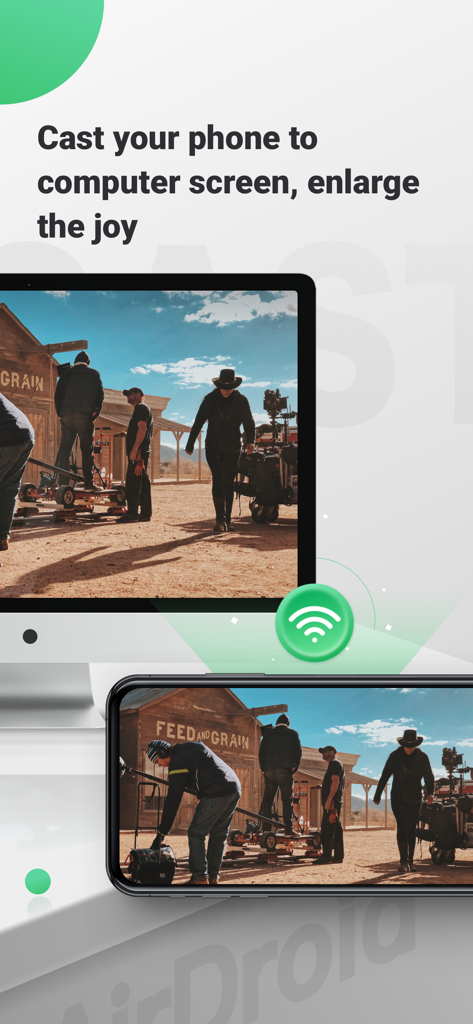
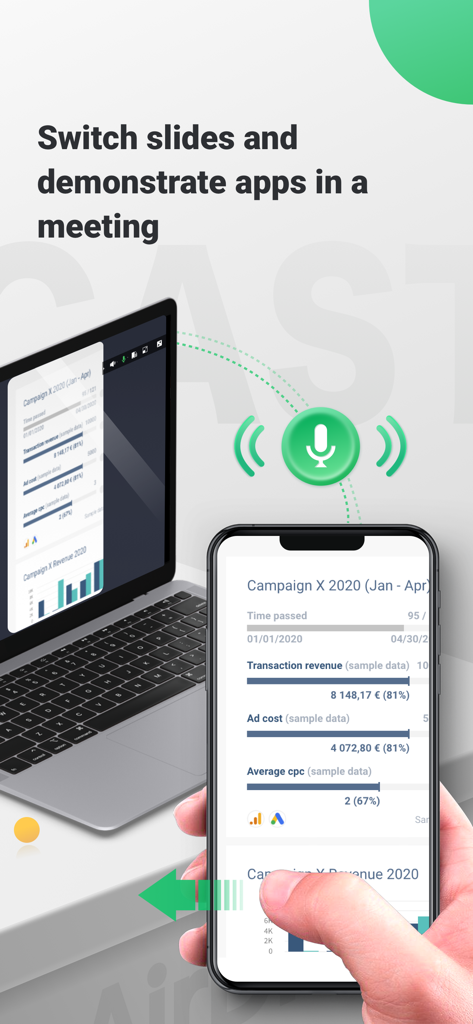
The tools that make this app stand out, trusted by 3M+ users.
Bypass ecosystem limits by mirroring your iPhone or iPad directly to your Windows PC or any web browser with zero lag and no complex setup.
Maximize productivity by using your computer’s mouse and keyboard to interact with your phone apps without ever picking up your device.
Share your screen with global teammates in real-time or cast up to five devices at once for a high-impact, professional presentation experience.
Trusted by 3M+ people who love this app.
"As someone who uses an iPhone but works on a Windows PC, AirDroid Cast is a lifesaver. I can finally control my phone directly from my desktop and share my mobile screen during Zoom meetings without any lag. It has completely streamlined my workflow."
"The ability to cast up to five devices simultaneously is a game-changer for my online workshops. Whether I am teaching app development or streaming gameplay, the connection is rock solid. The web version is also a genius touch for when I am using a guest computer."
Everything you need to know about AirDroid Cast-screen mirroring.
Description
Latest Version
1.4.3
Size
67.5 MB
First Released
Jan 27, 2021
Join 3M+ users who have mastered multi-tasking. Download AirDroid Cast today and experience seamless screen mirroring and remote control across Windows, Mac, and iOS.
Everything you need to know about AirDroid Cast-screen mirroring
AirDroid Cast is a cross-platform screen mirroring app for iOS, Windows, and Mac. It offers seamless screen mirroring via USB, AirPlay, or wireless connections, supporting up to 5 simultaneous screens and remote mobile control.
AirDroid Cast connects devices wirelessly, via AirPlay, or through a USB cable. These distinct connection options allow users to choose the best method for their screen mirroring needs across various systems.
Yes, AirDroid Cast features a Control function. This allows users to fully control their iOS device (iPhone/iPad) screen directly from a connected laptop or computer, enhancing productivity and convenience.
Yes, AirDroid Cast is cross-platform compatible. It supports screen mirroring for iPhone, Windows, and Mac devices, enabling casting between these systems without hassle.
AirDroid Cast supports casting a maximum of five devices onto a single screen simultaneously. This feature is ideal for business meetings, presentations, or educational scenarios requiring multiple displays.
Yes, AirDroid Cast works seamlessly in remote networks. It enables users to effortlessly share their screen with colleagues from afar, making it easier to collaborate on projects and provide feedback.
Yes, AirDroid Cast has a web version available at webcast.airdroid.com. This allows screen sharing to any browser without requiring software installation on the receiving device.
Users manage AirDroid Cast subscriptions and turn off auto-renewal by accessing their iTunes Account Settings after purchase. This process allows full control over subscription preferences.
AirDroid Cast subscriptions automatically renew unless auto-renew is turned off at least 24 hours before the current period ends. The account is charged for renewal within 24 hours before the end of this period.
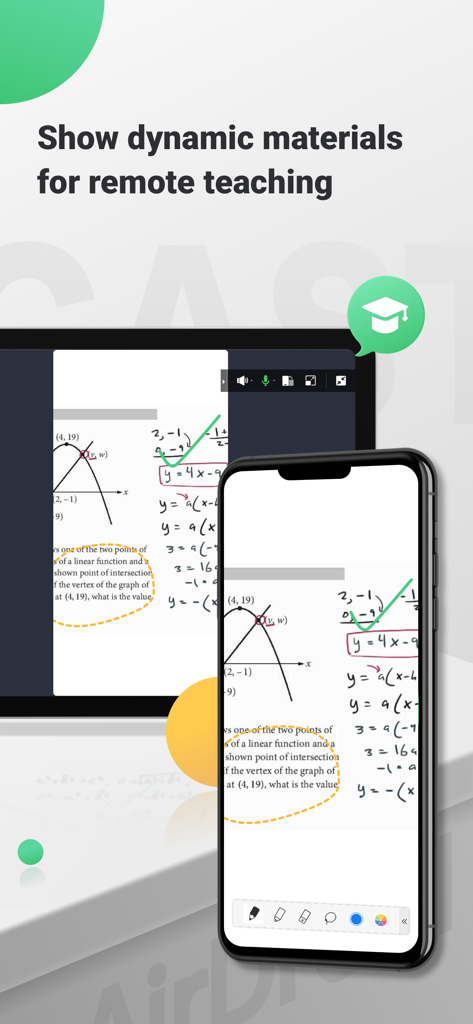
Yes, AirDroid Cast is suitable for online classes and education. It enables users to show dynamic materials, facilitating remote teaching and improving engagement in virtual learning environments.
Apps with similar features and user experience

InstantBits Inc

Sichuan FalconAI Technology Co., Ltd.

Mihkel Pikk

Ozuna Limited

TOGGLE APPS SP Z O O

AER SOFTWARE COMPANY LIMITED

Hainan Delta Software Co., Ltd

Dalma Innovation Solutions d.o.o.

梦 孟


