
Screen Recorder ®



The ultimate all-in-one studio for creators. Capture epic gameplay with Facecam reactions, edit with professional tools, and livestream your screen directly to YouTube, Twitch, and Facebook.
Publisher
Category
UtilitiesDownloads
1M+User Rating
Total Ratings
51K+Locales
9Discover the interface used by 1M+ users.
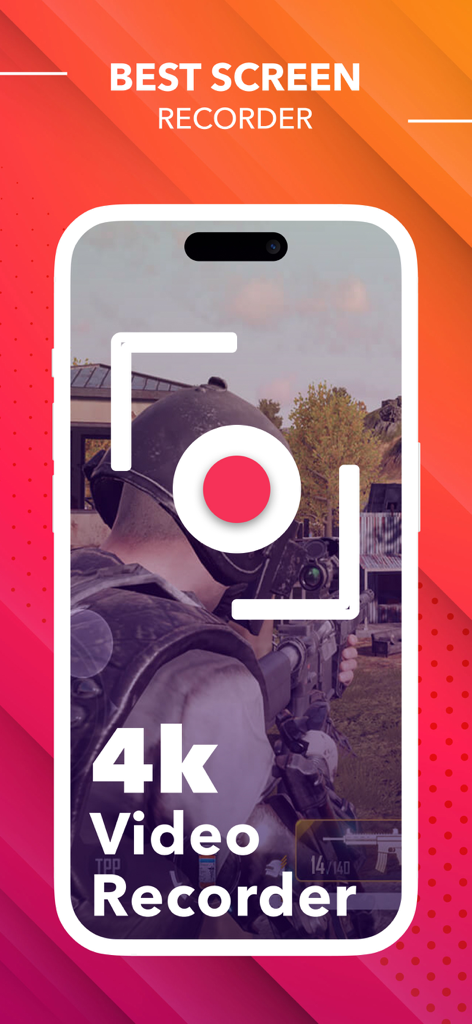
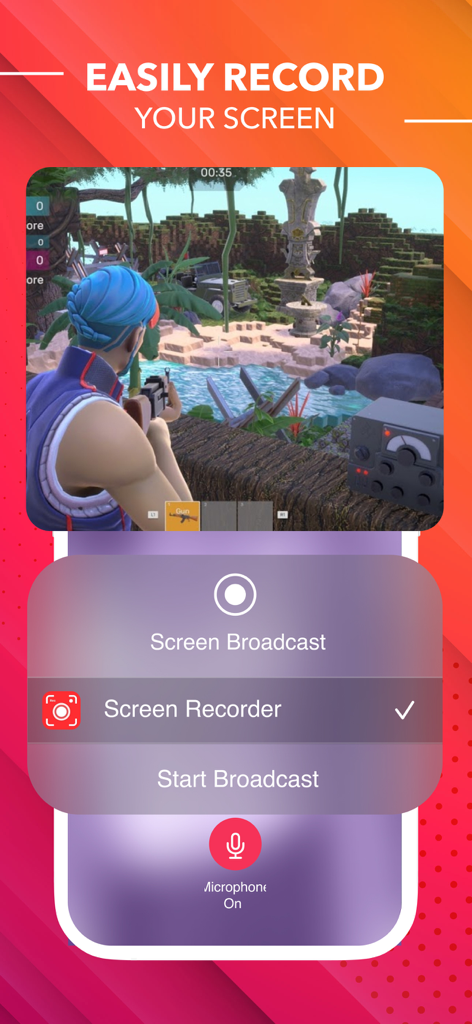
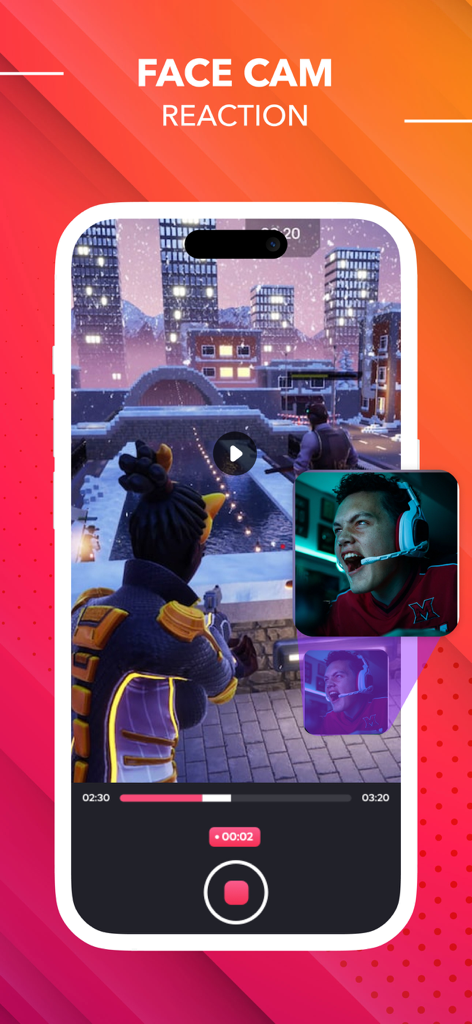
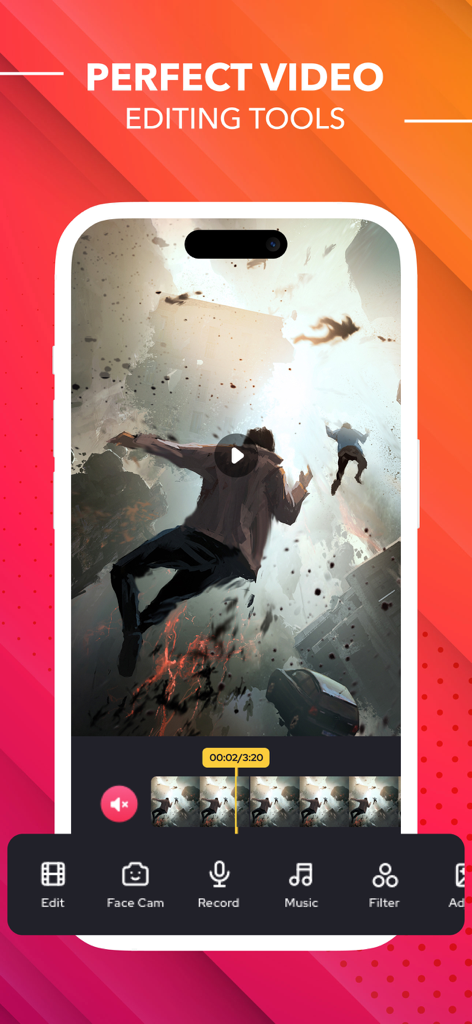
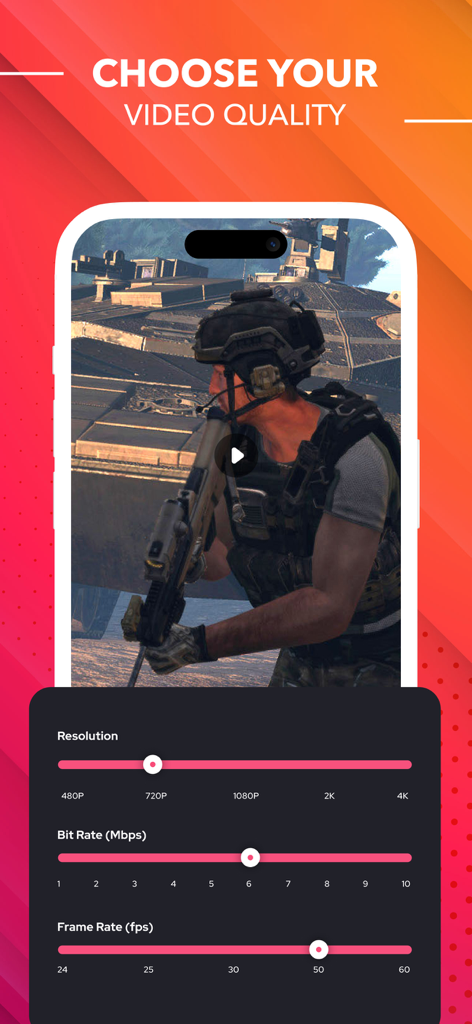
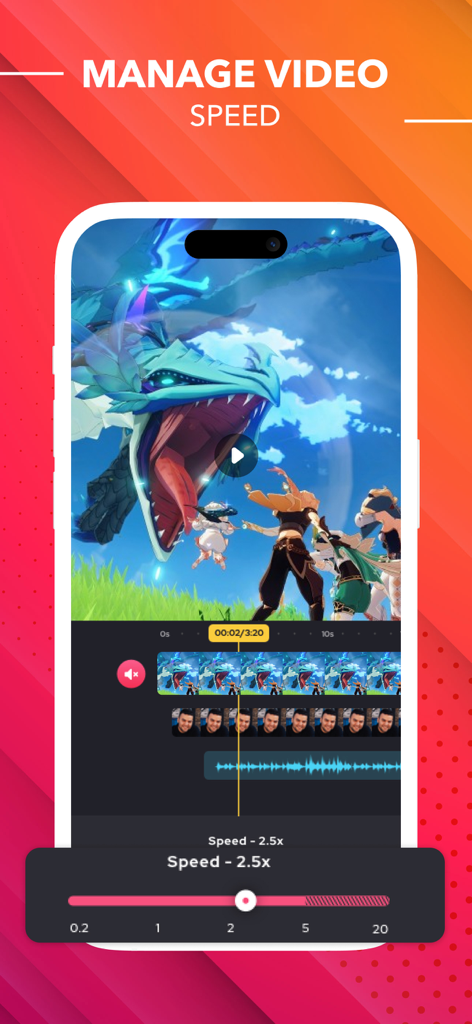
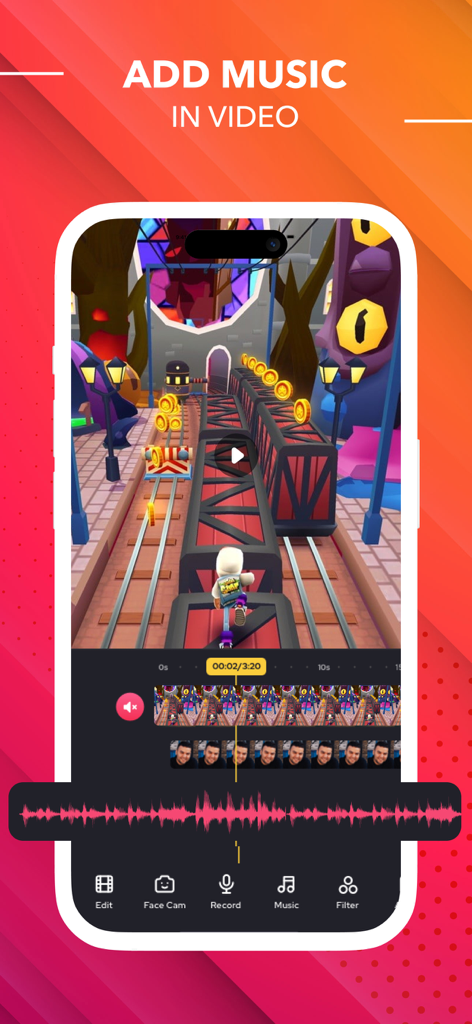
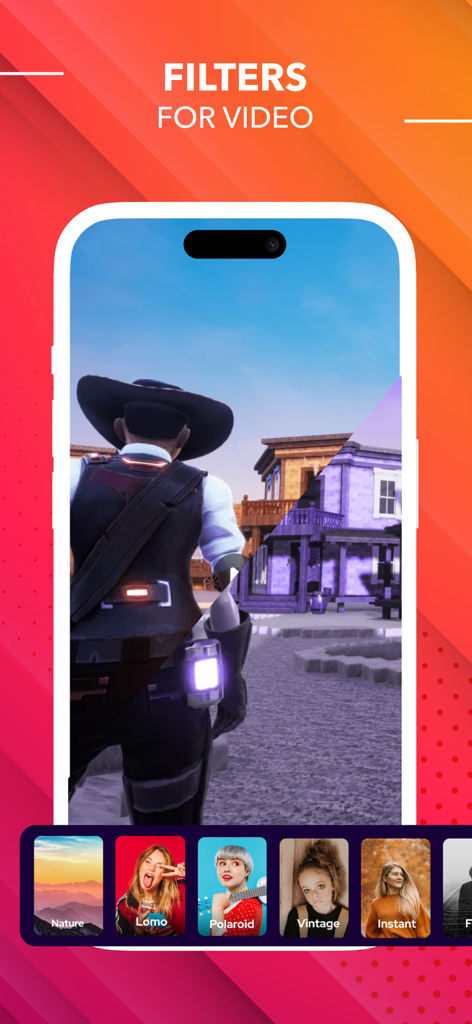
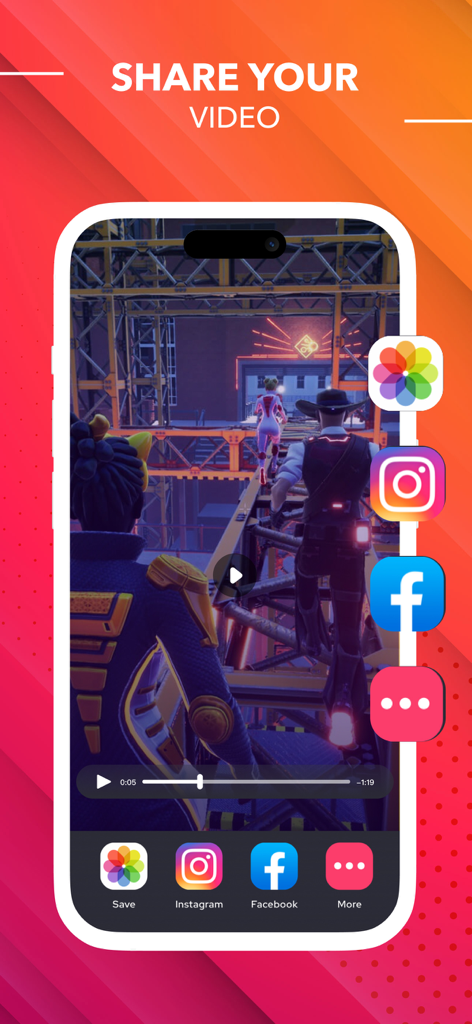
The tools that make this app stand out, trusted by 1M+ users.
Record your screen and your face simultaneously to create engaging reaction videos for TikTok, Instagram, and YouTube.
Trim clips, add trending music, and insert custom text or stickers instantly without ever leaving the app.
Broadcast your gameplay or demos live to YouTube, Twitch, and Facebook to grow your audience anywhere.
Trusted by 1M+ people who love this app.
"This app is a game-changer for my gaming channel! The reaction camera feature is so smooth, and being able to edit my clips and add music right after recording saves me hours. It’s way more powerful than the basic native recorder, and my TikTok followers have definitely noticed the quality jump."
"As a remote consultant, I use this daily to create quick 'how-to' demos for my clients. The ability to record internal audio along with my voice commentary makes my instructions incredibly clear. It's the most intuitive tool I've found for producing professional-looking tutorials on the fly."
Everything you need to know about Screen Recorder ®.
Description
Latest Version
1.114
Size
143.4 MB
First Released
Oct 12, 2021
Join over 1 million creators, gamers, and professionals. Capture, edit, and react in stunning HD—your all-in-one mobile studio is just one tap away.
Everything you need to know about Screen Recorder ®
The Screen Recorder ® app is an HD screen recorder and screenshot capture tool for recording video games, live shows, online videos, and video chats. It also supports live streaming.
Yes, Screen Recorder ® can livestream your screen to various social media platforms like YouTube, Facebook, and Twitch, enhancing content sharing capabilities.
Yes, Screen Recorder ® offers comprehensive video editing tools. Users can trim, combine, add music, text, frames, stickers, filters, and change video speed.
Screen Recorder ® initiates and stops recordings smoothly with just one tap. This can be done conveniently via the notification bar or a floating window interface.
Yes, Screen Recorder ® allows adding voice commentary. Users can record external audio and create commentary videos in real-time, ideal for tutorials or gameplay.
Yes, Screen Recorder ® supports Facecam. This feature enables users to create engaging reaction videos and respond immediately on platforms like Instagram and Facebook.
Screen Recorder ® provides adjustable video quality settings. Users can select resolution up to 4K, modify bit rate (Mbps), and set frame rate (fps) up to 60.
Yes, Screen Recorder ® offers auto-renewing subscription options. These plans, billed monthly or yearly, provide unlimited access to all features and content.
Users can manage their Screen Recorder ® subscriptions and turn off auto-renewal by going to their Account Settings after purchase. Cancellation of the current subscription is not allowed during the active period.
Yes, Screen Recorder ® has a Privacy Policy. It is available for review at the URL: https://screenrecord.posterapplab.com/screenrecoder/privacy-policy.
Apps with similar features and user experience

Medal B.V.

VIDEOSHOW PTE. LTD.

App of the Year LLC

DIGISET LLC

Arthur Eduardo Skaetta Alvarez Desenvolvimento de Software LTDA.

Dream United, Ltd.

Torqued Studios LLC

Danila Ianushev

Mark Thomas