smART sketcher projector

smART sketcher projector

Download on App Store
Spark by MWM logo
Logo of smART sketcher projector
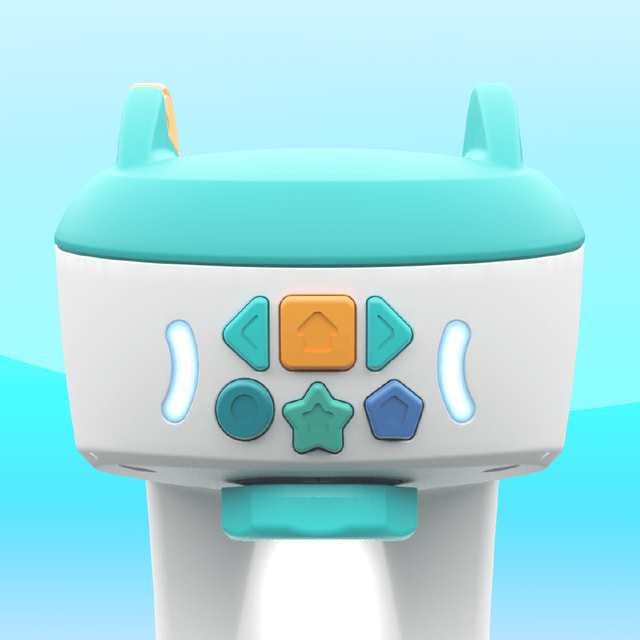
smART sketcher projector: Turn Screen Time into Creative Confidence

Bridge the gap between digital play and physical skills with the phygital tool that lets your child sketch, draw, and write like a pro using step-by-step projection.

Download on App Store

Publisher

FlyCatcher LTD

Category

Entertainment

Downloads

445K+

User Rating

3.3/5

Total Ratings

500

Locales

1

Creativity in Action

Discover the interface used by 445K+ users.
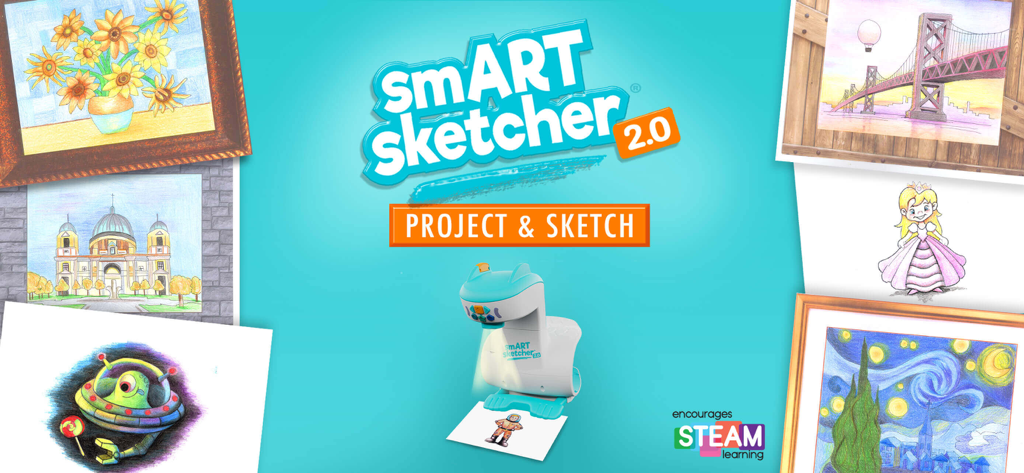
smART sketcher 2.0 projector device surrounded by various colorful sketches and drawings on a teal background

smART sketcher 2.0 projector device surrounded by various colorful sketches and drawings on a teal background

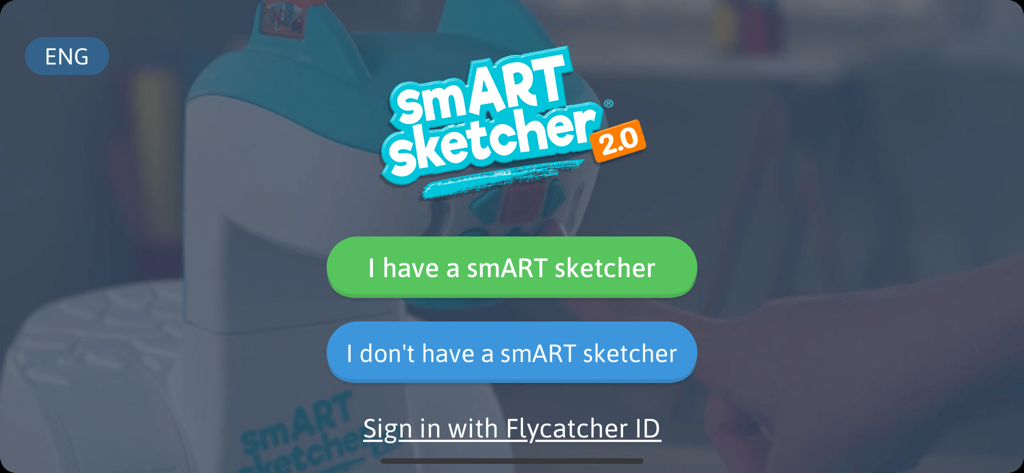
Welcome screen of the smART sketcher projector app with options to connect a device or sign in

Welcome screen of the smART sketcher projector app with options to connect a device or sign in

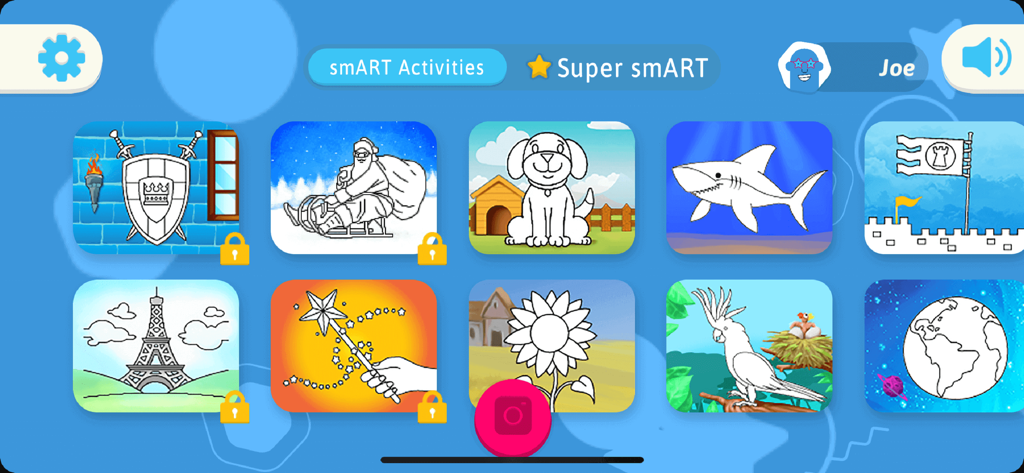
A menu of drawing activities including a dog shark and sunflower in the smART sketcher projector app

A menu of drawing activities including a dog shark and sunflower in the smART sketcher projector app

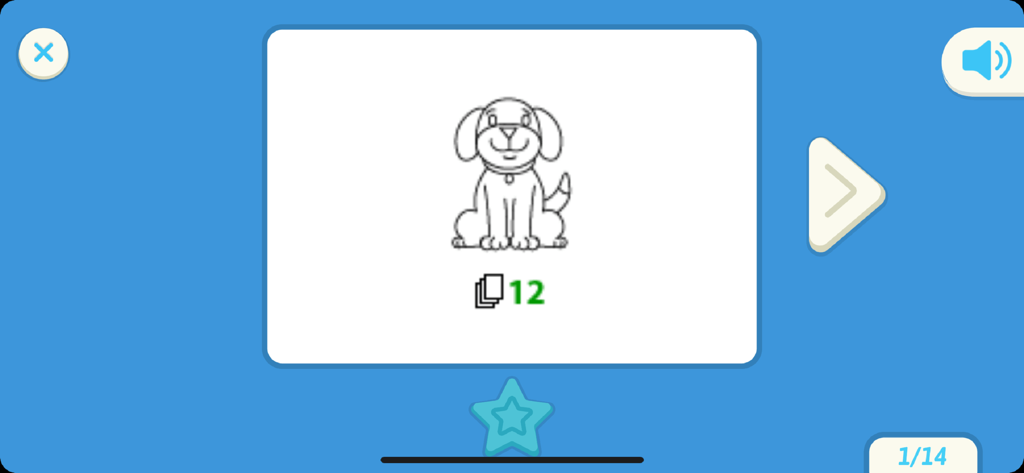
Interface of smART sketcher projector app showing a dog drawing lesson

Interface of smART sketcher projector app showing a dog drawing lesson

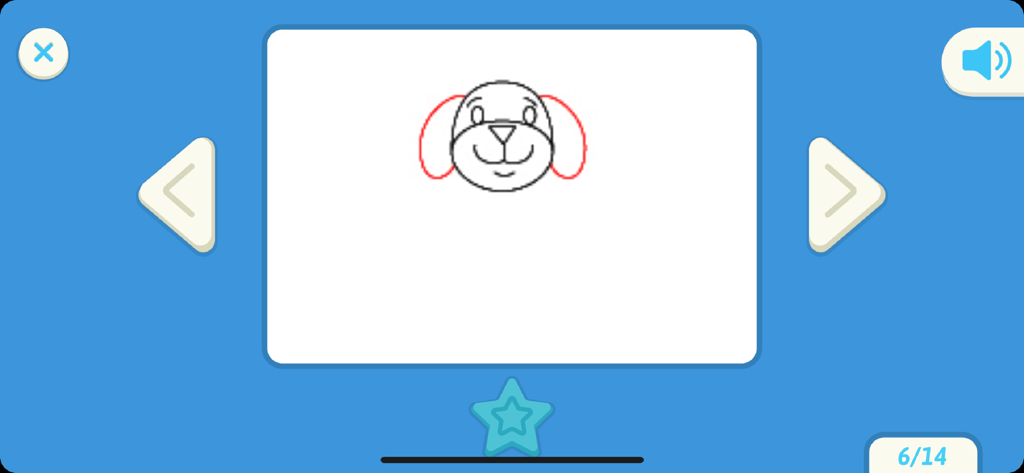
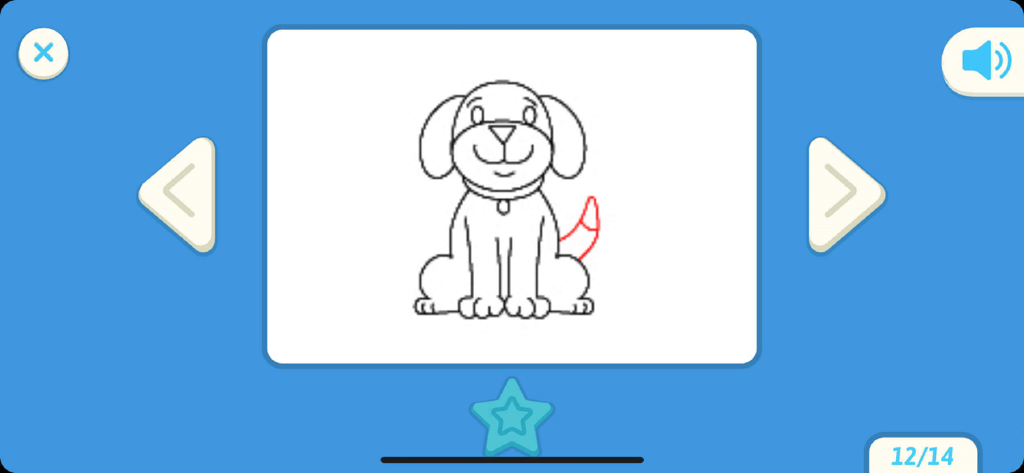
A step-by-step drawing tutorial of a dog's face in the smART sketcher projector app

A step-by-step drawing tutorial of a dog's face in the smART sketcher projector app

A step by step dog drawing tutorial on the smART sketcher projector app interface

A step by step dog drawing tutorial on the smART sketcher projector app interface

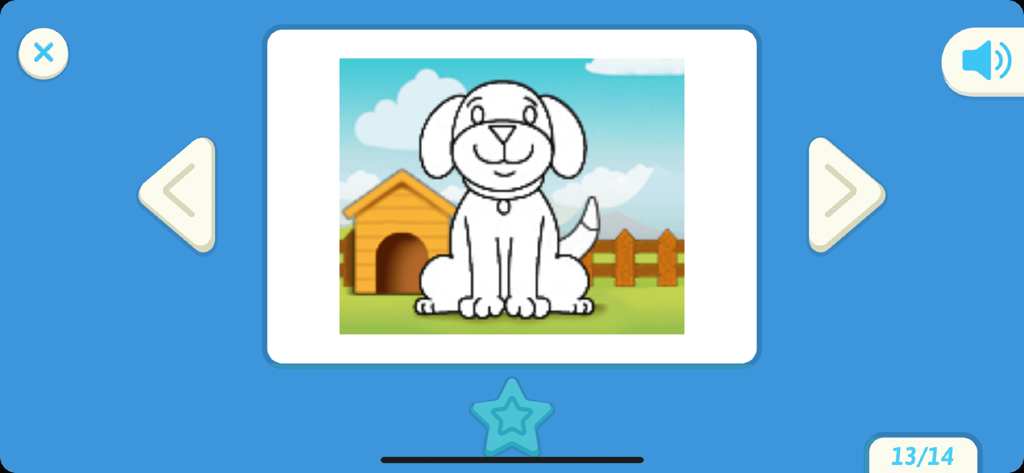
User interface of the smART sketcher projector app showing a cartoon dog drawing

User interface of the smART sketcher projector app showing a cartoon dog drawing

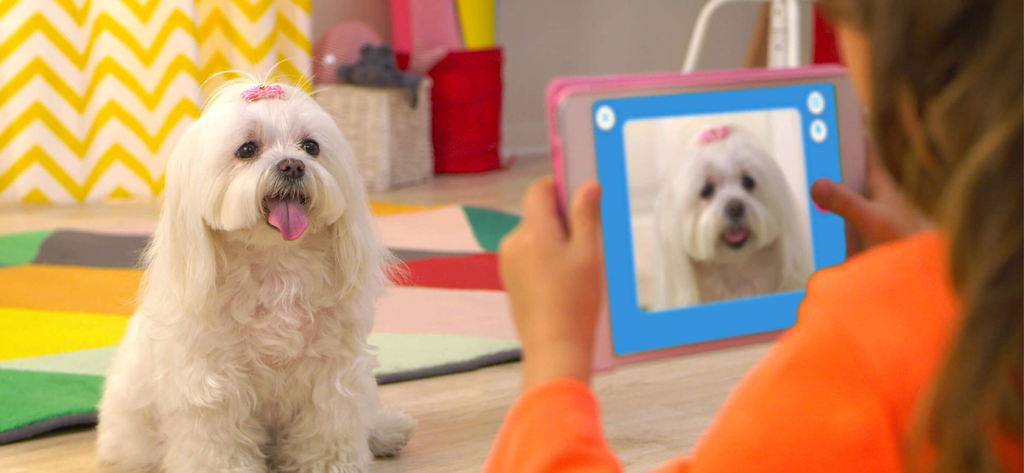
A child using a tablet to take a photo of a white Maltese dog for sketching with the smART sketcher app.

A child using a tablet to take a photo of a white Maltese dog for sketching with the smART sketcher app.

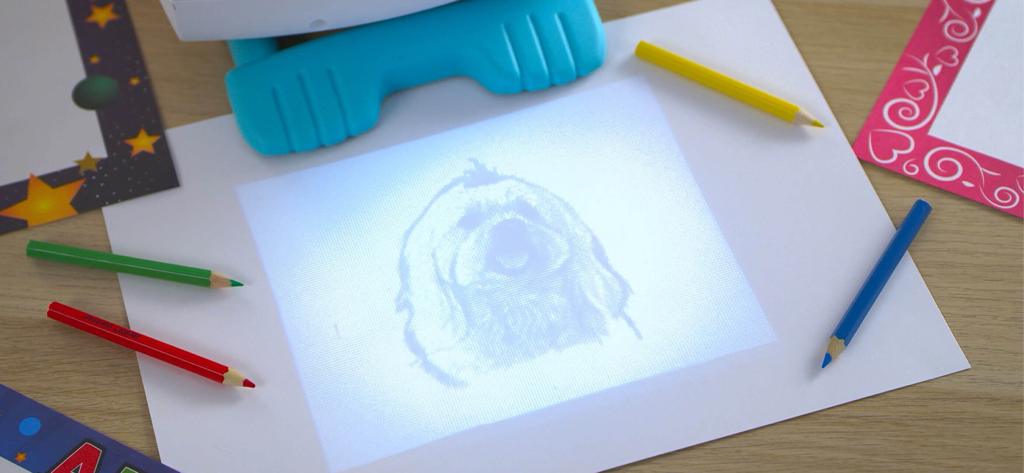
A smART sketcher projector projecting a dog sketch onto a piece of paper for tracing with colored pencils

A smART sketcher projector projecting a dog sketch onto a piece of paper for tracing with colored pencils

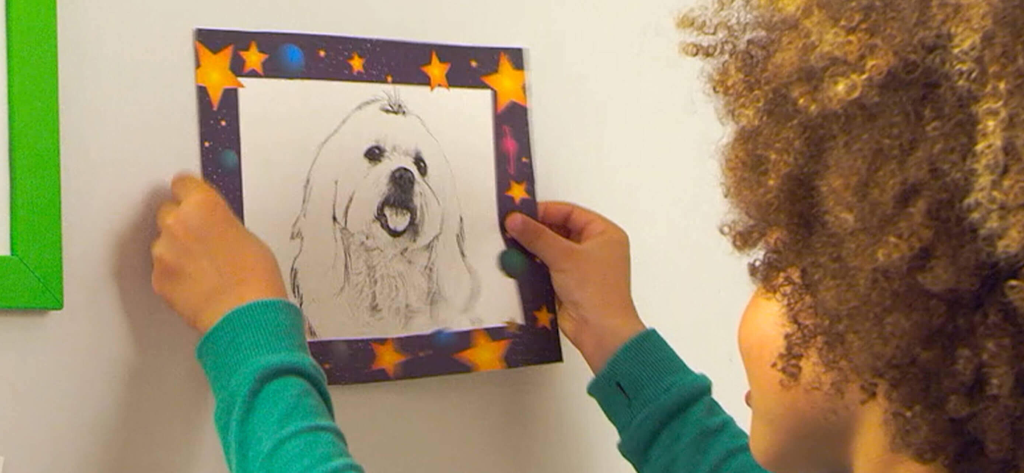
A child holding a finished pencil sketch of a dog

A child holding a finished pencil sketch of a dog

Fuel Creativity with Productive Play

The tools that make this app stand out, trusted by 445K+ users.

🎨

Trace Your World

Convert any photo from your device into a sketchable outline. It’s the magic of technology turning personal memories into hand-drawn art.

✍️

Master Early Literacy

Step-by-step guides help kids master uppercase, lowercase, and cursive writing through engaging, curriculum-based practice.

🚀

Build Artistic Confidence

Guided drawing sequences break down complex illustrations into simple steps, fostering fine motor skills and a sense of achievement.

Loved by users worldwide

Trusted by 445K+ people who love this app.

"

"As a parent, I am always looking for ways to make screen time more productive. The smART sketcher has been a game-changer for my 6-year-old's fine motor skills. He went from struggling with his letters to confidently tracing and coloring complex drawings. It bridges the gap between digital fun and real-world creativity perfectly!"

Sarah M.
"

"My daughter absolutely loves being able to take a photo of our dog and see it projected right onto her paper! The step-by-step instructions make her feel like a professional artist, and it's kept her engaged for hours. It's the first smart toy we've owned that actually encourages her to put down the tablet and pick up a pencil."

David L.

About the app

Everything you need to know about smART sketcher projector.

Description

The smART sketcher Projector App is compatible with both the original smART sketcher® Projector and the smART sketcher® 2.0 Projector. Please note this App is not compatible with the smART sketcher® AI Projector. Sketch, draw, and learn to write like a pro using the smART sketcher® Projector and this FREE APP. Step-by-step instructions guide small – or large – hands through the entire process. It makes learning playful and engaging. Just as it should be! Note: You need to have a smART sketcher® Projector to use this app. smART sketcher® puts the fun of sketching, drawing, and writing into the hands of kids ages 5 to 105 using a smART sketcher® Projector. Kids can download photos from any mobile device or use pre-loaded activity packs for endless play-and-learning activities. smART sketcher® encourages creativity, small motor development, storytelling, and early reading skills. It helps bridge the gap between schoolwork, homework and play! NEW!!! - Play smarter! Up your smART sketcher® experience with a Super smART subscription. Join the smART sketcher® members-only program and receive exclusive content. It’s the newest and smARTest way to play! - 3 subscription plans to choose from. - Receive new members-only activities every month. - Play on all of your connected Apple mobile devices registered with your Flycatcher ID. - Try 1 month for free! After the free-trial, a monthly/yearly auto-renewable subscription will be activated. We’re pretty sure you’re going to love this, but if you don’t, you can cancel your subscription anytime. One month of free-trial is available for new subscribers only. Check our EULA at https://www.flycatcher.toys/smart-sketcher/eula/ and privacy policy at https://www.flycatcher.toys/smart-sketcher/privacy-policy/ for full details. Play 3 ways: Imagine anything! Download any photo from your mobile device. Project it on paper with your connected smART sketcher® Projector. Filter it for crayon, marker, or pencil drawing. Sketch like a pro! Color it in to add your own details. Sketch and color Choose a pre-loaded picture on your smART sketcher® Projector. Step-by-step instructions show you how to draw it like a pro! Watch the finished image come to life with sound and movement. Write and play Learn to form upper case, lower case and cursive letters the correct way with step-by-step instructions, plus curriculum-based early reading content, and lots of space to practice your skills! If you want to extend the fun, additional smART sketcher® activity products are available for separate purchase at https://www.flycatcher.toys/smart-sketcher-2/ : - smART sketcher® Creativity Packs, containing 50 learn-to-draw activities, are available in a variety of age-appropriate themes. - smART sketcher® Learn-A-Language Alphabet Packs, containing 50 writing and early reading activities, are available in separate languages as well as cursive writing. - smART sketcher® Creativity Set, contains 20 sheets of framed paper, 5 reusable magnetic frames, 6 crayons, 6 markers, and 6 colored pencils. Everything is organized in a convenient carry-and-stow case. - smART sketcher® Picture This! Frames, contains 20 sheets of framed paper and 5 magnetic frames to display finished work. For app support contact us at https://www.flycatcher.toys/support/ Our privacy policy and terms of use for apps are accepted if you download this app. smART sketcher® is a trademark of Flycatcher Toys INC © 2025. All rights reserved.

Latest Version

4.71

Size

46.6 MB

First Released

Sep 19, 2017

Ready to spark your child’s inner artist?

Download the free app today to bridge the gap between play and learning. Connect your smART sketcher® projector and start creating masterpieces in minutes.

Download on App Store
FAQ

Frequently Asked Questions

Everything you need to know about smART sketcher projector

Which smART sketcher projectors are compatible with the smART sketcher projector app?

The smART sketcher projector app is compatible with the original smART sketcher® Projector and the smART sketcher® 2.0 Projector. It is not compatible with the smART sketcher® AI Projector.

Do I need a smART sketcher Projector to use the smART sketcher projector app?

Yes, you need a physical smART sketcher® Projector to use the smART sketcher projector app. The app requires connection to the projector for its functions.

What activities can users do with the smART sketcher projector app?

Users can sketch, draw, and learn to write using the smART sketcher projector app. It provides step-by-step instructions for creative and educational activities.

What is the recommended age range for the smART sketcher projector app?

The smART sketcher projector app is designed for kids and individuals aged 5 to 105. It encourages creativity and learning across a wide age spectrum.

Can I use my own photos with the smART sketcher projector app?

Yes, the smART sketcher projector app allows you to download any photo from your mobile device. You can then project and filter it for drawing.

What is the Super smART subscription for the smART sketcher projector app?

The Super smART subscription is a members-only program offering exclusive content and new monthly activities. It enhances the smART sketcher experience with additional play and learning options.

Does the smART sketcher projector app offer a free trial for the Super smART subscription?

Yes, new subscribers can try one month of the Super smART subscription for free. After the trial, a monthly or yearly auto-renewable subscription activates.

Are there additional activity products available for the smART sketcher projector?

Yes, additional smART sketcher® activity products are available for separate purchase. These include Creativity Packs, Learn-A-Language Alphabet Packs, a Creativity Set, and Picture This! Frames.

How do I contact support for the smART sketcher projector app?

You can contact app support for the smART sketcher projector at https://www.flycatcher.toys/support/.

Where can I find the privacy policy for the smART sketcher projector app?

The privacy policy for the smART sketcher projector app is available at https://www.flycatcher.toys/smart-sketcher/privacy-policy/. This policy is accepted upon app download.