Speech To Essay

Speech To Essay

Download on App Store
Spark by MWM logo
Logo of Speech To Essay

Speech To Essay: Dictate, Format, and Draft with Unmatched Speed

Transform your voice into structured text with built-in punctuation hotkeys and real-time word counting. The perfect productivity tool for students, professionals, and verbal thinkers to beat writer’s block.

Download on App Store

Publisher

Tan Chia Ling

Category

Productivity

Downloads

5K+

User Rating

3.7/5

Total Ratings

0

Locales

1

Effortless Writing Flow

Discover the interface used by 5K+ users.
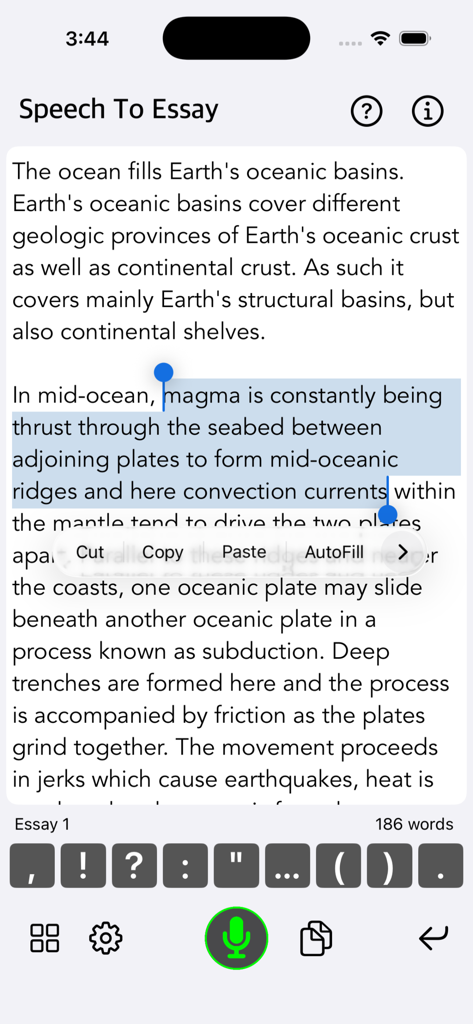
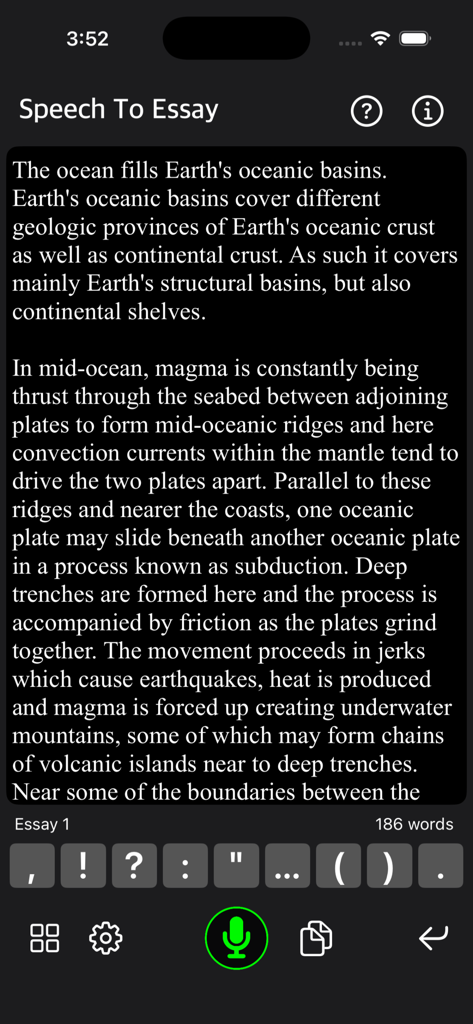
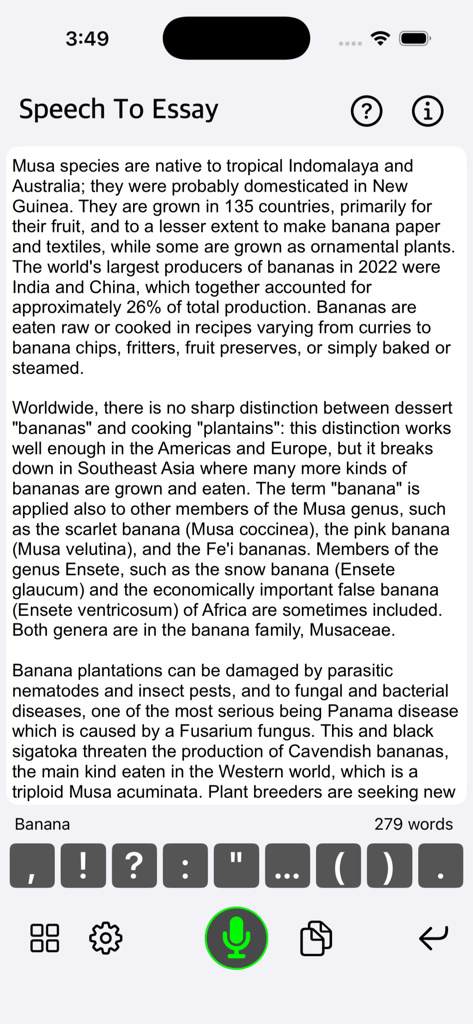
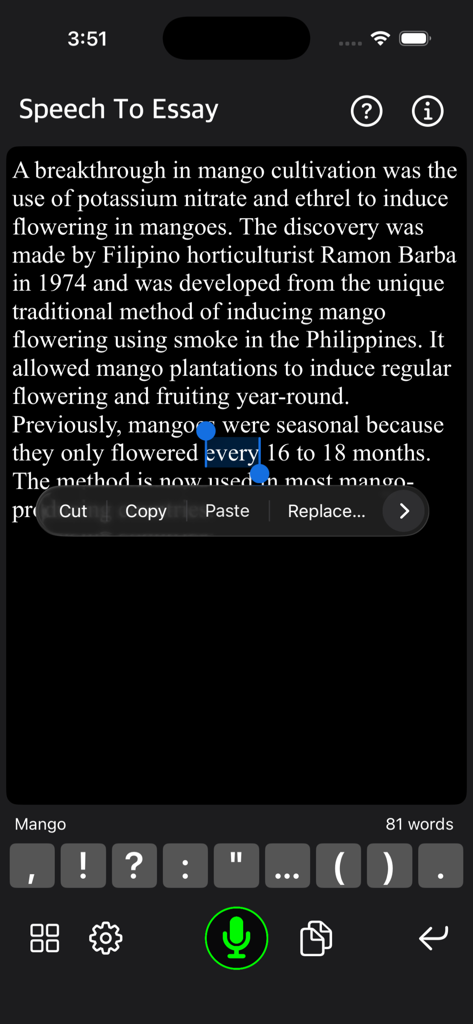
Interface of Speech To Essay app showing an essay with text selection and punctuation hotkeys

Interface of Speech To Essay app showing an essay with text selection and punctuation hotkeys

Interface of the Speech To Essay app showing a draft text with punctuation hotkeys and a microphone button

Interface of the Speech To Essay app showing a draft text with punctuation hotkeys and a microphone button

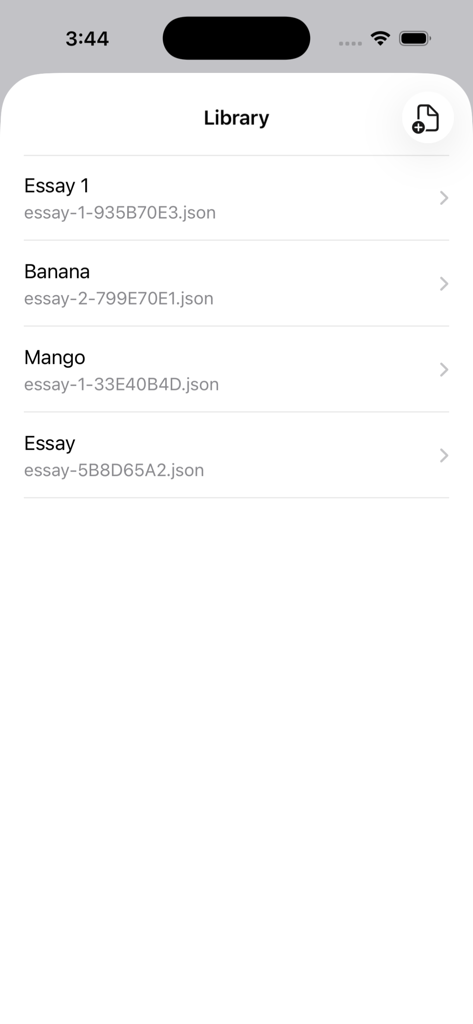
Library screen displaying a list of saved essays and documents in the app.

Library screen displaying a list of saved essays and documents in the app.

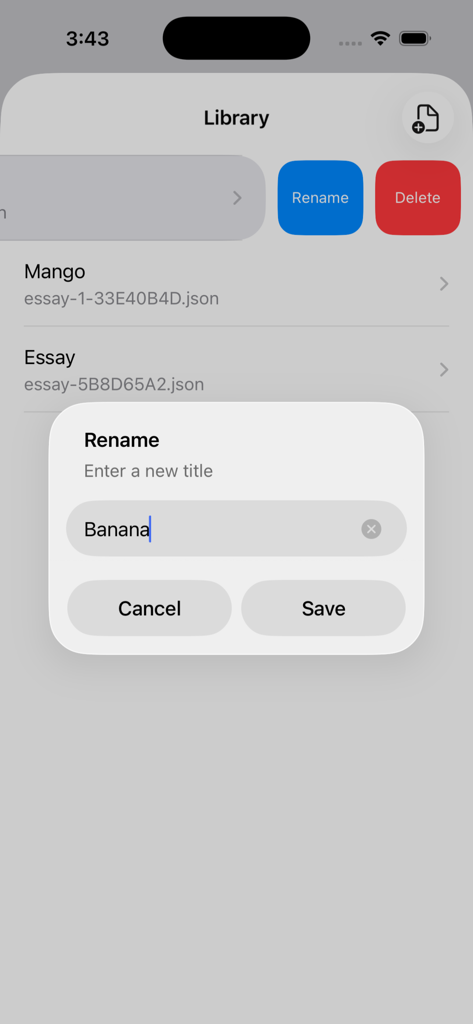
The Library screen of Speech To Essay app showing a rename dialog for a saved note.

The Library screen of Speech To Essay app showing a rename dialog for a saved note.

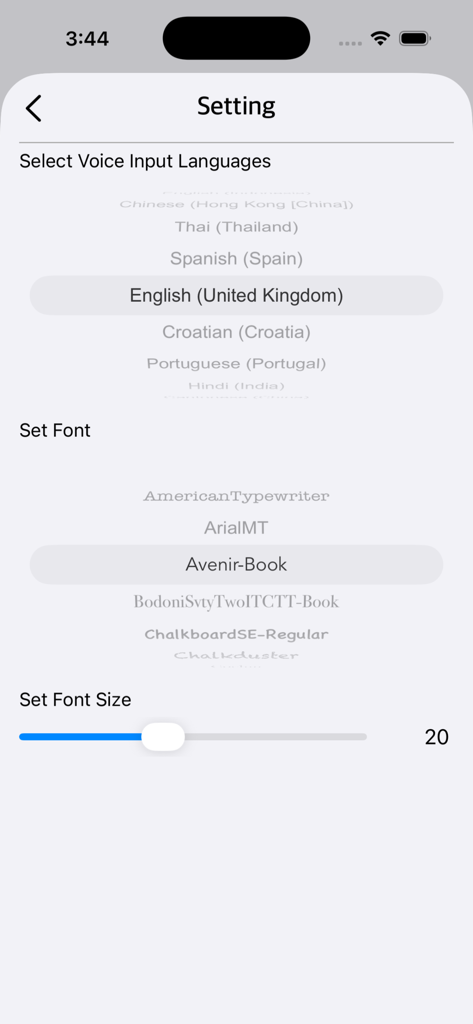
Settings screen of Speech To Essay app showing language and font selection

Settings screen of Speech To Essay app showing language and font selection

Speech To Essay app screen showing text editor with punctuation hotkeys and microphone button.

Speech To Essay app screen showing text editor with punctuation hotkeys and microphone button.

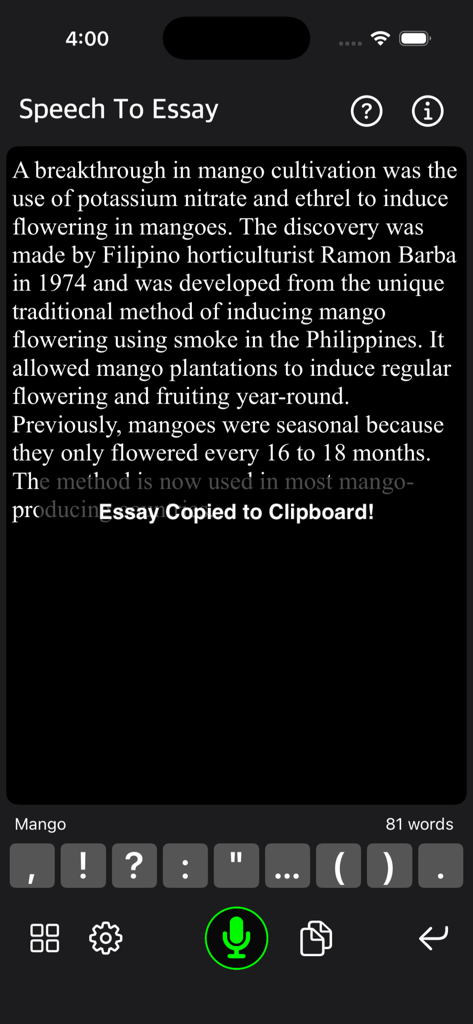
Speech To Essay app interface with a notification saying Essay Copied to Clipboard

Speech To Essay app interface with a notification saying Essay Copied to Clipboard

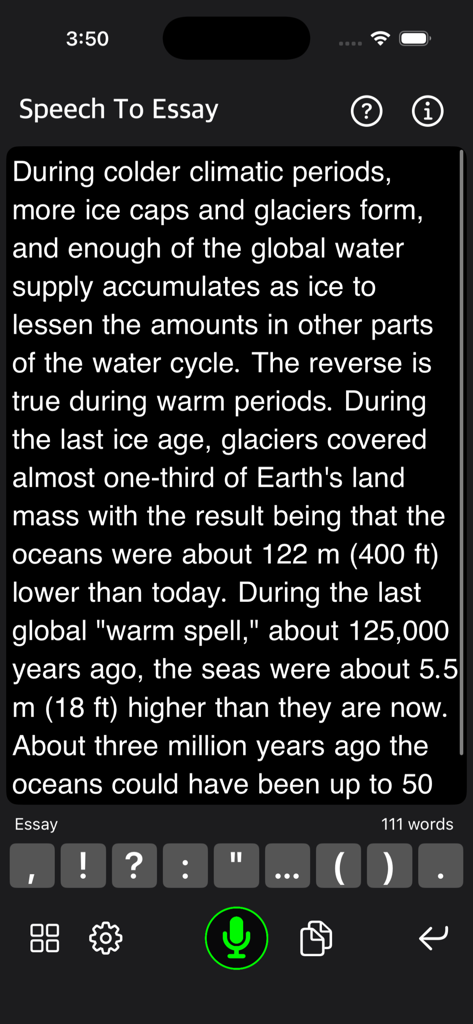
Speech To Essay app interface showing text editing and punctuation hotkeys

Speech To Essay app interface showing text editing and punctuation hotkeys

Speech To Essay app interface showing dictated text with punctuation hotkeys and word count

Speech To Essay app interface showing dictated text with punctuation hotkeys and word count

A reference screen in the Speech To Essay app listing key features and tips for efficient voice-to-text dictation.

A reference screen in the Speech To Essay app listing key features and tips for efficient voice-to-text dictation.

Capture Your Thoughts at the Speed of Speech

The tools that make this app stand out, trusted by 5K+ users.

⌨️

Smart Punctuation Hotkeys

Stop saying 'comma' or 'period' out loud. Use dedicated on-screen hotkeys to format your text naturally while you dictate.

📈

Live Word Count Tracking

Perfect for students and professionals, the real-time word counter helps you hit your assignment goals without the guesswork.

🚀

Seamless Workflow Export

Draft complex ideas on the go and instantly export your work to email or your favorite text editor for the final polish.

Loved by users worldwide

Trusted by 5K+ people who love this app.

"

"Writing my senior thesis felt impossible until I found this app. Being able to dictate my thoughts while the live word count tracks my progress is a game-changer. The punctuation hotkeys allow me to format my essays naturally without stopping, which has completely eliminated my writer's block. It's an essential tool for any student."

Sarah Miller, University Student
"

"As a busy consultant who is always on the move, this app is my go-to for drafting reports. I am a verbal processor, and the accuracy of the voice-to-text combined with the easy editing features is incredible. I can finish a first draft during my commute and have it ready to email by the time I reach the office."

Marcus Chen, Strategy Consultant

About the app

Everything you need to know about Speech To Essay.

Description

Speech To Essay is a voice-to-text app designed to convert your speech into text quickly and easily, with additional hotkey support. For fast and efficient voice-to-text conversion, you can press keys such as period or comma while dictating. The common keys used — period, comma, question mark, colon, exclamation mark, open parentheses, close parentheses, and new line — are ready to use during dictation. You can also edit your note using a conventional keyboard. Simply type or modify paragraphs as you would in a normal text editor. After finishing your essay or note, you can copy and paste it into your email or any other text editor. Features: • Select voice input languages (English, Spanish, French, etc., as supported by your device) • View word count for your essay or note • Set font type and font size • Save and load essays from your library • Rename or delete essays from the library Dictate Efficiently: • Keep your device close to your mouth and speak into the microphone of your iPhone or iPad. • Apple earbuds that come with an iPhone have an inline mic that offers better speech recognition. • For third-party headphones with mics, keep the mic close to your mouth. • Speak clearly—not too slowly or too quickly—to reduce recognition errors. • Keep your dictation segments under 30 seconds for the best results. Additional Tips: • You can say commands such as “comma,” “period,” “hyphen,” and others to include punctuation or symbols in your dictation. • You can say “new line” to start a new line, or “new paragraph” to add a double line break. Thank you for your support! Visit nitrio.com for more apps for your iOS devices.

Latest Version

1.2

Size

2.5 MB

First Released

May 1, 2019

Master Your Next Draft with Just Your Voice

Join thousands of students and professionals who are beating writer's block. Download Speech To Essay now and transform the way you write.

Download on App Store