
Turn Off the Lights for Safari


Dim the distractions and immerse yourself in your favorite videos. Experience a premium theater atmosphere with eye protection, auto-HD, and night mode built for the Safari power user.
Publisher
Category
ProductivityDownloads
200K+User Rating
Total Ratings
1K+Locales
28Discover the interface used by 200K+ users.
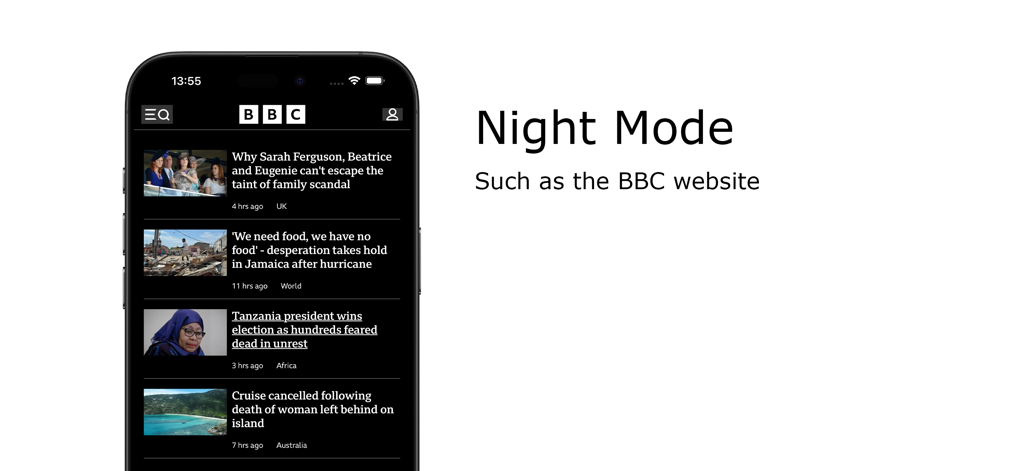
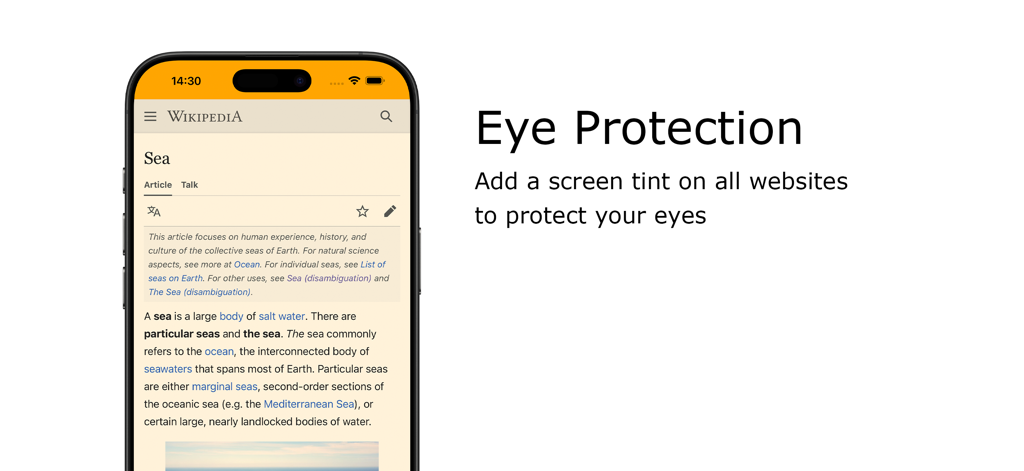
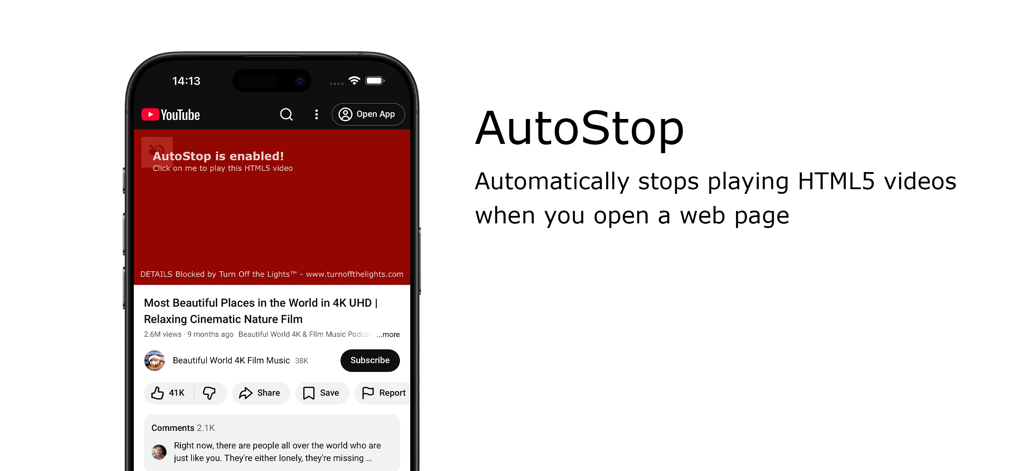
The tools that make this app stand out, trusted by 200K+ users.
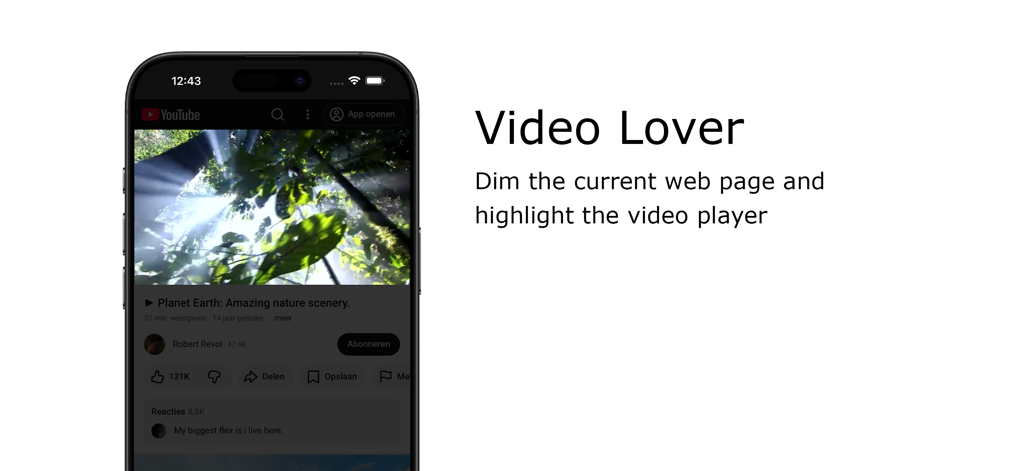
One click dims the entire web page to highlight your video, eliminating distractions and creating a theater-like atmosphere instantly.
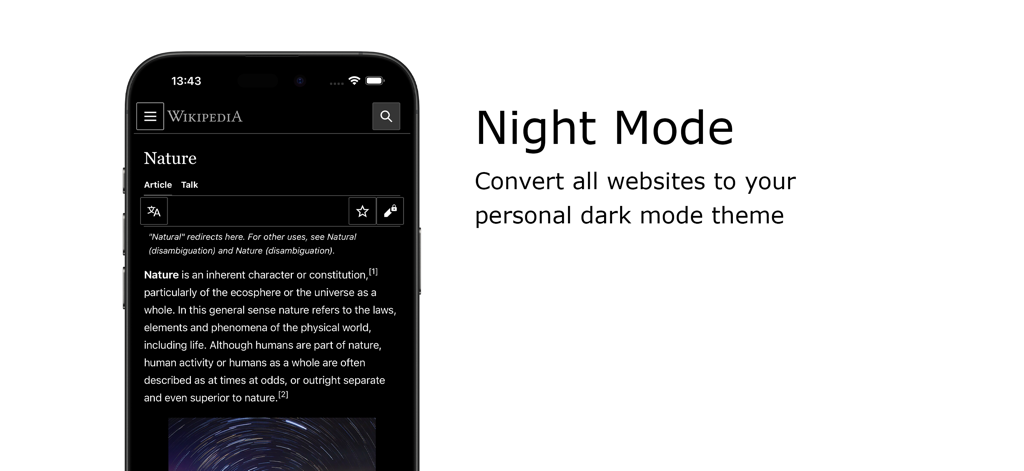
Safeguard your vision with advanced eye protection filters and a smart Night Mode that transforms bright websites into soothing dark themes.
Take full control with Auto-HD resolution, wide-screen defaults, and custom keyboard shortcuts designed for maximum efficiency.
Trusted by 200K+ people who love this app.
"As a student who spends hours watching lectures and tutorials late at night, this extension is a literal eye-saver. The way it dims the distractions and focuses only on the video helps me concentrate so much better. The Night Mode is the most polished and customizable feature I have found for Safari."
"Turn Off the Lights is a must-have for any movie lover. The Atmosphere Lighting effect is stunning—it makes my MacBook feel like a mini cinema. I also love the Auto HD feature; it is so nice to finally have my videos play in the highest resolution every single time without manual adjustments."
Everything you need to know about Turn Off the Lights for Safari.
Description
Latest Version
4.6.3
Size
33.9 MB
First Released
Sep 19, 2017
Join 200,000+ users who have already upgraded to a cinematic, distraction-free environment. Download the extension now and give your eyes the comfort they deserve.
Everything you need to know about Turn Off the Lights for Safari
Turn Off the Lights for Safari is a browser extension. It dims the web page background, highlighting the video player for a cinematic viewing experience. This focuses attention on your online video content.
You can toggle the lights in Turn Off the Lights for Safari by clicking the black layer or using the keyboard shortcut Ctrl + Shift + L. The extension automatically dims the page when a video plays.
Turn Off the Lights for Safari supports multiple video platforms. These include YouTube, Dailymotion, Vimeo, and Twitch. The extension enhances your viewing experience across these popular sites.
Yes, Turn Off the Lights for Safari offers YouTube customizations. Features include Auto HD for setting video quality, Auto Wide for wider playback, and blocking 60 FPS for 30 FPS video quality.
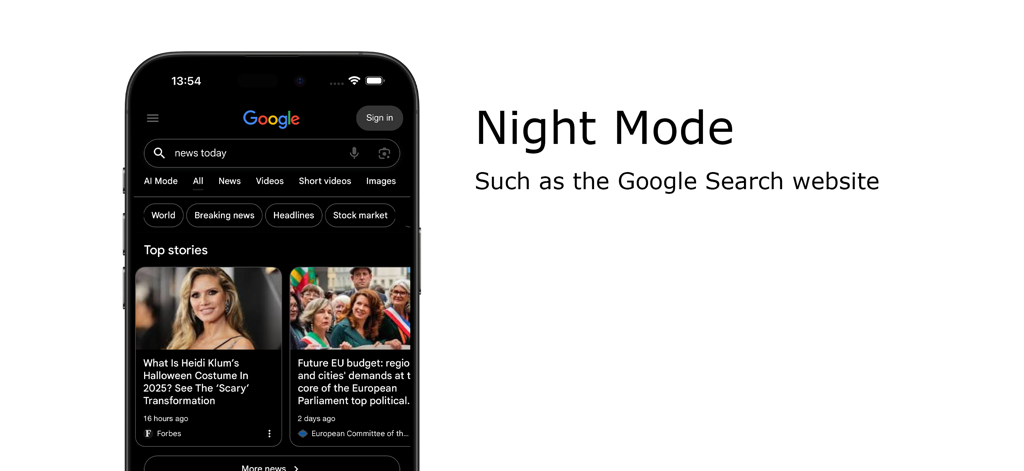
Yes, Turn Off the Lights for Safari includes a Night Mode feature. It converts all websites, such as Google Search and Wikipedia, to a personal dark mode theme to reduce eye strain.
Yes, Turn Off the Lights for Safari offers an Eye Protection feature. It adds a screen tint to all websites during nighttime browsing, complete with a whitelist/blacklist filter for personalized use.
Yes, Turn Off the Lights for Safari has an AutoStop feature. This automatically prevents HTML5 videos from playing when you open a new web page, giving you complete control over media playback.
Turn Off the Lights for Safari provides various keyboard shortcuts. Key examples include Ctrl + Shift + L to toggle lights, Alt + F10 for Eye Protection, and Alt + Up/Down Arrow to adjust opacity.
Yes, Turn Off the Lights for Safari includes an Atmosphere lighting feature. This creates a subtle glow around the video player, enhancing the immersive cinematic viewing experience on any web page.
Turn Off the Lights for Safari enhances video quality with its Auto HD feature for YouTube. It automatically sets videos to play in your preferred HD resolution, supporting options from 144p up to 8K.
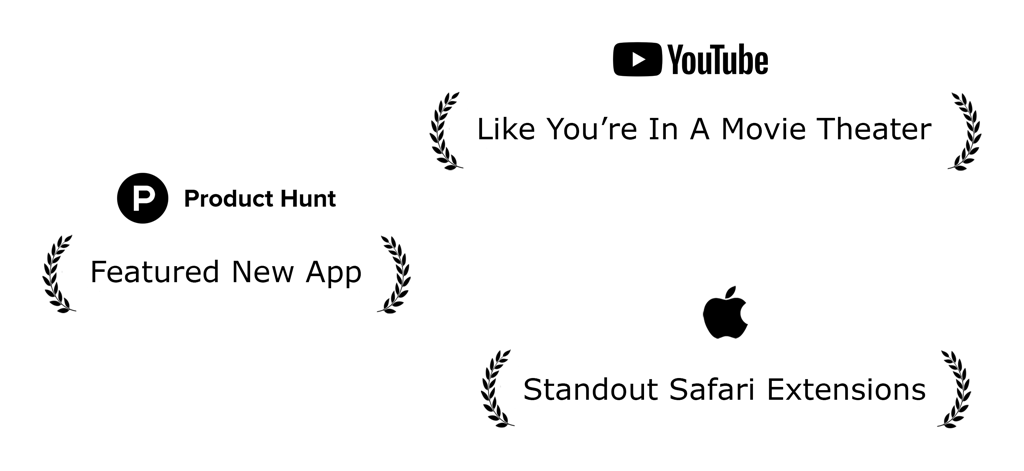
Yes, Turn Off the Lights for Safari has received official recognition. It was featured as a 'Featured New App' on Product Hunt and acknowledged by Apple as a 'Standout Safari Extension.'
Top-ranked apps in the same category

OpenAI OpCo, LLC

Google LLC

X.AI Corporation

Google LLC

Shanghai Zhixin Puhui Technology Co., Ltd.

Google LLC

Microsoft Corporation

Google LLC

Google LLC