
Twomon SE



The high-performance bridge for Windows power users. Get lag-free dual-screen productivity in the classroom, at the café, or in the studio with a simple plug-and-play connection.
Publisher
Category
ProductivityDownloads
81K+User Rating
Total Ratings
2K+Locales
1Discover the interface used by 81K+ users.
The tools that make this app stand out, trusted by 81K+ users.
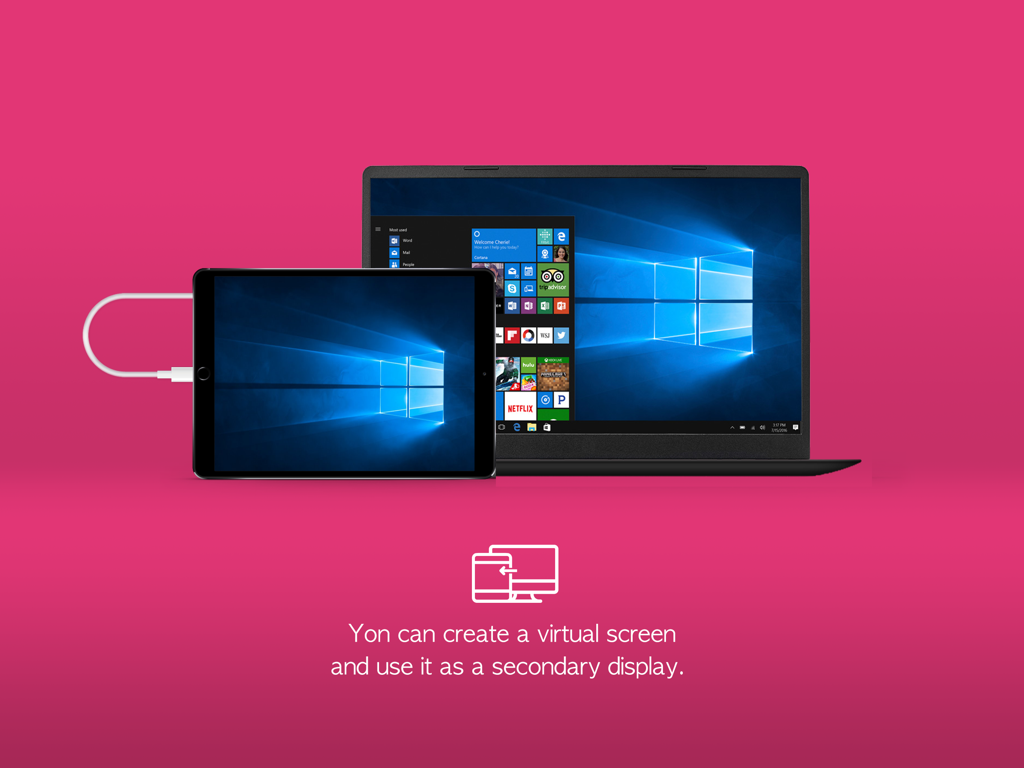
Forget complex networking or laggy wireless setups. Simply connect your USB cable for an immediate, stable connection that turns your iPad into a workspace extension.
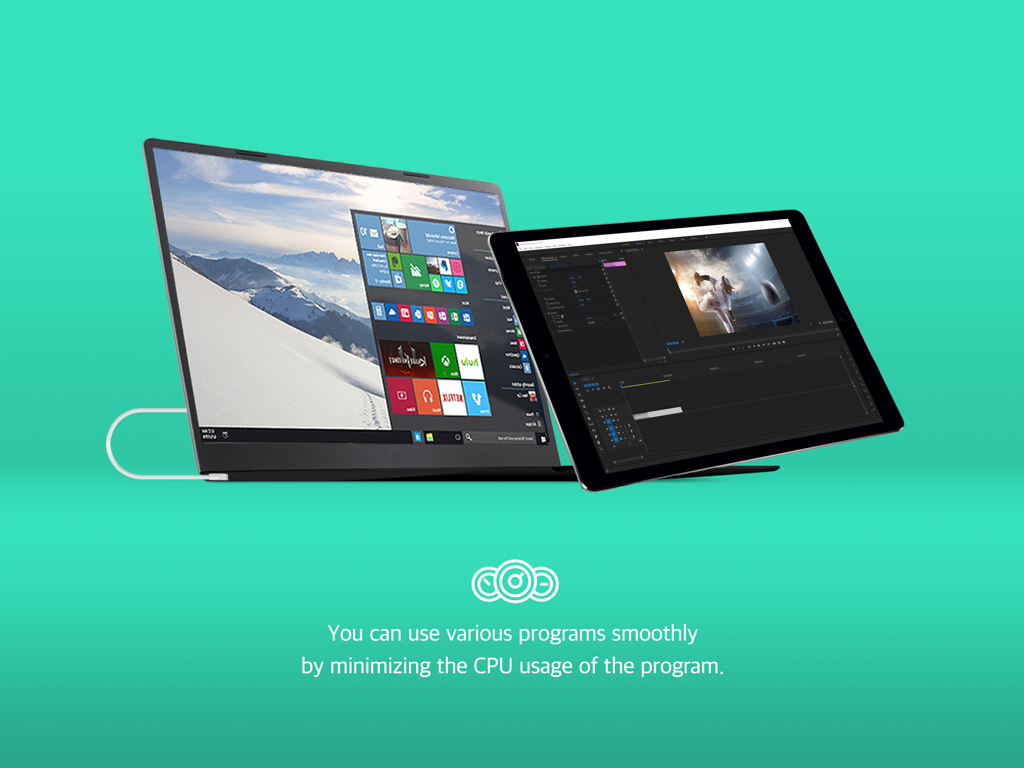
Optimized for high-demand tasks like video editing and coding. The wired connection ensures zero latency, providing the fluid response time professionals require.
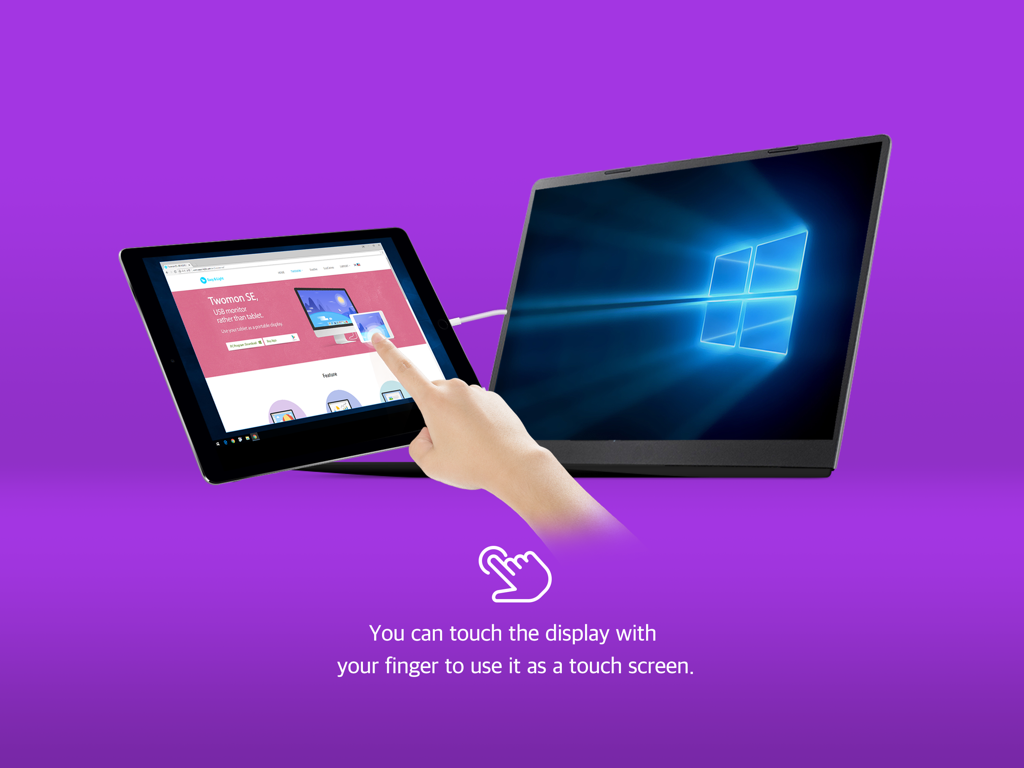
Eliminate the need for bulky external monitors. Turn the iPad you already carry into a high-resolution second screen in libraries, cafes, or at your home office desk.
Trusted by 81K+ people who love this app.
"As a freelance video editor often working from cafes, Twomon SE is a lifesaver. The USB connection provides the zero-latency performance I need for my playback window without the bulk of a dedicated portable monitor. It's the perfect bridge between my Windows workstation and my iPad."
"I use a Windows laptop for my CS classes but love my iPad for notes. Twomon SE finally lets them work together. Setting up a dual-screen workstation in the library takes seconds, making it so much easier to reference documentation while I code. Absolutely worth every penny for the productivity boost."
Everything you need to know about Twomon SE.
Description
Latest Version
4.8.3
Size
49.6 MB
First Released
Sep 11, 2018
Join over 80,000 users and unlock a lag-free, professional workspace. Connect your Windows PC to your iPad via USB and start multi-tasking like a pro today.
Top-ranked apps in the same category

OpenAI OpCo, LLC

Google LLC

X.AI Corporation

Google LLC

Shanghai Zhixin Puhui Technology Co., Ltd.

Google LLC

Microsoft Corporation

Google LLC

Google LLC
