Firestick Remote & Cast FireTV

Firestick Remote & Cast FireTV

Scarica su App StoreScarica su Google Play
Spark by MWM logo
Logo di Firestick Remote & Cast FireTV

Telecomando Firestick & Cast FireTV: Duplica il tuo iPhone e iPad sul Grande Schermo

Goditi le tue foto, video e app preferite sulla tua Amazon Fire TV. Trasforma il tuo iPhone in un telecomando intelligente ed evita il costo di hardware costosi con la soluzione di mirroring n. 1.

Editore

AirBeamTV BV

Categoria

Photo & Video

Download

710K+

Valutazione

3.6/5

Valutazioni totali

4K+

Lingue

17

Vivi l'Esperienza del Grande Schermo

Scopri l'interfaccia usata da 710K+ utenti.
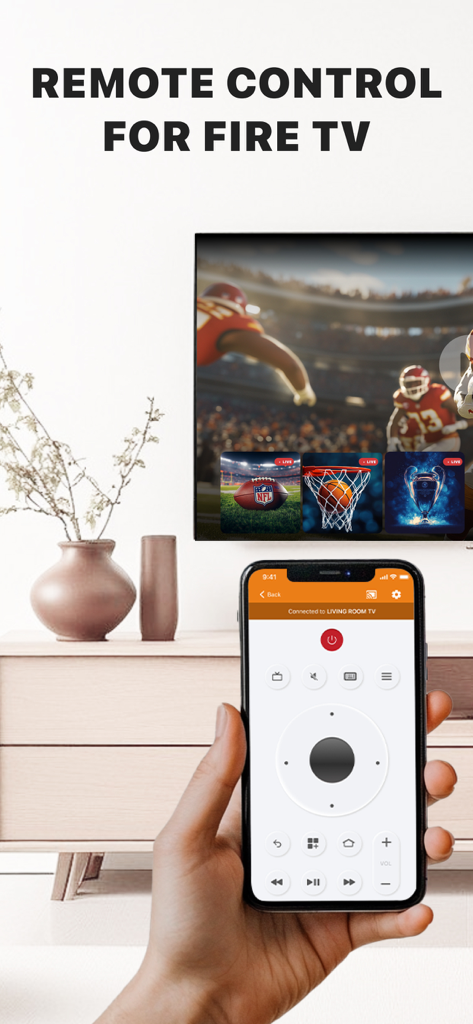
Mano che tiene un iPhone con un'interfaccia di telecomando per Amazon Fire TV

Mano che tiene un iPhone con un'interfaccia di telecomando per Amazon Fire TV

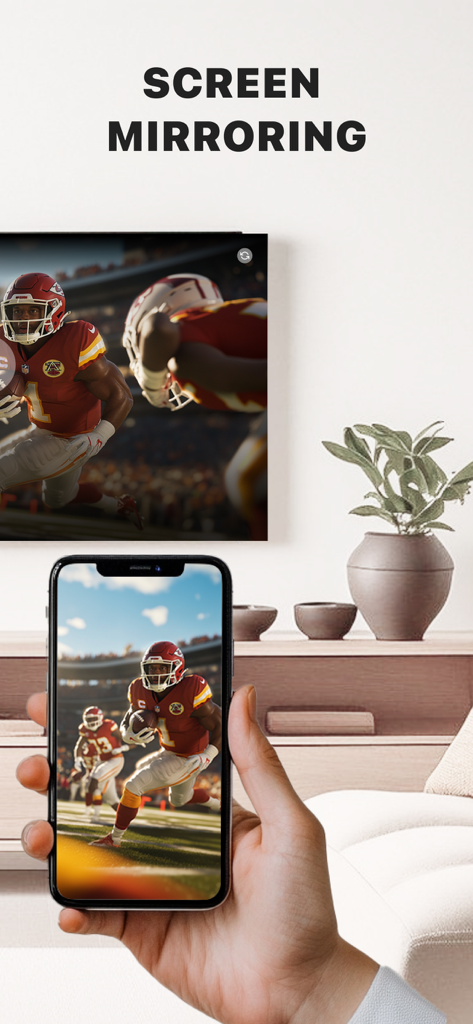
Una mano che tiene un iPhone che duplica una partita di calcio in diretta su un grande schermo Fire TV in un salotto.

Una mano che tiene un iPhone che duplica una partita di calcio in diretta su un grande schermo Fire TV in un salotto.

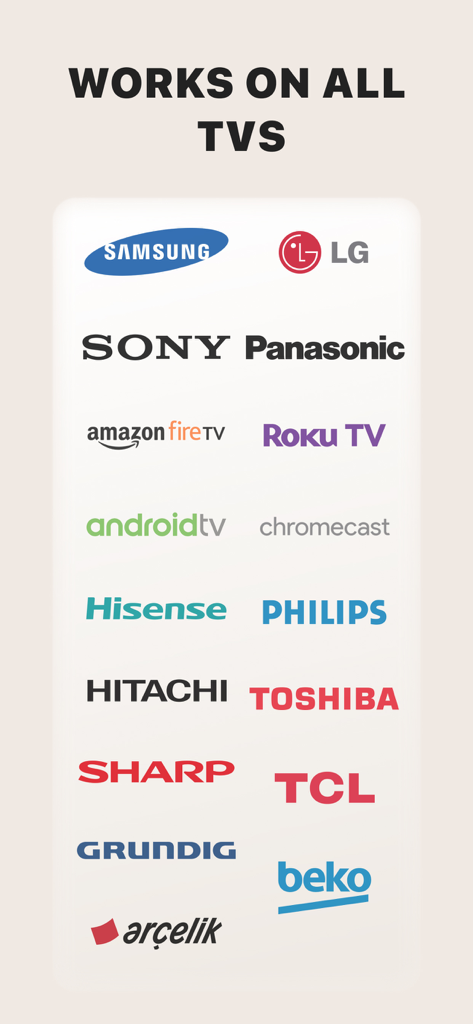
Un elenco di loghi di marchi TV compatibili con l'app Firestick Remote e Cast, inclusi Samsung, LG, Sony e Amazon Fire TV

Un elenco di loghi di marchi TV compatibili con l'app Firestick Remote e Cast, inclusi Samsung, LG, Sony e Amazon Fire TV

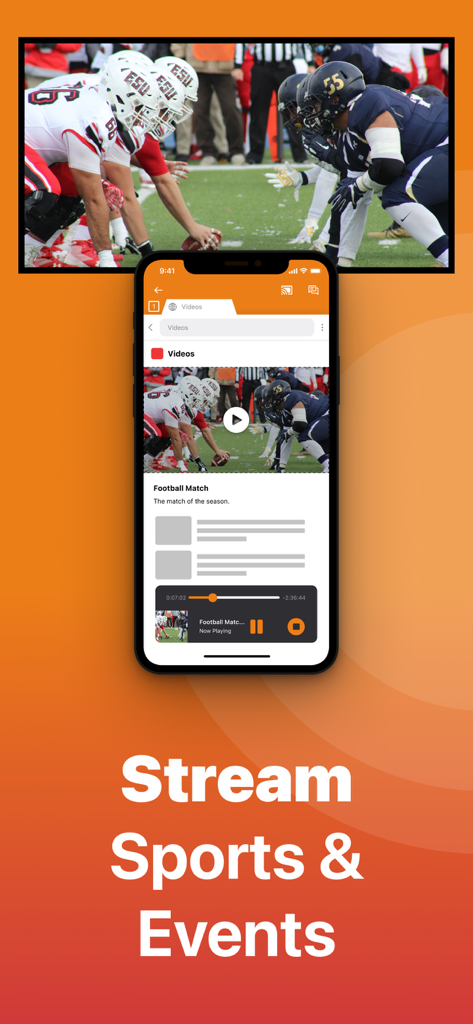
App per iPhone che trasmette una partita di calcio a uno schermo TV

App per iPhone che trasmette una partita di calcio a uno schermo TV

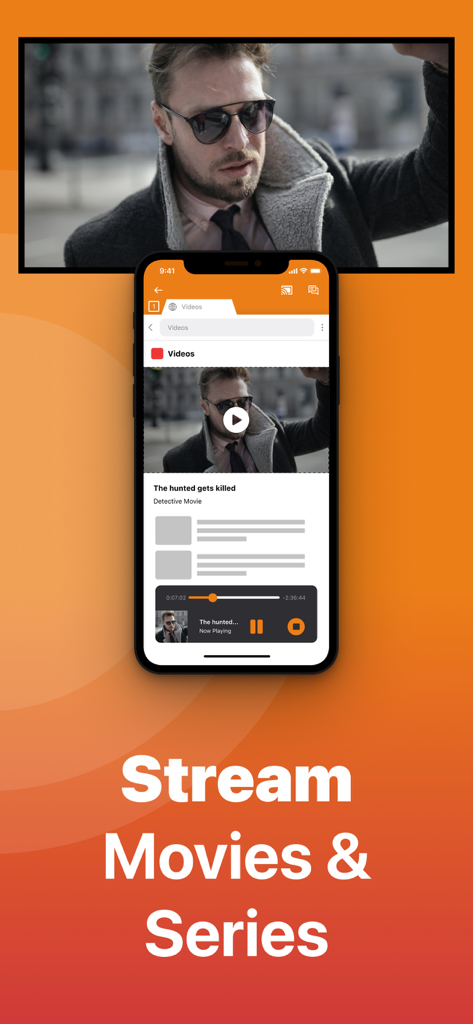
Uno schermo iPhone che trasmette un film a un Amazon Fire TV con il testo "Trasmetti Film e Serie"

Uno schermo iPhone che trasmette un film a un Amazon Fire TV con il testo "Trasmetti Film e Serie"

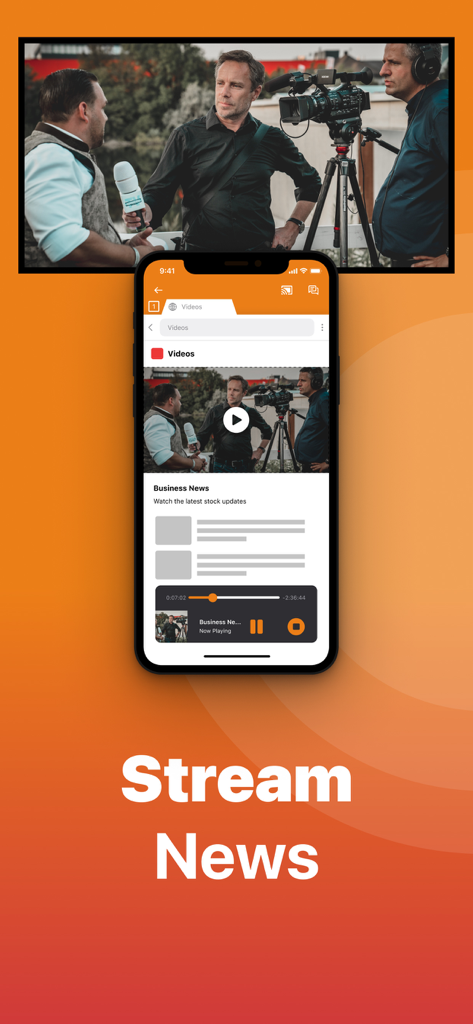
Un iPhone che trasmette un video di notizie economiche a uno schermo televisivo utilizzando l'app Firestick Remote

Un iPhone che trasmette un video di notizie economiche a uno schermo televisivo utilizzando l'app Firestick Remote

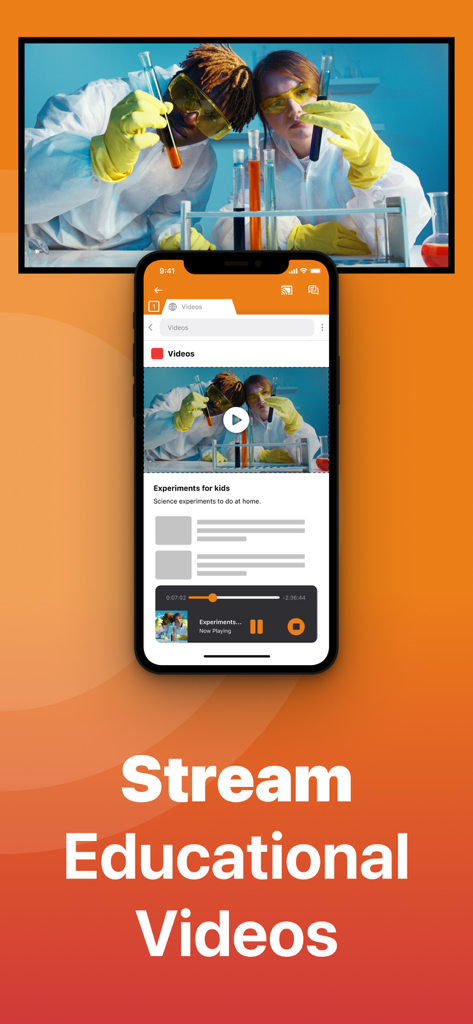
Schermo iPhone che trasmette un video educativo scientifico a un grande schermo televisivo

Schermo iPhone che trasmette un video educativo scientifico a un grande schermo televisivo

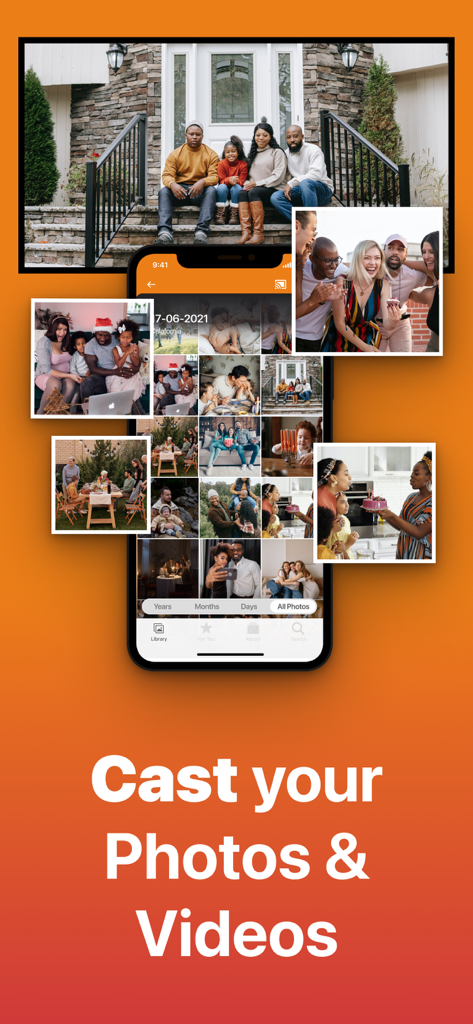
Interfaccia dell'app iPhone che mostra una libreria di foto e trasmette una foto di famiglia a un grande schermo televisivo

Interfaccia dell'app iPhone che mostra una libreria di foto e trasmette una foto di famiglia a un grande schermo televisivo

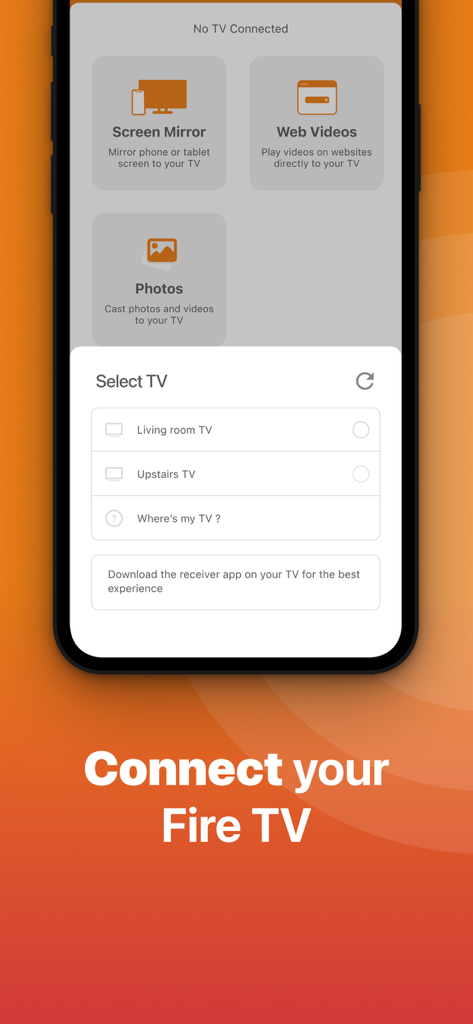
Interfaccia dell'app Firestick Remote che mostra il menu di selezione TV per connettere un iPhone a una Fire TV

Interfaccia dell'app Firestick Remote che mostra il menu di selezione TV per connettere un iPhone a una Fire TV

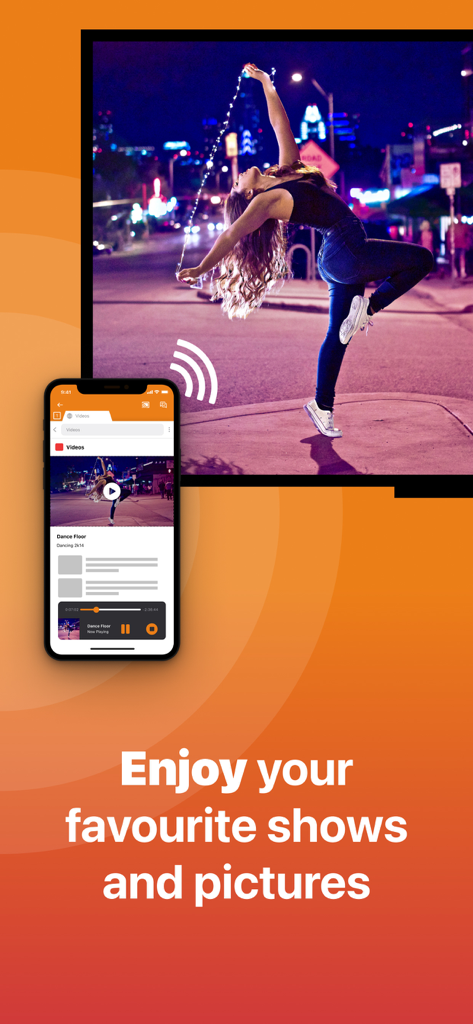
iPhone che duplica un video di una donna che balla su un grande schermo TV utilizzando l'app Firestick Remote e Cast

iPhone che duplica un video di una donna che balla su un grande schermo TV utilizzando l'app Firestick Remote e Cast

Sfrutta al Massimo il Potenziale della Tua Fire TV

Gli strumenti che rendono questa app unica, scelti da 710K+ utenti.

📺

Screen Mirroring Istantaneo

Elimina l'affaticamento degli occhi trasmettendo video web, notizie e presentazioni dal tuo iPhone al grande schermo senza la necessità di una costosa Apple TV.

⌨️

Tastiera e Telecomando Intelligenti

Smetti di cercare telecomandi persi. Usa la tastiera nativa del tuo iPhone per cercare film e navigare nei menu più velocemente che mai.

📸

Trasmetti Foto e Video

Trasforma il tuo salotto in una galleria. Condividi le tue ultime foto di vacanza e video di casa di alta qualità con familiari e amici in soli due clic.

Amata dagli utenti di tutto il mondo

Scelto da 710K+ persone che amano questa app.

"

"Non so quante volte il nostro telecomando fisico è sparito tra i cuscini del divano. Questa app è un vero toccasana! È molto più veloce digitare i titoli dei film usando la tastiera del mio iPhone che cliccare sulle lettere sullo schermo. Si è connessa al mio Firestick istantaneamente e funziona sempre."

Sarah Miller
"

"Volevo un modo per mostrare i miei video delle vacanze sul grande schermo senza comprare una Apple TV da 150 dollari. Questa app funziona perfettamente per fare il mirroring del mio rullino fotografico e persino dei video web dal mio browser. È il ponte perfetto tra il mio iPhone e la mia Fire TV. Vale decisamente la pena l'aggiornamento per la risoluzione più alta."

David Thompson

Info sull'app

Tutto quello che devi sapere su Firestick Remote & Cast FireTV.

Descrizione

Get the #1 app for Fire TV and improve your home-entertainment experience today. Stop staring at a small screen. Prevent eyestrain and avoid high costs for expensive hardware. With this app you can make your life even more comfortable! Watch all the content from your iPhone and iPad on your Amazon Fire TV. Enjoy firestick remote & videos, series, news, photos, sport and documentaries on your television and stream them effortlessly from your iOS device. Get the most out of your Fire TV and improve your home-entertainment experience with just a few simple clicks. Before using this revolutionary screen mirroring app, visit the Amazon website and install the (free) Mirror Receiver for Fire TV: http://bit.ly/am-firetv When using the app there is a small delay of a few 1 to 2 seconds. This mirroring app is therefore not suitable for gaming. How the app works: 1. Make sure your iPhone or iPad is connected to the same local network as your Amazon Fire TV. Do not use multiple VLANs or subnets. 2. Launch the app. It will search for your Amazon Fire TV(s) on your local network. Select the TV as soon as it is found. 3. Enable notifications for this app. We use this to let you know if your TV is working correctly or not. 4. Click 'Start Mirroring' and start mirroring on the Fire TV. After that, you can just go to another app on your iPhone or iPad and the mirroring will continue as usual. 5. To stop mirroring, there are two options: A) Click on the red top bar you see on your iOS device. B) Go to the Mirror for Fire TV app and click on 'Stop Mirroring'. Limitations and potential issues: DRM; Some apps block screen mirroring. This means that application developers can choose whether to block screen mirroring. Netflix, HBO, Disney and Apple TV+ have decided to block this. Unfortunately, we cannot change this. There is a simple test to see if the app you want to mirror has blocked Screen Mirroring: 1) Open that particular app and slide up the Control Center on your iPhone/iPad. 2) Then click on 'Screen recording' and start recording the screen on your camera roll. 3) View the app you want to mirror and stop the screen recording at some point. 4) Then go to your Photos app and watch the video that was recorded. If the recorded video shows the app you want to mirror, it will work fine. If the video is blank, the app you want to mirror won't allow screen mirroring. You can purchase the Fire TV Remote Pro version through an in-app purchase. The Pro version has the following benefits: 1. Add audio to screen mirroring. 2. Free lifetime updates. 3. Higher screen resolutions, such as 720p and 1080p. Payment: * Payment will be charged to iTunes account at confirmation of purchase. * Subscription automatically renews unless auto-renew is turned off at least 24 hours before the end of the current period. * Account will be charged for renewal within 24 hours prior to the end of the current period and identify the cost of the renewal. * Subscriptions may be managed by the user and auto-renewal may be turned off by going to the user's Account Settings after purchase. * Any unused portion of a free trial, if offered, will be forfeited when the user purchases a subscription to that publication, if applicable. Our Terms of Use: http://bit.ly/ABTV-TOU21 Our privacy policy: https://www.airbeam.tv/privacy-policy/ About screen recording and privacy: Even though there are screen recording notifications, we don't record your screen. And, we don't send content to any server. We only temporarily store data in memory before streaming it to the TV. Streaming deletes the content from memory. Support: If you have any questions or want to provide feedback, please email us or chat with us on our Facebook page. Feedback: support@airbeam.tv Amazon, Fire TV, and all related marks are trademarks of Amazon.com, Inc. or its affiliates.

Ultima versione

6.1.19

Dimensione

168.0 MB

Data di lancio

3 gen 2018

Migliora Immediatamente la Tua Esperienza Fire TV

Smetti di strizzare gli occhi sul tuo telefono e inizia a fare il mirroring sul grande schermo. Unisciti a oltre 710.000 utenti che hanno trasformato il loro iPhone nel telecomando Firestick e strumento di casting definitivo.

Scarica su App StoreScarica su Google Play