Screen Mirroring Samsung TV

Screen Mirroring Samsung TV

Scarica su App StoreScarica su Google Play
Spark by MWM logo
Logo di Screen Mirroring Samsung TV

Mirroring Schermo Samsung TV: Il Modo Wireless Più Semplice per Trasmettere iPhone e iPad

Nessun cavo, nessun dongle e nessun hardware aggiuntivo richiesto. Condividi istantaneamente le tue foto, video e app dai tuoi dispositivi Apple su qualsiasi Samsung Smart TV con un semplice tocco.

Editore

AirBeamTV BV

Categoria

Photo & Video

Download

2M+

Valutazione

4.1/5

Valutazioni totali

27K+

Lingue

17

Il Quadro Generale

Scopri l'interfaccia usata da 2M+ utenti.

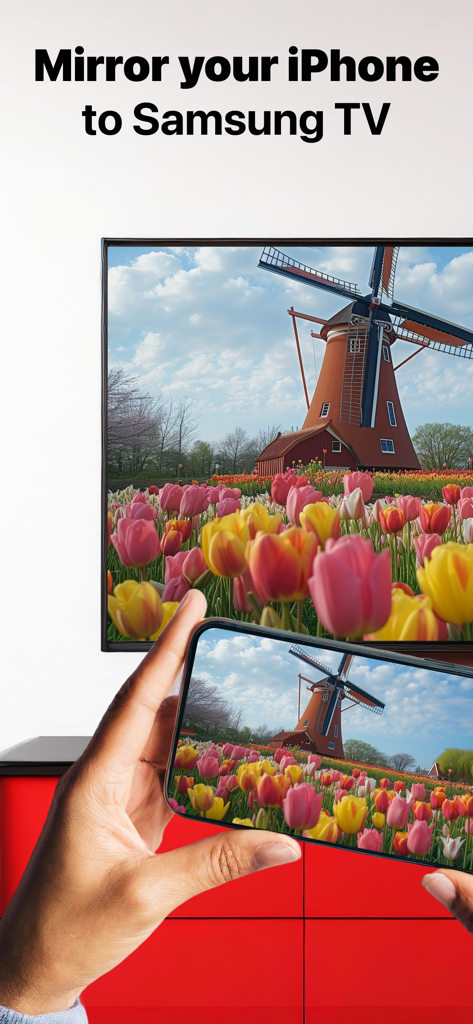
Lo schermo di un iPhone che ripete una foto di un mulino a vento e tulipani su un grande Samsung Smart TV

Lo schermo di un iPhone che ripete una foto di un mulino a vento e tulipani su un grande Samsung Smart TV

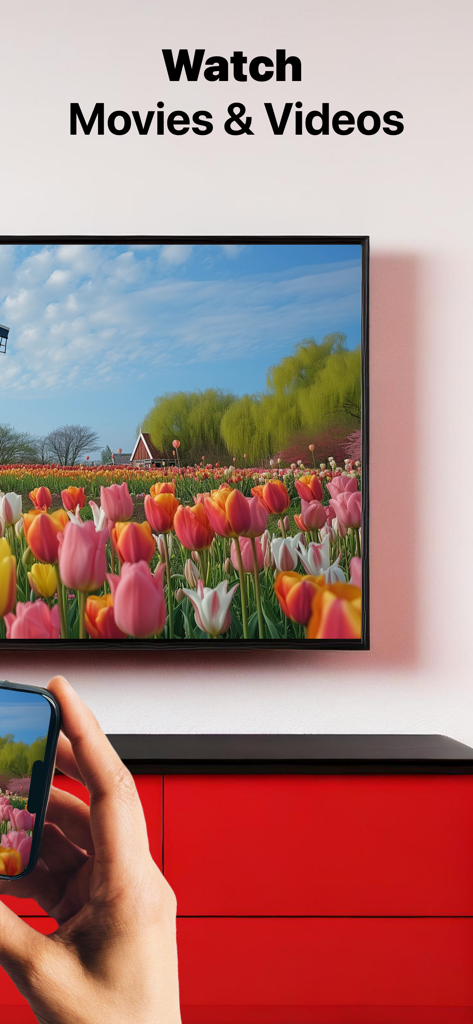
Schermo iPhone che ripete film e video su Samsung Smart TV

Schermo iPhone che ripete film e video su Samsung Smart TV

Una persona seduta sul divano guarda un video di paesaggio su un grande Samsung TV

Una persona seduta sul divano guarda un video di paesaggio su un grande Samsung TV

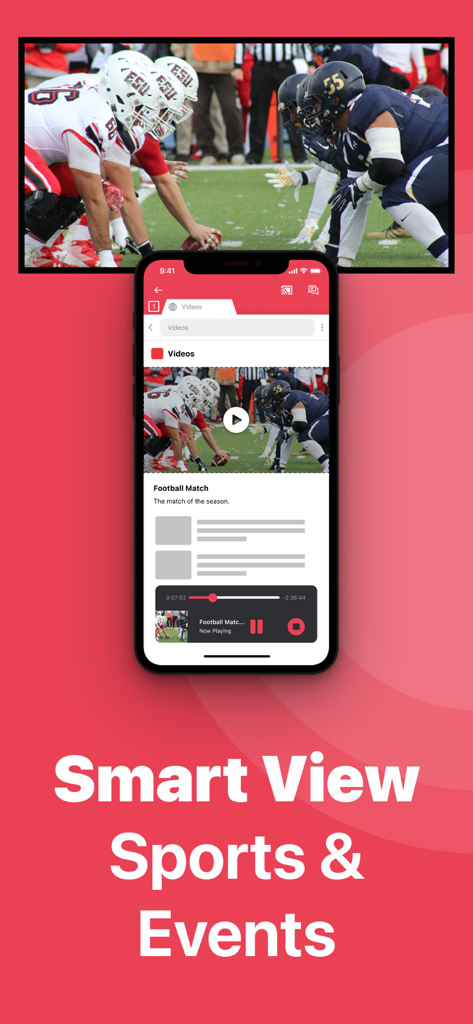
iPhone che ripete una partita di football su un Samsung Smart TV

iPhone che ripete una partita di football su un Samsung Smart TV

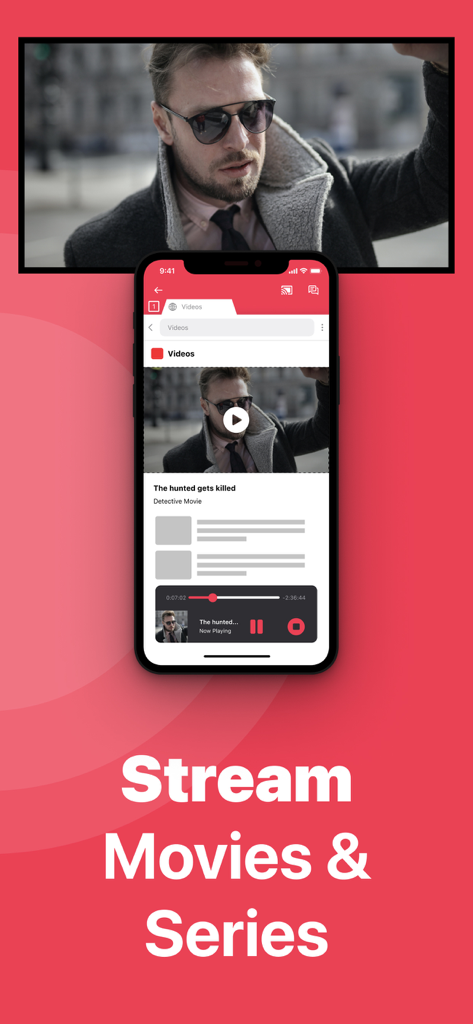
iPhone che ripete un film sullo schermo di un Samsung Smart TV

iPhone che ripete un film sullo schermo di un Samsung Smart TV

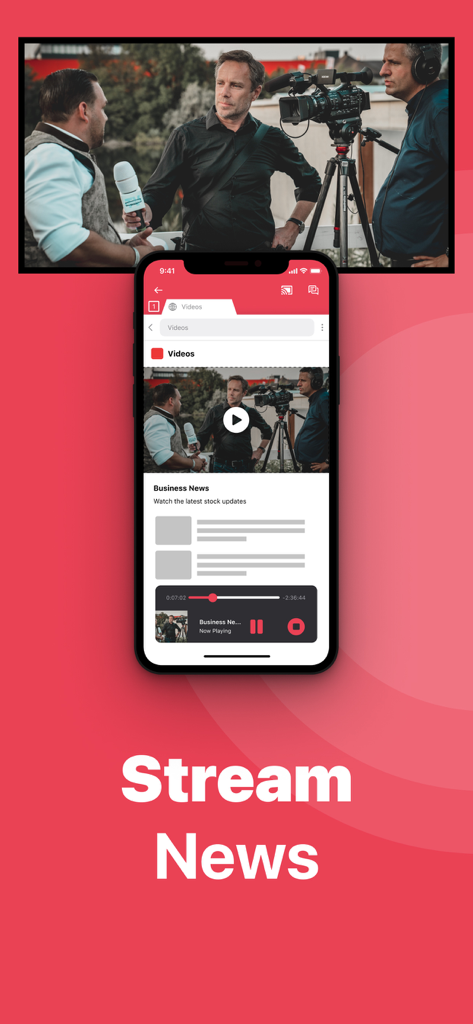
iPhone che ripete notizie di business in modalità wireless su un grande Samsung Smart TV

iPhone che ripete notizie di business in modalità wireless su un grande Samsung Smart TV

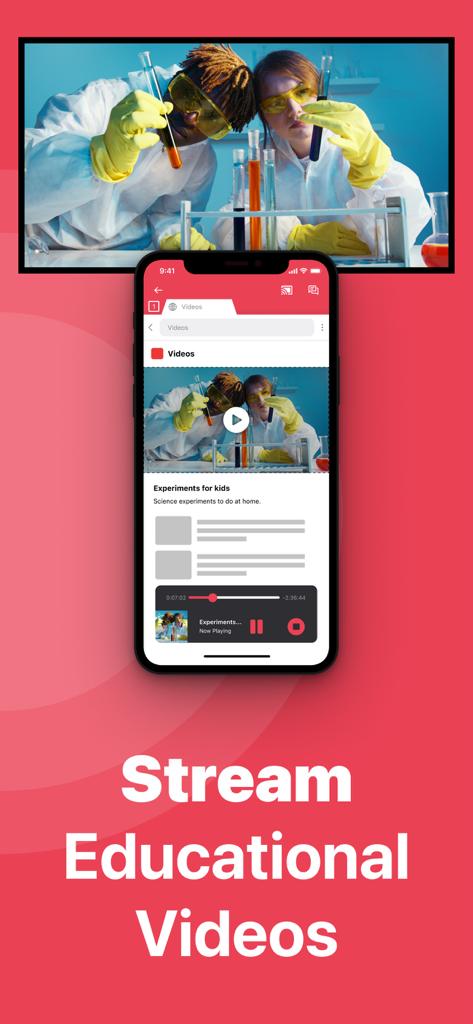
Un iPhone che ripete un video di esperimento scientifico su un grande Samsung Smart TV

Un iPhone che ripete un video di esperimento scientifico su un grande Samsung Smart TV

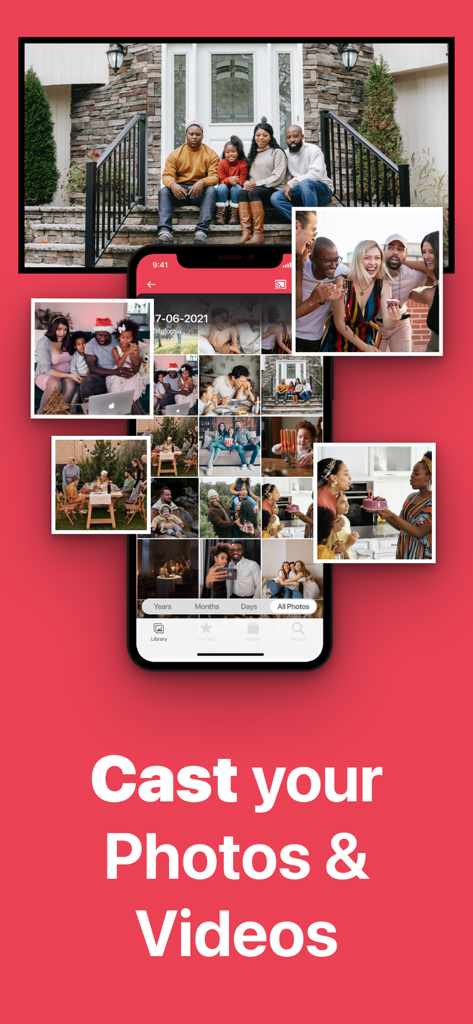
Un iPhone che ripete una galleria di foto di famiglia sullo schermo di un grande Samsung Smart TV.

Un iPhone che ripete una galleria di foto di famiglia sullo schermo di un grande Samsung Smart TV.

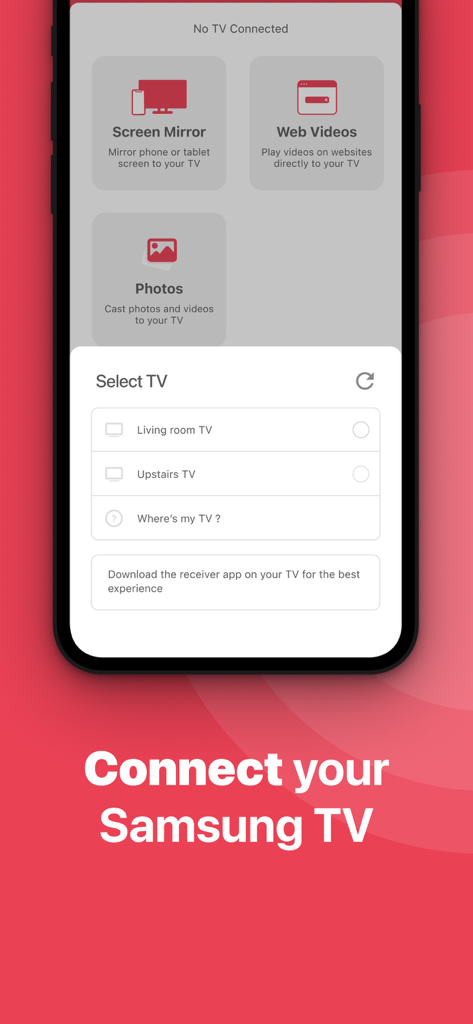
L'interfaccia utente dell'app Mirroring Schermo Samsung TV che mostra un menu di selezione per connettere un iPhone alle smart TV vicine.

L'interfaccia utente dell'app Mirroring Schermo Samsung TV che mostra un menu di selezione per connettere un iPhone alle smart TV vicine.

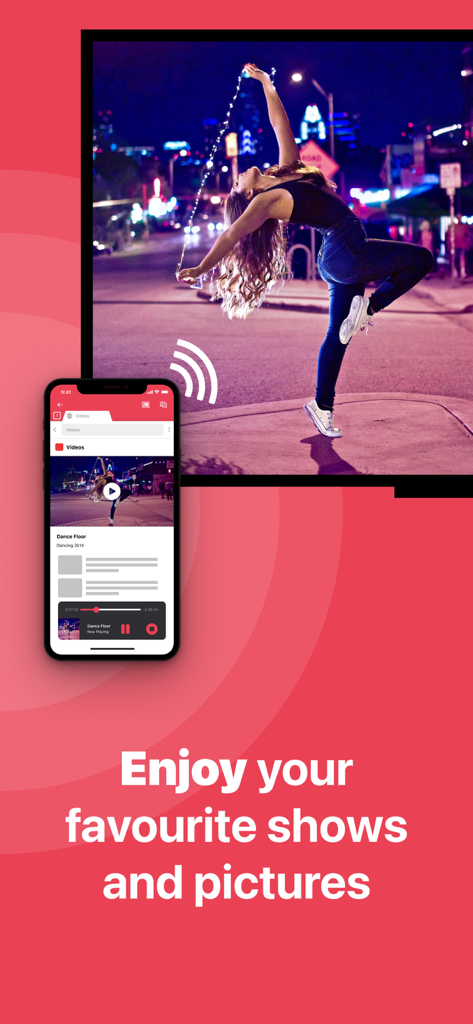
Un iPhone che trasmette in modalità wireless un video di una ragazza che balla su un grande schermo Samsung Smart TV.

Un iPhone che trasmette in modalità wireless un video di una ragazza che balla su un grande schermo Samsung Smart TV.

Potenzia la Tua Esperienza sul Grande Schermo

Gli strumenti che rendono questa app unica, scelti da 2M+ utenti.

Nessun Hardware Richiesto

Dimentica le scatole Apple TV da 130€ o gli adattatori costosi. Ripeti l'intero schermo utilizzando solo la tua rete Wi-Fi esistente.

📸

Condivisione Cristallina

Mostra foto ad alta risoluzione, guarda app di fitness in streaming o fai presentazioni. Perfetto per riunioni di famiglia e configurazioni per l'home office.

🔄

Supporto TV Legacy

Dai nuova vita alle vecchie TV Samsung. La nostra app è compatibile con modelli risalenti al 2012, garantendo che nessun schermo venga lasciato indietro.

Amata dagli utenti di tutto il mondo

Scelto da 2M+ persone che amano questa app.

"

"Stavo cercando un modo per trasmettere le mie lezioni di allenamento dal mio iPhone alla mia Samsung TV senza comprare altro hardware. Questa app è un vero punto di svolta! È così facile da collegare e ora posso seguire le mie sessioni di yoga sul grande schermo. Consiglio vivamente la versione Pro per l'audio!"

Sarah Jenkins
"

"La mia Samsung TV è un po' vecchia e non ha AirPlay integrato, quindi pensavo di essere senza speranza. Questa app ha risolto tutto. La uso per mostrare foto di famiglia e anche per brevi presentazioni di lavoro nel mio ufficio di casa. Nessun filo, nessun disordine, solo una semplice connessione che funziona ogni volta."

Robert Miller

Info sull'app

Tutto quello che devi sapere su Screen Mirroring Samsung TV.

Descrizione

#1 screen mirroring app to cast your iPhone or iPad to Samsung Smart TV. Application to mirror the screen of your iPhone or iPad to any Samsung Smart TV. No wires and no additional hardware needed! You can mirror anything from your iPhone or iPad to your Samsung TV. To mirror video as well as audio, please make sure that you start mirroring when you are in the app (Photos, YouTube, etc.) that you want to mirror to your TV. Enjoy everything on TV from your iPhone, iPad & Mac. This works on any Samsung Smart TV from the 2012 models onward. Which model year do you have? You can see that by looking at the middle letter in your model type (on the back of Samsung TV). E = 2012 F = 2013 H = 2014 J = 2015 K = 2016 M = 2017 N = 2018 R = 2019 T = 2020 A = 2021 B = 2022 C = 2023 Q = QLED (also supported) For instance: UE55_E_S8000 = 2012. UE78_H_U8500L = 2014. In using the app, there will be a couple of seconds of latency (usually between 1 and 3). So this mirroring & screen casting is not suitable for gaming. However, it is very suitable for watching movies, giving presentations, watching photos, and much more! How the app works: 1. Make sure that your iPhone or iPad is connected to the same local network as your Samsung TV. Don't use multiple VLANs or subnets. 2. Launch the Mirror for Samsung TV app. It will start looking for your Samsung TV(s) on your local network. When you use this app for the first time, depending on your model Samsung TV, the TV might ask you to "allow" the connection. In that case, take your TV Remote Control and press OK to allow the connection from your TV to your iPhone or iPad for airstream. 3. Turn on notifications for this app. We will not spam you, but we will use this to let you know if your TV is working correctly or not. So please, please allow it, otherwise when things don't work as they should, you are left in the dark. 4. Click on Start Mirroring to start mirroring on the TV that is currently selected. After that, you can just go to any other app on your iPhone or iPad and the mirroring just continues to run. 5. To stop mirroring, there are two options. (1) click on the red top bar that you will see on your iPhone or iPad. (2) Go to the Mirror for Samsung TV app and click on Stop Mirroring. Limitations and known issues: DRM Some apps block Screen Mirroring. This means that application developers can choose themselves if they want to block Screen Mirroring, airmirror. For instance, Netflix, Disney and AppleTV+ have decided to block this. You can purchase the Mirror for Samsung TV Pro Version through an in app purchase. The Pro Version has the following features: 1. Adds audio to the screen mirroring 2. Provides for free lifetime updates of the app 3. Gives the option to choose higher screen resolutions, like 720p and 1080p * Payment will be charged to iTunes Account at confirmation of purchase. * Subscription automatically renews unless auto-renew is turned off at least 24-hours before the end of the current period. * Account will be charged for renewal within 24-hours prior to the end of the current period, and identify the cost of the renewal. * Subscriptions may be managed by the user and auto-renewal may be turned off by going to the user’s Account Settings after purchase. * Any unused portion of a free trial period, if offered, will be forfeited when the user purchases a subscription to that publication, where applicable. Our Terms of Use: http://bit.ly/ABTV-TOU21 Our Privacy Policy: https://www.airbeam.tv/privacy-policy/ Support: If you have questions or would like to provide feedback, please send us an e-mail or chat with us on our Facebook page. What our users are saying: "Amazing" - 5 STARS - by Pmanswah At first I thought it was going to trash then saw the reviews and thought they were bots.I bought the app and used it and it worked perfectly perfect sound and audio this app is a match made in heaven for me. Please give us feedback by mailing to support@airbeam.tv

Ultima versione

5.2.14

Dimensione

187.9 MB

Data di lancio

10 ott 2017

Pronto per l'Esperienza del Grande Schermo?

Unisciti a oltre 2 milioni di utenti che hanno abbandonato cavi e hardware costosi. Scarica ora e inizia a fare il mirroring del tuo iPhone o iPad sulla tua Samsung TV in pochi secondi.

Scarica su App StoreScarica su Google Play
FAQ

Domande Frequenti

Tutto quello che devi sapere su Screen Mirroring Samsung TV
Cos'è "Screen Mirroring Samsung TV"?

Screen Mirroring Samsung TV è un'applicazione che esegue il mirroring dello schermo di un iPhone o iPad su qualsiasi Samsung Smart TV, fornendo una connessione wireless senza hardware aggiuntivo.

Quali dispositivi supporta l'app Screen Mirroring Samsung TV?

L'app Screen Mirroring Samsung TV supporta dispositivi iPhone e iPad per il mirroring su Samsung Smart TV. Funziona con i modelli Samsung Smart TV dal 2012 in poi.

Come faccio a determinare se la mia Samsung TV è compatibile con Screen Mirroring Samsung TV?

Determini la compatibilità controllando la lettera centrale nel tipo di modello della tua Samsung TV, situata sul retro della TV. Ad esempio, 'E' indica il 2012 e 'Q' indica QLED.

Posso usare Screen Mirroring Samsung TV per giocare?

No, Screen Mirroring Samsung TV non è adatto per il gaming. L'app ha una latenza da 1 a 3 secondi, che la rende inadatta per esperienze di gioco interattive.

Quali contenuti sono adatti per il mirroring con Screen Mirroring Samsung TV?

Screen Mirroring Samsung TV è adatto per guardare film, fare presentazioni, visualizzare foto, trasmettere sport, eventi, notizie e video educativi.

Come avvio il mirroring con l'app Screen Mirroring Samsung TV?

Innanzitutto, assicurati che il tuo dispositivo e la TV siano sulla stessa rete locale. Avvia l'app, consenti la connessione della TV se richiesto, abilita le notifiche, quindi fai clic su "Start Mirroring".

Come interrompo il mirroring con l'app Screen Mirroring Samsung TV?

Per interrompere il mirroring, fai clic sulla barra rossa in alto sul tuo iPhone o iPad, oppure torna all'app Screen Mirroring Samsung TV e fai clic su "Stop Mirroring".

Screen Mirroring Samsung TV supporta il mirroring audio?

Sì, la versione Pro di Screen Mirroring Samsung TV aggiunge l'audio alla funzionalità di screen mirroring. La versione di base esegue il mirroring dell'audio se avvii il mirroring dall'app sorgente.

Perché Screen Mirroring Samsung TV non funziona con app come Netflix o Disney+?

Alcune applicazioni come Netflix, Disney e AppleTV+ bloccano lo screen mirroring a causa delle restrizioni DRM. Gli sviluppatori dell'applicazione decidono se consentire o bloccare questa funzionalità.

Quali funzionalità include la versione Pro di Screen Mirroring Samsung TV?

La versione Pro di Screen Mirroring Samsung TV include il mirroring audio, aggiornamenti gratuiti a vita e opzioni per risoluzioni dello schermo più elevate come 720p e 1080p.

Come acquisto la versione Pro di Screen Mirroring Samsung TV?

Puoi acquistare la versione Pro di Screen Mirroring Samsung TV tramite un acquisto in-app. I pagamenti verranno addebitati sul tuo account iTunes dopo la conferma.

C'è un abbonamento per la versione Pro di Screen Mirroring Samsung TV?

Sì, la versione Pro prevede un abbonamento che si rinnova automaticamente. Gli utenti possono gestire gli abbonamenti e disattivare il rinnovo automatico nelle Impostazioni dell'account dopo l'acquisto.

Dove posso trovare l'informativa sulla privacy per Screen Mirroring Samsung TV?

L'informativa sulla privacy per Screen Mirroring Samsung TV è disponibile all'URL fornito: https://www.airbeam.tv/privacy-policy/.

Dove posso trovare supporto per l'app Screen Mirroring Samsung TV?

Per supporto, puoi inviare un'e-mail a support@airbeam.tv o chattare con loro sulla loro pagina Facebook.

"Screen Mirroring Samsung TV" richiede hardware aggiuntivo?

No, Screen Mirroring Samsung TV non richiede fili o hardware aggiuntivo. Fornisce una soluzione di mirroring wireless per il tuo iPhone o iPad su Samsung Smart TV.