Roku Remote Control・Cast to TV

Roku Remote Control・Cast to TV

Scarica su App StoreScarica su Google Play
Spark by MWM logo
Logo di Roku Remote Control・Cast to TV

Roku Remote Control・Cast to TV: La soluzione tutto in uno per telecomando e screen mirroring

Smetti di cercare il telecomando smarrito. Duplica istantaneamente lo schermo del tuo iPhone, riproduci video a 1080p e controlla qualsiasi TV Roku con un'interfaccia veloce e intuitiva progettata per il tuo stile di vita mobile.

Editore

AirBeamTV BV

Categoria

Photo & Video

Download

499K+

Valutazione

3.8/5

Valutazioni totali

6K+

Lingue

17

Uno sguardo al controllo totale

Scopri l'interfaccia usata da 499K+ utenti.
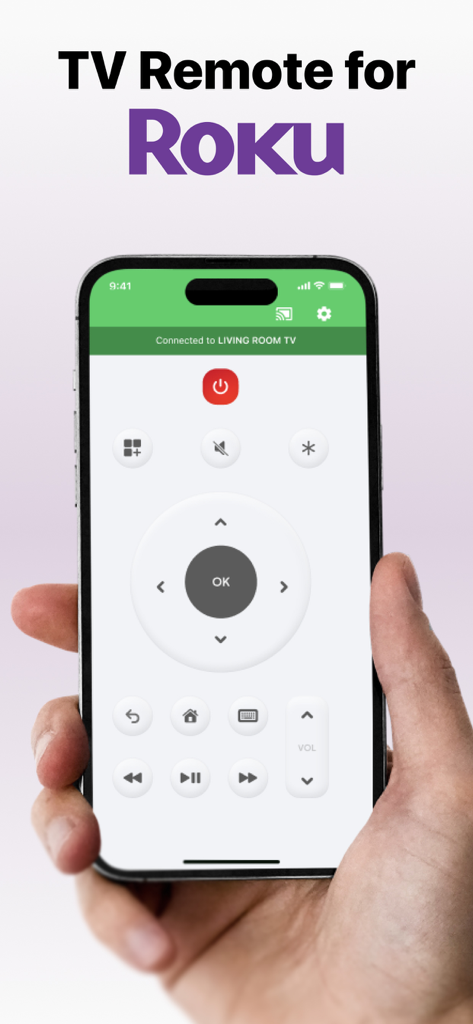
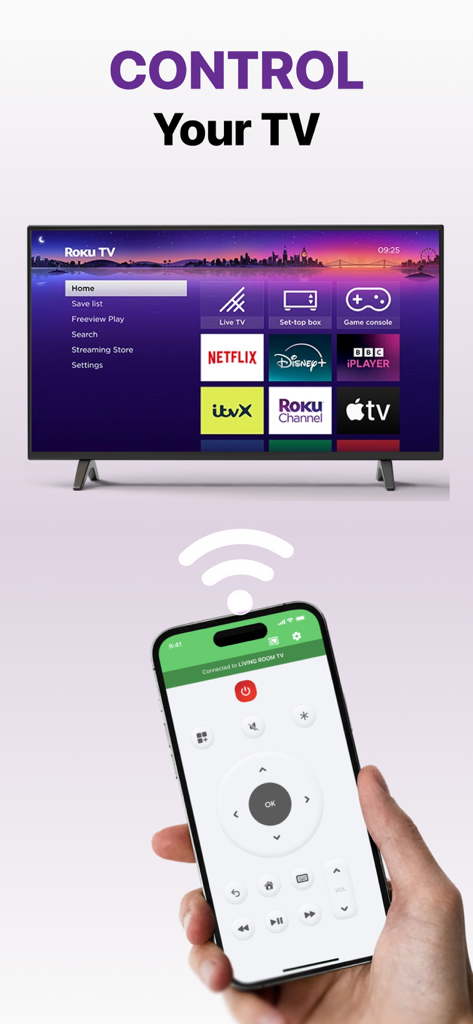
Mano che tiene uno smartphone che mostra l'interfaccia dell'app TV Remote per Roku con controlli di navigazione e riproduzione

Mano che tiene uno smartphone che mostra l'interfaccia dell'app TV Remote per Roku con controlli di navigazione e riproduzione

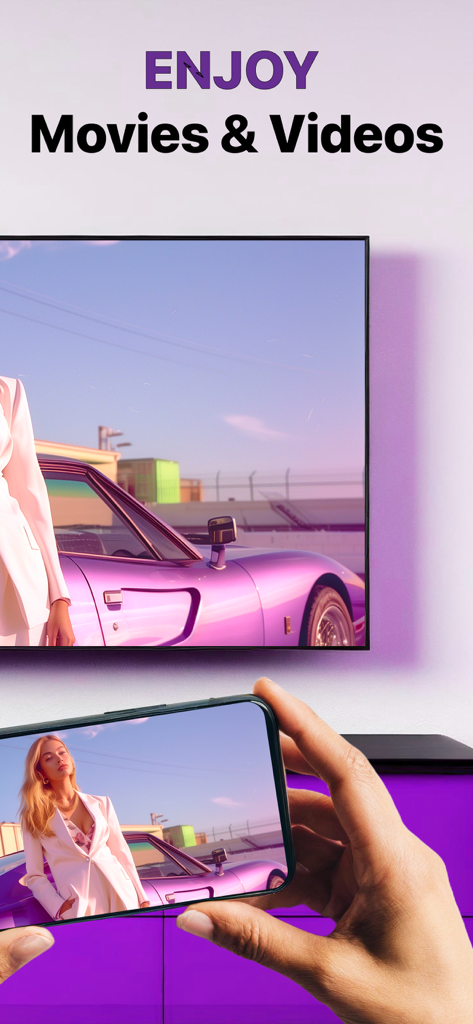
Schermata di un iPhone duplicata su una TV Roku utilizzando l'app Roku Remote Control.

Schermata di un iPhone duplicata su una TV Roku utilizzando l'app Roku Remote Control.

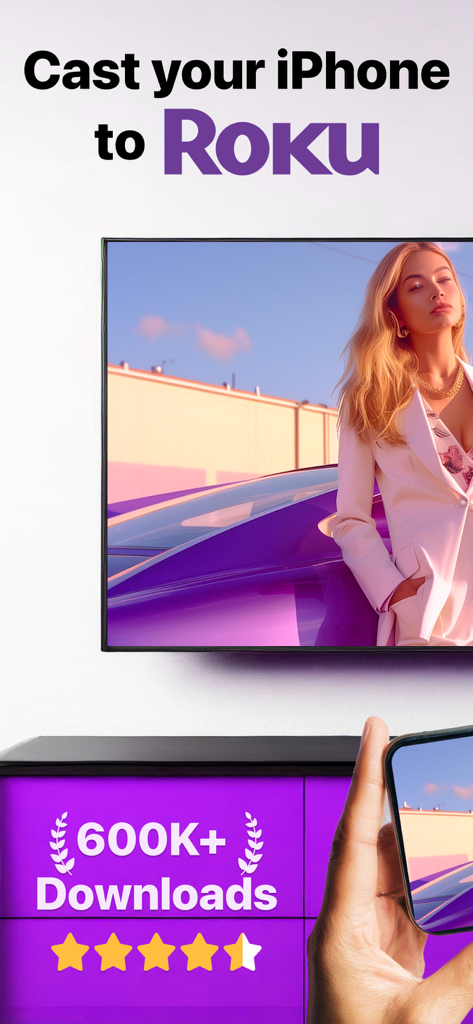
iPhone che duplica un film su uno schermo TV Roku

iPhone che duplica un film su uno schermo TV Roku

Una persona che usa un iPhone come telecomando per una TV Roku con varie app di streaming visualizzate sullo schermo.

Una persona che usa un iPhone come telecomando per una TV Roku con varie app di streaming visualizzate sullo schermo.

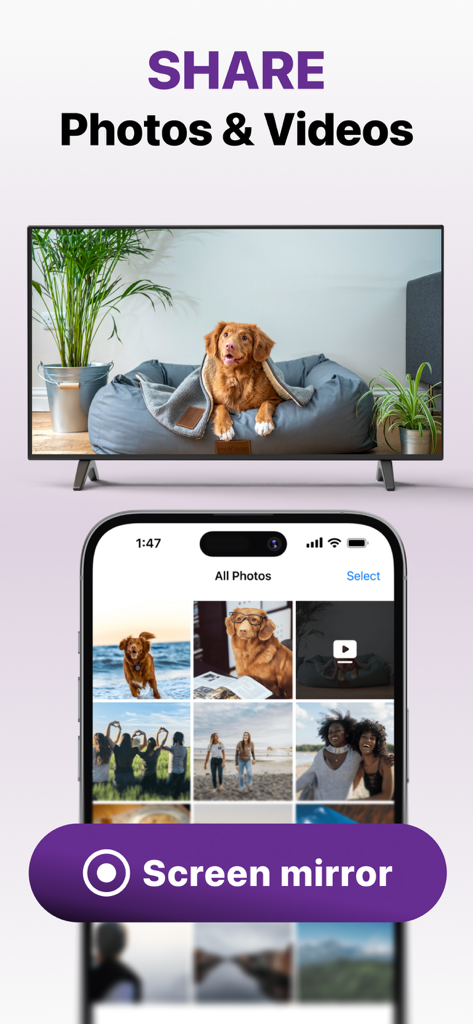
Condivisione di foto e video da un iPhone a una TV utilizzando la funzione di screen mirroring di Roku Remote Control.

Condivisione di foto e video da un iPhone a una TV utilizzando la funzione di screen mirroring di Roku Remote Control.

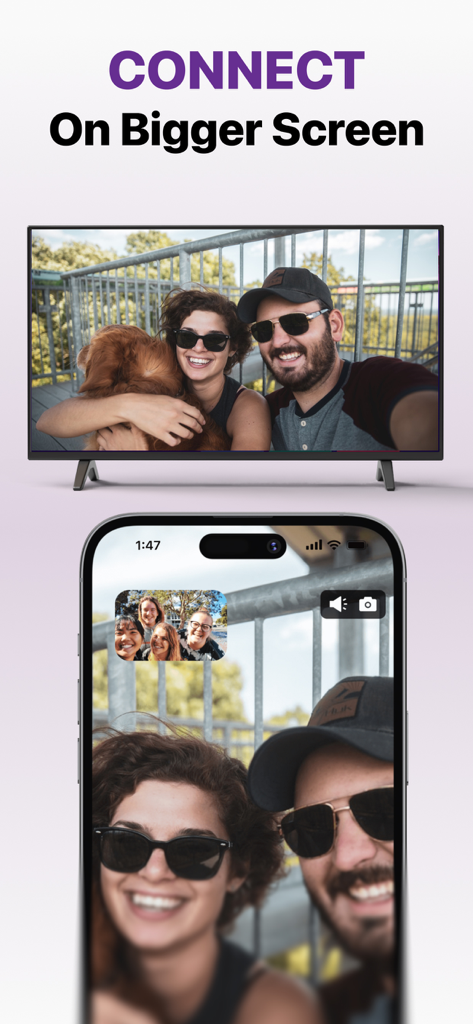
Un iPhone che duplica una foto di una coppia e del loro cane su un grande schermo TV

Un iPhone che duplica una foto di una coppia e del loro cane su un grande schermo TV

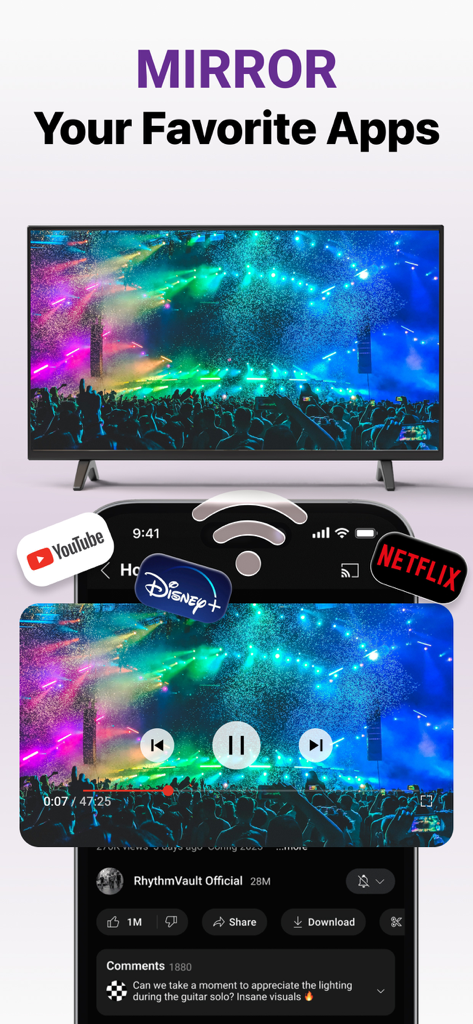
iPhone che duplica app di streaming come YouTube e Netflix su uno schermo TV Roku

iPhone che duplica app di streaming come YouTube e Netflix su uno schermo TV Roku

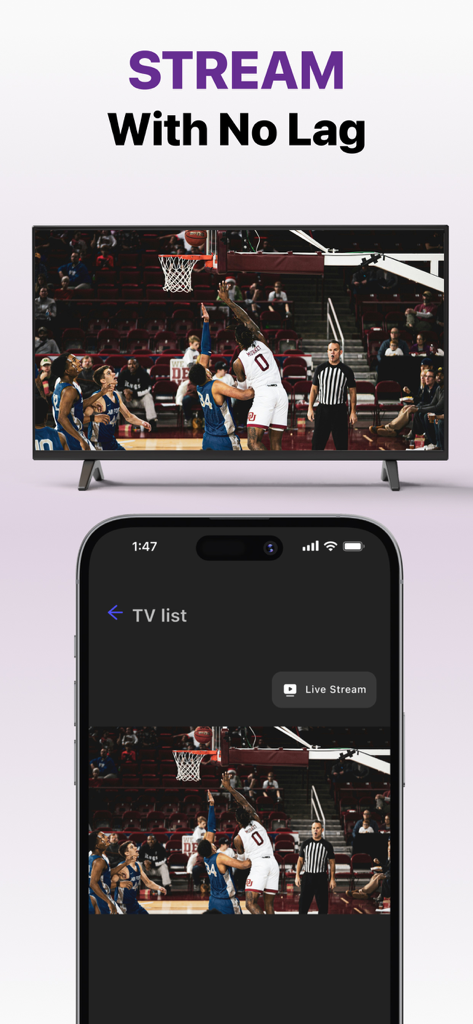
Screen mirroring di un iPhone di una partita di basket in diretta su una TV Roku

Screen mirroring di un iPhone di una partita di basket in diretta su una TV Roku

Il centro di comando tutto in uno per il tuo Roku

Gli strumenti che rendono questa app unica, scelti da 499K+ utenti.

📱

Il telecomando più intelligente che userai mai

Hai di nuovo perso il telecomando? Usa il tuo telefono per navigare tra i canali, regolare il volume e usare la tastiera del tuo iPhone per ricerche di film fulminee.

📺

Screen mirroring istantaneo

Porta qualsiasi app, sito web o gioco mobile sul grande schermo. Condividi la tua esperienza mobile con bassa latenza e grafica di alta qualità per lavoro o svago.

📸

Riproduci ricordi in alta definizione

Migliora la tua esperienza visiva. Riproduci foto personali e video domestici direttamente dalla tua galleria alla TV per condividerli con amici e familiari.

Amata dagli utenti di tutto il mondo

Scelto da 499K+ persone che amano questa app.

"

"Non trovo mai il telecomando vero perché i bambini lo nascondono sempre, quindi questa app ha letteralmente salvato le nostre serate cinema! La configurazione è stata incredibilmente semplice e poter usare la tastiera del mio iPhone per cercare programmi è un vero punto di svolta rispetto al vecchio telecomando fisico."

Sarah M., Mamma di periferia
"

"Volevo duplicare le mie app di fitness e le foto delle vacanze sul mio Roku senza acquistare hardware aggiuntivo. Questa app è il ponte perfetto per il mio iPhone. La qualità dello streaming a 1080p è cristallina con quasi zero lag, rendendola la migliore soluzione di mirroring che ho trovato per la mia configurazione da ufficio domestico."

James L., Appassionato di tecnologia

Info sull'app

Tutto quello che devi sapere su Roku Remote Control・Cast to TV.

Descrizione

Cast to Roku from iPhone or iPad with the ultimate Roku Remote + Screen Mirroring App developed by AirBeamTV. Use your phone as a remote and easily enjoy your favorite content on the big screen in record time! Control your Roku directly from your iPhone or iPad — navigate channels, adjust volume, or play and pause with ease. WHY AREN'T MY APPS WORKING ON ROKU? Recently, Roku updated its default settings, which may block mobile apps from connecting to the device. Follow these steps to fix the issue: Open Roku’s System Settings: On your Roku remote, go to the Settings menu and select System. Adjust Network Access: Navigate to Advanced System Settings Then go to Control by Mobile Apps Select Network Access. Enable Access: Set the option to Enabled or Permissive to allow mobile apps to connect. ADVANTAGES: Seamless Mirroring: Instantly mirror your iPhone or iPad screen to your Roku device. Cast with Ease: Stream videos, photos, presentations, and more directly to your Roku. Built-in Remote Control: Use your iPhone or iPad as a Roku remote — change channels, control playback, and navigate the Roku interface. High-Quality Streaming: Enjoy HD mirroring with low latency and clear audio. User-Friendly Interface: Easy setup and intuitive controls for all users. Reliable & Secure: Strong connection and safe data transmission. Mirror the screen and audio of your iPhone or iPad to any Roku Streaming Player, Roku Stick, or Roku TV (Hisense, TCL, Insignia, JVC, RCA, Westinghouse, Philips, Sanyo, Hitachi, Magnavox, Element, Onn, Sharp). You can mirror any app from your device to the TV. HOW IT WORKS: Connect your iPhone or iPad to the same Wi-Fi network as your Roku. Avoid using VLANs, VPNs, or subnets. Open the Mirror for Roku app. It will detect nearby Roku devices. Select your Roku. The first time, your Roku will show the Mirror for Roku install screen. Choose "Add Channel" to install the receiver. Enable notifications. We only use them to inform you if your Roku is connected properly. Tap "Start Mirroring" to begin. You can then open any app, and your screen will continue to mirror. To stop mirroring: tap the red bar on your device or go back to the app and select "Stop Mirroring." DRM NOTICE: Some apps block screen mirroring. Developers can choose to disable mirroring. Apps like Netflix, Disney+, and AppleTV+ do not support this. ENJOY ALL FEATURES: The Pro Version unlocks: Audio support during mirroring Lifetime app updates Higher resolutions (720p, 1080p) Payment will be charged to your iTunes Account at confirmation of purchase. Subscription auto-renews unless turned off at least 24 hours before the end of the current period. Your account will be charged for renewal within 24 hours before the end of the current period. Manage your subscriptions and turn off auto-renewal in Account Settings. Unused trial portions are forfeited after a subscription purchase. Terms of Use: http://bit.ly/ABTV-TOU21 Privacy Policy: http://bit.ly/ABTVPrivacy More info: https://www.airbeam.tv/brands/mirror-for-roku-tv/ Questions? Email: support@airbeam.tv

Ultima versione

6.1.5

Dimensione

164.0 MB

Data di lancio

12 mag 2018

Smetti di cercare il telecomando — Inizia oggi a riprodurre in streaming

Unisciti a oltre 500.000 utenti che hanno migliorato la loro esperienza Roku. Trasforma il tuo iPhone nello strumento definitivo per telecomando e screen mirroring in pochi secondi.

Scarica su App StoreScarica su Google Play