Screen Mirroring Panasonic TV

Screen Mirroring Panasonic TV

Scarica su App StoreScarica su Google Play
Spark by MWM logo
Logo di Screen Mirroring Panasonic TV

Screen Mirroring Panasonic TV: Il Modo Semplice per Condividere lo Schermo del tuo iPhone

Nessun cavo, nessun hardware aggiuntivo e nessun disordine. Duplica istantaneamente film, foto e presentazioni dai tuoi dispositivi Apple direttamente sulla tua Smart TV Panasonic.

Editore

AirBeamTV BV

Categoria

Photo & Video

Download

637K+

Valutazione

4.1/5

Valutazioni totali

10K+

Lingue

17

Vivi l'Esperienza

Scopri l'interfaccia usata da 637K+ utenti.
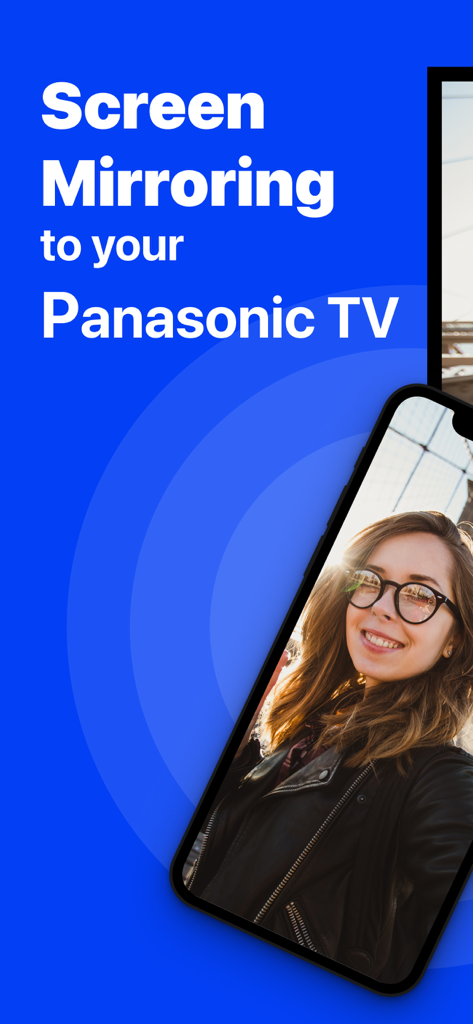
iPhone che duplica un selfie su una TV Panasonic

iPhone che duplica un selfie su una TV Panasonic

Uno smartphone che duplica senza fili un video web su un grande schermo televisivo Panasonic.

Uno smartphone che duplica senza fili un video web su un grande schermo televisivo Panasonic.

Trasmetti foto e video da iPhone a Smart TV Panasonic

Trasmetti foto e video da iPhone a Smart TV Panasonic

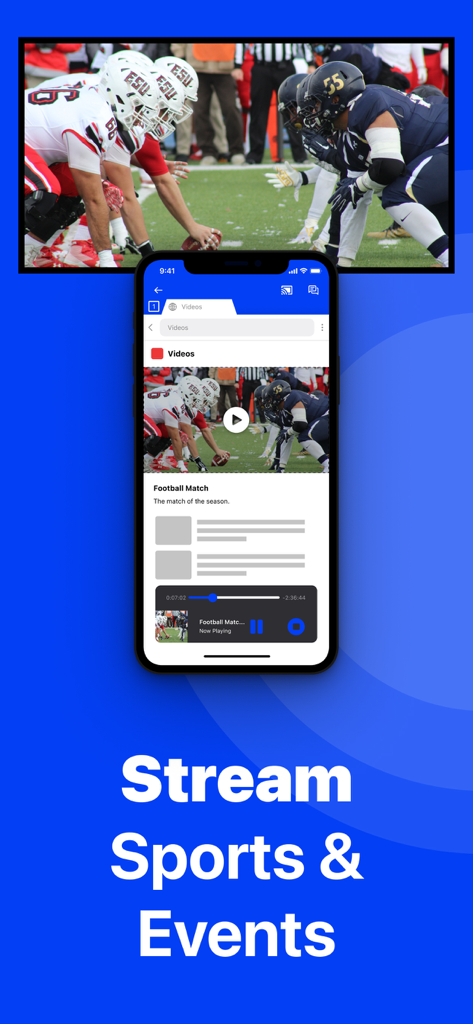
iPhone che duplica una partita di calcio su una Smart TV Panasonic senza fili

iPhone che duplica una partita di calcio su una Smart TV Panasonic senza fili

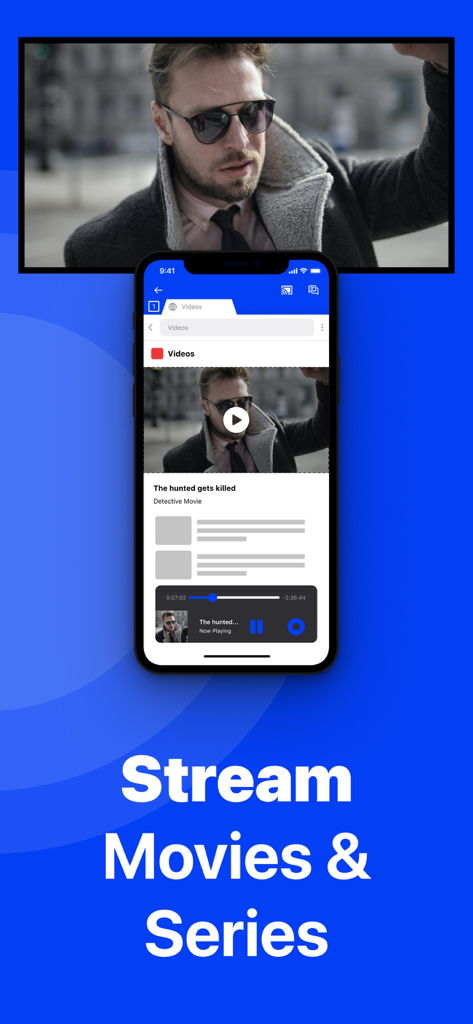
iPhone che duplica un film su una Smart TV Panasonic senza fili

iPhone che duplica un film su una Smart TV Panasonic senza fili

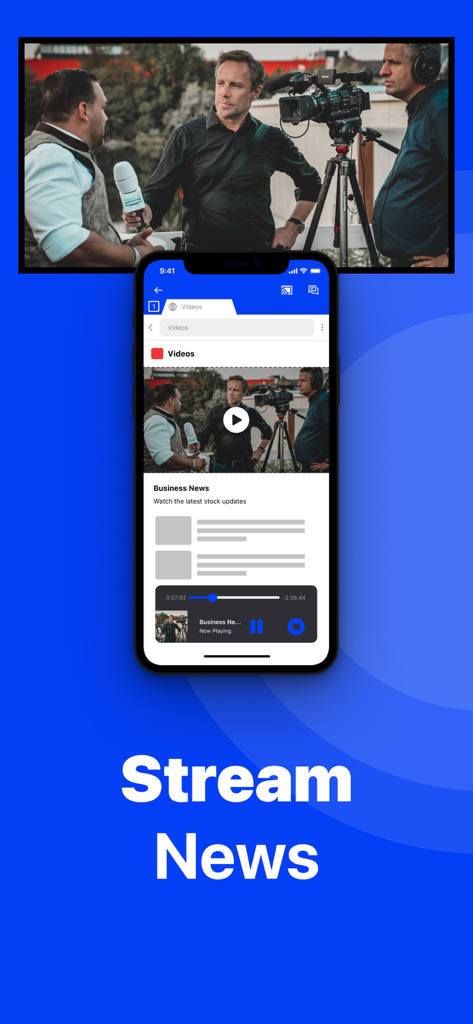
Un iPhone che duplica un notiziario video su uno schermo TV Smart Panasonic

Un iPhone che duplica un notiziario video su uno schermo TV Smart Panasonic

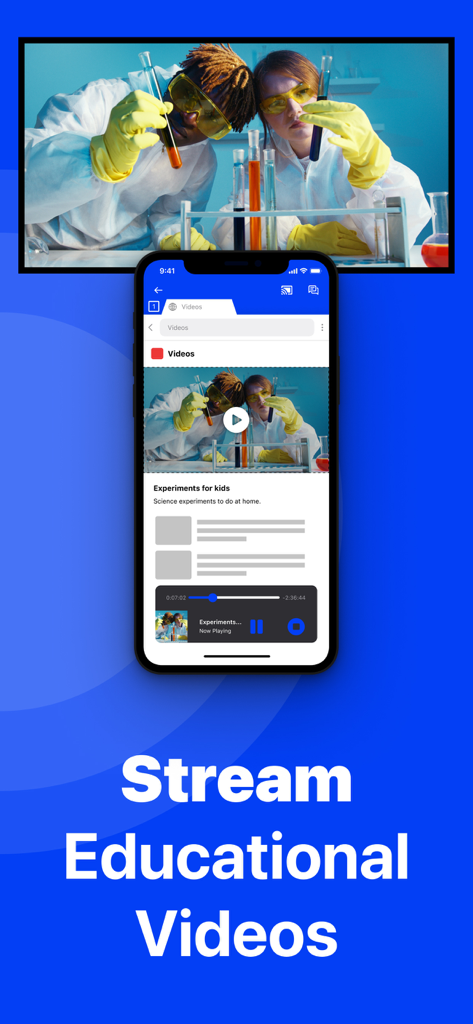
iPhone che duplica un video educativo scientifico su una Smart TV Panasonic

iPhone che duplica un video educativo scientifico su una Smart TV Panasonic

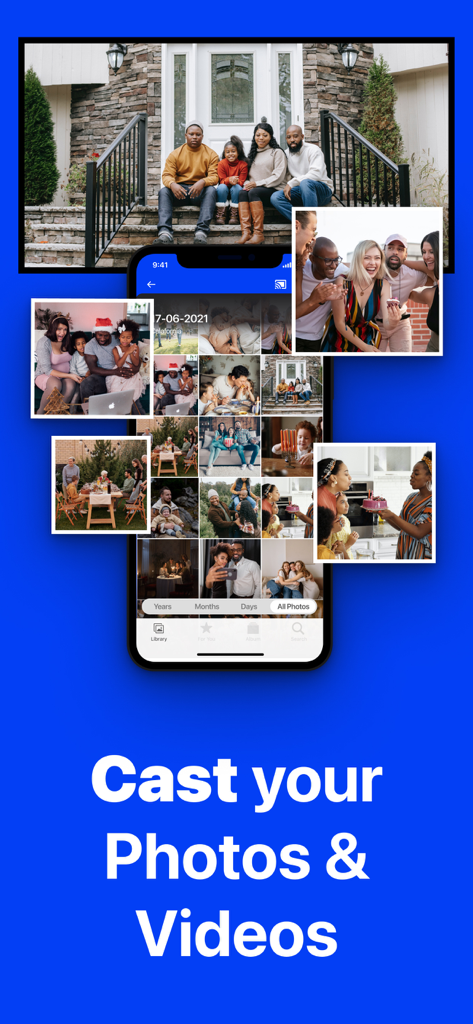
Un iPhone che duplica una galleria fotografica su un grande schermo TV Panasonic che mostra un ritratto di famiglia.

Un iPhone che duplica una galleria fotografica su un grande schermo TV Panasonic che mostra un ritratto di famiglia.

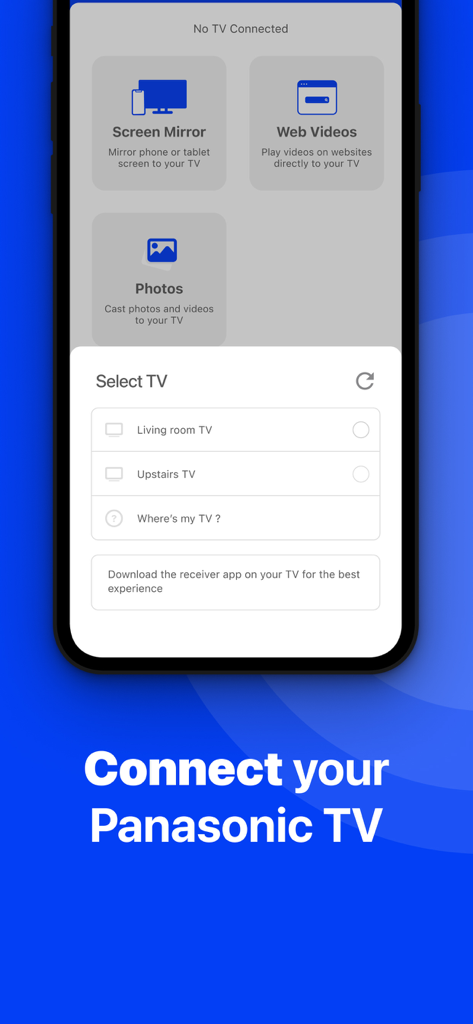
Interfaccia dell'app che mostra un menu per selezionare una TV Panasonic per il mirroring wireless dello schermo da un iPhone

Interfaccia dell'app che mostra un menu per selezionare una TV Panasonic per il mirroring wireless dello schermo da un iPhone

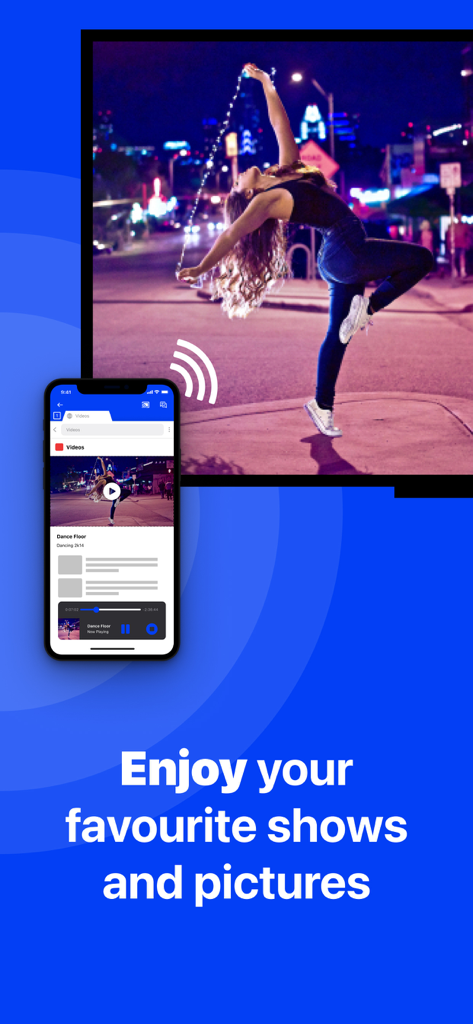
iPhone che duplica un video di danza senza fili su una Smart TV Panasonic

iPhone che duplica un video di danza senza fili su una Smart TV Panasonic

Sblocca il Pieno Potenziale della tua TV Panasonic

Gli strumenti che rendono questa app unica, scelti da 637K+ utenti.

🔌

Connessione Veramente Wireless

Risparmia denaro su adattatori costosi. Duplica istantaneamente lo schermo del tuo iPhone o iPad utilizzando solo la tua rete Wi-Fi domestica.

📸

Momenti Familiari Condivisi

Il modo più semplice per mostrare foto e video a un gruppo. Perfetto per riunioni familiari e per condividere ricordi con i propri cari.

📈

Produttività e Benessere

Espandi la tua visuale. Duplica app di fitness per allenamenti a casa o presentazioni per riunioni di lavoro direttamente sulla tua televisione.

Amata dagli utenti di tutto il mondo

Scelto da 637K+ persone che amano questa app.

"

"Volevo mostrare le foto delle nostre vacanze ai miei genitori sulla nostra TV Panasonic in soggiorno, ma non volevo comprare una costosa Apple TV solo per quello. Questa app ha funzionato perfettamente! È stato così facile da configurare, e vedere i volti dei bambini sul grande schermo senza cavi ingombranti è stato rivoluzionario."

Sarah M.
"

"La uso ogni mattina per duplicare la mia app di allenamento dall'iPad alla TV. È molto meglio che strizzare gli occhi su un piccolo schermo. Ho aggiornato alla versione Pro per l'audio e la qualità a 1080p, e ne è valsa ogni centesimo. Un ottimo 'trucco' wireless per i modelli Panasonic più vecchi che non hanno AirPlay nativo."

David R.

Info sull'app

Tutto quello che devi sapere su Screen Mirroring Panasonic TV.

Descrizione

The best screen mirroring app for Panasonic TV! Application to mirror the screen of your iPhone or iPad to any Panasonic Smart TV. No wires and no additional hardware needed! You can mirror any app on your iPhone or iPad to your Panasonic TV. Please enable DMR (Digital Media Renderer) in TV Settings: WIth your remote control, go to: Menu / Setup / Network / Application / DMR: ON This works on any Panasonic Smart TV from the 2012 models onward. For the latest Panasonic TV models, please enable DMR (Digital Media Renderer) in TV Settings: WIth your remote control, go to: Menu / Setup / Network / Application / DMR: ON In using the app, there will be a couple of seconds of latency (usually between 1 and 3). However, it is very suitable for watching movies, giving presentations, watching photos, and much more! How the app works: 1. Make sure that your iPhone or iPad is connected to the same local network as your Panasonic TV. 2. Launch the Mirror for Panasonic TV app. It will start looking for your Panasonic TV(s) on your local network. When a TV is found, please select it. When you use this app for the first time, depending on your model Panasonic TV, the TV might ask you to "allow" the connection. In that case, take your TV Remote Control and press OK to allow the connection from your TV to your iPhone or iPad. 3. Turn on notifications for this app. We will not spam you, but we will use this to let you know if your TV is working correctly or not. So please, please allow it, otherwise when things don't work as they should, you are left in the dark. 4. Click on Start Mirroring to start mirroring on the TV that is currently selected. After that, you can just go to any other app on your iPhone or iPad and the mirroring just continues to run. 5. To stop mirroring, there are two options. (1) click on the red top bar that you will see on your iPhone or iPad. (2) Go to the Mirror for Panasonic TV app and click on Stop Mirroring. Limitations and known issues: DRM Some apps block Screen Mirroring. This means that application developers can choose themselves if they want to block Screen Mirroring. For instance, Netflix, Disney and AppleTV+ have decided to block this. There is a simple test that you can do to see if the app that you want to mirror has blocked Screen Mirroring: Open that particular app and slide up Control Center on your iPhone/iPad. Then, click on Screen Recording and start recording the screen to your Camera Roll. Watch the app that you want to mirror and at some point stop the screen recording. Then go to your Photos app and watch the video that was recorded. If the recorded video shows the app you want to mirror, it works fine. If the video is empty, then the app you want to mirror does not allow Screen Mirroring. You can purchase the Mirror for Panasonic TV Pro Version through an in app purchase. The Pro Version has the following features: 1. Adds audio to the screen mirroring 2. Provides for free lifetime updates of the app 3. Gives the option to choose higher screen resolutions, like 720p and 1080p * Payment will be charged to iTunes Account at confirmation of purchase. * Subscription automatically renews unless auto-renew is turned off at least 24-hours before the end of the current period. * Account will be charged for renewal within 24-hours prior to the end of the current period, and identify the cost of the renewal. * Subscriptions may be managed by the user and auto-renewal may be turned off by going to the user’s Account Settings after purchase. * Any unused portion of a free trial period, if offered, will be forfeited when the user purchases a subscription to that publication, where applicable. Our Terms of Use: http://bit.ly/ABTV-TOU21 Our Privacy Policy: https://www.airbeam.tv/privacy-policy/ Support: If you have questions or would like to provide feedback, please send us an e-mail or chat with us on our Facebook page. Please give us feedback by mailing to support@airbeam.tv

Ultima versione

5.2.8

Dimensione

162.9 MB

Data di lancio

10 ott 2018

Pronto a Vivere la Libertà Wireless sulla tua TV Panasonic?

Unisciti a oltre 637.000 utenti che hanno abbandonato i cavi e l'hardware costoso. Scarica ora e inizia a duplicare istantaneamente il tuo iPhone o iPad—non è necessaria una Apple TV.

Scarica su App StoreScarica su Google Play