Darkroom: Photo & Video Editor

Darkroom: Photo & Video Editor

ダウンロード: App Store
Spark by MWM logo
ロゴ: Darkroom: Photo & Video Editor
Darkroom: モバイルクリエイターのための受賞歴のあるプロスイート

デスクトップグレードのAIツールとシームレスなiCloud連携で、ProRAW写真と8K動画をレベルアップ。デスクトップの煩わしさなくプロレベルの編集を体験。

ダウンロード: App Store

開発元

Bergen Co.

カテゴリ

Photo & Video

ダウンロード

9M+

ユーザー評価

4.8/5

評価数

43K+

対応言語

16

デスクトップパワー、モバイルフロー

このインターフェースを利用する 9M+ 人のユーザー.

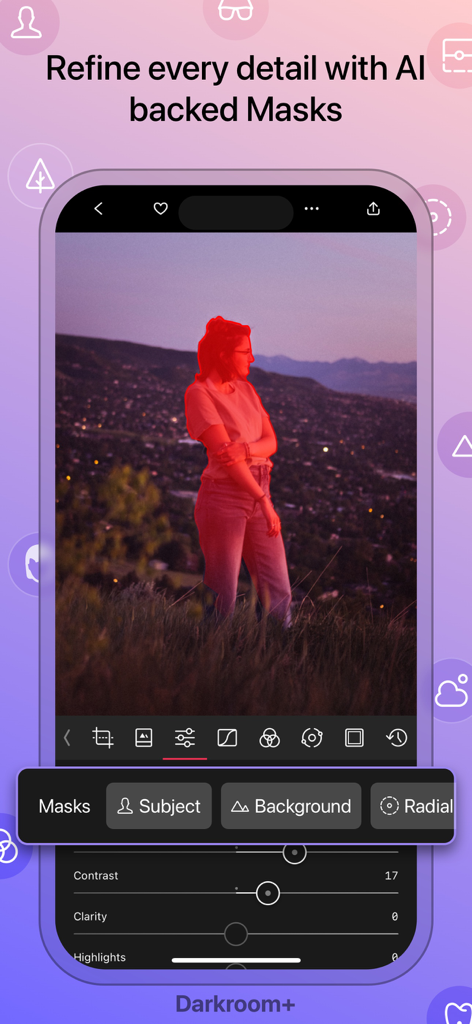
ポートレート写真でAI被写体マスキング機能を示すDarkroomアプリのインターフェース

ポートレート写真でAI被写体マスキング機能を示すDarkroomアプリのインターフェース

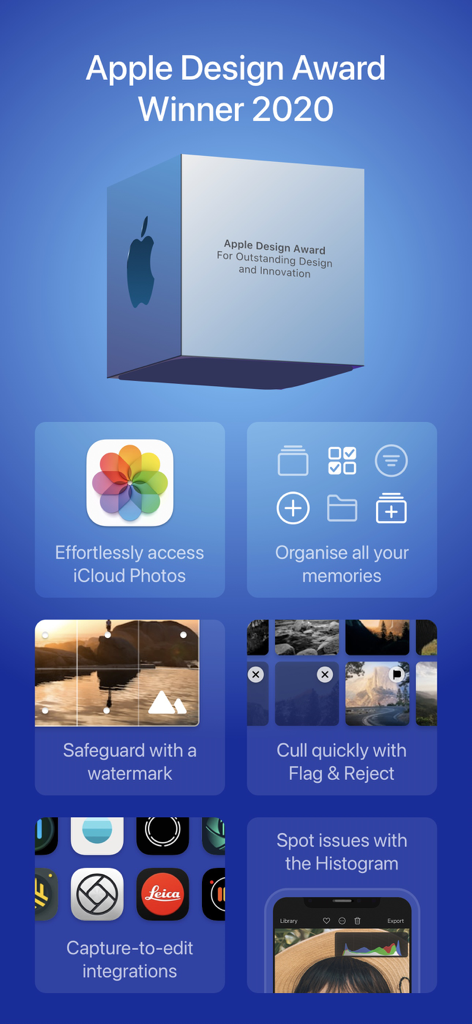
2020年のApple Design AwardとiCloud連携、透かし、写真整理などのプロフェッショナル編集機能を展示するDarkroomアプリのプロモーション画面

2020年のApple Design AwardとiCloud連携、透かし、写真整理などのプロフェッショナル編集機能を展示するDarkroomアプリのプロモーション画面

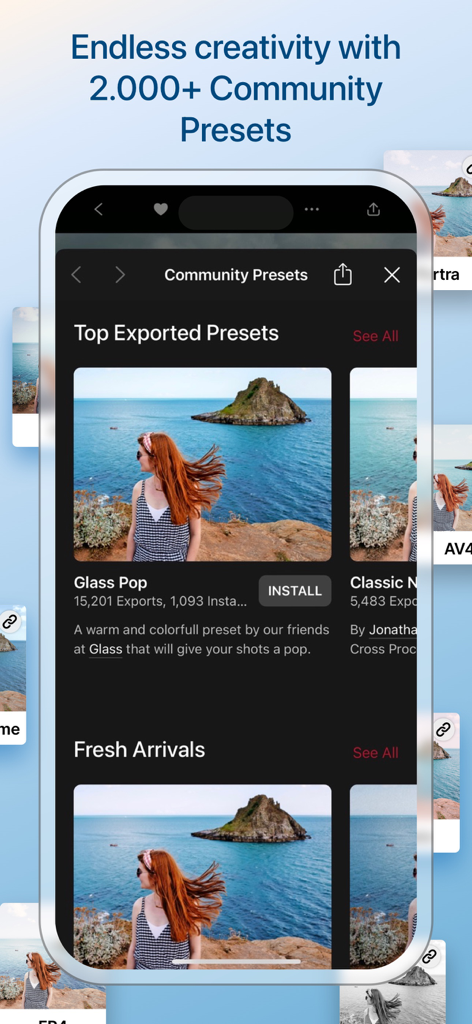
Darkroomアプリにコミュニティプリセットと写真フィルターのギャラリーを表示するインターフェース

Darkroomアプリにコミュニティプリセットと写真フィルターのギャラリーを表示するインターフェース

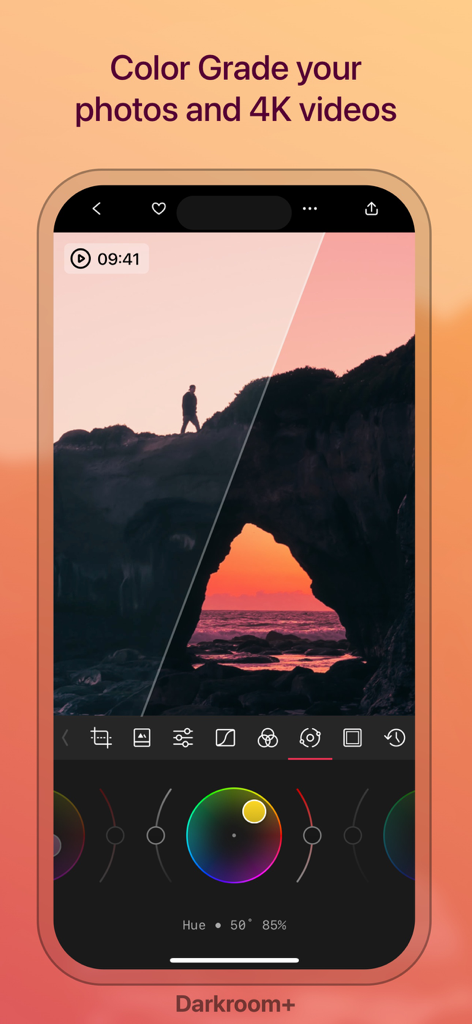
カラーホイールを示す夕日の風景を表示するDarkroomアプリのプロフェッショナルカラーグレーディングインターフェース

カラーホイールを示す夕日の風景を表示するDarkroomアプリのプロフェッショナルカラーグレーディングインターフェース

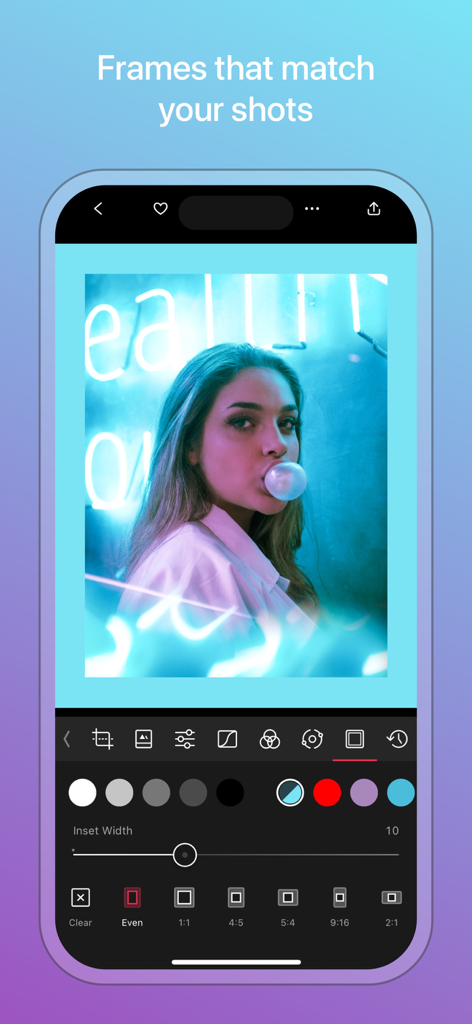
ポートレート写真で写真フレームと境界線カスタマイズツールを表示するDarkroomアプリのインターフェース

ポートレート写真で写真フレームと境界線カスタマイズツールを表示するDarkroomアプリのインターフェース

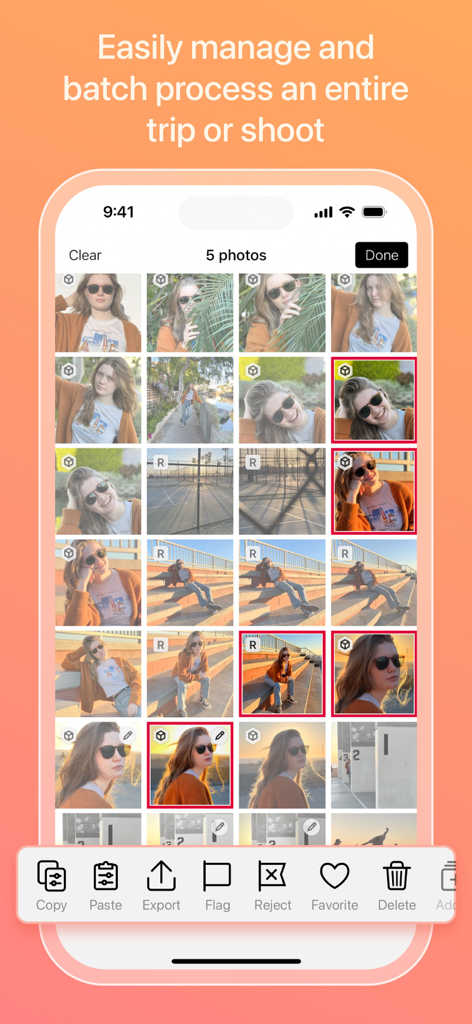
写真のバッチ処理と管理のためのDarkroomアプリのインターフェース

写真のバッチ処理と管理のためのDarkroomアプリのインターフェース

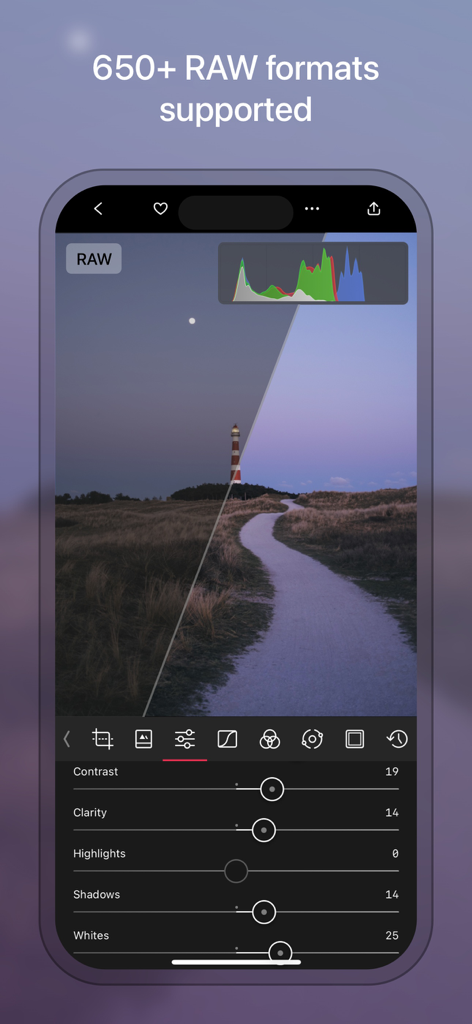
iPhone上のDarkroomアプリのプロフェッショナルRAW写真編集インターフェース

iPhone上のDarkroomアプリのプロフェッショナルRAW写真編集インターフェース

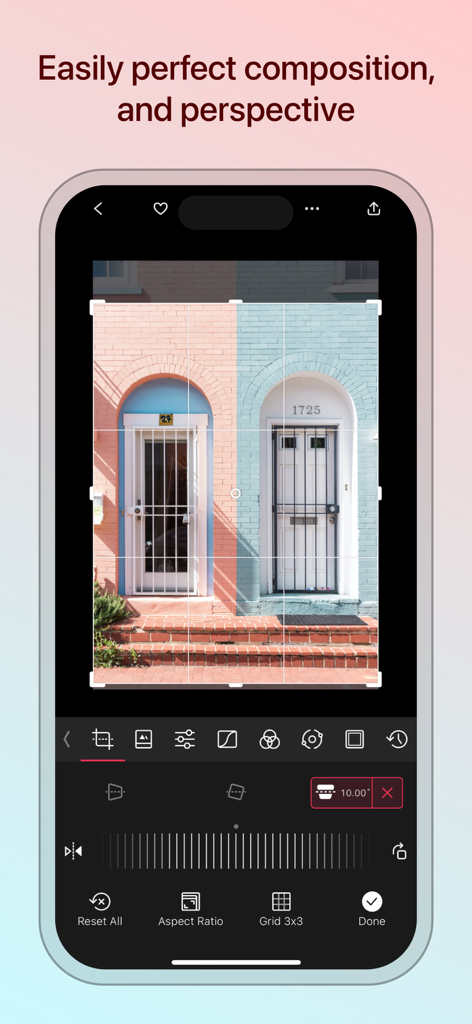
写真のパースペクティブと構図を調整するツールを示すDarkroomアプリのインターフェース

写真のパースペクティブと構図を調整するツールを示すDarkroomアプリのインターフェース

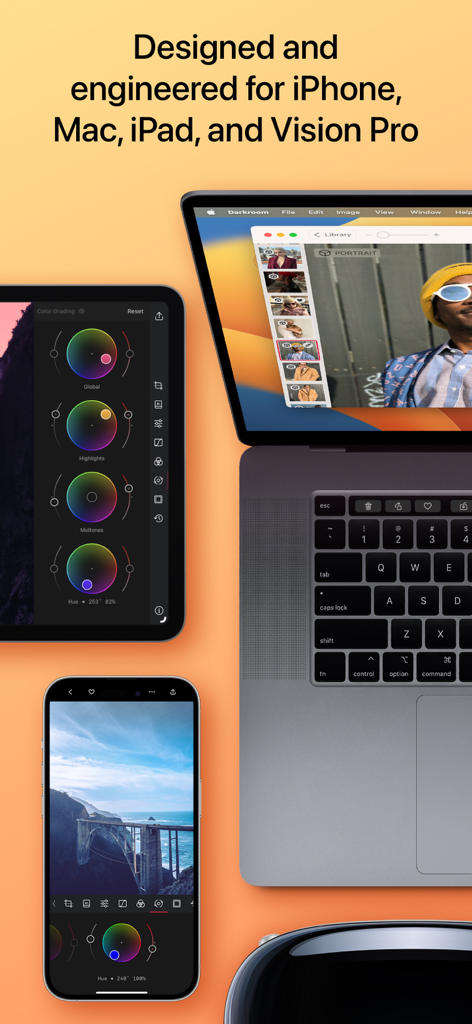
iPhone、Mac、iPad、Vision ProデバイスにわたるDarkroomエディターのインターフェース

iPhone、Mac、iPad、Vision ProデバイスにわたるDarkroomエディターのインターフェース

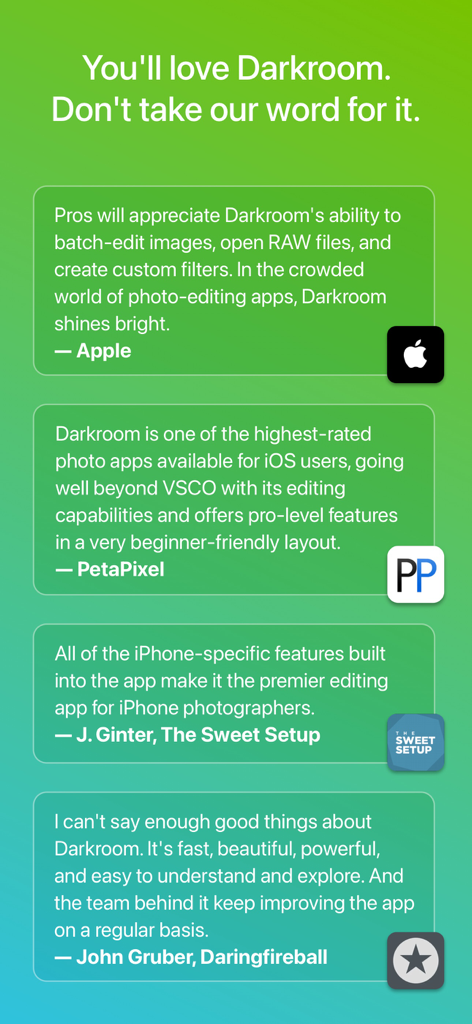
緑色のグラデーション背景に、Apple、PetaPixel、The Sweet SetupからのDarkroomアプリのプロフェッショナルな証言とレビューのコレクション

緑色のグラデーション背景に、Apple、PetaPixel、The Sweet SetupからのDarkroomアプリのプロフェッショナルな証言とレビューのコレクション

プロフェッショナルツール、あなたのワークフローに特化

このアプリを際立たせるツール、 9M+ 人のユーザーが選択.

ゼロインポート効率

アップロードはスキップ。iCloudライブラリ全体に即座にアクセスし、業界をリードするバッチ処理で多数のRAW写真に一度にプロフェッショナルな編集を適用できます。

🪄

AIパワーによる精度

高度なオブジェクト検出を活用して、空、肌、背景を自動的に分離します。モバイルファーストのクリエイター向けに設計されたAIマスクで、編集を外科的に制御できます。

🎨

シネマグレードのカラー

プロフェッショナルな8K動画グレーディングとProRAWサポートで、あなたの美的感覚をマスターしましょう。強力なカーブと選択的カラーツールを使用して、あらゆるプラットフォームであなたのコンテンツが際立つようにします。

世界中のユーザーに愛されています

Trusted by 9M+ 人がこのアプリを愛用しています.

"

"Darkroomは、ソーシャルコンテンツのデスクトップワークフローを完全に置き換えました。煩雑なインポートプロセスなしでライブラリから直接RAWファイルを扱える方法は、私の効率にとってまったくのゲームチェンジャーです。"

Elena Rossi, Content Strategist
"

"AIパワーによる深度マスクと8Kカラーグレーディングは驚異的です。これほど強力でありながら、Apple Pencil搭載iPadでこれほど直感的に使用できるアプリを見つけることはまれです。"

Marcus Chen, Visual Artist

レビュー分析

ユーザーレビューの分析.

感情スコア

30%
ネガティブ

概要

User reviews for this mobile app are highly polarized, with many praising its powerful RAW editing capabilities, intuitive interface, and advanced features like masks and color grading for both photos and videos, especially for on-the-go workflow on iPad. However, a significant number of users express strong dissatisfaction with the subscription model, citing high costs, lack of free trial, and being forced to subscribe to export edited photos. Many reviews report persistent bugs and stability issues, including frequent app crashes, export problems (e.g., "double vision" after recent updates), and functionality breaking after updates (e.g., frames not working, app not functioning on OS 26.2, defects after editing).

主なテーマ

Editing Capabilities(13)
Workflow & Interface(5)
Subscription Model(3)
RAW File Handling(3)
Bugs and Stability(1)
Updates Impact(1)
Customer Support(1)

アプリについて

について知っておくべきこと Darkroom: Photo & Video Editor.

説明

Transform your iPhone and iPad into a sophisticated editing suite with Darkroom, the highly acclaimed photo and video editor designed to empower both amateur photographers and professional creators. With desktop-quality tools at your fingertips, Darkroom competes with industry giants such as Adobe Lightroom and Photoshop, delivering unparalleled editing experiences right on your mobile device. Award-Winning App Recognitions: Winner of the Apple Design Award in 2020 Apple’s Editor’s Choice since 2018 Best New App Winner in 2015 Why Choose Darkroom? Advanced AI-Powered Editing: Leverage cutting-edge AI tools for precise, depth-based edits and intelligent object detection. Enhance specific elements like skies, skin tones, and landscapes with unmatched accuracy. Versatile Editing Capabilities: From high-resolution video playback and professional 8K color grading to batch photo editing, Darkroom addresses all your creative needs with efficiency. Its comprehensive toolset includes support for RAW and ProRAW files, making it perfect for high-quality photo projects. Professional Tools for Every Creator: All-Inclusive Format Support: Whether managing RAW files or crafting the perfect JPEG, Darkroom provides powerful editing tools that ensure top-tier output for all photo formats. Tailored for iPhone Photographers: With iPhone-specific enhancements, Darkroom stands out as the premier editing tool for mobile photographers, offering intuitive interfaces and seamless integration with iOS features. Praise from Experts: "I can't say enough good things about Darkroom. It's fast, beautiful, powerful, and easy to understand and explore. And the team behind it keep improving the app on a regular basis." - John Gruber, Daringfireball "Darkroom is one of the best apps around, offering extensive support for RAW and ProRAW photos and capabilities to batch edit photos with ease." – The Verge "Its iPhone-specific features make Darkroom the leading editing app for iPhone photographers." – The Sweet Setup Seamless Organization and Sharing: Organize your photos and videos with Darkroom's advanced management tools. Create stunning collages, manage hashtags effortlessly, and share your creations with ease. Streamline your workflow and keep your collections meticulously organized, whether for personal enjoyment or professional display. Join Our Community and Enhance Your Creative Skills: Become a Darkroom member to access exclusive features and regular updates that keep your tools cutting-edge. Our community is a hub for sharing tips, inspiration, and creative techniques. Get Started with Darkroom Today: Download Darkroom and elevate your photo and video editing to professional levels. With ongoing enhancements and a focus on user-friendly design, Darkroom is dedicated to enriching your creative journey. Subscription and Membership Details: Manage your Darkroom+ membership in the iTunes & App Store settings. Remember, subscriptions automatically renew unless cancelled at least 24 hours before the end of the current period. Terms and Conditions: https://darkroom.co/legal/terms.html Privacy Policy: https://darkroom.co/legal/privacy-policy.html

最新バージョン

7.0.17

サイズ

241.3 MB

リリース日

2015年2月12日

あなたのクラフトをプロレベルに引き上げましょう。

モバイルファーストのクリエイターのためにデザインされた受賞歴のあるスイートをダウンロード。iPhoneとiPadのために簡素化されたプロフェッショナルなパワー。

ダウンロード: App Store
FAQ

よくある質問

について知っておくべきこと Darkroom: Photo & Video Editor

Darkroom: Photo & Video Editor とは何ですか?

Darkroomは、iPhone、iPad、Mac、Vision Pro向けの受賞歴のある写真およびビデオ編集アプリケーションです。クリエイター向けにプロレベルのツール、AI搭載機能、包括的なフォーマットサポートを提供します。

Darkroomはどのデバイスをサポートしていますか?

Darkroom: Photo & Video Editorは、iPhone、iPad、Mac、Vision Pro向けに設計および開発されています。Appleのモバイルおよびデスクトッププラットフォーム全体で洗練された編集スイートを提供します。

Darkroom: Photo & Video Editor は AI 搭載の編集機能を提供していますか?

はい、Darkroomは高度なAI搭載編集ツールを備えています。これらは、正確な被写界深度ベースの編集とインテリジェントなオブジェクト検出を提供し、空や肌の色調などの特定の要素を強化します。

Darkroom: Photo & Video Editor は RAW および ProRAW ファイルを編集できますか?

はい、DarkroomはRAWおよびProRAWファイルに対して包括的なサポートを提供します。650以上のRAWフォーマットをサポートしており、プロの写真プロジェクトで高品質な編集を保証します。

Darkroom: Photo & Video Editor はビデオ編集をサポートしていますか?

はい、Darkroomは堅牢なビデオ編集機能を提供します。これには、高解像度ビデオ再生、プロフェッショナルな8Kカラーグレーディング、ビデオクリエイター向けの包括的なツールが含まれます。

Darkroom+ メンバーシップのサブスクリプションを管理するにはどうすればよいですか?

Darkroom+ メンバーシップは、iTunes & App Store の設定で直接管理します。現在の期間が終了する少なくとも24時間前までにキャンセルされない限り、サブスクリプションは自動的に更新されます。

Darkroom: Photo & Video Editor はコミュニティ機能を提供していますか?

はい、Darkroomは2,000以上のコミュニティプリセットを提供するコミュニティを備えています。メンバーは限定機能、定期的なアップデートにアクセスでき、ヒントやクリエイティブなテクニックを共有できます。

Darkroom: Photo & Video Editor は複数の写真をバッチ処理できますか?

はい、Darkroomを使用すると、写真コレクション全体を簡単に管理およびバッチ処理できます。これにより、複数の画像を同時に編集する際のワークフローが効率化されます。

Darkroom: Photo & Video Editor は iCloud写真と統合されていますか?

はい、DarkroomはiCloud写真に簡単にアクセスできます。これにより、アプリケーション内で写真ライブラリをシームレスに整理および編集できます。

Darkroom: Photo & Video Editor は写真の構図を完璧にするのにどのように役立ちますか?

Darkroomは、構図と遠近感を完璧にするためのツールを提供します。ユーザーは、クロッピング、アスペクト比を調整し、グリッド線を使用して画像内の正確な視覚的配置を行います。