DoCast: Screen Mirroring to TV

DoCast: Screen Mirroring to TV

ダウンロード: App Store
Spark by MWM logo
ロゴ: DoCast: Screen Mirroring to TV
DoCast: テレビへの画面ミラーリング – すべての家庭向けの簡単なiPhoneミラーリング

お気に入りの写真、動画、アプリをRoku、Chromecast、またはFire TVに超低遅延でストリーミングします。iPhoneから大画面への完璧なユニバーサルブリッジ – Apple TVは不要です。

開発元

Electronic Team, Inc.

カテゴリ

Utilities

ダウンロード

563K+

ユーザー評価

4.0/5

評価数

4K+

対応言語

11

大画面を見る

このインターフェースを利用する 563K+ 人のユーザー.

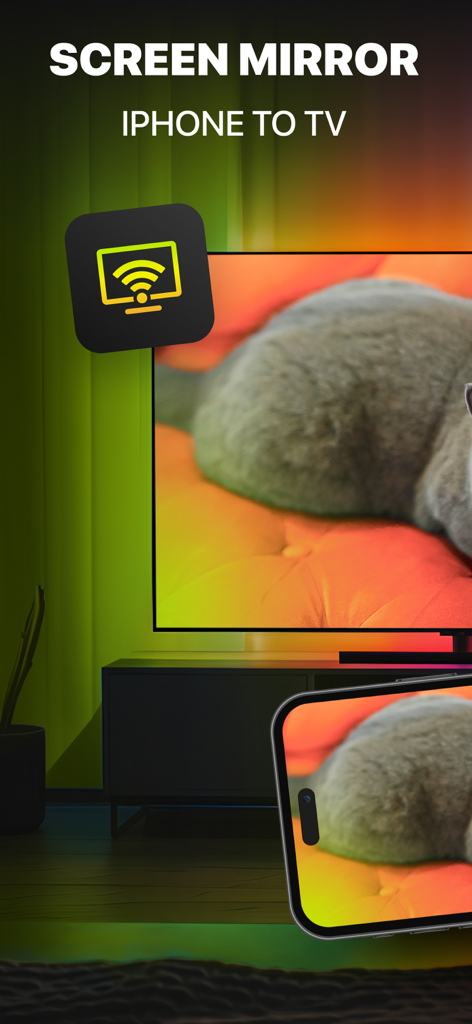
DoCastアプリを使用して、猫の写真が映し出されたiPhone画面が大きなスマートTVにミラーリングされている様子

DoCastアプリを使用して、猫の写真が映し出されたiPhone画面が大きなスマートTVにミラーリングされている様子

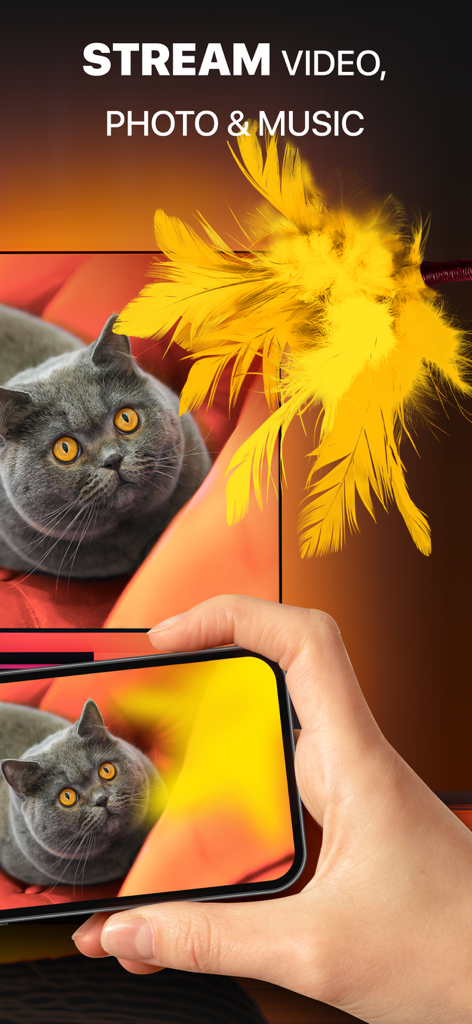
DoCastを使用して、iPhoneから大きなテレビ画面に猫の写真のミラーリングを行っている人

DoCastを使用して、iPhoneから大きなテレビ画面に猫の写真のミラーリングを行っている人

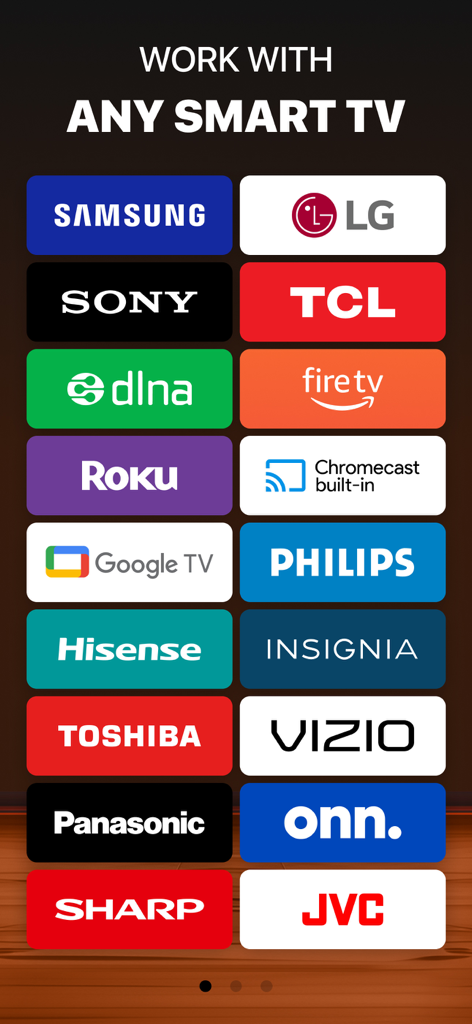
Samsung、LG、Roku、Fire TVなどのDoCast画面ミラーリングに対応するスマートTVブランドのリスト

Samsung、LG、Roku、Fire TVなどのDoCast画面ミラーリングに対応するスマートTVブランドのリスト

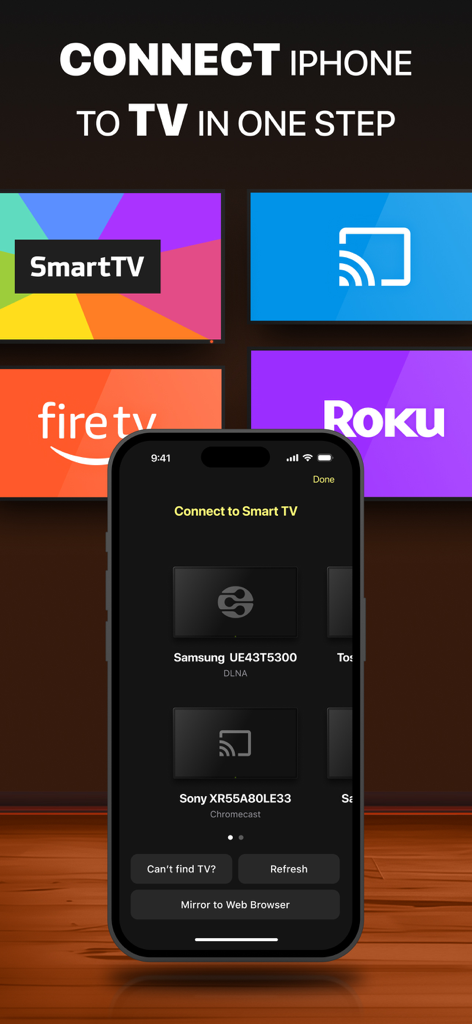
iPhone上のDoCastアプリのインターフェース。画面ミラーリング用に利用可能なスマートTVデバイスが表示されています。

iPhone上のDoCastアプリのインターフェース。画面ミラーリング用に利用可能なスマートTVデバイスが表示されています。

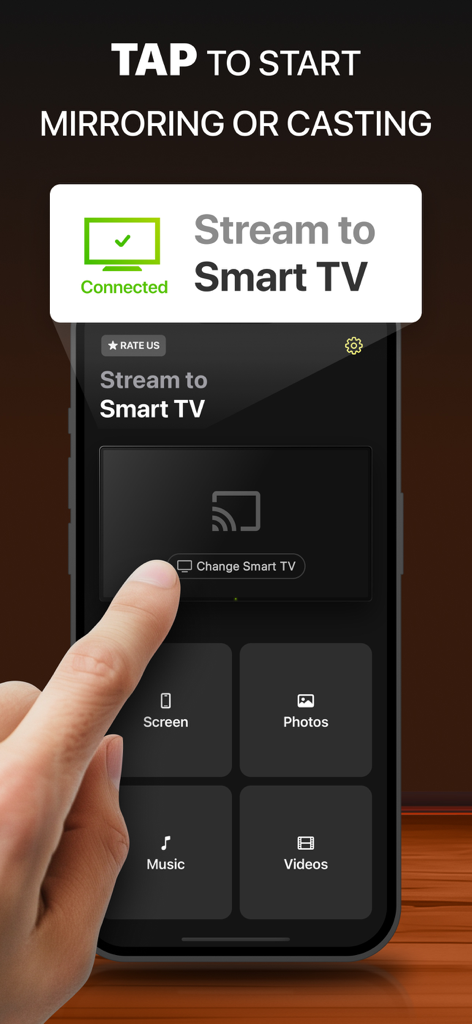
iPhone上のDoCastアプリのインターフェース。接続されたスマートTVへの画面ミラーリングとメディアキャストのオプションが表示されています。

iPhone上のDoCastアプリのインターフェース。接続されたスマートTVへの画面ミラーリングとメディアキャストのオプションが表示されています。

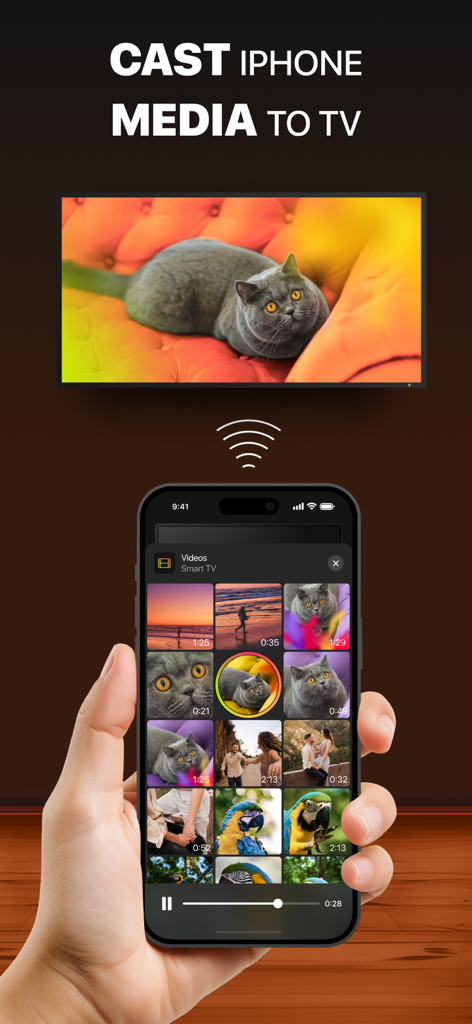
スマートTVに猫の動画をキャストしているiPhone

スマートTVに猫の動画をキャストしているiPhone

iPhoneとテレビの間のギャップを埋める

このアプリを際立たせるツール、 563K+ 人のユーザーが選択.

📺

あらゆる画面に対応する1つのアプリ

Roku、Fire TV、Chromecast、主要なスマートTVにシームレスに接続します。ブランドに関係なく、DoCastはiPhoneと家庭用ハードウェアの間のギャップを埋めます。

リアルタイム画面ミラーリング

ソーシャルメディアの閲覧、プレゼンテーション、またはアプリの共有のために、1秒未満の遅延を維持する高性能接続で超低遅延ミラーリングをお楽しみください。

📸

思い出を即座にキャスト

フォトライブラリに命を吹き込みましょう。お気に入りの家族写真やホームビデオを、電話を回し合うことなく、部屋の中心に直接ストリーミングします。

世界中のユーザーに愛されています

Trusted by 563K+ 人がこのアプリを愛用しています.

"

"ついに、iPhoneをRokuにドラマなしで接続できるアプリが登場しました!週末ごとに、子供たちのサッカーの試合のビデオをおじいちゃんやおばあちゃんに見せるために使っています。画質は非常にクリアで、遅延はほとんどありません。部屋の皆に見せるために小さな電話を回し合うよりもずっと良いです。"

Sarah Miller
"

"たくさんのミラーリングアプリを試しましたが、DoCastだけが本当にシームレスだと感じます。ガレージにあるSamsung TVにワークアウトルーチンをキャストするために使用していますが、問題なく動作します。セットアップは信じられないほど速く、幅広い互換性があるため、ブランドに関係なく、家中のすべての画面で使用できます。"

David Lawrence

アプリについて

について知っておくべきこと DoCast: Screen Mirroring to TV.

説明

DoCast is a great screen mirroring app for iPhone and iPad that allows you to mirror screen to any Smart TV in high quality with no delay. Seamlessly mirror, connect iPhone to Smart TV, and easily stream any media content, whether it's music, videos, or photos. How to screen mirror iPhone to Smart TV: 1. Open DoCast and select your device from the list of available. 2. Press the "Screen" button on the main screen of DoCast to start screen mirroring. 3. Configure the settings with which mirroring will occur and tap the "Start mirroring" button. 4. Tap the "Stop mirroring" button on the DoCast screen to stop screen mirroring. If you want to cast from iPhone to TV, simply tap the corresponding button - Videos, Photos, or Music - on the main screen of DoCast, and choose the content you want to stream. Note: While streaming/mirroring, make sure that your iPhone/iPad is connected to the same router and Wi-Fi network as the cast device. Key Features of DoCast: - Screen share iPhone to TV with exceptional picture quality, and extend your experience by casting iPhone to any Smart TV or streaming device. - Take control of your viewing experience with adjustable video quality settings and auto-rotation, ensuring everything looks just right. - Enjoy low-latency screen mirroring with delays lower than one second when on a robust Wi-Fi connection, providing real-time interaction. - Cast iPhone to TV, stream unlimited photos for free from your device's library, and enjoy your favorite videos and music on your Smart TV or speakers. Note: The screen mirroring feature is available only in the paid version of the app. In the free version of DoCast, there are no limits for photo casting, music sessions last up to 15 minutes, and video sessions are limited to 3 minutes. Broad Compatibility: DoCast seamlessly connects your iPhone or iPad to a variety of devices, including: Smart TVs: Samsung TV, LG TV, Sony TV, Hisense TV, Panasonic TV, and other DLNA-enabled TVs. Roku Devices: Roku Streaming Players and Roku TVs (TCL, Hisense, Sharp, Philips, etc.) Chromecast Family: All generations, including TVs with Chromecast built-in (Sony, Vizio, Hisense, Sharp) and Google TV Streamer. Fire TV devices: TVs with in-built Fire TV, including Insignia, Toshiba, and Amazon Fire TV Smart TVs. Other Devices: Xiaomi Mi Box, Nvidia Shield TV, and other Android TV boxes. Terms of Use and Privacy Policy: https://www.electronic.us/company/policies/docast/ Disclaimer: This app is not affiliated with Google, Amazon, Roku, or any other trademarks mentioned. Note: Screen Mirroring iPhone to TV with DoCast won't work for copyrighted content from platforms such as Apple TV+, Apple Fitness+, Netflix, Amazon Prime, and more due to streaming service restrictions. Also, the app will see available Apple Music tracks, but won’t be able to play some of them due to DRM protection or if they're in the cloud. These are the limitations of services, not the DoCast app.

最新バージョン

5.5

サイズ

47.0 MB

リリース日

2023年6月1日

大画面を見る準備はできましたか?

50万人以上のユーザーに加わり、iPhoneとあらゆるスマートTVの間のギャップを埋めましょう。今すぐDoCastをダウンロードして、数秒で高品質、遅延のないミラーリングを体験してください。

ダウンロード: App Store
FAQ

よくある質問

について知っておくべきこと DoCast: Screen Mirroring to TV

DoCast: Screen Mirroring to TV とは何ですか?

DoCastはiPhoneとiPad用のスクリーンミラーリングアプリです。デバイスの画面を任意のスマートTVにミラーリングしたり、音楽、ビデオ、写真などのメディアコンテンツを高画質・低遅延でストリーミングしたりできます。

DoCast を使用して iPhone をスマート TV にスクリーンミラーリングするにはどうすればよいですか?

まず、DoCast を開き、TV を選択します。次に、「Screen」ボタンを押し、設定を構成してから「Start mirroring」をタップします。セッションを終了するには、アプリ画面で「Stop mirroring」をタップします。

DoCast は Samsung スマート TV で動作しますか?

はい、DoCast は Samsung スマート TV と互換性があります。このアプリは、Samsung、LG、Sony、Hisense、Panasonic、その他の DLNA 対応 TV を含む、幅広いスマート TV をサポートしています。

DoCast で写真や動画を無料でキャストできますか?

はい、DoCast では無料かつ無制限の写真キャストが可能です。無料版では、ビデオセッションは 3 分、音楽セッションは 15 分に制限されています。スクリーンミラーリングには有料版が必要です。

DoCast アプリと互換性のあるデバイスは何ですか?

DoCast は、スマート TV(Samsung、LG、Sony)、Roku、Chromecast、Fire TV デバイス、Xiaomi Mi Box、Nvidia Shield TV、その他の Android TV ボックスに接続します。

DoCast は Netflix などのサービスからの著作権で保護されたコンテンツのストリーミングをサポートしていますか?

いいえ、DoCast は Netflix、Apple TV+、Amazon Prime などのプラットフォームからの著作権で保護されたコンテンツのストリーミングをサポートしていません。これらの制限は、アプリ自体によるものではなく、ストリーミングサービスによるものです。

DoCast の無料版でスクリーンミラーリングは利用できますか?

いいえ、DoCast のスクリーンミラーリング機能は、アプリの有料版でのみ利用できます。無料版では、写真、音楽、ビデオのキャストが制限されています。

DoCast を使用したスクリーンミラーリングの遅延はどのくらいですか?

DoCast は低遅延のスクリーンミラーリングを提供します。堅牢な Wi-Fi 接続を使用している場合、遅延は通常 1 秒未満であり、リアルタイムのインタラクションを保証します。

DoCast スクリーンミラーリングの接続を良好に保つにはどうすればよいですか?

最適なパフォーマンスを得るには、iPhone または iPad が、キャストデバイス(スマート TV またはストリーミングデバイス)と同じルーターおよび Wi-Fi ネットワークに接続されていることを確認してください。