Firestick Remote & Cast FireTV

Firestick Remote & Cast FireTV

ダウンロード: App Storeダウンロード: Google Play
Spark by MWM logo
ロゴ: Firestick Remote & Cast FireTV

Firestick Remote & Cast FireTV: iPhoneやiPadを大画面にミラーリング

お気に入りの写真、ビデオ、アプリをAmazon Fire TVで体験。あなたのiPhoneをスマートリモコンに変え、最高のミラーリングソリューションで高価なハードウェアの費用を節約しましょう。

開発元

AirBeamTV BV

カテゴリ

Photo & Video

ダウンロード

710K+

ユーザー評価

3.6/5

評価数

4K+

対応言語

17

大画面体験

このインターフェースを利用する 710K+ 人のユーザー.

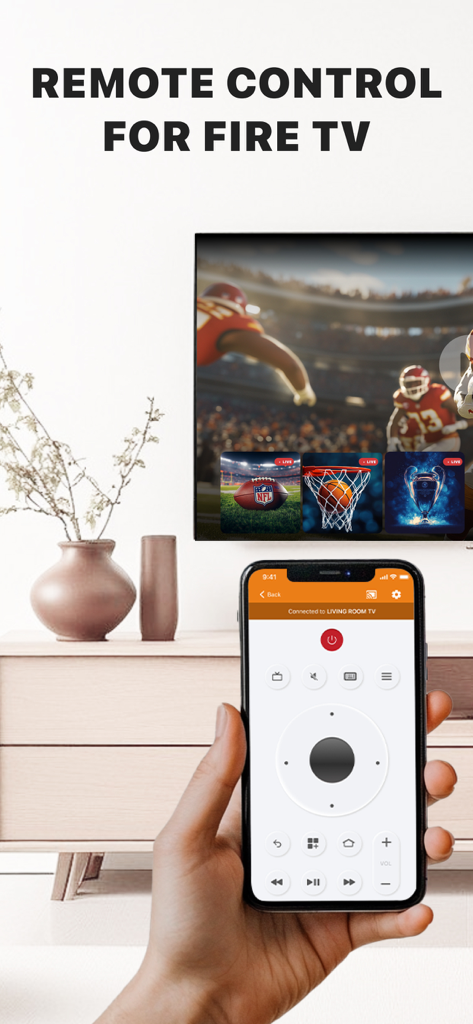
Amazon Fire TVのリモートコントロールインターフェースを表示するiPhoneを持つ手

Amazon Fire TVのリモートコントロールインターフェースを表示するiPhoneを持つ手

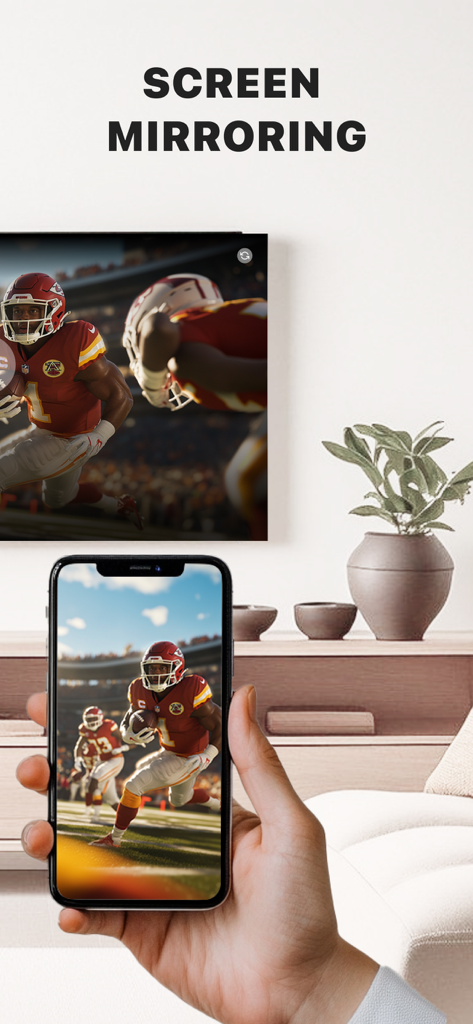
リビングルームで、iPhoneがFire TVの大画面にライブフットボールの試合をミラーリングしている様子を映した手。

リビングルームで、iPhoneがFire TVの大画面にライブフットボールの試合をミラーリングしている様子を映した手。

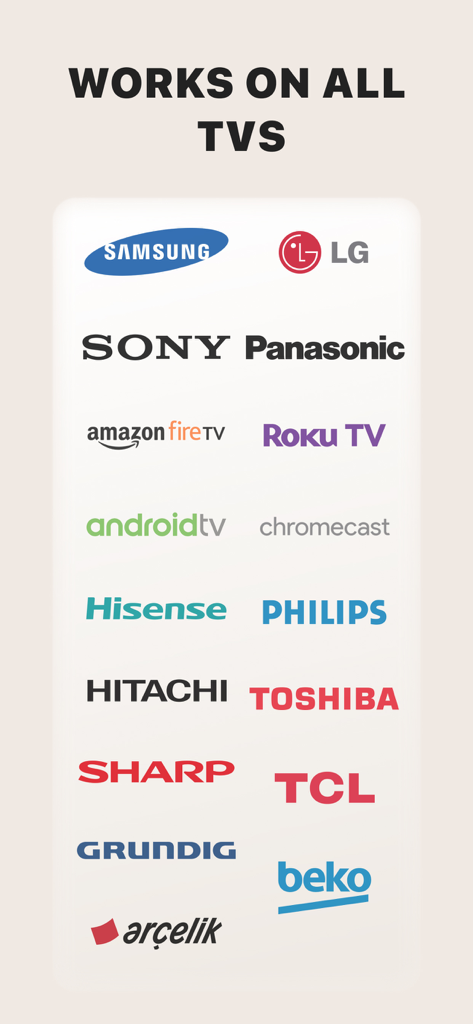
Firestick RemoteおよびCastアプリに対応するSamsung、LG、Sony、Amazon Fire TVを含むテレビブランドのロゴリスト

Firestick RemoteおよびCastアプリに対応するSamsung、LG、Sony、Amazon Fire TVを含むテレビブランドのロゴリスト

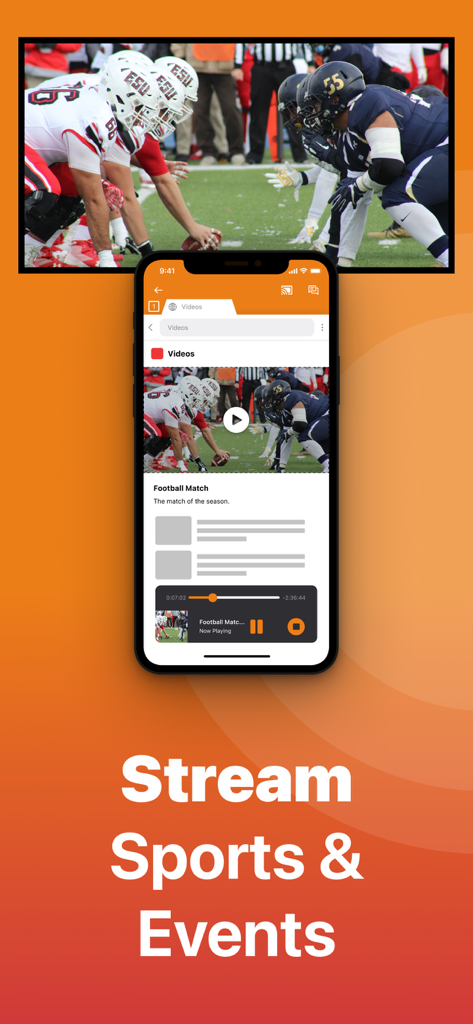
iPhoneアプリがテレビ画面にフットボールの試合をキャストしている様子

iPhoneアプリがテレビ画面にフットボールの試合をキャストしている様子

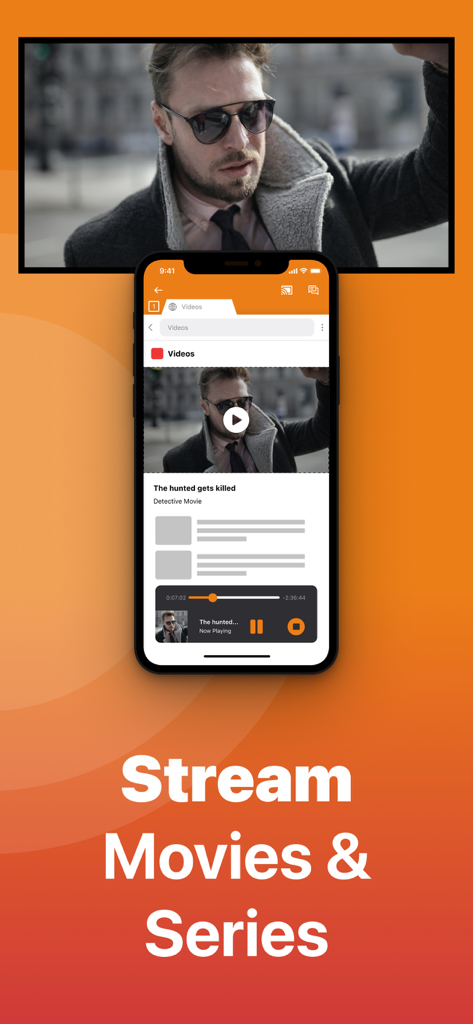
「Stream Movies and Series」というテキストとともに、iPhone画面がAmazon Fire TVに映画をキャストしている様子

「Stream Movies and Series」というテキストとともに、iPhone画面がAmazon Fire TVに映画をキャストしている様子

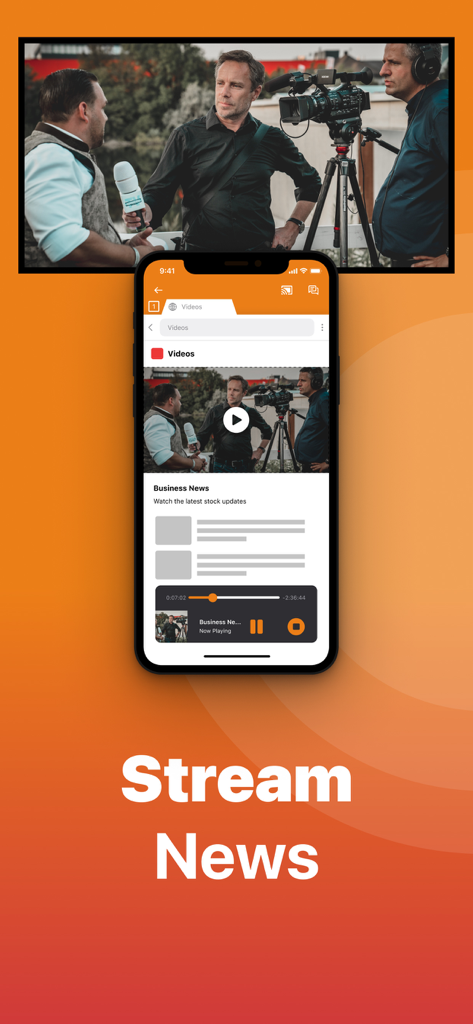
Firestick Remoteアプリを使用して、iPhoneがビジネスニュースビデオをテレビ画面にキャストしている様子

Firestick Remoteアプリを使用して、iPhoneがビジネスニュースビデオをテレビ画面にキャストしている様子

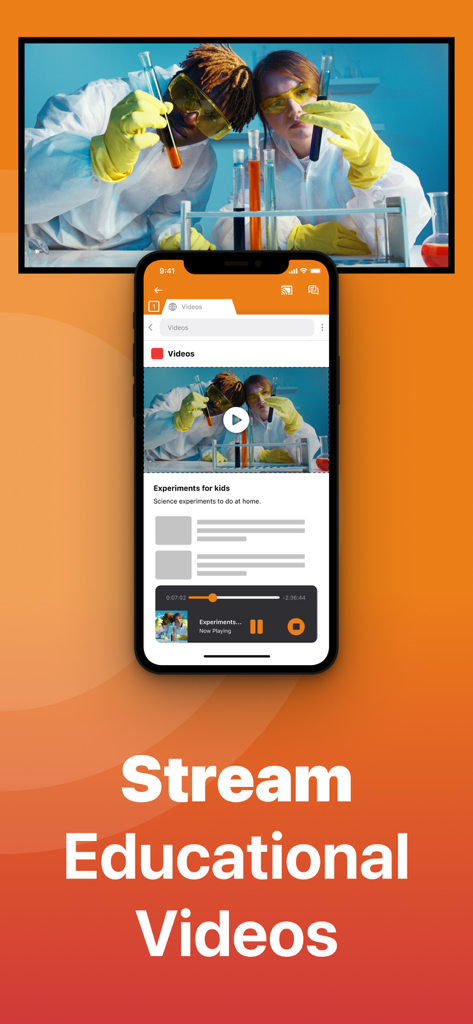
iPhone画面が教育科学ビデオを大画面テレビにキャストしている様子

iPhone画面が教育科学ビデオを大画面テレビにキャストしている様子

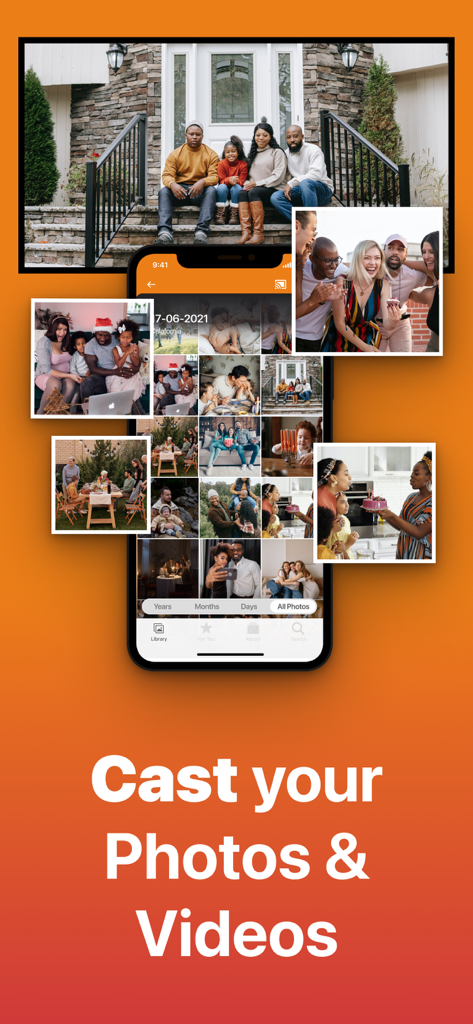
写真ライブラリを表示し、家族写真を大画面テレビにキャストしているiPhoneアプリのインターフェース

写真ライブラリを表示し、家族写真を大画面テレビにキャストしているiPhoneアプリのインターフェース

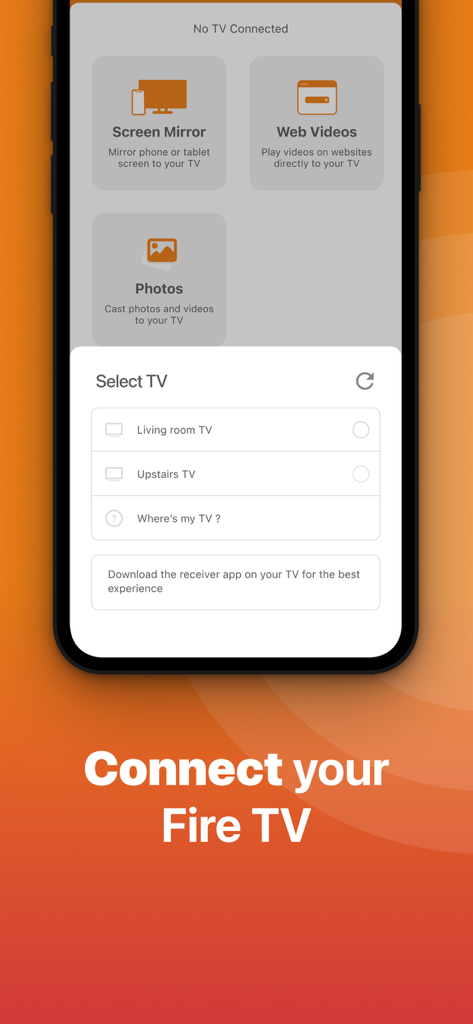
iPhoneをFire TVに接続するためのTV選択メニューを表示するFirestick Remoteアプリのインターフェース

iPhoneをFire TVに接続するためのTV選択メニューを表示するFirestick Remoteアプリのインターフェース

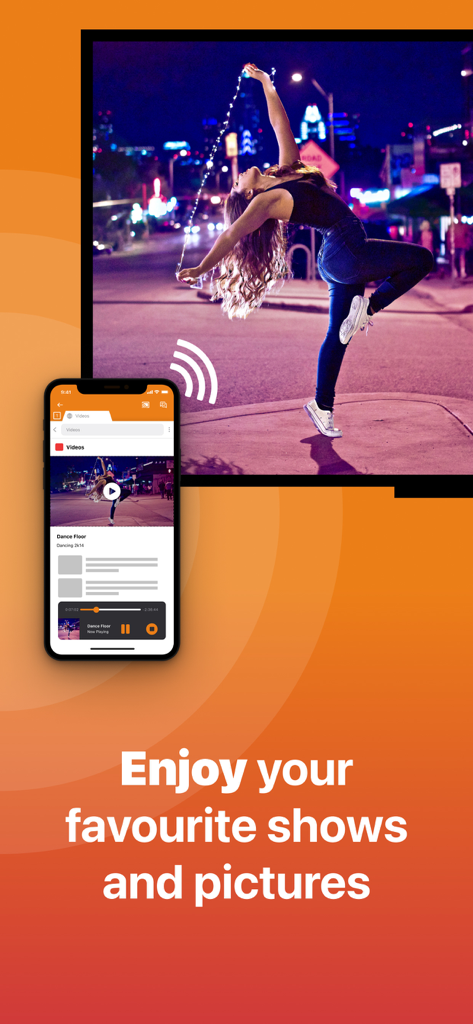
Firestick Remote and Castアプリを使用して、女性が踊るビデオを大画面テレビにミラーリングしているiPhone

Firestick Remote and Castアプリを使用して、女性が踊るビデオを大画面テレビにミラーリングしているiPhone

Fire TVのポテンシャルを最大限に引き出す

このアプリを際立たせるツール、 710K+ 人のユーザーが選択.

📺

インスタントスクリーンミラーリング

高価なApple TVがなくても、ウェブビデオ、ニュース、プレゼンテーションをiPhoneから大画面にストリーミングして目の疲れを解消しましょう。

⌨️

スマートキーボード&リモート

紛失したリモコンを探すのをやめましょう。iPhoneのネイティブキーボードを使って、以前よりも速く映画を検索したり、メニューを操作したりできます。

📸

写真&ビデオをキャスト

リビングルームをギャラリーに変えましょう。最新の旅行写真や高画質のホームビデオを、たった2クリックで家族や友人と共有できます。

世界中のユーザーに愛されています

Trusted by 710K+ 人がこのアプリを愛用しています.

"

"ソファの隙間に物理リモコンが何回も消えたか分かりません。このアプリは本当に命の恩人です!画面上の文字をクリックするよりも、iPhoneのキーボードを使って映画のタイトルを入力する方がはるかに速いです。Firestickに瞬時に接続され、毎回きちんと機能します。"

サラ・ミラー
"

"150ドルのApple TVを買わずに、旅行ビデオを大画面で表示する方法を探していました。このアプリは、カメラロールやブラウザからのウェブビデオのミラーリングに完璧に機能します。iPhoneとFire TVをつなぐ完璧な架け橋です。高解像度へのアップグレードは間違いなく価値があります。"

デビッド・トンプソン

アプリについて

について知っておくべきこと Firestick Remote & Cast FireTV.

説明

Get the #1 app for Fire TV and improve your home-entertainment experience today. Stop staring at a small screen. Prevent eyestrain and avoid high costs for expensive hardware. With this app you can make your life even more comfortable! Watch all the content from your iPhone and iPad on your Amazon Fire TV. Enjoy firestick remote & videos, series, news, photos, sport and documentaries on your television and stream them effortlessly from your iOS device. Get the most out of your Fire TV and improve your home-entertainment experience with just a few simple clicks. Before using this revolutionary screen mirroring app, visit the Amazon website and install the (free) Mirror Receiver for Fire TV: http://bit.ly/am-firetv When using the app there is a small delay of a few 1 to 2 seconds. This mirroring app is therefore not suitable for gaming. How the app works: 1. Make sure your iPhone or iPad is connected to the same local network as your Amazon Fire TV. Do not use multiple VLANs or subnets. 2. Launch the app. It will search for your Amazon Fire TV(s) on your local network. Select the TV as soon as it is found. 3. Enable notifications for this app. We use this to let you know if your TV is working correctly or not. 4. Click 'Start Mirroring' and start mirroring on the Fire TV. After that, you can just go to another app on your iPhone or iPad and the mirroring will continue as usual. 5. To stop mirroring, there are two options: A) Click on the red top bar you see on your iOS device. B) Go to the Mirror for Fire TV app and click on 'Stop Mirroring'. Limitations and potential issues: DRM; Some apps block screen mirroring. This means that application developers can choose whether to block screen mirroring. Netflix, HBO, Disney and Apple TV+ have decided to block this. Unfortunately, we cannot change this. There is a simple test to see if the app you want to mirror has blocked Screen Mirroring: 1) Open that particular app and slide up the Control Center on your iPhone/iPad. 2) Then click on 'Screen recording' and start recording the screen on your camera roll. 3) View the app you want to mirror and stop the screen recording at some point. 4) Then go to your Photos app and watch the video that was recorded. If the recorded video shows the app you want to mirror, it will work fine. If the video is blank, the app you want to mirror won't allow screen mirroring. You can purchase the Fire TV Remote Pro version through an in-app purchase. The Pro version has the following benefits: 1. Add audio to screen mirroring. 2. Free lifetime updates. 3. Higher screen resolutions, such as 720p and 1080p. Payment: * Payment will be charged to iTunes account at confirmation of purchase. * Subscription automatically renews unless auto-renew is turned off at least 24 hours before the end of the current period. * Account will be charged for renewal within 24 hours prior to the end of the current period and identify the cost of the renewal. * Subscriptions may be managed by the user and auto-renewal may be turned off by going to the user's Account Settings after purchase. * Any unused portion of a free trial, if offered, will be forfeited when the user purchases a subscription to that publication, if applicable. Our Terms of Use: http://bit.ly/ABTV-TOU21 Our privacy policy: https://www.airbeam.tv/privacy-policy/ About screen recording and privacy: Even though there are screen recording notifications, we don't record your screen. And, we don't send content to any server. We only temporarily store data in memory before streaming it to the TV. Streaming deletes the content from memory. Support: If you have any questions or want to provide feedback, please email us or chat with us on our Facebook page. Feedback: support@airbeam.tv Amazon, Fire TV, and all related marks are trademarks of Amazon.com, Inc. or its affiliates.

最新バージョン

6.1.19

サイズ

168.0 MB

リリース日

2018年1月3日

Fire TV体験を即座にアップグレード

スマホを凝視するのをやめ、大画面にミラーリングしましょう。71万人以上のユーザーが、iPhoneを究極のFirestickリモコン&キャスティングツールに変えています。

ダウンロード: App Storeダウンロード: Google Play