Grafio 4 - Diagram Maker

Grafio 4 - Diagram Maker

ダウンロード: App Store
Spark by MWM logo
ロゴ: Grafio 4 - Diagram Maker

Grafio 4 - 手描きのスケッチを瞬時にプロフェッショナルな図に

フローチャート、マインドマップ、技術スキーマに最適なツール。一度購入するだけで、サブスクリプションなしで図形認識の魔法を体験できます。

開発元

Ten Touch Ltd.

カテゴリ

Productivity

ダウンロード

403K+

ユーザー評価

4.3/5

評価数

4K+

対応言語

5

あなたの輝きを視覚化

このインターフェースを利用する 403K+ 人のユーザー.

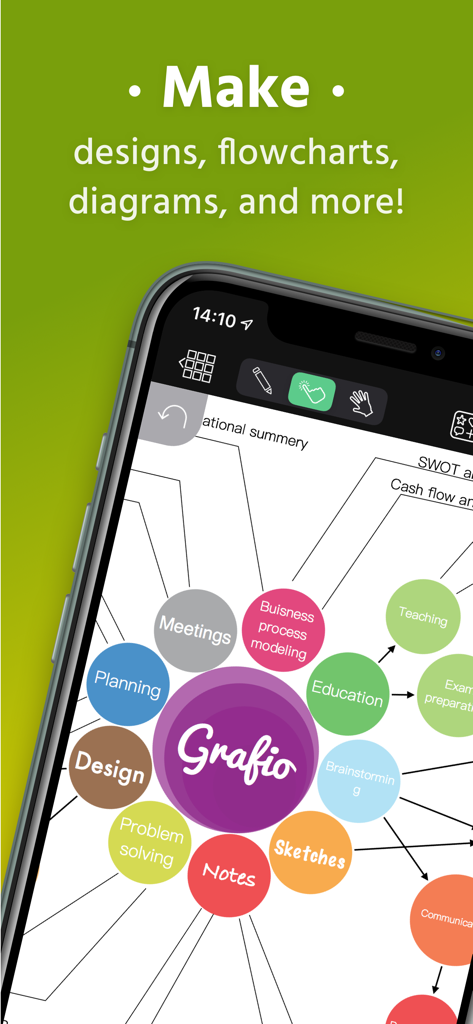
Grafio 4図作成アプリで作成された、様々なカテゴリを持つカラフルなマインドマップが表示された携帯電話の画面

Grafio 4図作成アプリで作成された、様々なカテゴリを持つカラフルなマインドマップが表示された携帯電話の画面

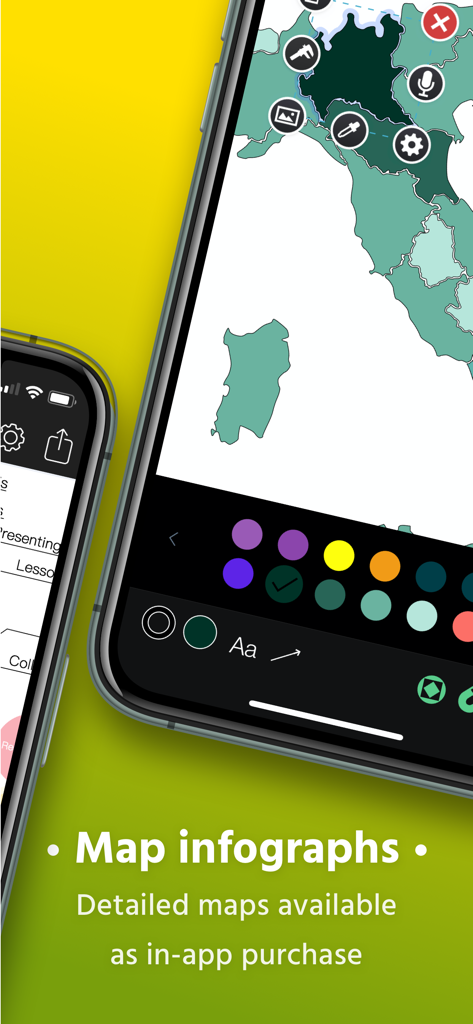
Grafio 4モバイルアプリのインターフェースを使用して地図インフォグラフィックを作成中

Grafio 4モバイルアプリのインターフェースを使用して地図インフォグラフィックを作成中

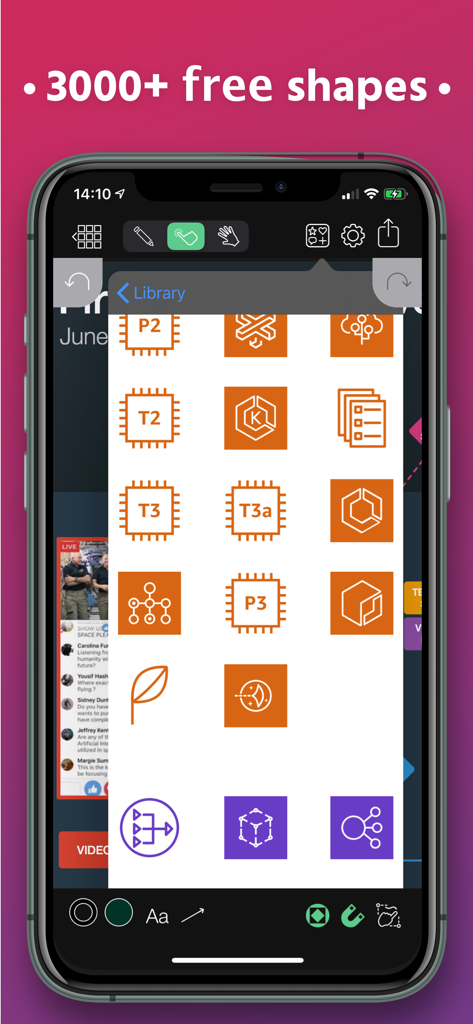
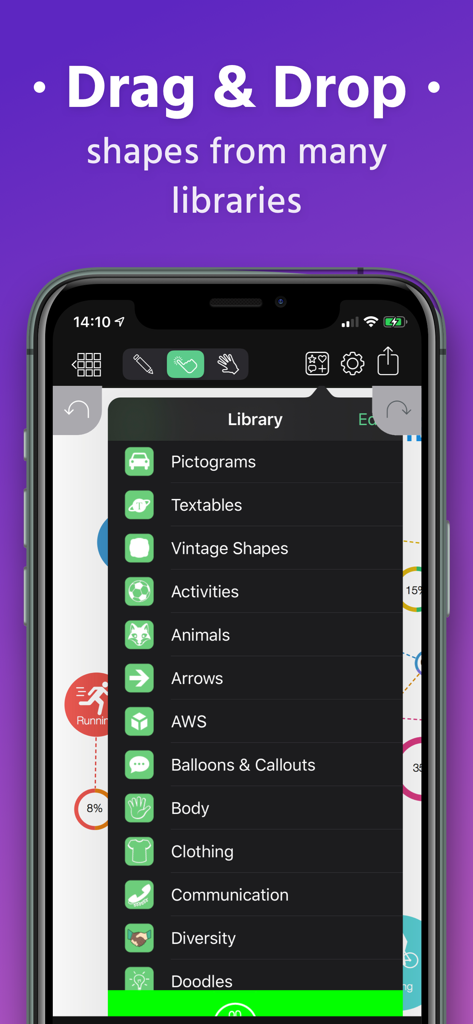
プロフェッショナルな図のための技術図形とステンシルのライブラリを表示するGrafio 4アプリのインターフェース

プロフェッショナルな図のための技術図形とステンシルのライブラリを表示するGrafio 4アプリのインターフェース

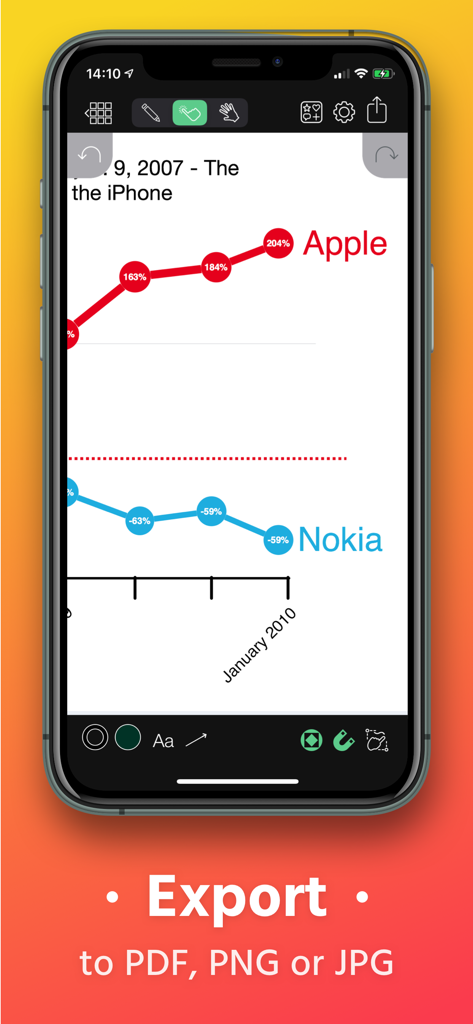
AppleとNokiaを比較する折れ線グラフをGrafio 4で表示し、PDF、PNG、JPGへのエクスポートオプションを表示

AppleとNokiaを比較する折れ線グラフをGrafio 4で表示し、PDF、PNG、JPGへのエクスポートオプションを表示

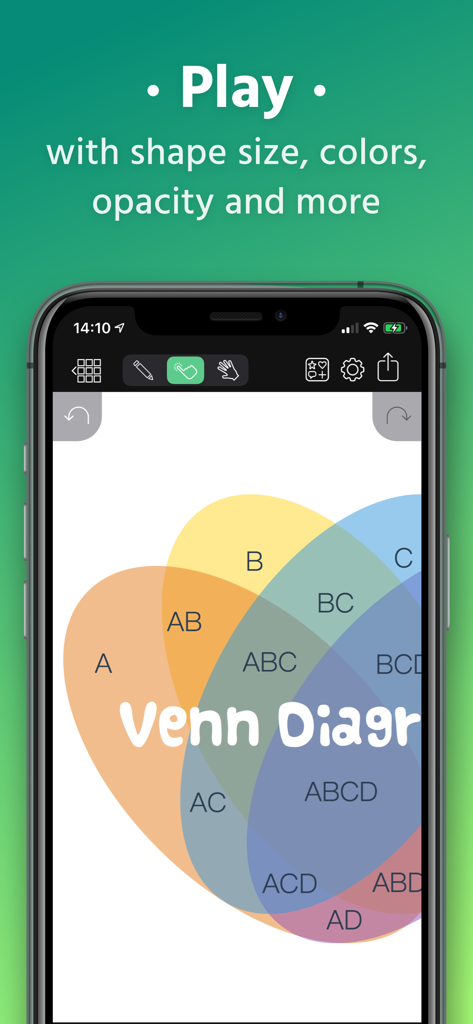
Grafio 4アプリで編集中の、重なり合った円とテキストラベルを持つカラフルなベン図

Grafio 4アプリで編集中の、重なり合った円とテキストラベルを持つカラフルなベン図

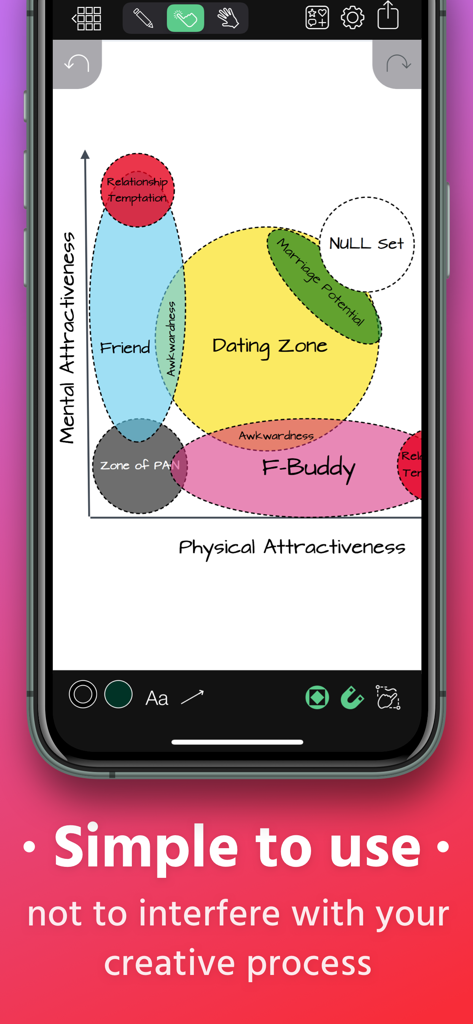
Grafio 4モバイルアプリのインターフェース。図形認識された手描きのベン図が表示されている

Grafio 4モバイルアプリのインターフェース。図形認識された手描きのベン図が表示されている

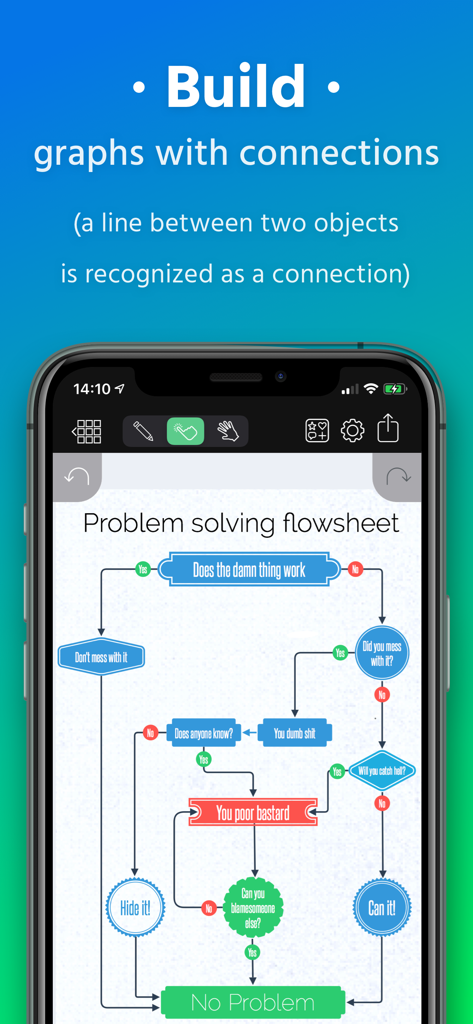
Grafio 4の自動図形接続で作成された複雑な問題解決フローシートを表示するスマートフォンの画面

Grafio 4の自動図形接続で作成された複雑な問題解決フローシートを表示するスマートフォンの画面

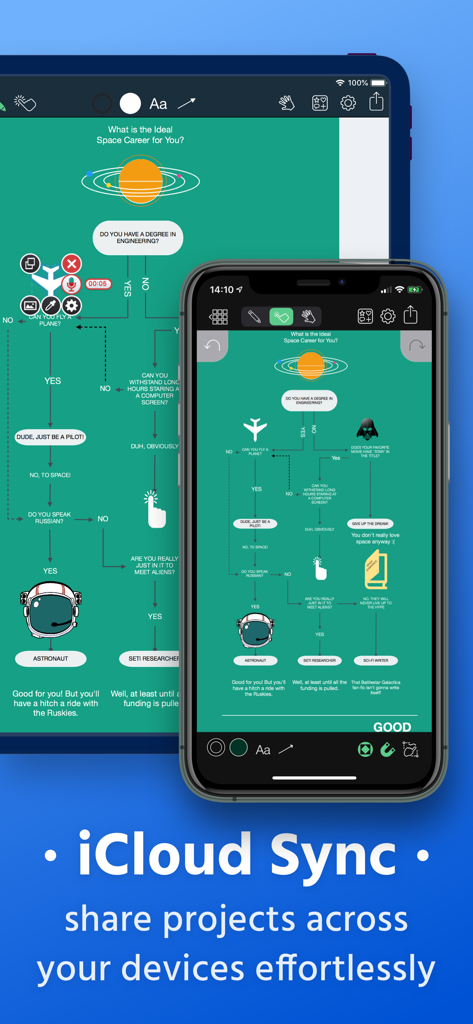
iPadとiPhoneデバイス間でiCloud同期を表示するGrafio 4図作成ツール

iPadとiPhoneデバイス間でiCloud同期を表示するGrafio 4図作成ツール

Grafio 4アプリの図形とステンシルの豊富なライブラリメニューを表示するスマートフォンの画面

Grafio 4アプリの図形とステンシルの豊富なライブラリメニューを表示するスマートフォンの画面

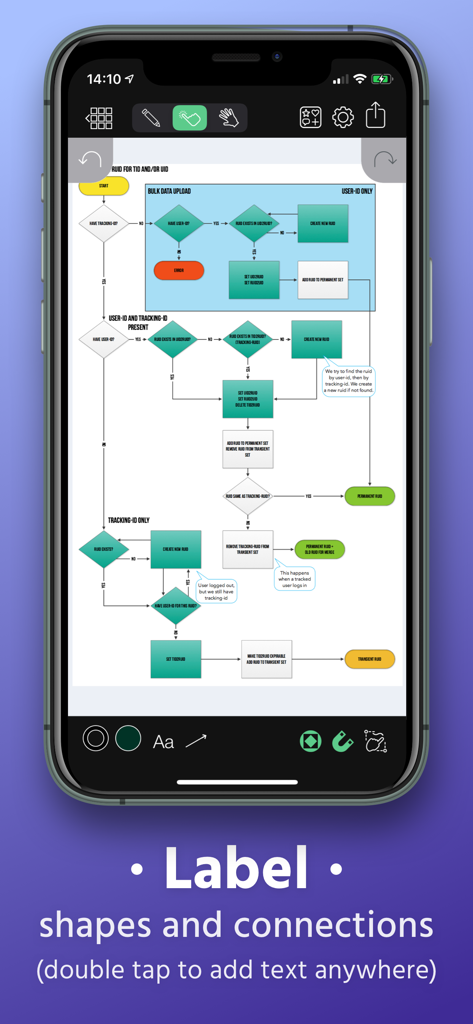
Grafio 4アプリのインターフェース。図形と接続にラベルを付けるオプションがある複雑なフローチャートを表示

Grafio 4アプリのインターフェース。図形と接続にラベルを付けるオプションがある複雑なフローチャートを表示

アイデアをプロフェッショナルな精度で視覚化

このアプリを際立たせるツール、 403K+ 人のユーザーが選択.

🪄

瞬時の図形認識

Apple Pencilで自然にスケッチすると、Grafioが手描きの線を自動的に洗練されたプロフェッショナルな図に変換します。

🏗️

豊富なプロステンシルライブラリ

AWS、UML、UXデザインの業界標準シンボル数千に即座にアクセスでき、複雑な技術ブループリントを数分で作成できます。

🎙️

マルチメディアビジュアルノート

オーディオ録音や埋め込み画像でフローチャートを強化し、図形だけでなくアイデアの完全なコンテキストを捉えることができます。

世界中のユーザーに愛されています

Trusted by 403K+ 人がこのアプリを愛用しています.

"

"ついに、毎月の料金で私を困らせない図作成ツールが登場しました!iPad ProでGrafioを使って、クライアントとの電話中に複雑なAWSアーキテクチャをスケッチしています。図形認識は魔法のようで、ぐちゃぐちゃの手描きスケッチを数秒でプロレベルの図に変換できます。長年、信頼性が高く非常に効率的なので、こればかり使っています。"

Marcus Thorne, Senior Solutions Architect
"

"私はビジュアルシンカーであり、Grafioは私の脳についていくことができる唯一のアプリです。新しいUXフローをマッピングしているときも、マインドマップをブレインストーミングしているときも、インターフェースは直感的でスムーズです。特に、形状に直接オーディオノートを録音して、その瞬間の思考を捉えられるのが気に入っています。ナプキンスケッチと洗練されたPDFをつなぐ完璧な架け橋です。"

Sarah Jenkins, Creative Project Lead

アプリについて

について知っておくべきこと Grafio 4 - Diagram Maker.

説明

Grafio turns 10. It's been around for a decade already - polished, efficient and with more features than ever before. Grafio is not a tool for professionals only. Its smooth learning curve allows everyone to convey their ideas visually and with ease. Hundreds of thousands use Grafio worldwide, due to its simplicity and affordability. There are no ongoing subscription costs or upgrade charges. Once you purchase it, you have access to an ongoing number of libraries (shapes and symbols) and a multitude of new features with every update. Since Grafio was released 10 years ago, there have been 3 major upgrades, including dozens of new object libraries and a fresh new look to the layout. To begin, simply draw a rectangle, circle or an ellipse and see what makes drawing with Grafio so easy and fun.  Grafio can recognize and replace any of the shapes mentioned with a perfectly looking one for your diagram or schematic, ready to be used over and over. Drag and drop objects on the canvas for more complex diagrams. Make connections, add text labels and images. SHAPE RECOGNITION The shapes you draw are automatically closed and straightened, all basic shapes are instantly recognized. The lines you draw between shapes are automatically turned into connections thanks to our shape recognition magic. STENCILS Some diagrams require more advanced objects. Grafio provides thousands of shapes that you can easily drag in from the library. In addition, you can embed images from your Camera Roll into shapes and connect them to your other shapes. AUDIO RECORDINGS Recording audio notes to your shapes can be a way for you to collect your thoughts and include them in the finishing product, or as a reference. - Video tutorials on Grafio can be found on YouTube: http://bit.ly/grafiovideo +++ FEATURE SET +++ • Shape recognition - recognizes hand drawn basic shapes • Drag & drop shapes from many libraries • Insert, embed, or paste images • Precise drawing with Apple Pencil • Build diagrams and graphs through connections • Label shapes and connections • Select, move, rotate and scale everything (even scribbles) • Change size, color, opacity and other properties of your shapes • Have a favorite font? Import your font from popular websites • 10 Different connection types with adjustable radius • Precision toolbar for nudging, rotation and resizing • Flip, align and distribute shapes with a single tap • AirPlay and video output for presentations • Export to PDF, PNG or JPG • Record audio notes with each object • Export videos with how your design reaches the final product • iCloud and Files integration +++ THE POSSIBILITIES +++ • Make Designs • Take Visual Notes • Vector Sketches • Flowcharts and network diagrams • Any diagram type that has a name: ArchiMate, Audit, Block, Cabling, Data Flow, Electrical, Gantt, P&ID, Sankey, SDL, TQM, UML, Use Case, Venn, Wireframe, Workflow, etc. • Industrial Processes • Organizational Charts • Basic Charts and Graphs • Mind Mapping (Brainstorming Diagram) • Web Site Maps • Road Plans • Military operational and tactical plans and many more... +++ STENCILS +++ FREE: • Amazon Web Services (AWS) • Arrows • AV Connectors • Azure Services • Balloons & callouts • Basic Flowchart • Basic 2D & 3D Shapes • Doodles • Electrical symbols • Gantt Chart • Google Cloud Platform (GCP) • Hazard & GHS symbols • JoyPixels (formerly EmojiOne) • Kubernetes • Memes • NATO Joint Military Symbology (APP-6) • Pictograms • Piping & Instrumentation • Pneumatic & Hydraulic • Sankey Diagrams • Textables • UML Diagram • US Road Signs • Vintage shapes PAID: • FULL ACCESS - Get all libraries at a discount • Audit Diagram • BPMN • Concept Map • Cross-Functional Flowchart • Data Flow Diagram • ESL "Energese" • Event-driven process chain (EPC) • iOS UI Kit • Marketing Diagrams • Maps & Flags • Network Diagram • SDL Diagram • TQM Diagram • UX Flowchart cards (sitemap) • Venn Diagrams • Wireframe • Workflow Diagram

最新バージョン

4.3.28

サイズ

224.9 MB

リリース日

2010年7月30日

月額料金なしでプロのように図を作成

40万人以上のビジュアルシンカーが、スケッチを数秒でプロフェッショナルな図に変換しています。一度購入すれば、サブスクリプションなしで永続的に利用できます。

ダウンロード: App Store