OmniGraffle 3

OmniGraffle 3

ダウンロード: App Store
Spark by MWM logo
ロゴ: OmniGraffle 3

OmniGraffle 3:ビジュアルアーキテクトのためのプロフェッショナルなダイアグラム作成とデザイン

iPadとiPhoneを強力なワークステーションに。デスクトップ級のツールとシームレスなVisio互換性により、精密なワイヤーフレーム、複雑なシステムマップ、美しいグラフィックを作成できます。

ダウンロード: App Store

開発元

The Omni Group

カテゴリ

Graphics & Design

ダウンロード

467K+

ユーザー評価

2.9/5

評価数

400

対応言語

11

実践される精密さ

このインターフェースを利用する 467K+ 人のユーザー.

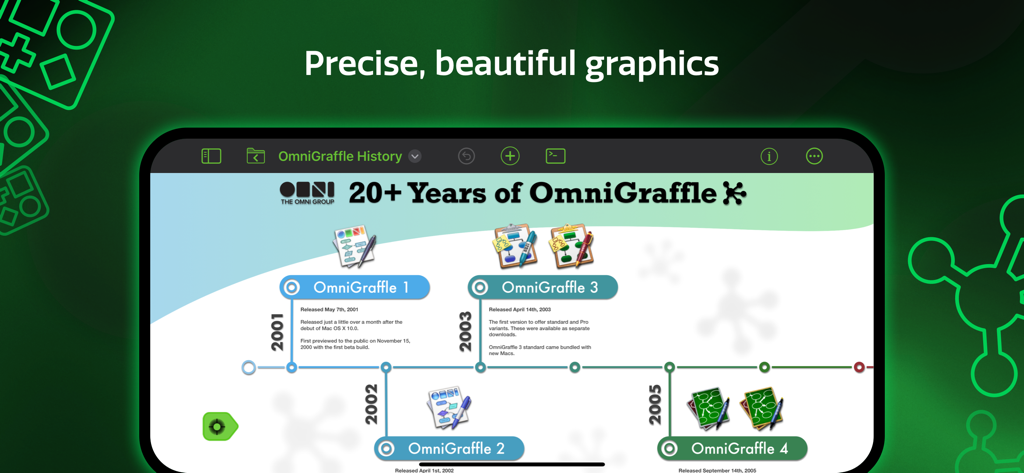
OmniGraffle 3で作成されたプロフェッショナルなタイムラインダイアグラムを表示しているiPadの画面

OmniGraffle 3で作成されたプロフェッショナルなタイムラインダイアグラムを表示しているiPadの画面

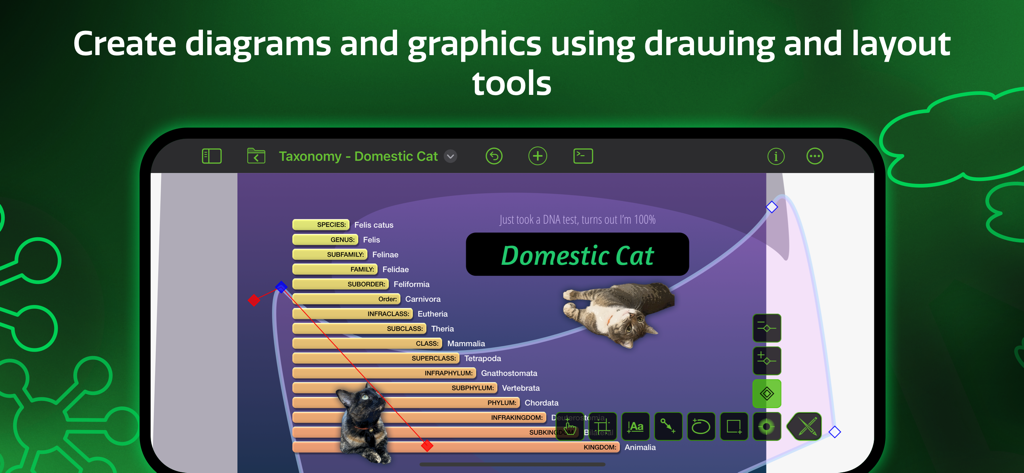
プロ仕様の描画・レイアウトツールを使用して作成されているイエネコの分類学ダイアグラムを表示するOmniGraffle 3のインターフェース

プロ仕様の描画・レイアウトツールを使用して作成されているイエネコの分類学ダイアグラムを表示するOmniGraffle 3のインターフェース

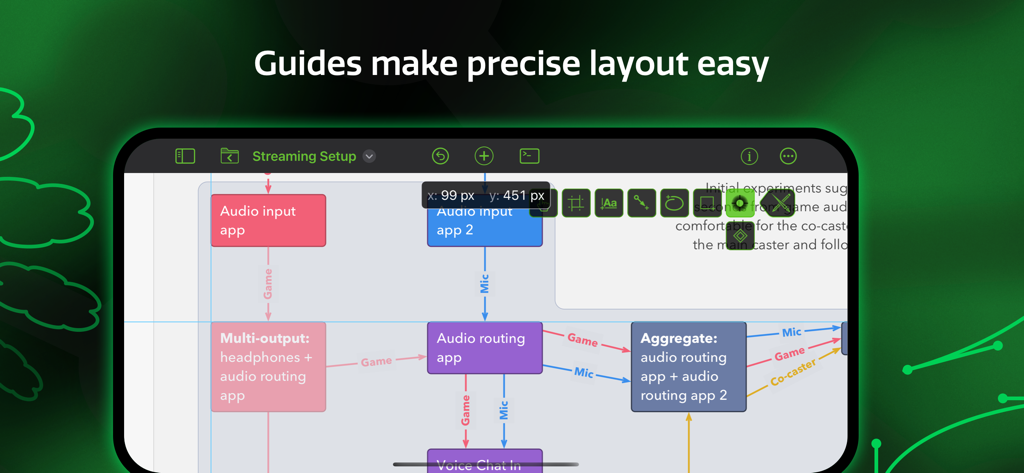
オブジェクトを正確に配置するためのスマートガイドを備えた複雑なダイアグラムを表示するOmniGraffle 3モバイルアプリのインターフェース

オブジェクトを正確に配置するためのスマートガイドを備えた複雑なダイアグラムを表示するOmniGraffle 3モバイルアプリのインターフェース

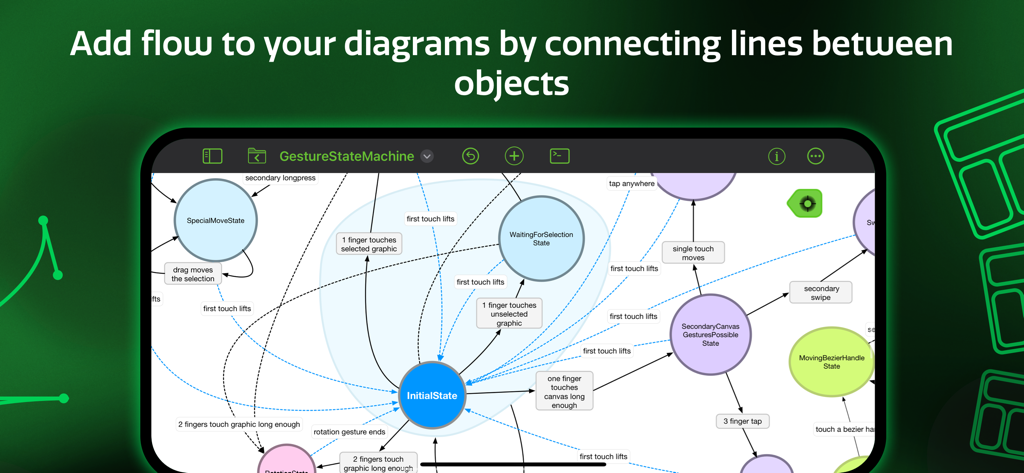
OmniGraffle 3アプリのインターフェースにおける、オブジェクト間のフローラインを伴うステートマシン図

OmniGraffle 3アプリのインターフェースにおける、オブジェクト間のフローラインを伴うステートマシン図

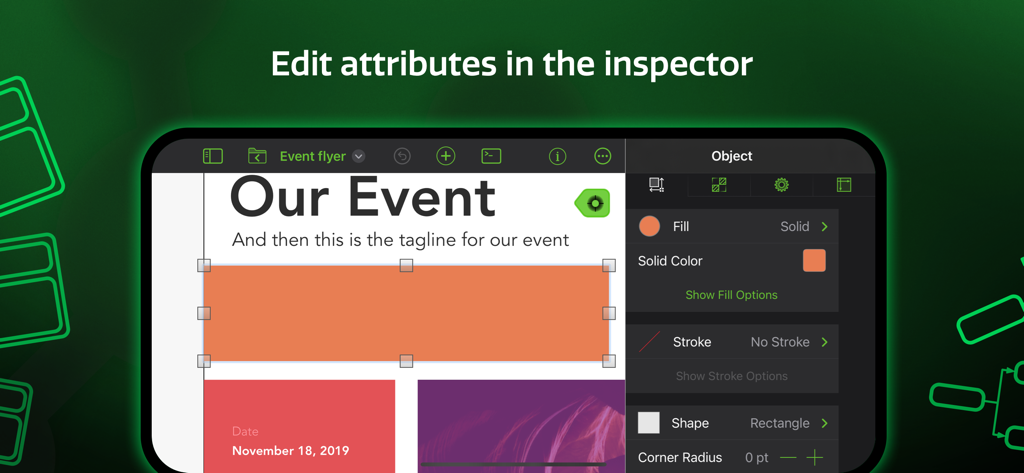
シェイプの塗りつぶしの色や線などの属性を編集するためのオブジェクトインスペクタを表示しているOmniGraffle 3アプリのスクリーンショット

シェイプの塗りつぶしの色や線などの属性を編集するためのオブジェクトインスペクタを表示しているOmniGraffle 3アプリのスクリーンショット

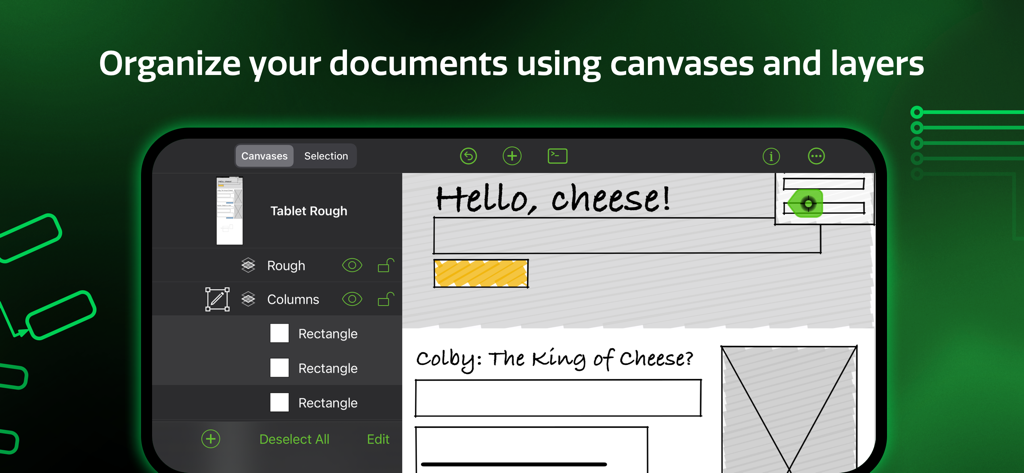
OmniGraffle 3アプリのインターフェースshowing document organization with canvases and layers

OmniGraffle 3アプリのインターフェースshowing document organization with canvases and layers

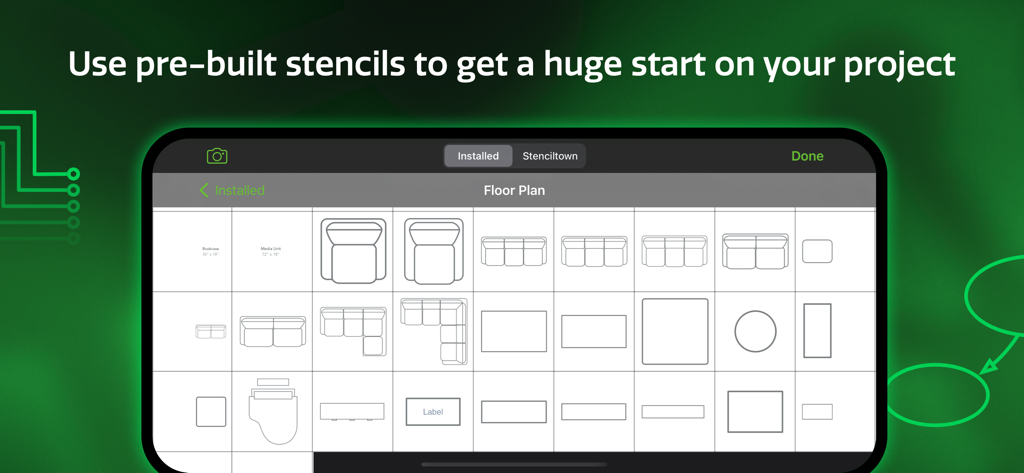
OmniGraffle 3モバイルアプリ内の間取り図ステンシルのライブラリ

OmniGraffle 3モバイルアプリ内の間取り図ステンシルのライブラリ

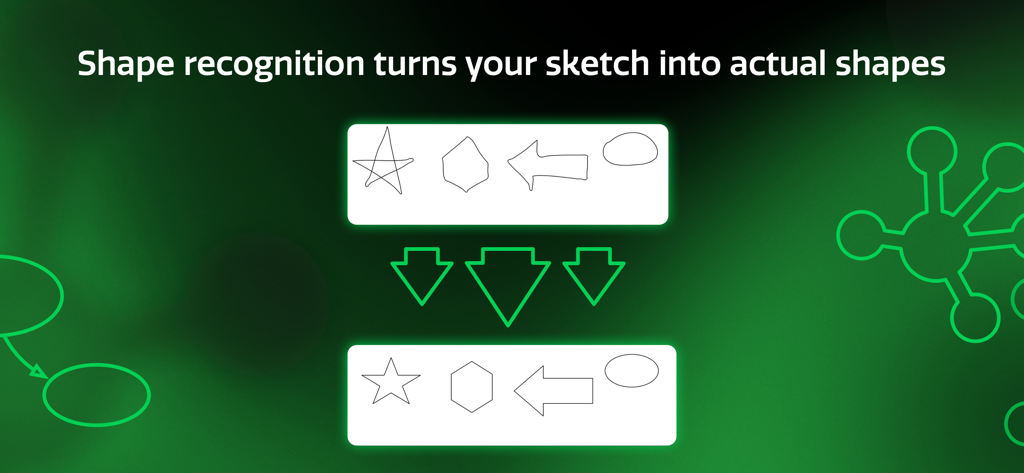
手描きのスケッチをきれいな幾何学的形状に変換するOmniGraffle 3の図形認識機能

手描きのスケッチをきれいな幾何学的形状に変換するOmniGraffle 3の図形認識機能

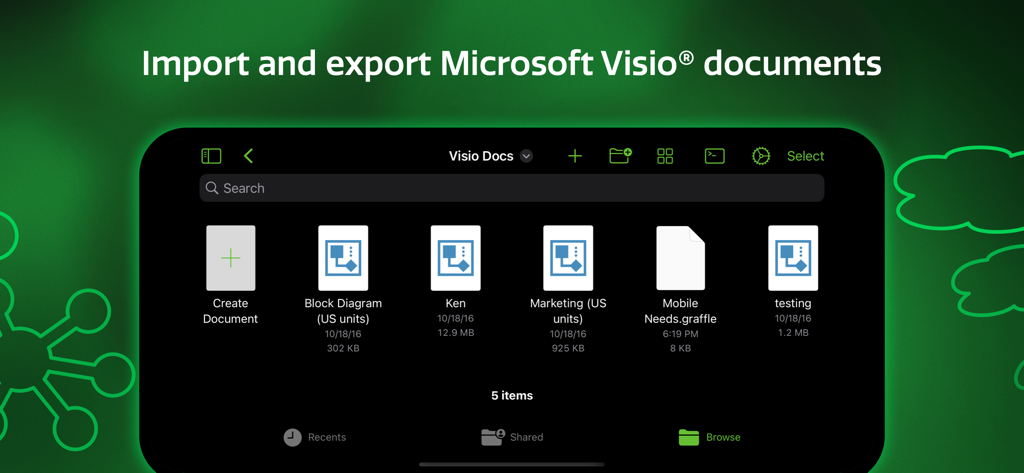
Microsoft Visioドキュメントのインポートおよびエクスポート機能を表示するOmniGraffle 3アプリのインターフェース

Microsoft Visioドキュメントのインポートおよびエクスポート機能を表示するOmniGraffle 3アプリのインターフェース

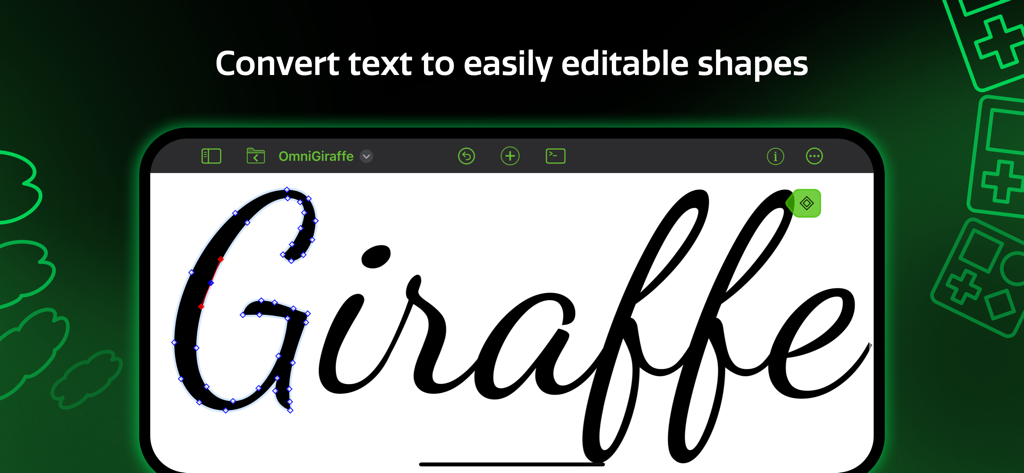
iPad上でテキストを編集可能なベクターシェイプに変換する方法を示すOmniGraffle 3アプリのインターフェース

iPad上でテキストを編集可能なベクターシェイプに変換する方法を示すOmniGraffle 3アプリのインターフェース

精密ツールで複雑なビジュアルを制御

このアプリを際立たせるツール、 467K+ 人のユーザーが選択.

🔄

シームレスなエンタープライズ同期

Visioのインポートとエクスポートにより、プロレベルのダイアグラムを常にチームで共有でき、プラットフォームを問わずに活用できます。

🏗️

精密なキャンバスとステンシル

Stenciltownを通じて、サーバーラックからピクセル単位で正確なUIモックアップまで、あらゆるものを構築するための数千の特化型アセットにアクセスできます。

デスクトップ級の自動化

クロスプラットフォームのJavaScript自動化と無限のキャンバスを活用し、複雑なエンジニアリングプロジェクトに合わせてワークフローを拡張できます。

世界中のユーザーに愛されています

Trusted by 467K+ 人がこのアプリを愛用しています.

"

"OmniGraffle 3は私のモバイルワークフローを完全に変えてくれました。UXデザイナーとして、iPad ProとApple Pencilだけで、大まかなホワイトボードのスケッチから洗練された高精度のワイヤーフレームへと移行できるのは驚異的です。直感的なタッチインターフェースと組み合わされたベクターツールの精密さは、デスクを離れているときに信頼できる唯一のプロ級デザインツールです。"

Marcus T.、シニアUXデザイナー
"

"ハイブリッドチーム全体で複雑なインフラ構成図を管理するのは以前は悩みの種でしたが、OmniGraffle 3がそれを解決してくれました。Visioのインポート/エクスポート機能は、企業間のコラボレーションにおいて救世主です。また、Stenciltownの検索可能なステンシルにより、サーバーラックやネットワークフローを数分でマッピングできます。システムアーキテクトにとって究極の生産性向上ツールです。"

Sarah L.、エンタープライズ・システムアーキテクト

レビュー分析

ユーザーレビューの分析.

感情スコア

23%
ネガティブ

概要

This mobile app receives predominantly negative feedback, particularly regarding its user experience and stability on iPad and iPhone. While some users appreciate its core capabilities and elegant UI (especially when compared to its Mac counterpart), the mobile versions are plagued by frequent crashes, unresponsiveness, and frustrating object manipulation that hinders productivity. Many also express strong dissatisfaction with the high pricing model, subscription requirements, and the lack of a proper free trial. Specific issues include a perceived decline in usability with Version 3 compared to earlier iterations, and a notable bug in the current version causing crashes on Cmd+Z.

主なテーマ

Pricing Model & Trial Experience(21)
Stability & Performance(18)
Usability & UI Issues(16)
Desktop Version Comparison(10)
Missing & Outdated Features(6)
Core Functionality(4)
Account Creation Process(4)

アプリについて

について知っておくべきこと OmniGraffle 3.

説明

Design, create, sketch, and diagram. An incredibly powerful app for both beginners and professionals. Start the 2-week trial now. Create quick, beautiful, and portable charts, graphics, designs, mockups, and more. Use your iPad and iPhone screen as your paper, canvas, and whiteboard—all in one. It comes with thousands of searchable objects via Stenciltown, like server racks, space planning stencils, iconography, and more. OmniGraffle provides a thoughtful, professional interface for creating everything from basic wireframes to polished interface sketches, tools to construct SVG graphics for your next website, or designing the layout for your next hundred-server project. A thoughtful sketch or professional diagram communicates far better than words. When you need a clear understanding of how information needs to be presented or how processes are carried out, OmniGraffle 3 for iOS is the tool to help you organize your thoughts visually, document them beautifully, and communicate them to the world. OmniGraffle 3 has features and functionality you won’t find anywhere else, and it behaves exactly how you’d expect an iPad and iPhone app should with multitouch gestures, Share Sheet integration, and more. NEW IN 3: - Redesigned interface to make common tasks readily available. - Canvas Size Modes: choose between Fixed, Flexible, or Infinite. - Cross-Platform Automation with JavaScript - SVG Import - Unified Sidebar List of Canvases, Layers, and Objects - Group Visibility - Artboards and Artboard Layers (PRO) - App Lock - Hot Keys for Tools - Convert Text to Shape (PRO) - Zoom to Object, Scroll to Selection PRO features (in-app purchase): - Visio Import and Export - Blending Modes & Fill Effects - Artboards and Artboard Layers - Shared Layers - Shape Combinations - Shape Tables - Automation Plug-Ins and Actions STANDARD features (in-app purchase) include: - Layers - Grids - Automatic Layout - Unit Scaling - Shape Recognition - Bézier Lines & Shapes - Point Editing - Full Screen Split View - Smart Guides - Free Stencils via Stenciltown.com — search and download on the web or in the app - OmniOutliner Import & Export - Freehand Sketch - Automatic Diagram Layout - Create Multi-Page (canvas) documents - Share pages quickly with PNG, PDF Export - Wrap text within custom shapes - Quickly change a shape’s style with the Style Inspector - Save Documents to Photos Subscription Terms of Service: https://www.omnigroup.com/legal

最新バージョン

3.22

サイズ

177.7 MB

リリース日

2017年7月12日

プロ仕様のダイアグラム作成でワークフローを極める

iPadを精密なワークステーションに変えましょう。今すぐ2週間の無料トライアルを開始して、複雑なアイデアを簡単に視覚化している467,000人以上のプロフェッショナルの仲間に加わりましょう。

ダウンロード: App Store