MirrorMeister Screen Mirroring

MirrorMeister Screen Mirroring

ダウンロード: App Store
Spark by MWM logo
ロゴ: MirrorMeister Screen Mirroring
MirrorMeister画面ミラーリング:iPhoneをあらゆるスマートTVにワイヤレスキャスト

散らかったケーブルや高価なアダプターはもう不要。写真、動画、スポーツ、ソーシャルメディアなどをiPhoneやiPadから大画面に簡単にストリーミングし、より快適な視聴体験をお楽しみください。

ダウンロード: App Store

開発元

MeisterApps BV

カテゴリ

Photo & Video

ダウンロード

2M+

ユーザー評価

4.5/5

評価数

23K+

対応言語

17

大画面の至福

このインターフェースを利用する 2M+ 人のユーザー.

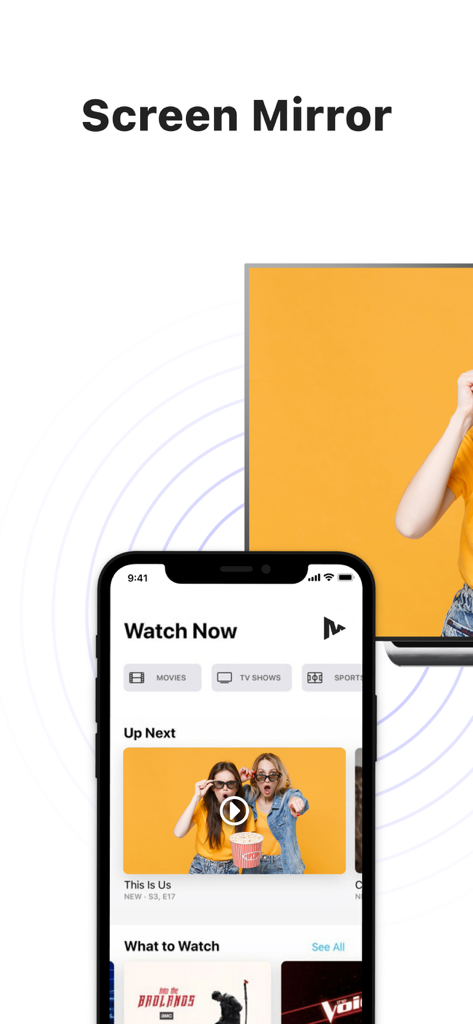
iPhoneがビデオコンテンツを表示し、大画面のスマートTVにワイヤレスでミラーリングされている様子

iPhoneがビデオコンテンツを表示し、大画面のスマートTVにワイヤレスでミラーリングされている様子

MirrorMeisterアプリのスクリーンショット。ダウンロードマイルストーンと共にスマートTVへのワイヤレス画面ミラーリングを表示

MirrorMeisterアプリのスクリーンショット。ダウンロードマイルストーンと共にスマートTVへのワイヤレス画面ミラーリングを表示

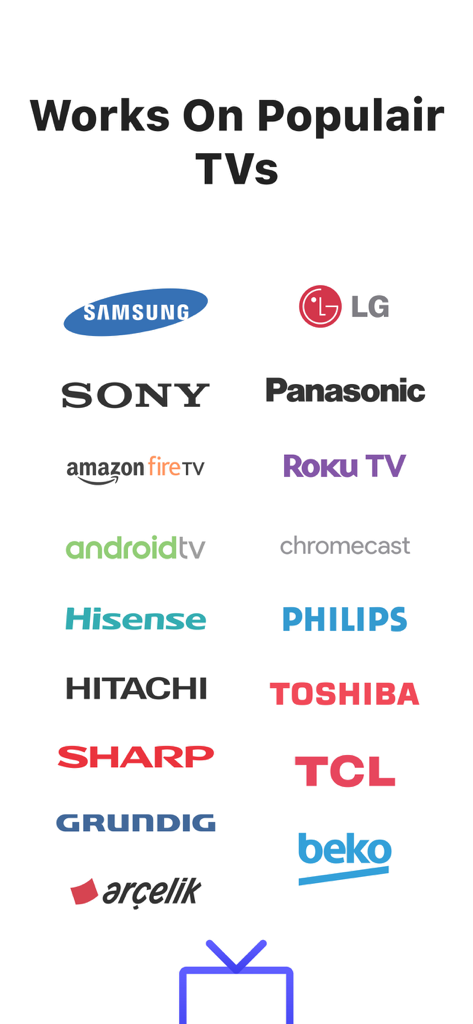
Samsung、LG、Sony、Roku TVなどのMirrorMeister画面ミラーリングアプリがサポートする人気TVブランドのロゴ

Samsung、LG、Sony、Roku TVなどのMirrorMeister画面ミラーリングアプリがサポートする人気TVブランドのロゴ

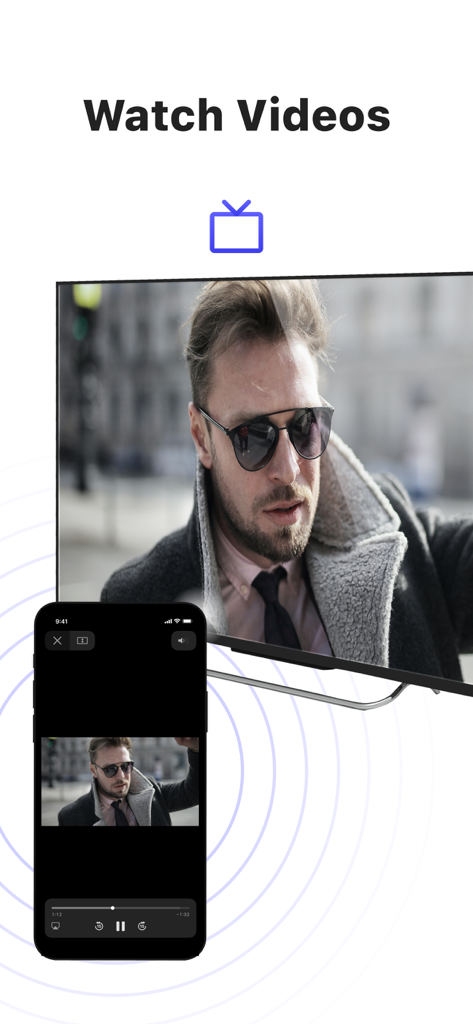
MirrorMeisterアプリを使用して、男性のビデオをミラーリングしているiPhone画面が、大画面のスマートTVに表示されている様子

MirrorMeisterアプリを使用して、男性のビデオをミラーリングしているiPhone画面が、大画面のスマートTVに表示されている様子

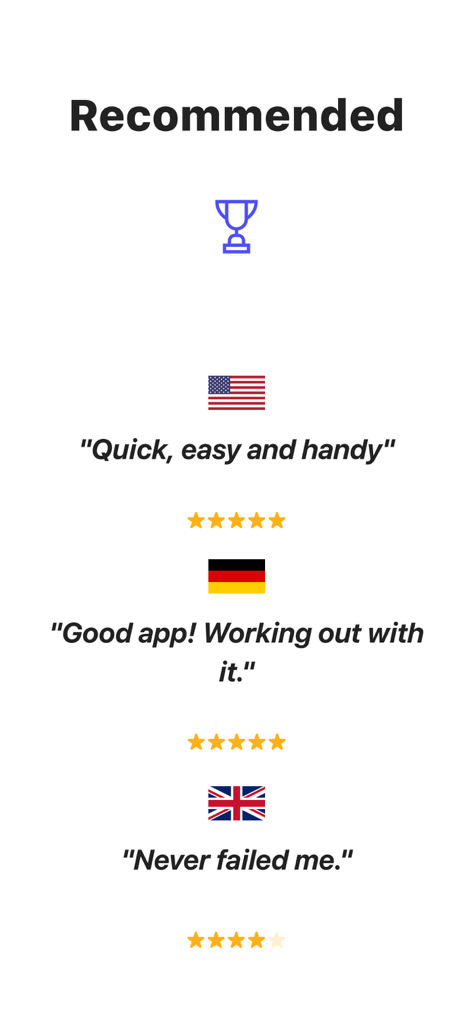
米国、ドイツ、英国からのMirrorMeister画面ミラーリングアプリのユーザーレビューと星評価

米国、ドイツ、英国からのMirrorMeister画面ミラーリングアプリのユーザーレビューと星評価

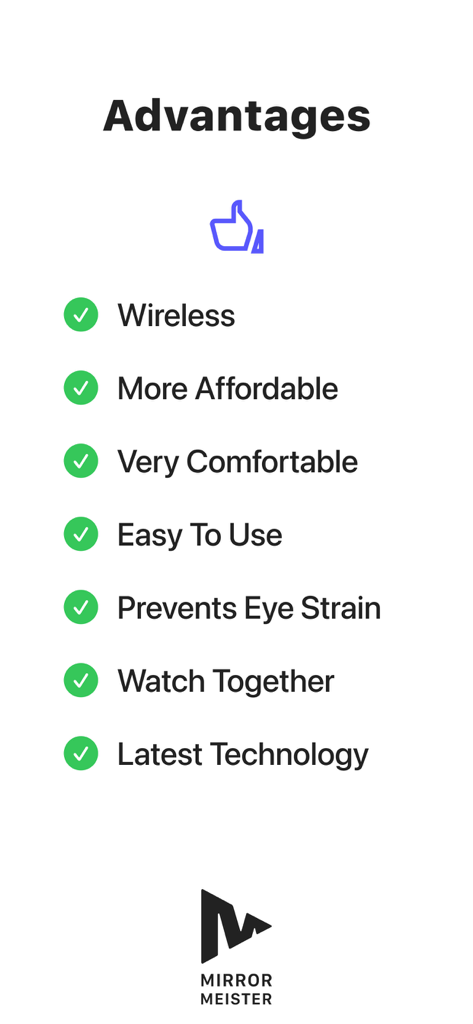
ワイヤレス接続や目の疲れ防止など、MirrorMeisterアプリを使用する利点リスト

ワイヤレス接続や目の疲れ防止など、MirrorMeisterアプリを使用する利点リスト

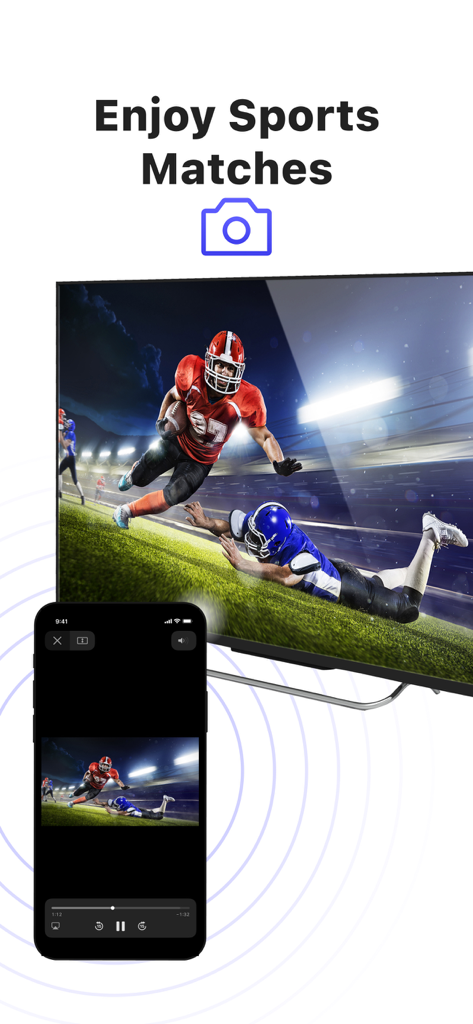
大画面のスマートTVにアメリカンフットボールの試合をミラーリングしているiPhone画面

大画面のスマートTVにアメリカンフットボールの試合をミラーリングしているiPhone画面

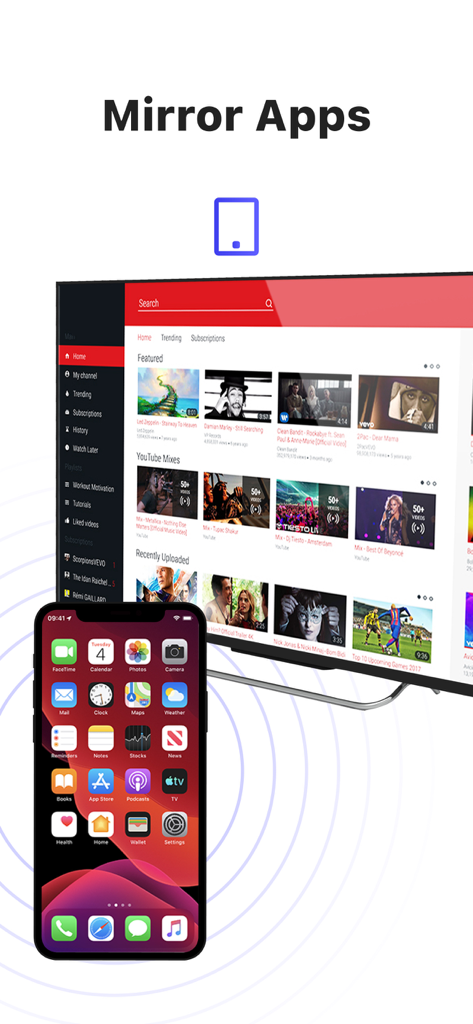
ビデオコンテンツが表示された大画面のスマートTVに、iPhoneの画面をワイヤレスでミラーリングしている様子

ビデオコンテンツが表示された大画面のスマートTVに、iPhoneの画面をワイヤレスでミラーリングしている様子

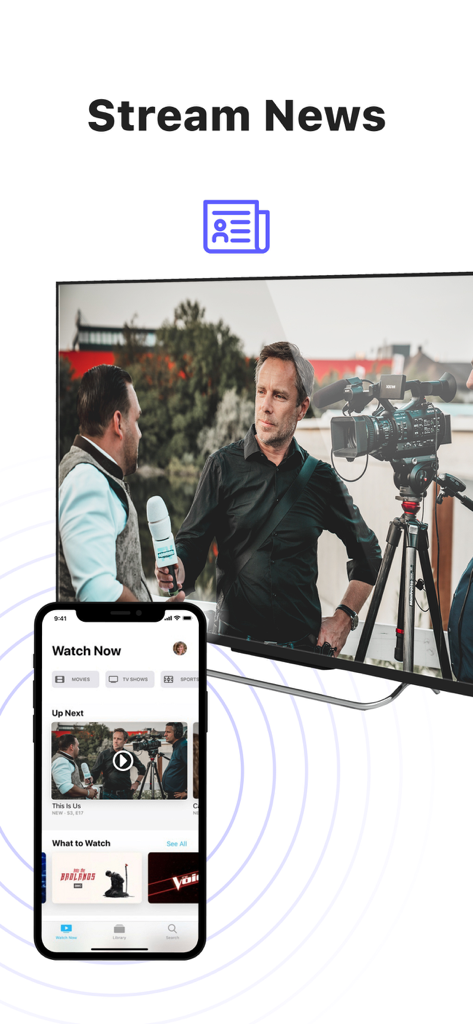
大画面のスマートTVにニュースコンテンツをミラーリングしているiPhone

大画面のスマートTVにニュースコンテンツをミラーリングしているiPhone

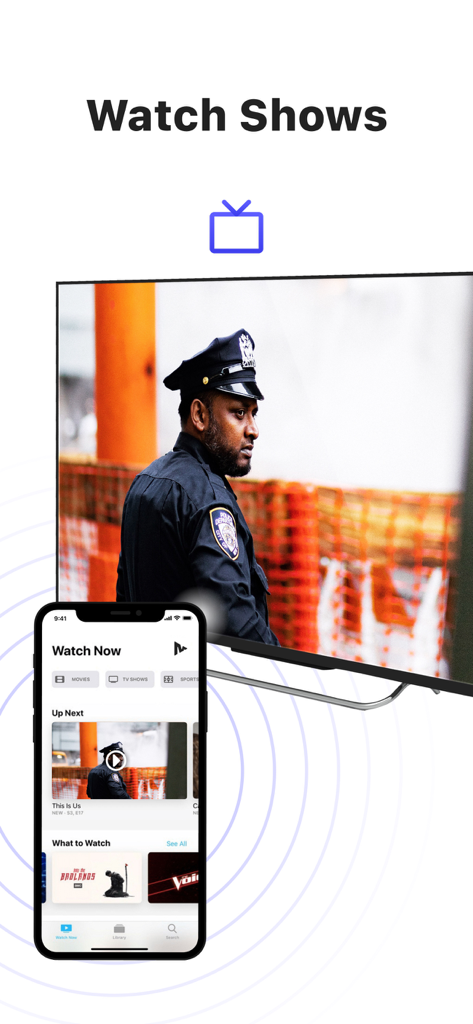
MirrorMeisterアプリを使用して、テレビ番組を大画面のスマートテレビにミラーリングしているiPhone画面

MirrorMeisterアプリを使用して、テレビ番組を大画面のスマートテレビにミラーリングしているiPhone画面

コンテンツを壮大なスケールで体験

このアプリを際立たせるツール、 2M+ 人のユーザーが選択.

📺

ユニバーサル互換性

Apple TVがなくても問題ありません。Samsung、LG、Sony、Roku、Hisenseなど、ほとんどのスマートTVブランドにiPhoneやiPadを即座にミラーリングできます。

スッキリとした接続

高価なHDMIアダプターや見苦しい配線はもう不要。100%ワイヤレスストリーミングソリューションで、クリーンでミニマルなリビングルームをお楽しみください。

👨‍👩‍👧‍👦

共有する瞬間に最適

休暇の写真、ホームビデオ、ソーシャルメディアのトレンドなどを大画面で共有し、デジタルな目の疲れを軽減しながら、家族や友人を集めましょう。।

世界中のユーザーに愛されています

Trusted by 2M+ 人がこのアプリを愛用しています.

"

"MirrorMeisterは家族の集まりに最適です!iPhoneからSamsung TVに、ケーブルを探す手間なく、娘のサッカーのハイライトを直接表示できます。セットアップも直感的で、画質も部屋の皆と思い出を共有するのに十分です。"

サラ・ミラー
"

"YouTubeでフィットネスインストラクターをフォローしているので、このアプリには本当に助けられています。ワークアウトを大画面にキャストすると、大きな違いがあります。ネイティブTVアプリがないコンテンツをミラーリングするためにも使用しています。高速で信頼性が高く、非常に使いやすいです。"

ジェームス・ピーターソン

レビュー分析

ユーザーレビューの分析.

感情スコア

29%
ネガティブ

概要

This mobile app receives overwhelmingly negative feedback, primarily due to poor reliability and a perceived high cost for features often available for free. Users frequently report significant connectivity issues, including frequent disconnections, TVs not being found, and problems after updates, alongside a specific bug on iOS 26 requiring a connection code. Performance concerns are widespread, with numerous complaints about lag, choppy video, blurry quality, and audio synchronization issues. While a small number of users found the app to work perfectly, the majority are frustrated with a subscription model that demands payment even after trials, with some reporting re-payment demands for previously purchased Pro versions.

主なテーマ

Pricing & Subscription Model(20)
Connectivity & Disconnections(14)
Performance Issues(13)
Positive Functionality(9)
Compatibility & Device Specific Bugs(8)
Audio Problems(5)

アプリについて

について知っておくべきこと MirrorMeister Screen Mirroring.

説明

There's no need to use tiny screens, annoying HDMI cables or expensive hardware. Prevent eyestrain, save money and get rid of those unsightly & unsafe cables. Discover MirrorMeister today! Easily connect your TV to your iOS devices with MirrorMeister's revolutionary app. Totally wireless smartcast of course! Enjoy movies, sport, photos, news and all apps on the big screen and make your life more comfortable. MirrorMeister is a screen mirroring app that allows you to play the media that’s playing on your phone/ tablet to your smart tv. - Mirror your phone/ tablet to your smart TV. - No ugly, clumsy & unsafe cables! - One app for popular TV brands (Samsung, Sony, LG, Panasonic, Hisense, etc.) - Watch movies. - Stream sports. - Screen mirroring cast to tv. - Binge-watch series. - Watch breaking news. - Show photos to loved-ones and impress friends & family. - Cast YouTube, Facebook, TikTok, Instagram to TV. MirrorMeister supports: 1. iPhone & iPad 2. Smart TV: Samsung, Roku TV, Sony, LG, Panasonic, Philips, Grundig, Arçelik, Beko, Hisense, TCL, Toshiba, Sharp, Hitachi, Skyworth, Changhong, and any other TV using Android TV operational system. 3. Streaming devices: Roku Streaming Player, Chromecast, Amazon FireTV, Xiaomi Mi Box. Screen Mirroring Advantages: * Larger screen: * Better viewing experience * Share content with others * No additional hardware required * No compatibility issues * Improved battery life: * Easy setup * Smartview * Streaming content * Use as a second display * High-quality video and audio INSTRUCTIONS: 1. Make sure that your iPhone or iPad is connected to the same local network as your TV. Don't use multiple VLANs or subnets. 2. Launch the MirrorMeister app. 3. When you open MirrorMeister for the first time, a simple setup process will guide you step by step on how to connect the mirror app to your TV. 4. To enable sound while screen mirroring, turn down the sound of your iPhone or iPad and turn ON the sound of your TV. Don’t forget to switch OFF the mute button on the side of your iPhone so sound is enabled. PRIVACY: Even though there are notifications about Screen Recording, we don’t record your screen into files and we don’t send any content to a server. We only temporarily store data in memory, before it is streamed to the TV. Upon streaming, the content is removed from memory. Limitations and known issues: DRM Some apps don't allow screen mirroring. For instance, iTunes, Netflix, Disney or Apple TV: when you start screen mirroring one of those apps on your iPhone or iPad, the TV screen will turn black. This is a choice that this company made, there is nothing that MirrorMeister can do about it. Gaming Please note that our screen mirroring app is not suitable for high-intensity gaming on a Smart TV because of some delay (latency). The delay is normally between 1 and 3 seconds. Support If you need any assistance using the mirroring app, please contact us via email or Facebook Messenger. Our support staff is available 24/7 to help you. UNLIMITED ACCESS PRO SUBSCRIPTION You need a subscription for unlimited access to all features without advertising and interruptions. Payment will be charged to iTunes Account at confirmation of purchase. Subscription automatically renews unless auto-renew is turned off at least 24-hours before the end of the current period. The account will be charged for renewal within 24-hours before the end of the current period and identify the cost of the renewal. Subscriptions may be managed by the user and auto-renewal may be turned off by going to the user's Account Settings after purchase. Any unused portion of a free trial period, if offered, will be forfeited when the user purchases a subscription to that publication, where applicable. - Terms of use: https://www.mirrormeister.com/terms-of-use/ - Privacy policy: https://www.mirrormeister.com/privacy-policy-meisterapps/

最新バージョン

2.2.10

サイズ

127.6 MB

リリース日

2020年10月14日

もっと大きな画面で楽しむ準備はできましたか?

ケーブルを卒業した200万人以上のユーザーに仲間入りしましょう。MirrorMeisterを今すぐダウンロードして、お気に入りの動画、アプリ、思い出を数秒でどんなスマートTVでもお楽しみください。

ダウンロード: App Store
FAQ

よくある質問

について知っておくべきこと MirrorMeister Screen Mirroring

MirrorMeisterとは何ですか?

MirrorMeisterは、iPhoneやiPadなどのiOSデバイスをスマートテレビにワイヤレスで接続できる画面ミラーリングアプリです。デバイスのメディアやアプリをより大きな画面に表示できます。

MirrorMeisterはどのテレビブランドをサポートしていますか?

MirrorMeisterは、Samsung、Sony、LG、Panasonic、Hisense、Philips、TCL、Toshiba、Sharp、Hitachiなど、多くの人気テレビブランドや、Android TV OSを使用するテレビをサポートしています。Roku TVもサポートしています。

NetflixのようなストリーミングアプリのコンテンツをMirrorMeisterでミラーリングできますか?

いいえ、MirrorMeisterはNetflix、iTunes、Disney、Apple TVなどのアプリのコンテンツのミラーリングはサポートしていません。これらのアプリはデジタル著作権管理(DRM)を使用しており、画面ミラーリングを防ぐため、テレビには黒い画面が表示されます。

MirrorMeisterはゲームに適していますか?

いいえ、MirrorMeisterはスマートテレビでの高負荷なゲームには適していません。通常の遅延(レイテンシー)が1〜3秒あり、ゲーム体験に影響します。

テレビでMirrorMeisterを設定するにはどうすればよいですか?

MirrorMeisterを設定するには、iOSデバイスとテレビが同じローカルネットワーク上にあることを確認してください。アプリを起動すると、簡単なセットアッププロセスが、ミラーリングアプリをテレビに接続するための手順をガイドします。

MirrorMeisterは私の画面録画データを収集しますか?

いいえ、MirrorMeisterは画面をファイルに録画したり、コンテンツをサーバーに送信したりしません。ストリーミングのためにメモリに一時的にデータを保存し、その後メモリからコンテンツは削除されます。

MirrorMeisterを利用するにはサブスクリプションが必要ですか?

はい、広告や中断なしにMirrorMeisterの全機能にアクセスするには、UNLIMITED ACCESS PRO SUBSCRIPTIONが必要です。支払いはiTunesアカウントに請求されます。

MirrorMeisterはどのストリーミングデバイスをサポートしていますか?

MirrorMeisterは、直接スマートテレビに接続するだけでなく、Roku Streaming Player、Chromecast、Amazon FireTV、Xiaomi Mi Boxなどのストリーミングデバイスもサポートしています。

MirrorMeisterでライブスポーツを視聴できますか?

はい、MirrorMeisterを使用すると、iOSデバイスからスマートテレビにライブスポーツ、映画、テレビ番組、最新ニュースなどをストリーミングして、より良い視聴体験を楽しむことができます。

画面ミラーリングにMirrorMeisterを使用するためにケーブルは必要ですか?

いいえ、MirrorMeisterは完全にワイヤレスの画面ミラーリングを提供します。HDMIケーブルやその他の物理的な接続を必要とせず、利便性のためにケーブル不要な体験を提供します。