Password Manager - mSecure

Password Manager - mSecure

ダウンロード: App Storeダウンロード: Google Play
Spark by MWM logo
ロゴ: Password Manager - mSecure

mSecure:デジタルライフを保護するための最も安全で分かりやすい方法

業界標準のAES-256暗号化を使用して、すべてのデバイスでパスワード、財務記録、機密ファイルを保護するためにmSecureを信頼している40万人以上のユーザーの仲間入りをしましょう。

ダウンロード: App Store

開発元

mSeven Software, LLC

カテゴリ

Productivity

ダウンロード

408K+

ユーザー評価

4.8/5

評価数

53K+

対応言語

5

一目でわかるセキュリティ

このインターフェースを利用する 408K+ 人のユーザー.

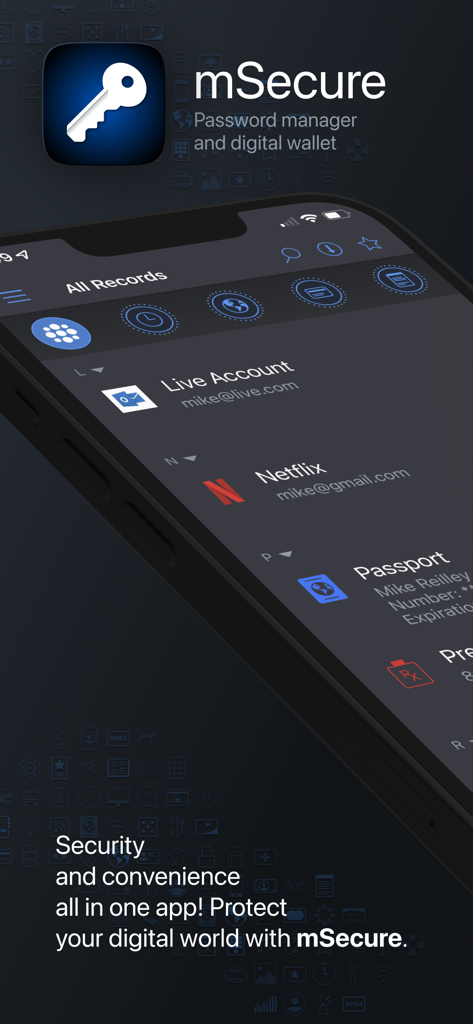
スマートフォンの画面にパスワードマネージャーとデジタルウォレット機能を表示しているmSecureアプリのインターフェース

スマートフォンの画面にパスワードマネージャーとデジタルウォレット機能を表示しているmSecureアプリのインターフェース

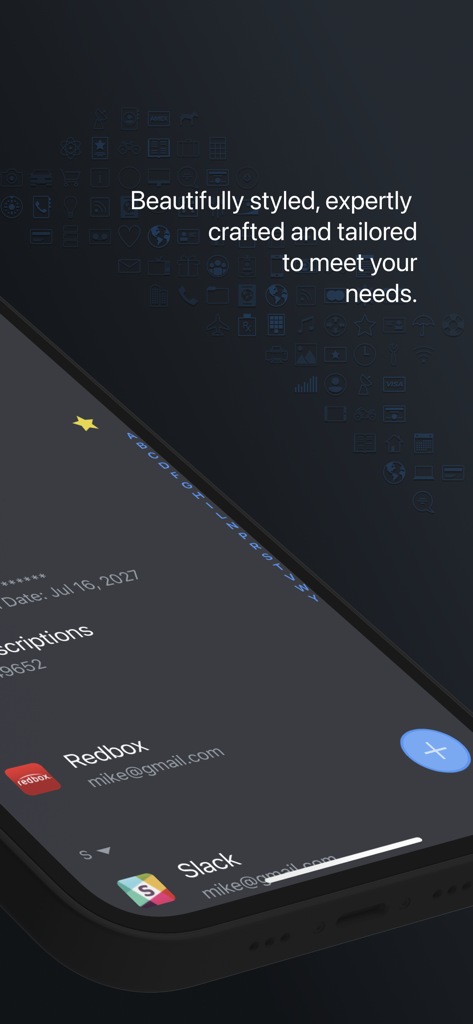
ダークモードでアカウントリストが表示されたmSecureパスワードマネージャーアプリのインターフェースを表示するスマートフォンの画面

ダークモードでアカウントリストが表示されたmSecureパスワードマネージャーアプリのインターフェースを表示するスマートフォンの画面

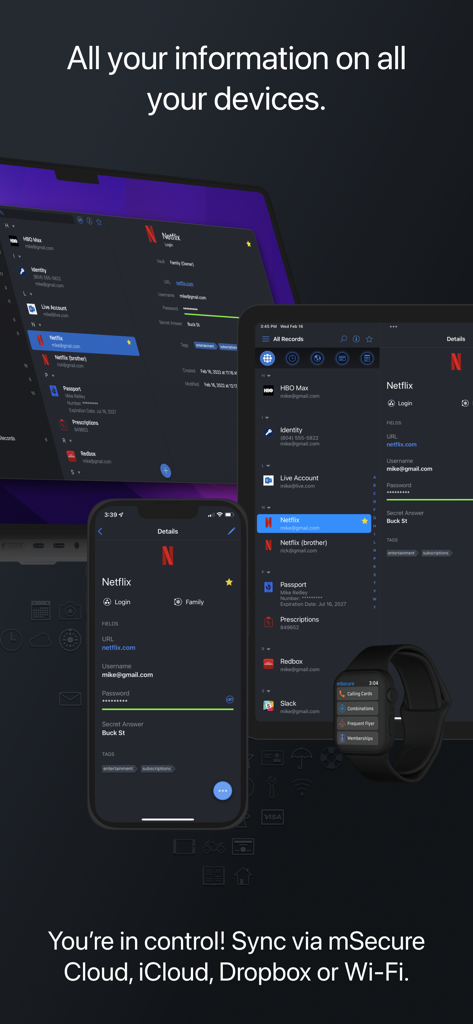
ノートパソコン、タブレット、スマートフォン、スマートウォッチ間で同期されたデータを表示するmSecureパスワードマネージャー

ノートパソコン、タブレット、スマートフォン、スマートウォッチ間で同期されたデータを表示するmSecureパスワードマネージャー

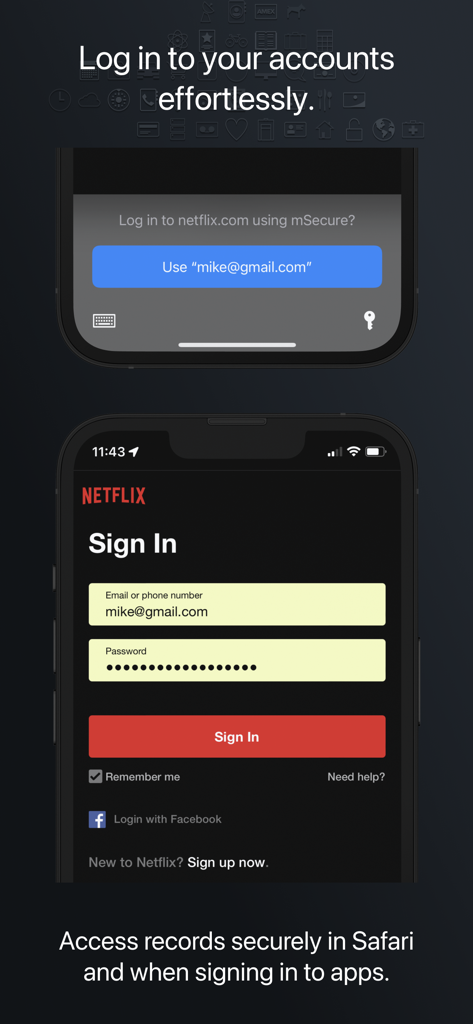
モバイルアプリで簡単かつ安全にログインするためのmSecureパスワードマネージャー自動入力機能

モバイルアプリで簡単かつ安全にログインするためのmSecureパスワードマネージャー自動入力機能

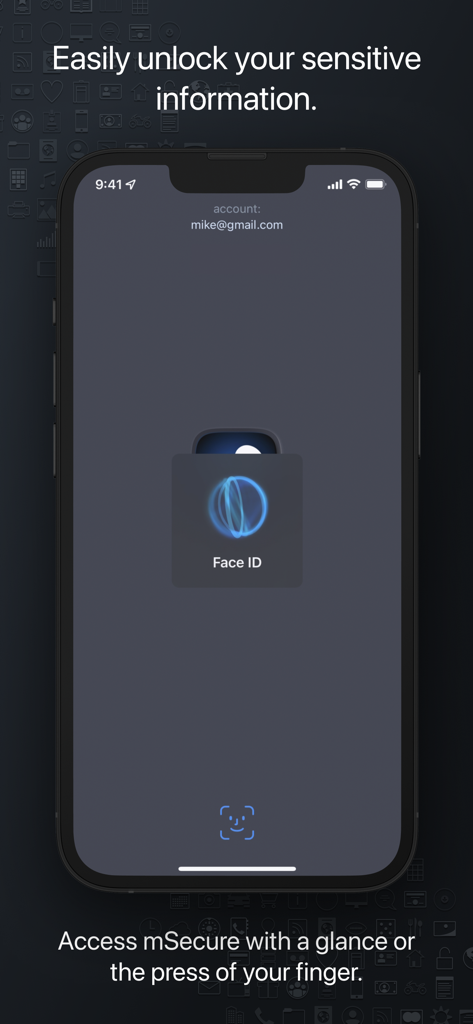
iPhoneでの安全なアクセスのためのFace ID生体認証を表示するmSecureアプリのスクリーンショット

iPhoneでの安全なアクセスのためのFace ID生体認証を表示するmSecureアプリのスクリーンショット

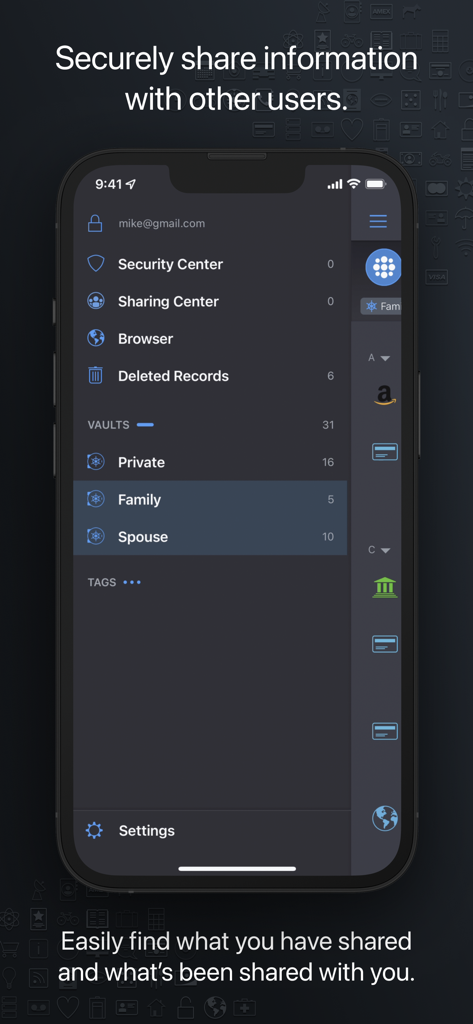
安全なデータ共有のための個人用、ファミリー、配偶者保管庫を備えた共有センターを表示するmSecureアプリのインターフェース

安全なデータ共有のための個人用、ファミリー、配偶者保管庫を備えた共有センターを表示するmSecureアプリのインターフェース

機密データのための究極の保管庫

このアプリを際立たせるツール、 408K+ 人のユーザーが選択.

🛡️

軍用レベルのセキュリティ

業界標準のAES-256暗号化と生体認証保護により、最も機密性の高い情報を自分以外には見えないようにして、安心して過ごせます。

シームレスなワンタップアクセス

忘れたパスワードの再設定はやめましょう。ネイティブの自動入力と生体認証ログインを使用して、どのデバイスからでもお気に入りのアプリやウェブサイトをスムーズに利用できます。

👨‍👩‍👧‍👦

安全なファミリー共有

家庭内の連絡事項を安全に調整しましょう。家族向けに設計された共有保管庫を使用して、ストリーミングのログイン情報、Wi-Fiパスワード、財務書類を共有できます。

世界中のユーザーに愛されています

Trusted by 408K+ 人がこのアプリを愛用しています.

"

"mSecureは、デジタルライフを管理するために私が見つけた中で最も信頼できるツールです。生体認証ログインとiPhone、iPad間でのシームレスな同期により、外出先でも非常に簡単に使用できます。データのプライバシーを真剣に考えているすべての人に、プレミアムバージョンを強くお勧めします。"

James H.(ソフトウェアエンジニア)
"

"昨年ファミリープランに切り替えましたが、すべてがシンプルになりました。共有保管庫を使用して家庭内のログイン情報や機密ファイルを管理することは、安全で便利です。家族の個人情報を整理し、アクセスしやすくするための完璧なソリューションです。"

Linda W.(デジタルマーケティングディレクター)

アプリについて

について知っておくべきこと Password Manager - mSecure.

説明

Don’t take any chances with your passwords and private information. mSecure is the most secure and straightforward solution to managing your sensitive information across your devices. Protect, store and share your sensitive information with mSecure. Simplify your digital world and securely access it at your convenience. Create secure notes, generate passwords, and safely backup your information to never lose your data again. mSecure 6 is an entire redesign of the app you trust most to protect your vital and private information. New features provide the organizational flexibility you need, the convenience of auto-fill right from your web browser, and the ability to share only the data you need to share with other mSecure users. Your information is easier to use, easier to access, and always secure with industry-standard AES-encryption. Elevate your password managing experience with mSecure today! ----------------------------------------- With four plans to choose from, you decide which features are important for managing your information. Regardless of which plan you choose, your data is protected with the same enhanced security. UPDATED FEATURES ● Two-Factor Authentication* ● Family and Team Plans ● Login Password History ● Attach any type of file* *Available with a Premium subscription ~ Keep Your Digital Wallet Organized, and Secure ~ mSecure is for more than just passwords. Safeguard your financial information, personal documents, sensitive files, or anything you need protected all in one place. ~ Get More Than What You Pay For ~ ● Choose a plan to fit your needs - Essentials, Premium, Family, or Team. ● Enable full access to all features that mSecure has to offer with a Premium subscription. ~ Ideal For Families and Teams ~ Share select information with family members or teammates with ease. Use Shared Vaults to house sensitive information and data you and your family or team need under one mSecure subscription. ----------------------------------------- SECURE - Protect your sensitive information with confidence Encrypt your data using industry-standard AES 256-bit encryption Password Generator creates and stores random, complex, and unique passwords Auto-lock and Auto-backup features keep data safe with enhanced security Biometric authentication allows quick, secure access using your device’s Touch or Face ID SIMPLE - Easily add, find, manage, and organize passwords and data Auto-fill credentials in Safari and 3rd party apps with iOS Password AutoFill Find the information you need fast with powerful organizational features Enter Usernames quickly from a predefined list of emails that already exist in your data Over 20 built-in templates for quick and easy data entry with the ability to create custom templates Integrated search and collapsible headers, along with intelligent sorting, filtering and grouping simplifies the process of organizing and finding your information Mark any item as a favorite for quick access SEAMLESS - Sync all of your devices seamlessly Choose to sync via mSecure Cloud, Dropbox, iCloud or Wi-Fi to access your records on all of your devices across multiple platforms. Don’t take any chances with your passwords and private information. Keep your data safe and secure with mSecure! ----------------------------------------- SUPPORT If you have any questions or comments, please share them on our support forum: support.msecure.com/support/discussions. You can also email us directly at support@msevensoftware.com. Terms of Use: https://www.apple.com/legal/internet-services/itunes/dev/stdeula/ Privacy Policy: https://redirect.msecure.com/ios/privacy

最新バージョン

6.1.14

サイズ

110.9 MB

リリース日

2017年5月15日

タップひとつで手に入る安心

業界をリードするAES-256暗号化で、パスワードや個人ファイルを保護するためにmSecureを信頼している40万人以上の専門家や家族に加わりましょう。今すぐあなたのデジタルライフを安全にしましょう。

ダウンロード: App Storeダウンロード: Google Play