smART sketcher projector

smART sketcher projector

ダウンロード: App Store
Spark by MWM logo
ロゴ: smART sketcher projector
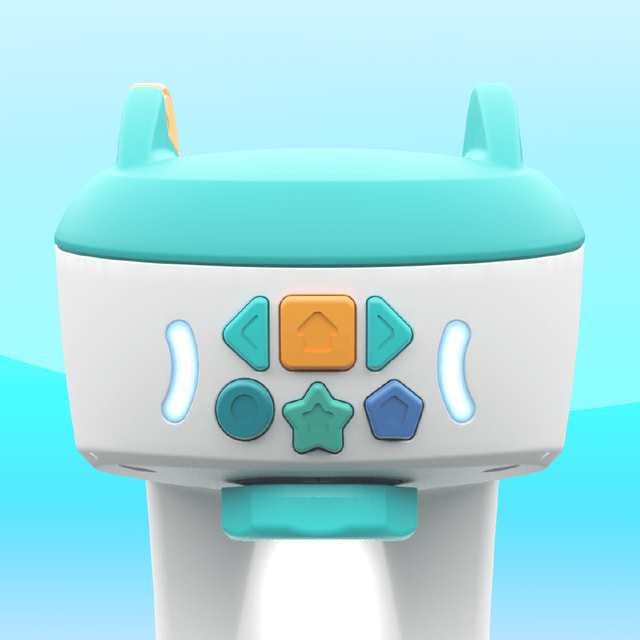
smART sketcher プロジェクター:スクリーンタイムを創造的な自信に変える

段階的な投影を使って、お子様がプロのようにスケッチ、描画、書き込みができるフィジタルツールで、デジタルプレイと身体能力の間のギャップを埋めましょう。

ダウンロード: App Store

開発元

FlyCatcher LTD

カテゴリ

Entertainment

ダウンロード

445K+

ユーザー評価

3.3/5

評価数

500

対応言語

1

創造性が現実のものに

このインターフェースを利用する 445K+ 人のユーザー.

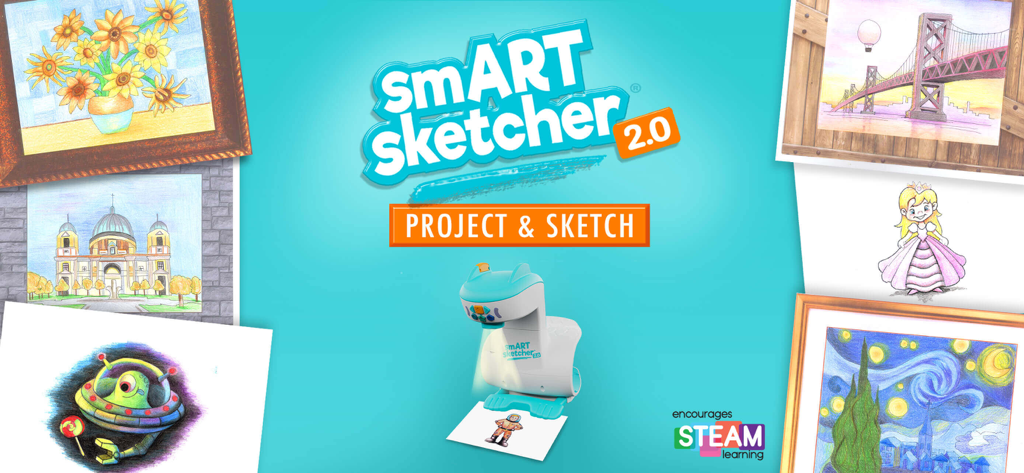
ティール色の背景に、様々なカラフルなスケッチや絵に囲まれたsmART sketcher 2.0プロジェクターデバイス

ティール色の背景に、様々なカラフルなスケッチや絵に囲まれたsmART sketcher 2.0プロジェクターデバイス

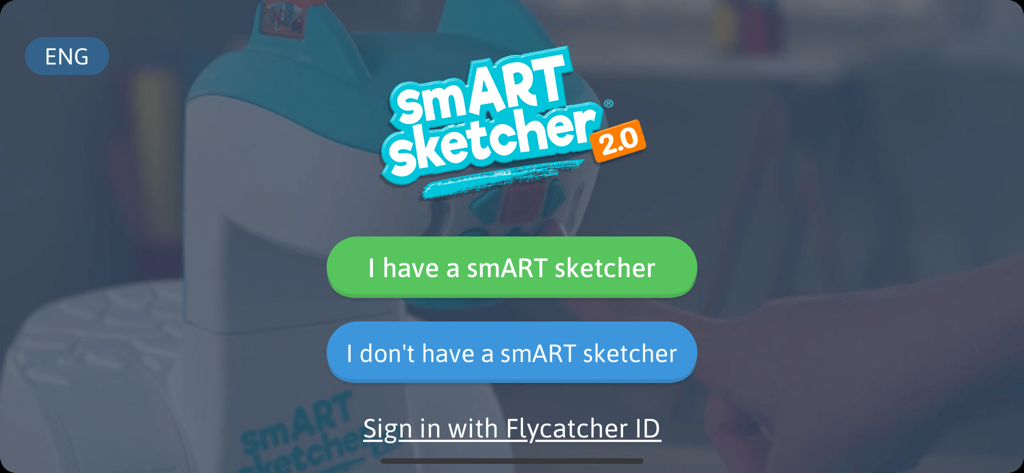
デバイス接続またはサインインのオプションがあるsmART sketcherプロジェクターアプリのウェルカム画面

デバイス接続またはサインインのオプションがあるsmART sketcherプロジェクターアプリのウェルカム画面

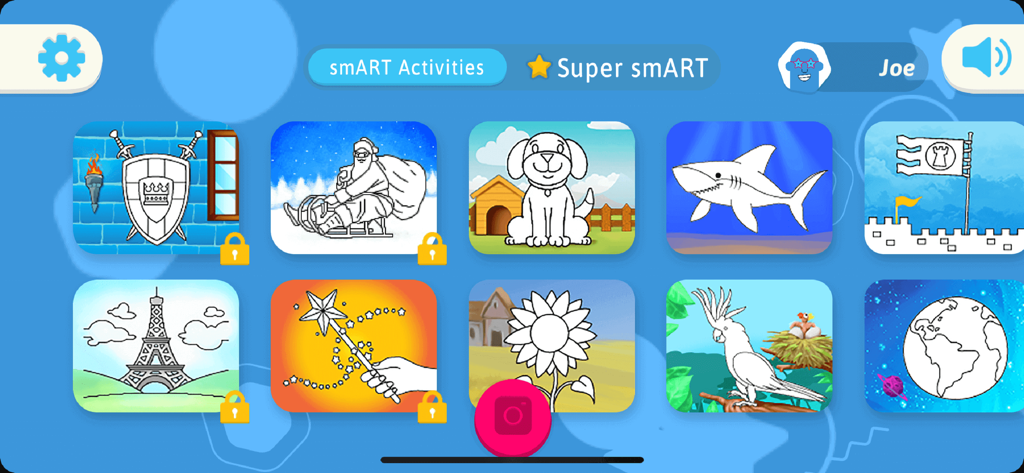
smART sketcherプロジェクターアプリの、犬、サメ、ひまわりを含む描画アクティビティのメニュー

smART sketcherプロジェクターアプリの、犬、サメ、ひまわりを含む描画アクティビティのメニュー

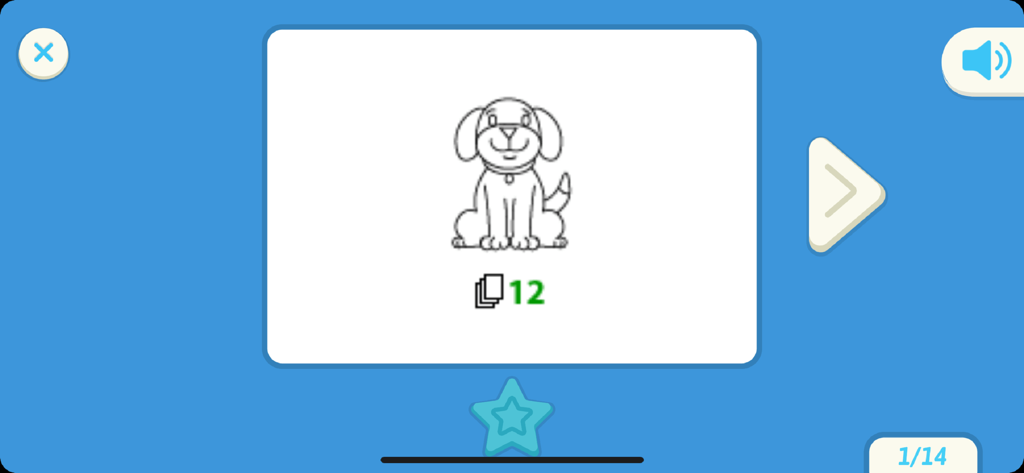
犬の描画レッスンを表示するsmART sketcherプロジェクターアプリのインターフェース

犬の描画レッスンを表示するsmART sketcherプロジェクターアプリのインターフェース

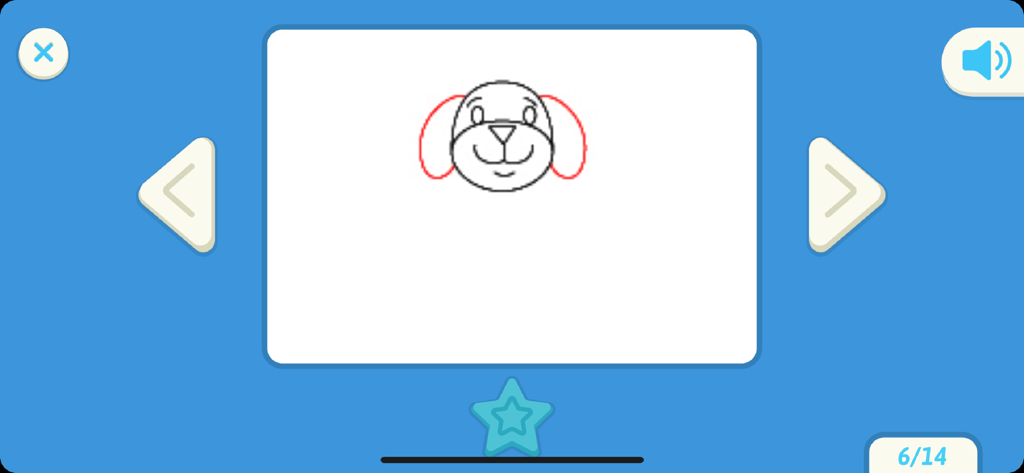
smART sketcherプロジェクターアプリでの犬の顔の段階的な描画チュートリアル

smART sketcherプロジェクターアプリでの犬の顔の段階的な描画チュートリアル

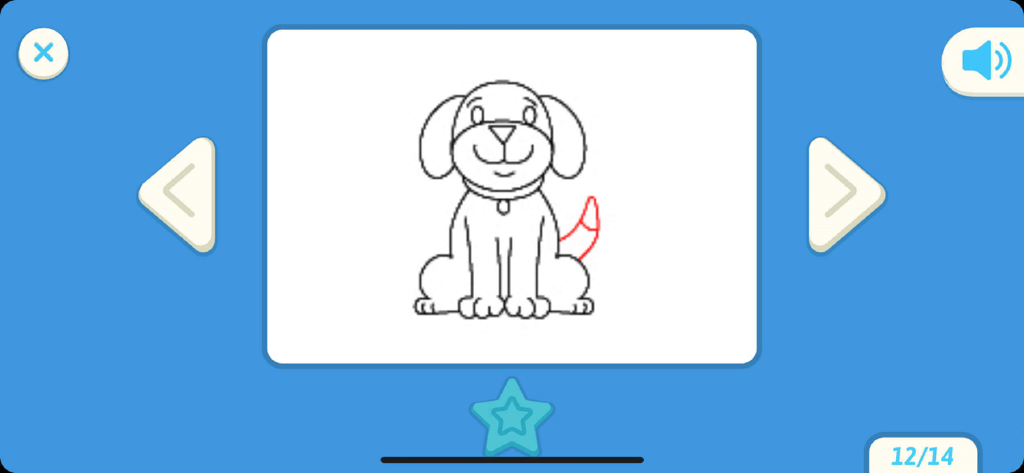
smART sketcherプロジェクターアプリのインターフェースに表示される、犬の絵の段階的な描画チュートリアル

smART sketcherプロジェクターアプリのインターフェースに表示される、犬の絵の段階的な描画チュートリアル

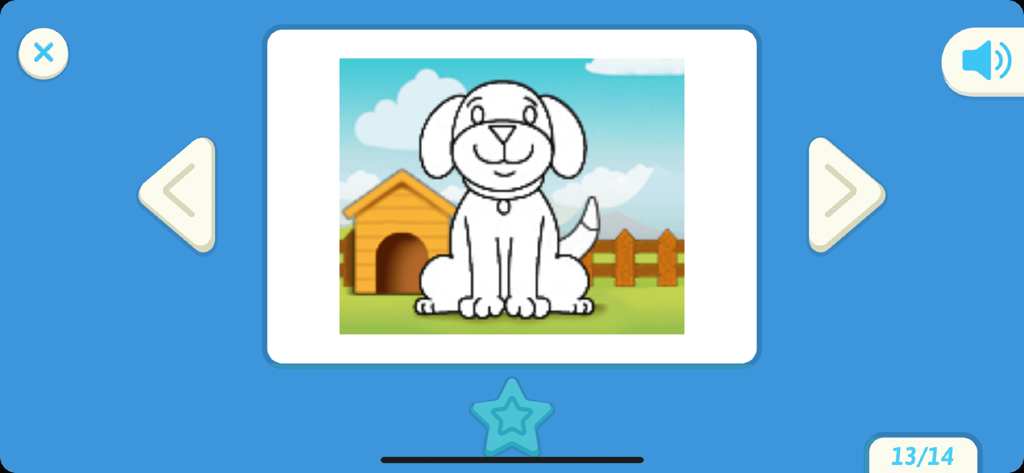
smART sketcherプロジェクターアプリのユーザーインターフェースに表示される漫画の犬の絵

smART sketcherプロジェクターアプリのユーザーインターフェースに表示される漫画の犬の絵

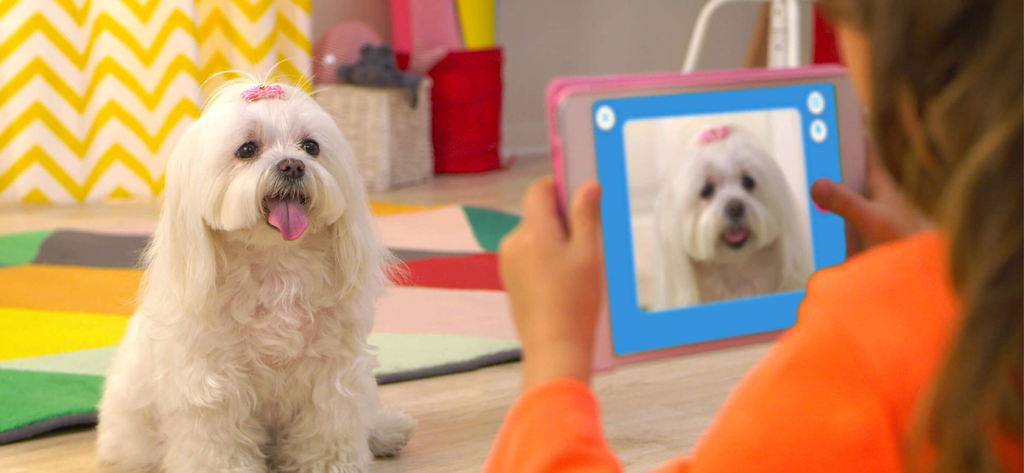
smART sketcherアプリを使ってスケッチするために、タブレットで白いマルチーズ犬の写真を撮っている子供。

smART sketcherアプリを使ってスケッチするために、タブレットで白いマルチーズ犬の写真を撮っている子供。

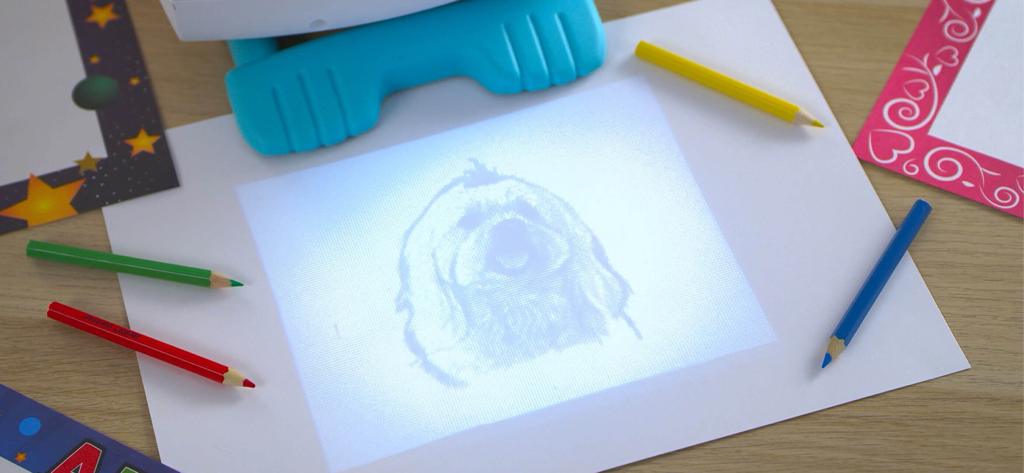
smART sketcherプロジェクターが犬のスケッチを紙に投影し、色鉛筆でなぞっている様子

smART sketcherプロジェクターが犬のスケッチを紙に投影し、色鉛筆でなぞっている様子

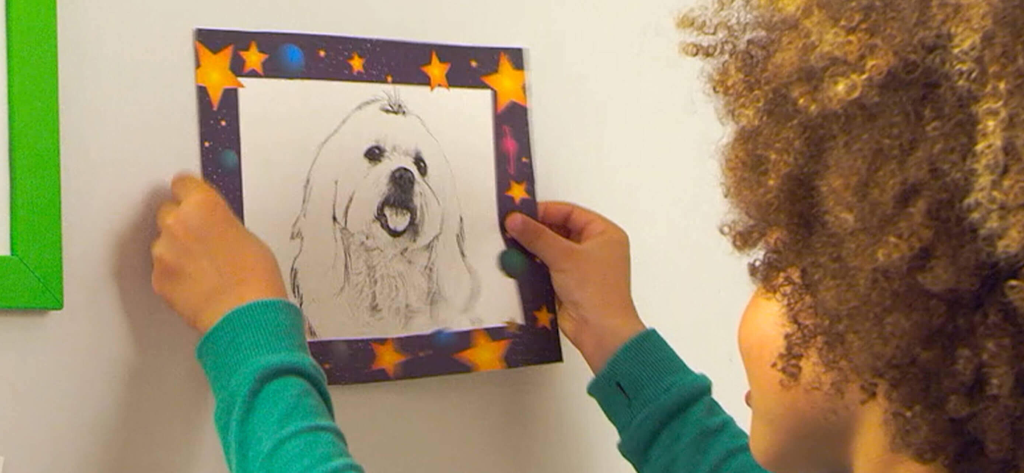
犬の完成した鉛筆スケッチを持っている子供

犬の完成した鉛筆スケッチを持っている子供

生産的な遊びで創造性を育む

このアプリを際立たせるツール、 445K+ 人のユーザーが選択.

🎨

あなたの世界をなぞる

デバイスのどんな写真でも、スケッチ可能なアウトラインに変換できます。テクノロジーが個人的な思い出を手描きの芸術に変える魔法です。

✍️

早期識字能力を習得する

段階的なガイドは、魅力的でカリキュラムに基づいた練習を通じて、大文字、小文字、筆記体の書き方を習得するのに役立ちます。

🚀

芸術的な自信を築く

ガイド付きの描画シーケンスは、複雑なイラストを簡単なステップに分解し、細かい運動能力と達成感を育みます。

世界中のユーザーに愛されています

Trusted by 445K+ 人がこのアプリを愛用しています.

"

"親として、私は常にスクリーンタイムをより生産的にする方法を探しています。smART sketcherは、私の6歳の子どもの細かい運動能力にとって画期的なものでした。文字に苦労していた彼が、自信を持って複雑な絵をなぞり、色を塗るようになりました。デジタルな楽しさと現実世界の創造性の間のギャップを完璧に埋めてくれます!"

サラ・M
"

"娘は、愛犬の写真を撮って、それがそのまま紙に投影されるのを見るのが大好きです!段階的な指示のおかげで、彼女はプロのアーティストになった気分になり、何時間も夢中になっています。タブレットを置いて鉛筆を手に取ることを実際に促してくれる、初めてのスマートトイです。"

デビッド・L

アプリについて

について知っておくべきこと smART sketcher projector.

説明

The smART sketcher Projector App is compatible with both the original smART sketcher® Projector and the smART sketcher® 2.0 Projector. Please note this App is not compatible with the smART sketcher® AI Projector. Sketch, draw, and learn to write like a pro using the smART sketcher® Projector and this FREE APP. Step-by-step instructions guide small – or large – hands through the entire process. It makes learning playful and engaging. Just as it should be! Note: You need to have a smART sketcher® Projector to use this app. smART sketcher® puts the fun of sketching, drawing, and writing into the hands of kids ages 5 to 105 using a smART sketcher® Projector. Kids can download photos from any mobile device or use pre-loaded activity packs for endless play-and-learning activities. smART sketcher® encourages creativity, small motor development, storytelling, and early reading skills. It helps bridge the gap between schoolwork, homework and play! NEW!!! - Play smarter! Up your smART sketcher® experience with a Super smART subscription. Join the smART sketcher® members-only program and receive exclusive content. It’s the newest and smARTest way to play! - 3 subscription plans to choose from. - Receive new members-only activities every month. - Play on all of your connected Apple mobile devices registered with your Flycatcher ID. - Try 1 month for free! After the free-trial, a monthly/yearly auto-renewable subscription will be activated. We’re pretty sure you’re going to love this, but if you don’t, you can cancel your subscription anytime. One month of free-trial is available for new subscribers only. Check our EULA at https://www.flycatcher.toys/smart-sketcher/eula/ and privacy policy at https://www.flycatcher.toys/smart-sketcher/privacy-policy/ for full details. Play 3 ways: Imagine anything! Download any photo from your mobile device. Project it on paper with your connected smART sketcher® Projector. Filter it for crayon, marker, or pencil drawing. Sketch like a pro! Color it in to add your own details. Sketch and color Choose a pre-loaded picture on your smART sketcher® Projector. Step-by-step instructions show you how to draw it like a pro! Watch the finished image come to life with sound and movement. Write and play Learn to form upper case, lower case and cursive letters the correct way with step-by-step instructions, plus curriculum-based early reading content, and lots of space to practice your skills! If you want to extend the fun, additional smART sketcher® activity products are available for separate purchase at https://www.flycatcher.toys/smart-sketcher-2/ : - smART sketcher® Creativity Packs, containing 50 learn-to-draw activities, are available in a variety of age-appropriate themes. - smART sketcher® Learn-A-Language Alphabet Packs, containing 50 writing and early reading activities, are available in separate languages as well as cursive writing. - smART sketcher® Creativity Set, contains 20 sheets of framed paper, 5 reusable magnetic frames, 6 crayons, 6 markers, and 6 colored pencils. Everything is organized in a convenient carry-and-stow case. - smART sketcher® Picture This! Frames, contains 20 sheets of framed paper and 5 magnetic frames to display finished work. For app support contact us at https://www.flycatcher.toys/support/ Our privacy policy and terms of use for apps are accepted if you download this app. smART sketcher® is a trademark of Flycatcher Toys INC © 2025. All rights reserved.

最新バージョン

4.71

サイズ

46.6 MB

リリース日

2017年9月19日

お子様の内なる芸術の才能を呼び起こす準備はできましたか?

今すぐ無料アプリをダウンロードして、遊びと学習の間のギャップを埋めましょう。smART sketcher®プロジェクターを接続して、数分で傑作を作り始めましょう。

ダウンロード: App Store
FAQ

よくある質問

について知っておくべきこと smART sketcher projector

smARTスケッチャープロジェクターアプリに対応しているsmARTスケッチャープロジェクターはどれですか?

smARTスケッチャープロジェクターアプリは、オリジナルのsmARTスケッチャー®プロジェクターおよびsmARTスケッチャー® 2.0プロジェクターに対応しています。smARTスケッチャー® AIプロジェクターには対応していません。

smARTスケッチャープロジェクターアプリを使用するには、smARTスケッチャープロジェクターが必要ですか?

はい、smARTスケッチャープロジェクターアプリを使用するには、物理的なsmARTスケッチャー®プロジェクターが必要です。アプリの機能にはプロジェクターへの接続が必要です。

smARTスケッチャープロジェクターアプリでユーザーは何ができますか?

ユーザーはsmARTスケッチャープロジェクターアプリを使用して、スケッチ、描画、書き方を学ぶことができます。創造的および教育的なアクティビティのためのステップバイステップの指示が提供されます。

smARTスケッチャープロジェクターアプリの推奨対象年齢は?

smARTスケッチャープロジェクターアプリは、5歳から105歳までの子供や個人を対象としています。幅広い年齢層で創造性と学習を促進します。

smARTスケッチャープロジェクターアプリで自分の写真を使用できますか?

はい、smARTスケッチャープロジェクターアプリでは、モバイルデバイスから任意の写真をダウンロードできます。その後、描画のためにそれを投影およびフィルタリングできます。

smARTスケッチャープロジェクターアプリのSuper smARTサブスクリプションとは何ですか?

Super smARTサブスクリプションは、限定コンテンツと新しい月次アクティビティを提供する会員限定プログラムです。追加の遊びと学習オプションでsmARTスケッチャー体験を強化します。

smARTスケッチャープロジェクターアプリのSuper smARTサブスクリプションには無料トライアルがありますか?

はい、新規加入者はSuper smARTサブスクリプションを1か月間無料で試すことができます。トライアル後、月次または年次の自動更新サブスクリプションが有効になります。

smARTスケッチャープロジェクターに追加のアクティビティ製品はありますか?

はい、追加のsmARTスケッチャー®アクティビティ製品は別途購入可能です。これらには、クリエイティビティパック、Learn-A-Language Alphabet Packs、クリエイティビティセット、Picture This! Framesが含まれます。

smARTスケッチャープロジェクターアプリのサポートにはどのように連絡すればよいですか?

smARTスケッチャープロジェクターアプリのサポートには、https://www.flycatcher.toys/support/ から連絡できます。

smARTスケッチャープロジェクターアプリのプライバシーポリシーはどこにありますか?

smARTスケッチャープロジェクターアプリのプライバシーポリシーは、https://www.flycatcher.toys/smart-sketcher/privacy-policy/ で入手できます。このポリシーはアプリのダウンロード時に同意されます。