Universal TV Remote ·

Universal TV Remote ·

ダウンロード: App Store
Spark by MWM logo
ロゴ: Universal TV Remote ·
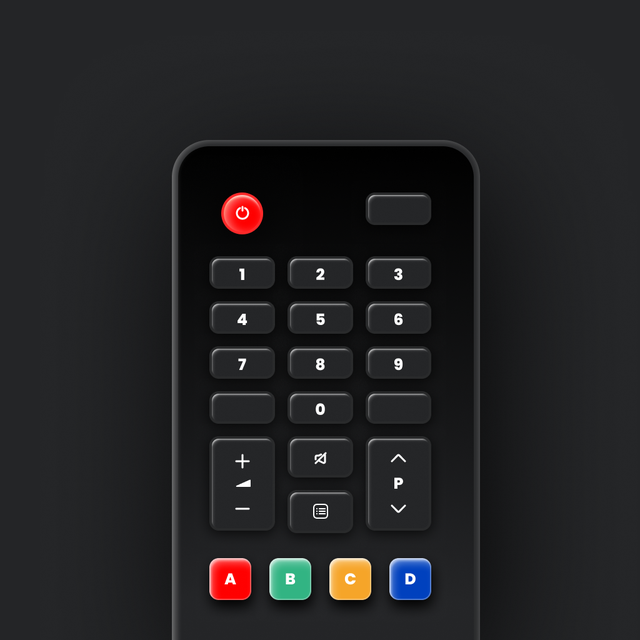
Universal TV Remote ·: 家中のあらゆる画面を操作する、たったひとつのアプリ

失くしたリモコンや使いにくいボタンとはお別れです。iPhoneから直感的なスワイプ操作でスマートTVを操作する、1800万人以上のユーザーに加わりませんか?

開発元

KRAFTWERK 9 LTD

カテゴリ

Utilities

ダウンロード

18M+

ユーザー評価

4.6/5

評価数

140K+

対応言語

22

指先で操作

このインターフェースを利用する 18M+ 人のユーザー.

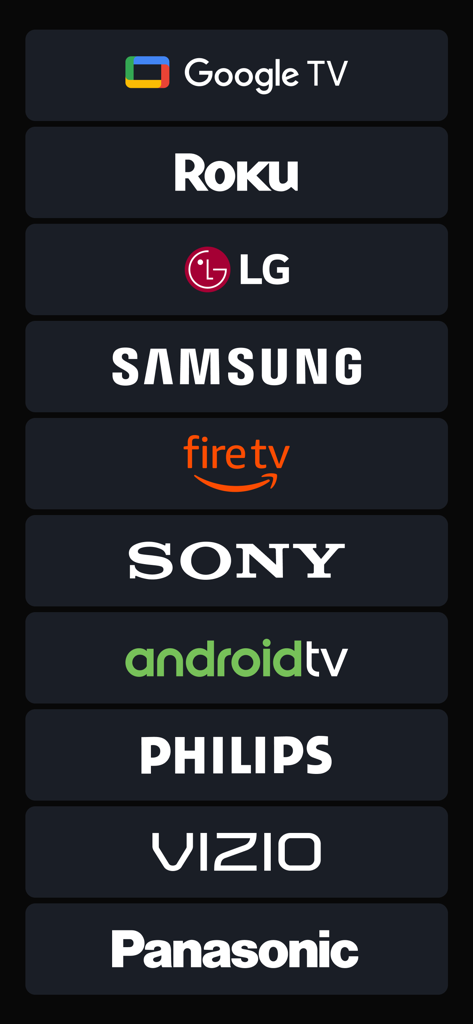
サポートされているスマートTVおよびストリーミングデバイスのブランドリスト

サポートされているスマートTVおよびストリーミングデバイスのブランドリスト

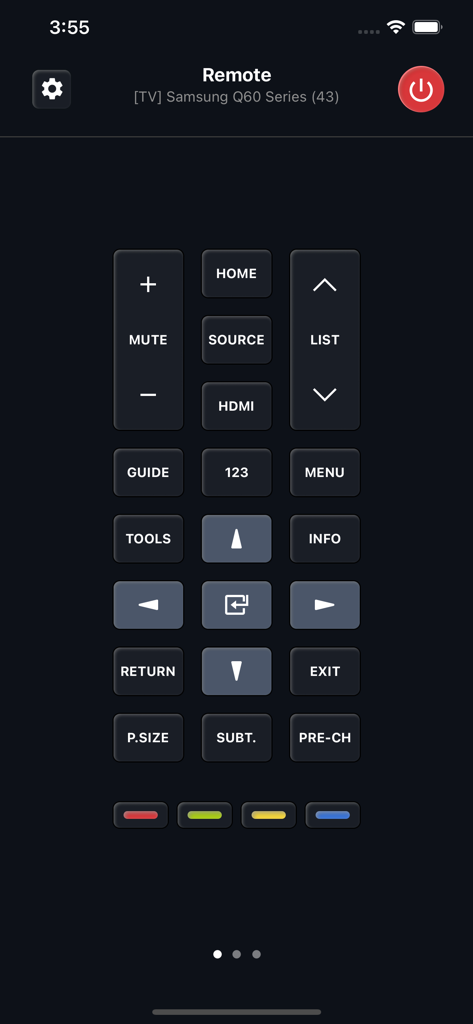
スマートフォンアプリ画面上のSamsungスマートTV用のデジタルリモートコントロールインターフェース

スマートフォンアプリ画面上のSamsungスマートTV用のデジタルリモートコントロールインターフェース

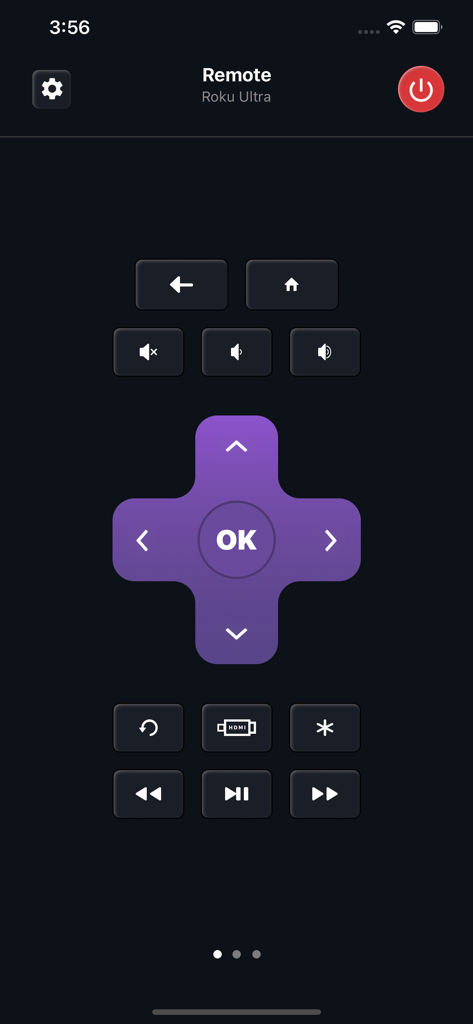
パープルの方向パッドと再生ボタンを備えたRoku Ultraデバイスを操作するユニバーサルTVリモート用のモバイルアプリインターフェース

パープルの方向パッドと再生ボタンを備えたRoku Ultraデバイスを操作するユニバーサルTVリモート用のモバイルアプリインターフェース

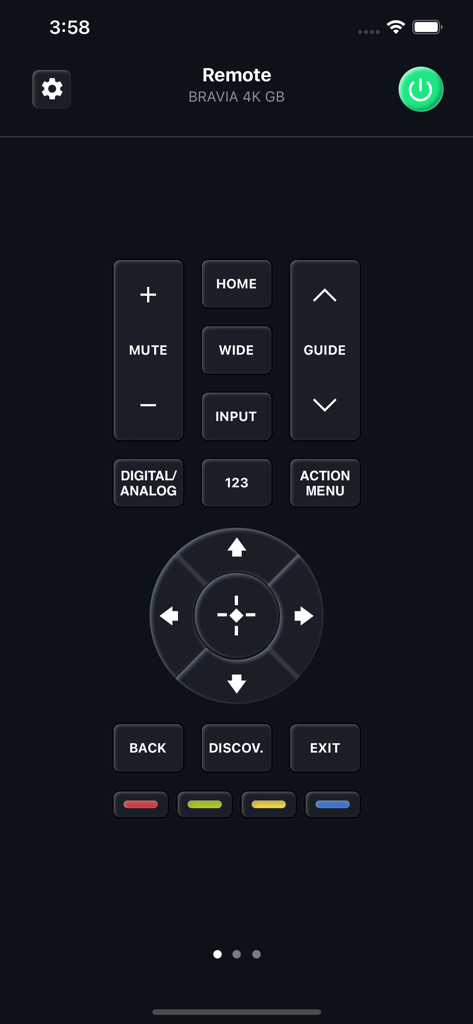
Sony BraviaスマートTV用のデジタルリモートコントロールを示すモバイルアプリインターフェース

Sony BraviaスマートTV用のデジタルリモートコントロールを示すモバイルアプリインターフェース

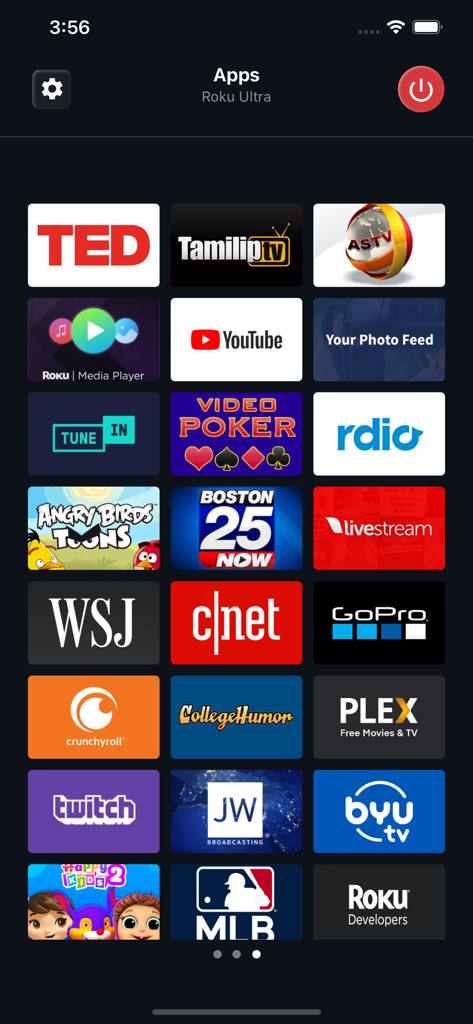
Rokuデバイス上のYouTubeやTwitchなどのストリーミングアプリの選択を表示するモバイルインターフェース

Rokuデバイス上のYouTubeやTwitchなどのストリーミングアプリの選択を表示するモバイルインターフェース

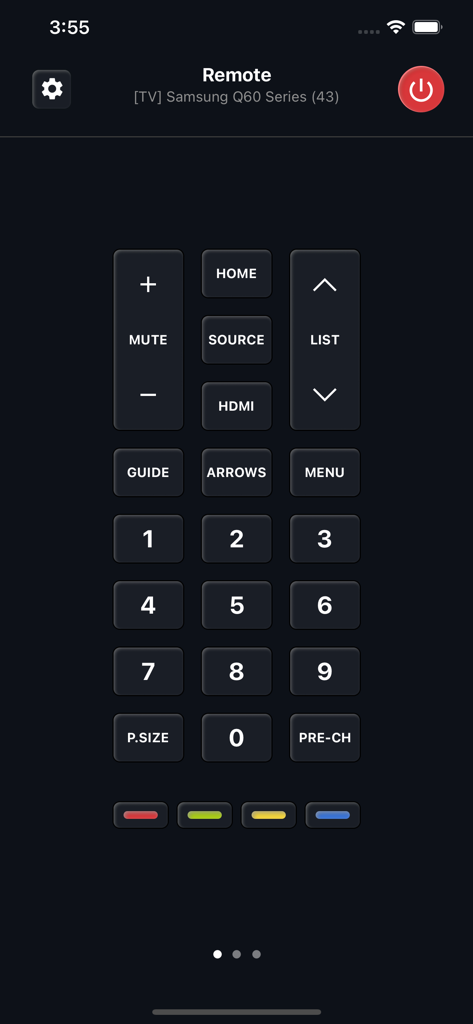
Samsung Q60シリーズスマートTV用のテンキーとコントロールを示すユニバーサルTVリモートアプリインターフェース

Samsung Q60シリーズスマートTV用のテンキーとコントロールを示すユニバーサルTVリモートアプリインターフェース

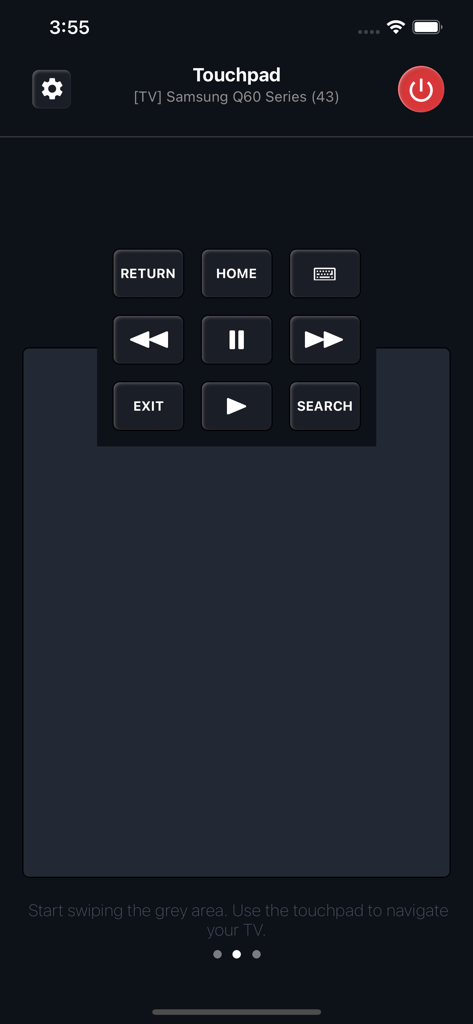
SamsungスマートTV用のメディアコントロールを備えたユニバーサルTVリモートタッチパッドインターフェースを示すスマートフォンアプリ画面

SamsungスマートTV用のメディアコントロールを備えたユニバーサルTVリモートタッチパッドインターフェースを示すスマートフォンアプリ画面

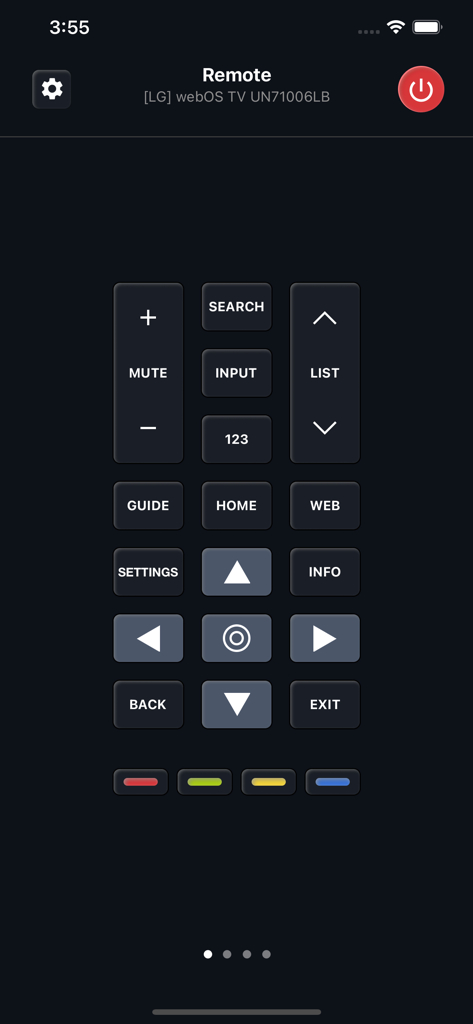
ダークテーマのLG webOS TV用のデジタルリモートコントロールインターフェースとナビゲーションボタン

ダークテーマのLG webOS TV用のデジタルリモートコントロールインターフェースとナビゲーションボタン

これさえあれば、もうリモコンはいらない

このアプリを際立たせるツール、 18M+ 人のユーザーが選択.

📺

真のユニバーサル互換性

すべてのリモコンをひとつに。Samsung、LG、Roku、そしてその他数えきれないほどのブランドのTVを、家中のあらゆる部屋で簡単に切り替えて操作できます。

👆

直感的なタッチパッド操作

使いにくいボタンはもう必要ありません。使い慣れたスワイプジェスチャーで、従来の物理リモコンよりも速く映画やアプリをブラウズできます。

スマート電源&Wake-on-LAN

ソファから立ち上がる必要はありません。対応モデルでは、先進のWake-on-LANテクノロジーにより、iPhoneから直接TVの電源をオンにできます。

世界中のユーザーに愛されています

Trusted by 18M+ 人がこのアプリを愛用しています.

"

"3台のTVをそれぞれ別々のリモコンで管理するのは大変でしたが、このアプリで全てがひとつになりました。ジェスチャーベースのタッチパッドは、Netflixのスクロールが物理的な十字キーよりもずっと速いです。スマートホーム環境にとって究極の便利さです。"

Marcus J.
"

"リモコンの電池が切れてパニックになりダウンロードしましたが、それ以来、後悔したことはありません。インターフェースは洗練されていて、スマホから直接TVの電源をオンにできるのが気に入っています。ホーム画面で最も信頼できるユーティリティアプリです。"

Elena R.

レビュー分析

ユーザーレビューの分析.

感情スコア

14%
ネガティブ

概要

This app receives largely negative feedback from users, primarily due to excessive and unavoidable advertisements that often hinder usability. Many complaints also center around significant connectivity issues, with the app frequently failing to find or connect to TVs, even after users have paid for subscriptions. Furthermore, there are numerous accusations of fraudulent billing and unexpected charges for a service that often doesn't work as advertised. While some users praise its functionality, ease of use, and responsiveness when it does connect, these positive experiences are overshadowed by widespread dissatisfaction with its monetization practices and core performance.

主なテーマ

App Performance(11)
TV Connectivity(9)
Ease of Setup/Use(8)
Remote Replacement Utility(3)
Excessive Advertisements(2)
Subscription Model(1)

アプリについて

について知っておくべきこと Universal TV Remote ·.

説明

Universal Remote supports hundreds of models with various operating systems and screen resolutions, ranging from basic models no longer in manufacture to 2021 novelties with the most powerful hardware. The remote differs depending on not only the Smart TV manufacturer but also the type of operating system. Touchpad Instead of Buttons. We are confident that navigation with swipe gestures is much more convenient than by pressing regular "down" or "right" buttons, not distracting you from the most important thing: searching for your favorite movie or series on the TV. Still Can’t Turn the TV On? In a word, you can, but under one condition. Most new Smart TV models support the Wake-on-LAN function. It is possible only if you had already been connected to the TV earlier. Therefore, when using the application for the first time, you will need a hardware remote control. After that, you can use your Universal Remote. Premium Subscription You can subscribe for unlimited access to Premium features. Subscription is $19.99 yearly. Prices are equal to the value that "Apple's App Store Matrix" determines is the equivalent of the subscription price in USD. Payment will be charged to iTunes Account at confirmation of purchase. Subscription automatically renews unless auto-renew is turned off at least 24-hours before the end of the current period. Account will be charged for renewal within 24-hours prior to the end of the current period, and identify the cost of the renewal. Subscriptions may be managed by the user and auto-renewal may be turned off by going to the user’s Account Settings after purchase. For details please visit the link https://support.apple.com/HT202039. When your current trial/subscription period expires, you will be unsubscribed. The current active subscription period can not be canceled. After your subscription expires, you will no longer be able to use pictures marked as Premium. Any unused portion of a free trial period, if offered, will be forfeited when the user purchases a subscription to that publication, where applicable. Terms of Use: https://kraftwerk9.com/terms Privacy Policy: https://kraftwerk9.com/privacy

最新バージョン

2.1.31

サイズ

71.1 MB

リリース日

2018年11月9日

リビングをシンプルにする準備はできましたか?

iPhoneを究極のユニバーサルリモコンに変えた1800万人以上のユーザーに加わりましょう。失くしたリモコンとはお別れし、家中のあらゆるTVを楽々操作しましょう。

ダウンロード: App Store
FAQ

よくある質問

について知っておくべきこと Universal TV Remote ·

Universal TV Remote ·はどのテレビブランドに対応していますか?

はい、Universal TV Remote ·はさまざまなオペレーティングシステムを搭載した何百ものモデルをサポートしています。Google TV、Roku、LG、Samsung、Fire TV、Sony、Android TV、Philips、Vizio、Panasonicなどのブランドと互換性があります。

Universal TV Remote ·の操作にはタッチパッドと従来のボタンのどちらを使用しますか?

Universal TV Remote ·は、スワイプジェスチャーを備えたタッチパッドを使用して操作します。これは、従来の「下」または「右」ボタンを押すよりも便利です。従来のボタンレイアウトを備えた画面も提供しています。

Universal TV Remote ·はスマートテレビをリモートでオンにできますか?

はい、Universal TV Remote ·はWake-on-LAN機能を使用してスマートテレビをオンにできます。これには、アプリが以前にテレビに接続されている必要があります。最初の接続にはハードウェアリモートが必要です。

Universal TV Remote ·のプレミアムサブスクリプションはいくらですか?

Universal TV Remote ·のプレミアムサブスクリプションは年間19.99ドルです。この価格は、「AppleのApp Store Matrix」がUSDで決定する価値と同等です。

Universal TV Remote ·のプレミアムサブスクリプションは自動更新されますか?

はい、Universal TV Remote ·のプレミアムサブスクリプションは自動的に更新されます。次の請求を防ぐためには、現在の期間が終了する少なくとも24時間前に自動更新をオフにする必要があります。

ユーザーはUniversal TV Remote ·のプレミアムサブスクリプションをどのように管理できますか?

ユーザーは、購入後にアカウント設定にアクセスすることで、Universal TV Remote ·のプレミアムサブスクリプションを管理できます。自動更新をオフにすることもできます。詳細については、Appleのサポートリンクをご覧ください。

アクティブなUniversal TV Remote ·のプレミアムサブスクリプションをキャンセルできますか?

いいえ、アクティブなUniversal TV Remote ·のプレミアムサブスクリプション期間はキャンセルできません。現在のトライアルまたはサブスクリプション期間が終了すると、購読は解除されます。