ZWCAD Mobile - Mobile CAD

ZWCAD Mobile - Mobile CAD

ダウンロード: App Store
Spark by MWM logo
ロゴ: ZWCAD Mobile - Mobile CAD
ZWCAD Mobile: ポケットに入るプロフェッショナルCADパワー

1000万人の建築家やエンジニアに信頼されています。8桁の高精度でDWGファイルを表示、編集、注釈付けし、オフィスと建設現場の間のギャップを埋めます。

ダウンロード: App Store

開発元

ZWCAD Software Co.,Ltd.

カテゴリ

Productivity

ダウンロード

1M+

ユーザー評価

4.7/5

評価数

6K+

対応言語

15

手のひらの中の精度

このインターフェースを利用する 1M+ 人のユーザー.

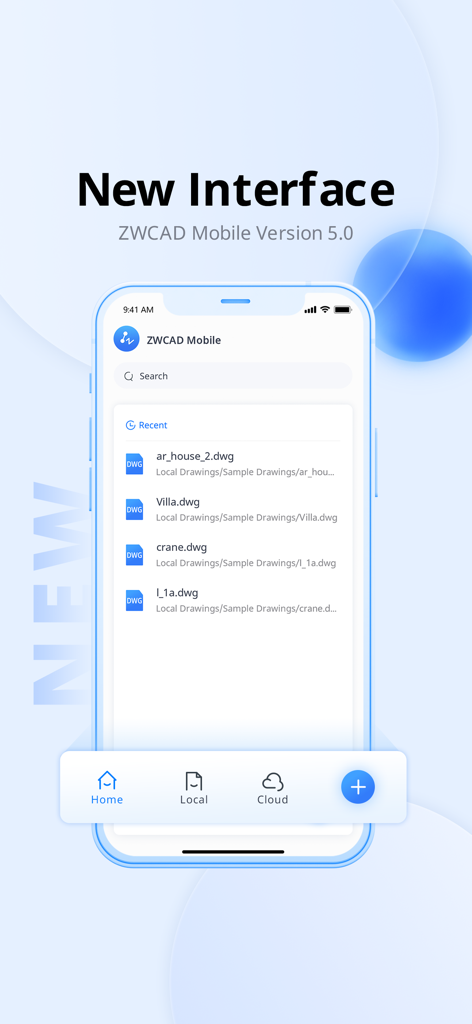
ZWCAD Mobile Version 5インターフェースにDWG図面のリストが表示されています

ZWCAD Mobile Version 5インターフェースにDWG図面のリストが表示されています

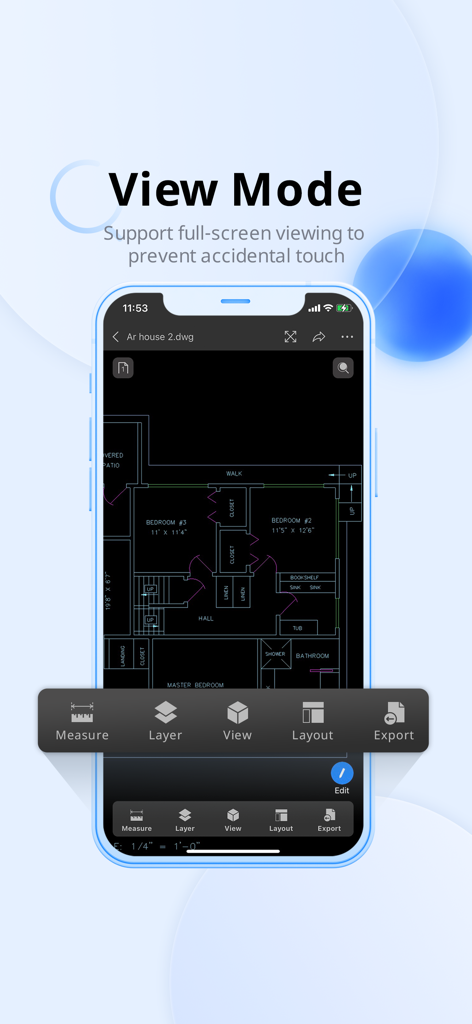
ZWCAD Mobileアプリがスマートフォンのフルスクリーン表示モードで詳細な住宅の間取り図を表示しています

ZWCAD Mobileアプリがスマートフォンのフルスクリーン表示モードで詳細な住宅の間取り図を表示しています

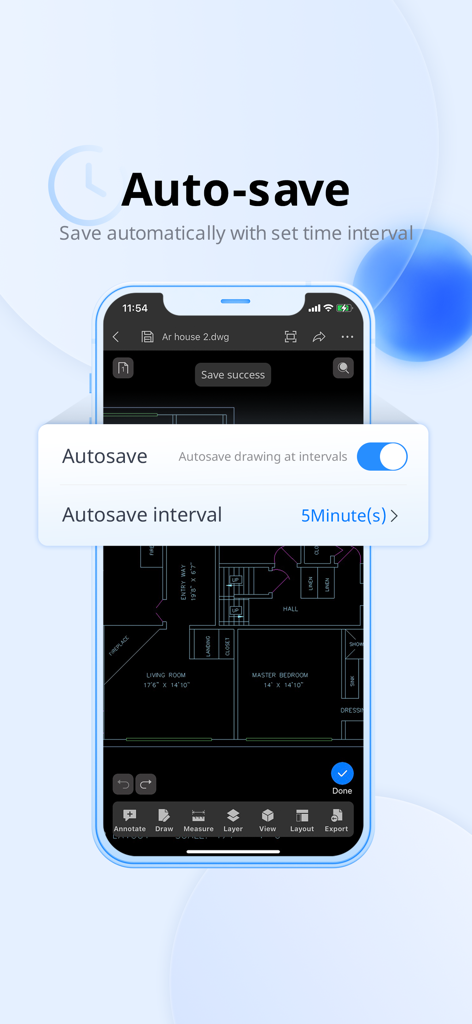
ZWCAD Mobileアプリの自動保存設定インターフェースに、CADの間取り図の上に時間間隔オプションが表示されています

ZWCAD Mobileアプリの自動保存設定インターフェースに、CADの間取り図の上に時間間隔オプションが表示されています

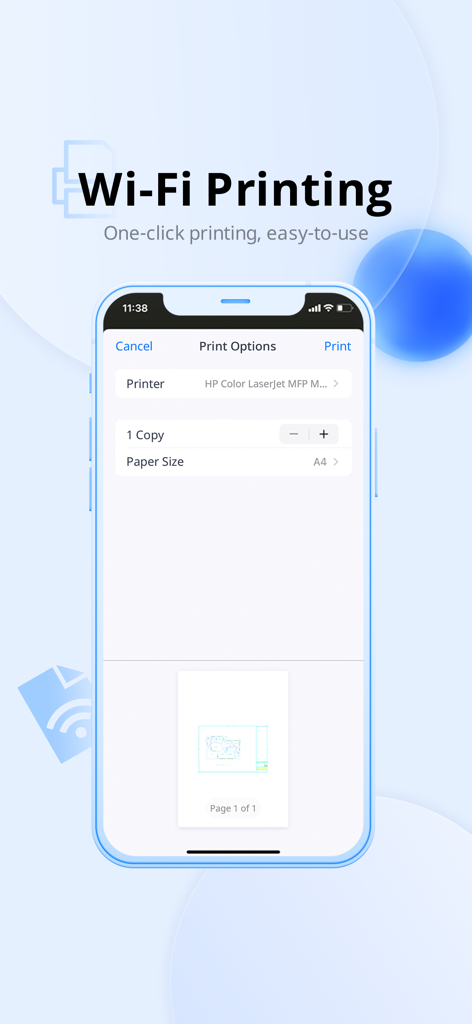
ZWCAD MobileでCAD図面のWi-Fi印刷オプションを表示するスマートフォンの画面

ZWCAD MobileでCAD図面のWi-Fi印刷オプションを表示するスマートフォンの画面

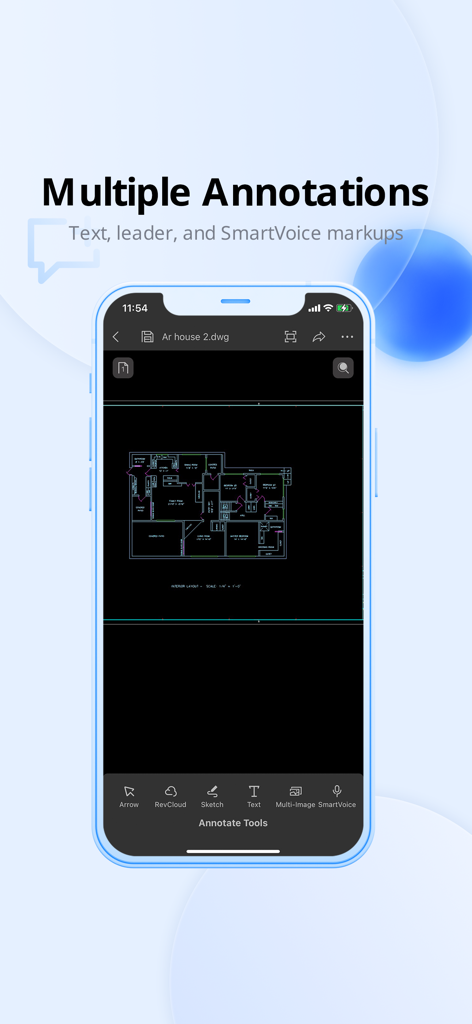
ZWCAD Mobileアプリのインターフェースに、間取り図の注釈およびマークアップツールが表示されています

ZWCAD Mobileアプリのインターフェースに、間取り図の注釈およびマークアップツールが表示されています

デスクトップグレードの精度で現場作業を強化

このアプリを際立たせるツール、 1M+ 人のユーザーが選択.

📏

すべてのピクセルに比類なき精度

8桁の小数点精度で測定します。インチの1/1000が重要な現場調査やエンジニアリングタスクには、プロフェッショナルグレードのツールを信頼してください。

✏️

外出先でもシームレスなDWG編集

iPadやiPhoneで直接レイヤーを変更、注釈付け、管理できます。DWG、DXF、PDFのサポートにより、ラップトップなしでプロジェクトライブラリ全体に常にアクセスできます。

🎙️

スマートコラボレーションツール

SmartVoiceを使用して座標に直接メモを記録し、Revision Cloudsで変更を強調表示します。スナップショットをPDFまたはJPEGとしてエクスポートし、チームとクライアントを即座に最新の状態に保ちます。

世界中のユーザーに愛されています

Trusted by 1M+ 人がこのアプリを愛用しています.

"

"現場監督として、かさばる青写真を持ち運ぶのは過去のことです。ZWCAD Mobileは信じられないほど高速で、SmartVoice機能により、作業用手袋を外さなくても正確な注釈をチームに残すことができます。現場からオフィスへのワークフローにとって不可欠なツールとなりました。"

David Miller, Site Superintendent
"

"8桁の小数点精度は、私の現場調査にとってゲームチェンジャーです。iPadで直接DWGファイルを編集し、会議を離れる前にPDFとしてクライアントにエクスポートできます。これまで使用した中で最も堅牢で信頼性の高いモバイルCADソリューションです。"

Sarah Jenkins, Senior Architect

アプリについて

について知っておくべきこと ZWCAD Mobile - Mobile CAD.

説明

*ZWCAD Mobile is a free CAD viewing, drawing and sharing app developed by ZWSOFT. It integrates multiple functions including fast viewing and editing of DWG files, precise measurement, annotation, and printing. ZWCAD Mobile has been developed for nearly ten years. It enables you to view, edit and export drawings of multiple formats such as DWG, DWF, DXF and PDF. Plus, it has an abundant TTF font library, supports precise measurement (accuracy: 8 digits after the decimal point), and provides more than 100 functions, such as annotating, editing, snapping, layer layout and cloud drawing management. *Trusted by 10 million users, including architects, engineers, construction professionals, field technicians and contractors. Whether it is mechanical drawing, electrical drawing, engineering construction, site survey or interior design, ZWCAD Mobile can handle all tasks easily. --------View and Edit-------- ZWCAD Mobile supports editing DWG files and viewing DWF, DXF and PDF files. Editing Tools: Move, Copy, Rotate, Scale, Erase, Mirror, Align, Edit Text, Grip Edit, Block Attribute Edit. Drawing Tools: Circle, Polyline, Line, Rectangle, Arc, Text, Insert Block, Smartpen, Image. Measuring Tools: Aligned Dimension, Radial Dimension, Angular Dimension, Linear Dimension, Arc Length Dimension, Coordinate Dimension, Perimeter and Area, Distance, Coordinate Query. View Mode: 2D and 3D views, Regen, Change Background Color. Annotating Tools: Revision Cloud, Brush, Text, Multi-image, SmartVoice. Exporting Tools: Export JPEG, PDF or DWF. Text Search: Search for text to quickly find the location. Modeling Tools: Switch between the Model space and any other Layout space that are included in your drawing. Layering Tools: Create, Rename, Change, Turn On/Off, Delete. Coloring Tools: Change the color of the object in the drawing. Contact us: tech@zwsoft.com

最新バージョン

5.6.7

サイズ

105.8 MB

リリース日

2012年8月2日

CADワークフローを現場へ持ち出す準備はできましたか?

1000万人以上のプロフェッショナルに加わり、本日、モバイルデバイスで8桁測定の精度とシームレスなDWG編集を体験してください。

ダウンロード: App Store