Adobe Illustrator: Graphic Art

Adobe Illustrator: Graphic Art

다운로드: App Store
Spark by MWM logo
로고: Adobe Illustrator: Graphic Art
Adobe Illustrator: 그래픽 아트 – 손끝에서 펼쳐지는 전문가용 벡터 디자인

Apple Pencil의 정밀함으로 스케치를 확장 가능한 벡터 아트로 변환하세요. 원활한 Creative Cloud 동기화를 통해 어디서나 멋진 로고, 아이콘 및 일러스트레이션을 제작할 수 있습니다.

개발사

Adobe Inc.

카테고리

Graphics & Design

다운로드

7M+

사용자 평점

4.5/5

총 평가 수

101K+

지원 언어

5

경계 없는 디자인

이 인터페이스를 사용하는 7M+ 명의 사용자.

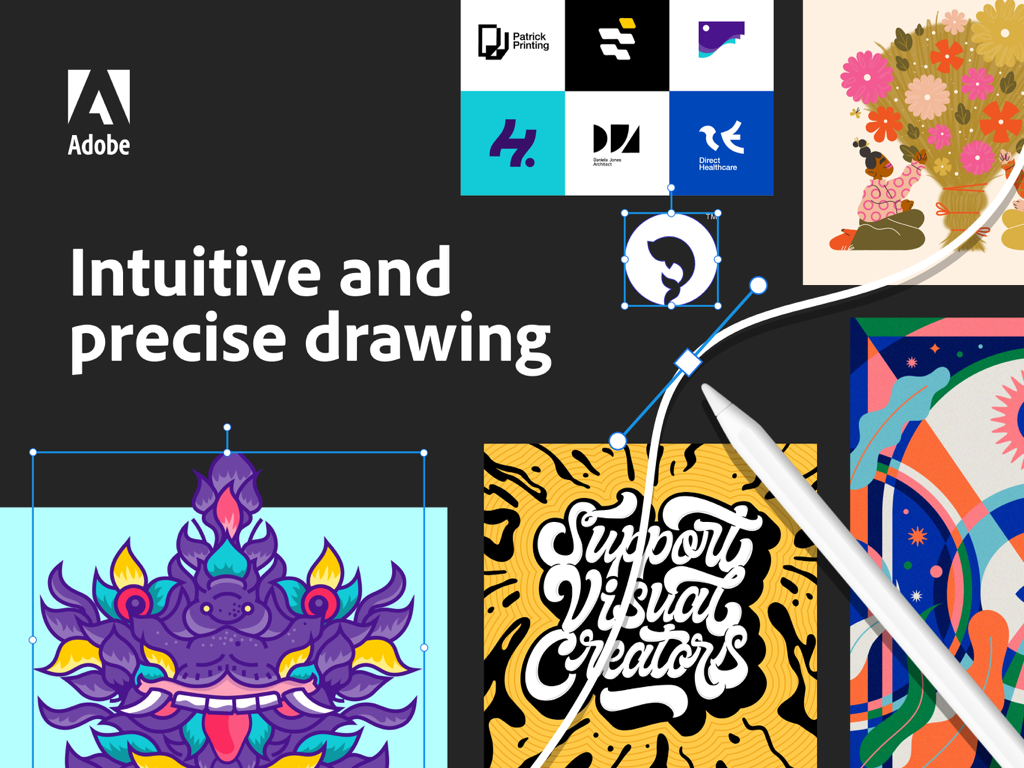
Apple Pencil을 사용한 벡터 드로잉과 다양한 그래픽 디자인 예시를 보여주는 iPad용 Adobe Illustrator

Apple Pencil을 사용한 벡터 드로잉과 다양한 그래픽 디자인 예시를 보여주는 iPad용 Adobe Illustrator

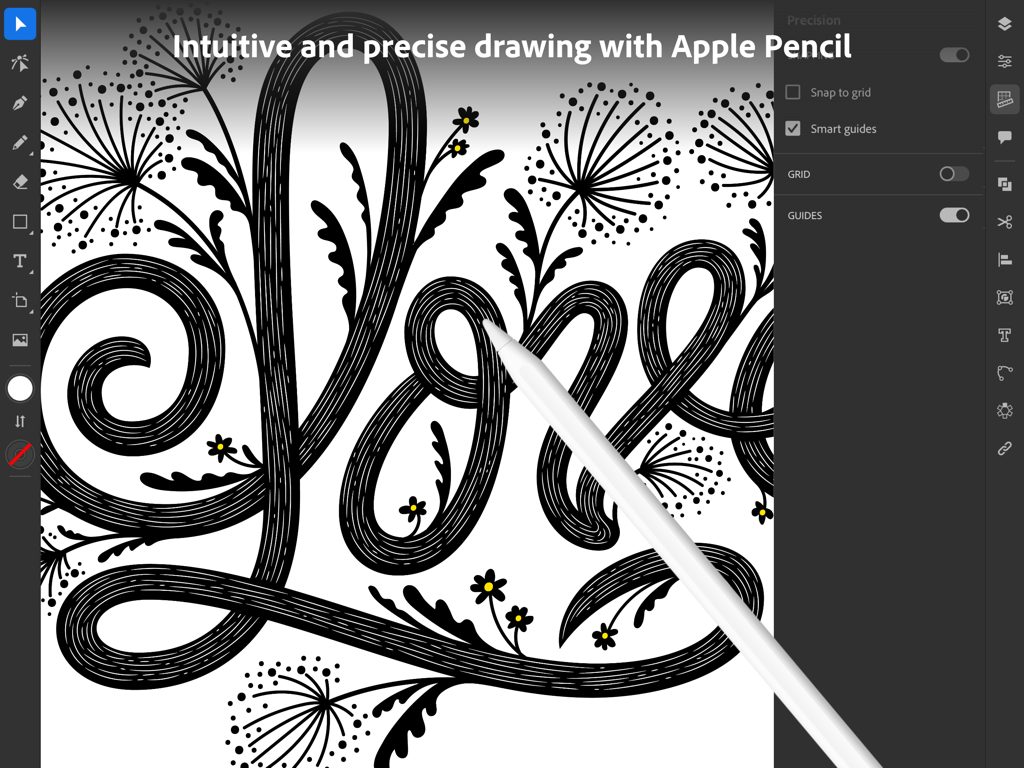
iPad의 Adobe Illustrator에서 Apple Pencil을 사용하여 정밀한 벡터 아트를 제작하는 그래픽 디자이너.

iPad의 Adobe Illustrator에서 Apple Pencil을 사용하여 정밀한 벡터 아트를 제작하는 그래픽 디자이너.

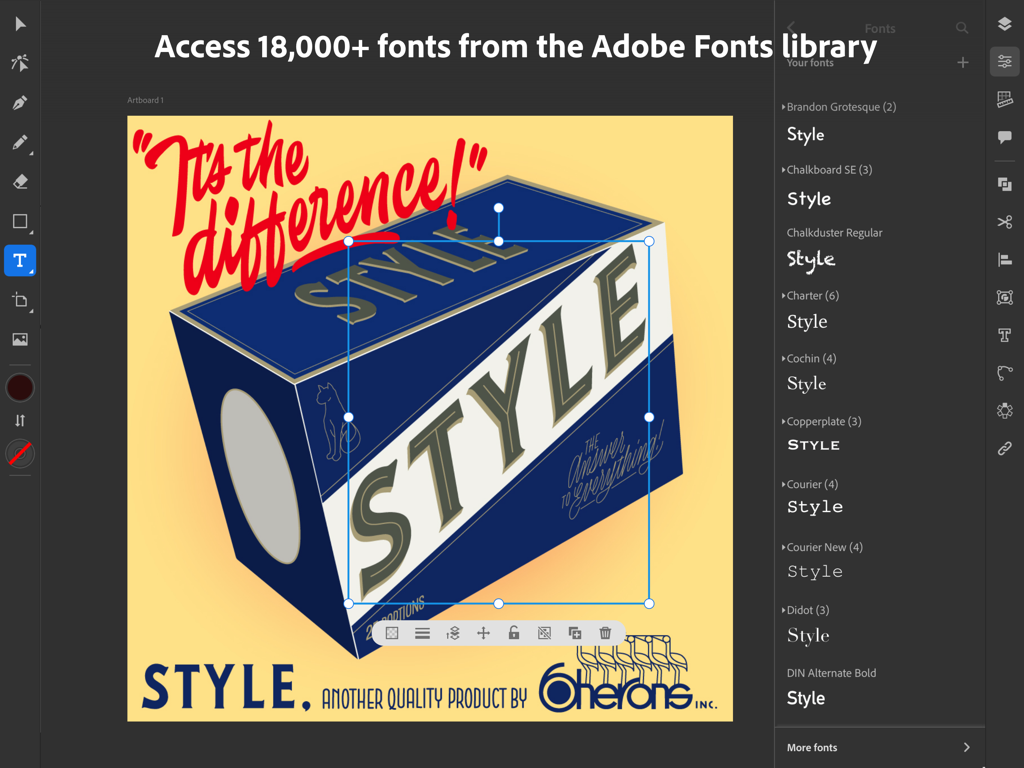
폰트 선택 메뉴와 레트로 그래픽 디자인 프로젝트를 보여주는 iPad용 Adobe Illustrator 앱 인터페이스

폰트 선택 메뉴와 레트로 그래픽 디자인 프로젝트를 보여주는 iPad용 Adobe Illustrator 앱 인터페이스

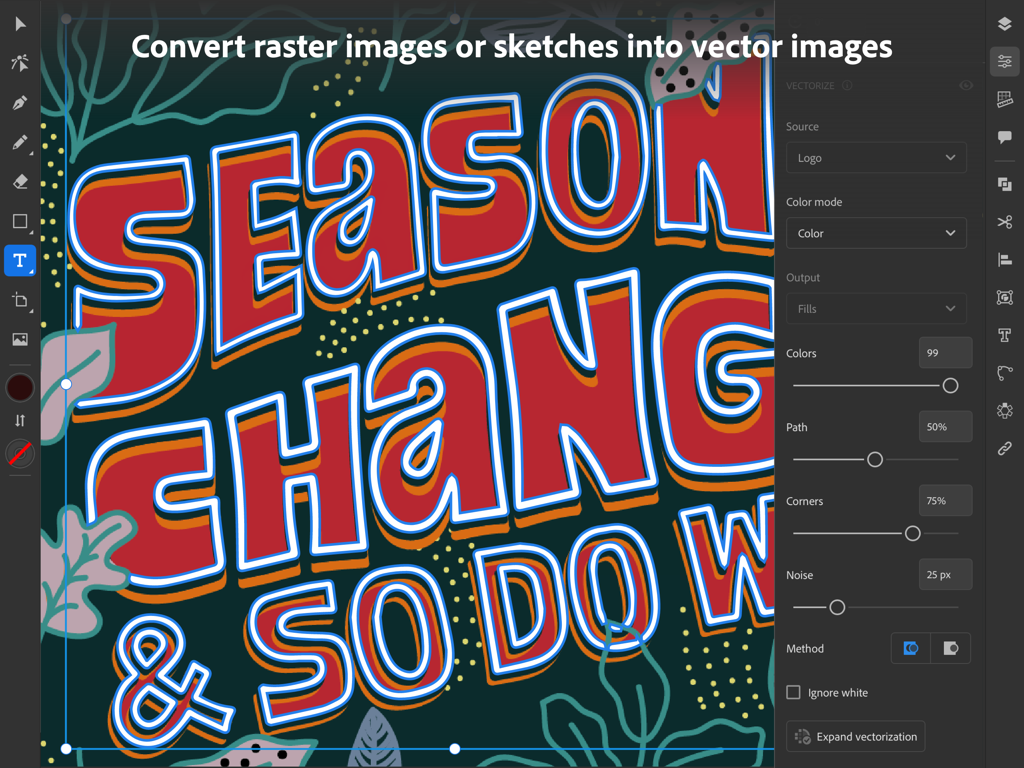
컬러풀한 손그림 타이포그래피 일러스트레이션을 편집 가능한 벡터 그래픽으로 변환하는 벡터화 패널을 보여주는 iPad용 Adobe Illustrator.

컬러풀한 손그림 타이포그래피 일러스트레이션을 편집 가능한 벡터 그래픽으로 변환하는 벡터화 패널을 보여주는 iPad용 Adobe Illustrator.

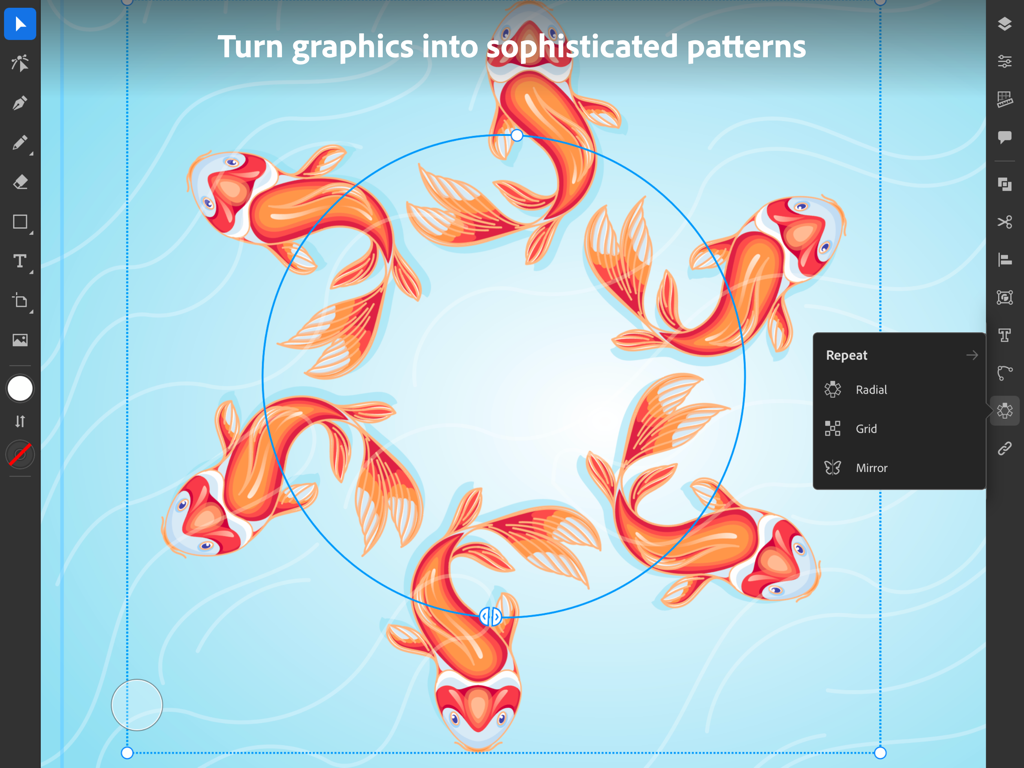
잉어 일러스트와 함께 방사형 반복(Radial Repeat) 기능을 보여주는 iPad용 Adobe Illustrator 앱

잉어 일러스트와 함께 방사형 반복(Radial Repeat) 기능을 보여주는 iPad용 Adobe Illustrator 앱

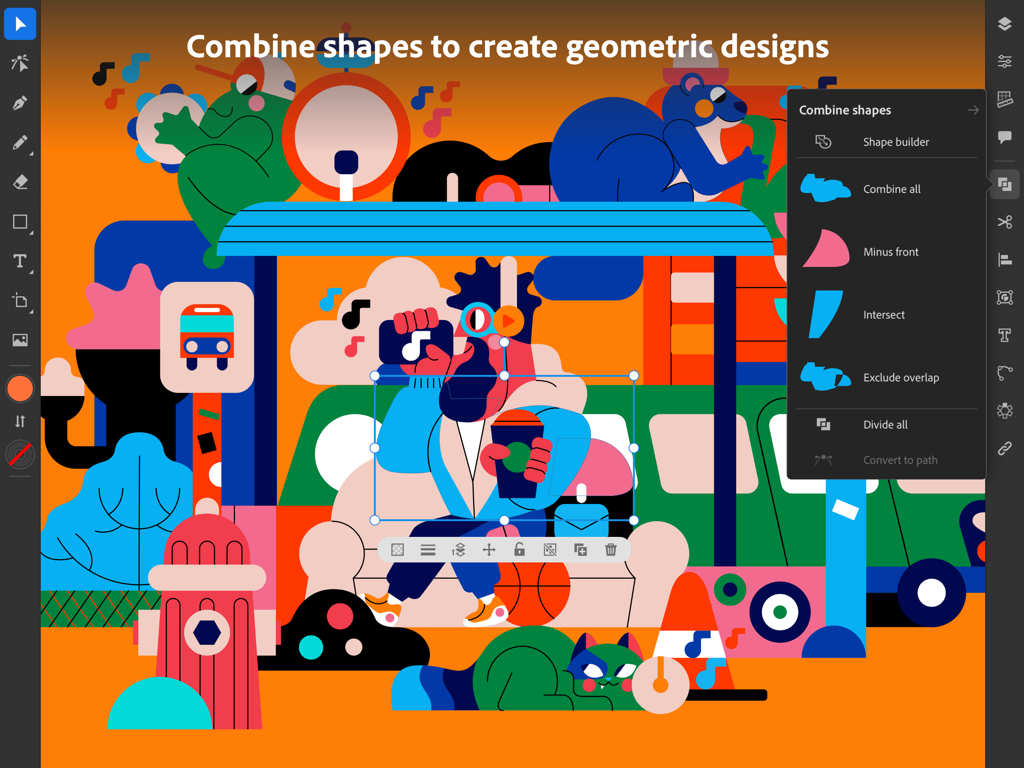
컬러풀한 기하학적 일러스트레이션과 도형 결합(Combine Shapes) 메뉴를 보여주는 iPad용 Adobe Illustrator 인터페이스.

컬러풀한 기하학적 일러스트레이션과 도형 결합(Combine Shapes) 메뉴를 보여주는 iPad용 Adobe Illustrator 인터페이스.

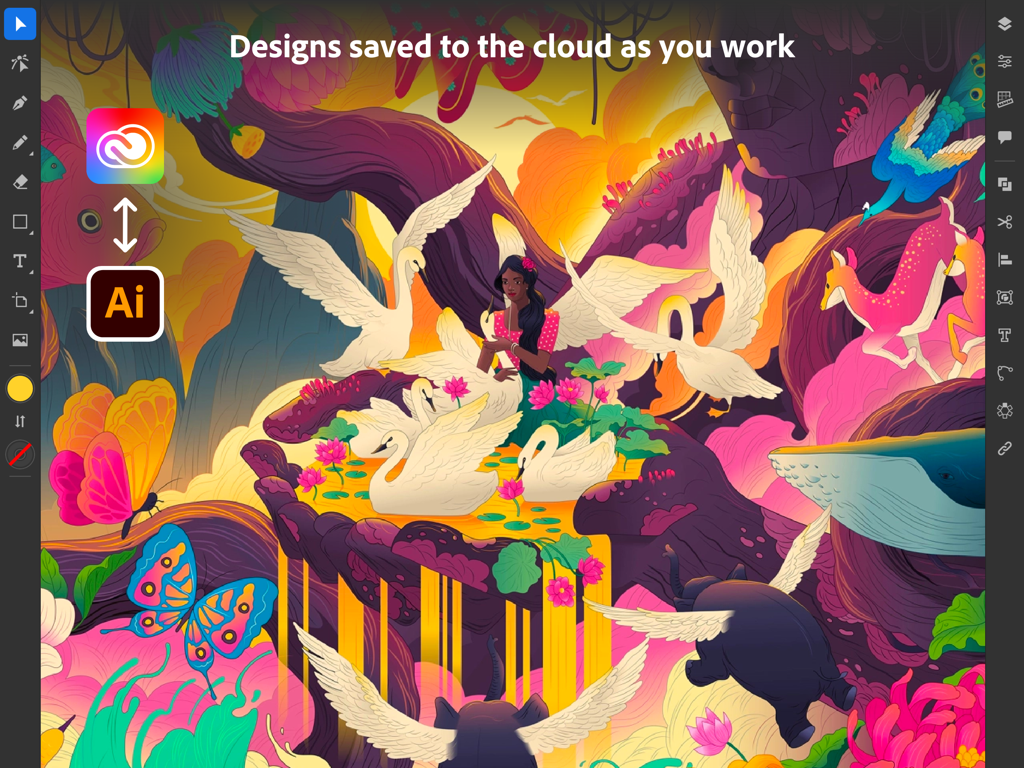
초현실적인 일러스트레이션과 클라우드 동기화 아이콘을 보여주는 iPad용 Adobe Illustrator 인터페이스

초현실적인 일러스트레이션과 클라우드 동기화 아이콘을 보여주는 iPad용 Adobe Illustrator 인터페이스

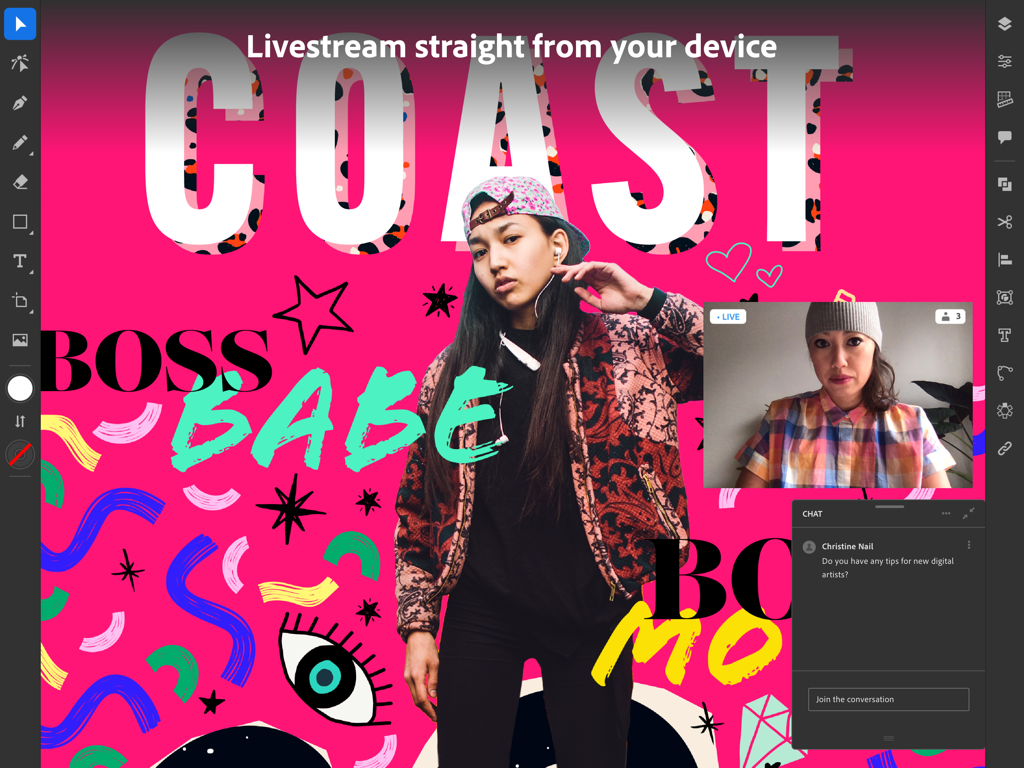
라이브 스트리밍과 커뮤니티 채팅을 보여주는 iPad용 Adobe Illustrator 앱

라이브 스트리밍과 커뮤니티 채팅을 보여주는 iPad용 Adobe Illustrator 앱

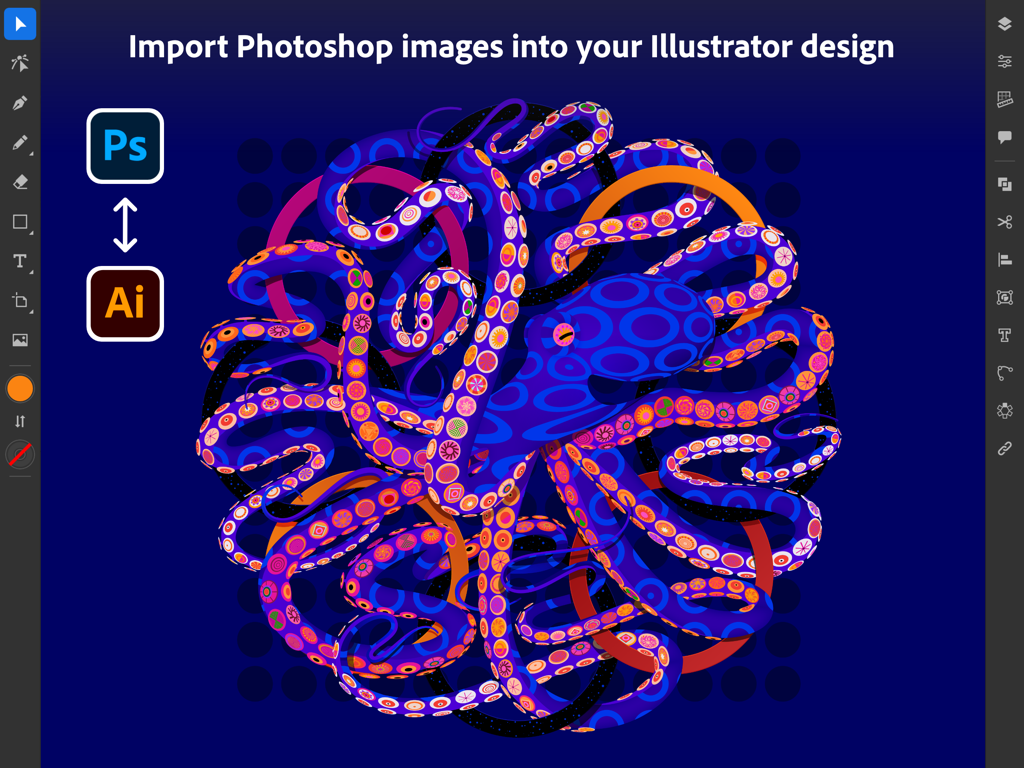
컬러풀한 문어 그래픽과 함께 Photoshop 이미지 가져오기를 보여주는 iPad용 Adobe Illustrator 인터페이스

컬러풀한 문어 그래픽과 함께 Photoshop 이미지 가져오기를 보여주는 iPad용 Adobe Illustrator 인터페이스

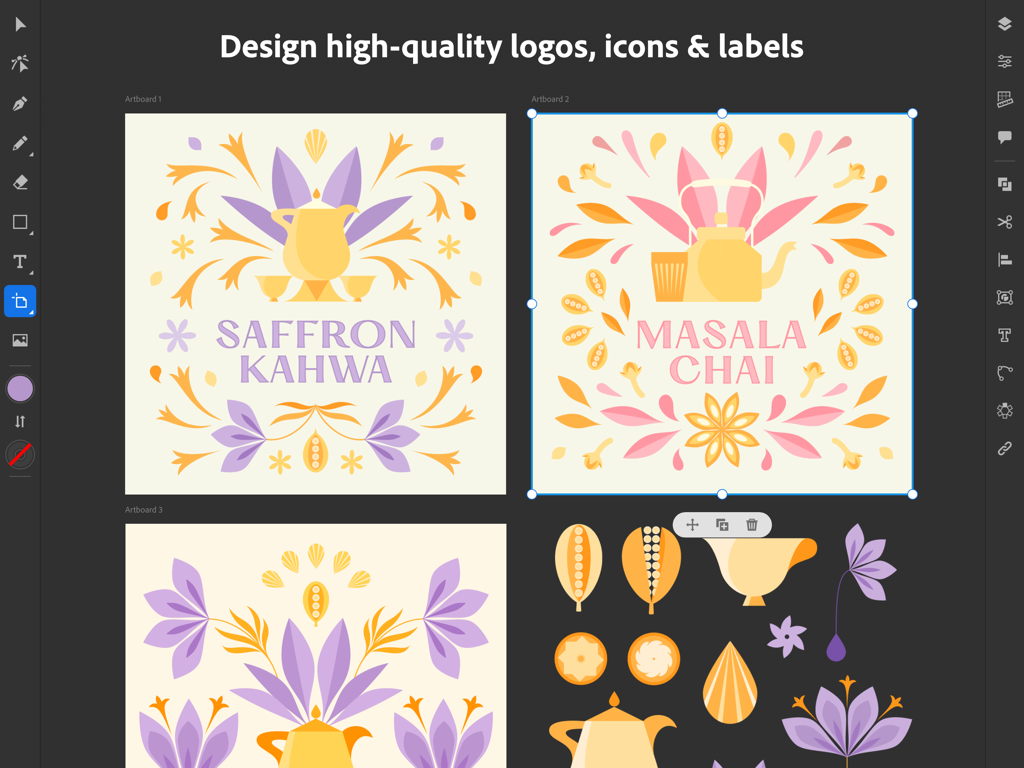
차(tea) 브랜드용 벡터 로고 및 라벨 디자인을 보여주는 iPad용 Adobe Illustrator 인터페이스

차(tea) 브랜드용 벡터 로고 및 라벨 디자인을 보여주는 iPad용 Adobe Illustrator 인터페이스

전문적인 성능, 모바일의 자유로움

이 앱을 돋보이게 하는 도구, 7M+ 명의 사용자가 선택.

✏️

자연스러운 펜슬의 정밀함

종이에 펜을 쓰듯 자연스럽게 벡터 선과 곡선을 그려보세요. 직관적인 제스처와 Apple Pencil을 사용해 책상에 얽매이지 않고 정교하게 디자인할 수 있습니다.

🔄

원활한 클라우드 워크플로우

iPad에서 시작하고 데스크탑에서 마무리하세요. 프로젝트가 기기 간에 자동으로 동기화되어 어디서든 중단했던 지점부터 바로 이어서 작업할 수 있습니다.

원터치 벡터화

손으로 그린 스케치나 래스터 이미지를 깨끗하고 확장 가능한 벡터 그래픽으로 즉시 변환하세요. 전문가 수준의 결과물을 얻을 수 있어 소셜 포스트부터 광고판까지 모든 용도에 적합합니다.

전 세계 사용자들에게 사랑받는 앱

Trusted by 7M+ 명이 이 앱을 사랑합니다.

"

"프리랜서 로고 디자이너로서 책상을 벗어나 정교한 벡터 아트를 제작할 수 있다는 점은 필수적입니다. Apple Pencil 통합은 매우 자연스럽게 느껴지며, Creative Cloud를 통해 프로젝트가 데스크탑과 즉시 동기화되어 브랜딩 워크플로우가 완전히 간소화되었습니다. 이제 진정한 모바일로 거듭난 전문가용 표준 도구입니다."

Maya Thompson, 브랜딩 전문가
"

"전통적인 스케치에서 디지털 아트로 전향했는데, 이 앱 덕분에 전환이 매우 매끄러웠습니다. 벡터화(Vectorize) 기능은 종이 그림을 깨끗한 그래픽으로 바꾸는 데 정말 유용하며, 내장된 튜토리얼은 실력을 크게 향상시키는 데 도움이 되었습니다. 이동 중에도 부업으로 디자인 업무를 관리하기에 완벽합니다."

Leo Rodriguez, 디지털 일러스트레이터

리뷰 분석

사용자 리뷰 인사이트.

감정 점수

27%
부정적

요약

This mobile app receives overwhelmingly negative feedback, with users frequently reporting frustrating crashes, freezing, and loss of work, sometimes linked to specific updates like version 26.0.1. Many criticize the app's lack of essential features compared to its desktop counterpart, such as the "width tool" and "Free Transform," alongside issues with misleading "free" advertising and inadequate language support. While some users appreciate the app's intuitiveness and express optimism about its potential and continuous improvement, particularly noting recent improvements in handling large files without crashing, the pervasive technical issues severely hinder the user experience.

주요 테마

Feature Requests(4)
App Stability(1)
Mobile Version Appeal(1)
Intuitiveness(1)
Continuous Improvement(1)

앱 소개

에 대해 알아야 할 모든 것 Adobe Illustrator: Graphic Art.

설명

Create logos, illustrations, graphics and more. Illustrator on the iPad works intuitively with your Apple Pencil so you can design on the go from anywhere, even offline - it’s never been easier to take your creativity to new places. Design with precision, as naturally as you would with pen and paper. Create vector lines, shapes, type, gradients, and effects. Merge or cut graphics with quick, intuitive Pencil gestures to remove unwanted areas. Make your graphics pop with effects, and access over 18,000 fonts, 20+ color palettes, up-to-the-minute live streams from famous creatives, and guided tutorials. Work on a project across Adobe Illustrator, Photoshop, and Fresco. Plus, your Illustrator work is automatically synced to the cloud, so you and your team can always access the latest version from your desktop or iPad. This app is part of Adobe Creative Cloud. It’s free for Creative Cloud members who have a plan that includes Illustrator. INTUITIVE AND PRECISE DRAWING WITH APPLE PENCIL • Natural ways to draw — Make lines and curves using the Pen, Pencil, and Brush tools • Art and Calligraphic Brushes — Create and apply brush strokes to add artistic elements to your artwork. • Pinpoint editing — Create perfect graphics without quality loss with Smart Delete, Simplify Path, and more • Point precision — Edit graphics down to the point, radius, or angle level NEW WAYS TO MAKE STUNNING PATTERNS AND SHAPES • Vectorize — Convert raster images or paper sketches into vector images. • Radial, grid, and mirror repeat — Turn graphics into sophisticated patterns • Polygon shape creation — Make objects out of circles, triangles, squares, and stars • Transform as Shape — Transform paths and curves without manual manipulation of anchor points. • Blend Tool — Smoothly blend one shape into another across a specified number of steps. THE MOST COMPREHENSIVE TYPE TOOLKIT FOR IPAD • 18,000+ fonts — Use one of the thousands of high-quality fonts included in the Adobe Fonts library • Fonts of your own — Upload and design with any of your own licensed fonts and use them on both desktop and iPad • Type on a path — Bend and flow text onto the surface of lines and shapes • Outlined text — Turn text into an editable format that can be modified without limits • Variable fonts — They’re infinitely customizable • Color fonts — Explore gorgeous color variations and gradients that are built into the font BRILLIANT COLORS AND GRADIENTS • Point gradients — Drag and drop colors to create dynamic blends of diffused colors • 20+ color books — Use industry-standard color swatches or incorporate your own SEAMLESS MOVEMENT BETWEEN DEVICES AND APPS • File syncing between Illustrator on the desktop and on the iPad — Projects are automatically synced and accessible across devices • Photoshop import — Easily place a Photoshop image into your Illustrator design • Standard file format export — Create, save, and open Illustrator (AI) files with no loss of quality, and export in the most common formats, including SVG, PDF, PNG, and PSD. KEEPING TABS ON THE LATEST CREATIVE TRENDS • Livestreaming — Watch and learn from top design-industry creatives daily, right within the app • Trends to discover — Explore projects by other creatives Terms & Conditions: Your use of this application is governed by the Adobe General Terms of Use http://www.adobe.com/go/terms_linkfree_en and the Adobe Privacy Policy http://www.adobe.com/go/privacy_policy_linkfree_en Do Not Sell My Personal Information: www.adobe.com/go/ca-rights-linkfree

최신 버전

3.0.10

크기

856.2 MB

출시일

2020년 10월 19일

경계 없는 디자인

Illustrator의 성능과 Apple Pencil의 정밀함으로 가장 야심 찬 아이디어를 현실로 구현하세요. 스튜디오를 벗어나 세상 어디에서나 전문적인 워크플로우를 이어가고 영감의 순간을 놓치지 마세요.

다운로드: App Store
FAQ

자주 묻는 질문

에 대해 알아야 할 모든 것 Adobe Illustrator: Graphic Art

Adobe Illustrator: Graphic Art는 Creative Cloud 구독 시 무료인가요?

예, Adobe Illustrator: Graphic Art는 Illustrator를 포함하는 요금제를 사용하는 Creative Cloud 회원은 무료로 사용할 수 있습니다. Adobe Creative Cloud 애플리케이션 제품군의 일부입니다.

iPad용 Adobe Illustrator: Graphic Art로 무엇을 만들 수 있나요?

Adobe Illustrator: Graphic Art를 사용하면 로고, 일러스트레이션 및 다양한 그래픽을 만들 수 있습니다. 벡터 선, 모양, 텍스트, 그라데이션 및 효과를 사용하여 디자인할 수 있습니다.

Adobe Illustrator: Graphic Art는 Apple Pencil을 지원하나요?

예, iPad용 Adobe Illustrator는 Apple Pencil과 직관적으로 작동하도록 설계되었습니다. 이를 통해 펜과 종이와 유사한 정밀한 드로잉 및 자연스러운 상호 작용이 가능합니다.

iPad에서 Adobe Illustrator: Graphic Art를 오프라인으로 사용할 수 있나요?

예, 인터넷 연결 없이도 어디서든 창의적인 작업을 할 수 있도록 하는 기능을 통해 iPad에서 오프라인으로 Adobe Illustrator: Graphic Art를 사용하여 디자인할 수 있습니다.

Adobe Illustrator: Graphic Art는 디자인을 클라우드로 동기화하나요?

예, iPad에서 생성된 Illustrator 작업은 Creative Cloud로 자동 동기화됩니다. 이를 통해 데스크톱 및 iPad 장치에서 사용자와 팀이 프로젝트에 액세스할 수 있습니다.

Adobe Illustrator: Graphic Art에는 몇 개의 글꼴이 있나요?

Adobe Illustrator: Graphic Art는 Adobe Fonts 라이브러리의 18,000개 이상의 고품질 글꼴에 액세스할 수 있습니다. 사용자 지정 글꼴을 업로드하고 사용할 수도 있습니다.

Adobe Illustrator: Graphic Art는 래스터 이미지를 벡터로 변환할 수 있나요?

예, iPad용 Adobe Illustrator에는 앱 내에서 래스터 이미지 또는 종이 스케치를 편집 가능한 벡터 그래픽으로 변환하는 'Vectorize' 기능이 포함되어 있습니다.

Adobe Illustrator: Graphic Art는 Photoshop 파일과 호환되나요?

예, Adobe Illustrator: Graphic Art를 사용하면 Photoshop 이미지를 Illustrator 디자인으로 직접 가져올 수 있습니다. Adobe Illustrator, Photoshop 및 Fresco 간의 원활한 워크플로우를 지원합니다.

Adobe Illustrator: Graphic Art는 어떤 내보내기 파일 형식을 지원하나요?

Adobe Illustrator: Graphic Art는 SVG, PDF, PNG 및 PSD와 같은 일반 파일 형식으로 디자인을 내보낼 수 있습니다. 이를 통해 플랫폼 간의 품질과 호환성을 보장합니다.

Adobe Illustrator: Graphic Art는 라이브스트리밍 튜토리얼을 제공하나요?

예, Adobe Illustrator: Graphic Art는 앱 내 라이브스트리밍을 제공합니다. 사용자는 매일 선도적인 디자인 산업 크리에이티브의 실시간 스트리밍을 시청하고 배울 수 있으며 새로운 트렌드를 발견할 수 있습니다.