Vector & SVG Maker - Assembly

Vector & SVG Maker - Assembly

다운로드: App Store
Spark by MWM logo
로고: Vector & SVG Maker - Assembly

Assembly: 전문적인 벡터 디자인의 대중화

몇 분 만에 멋진 로고, 아이콘, 일러스트레이션을 만들어 보세요. 모바일 기기에서 데스크탑급 벡터 도구의 성능을 활용하여 비전을 쉽게 구축, 편집 및 내보낼 수 있습니다.

다운로드: App Store

개발사

Pixite Inc.

카테고리

Graphics & Design

다운로드

2M+

사용자 평점

4.5/5

총 평가 수

12K+

지원 언어

2

단순화된 프로 디자인

이 인터페이스를 사용하는 2M+ 명의 사용자.

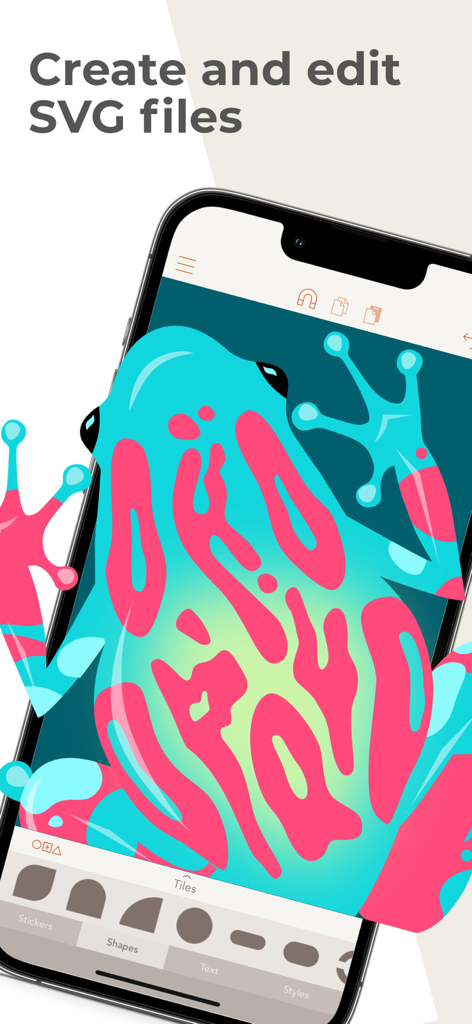
Assembly 앱에서 편집 중인 화려한 개구리 벡터 일러스트레이션

Assembly 앱에서 편집 중인 화려한 개구리 벡터 일러스트레이션

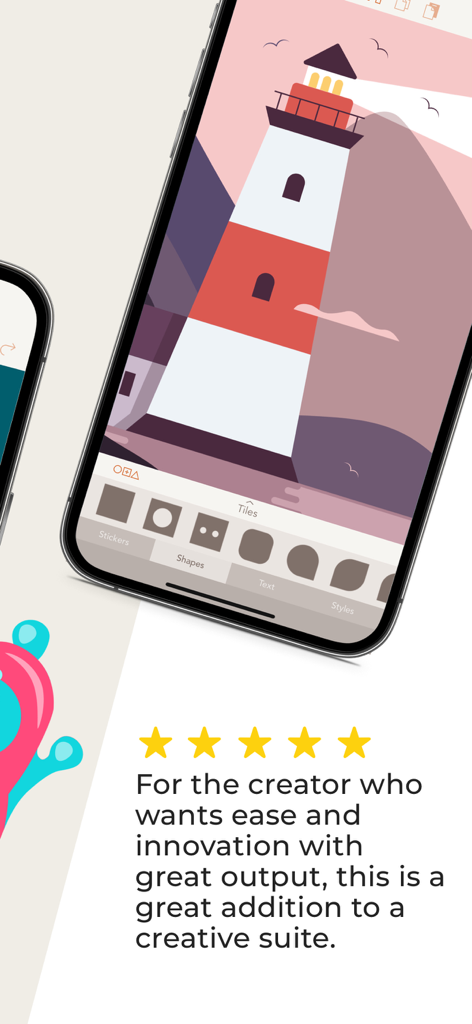
별 5개 리뷰와 함께 Assembly 벡터 디자인 앱에서 등대 일러스트레이션을 보여주는 iPhone 화면

별 5개 리뷰와 함께 Assembly 벡터 디자인 앱에서 등대 일러스트레이션을 보여주는 iPhone 화면

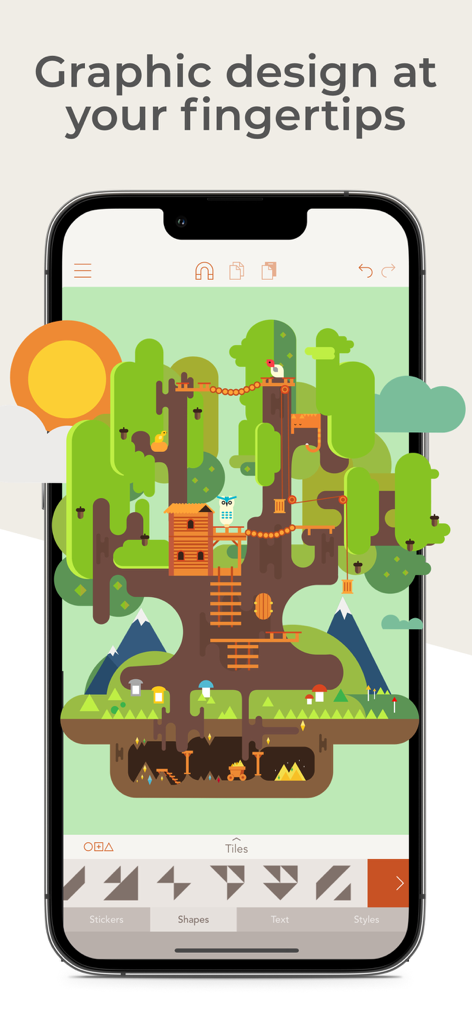
트리하우스의 상세한 벡터 일러스트레이션을 보여주는 Assembly 모바일 앱 인터페이스

트리하우스의 상세한 벡터 일러스트레이션을 보여주는 Assembly 모바일 앱 인터페이스

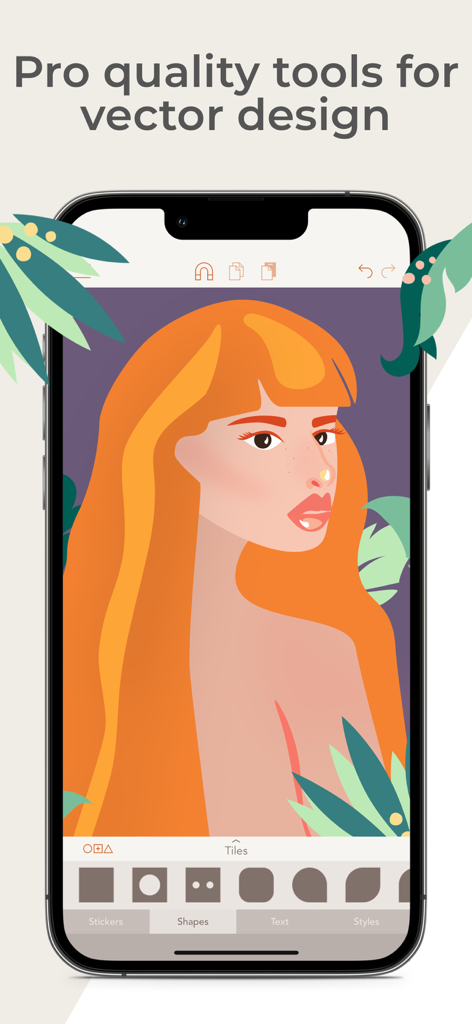
여성의 전문적인 일러스트레이션이 특징인 Assembly 벡터 디자인 앱의 모바일 인터페이스

여성의 전문적인 일러스트레이션이 특징인 Assembly 벡터 디자인 앱의 모바일 인터페이스

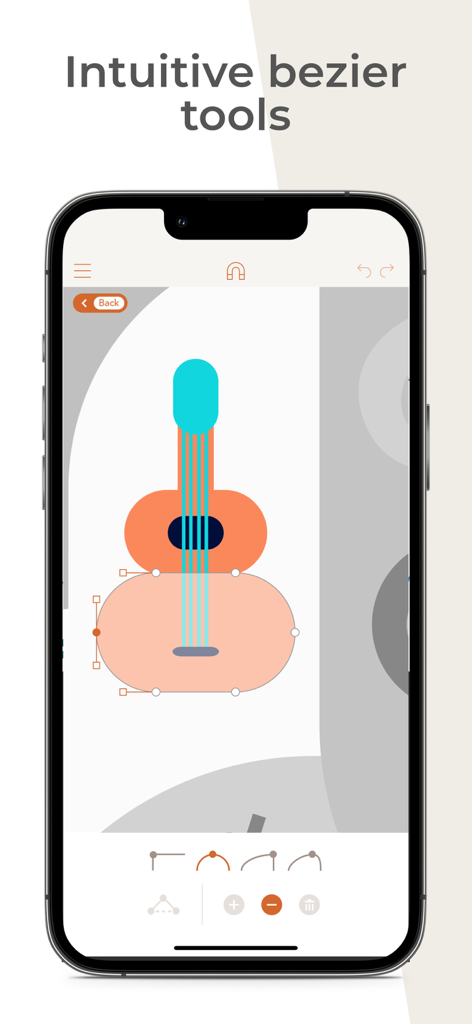
Assembly 앱에서 직관적인 베지어 곡선 도구를 사용하여 편집 중인 기타 벡터 일러스트레이션

Assembly 앱에서 직관적인 베지어 곡선 도구를 사용하여 편집 중인 기타 벡터 일러스트레이션

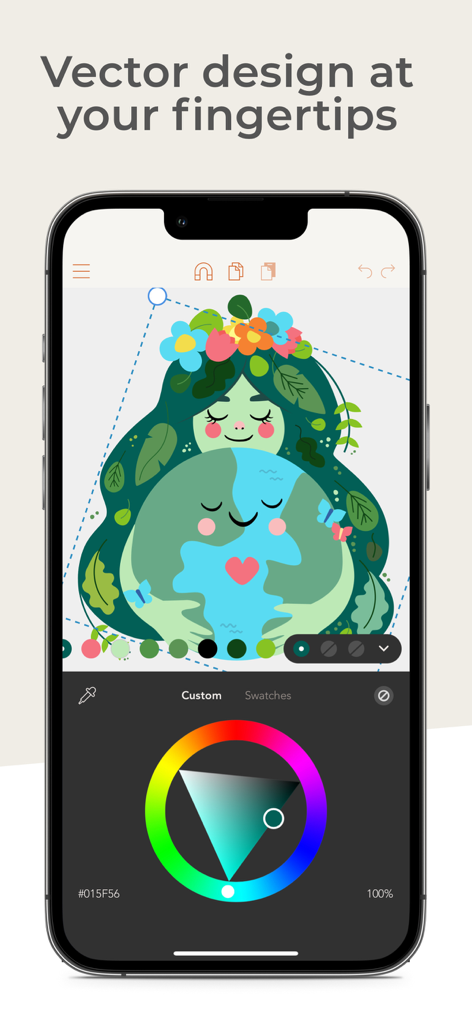
벡터 일러스트레이션과 색상 휠을 보여주는 Assembly 앱을 사용한 iPhone 그래픽 디자인

벡터 일러스트레이션과 색상 휠을 보여주는 Assembly 앱을 사용한 iPhone 그래픽 디자인

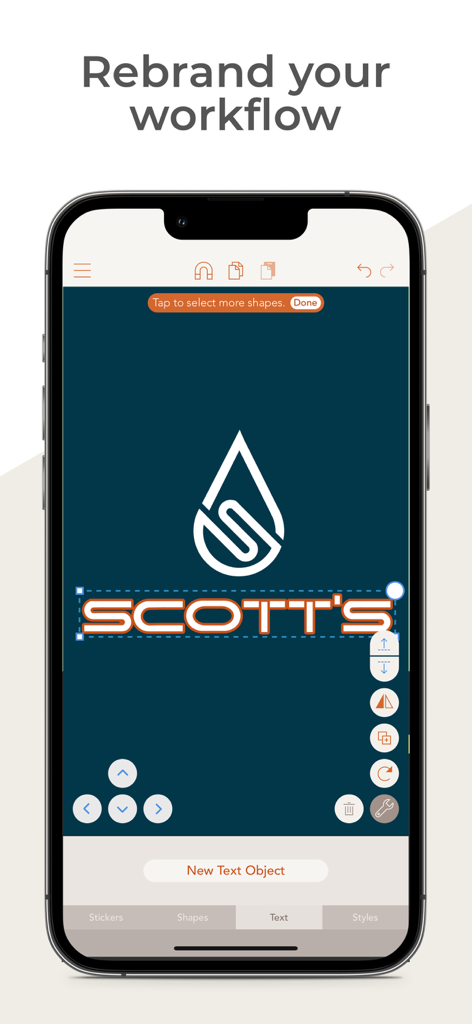
Scotts라는 브랜드의 물방울 아이콘과 텍스트 편집을 보여주는 벡터 로고 디자인용 모바일 앱 인터페이스

Scotts라는 브랜드의 물방울 아이콘과 텍스트 편집을 보여주는 벡터 로고 디자인용 모바일 앱 인터페이스

전문적인 벡터 디자인의 단순화

이 앱을 돋보이게 하는 도구, 2M+ 명의 사용자가 선택.

🧩

스마트 도형 구성

스케치북은 건너뛰세요. 1,000개 이상의 사전 설계된 도형을 결합하고 교차시켜 단 몇 초 만에 복잡하고 전문적인 그래픽을 만들 수 있습니다.

🖋️

정밀 포인트 편집

업계 표준 베지어 곡선으로 모든 세부 사항을 마스터하세요. 전문가급 포인트 편집 기능을 통해 예술적 비전을 완벽하게 제어할 수 있습니다.

📤

스튜디오급 출력

고해상도 PNG, JPG 또는 전문적인 SVG 및 PDF 형식으로 내보내세요. 웹, 인쇄 또는 선호하는 데스크탑 디자인 소프트웨어에서 바로 사용할 수 있습니다.

전 세계 사용자들에게 사랑받는 앱

Trusted by 2M+ 명이 이 앱을 사랑합니다.

"

"프리랜서 브랜드 디자이너로서, Assembly는 로고 제작을 위한 나의 데스크탑 환경을 완전히 대체했습니다. iPad에서 베지어 곡선을 조작하고 고해상도 SVG를 내보낼 수 있는 기능은 혁명적입니다. 클라이언트 작업에 충분히 강력하면서도 일반적인 소프트웨어의 비대함 없이 창의적인 흐름을 유지할 수 있을 만큼 직관적입니다."

Chloe M.
"

"드디어 숙제처럼 느껴지지 않는 디자인 도구를 찾았습니다! 저는 소셜 미디어 아이콘과 커스텀 스티커를 모두 Assembly로 만듭니다. 미리 제작된 도형 팩은 큰 도움이 되며, 스냅 시스템 덕분에 모든 것이 완벽하게 정렬됩니다. 단순한 사진 앱과 복잡한 전문 제품군 사이의 완벽한 가교 역할을 합니다."

Jordan R.

앱 소개

에 대해 알아야 할 모든 것 Vector & SVG Maker - Assembly.

설명

Create logos, icons, illustrations, and more using powerful, easy to use features usually only found in professional desktop software. Assembly is the revolutionary vector design tool that lets you imagine and produce quality work in half the time. Skip the sketch book and rough out designs by quickly combining predesigned elements. From basic primitives to ornate illustrations, cut, combine and intersect shapes creating complex groups of graphics. Dive a layer deeper to manipulate your designs further with the powerful point editing system using industry standard bezier curves. Get professional results using powerful tools found in high-end graphic design suites. Design quickly and easily using a simple interface that provides only the features you need as you need them. Output in high resolution JPG and PNG as well as popular vector formats SVG and PDF. Powerful yet intuitive, Assembly is the perfect creative tool. Simple professional vector design for artists of any background or skill level. Just the tools you need without all the bloat you don’t. Design anything, anywhere. = = = = = FEATURES: - Point editing with bezier curves - Combine, cut-out and intersect shapes - Import SVG / PNG / JPG and export SVG / PNG / PDF / JPG up to 8192 x 8192 - Complete text engine with 25 versatile, hand-selected fonts or import your own - Multi-select and nested grouping - Copy, flip and rotate shapes and groups - Save groups and projects to the custom shape pack - Fill, stroke, and shadow options - Convert strokes to fills - Intelligent snapping system for easy shape placement - 21 themed shape packs with over 1,000 shapes - Over 250 fully finished stickers that can be customized, reused and remixed - Create and save your own custom stickers - Share stickers in iMessage - 35 pre-made color palettes - Create and save your own custom color palettes - Eyedropper color sampling tool - Optional use of color or photo backgrounds - Save as transparent PNG - Assembly project file output - Sync projects across devices with iCloud = = = = = ASSEMBLY PRO Assembly Pro is an auto-renewing subscription service that provides professional features to elevate your work to the next level. You can get Assembly Pro for free for 7-days with a free trial. After the free trial you will be automatically renewed to the weekly subscription which you can cancel at any time. The paid subscription costs $2.99 USD per week for the weekly plan, $4.99 USD per month for the monthly plan, and $29.99 USD per year (50% discount off the monthly plan) for the yearly plan. Prices are subject to change. Assembly Pro automatically renews unless auto-renew is turned off at least 24-hours before the end of the current period. Your account will be charged for renewal within 24-hours prior to the end of the current period. Payment will be charged to your iTunes account at confirmation of purchase. You may manage Assembly Pro subscriptions and turn off auto-renewal by going to your Account Settings after purchase. Any unused portion of a free trial period will be forfeited when you purchase a Assembly Pro subscription. Privacy Policy http://pixiteapps.com/privacy-policy/ Terms of Use http://pixiteapps.com/terms-of-use/

최신 버전

2.4.7

크기

154.2 MB

출시일

2015년 10월 9일

어디서나 전문가처럼 디자인할 준비가 되셨나요?

200만 명 이상의 크리에이터와 함께 절반의 시간으로 전문가 수준의 로고와 벡터 제작을 시작하세요. 이제 iPad가 당신의 스튜디오가 됩니다.

다운로드: App Store
FAQ

자주 묻는 질문

에 대해 알아야 할 모든 것 Vector & SVG Maker - Assembly

Assembly (Vector & SVG Maker)란 무엇인가요?

Assembly는 로고, 아이콘, 일러스트레이션을 만드는 혁신적인 벡터 디자인 도구입니다. 전문 데스크톱 소프트웨어에서 일반적으로 사용되는 강력하고 사용하기 쉬운 기능을 제공하여 효율적으로 고품질 작업을 수행할 수 있습니다.

Assembly로 SVG 파일을 만들고 편집할 수 있나요?

예, Assembly는 사용자가 SVG 파일을 만들고 편집할 수 있는 Vector & SVG Maker입니다. SVG/PNG/JPG 가져오기를 지원하며 SVG, PDF, PNG, JPG 형식으로 디자인을 내보낼 수 있습니다.

Assembly는 전문적인 벡터 디자인 도구를 제공하나요?

예, Assembly는 베지어 곡선을 사용한 점 편집, 도형 결합, 완전한 텍스트 엔진을 포함한 전문적인 품질의 벡터 디자인 도구를 제공합니다. 이러한 기능은 고급 그래픽 디자인 제품군에서 볼 수 있습니다.

Assembly Pro의 가격은 얼마인가요?

Assembly Pro는 주간 $2.99 USD, 월간 $4.99 USD, 연간 $29.99 USD입니다. 이 자동 갱신 구독 서비스는 전문 기능을 제공합니다. 가격은 변경될 수 있습니다.

Assembly Pro에는 무료 체험이 제공되나요?

예, Assembly Pro는 7일 무료 체험을 제공합니다. 이 기간이 지나면 구독이 자동으로 주간 플랜으로 갱신되며, 사용자는 언제든지 취소할 수 있습니다.

Assembly 앱은 어떤 파일 형식으로 내보낼 수 있나요?

Assembly 앱은 고해상도 JPG 및 PNG뿐만 아니라 최대 8192 x 8192의 SVG 및 PDF와 같은 벡터 형식으로 디자인을 내보냅니다. 또한 Assembly 프로젝트 파일도 출력합니다.

Assembly에 사용자 지정 글꼴을 가져올 수 있나요?

예, Assembly의 완전한 텍스트 엔진을 통해 사용자는 자신만의 사용자 지정 글꼴을 가져올 수 있습니다. 또한 다양한 디자인 요구에 맞는 25가지 다용도, 수제 선택 글꼴이 포함되어 있습니다.

Assembly는 기기 간에 프로젝트를 동기화하나요?

예, Assembly는 iCloud 동기화를 지원하여 여러 기기에서 프로젝트를 동기화할 수 있습니다. 이를 통해 사용자는 어디서든 디자인에 액세스하고 작업할 수 있습니다.

Assembly Pro 구독을 어떻게 취소하나요?

사용자는 구매 후 계정 설정에서 Assembly Pro 구독을 관리하고 자동 갱신을 해제할 수 있습니다. 자동 갱신은 현재 기간이 종료되기 최소 24시간 전에 취소해야 합니다.

Assembly 앱은 초보자에게 쉬운가요?

예, Assembly는 강력하면서도 직관적이도록 설계되어 모든 배경이나 기술 수준의 아티스트에게 전문적인 벡터 디자인을 쉽게 접근할 수 있도록 합니다. 간단한 인터페이스를 제공합니다.