Authenticator: Secure 2FA, MFA

Authenticator: Secure 2FA, MFA

다운로드: App Store
Spark by MWM logo
로고: Authenticator: Secure 2FA, MFA
Authenticator: 안전한 2FA, MFA: 디지털 보안을 위한 궁극의 금고

군사 등급의 2단계 인증으로 온라인 신원을 안전하게 보호하세요. 모든 필수 계정에 대해 원활한 클라우드 백업, 생체 인식 보호 및 오프라인 코드 생성을 즐기세요.

다운로드: App Store

개발사

Stefan Philipsen

카테고리

Utilities

다운로드

159K+

사용자 평점

4.8/5

총 평가 수

0

지원 언어

6

완벽한 제어의 모습

이 인터페이스를 사용하는 159K+ 명의 사용자.

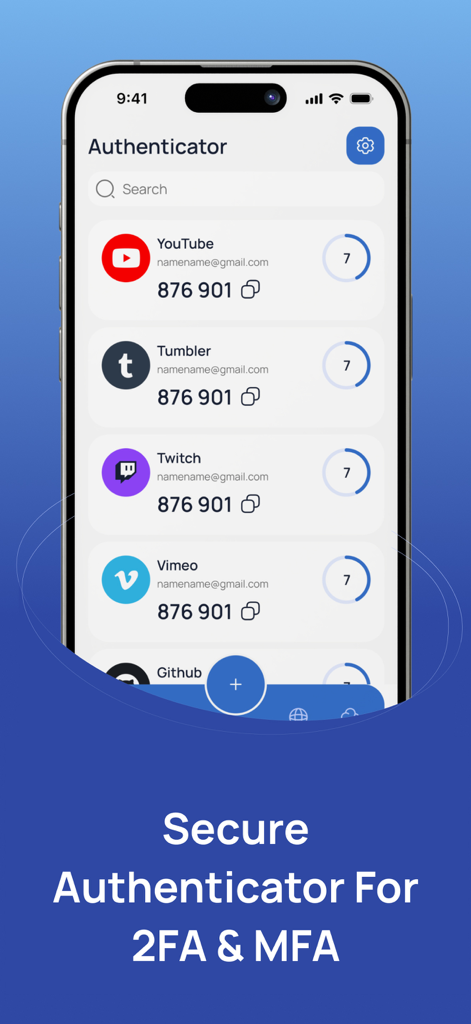
YouTube, Twitch 및 기타 서비스에 대한 2FA 코드 목록이 표시된 Authenticator 앱이 표시된 iPhone 화면

YouTube, Twitch 및 기타 서비스에 대한 2FA 코드 목록이 표시된 Authenticator 앱이 표시된 iPhone 화면

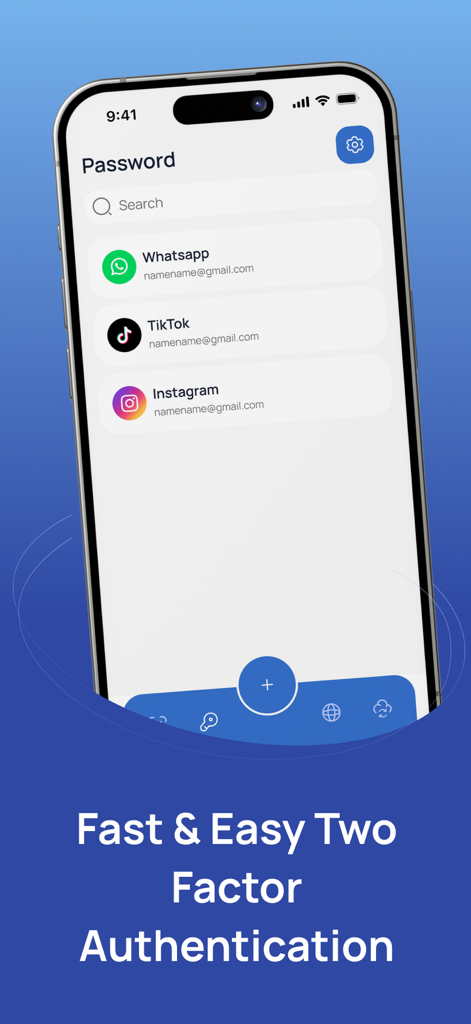
WhatsApp 및 Instagram을 포함한 계정 목록을 보여주는 안전한 2단계 인증 모바일 애플리케이션 인터페이스

WhatsApp 및 Instagram을 포함한 계정 목록을 보여주는 안전한 2단계 인증 모바일 애플리케이션 인터페이스

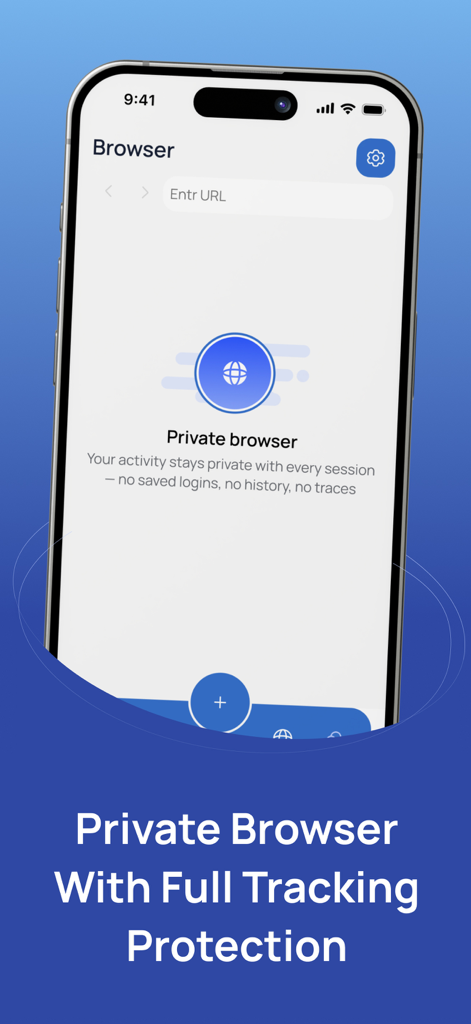
Authenticator 앱에서 추적 보호 기능이 있는 개인 정보 보호 브라우저 기능이 표시된 iPhone 화면

Authenticator 앱에서 추적 보호 기능이 있는 개인 정보 보호 브라우저 기능이 표시된 iPhone 화면

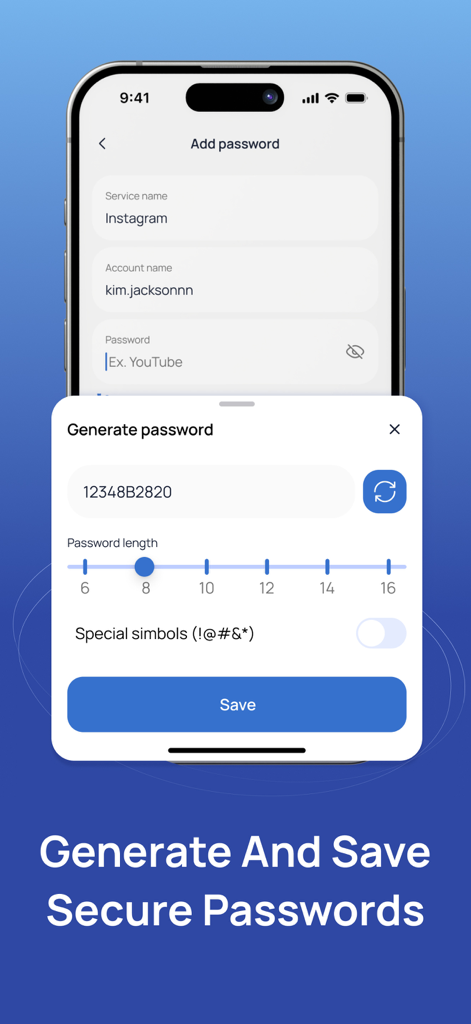
사용자 지정 가능한 길이와 문자를 사용하여 안전한 비밀번호를 생성하고 저장하는 모바일 앱 인터페이스

사용자 지정 가능한 길이와 문자를 사용하여 안전한 비밀번호를 생성하고 저장하는 모바일 앱 인터페이스

디지털 세계를 위한 최대 보안

이 앱을 돋보이게 하는 도구, 159K+ 명의 사용자가 선택.

🔄

안전한 클라우드 동기화 및 백업

더 이상 계정에 잠기는 것에 대해 걱정하지 마세요. 2FA 토큰을 안전하게 백업하고 iOS 장치 간에 즉시 동기화하세요.

🔒

생체 인식 및 PIN 보호

민감한 코드를 엿보는 눈으로부터 비공개로 유지하세요. FaceID, TouchID 또는 개인화된 PIN을 사용하여 안전하게 금고를 잠금 해제하세요.

✈️

100% 오프라인 기능

인터넷 연결 없이 안전한 일회용 비밀번호를 생성하세요. 여행 중이거나 원격 환경에서 작업하는 동안에도 안전하게 보호받으세요.

전 세계 사용자들에게 사랑받는 앱

Trusted by 159K+ 명이 이 앱을 사랑합니다.

"

"수십 개의 전문 계정과 암호화폐 지갑을 관리하는 사람으로서 클라우드 백업 기능은 완전히 판도를 바꾸었습니다. 최근에 iPhone을 업그레이드했는데 전환이 매우 원활했습니다. 더 이상 수동으로 재설정할 필요가 없습니다. 생체 인식 잠금 장치는 제 고액 디지털 자산에 필요한 프리미엄 보안을 제공합니다."

Marcus Thorne
"

"시중의 모든 2FA 앱을 사용해 보았는데, 이것이 단연 가장 세련된 앱입니다. UI는 깔끔하고 현대적이며 믿을 수 없을 정도로 직관적입니다. 여행 중에 데이터 걱정 없이 오프라인으로 코드를 생성할 수 있다는 점이 좋습니다. 소셜 미디어 및 은행 계좌를 손쉽게 안전하게 보호할 수 있습니다."

Elena Rodriguez

앱 소개

에 대해 알아야 할 모든 것 Authenticator: Secure 2FA, MFA.

설명

Enhance your account security with this App. This powerful and easy-to-use tool provides two-factor authentication to help protect your online accounts from unauthorized access. Generate time-based one-time passwords for all your supported services, including Google, Facebook, Microsoft, Instagram, Amazon, and many more. Simply scan a QR code or enter your secret key to start securing your accounts instantly. Key Features: * Time-based one-time passwords (TOTP) * Secure cloud backup and sync (optional) * Biometric and PIN protection * QR code scanner for fast setup * Offline functionality – codes generated without internet * Support for multiple accounts and services * User-friendly interface with customizable options Your privacy and security are our top priorities. Keep your accounts safe with a reliable and private two-factor authentication solution. Subscription Information: - Payment. Charges apply to your iTunes Account at purchase confirmation. - Auto-Renewal. Subscriptions renew automatically unless canceled at least 24 hours before the current period ends. - Renewal Charges. Your account will be charged for renewal within 24 hours prior to the end of the current period, based on the selected plan. - Manage Your Subscription. Go to your Account Settings after purchase to handle auto-renewal and other preferences. Privacy Policy:https://telegra.ph/Privacy-Policy-07-14-56 Terms Of Use: https://telegra.ph/Terms-of-Use-07-14

최신 버전

1.0.1

크기

17.3 MB

출시일

2025년 7월 16일

몇 초 만에 디지털 라이프를 안전하게 보호하세요

계정을 보호하기 위해 프리미엄 클라우드 백업 및 생체 인식 보안을 신뢰하는 159,000명 이상의 사용자와 함께하세요. 오늘 iPhone을 위한 궁극의 2FA 솔루션을 다운로드하세요.

다운로드: App Store