LastPass Authenticator

LastPass Authenticator

다운로드: App Store다운로드: Google Play
Spark by MWM logo
로고: LastPass Authenticator

LastPass Authenticator: 원터치 2단계 인증으로 누리는 간편한 보안

원활한 2단계 인증으로 디지털 생활을 보호하세요. 원터치 승인의 편리함과 모든 기기에서의 안전한 클라우드 백업이 주는 안심을 경험해 보세요.

개발사

LastPass US LP

카테고리

Productivity

다운로드

1M+

사용자 평점

4.6/5

총 평가 수

53K+

지원 언어

7

한눈에 보는 보안

이 인터페이스를 사용하는 1M+ 명의 사용자.

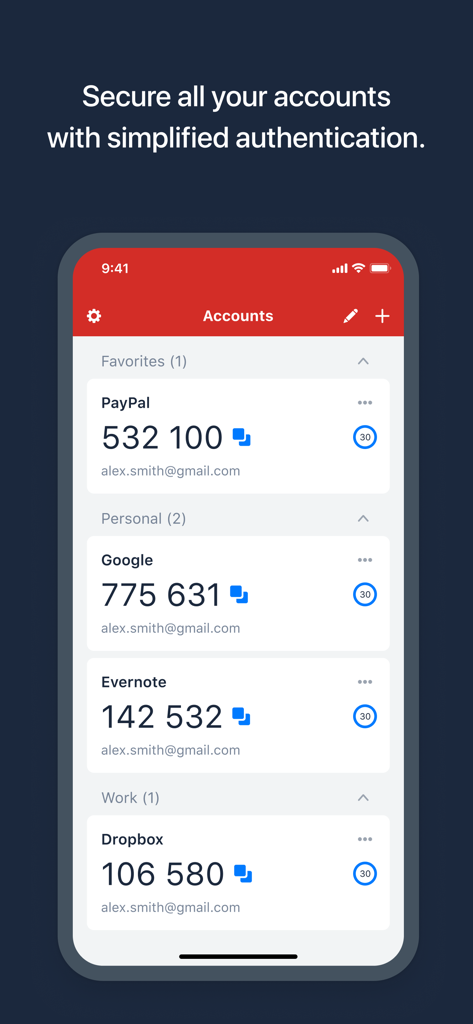
PayPal, Google, Dropbox와 같은 계정의 6자리 보안 코드를 보여주는 LastPass Authenticator 인터페이스
PayPal, Google, Dropbox와 같은 계정의 6자리 보안 코드를 보여주는 LastPass Authenticator 인터페이스

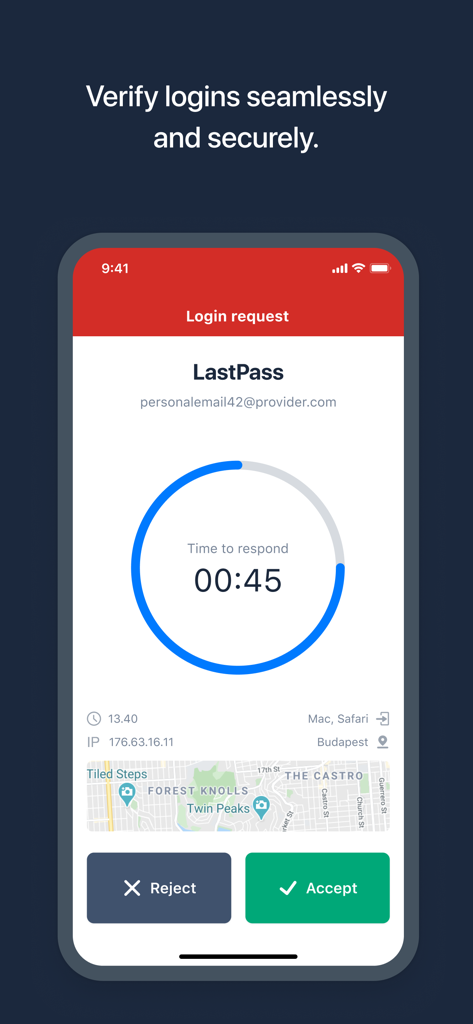
원터치 수락 또는 거부 버튼이 있는 안전한 로그인 요청을 보여주는 LastPass Authenticator 앱

원터치 수락 또는 거부 버튼이 있는 안전한 로그인 요청을 보여주는 LastPass Authenticator 앱

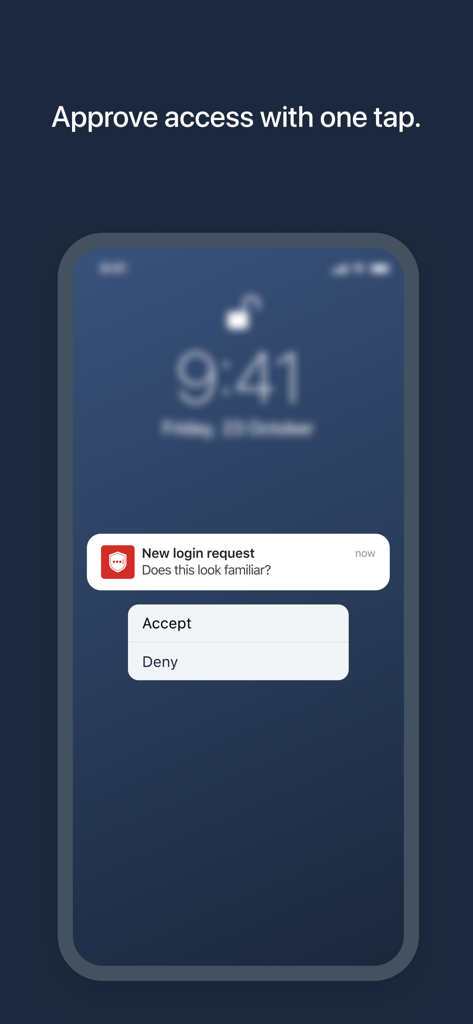
스마트폰 화면에 표시된 원터치 로그인 승인용 LastPass Authenticator 푸시 알림

스마트폰 화면에 표시된 원터치 로그인 승인용 LastPass Authenticator 푸시 알림

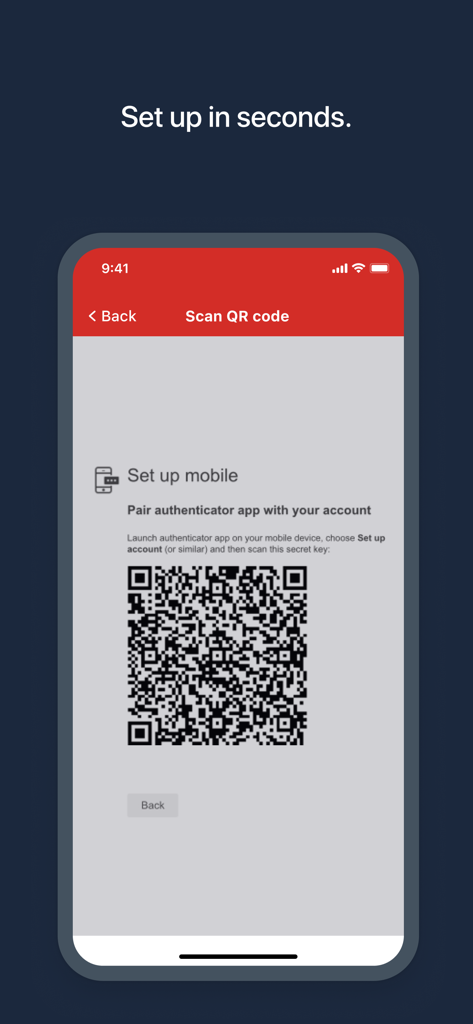
빠른 계정 설정을 위한 QR 코드를 보여주는 LastPass Authenticator 앱 화면

빠른 계정 설정을 위한 QR 코드를 보여주는 LastPass Authenticator 앱 화면

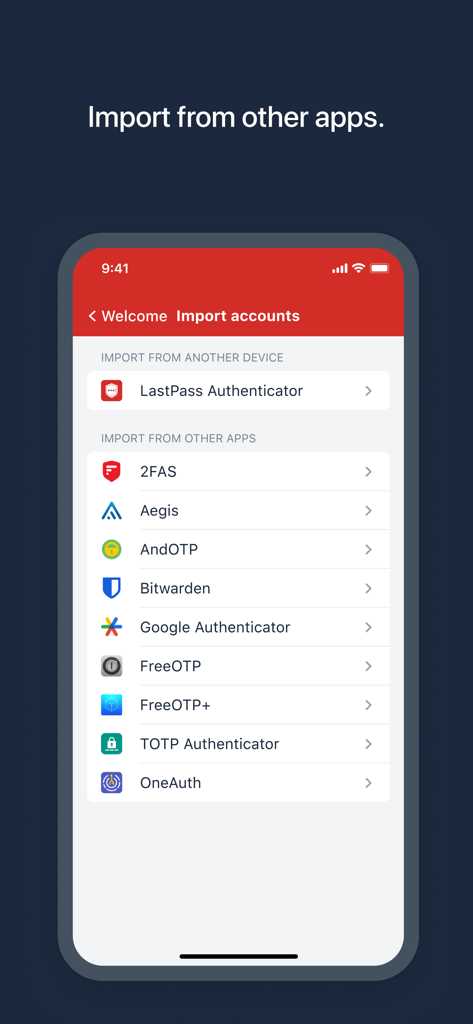
다른 인증 앱에서 보안 계정을 가져오는 옵션을 보여주는 LastPass Authenticator 화면

다른 인증 앱에서 보안 계정을 가져오는 옵션을 보여주는 LastPass Authenticator 화면

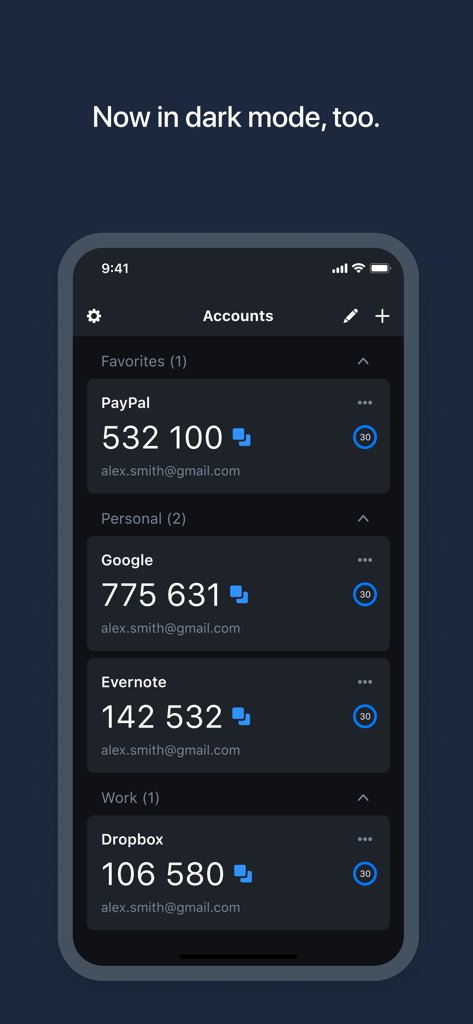
다크 모드에서 여러 계정의 2단계 인증 코드를 보여주는 LastPass Authenticator 앱

다크 모드에서 여러 계정의 2단계 인증 코드를 보여주는 LastPass Authenticator 앱

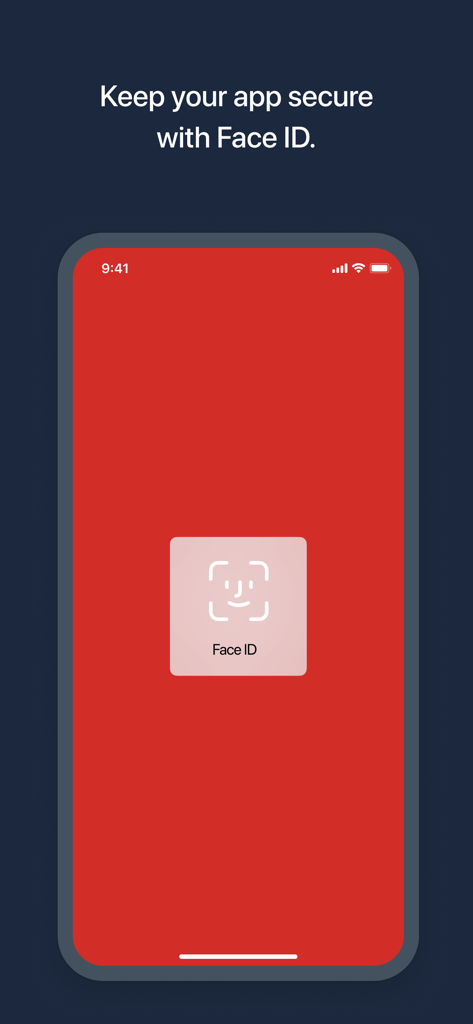
Face ID 생체 인식 보안 인증을 보여주는 LastPass Authenticator 모바일 앱 화면

Face ID 생체 인식 보안 인증을 보여주는 LastPass Authenticator 모바일 앱 화면

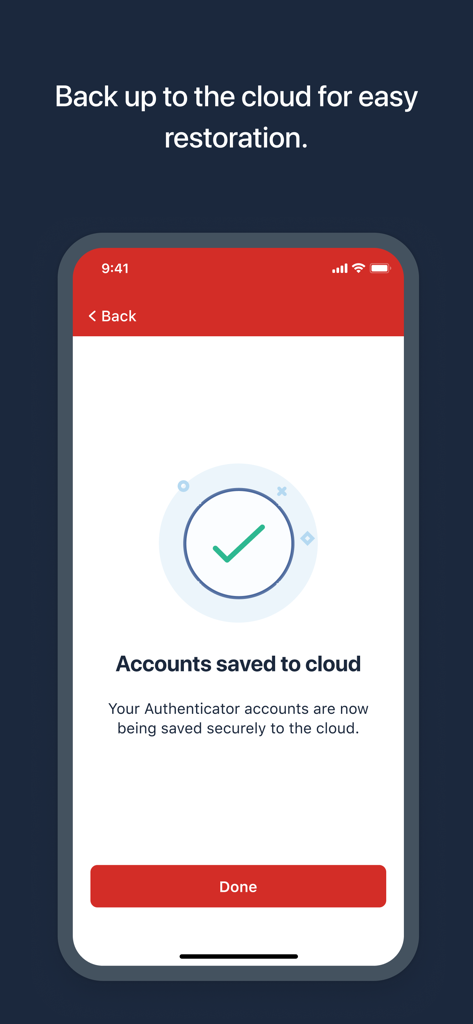
LastPass Authenticator 계정이 클라우드에 성공적으로 저장되었음을 보여주는 스마트폰 화면

LastPass Authenticator 계정이 클라우드에 성공적으로 저장되었음을 보여주는 스마트폰 화면

간편해진 전문가 수준의 보안

이 앱을 돋보이게 하는 도구, 1M+ 명의 사용자가 선택.

원터치 승인

6자리 코드를 입력하는 번거로움을 없애세요. iPhone이나 Apple Watch에서 단 한 번의 터치로 즉시 본인임을 인증하세요.

☁️

암호화된 클라우드 백업

계정이 잠길 걱정은 하지 마세요. 계정을 클라우드에 안전하게 백업하여 새 기기나 교체 기기에서 쉽게 복원할 수 있습니다.

🛡️

보편적인 호환성

전체 디지털 생활을 위한 하나의 앱입니다. LastPass는 물론 Google이나 Amazon과 같은 TOTP 기반 인증을 지원하는 모든 서비스와 원활하게 연동됩니다.

전 세계 사용자들에게 사랑받는 앱

Trusted by 1M+ 명이 이 앱을 사랑합니다.

"

"수십 개의 계정을 관리하는 원격 마케팅 리더로서, 원터치 푸시 알림은 정말 생명의 은인과도 같습니다. 회의 중에도 일일이 코드를 입력할 필요가 없어요. 높은 수준의 보안과 일상적인 업무 흐름의 완벽한 편리함이 조화를 이룹니다."

Sarah M., 디지털 마케팅 리드
"

"암호화된 클라우드 백업 기능이 이 앱의 차별점입니다. iPhone을 업그레이드했을 때 투자 계정에 접속하지 못할까 봐 겁이 났지만, 이전 작업이 매우 원활했습니다. 믿을 수 있고 모든 기기를 지원하며 진정한 안심을 줍니다."

David R., 재무 분석가

앱 소개

에 대해 알아야 할 모든 것 LastPass Authenticator.

설명

LastPass Authenticator offers effortless two-factor authentication for your LastPass account and other supported apps. With one-tap verification and secure cloud backup, LastPass Authenticator gives you all the security, without any of the frustration. ADD MORE SECURITY Safeguard your LastPass account by requiring two-factor authentication codes when signing in. Two-factor authentication improves your digital security by protecting your account with an additional login step. Even if your password is compromised, your account can’t be accessed without the two-factor authentication code. You can even mark a device as “trusted”, so you won’t be prompted for codes on that device while your account remains protected by two-factor authentication. TURNING IT ON To turn on LastPass Authenticator for your LastPass account: 1. Download LastPass Authenticator to your mobile device. 2. Log in to LastPass on your computer and launch “Account Settings” from your vault. 3. In “Multifactor Options”, edit LastPass Authenticator and view the barcode. 4. Scan the barcode with the LastPass Authenticator app. 5. Set your preferences and save your changes. LastPass Authenticator can also be turned on for any service or app that supports Google Authenticator or TOTP-based two-factor authentication. LOGGING IN To login to your LastPass account or other supported vendor service: 1. Open the app to generate a 6-digit, 30-second code OR approve/deny an automated push notification 2. Alternatively, send SMS code 3. Enter the code into the login prompt on your device OR hit approve/deny request FEATURES - Generates 6-digit codes every 30 seconds - Push notifications for one-tap approval - Free encrypted backup to restore your tokens on a new/reinstalled device - Support for SMS codes - Automated set-up via QR code - Support for LastPass accounts - Support for other TOTP-compatible services and apps (including any that support Google Authenticator) - Add multiple accounts

최신 버전

2.25.0

크기

36.5 MB

출시일

2016년 3월 16일

단 한 번의 터치로 디지털 세상을 보호하세요

보안을 간소화한 100만 명 이상의 전문가와 함께하세요. 간편한 원터치 인증과 안전한 클라우드 백업이 제공하는 안심을 통해 다시는 액세스 권한을 잃지 마세요.

다운로드: App Store다운로드: Google Play