Miracast: Screen Mirroring TV

Miracast: Screen Mirroring TV

다운로드: App Store
Spark by MWM logo
로고: Miracast: Screen Mirroring TV
Miracast: Screen Mirroring TV – Your iPhone, Now on the Big Screen

Seamlessly stream web videos, photos, and IPTV from your iPhone or Apple Watch to any Smart TV in HD quality—no expensive hardware required.

개발사

Hainan Delta Software Co., Ltd

카테고리

Utilities

다운로드

333K+

사용자 평점

4.6/5

총 평가 수

4K+

지원 언어

8

Your Content, Super-Sized

이 인터페이스를 사용하는 333K+ 명의 사용자.

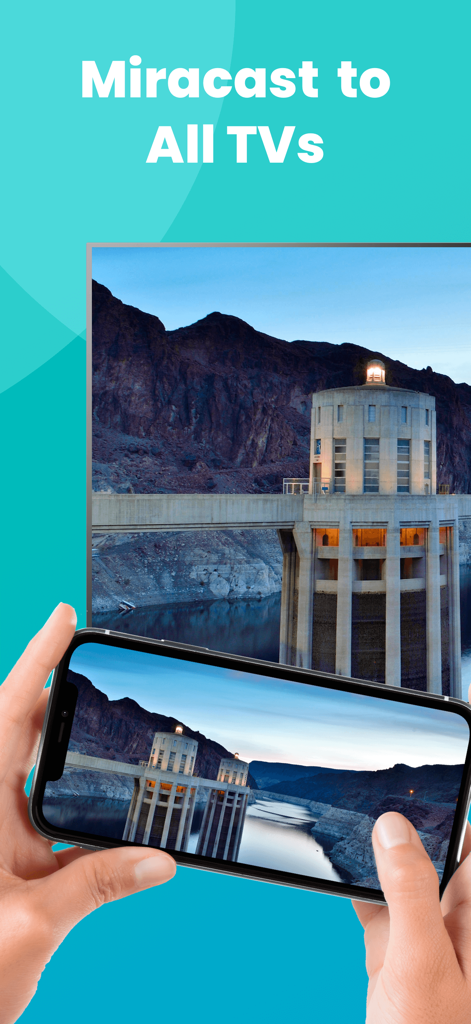
An iPhone screen mirroring a landscape photo to a large smart TV using the Miracast app.

An iPhone screen mirroring a landscape photo to a large smart TV using the Miracast app.

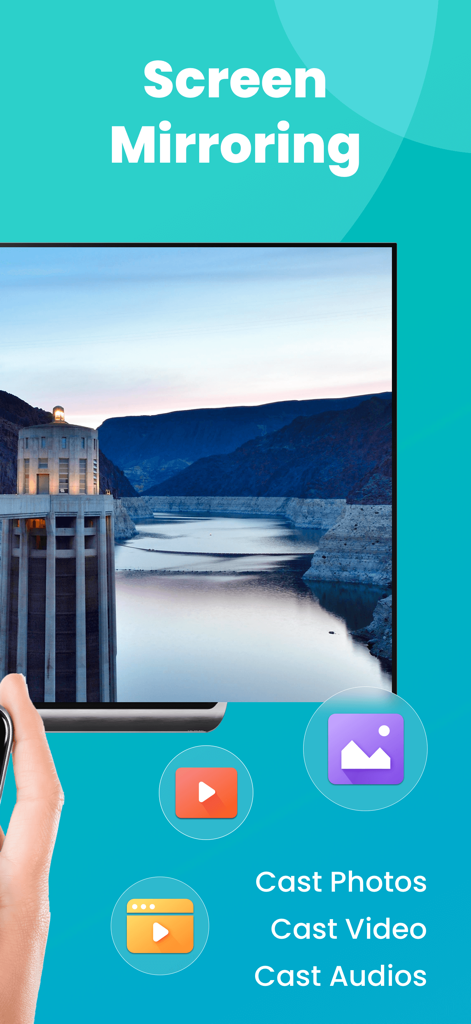
Miracast app interface showing screen mirroring and options to cast photos videos and audio to a smart TV

Miracast app interface showing screen mirroring and options to cast photos videos and audio to a smart TV

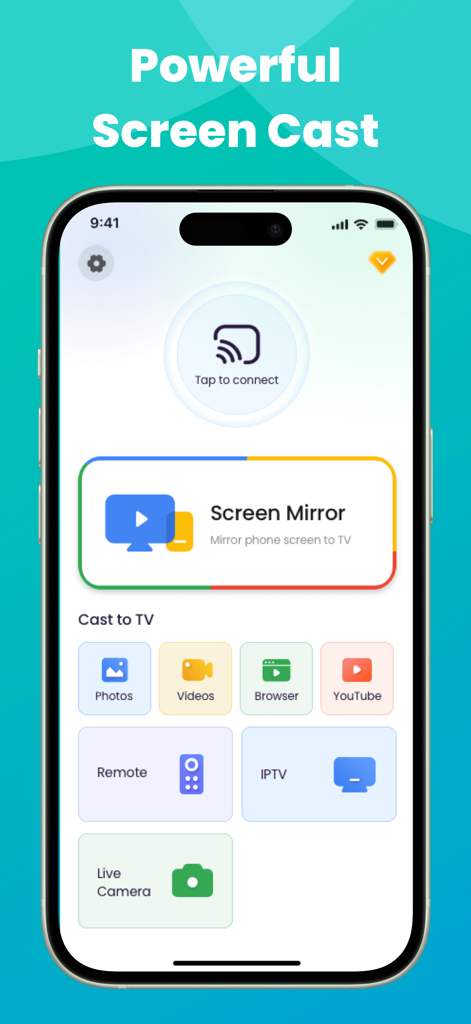
Miracast app interface on iPhone showing screen mirroring and casting options for photos, videos, and IPTV

Miracast app interface on iPhone showing screen mirroring and casting options for photos, videos, and IPTV

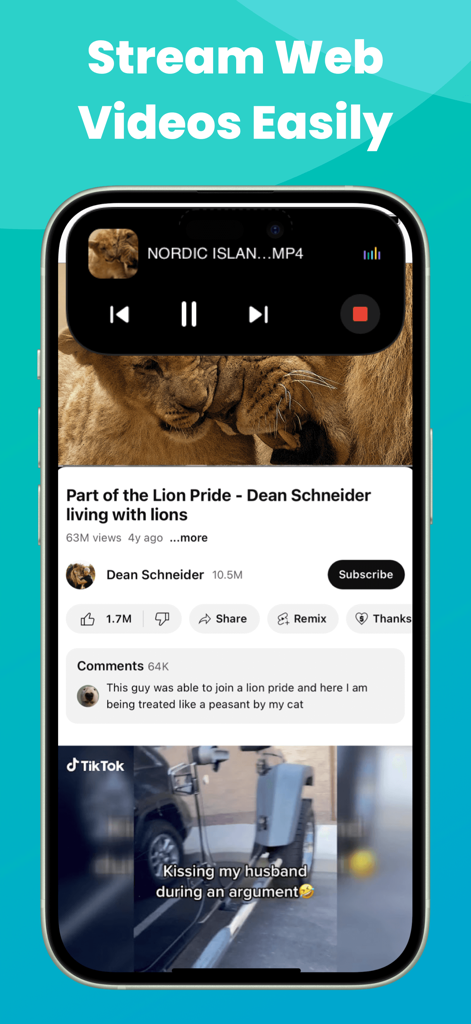
iPhone displaying web video streaming with Dynamic Island media controls for Miracast app

iPhone displaying web video streaming with Dynamic Island media controls for Miracast app

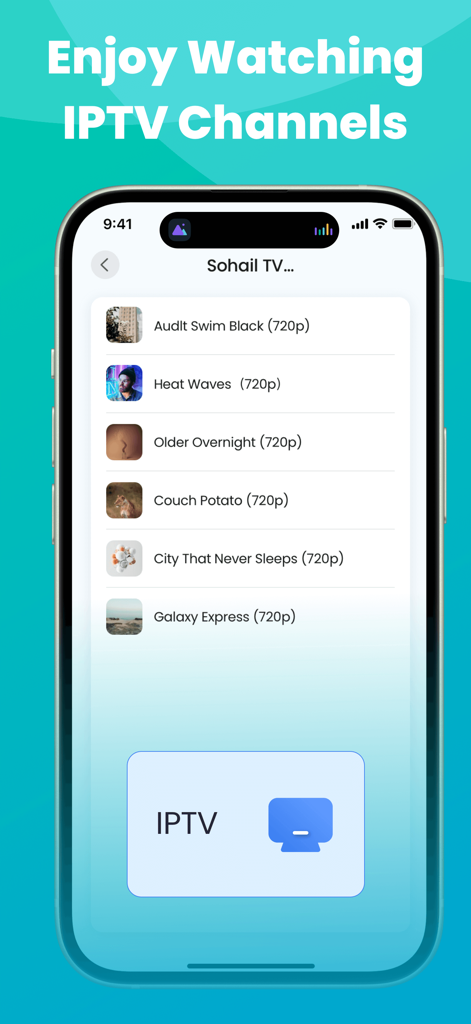
Miracast app interface showing a list of IPTV channels available for screen mirroring to a TV

Miracast app interface showing a list of IPTV channels available for screen mirroring to a TV

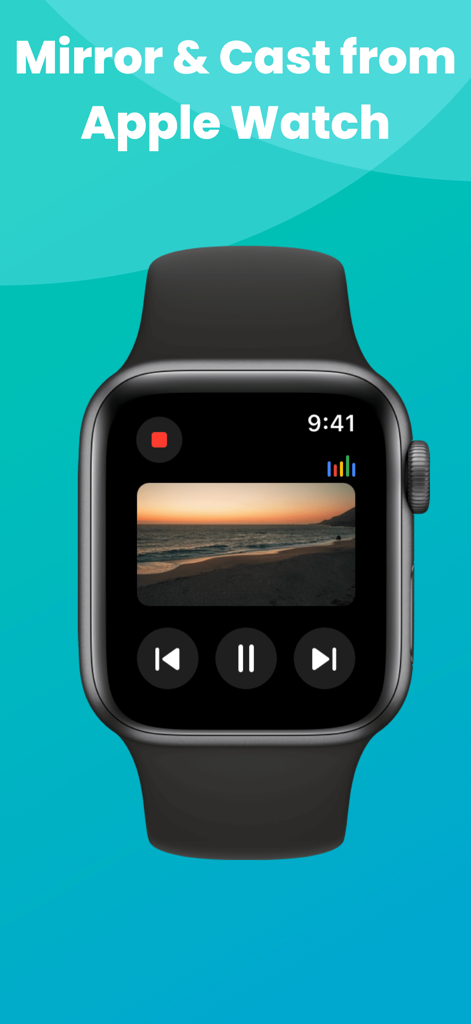
An Apple Watch displaying media controls and a beach video being mirrored from the Miracast app.

An Apple Watch displaying media controls and a beach video being mirrored from the Miracast app.

Unlock the Full Potential of Your Smart TV

이 앱을 돋보이게 하는 도구, 333K+ 명의 사용자가 선택.

📺

Universal Smart TV Compatibility

Effortlessly mirror your iPhone or iPad to Roku, Fire TV, Samsung, and more. Enjoy high-quality screen sharing without the $150 Apple TV price tag.

🎬

Web Video & IPTV Casting

Cast your favorite web videos, live streams, and IPTV playlists directly to the big screen. Perfect for cord-cutters looking for a cinematic HD experience.

🏝️

Modern Apple Ecosystem Control

Stay in command with Live Activities on your Dynamic Island and manage your stream directly from your Apple Watch for a truly premium, frictionless experience.

전 세계 사용자들에게 사랑받는 앱

Trusted by 333K+ 명이 이 앱을 사랑합니다.

"

"Finally, a way to bridge my iPhone with my Roku TV without buying extra hardware! I use it to stream my IPTV playlists and show vacation photos to the family. The Dynamic Island integration is a brilliant touch—it makes managing the connection so seamless while I'm multitasking."

David Miller
"

"This app is a lifesaver for my home office setup. I can instantly mirror spreadsheets and presentations from my iPad to the big screen for a better view. The lag is minimal, and being able to control the stream right from my Apple Watch feels like magic. Truly a premium experience!"

Sarah Jenkins

리뷰 분석

사용자 리뷰 인사이트.

감정 점수

30%
부정적

요약

The app receives predominantly negative feedback, with a global sentiment score of 29.5 out of 100. Users frequently express frustration with its problematic subscription model, citing unexpected charges, immediate deductions after supposed free trials, and high costs often labeled as scams. A significant number of complaints also revolve around severe functional issues, including slow performance, lag, inability to connect to televisions, video playback without picture, and frequent disconnections. Despite these widespread issues, a small number of users reported positive experiences with initial setup ease and successful casting to specific devices like Roku and Fire Stick, along with some generic positive feedback.

주요 테마

Overall Satisfaction(9)
Basic Functionality(2)
Device Compatibility(1)
Initial Connection Ease(1)
Streaming Quality Perception(1)

앱 소개

에 대해 알아야 할 모든 것 Miracast: Screen Mirroring TV.

설명

Wanner enjoy web videos, online movies, live streams, IPTV and your local photos & videos on big Smart TV screens, but do not want to spend too much money on external devices? Look no further than Miracast: Screen Mirroring TV! As long as this miracast screen mirroring app is connected to the same Wi-Fi as the smart view TV, it can turn your iPhone/iPad, even the Apple Watch into a mirror meister and enables you to easily screen share to the big display in real time with high quality. Features: ●The screen sharing app works very well with popular Smart TV brands. ●Screen Mirror to the smart TV display seamlessly. Screen share your presentations, documents, table or play exciting games on a larger screen effortlessly. ●Screen Cast photos/videos from your photo library to the big TV screen. Wireless display your precious photos & interesting videos on a bigger screen, break through the small screen size limitations and enhance your visual experience. ●Screen Cast web videos found from online websites on larger TV screens. Broadcast online videos from any website (like YouTube) to Smart TV with HD quality like a powerful web caster. ●Screencast IPTV content as easy as a few taps with this miracast: screen mirroring software. Bring IPTV m3u/m3u8 playlists content to your smart TV screen for the best viewing experience. ●Livestream your camera to Chromecast-enabled TV & enjoy crystal-clear picture quality on a bigger screen. Enable Live Camera to achieve real-time shooting in a wider range & experience a different kind of photography fun. ●View the miracast: screen mirroring app live activities on Dynamic Island of your iPhone. When the TV assist app is running in the background, Dynamic Island will display your current operations. ●This miracast: screen mirroring software can also work on Apple Watch. ●Download our self-developed smart mirror receiver app on your Fire TV (search for Screen Mirroring Receiver for Fire TV) & Roku TV (Screen Mirroring for Roku TV) for smoother screen mirroring. Attention: We don't support air screen mirroring copyright-protected contents without permission of the holder. If you try to screen mirror them, you will just get a black screen or a screen only with sound but no video! Disclaimer: This miracast: screen mirroring app is not affiliated with any of the trademarks mentioned here. Terms of Use: https://www.deltasoftware.cc/terms-of-use Privacy Policy: https://www.deltasoftware.cc/privacy-policy

최신 버전

1.5.5

크기

160.6 MB

출시일

2024년 10월 21일

Ready to Go Big? Upgrade Your TV Experience Today.

Join over 333,000 users casting IPTV, web videos, and memories directly from their iPhone. No expensive hardware, no cables—just seamless mirroring on any Smart TV.

다운로드: App Store
FAQ

자주 묻는 질문

에 대해 알아야 할 모든 것 Miracast: Screen Mirroring TV

Miracast: Screen Mirroring TV란 무엇인가요?

Miracast: Screen Mirroring TV는 iPhone/iPad/Apple Watch에서 웹 비디오, 온라인 영화, 라이브 스트림, IPTV 및 로컬 미디어를 스마트 TV 화면으로 무선으로 미러링하고 캐스팅할 수 있는 앱입니다.

Miracast: Screen Mirroring TV는 TV와 어떻게 연결되나요?

Miracast: Screen Mirroring TV는 앱과 스마트 TV가 동일한 Wi-Fi 네트워크에 연결되어 있어야 연결됩니다. 이를 통해 실시간 고품질 화면 공유가 가능합니다.

Miracast: Screen Mirroring TV를 사용하여 사진과 동영상을 화면 미러링할 수 있나요?

네, Miracast: Screen Mirroring TV를 사용하면 사진 보관함에서 사진과 동영상을 TV 화면으로 직접 캐스팅할 수 있습니다. 웹 비디오 캐스팅도 지원합니다.

Miracast: Screen Mirroring TV는 IPTV 콘텐츠를 지원하나요?

네, Miracast: Screen Mirroring TV는 IPTV m3u/m3u8 재생 목록을 스마트 TV 화면으로 가져올 수 있도록 하여 IPTV 콘텐츠를 스크린 캐스팅하는 것을 지원합니다.

Miracast: Screen Mirroring TV로 Apple Watch에서 스트리밍할 수 있나요?

네, Miracast: Screen Mirroring TV는 Apple Watch에서도 작동합니다. 사용자는 Apple Watch의 콘텐츠를 호환되는 TV로 직접 미러링하고 캐스팅할 수 있습니다.

Miracast: Screen Mirroring TV는 Fire TV 또는 Roku TV와 작동하나요?

네, Miracast: Screen Mirroring TV는 Fire TV 및 Roku TV와 작동합니다. 사용자는 이러한 장치에서 더 원활한 미러링을 위해 특정 'Screen Mirroring Receiver' 앱을 다운로드해야 합니다.

Miracast: Screen Mirroring TV로 저작권이 있는 콘텐츠를 미러링할 수 있나요?

아니요, Miracast: Screen Mirroring TV는 허가 없이 저작권이 있는 콘텐츠를 미러링하는 것을 지원하지 않습니다. 시도하면 검은 화면이나 소리 없는 비디오가 표시됩니다.

Miracast: Screen Mirroring TV는 Dynamic Island에서 라이브 활동을 표시하나요?

네, Miracast: Screen Mirroring TV는 iPhone의 Dynamic Island에서 라이브 활동을 표시합니다. 앱이 백그라운드에서 실행될 때 현재 작업을 보여줍니다.