AirDroid Cast-screen mirroring

AirDroid Cast-screen mirroring

다운로드: App Store다운로드: Google Play
Spark by MWM logo
로고: AirDroid Cast-screen mirroring

AirDroid Cast: 데스크톱에서 강력한 화면 미러링 및 모바일 제어

진정한 크로스 플랫폼 자유를 경험하세요. iPhone을 Windows 또는 Mac으로 미러링하고, 마우스로 모바일 앱을 제어하며, 최대 5개의 화면을 동시에 공유하여 원활한 프레젠테이션과 원격 협업을 지원합니다.

개발사

SAND STUDIO CORPORATION LIMITED

카테고리

Utilities

다운로드

3M+

사용자 평점

4.6/5

총 평가 수

10K+

지원 언어

10

완벽한 제어의 맛보기

이 인터페이스를 사용하는 3M+ 명의 사용자.

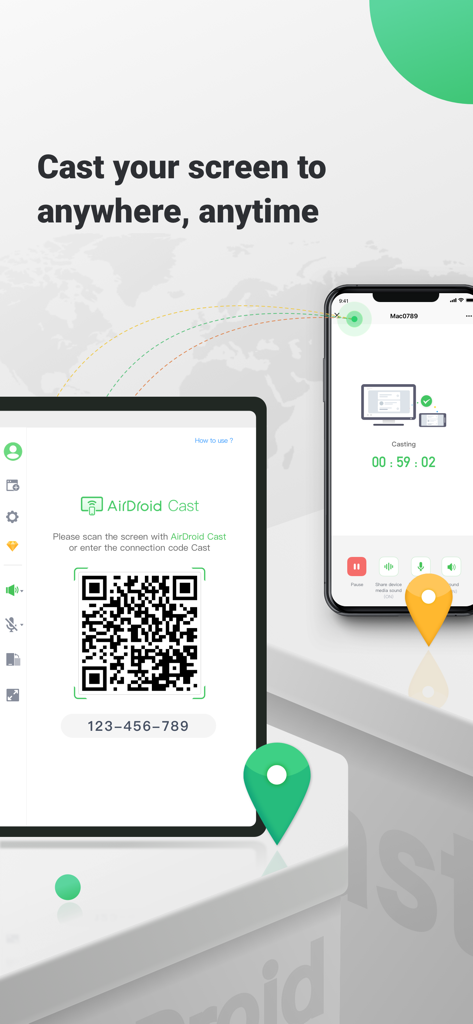
QR 코드를 통해 스마트폰과 태블릿을 연결하는 AirDroid Cast 화면 미러링 인터페이스

QR 코드를 통해 스마트폰과 태블릿을 연결하는 AirDroid Cast 화면 미러링 인터페이스

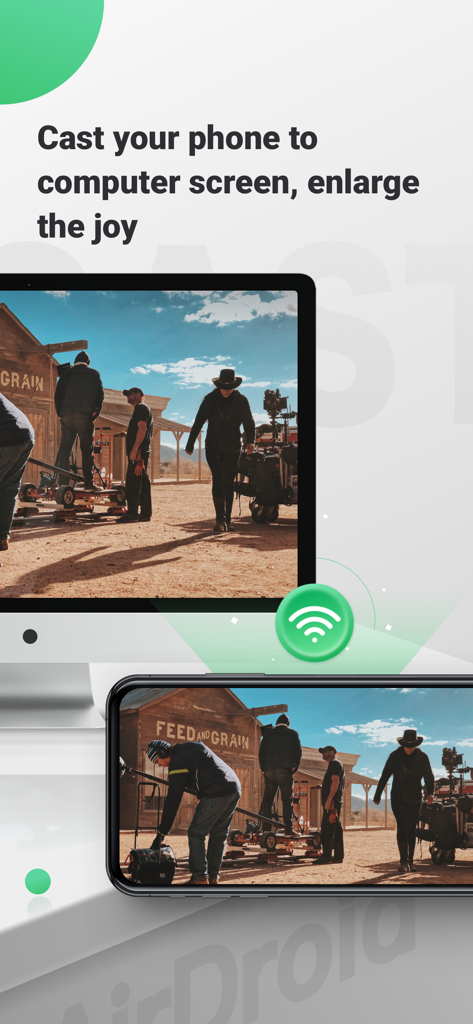
더 큰 화면 보기를 위해 AirDroid Cast를 사용하여 컴퓨터 모니터로 미러링된 스마트폰 화면

더 큰 화면 보기를 위해 AirDroid Cast를 사용하여 컴퓨터 모니터로 미러링된 스마트폰 화면

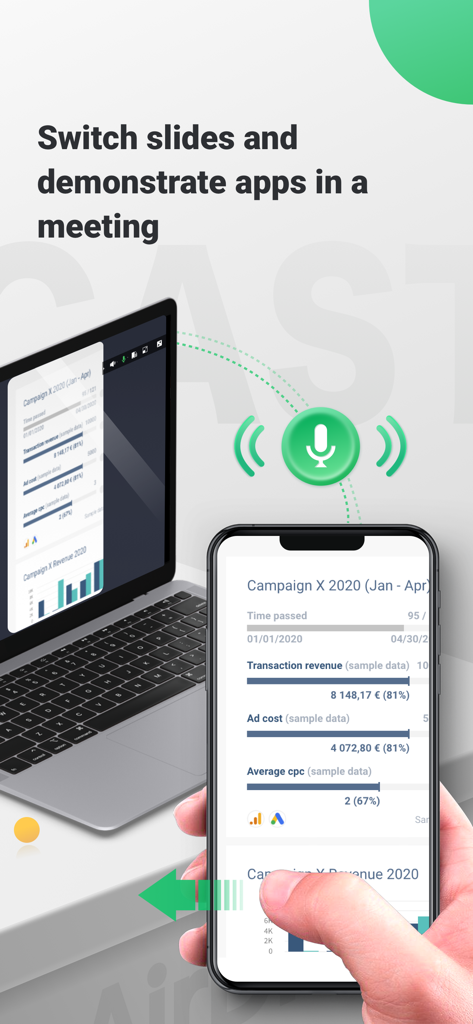
비즈니스 프레젠테이션 중 노트북으로 iPhone 화면을 미러링하는 AirDroid Cast

비즈니스 프레젠테이션 중 노트북으로 iPhone 화면을 미러링하는 AirDroid Cast

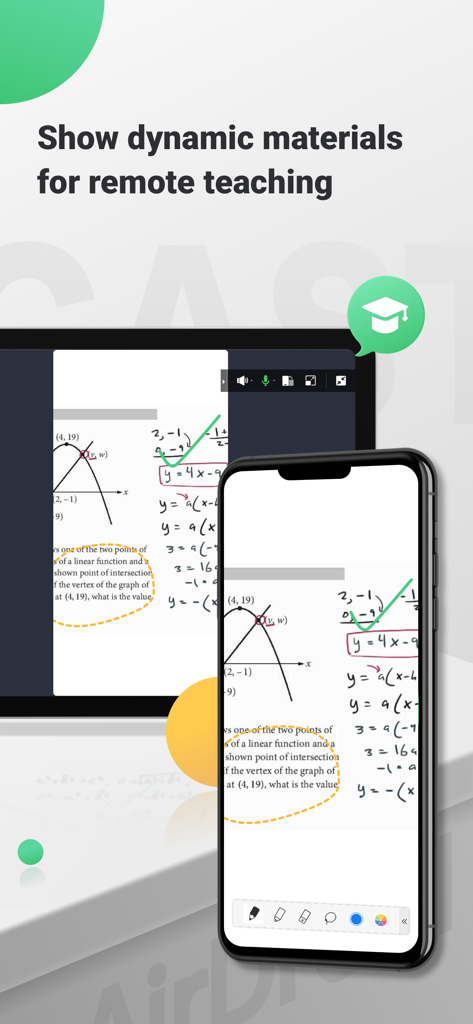
원격 교육을 위해 스마트폰 화면을 컴퓨터로 미러링하는 AirDroid Cast 수학 수업 및 그래프

원격 교육을 위해 스마트폰 화면을 컴퓨터로 미러링하는 AirDroid Cast 수학 수업 및 그래프

하이브리드 업무 환경을 강화하세요

이 앱을 돋보이게 하는 도구, 3M+ 명의 사용자가 선택.

🔄

iOS를 Windows로 끊김 없이

복잡한 설정 없이 지연 없이 iPhone 또는 iPad를 Windows PC 또는 모든 웹 브라우저로 직접 미러링하여 생태계 제한을 우회하세요.

⌨️

데스크톱 수준의 모바일 제어

기기를 집어 들지 않고도 컴퓨터의 마우스와 키보드를 사용하여 휴대폰 앱과 상호 작용하여 생산성을 극대화하세요.

🚀

전문가 수준의 원격 협업

전 세계 팀원과 실시간으로 화면을 공유하거나 최대 5개의 장치를 동시에 캐스팅하여 영향력 있는 전문적인 프레젠테이션 경험을 제공하세요.

전 세계 사용자들에게 사랑받는 앱

Trusted by 3M+ 명이 이 앱을 사랑합니다.

"

"iPhone을 사용하지만 Windows PC로 작업하는 사람으로서 AirDroid Cast는 정말 큰 도움이 됩니다. 마침내 데스크톱에서 휴대폰을 직접 제어하고 Zoom 회의 중에 지연 없이 모바일 화면을 공유할 수 있습니다. 워크플로우를 완전히 간소화했습니다."

Sarah L., 디지털 프로젝트 관리자
"

"최대 5개의 장치를 동시에 캐스팅할 수 있다는 점은 온라인 워크숍에 혁신을 가져왔습니다. 앱 개발을 가르치든 게임 스트리밍을 하든 연결이 매우 안정적입니다. 웹 버전은 게스트 컴퓨터를 사용할 때도 정말 좋습니다."

Marcus T., 기술 교육자 및 스트리머

앱 소개

에 대해 알아야 할 모든 것 AirDroid Cast-screen mirroring.

설명

AirDroid Cast is a cross-platform screen mirroring app. It offers seamless screen mirroring via USB / AirPlay / wireless local and remote network, for all devices, including iOS, ,Windows, and Mac. You can share up to 5 screens simultaneously, and remote control the mobile is supported. AirDroid Cast also has a web version: webcast.airdroid.com, enabling screen sharing to any browser without requiring installation on the receiving device. >>>Key Features of AirDroid Cast -Cross-platform Screen Casting This screencasting app is compatible with multiple systems, including iPhone, Windows, and Mac. Supporting screen mirroring from your iPhone/Mac/Windows to your computer or vice versa without hassle. -Connect Devices wirelessly or via a USB cable This app offers you three distinct connection options: wireless, AirPlay, or USB cable. Connect your devices in a way that works best for you. -Mirror the Screen Remotely with Ease AirDroid Cast also works seamlessly in remote networks, providing greater accessibility for remote collaboration. It enables you to effortlessly share your screen with colleagues from afar, making it easier to collaborate on projects, provide feedback, and make changes in real time. -Control Mobile Devices from Computer With its Control feature, you will fully control your iOS device (iPhone/iPad) screen from a laptop or computer. It helps to relax your hand by not having to hold your phone all the time. AirDroid Cast supports casting a maximum of five devices onto a single screen simultaneously, making it ideal for businesses or individuals who need to multitask efficiently. >>>Perfect for Various Screen Mirroring Occasions -Personal use -Business Meeting -Online class/Education -Live streaming -Movies/Sports video mirroring -Presentation -Gaming -Work from home >>> Payment - Payment will be charged to iTunes Account at confirmation of purchase - Subscription automatically renews unless auto-renew is turned off at least 24 hours before the end of the current period - Account will be charged for renewal within 24 hours before the end of the current period. The cost depends on the selected plan - The user may manage subscriptions, and auto-renewal may be turned off by going to the user's Account Settings after purchase - Any unused portion of the free trial will be forfeited when the user purchases a subscription > >>Feedback: For any further suggestions or questions, please feel free to contact us at support@airdroid.com Privacy Policy: https://cast.airdroid.info/#/Privacy EULA: https://cast.airdroid.info/#/Eula Payment Terms: https://cast.airdroid.info/#/Payment

최신 버전

1.4.3

크기

67.5 MB

출시일

2021년 1월 27일

모든 기기 간의 격차를 해소할 준비가 되셨나요?

멀티태스킹을 마스터한 3백만 명 이상의 사용자와 함께하세요. 지금 AirDroid Cast를 다운로드하고 Windows, Mac, iOS 전반에 걸쳐 원활한 화면 미러링 및 원격 제어를 경험하세요.

다운로드: App Store다운로드: Google Play
FAQ

자주 묻는 질문

에 대해 알아야 할 모든 것 AirDroid Cast-screen mirroring
AirDroid Cast는 무엇에 사용되나요?

AirDroid Cast는 iOS, Windows 및 Mac을 위한 크로스 플랫폼 화면 미러링 앱입니다. USB, AirPlay 또는 무선 연결을 통해 원활한 화면 미러링을 제공하며 최대 5개의 동시 화면 및 원격 모바일 제어를 지원합니다.

AirDroid Cast는 화면 미러링을 위해 장치를 어떻게 연결하나요?

AirDroid Cast는 무선, AirPlay 또는 USB 케이블을 통해 장치를 연결합니다. 이러한 별도의 연결 옵션을 통해 사용자는 다양한 시스템에서 화면 미러링 요구에 가장 적합한 방법을 선택할 수 있습니다.

AirDroid Cast로 컴퓨터에서 내 모바일 장치를 제어할 수 있나요?

예, AirDroid Cast에는 제어 기능이 있습니다. 이를 통해 사용자는 연결된 노트북이나 컴퓨터에서 iOS 장치(iPhone/iPad) 화면을 직접 완전히 제어할 수 있어 생산성과 편의성을 향상시킵니다.

AirDroid Cast는 다른 운영 체제와 호환되나요?

예, AirDroid Cast는 크로스 플랫폼 호환됩니다. iPhone, Windows 및 Mac 장치의 화면 미러링을 지원하여 번거로움 없이 이러한 시스템 간에 캐스팅할 수 있습니다.

AirDroid Cast는 한 번에 몇 개의 장치를 미러링할 수 있나요?

AirDroid Cast는 단일 화면에 최대 5개의 장치를 동시에 캐스팅하는 것을 지원합니다. 이 기능은 여러 디스플레이가 필요한 비즈니스 회의, 프레젠테이션 또는 교육 시나리오에 이상적입니다.

AirDroid Cast는 원격 화면 미러링을 지원하나요?

예, AirDroid Cast는 원격 네트워크에서도 원활하게 작동합니다. 사용자는 멀리 있는 동료와 쉽게 화면을 공유할 수 있어 프로젝트 협업 및 피드백 제공이 용이합니다.

AirDroid Cast의 웹 버전이 있나요?

예, AirDroid Cast에는 webcast.airdroid.com에서 사용할 수 있는 웹 버전이 있습니다. 이를 통해 수신 장치에 소프트웨어를 설치할 필요 없이 모든 브라우저로 화면을 공유할 수 있습니다.

AirDroid Cast 구독은 어떻게 관리하나요?

사용자는 구매 후 iTunes 계정 설정에 액세스하여 AirDroid Cast 구독을 관리하고 자동 갱신을 해제합니다. 이 프로세스를 통해 구독 환경 설정을 완전히 제어할 수 있습니다.

AirDroid Cast 구독은 언제 갱신되나요?

현재 기간이 종료되기 최소 24시간 전에 자동 갱신을 해제하지 않는 한 AirDroid Cast 구독은 자동으로 갱신됩니다. 계정에는 해당 기간 종료 24시간 전에 갱신 요금이 청구됩니다.

AirDroid Cast를 온라인 수업 및 교육에 사용할 수 있나요?

예, AirDroid Cast는 온라인 수업 및 교육에 적합합니다. 사용자가 동적인 자료를 표시할 수 있도록 하여 원격 교육을 촉진하고 가상 학습 환경의 참여를 개선합니다.