Smartsheet: Projects & Teams

Smartsheet: Projects & Teams

다운로드: App Store다운로드: Google Play
Spark by MWM logo
로고: Smartsheet: Projects & Teams

Smartsheet: 팀이 구축, 자동화 및 확장할 수 있도록 지원

스프레드시트의 난잡함은 이제 그만. 영향력 있는 전문가를 위해 설계된 엔터프라이즈급 노코드 플랫폼으로 프로젝트를 관리하고, 워크플로를 자동화하며, 실시간 가시성을 확보하세요.

다운로드: App Store

개발사

Smartsheet Inc.

카테고리

Business

다운로드

3M+

사용자 평점

4.8/5

총 평가 수

131K+

지원 언어

8

효율성의 시각화

이 인터페이스를 사용하는 3M+ 명의 사용자.

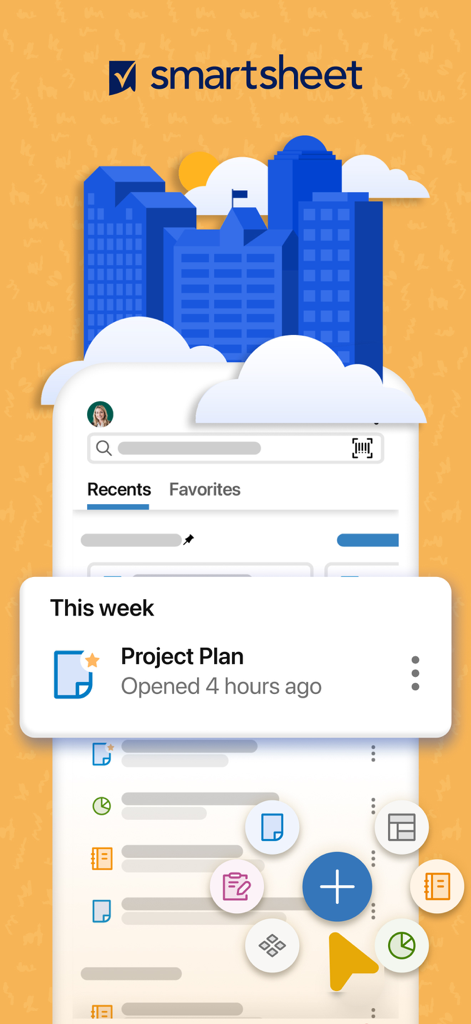
프로젝트 계획 및 작업 관리 바로가기를 보여주는 Smartsheet 모바일 앱 인터페이스

프로젝트 계획 및 작업 관리 바로가기를 보여주는 Smartsheet 모바일 앱 인터페이스

'어디서든 업무 관리'라는 텍스트와 함께 프로젝트 데이터를 분석하는 전문가를 묘사한 그래픽

'어디서든 업무 관리'라는 텍스트와 함께 프로젝트 데이터를 분석하는 전문가를 묘사한 그래픽

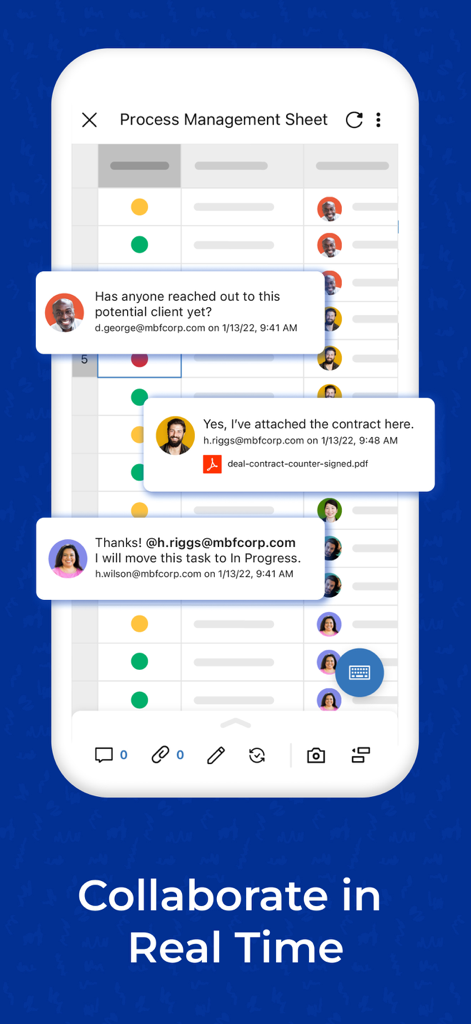
프로세스 관리 시트에서 실시간 댓글로 협업하는 팀원을 보여주는 Smartsheet의 모바일 인터페이스

프로세스 관리 시트에서 실시간 댓글로 협업하는 팀원을 보여주는 Smartsheet의 모바일 인터페이스

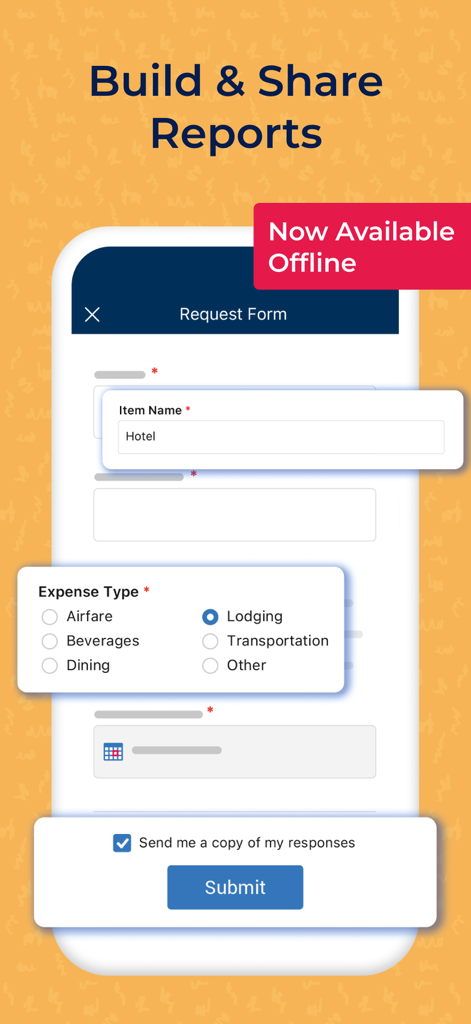
오프라인 경비 보고용 Smartsheet 모바일 앱 요청 양식

오프라인 경비 보고용 Smartsheet 모바일 앱 요청 양식

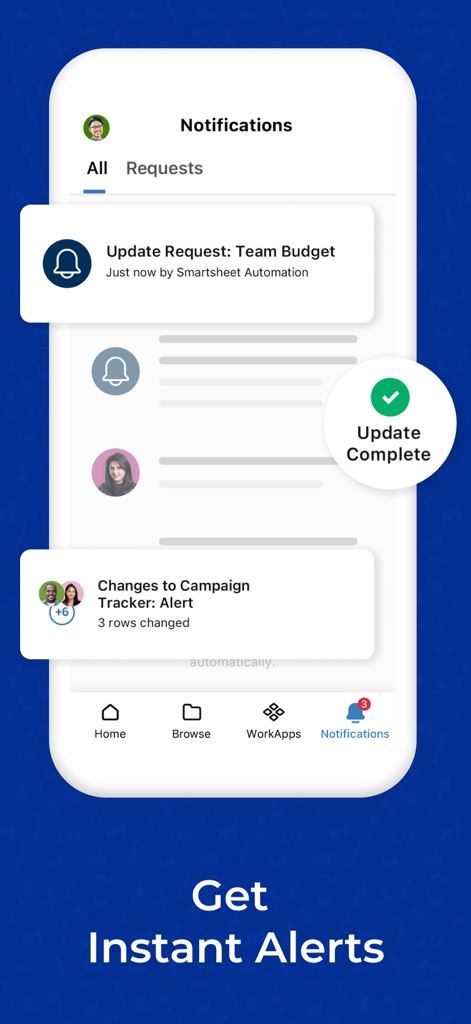
프로젝트 알림 및 예산 업데이트 요청을 보여주는 Smartsheet 알림 센터의 모바일 스크린샷

프로젝트 알림 및 예산 업데이트 요청을 보여주는 Smartsheet 알림 센터의 모바일 스크린샷

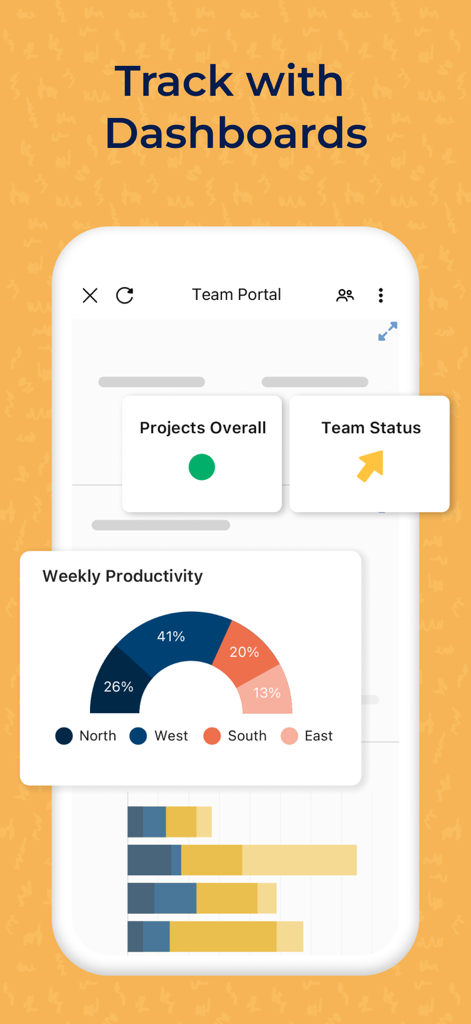
팀 생산성 및 프로젝트 상태 대시보드를 표시하는 Smartsheet 모바일 인터페이스

팀 생산성 및 프로젝트 상태 대시보드를 표시하는 Smartsheet 모바일 인터페이스

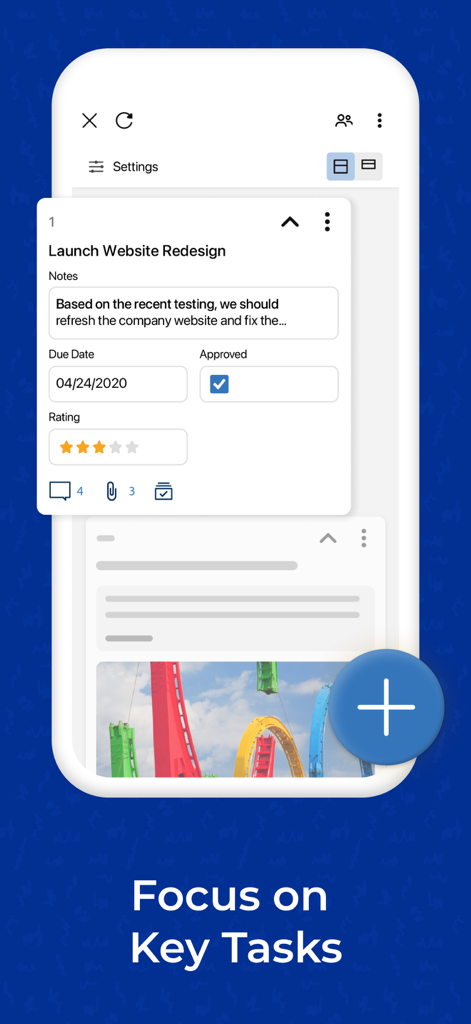
마감일 및 승인 상태가 표시된 프로젝트 작업 카드를 보여주는 Smartsheet 모바일 앱 인터페이스

마감일 및 승인 상태가 표시된 프로젝트 작업 카드를 보여주는 Smartsheet 모바일 앱 인터페이스

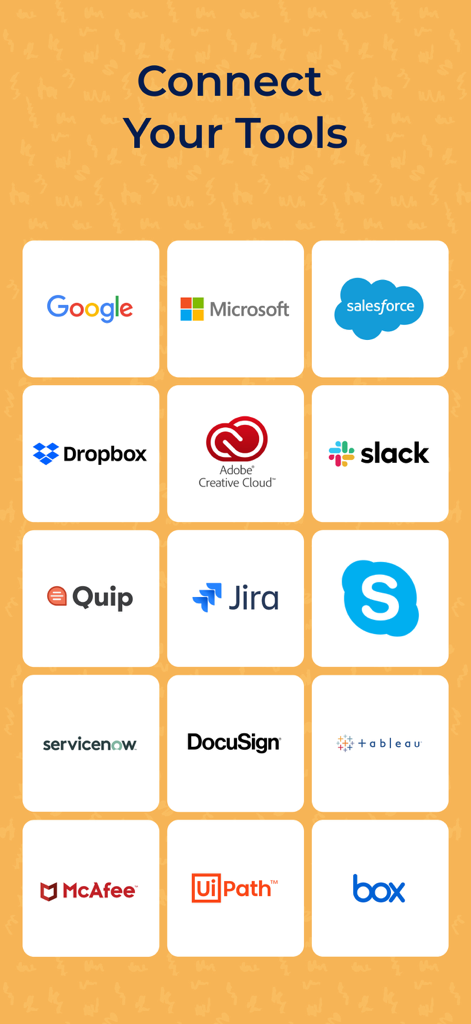
Google, Microsoft, Salesforce, Slack 등 인기 도구와의 통합을 보여주는 Smartsheet 앱 화면

Google, Microsoft, Salesforce, Slack 등 인기 도구와의 통합을 보여주는 Smartsheet 앱 화면

혼돈을 정밀함으로 바꾸세요

이 앱을 돋보이게 하는 도구, 3M+ 명의 사용자가 선택.

단조로운 작업을 자동화하세요

승인 요청 및 알림을 몇 분 안에 설정하세요. 반복적인 작업과 상태 회의를 없애고 성과를 높이는 일에 집중하세요.

📱

이동 중에도 경영진에게 가시성 제공

iPhone 또는 iPad에서 실시간 대시보드에 액세스하고 프로젝트 상태를 추적하세요. 중요한 모든 업데이트에 대한 실시간 푸시 알림으로 정보를 계속 파악하세요.

🔄

모든 요구에 맞는 동적 보기

그리드, 간트, 카드 보기 간에 즉시 전환하세요. 현장 팀과 경영진 모두의 의견을 일치시키기 위해 데이터를 시각화하는 방식을 사용자 정의하세요.

전 세계 사용자들에게 사랑받는 앱

Trusted by 3M+ 명이 이 앱을 사랑합니다.

"

"Smartsheet는 스프레드시트의 혼란을 완전히 없애주었습니다. 코딩 없이 몇 분 만에 맞춤형 자동화 워크플로를 구축했고, 이제 저희 팀은 상태 회의 시간을 40% 줄였습니다. 매일 아침 일어나서 가장 먼저 확인하는 것이 저희 iPad의 실시간 프로젝트 상태입니다."

Sarah Miller, Operations Director
"

"모바일 양식과 바코드 스캔 기능은 현장 팀에게 매우 유용합니다. 현장에서 데이터를 캡처하면 사무실의 마스터 시트에 즉시 채워집니다. 간트 차트와 칸반 보드를 주머니에 넣고 다니면 어디에 있든 상황을 놓치지 않고 파악할 수 있습니다."

Marcus Chen, Senior Project Lead

앱 소개

에 대해 알아야 할 모든 것 Smartsheet: Projects & Teams.

설명

Getting started is easy! Either sign in with your existing Smartsheet account or enter your email to sign up for a free 30-day trial. Join millions of other innovative users and upgrade to a paid account at any time. Use Smartsheet, a dynamic workspace that empowers teams to manage projects, automate workflows, and rapidly build new solutions—using no-code tools they love, and backed by the security IT needs. Smartsheet is trusted by companies of all sizes, across 190 countries — including over 90% of Fortune 100 companies, and over 80% of Fortune 500 companies. Manage projects and tasks, automate workflows, collaborate with your team, and maximize productivity, anytime, anywhere! With Smartsheet you can: COLLABORATE WITH YOUR TEAM • Seamlessly create, share, and collaborate with your team on projects, wherever you are, from your Mac, iPad, or iPhone. • Access your projects, tasks, workflows, and sheets anytime. • Get business collaboration tools on your mobile device. • Review and edit documents and sheets that your team is working on. ORGANIZE PROJECTS & TASKS • Use sheets to oversee tasks and workflows, plan projects, and maximize the productivity of your team. • Add assignees, due dates, followers, checklists, predecessors, and files to your tasks and follow the progress of your projects. • Choose how to visualize tasks switching between grid, card, Gantt, and calendar views with the same data. • Keep everyone on the same page. Attach files from Google Drive, OneDrive, Dropbox, and more. AUTOMATE WORKFLOWS • Implement simple and powerful automated workflows in minutes. • Send automated update and approval requests to streamline work and reduce the need for meetings. • Automate repetitive processes by sending alerts, setting reminders, automatically moving, copying, or locking rows, and assigning work based on sheet changes and preset times. • Use card view to create kanban boards to manage your agile work. WORK IN ONE PLACE • See work alongside key conversations, decisions, and rationale in one place—improve project visibility across your organization. • Share spreadsheets with others to view, edit, or add comments, and collaborate anywhere. COLLECT INFORMATION WITH FORMS • Collect data from the field with forms, capture and upload images, or scan barcodes with your mobile device. • Easily collect and act on error-free, consistent data from internal and external stakeholders. • Quickly create forms that automatically map to the columns in your sheets. • Ask the right people the right questions with conditional logic in forms. • Provide easy access by embedding forms on dashboards and websites, or by sharing a unique link. VIEW WORK STATUS IN REAL TIME • Easily view and manage your dashboards, sheets, and more in real-time from your phone, so you always know the status of work. • Get notifications to your Inbox or through push notifications about the projects, and tasks you’re following. • Rapidly adapt to changing conditions and identify trends with easy-to-use widgets that display live data, charts, and key metrics. • Easily customize Smartsheet to show and share what matters with an easy-to-use drag-and-drop UI in dashboards. WORK SEAMLESSLY WITH YOUR FAVORITE APPS • Smartsheet's out-of-the-box integrations enable real-time synchronization and visibility with many of your favorite apps from Google, Microsoft, Salesforce, and more, so you can easily track tasks, compile data in spreadsheets, and collaborate with your team, all in one place. • Seamlessly connect your enterprise ecosystem of apps like Slack, Jira, DocuSign, Microsoft Teams, Gmail, Box, and more with Smartsheet. BUILD PURPOSE BUILT APPS WITHOUT CODING Smartsheet is the leading platform for dynamic work, built for the enterprise, empowering teams like IT, Marketing, and Operations with a no-code tool for project management, workflow automation, and solution creation.

최신 버전

26.0

크기

113.9 MB

출시일

2012년 10월 18일

워크플로를 혁신할 준비가 되셨나요?

Fortune 100대 기업의 90%와 함께 Smartsheet의 강력한 기능으로 팀을 이끌어 보세요. 지금 다운로드하여 30일 무료 평가판을 시작하고 혼돈을 명확함으로 바꾸세요.

다운로드: App Store다운로드: Google Play
FAQ

자주 묻는 질문

에 대해 알아야 할 모든 것 Smartsheet: Projects & Teams

새 사용자는 Smartsheet: Projects & Teams를 어떻게 시작할 수 있습니까?

새 사용자는 기존 Smartsheet 계정으로 로그인하거나 이메일을 입력하여 30일 무료 평가판에 가입할 수 있습니다. 유료 계정으로 업그레이드는 언제든지 가능합니다.

Smartsheet를 사용하면 프로젝트 및 작업에서 실시간 협업이 가능합니까?

예, Smartsheet는 Mac, iPad 또는 iPhone에서 문서 및 시트를 생성, 공유 및 검토/편집할 수 있도록 하여 원활한 협업을 지원합니다.

Smartsheet는 어떤 프로젝트 구성 기능을 제공합니까?

Smartsheet는 시트를 사용하여 프로젝트 및 작업을 구성합니다. 사용자는 담당자, 마감일, 팔로워, 체크리스트 및 파일을 추가하고 그리드, 카드, Gantt 또는 캘린더 보기에서 작업을 시각화합니다.

Smartsheet 앱 내에서 워크플로우를 자동화할 수 있습니까?

예, Smartsheet는 업데이트/승인 요청, 알림, 미리 알림 및 자동 행 작업을 통해 워크플로우를 자동화합니다. 또한 카드 보기에서 애자일 작업을 위한 칸반 보드를 지원합니다.

Smartsheet는 정보 수집에 어떻게 도움이 됩니까?

Smartsheet를 사용하면 양식을 통해 현장에서 데이터를 수집할 수 있습니다. 이러한 양식은 이미지 업로드, 바코드 스캔, 조건부 논리를 지원하며 고유한 링크를 통해 포함하거나 공유할 수 있습니다.

Smartsheet는 다른 인기 있는 비즈니스 애플리케이션과 통합됩니까?

예, Smartsheet는 Google, Microsoft, Salesforce, Slack, Jira, DocuSign 및 Box와 같은 인기 있는 앱과 통합되어 플랫폼 간 실시간 동기화 및 가시성을 제공합니다.

코딩 없이 Smartsheet를 사용하여 사용자 지정 애플리케이션을 구축할 수 있습니까?

예, Smartsheet는 IT, 마케팅 및 운영과 같은 팀이 프로젝트 관리, 워크플로우 자동화 및 솔루션 생성을 위한 맞춤형 애플리케이션을 구축할 수 있도록 지원하는 노코드 도구입니다.

Smartsheet는 프로젝트 상태를 실시간으로 모니터링하는 것을 지원합니까?

예, Smartsheet는 대시보드, 시트 및 푸시 알림을 통해 실시간 가시성을 제공합니다. 사용자는 라이브 데이터 위젯 및 사용자 정의 가능한 대시보드를 사용하여 변경 사항에 적응하고 추세를 파악할 수 있습니다.

Smartsheet는 모바일 장치에서 사용할 수 있습니까?

예, Smartsheet 앱은 Mac, iPad 및 iPhone에서 사용할 수 있습니다. 사용자는 모바일 장치에서 언제 어디서든 프로젝트, 작업, 워크플로우 및 시트에 액세스할 수 있습니다.

Smartsheet 양식을 오프라인으로 사용할 수 있습니까?

예, Smartsheet 양식은 오프라인으로 사용할 수 있습니다. 이를 통해 사용자는 인터넷 연결 없이도 데이터를 수집하고 처리할 수 있습니다.