XLS Sheet: XLS Viewer & Editor

XLS Sheet: XLS Viewer & Editor

다운로드: App Store
Spark by MWM logo
로고: XLS Sheet: XLS Viewer & Editor
XLS Sheet: 강력한 스프레드시트 편집을 간편하게

이동 중에도 Excel 파일을 보고 편집할 수 있는 가볍고 빠른 솔루션입니다. Google Drive, Dropbox, iCloud와 원활하게 동기화하여 번거로움 없는 모바일 워크플로우를 경험하세요.

개발사

Softcap

카테고리

Business

다운로드

62K+

사용자 평점

4.5/5

총 평가 수

100

지원 언어

17

모든 픽셀에 효율성을 담다

이 인터페이스를 사용하는 62K+ 명의 사용자.

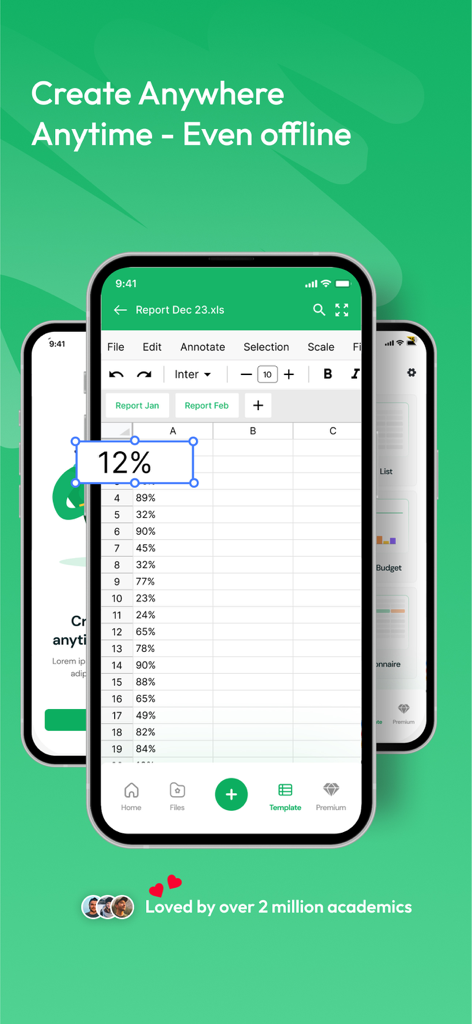
XLS Sheet 모바일 앱 인터페이스로 오프라인에서 스프레드시트 편집

XLS Sheet 모바일 앱 인터페이스로 오프라인에서 스프레드시트 편집

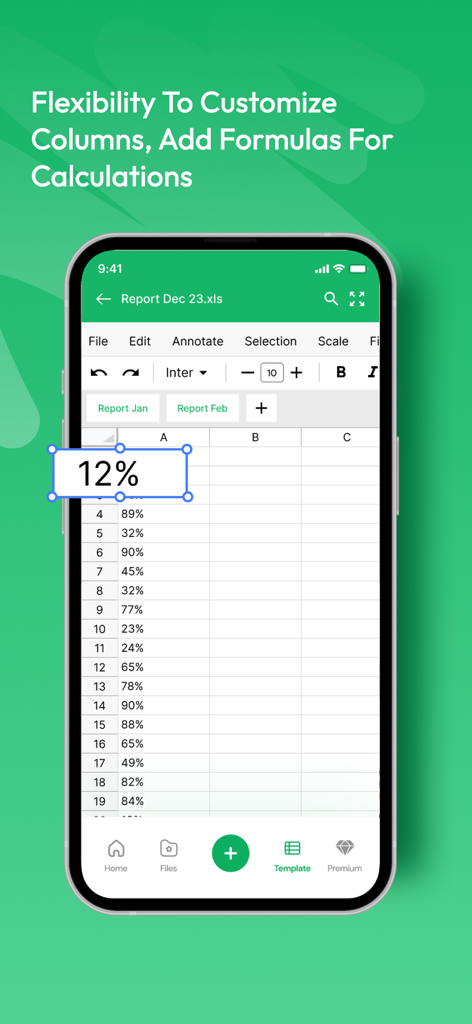
모바일 스프레드시트 편집기 인터페이스에 백분율 및 데이터 열이 있는 강조 표시된 셀 표시

모바일 스프레드시트 편집기 인터페이스에 백분율 및 데이터 열이 있는 강조 표시된 셀 표시

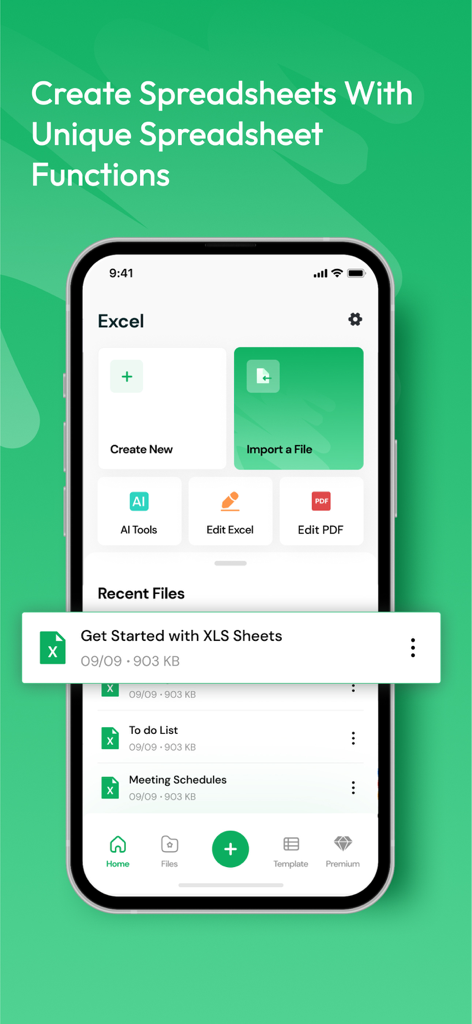
스프레드시트 생성 또는 가져오기 옵션과 최근 파일 보기가 있는 XLS Sheet 모바일 앱 홈 화면

스프레드시트 생성 또는 가져오기 옵션과 최근 파일 보기가 있는 XLS Sheet 모바일 앱 홈 화면

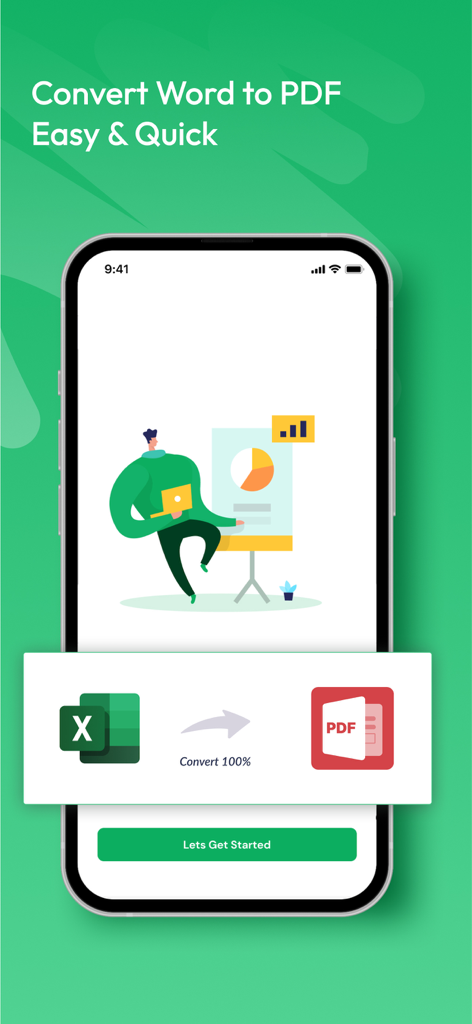
간단한 원클릭 프로세스로 Excel 스프레드시트를 PDF 문서로 변환하는 기능을 보여주는 XLS Sheet 앱 인터페이스

간단한 원클릭 프로세스로 Excel 스프레드시트를 PDF 문서로 변환하는 기능을 보여주는 XLS Sheet 앱 인터페이스

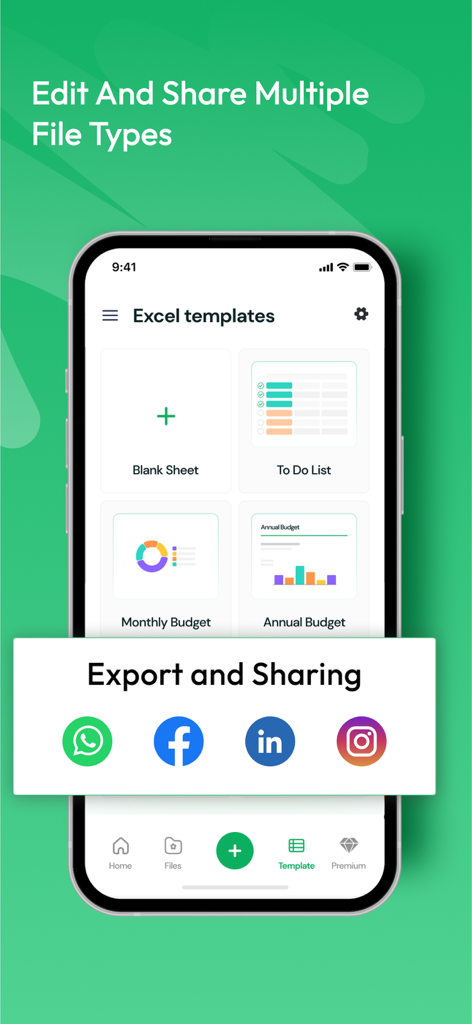
다양한 스프레드시트 템플릿과 소셜 미디어 공유를 위한 빠른 내보내기 옵션을 보여주는 XLS Sheet 앱 인터페이스

다양한 스프레드시트 템플릿과 소셜 미디어 공유를 위한 빠른 내보내기 옵션을 보여주는 XLS Sheet 앱 인터페이스

이동 중에도 데이터를 마스터하세요

이 앱을 돋보이게 하는 도구, 62K+ 명의 사용자가 선택.

모바일에 최적화된 편집

데스크톱 수준의 작업을 몇 초 안에 수행할 수 있는 터치 최적화 인터페이스로 수식 수정 및 셀 업데이트가 가능합니다.

☁️

통합 클라우드 액세스

iCloud, Google Drive, Dropbox를 연결하여 단일 보안 허브에서 모든 전문 스프레드시트에 액세스하세요.

📶

오프라인 생산성

인터넷 연결 없이 보고서를 검토하고 데이터를 편집하여 비행 중이나 통근 중에 생산성을 유지할 수 있습니다.

전 세계 사용자들에게 사랑받는 앱

Trusted by 62K+ 명이 이 앱을 사랑합니다.

"

"끊임없이 이동하는 부동산 중개인으로서 노트북을 꺼내지 않고도 리스팅 시트를 업데이트할 방법이 필요했습니다. 이 앱은 믿을 수 없을 정도로 빠르고 Google Drive와의 통합 덕분에 현장에서 팀과 쉽게 소통할 수 있습니다."

Sarah Jenkins
"

"마침내 너무 무겁지 않은 스프레드시트 편집기를 찾았습니다. Wi-Fi가 자주 끊기는 창고에서 재고 목록을 관리하는 데 매일 사용하고 있습니다. 오프라인 모드는 정말 유용하며, 인터페이스가 다른 주요 오피스 앱보다 훨씬 깔끔하고 반응성이 좋습니다."

Marcus Thompson

앱 소개

에 대해 알아야 할 모든 것 XLS Sheet: XLS Viewer & Editor.

설명

Title: XLS Sheet: Excel Viewer & Editor Description: Unlock the full potential of your Excel files with XLS Sheet, the ultimate iOS app for seamless viewing and editing of your spreadsheets on the go! Whether you're a busy professional, student, or anyone in need of quick access to your data, XLS Sheet is your all-in-one solution for managing Excel files effortlessly. Key Features: 1. **Intuitive Excel Viewing:** Experience unmatched clarity as you effortlessly view Excel files with our user-friendly interface. XLS Sheet ensures your data is presented in its best form, providing a smooth and intuitive viewing experience. 2. **Powerful Editing Tools:** Take control of your data with our powerful editing tools. Modify, update, and refine your spreadsheets directly from your iOS device. XLS Sheet supports a wide range of Excel functions, empowering you to make changes on the fly. 3. **Cloud Integration:** Seamlessly sync your Excel files with popular cloud services like iCloud, Google Drive, and Dropbox. Access your sheets from any device, ensuring you're always connected to your important data, no matter where you are. 4. **Offline Accessibility:** Stay productive even without an internet connection. XLS Sheet allows you to work on your Excel files offline, ensuring you can make edits and updates whenever inspiration strikes. 5. **Cross-Platform Compatibility:** Enjoy unparalleled flexibility by seamlessly transitioning between your iOS device and other platforms. XLS Sheet ensures compatibility with various Excel file formats, making collaboration and sharing a breeze. 6. **Enhanced Security:** Your data's security is our top priority. XLS Sheet employs robust security measures to protect your sensitive information, providing you with peace of mind while managing your Excel files. 7. **Customization Options:** Tailor your experience to fit your preferences. XLS Sheet offers customizable settings, allowing you to adjust the app to your unique workflow for maximum efficiency. Download XLS Sheet now and revolutionize the way you manage Excel files on your iOS device. Whether you're reviewing reports, crunching numbers, or collaborating with colleagues, XLS Sheet is your trusted companion for a seamless and powerful Excel experience. Upgrade your productivity – get XLS Sheet today! 3-DAY FREE TRIAL • Try out all paid features free for 3 days • Select a plan that best suits your needs • Cancel anytime without any obligations Yearly - Monthly plans at 599 Rs/Month & Yearly Plans at 1999 Rs/Year Subscription will be charged to your credit card through your App Store account. Your subscription will automatically renew unless canceled at least 24 hours before the end of the current period. Terms of Use - https://sites.google.com/view/xls-sheets-termsofuse/home

최신 버전

1.0.15

크기

116.0 MB

출시일

2024년 1월 9일

이동 중에 데이터를 마스터할 준비가 되셨나요?

워크플로우를 혁신한 62,000명 이상의 전문가 및 학생들과 함께하세요. 지금 3일 무료 체험을 시작하고 최고의 모바일 Excel 편집기를 경험해 보세요.

다운로드: App Store
FAQ

자주 묻는 질문

에 대해 알아야 할 모든 것 XLS Sheet: XLS Viewer & Editor

XLS Sheet: Excel Viewer & Editor란 무엇인가요?

XLS Sheet는 Excel 스프레드시트의 원활한 보기 및 편집을 위해 설계된 iOS 앱입니다. 클라우드 통합, 오프라인 액세스 및 강력한 편집 도구와 같은 기능을 제공합니다.

XLS Sheet 앱으로 Excel 파일을 편집할 수 있나요?

네, XLS Sheet는 강력한 편집 도구를 제공합니다. 사용자는 iOS 기기에서 직접 스프레드시트를 수정, 업데이트 및 개선할 수 있으며 다양한 Excel 함수를 지원합니다.

XLS Sheet는 Excel 파일에 대한 오프라인 액세스를 지원하나요?

네, XLS Sheet를 사용하면 인터넷 연결 없이도 Excel 파일을 작업할 수 있습니다. 이 오프라인 접근성을 통해 언제든지 생산성을 유지할 수 있습니다.

XLS Sheet는 어떤 클라우드 서비스와 통합되나요?

XLS Sheet는 iCloud, Google Drive, Dropbox와 같은 인기 있는 클라우드 서비스와 원활하게 통합됩니다. 이를 통해 사용자는 모든 기기에서 스프레드시트에 액세스할 수 있습니다.

XLS Sheet: Excel Viewer & Editor의 무료 체험판이 있나요?

네, XLS Sheet는 3일 무료 체험판을 제공합니다. 이 체험판을 통해 모든 유료 기능에 액세스할 수 있으며, 사용자는 의무 없이 언제든지 취소할 수 있습니다.

XLS Sheet의 구독 비용은 얼마인가요?

XLS Sheet는 월 599 루피/월의 월간 요금제와 연 1999 루피/년의 연간 요금제를 제공합니다. 구독은 App Store를 통해 청구되며 취소하지 않는 한 자동으로 갱신됩니다.

XLS Sheet는 다양한 Excel 파일 형식을 처리할 수 있나요?

네, XLS Sheet는 다양한 Excel 파일 형식과의 호환성을 보장합니다. 이 기능을 통해 여러 플랫폼 간의 협업 및 공유에 유연성을 제공합니다.

XLS Sheet를 사용하여 새 스프레드시트를 만들 수 있나요?

네, XLS Sheet를 사용하면 새 스프레드시트를 만들 수 있습니다. 앱의 인터페이스에는 홈 화면에 "새로 만들기" 옵션이 포함되어 있습니다.

XLS Sheet로 Excel 파일을 PDF로 변환할 수 있나요?

네, XLS Sheet는 Excel 파일을 PDF로 변환하는 기능을 제공합니다. 이 변환 기능은 앱 인터페이스 내에서 사용할 수 있습니다.

XLS Sheet 앱에서 설정을 사용자 지정할 수 있나요?

네, XLS Sheet는 사용자 지정 가능한 설정을 제공합니다. 사용자는 앱을 고유한 작업 흐름 및 기본 설정에 맞게 조정하여 효율성을 높일 수 있습니다.

XLS Sheet는 스프레드시트 템플릿을 제공하나요?

네, XLS Sheet는 다양한 Excel 템플릿을 제공합니다. 여기에는 사용자 편의를 위해 빈 시트, 할 일 목록, 월별 예산, 연간 예산과 같은 옵션이 포함됩니다.

XLS Sheet를 사용할 때 데이터가 안전한가요?

네, XLS Sheet는 데이터 보안을 우선시합니다. 앱은 사용자가 Excel 파일을 관리하는 동안 민감한 정보를 보호하기 위해 강력한 보안 조치를 구현합니다.