
Brick - Ditch Distractions


The physical solution to digital distraction. Use NFC-powered hardware to instantly block addictive apps, creating a commitment to deep work, real-world connections, and a mind of your own.
Publisher
Category
ProductivityDownloads
629K+User Rating
Total Ratings
26K+Locales
1Discover the interface used by 629K+ users.
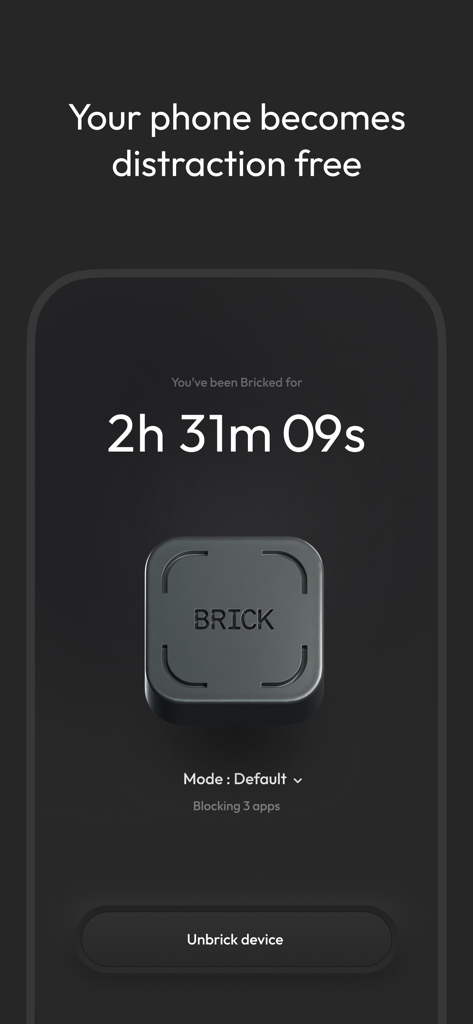
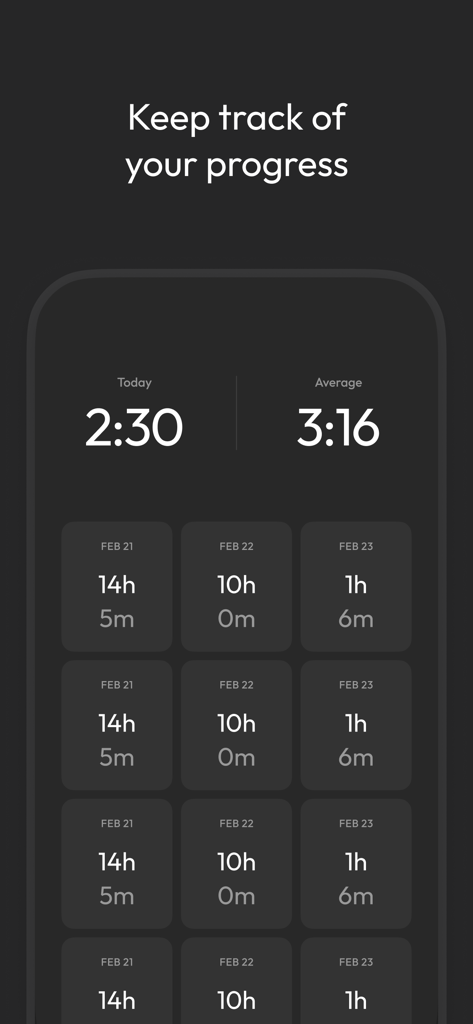
The tools that make this app stand out, trusted by 629K+ users.
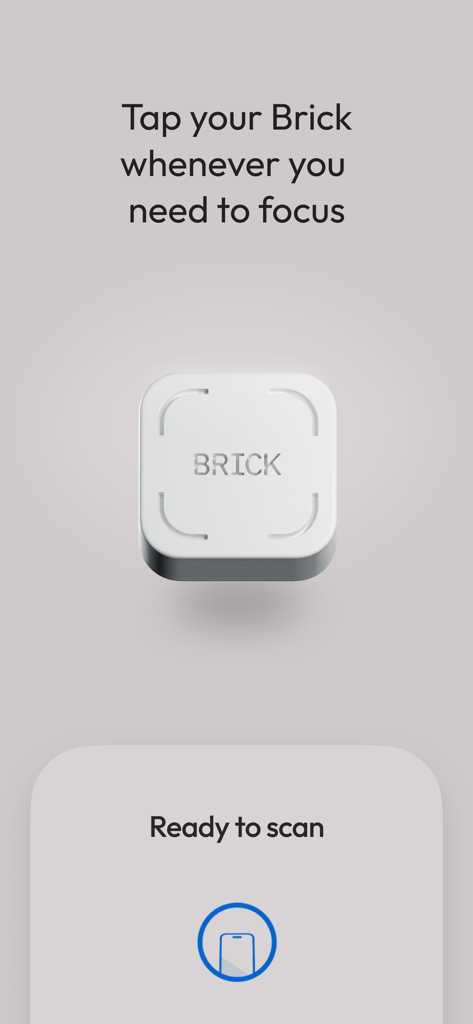
Tap your physical Brick to lock away distractions instantly. Creating a physical barrier to entry makes focus a ritual, not a struggle.
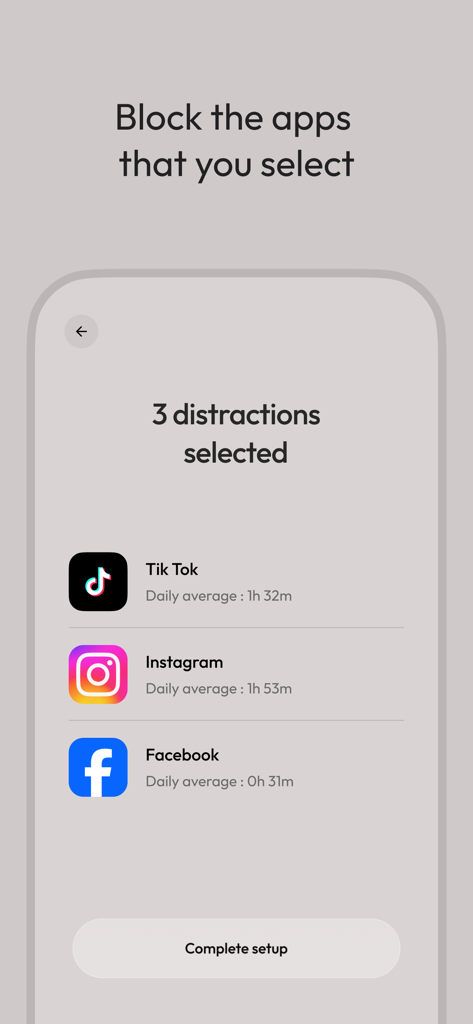
Keep the tools, kill the noise. Customize your 'White-List' so you can access Maps or Music while blocking the feeds that steal your time.
Track your journey toward digital minimalism with on-device analytics. Your usage data never leaves your phone, ensuring your habits stay private.
Trusted by 629K+ people who love this app.
"As a grad student, I used to bypass my phone's screen time limits constantly. The physical 'Brick' creates a mental shift that software alone couldn't achieve. Tapping it makes my focus feel official, and I finally got my deep work sessions back without the urge to check social media every five minutes."
"Brick is the first solution that actually sticks for me. I can whitelist my essential work apps like Slack and Spotify while blocking everything else that drains my time. It’s helped me regain hours of productivity every week and, more importantly, I’m finally present during dinner with my family."
Everything you need to know about Brick - Ditch Distractions.
Description
Latest Version
2026.01.0
Size
41.8 MB
First Released
Sep 15, 2023
Download the app to pair with your Brick and join 600,000+ people choosing deep work over the infinite scroll.
Everything you need to know about Brick - Ditch Distractions
Brick - Ditch Distractions combines software with NFC-powered hardware. Users tap the physical Brick device to temporarily block distracting apps and notifications, leaving only chosen essential tools. Tapping it again unblocks everything.
The Brick app enables users to customize which apps remain unblocked, track their usage history for distraction-free time, and contact the creators for feature requests or support.
No, Brick - Ditch Distractions does not collect user data. The app explicitly states that none of your usage information leaves your phone, ensuring user privacy.
Yes, users can choose which apps Brick blocks. The Brick app provides options to customize and select specific applications to be blocked during focus sessions.
To begin a focus session with Brick, simply open the app and tap your physical Brick device. This action initiates the blocking of distracting apps and notifications on your phone.
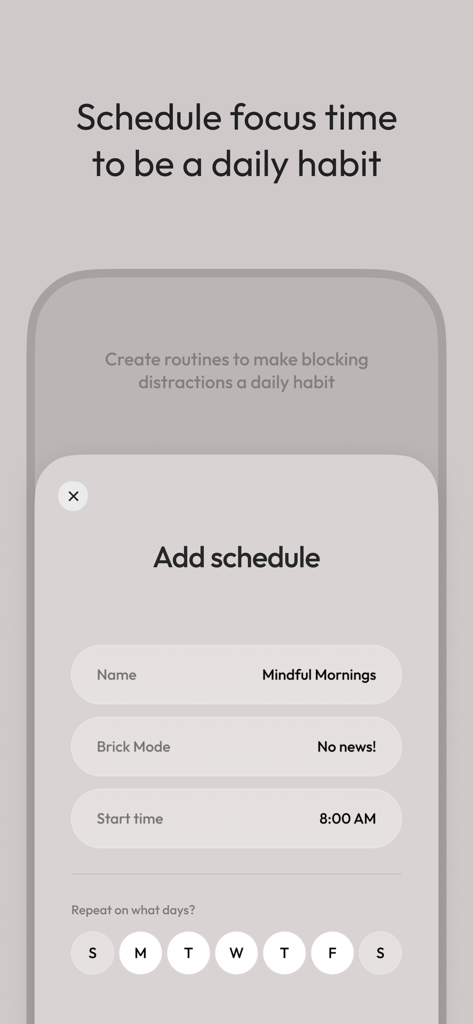
Yes, the Brick app allows scheduling focus times. Users can create routines by setting a name, Brick Mode, start time, and repeating days to build daily habits for distraction-free periods.
Yes, Brick - Ditch Distractions tracks your focus progress. The app monitors and displays your usage history, enabling you to see and review the time spent undistracted.
Apps with similar features and user experience
OPAL OS CORPORATION

Screen Detox Inc

riedel.wtf apps S.L.
ScreenZen LLC

Labi, LLC

Seamint Co., Ltd.

MWM

MobileSoft s.r.o.

Clearspace Technologies, Inc.