comdirect photoTAN App

comdirect photoTAN App

Download on App Store
Spark by MWM logo
Logo of comdirect photoTAN App

comdirect photoTAN App: Secure Your Global Finances with One Swipe

Experience German-engineered security for your international lifestyle. Authorize banking and trading transactions instantly via seamless App2App integration or offline scans—wherever your career takes you.

Publisher

Commerzbank Aktiengesellschaft

Category

Finance

Downloads

1M+

User Rating

4.5/5

Total Ratings

175K+

Locales

1

Security in Focus

Discover the interface used by 1M+ users.
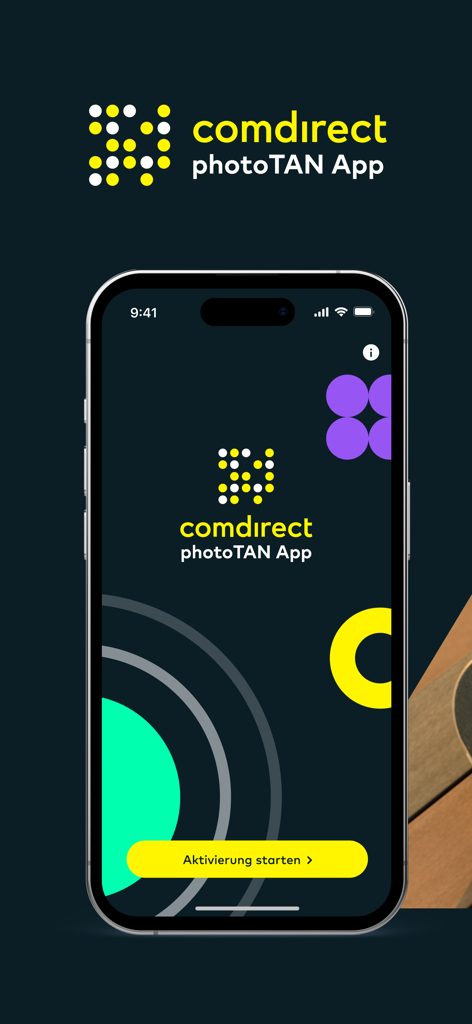
Welcome screen of comdirect photoTAN app on a smartphone with a button to start activation.

Welcome screen of comdirect photoTAN app on a smartphone with a button to start activation.

A young professional using their smartphone for mobile banking while sitting outdoors with a skateboard

A young professional using their smartphone for mobile banking while sitting outdoors with a skateboard

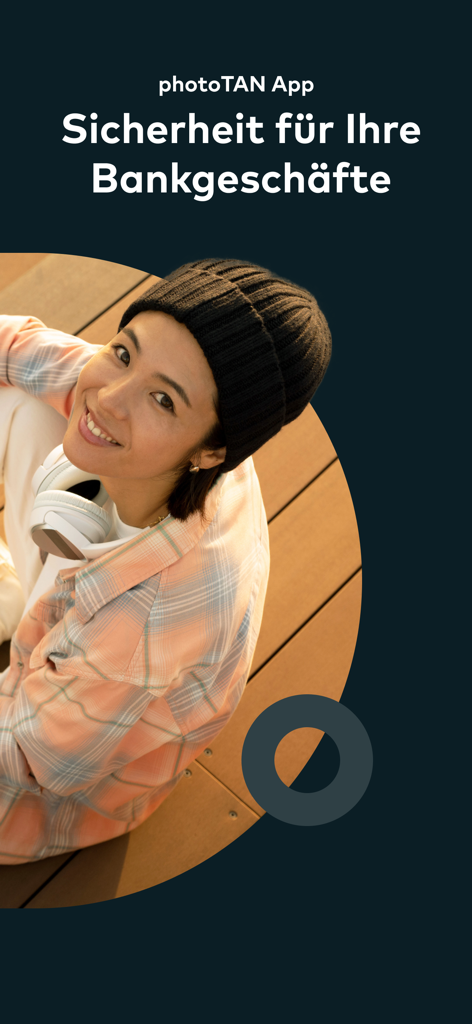
Splash screen of the comdirect photoTAN app featuring a smiling woman and a security slogan in German

Splash screen of the comdirect photoTAN app featuring a smiling woman and a security slogan in German

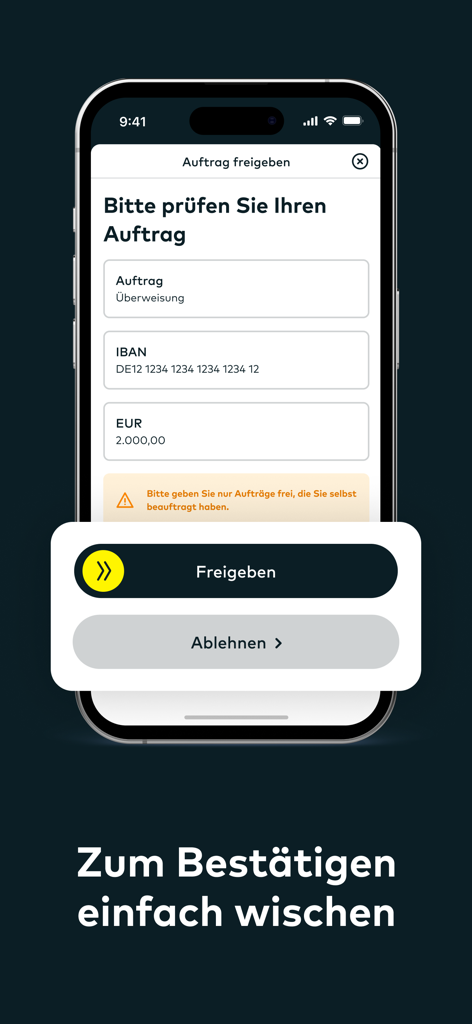
Interface of the comdirect photoTAN app showing a swipe button to authorize a 2000 Euro bank transfer.

Interface of the comdirect photoTAN app showing a swipe button to authorize a 2000 Euro bank transfer.

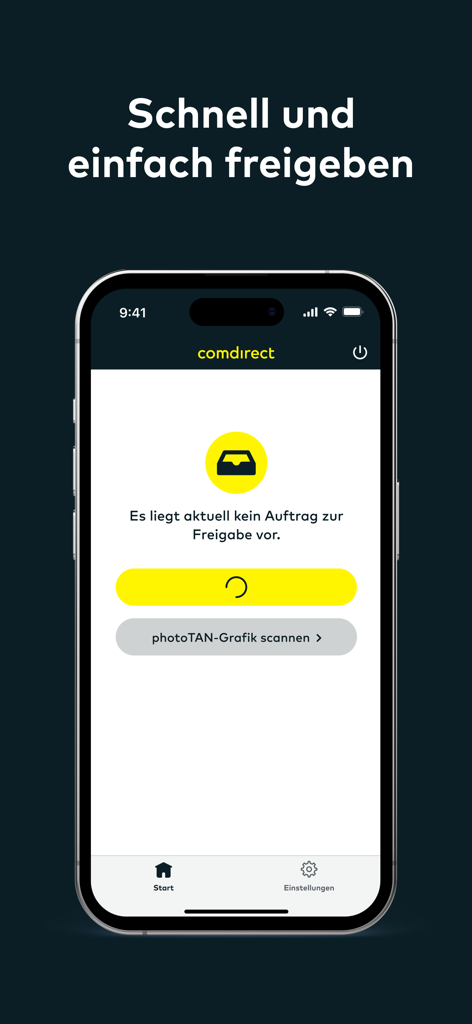
Interface of the comdirect photoTAN app for secure banking authorization

Interface of the comdirect photoTAN app for secure banking authorization

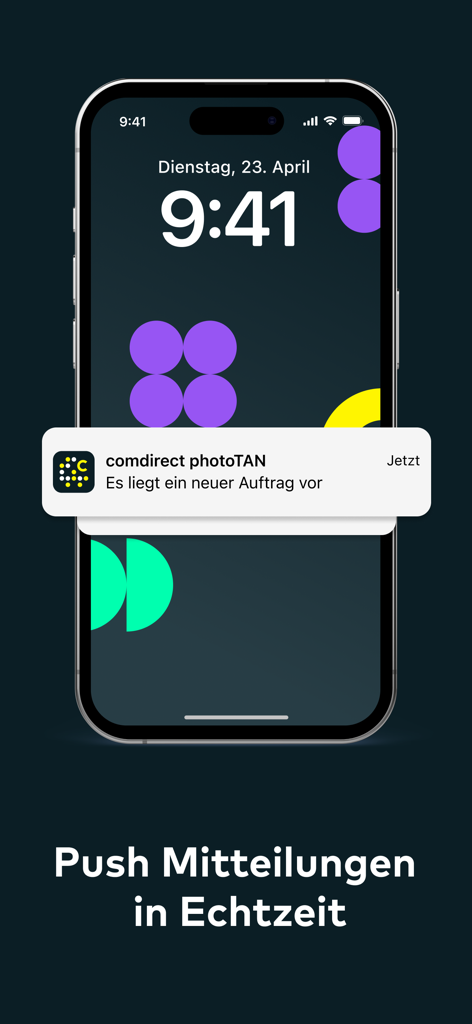
An iPhone displaying a real-time push notification from the comdirect photoTAN app for a new transaction.

An iPhone displaying a real-time push notification from the comdirect photoTAN app for a new transaction.

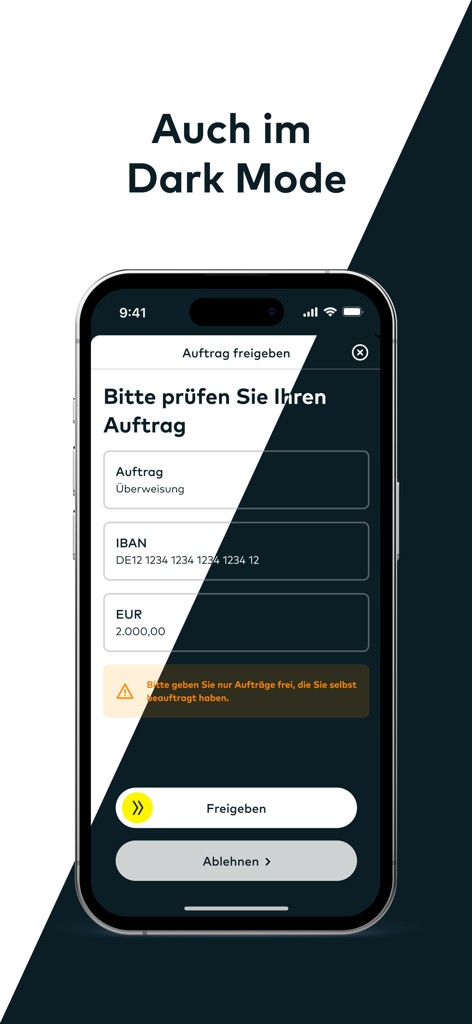
The comdirect photoTAN App interface displayed in dark mode for transaction authorization.

The comdirect photoTAN App interface displayed in dark mode for transaction authorization.

Secure Banking, Simplified for Your Global Life

The tools that make this app stand out, trusted by 1M+ users.

One-Swipe Approval

Experience frictionless banking with App2App technology. Authorize transfers and trades instantly with a simple swipe, eliminating the need to manually enter TAN codes.

🛡️

Bank-Grade German Security

Protect your European assets with world-class encryption. Our photoTAN technology is more robust than SMS, keeping your investments safe from phishing and SIM-swapping.

🌍

Reliable Global Access

Manage your finances regardless of your connection. The scan-to-authorize feature works offline, ensuring you can approve transactions even without U.S. data roaming or Wi-Fi.

Loved by users worldwide

Trusted by 1M+ people who love this app.

"

"Living in San Francisco while managing my German accounts used to be a headache, but the App2App feature makes it seamless. I just swipe to approve transactions on my iPhone—no more waiting for SMS codes that never arrive. It is the perfect bridge for my financial life between the US and Germany."

Lukas M.
"

"As someone managing investments across time zones, the security of this app gives me total peace of mind. The ability to scan the photoTAN graphic even when I am on a flight without Wi-Fi is a lifesaver. It is fast, reliable, and exactly what I expect from a premium banking experience."

Sarah K.

Review Analysis

Insights from user reviews.

Sentiment Score

32%
Negative

Summary

The app receives largely negative feedback, primarily due to widespread functionality issues, especially after recent iOS updates (notably iOS 26 and version 9.8.0). Users frequently report that the app becomes unusable, often due to false "Jailbreak detected" errors or Face ID failures, preventing essential banking operations like money transfers. While some users appreciate the ease of use and reliability when the app *does* work, and the security benefits of the separate PhotoTAN system, many find the overall user experience clunky, the login process overly complex, and activation procedures problematic. There are also complaints about limited customer support availability and concerns over the inclusion of political banners.

Common Themes

App Functionality(6)
App Usability(3)
PhotoTAN System(2)
Setup Process(1)
Security Concept(1)

About the app

Everything you need to know about comdirect photoTAN App.

Description

Mit der kostenlosen photoTAN App geben Sie Transaktionen im Online-Banking sicher und schnell frei. # So funktioniert das photoTAN-Verfahren über den Computer: Sie führen eine Transaktion auf einem anderen Gerät durch; z. B. einem PC. Ihre Transaktion wird automatisch in die comdirect photoTAN App übertragen und auf Ihrem Smartphone erscheint eine Benachrichtigung. Bei Tippen auf die Nachricht öffnet sich die photoTAN App. Prüfen Sie die Transaktion und geben Sie die TAN frei, indem Sie den Pfeil von links nach rechts schieben. Die gewohnte Scan-Funktion der comdirect photoTAN App bleibt erhalten. Das empfiehlt sich zum Beispiel dann, wenn Ihr Smartphone nicht mit dem Internet verbunden ist. Wählen Sie dazu auf dem Computer das photoTAN-Verfahren „photoTAN Grafik“ und öffnen dann auf dem Smartphone in der comdirect photoTAN App die Scan-Funktion links unten. # So funktioniert das App2App-Verfahren: Sie führen eine Transaktion in einer anderen comdirect-App durch. Im Freigabe-Prozess für Ihre Transaktion öffnet sich automatisch die photoTAN App. Bestätigen Sie Ihren Auftrag, indem Sie den Pfeil von links nach rechts schieben. Folgende comdirect Apps unterstützen das App2App-Verfahren: - comdirect App - comdirect trading App - comdirect Young # So aktivieren Sie die photoTAN App vor der ersten Nutzung: Loggen Sie sich in den Persönlichen Bereich von comdirect mit Ihrer Zugangsnummer und PIN ein und folgen der Anleitung „photoTAN aktivieren“ bis die Aktivierungsgrafik angezeigt wird. Laden Sie sich die comdirect photoTAN App auf Ihr Smartphone und folgen Sie der Anleitung in der App. Sobald die App aktiviert ist, können Sie die beiden oben genannten Verfahren nutzen. FAQ „Welche Berechtigungen verwendet die App?“ Die Berechtigung „Kamera“ wird im Standardverfahren zum Scannen der photoTAN Grafik benötigt. FAQ "Funktioniert die App mit mehreren comdirect Konten"? Sie können die App mit bis zu 8 Konten verbinden. Für jedes Konto benötigen Sie einen eigenen Aktivierungsbrief. Weitere Informationen zur photoTAN erhalten Sie unter www.comdirect.de/photoTAN Bei Fragen und Anregungen zur photoTAN stehen wir Ihnen rund um die Uhr gerne zur Verfügung: Per E-Mail an info@comdirect.de oder telefonisch: Kunden: + 49 (0) 41 06 - 708 25 00 Interessenten: + 49 (0) 41 06 - 708 25 38

Latest Version

9.10.0

Size

63.1 MB

First Released

Mar 28, 2013

Secure Your Global Finances with German Precision

Join over 1 million users managing their assets with the highest security standards. Download the comdirect photoTAN app today and experience seamless, offline-ready transaction authorization wherever your career takes you.

Download on App Store
FAQ

Frequently Asked Questions

Everything you need to know about comdirect photoTAN App

What is the comdirect photoTAN App used for?

The comdirect photoTAN App securely and quickly approves online banking transactions. It serves as a verification method for your digital banking activities.

How does the comdirect photoTAN App approve transactions via computer?

When you initiate a transaction on a computer, the comdirect photoTAN App sends a notification to your smartphone. You open the app, review the transaction details, and then swipe to approve it.

Can the comdirect photoTAN App approve transactions without an internet connection?

Yes, the comdirect photoTAN App includes a scan function for offline transaction approval. Select "photoTAN Grafik" on your computer, then use the app's scanner on your smartphone.

Which comdirect apps integrate with the photoTAN App using App2App procedure?

The comdirect photoTAN App supports the App2App procedure with the comdirect App, comdirect trading App, and comdirect Young. Transactions initiated in these apps open photoTAN for direct approval.

What is the activation process for the comdirect photoTAN App?

To activate the comdirect photoTAN App, log into your comdirect personal area, follow the "photoTAN aktivieren" guide, and download the app. Complete the in-app instructions to finalize activation.

What permissions does the comdirect photoTAN App require?

The comdirect photoTAN App requires camera permission. This permission is essential for scanning the photoTAN graphic during the standard transaction approval process to ensure secure verification.

Does the comdirect photoTAN App work with multiple bank accounts?

Yes, the comdirect photoTAN App supports connecting up to 8 comdirect accounts. Each account requires a separate activation letter to be linked to the app.

How do users confirm transactions in the comdirect photoTAN App?

Users confirm transactions in the comdirect photoTAN App by reviewing the order details and then performing a simple swipe gesture from left to right on the "Freigeben" (Approve) button.

Does the comdirect photoTAN App offer real-time push notifications for pending transactions?

Yes, the comdirect photoTAN App provides real-time push notifications. It alerts users immediately when a new order is available for review and approval within the app.

Is Dark Mode supported by the comdirect photoTAN App?

Yes, the comdirect photoTAN App supports Dark Mode. This feature allows users to operate the app with a dark-themed interface for improved viewing comfort, especially in low light.