
Screen Recorder-Video & Voice



Capture your screen and facecam simultaneously with high-quality audio. Perfect for creators looking to level up their TikTok, YouTube, and live streaming content.
Publisher
Category
UtilitiesDownloads
48K+User Rating
Total Ratings
4K+Locales
6Discover the interface used by 48K+ users.
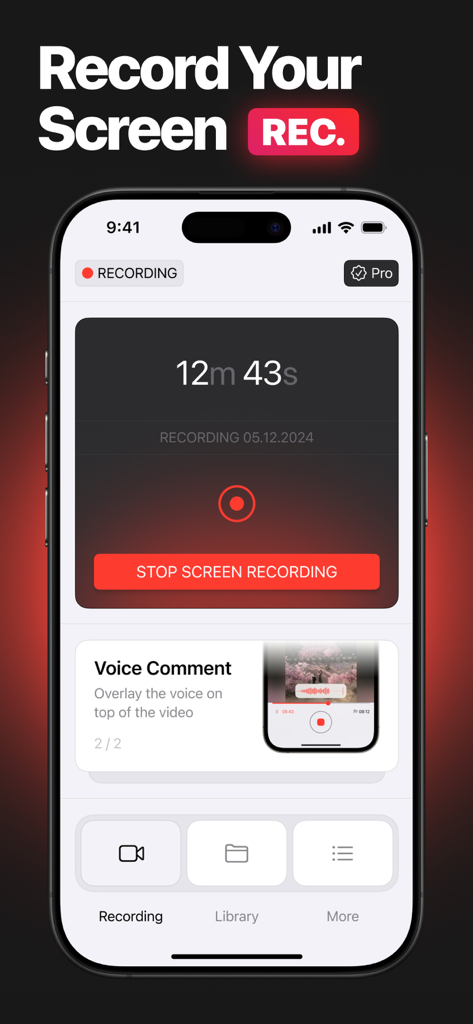
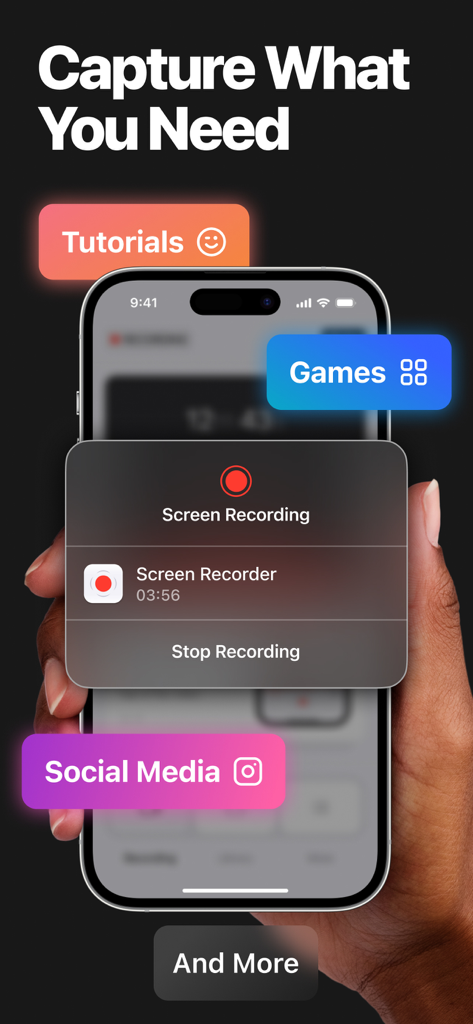
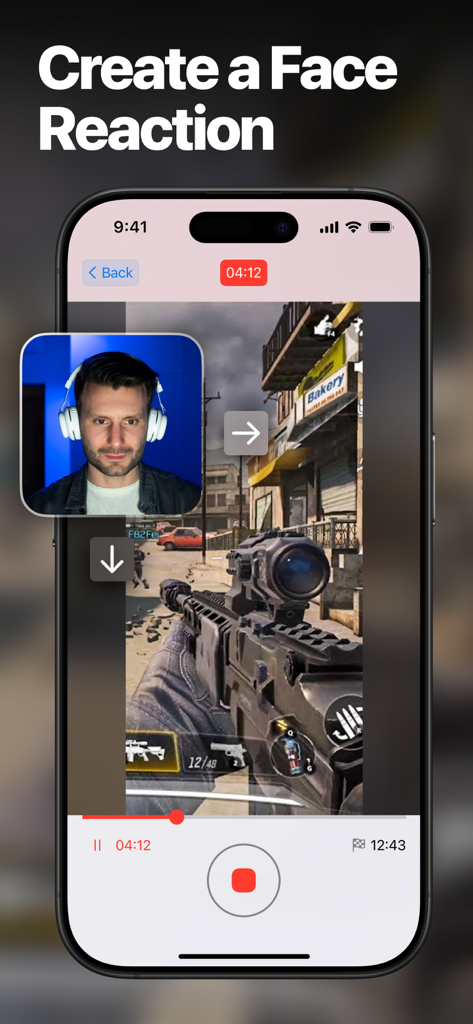
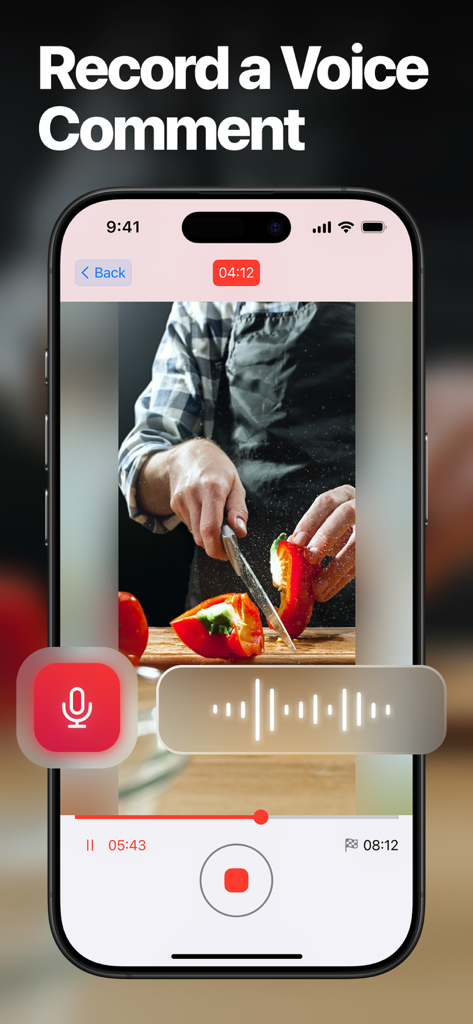
The tools that make this app stand out, trusted by 48K+ users.
Capture your screen and facial expressions simultaneously to create engaging reaction videos and tutorials.
Record high-definition gameplay without lag, capturing every win in crystal clear quality for your community.
Go live or export your clips directly to TikTok and YouTube in seconds with optimized high-quality settings.
Trusted by 48K+ people who love this app.
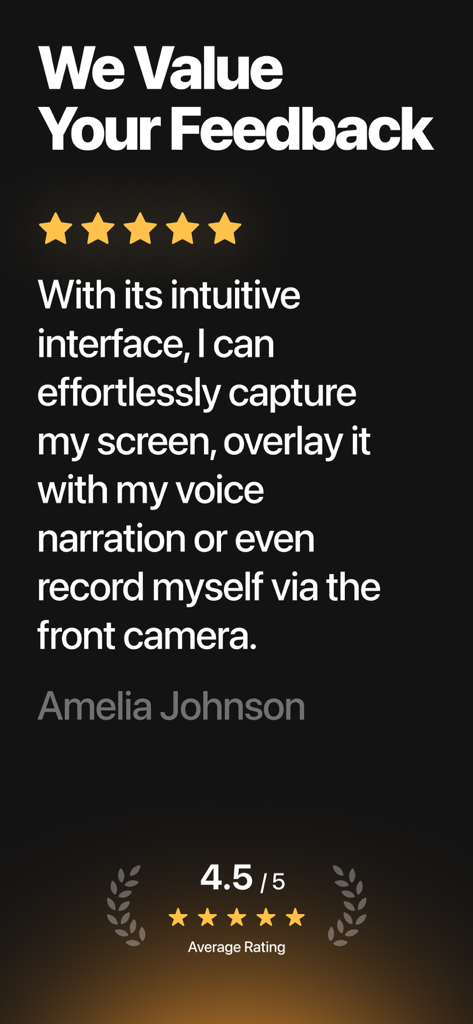
"Finally, a screen recorder that makes it easy to capture my face and gameplay at the same time! It has become my go-to for creating quick TikToks and reacting to new apps. The quality is professional and it is incredibly intuitive."
"This app is a lifesaver for my gaming channel. Being able to record high-quality sessions with a facecam overlay directly from my iPhone is amazing. No more complicated setups, just hit record and go!"
Everything you need to know about Screen Recorder-Video & Voice.
Description
Latest Version
2.2
Size
37.8 MB
First Released
Oct 23, 2024
Join over 48,000 creators using Screen Recorder to capture epic gameplay, live reactions, and pro-quality content instantly.
Everything you need to know about Screen Recorder-Video & Voice
To record your screen with "Screen Recorder – Video & Voice," launch the app and begin a recording session. It captures your screen content, audio, and allows for simultaneous facecam integration.
Yes, "Screen Recorder – Video & Voice" supports simultaneous recording of both your facecam and screen. This feature is ideal for creating reaction videos, gaming content, and tutorials.
Yes, "Screen Recorder – Video & Voice" allows users to easily record mobile games and other applications. You can capture gameplay, accompanying audio, and add your facecam reaction.
Yes, "Screen Recorder – Video & Voice" provides the ability to record voice comments. You can overlay your voice narration directly onto your video recordings, as shown in the app interface.
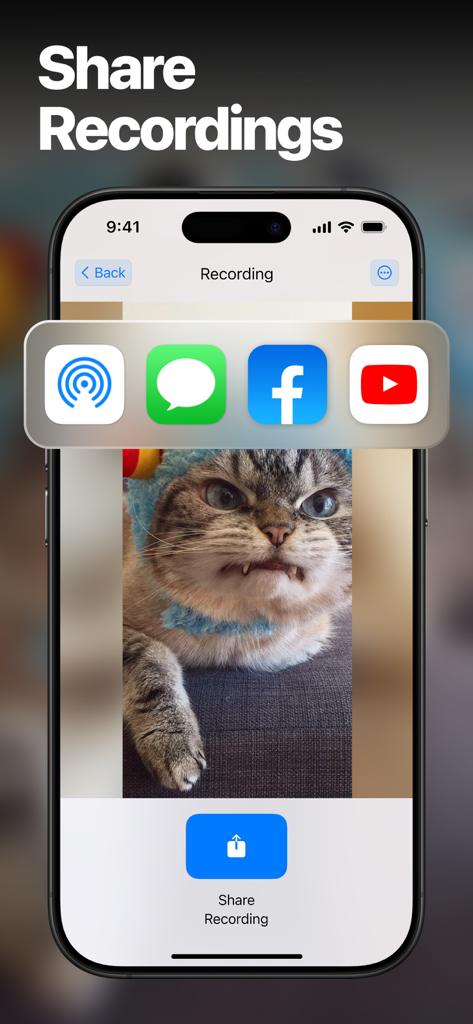
"Screen Recorder – Video & Voice" offers various sharing options for your recordings. After completion, you can share videos directly to platforms like Messages, Facebook, and YouTube.
Yes, "Screen Recorder – Video & Voice" offers the functionality to start live streaming. Alternatively, users can choose to capture high-quality video recordings for later use.
Apps with similar features and user experience

Medal B.V.

VIDEOSHOW PTE. LTD.

App of the Year LLC

DIGISET LLC

Arthur Eduardo Skaetta Alvarez Desenvolvimento de Software LTDA.

Poster App LLP

Dream United, Ltd.

Torqued Studios LLC

Mark Thomas