
Acr call recorder - for iPhone



Capture every verbal agreement with ease. Join 7+ million professionals using the simplest tool to record calls, generate transcripts in 50+ languages, and sync seamlessly with Slack or Google Drive.
Publisher
Category
BusinessDownloads
7M+User Rating
Total Ratings
175K+Locales
1Discover the interface used by 7M+ users.
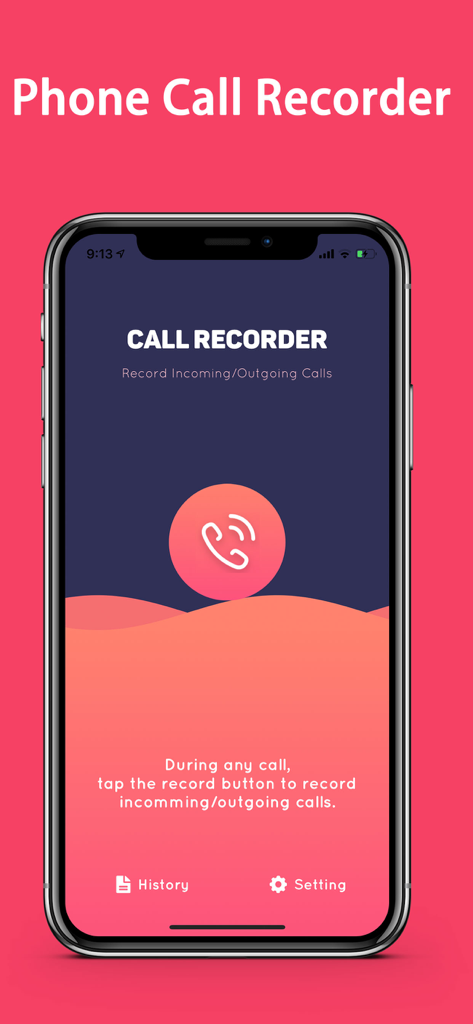
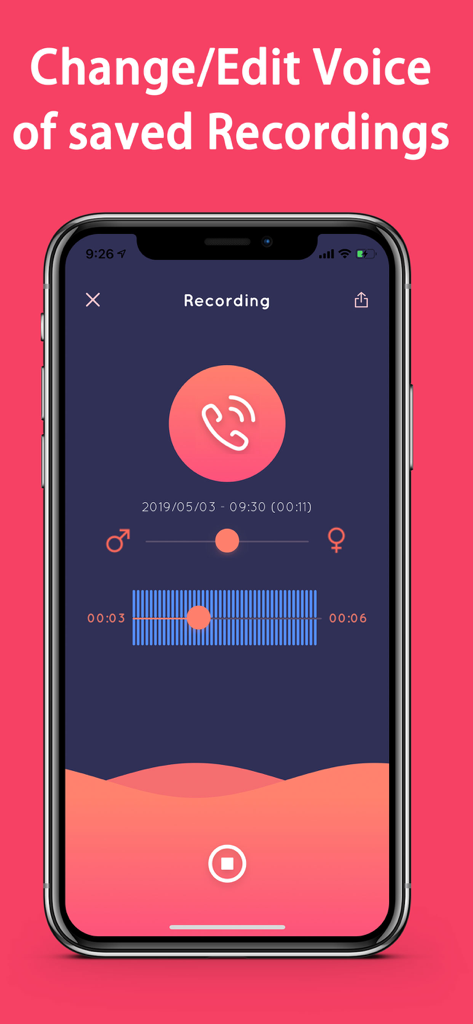
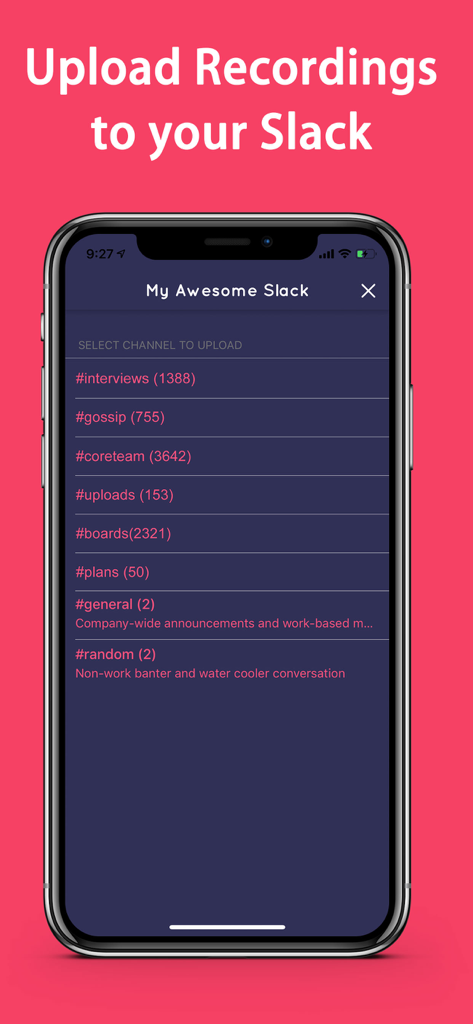
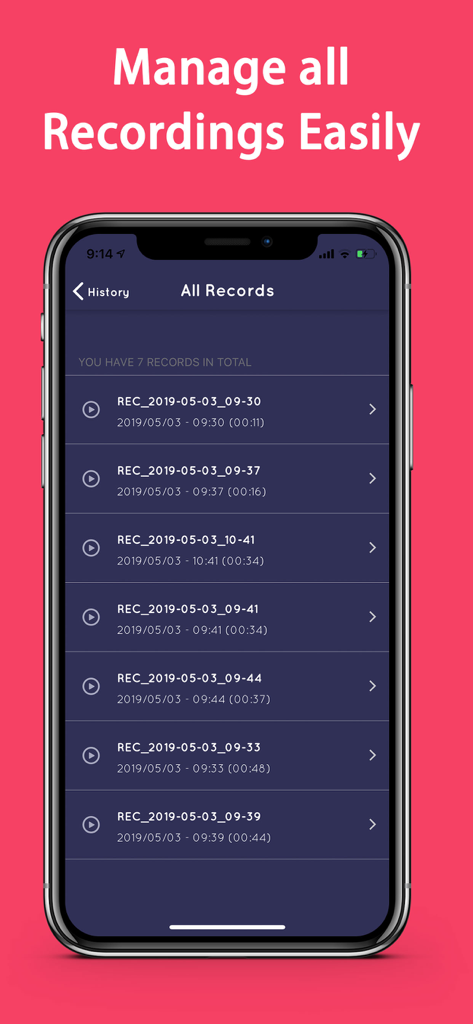
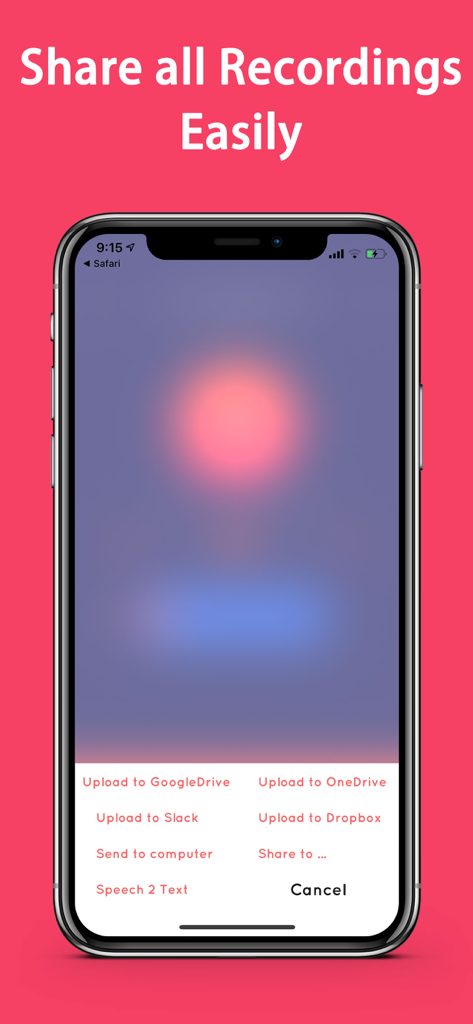
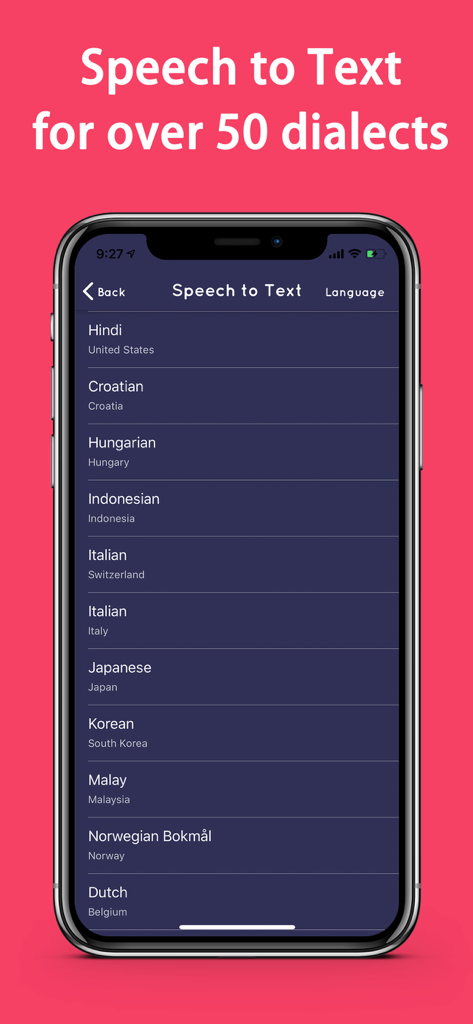
The tools that make this app stand out, trusted by 7M+ users.
Capture incoming and outgoing business calls instantly with a streamlined interface designed for high-stakes professionals on the move.
Turn voices into searchable text with speech-to-text support for over 50 languages, saving you hours of manual note-taking.
Directly export recordings and transcripts to Slack, Google Drive, or Dropbox to keep your files organized and your team aligned.
Trusted by 7M+ people who love this app.
"As a real estate broker, I'm constantly negotiating on the move. This app is the most reliable tool I've found for documenting verbal agreements. The interface is intuitive, and the direct upload to Google Drive keeps my files organized without any extra effort. It's an essential part of my business toolkit."
"The speech-to-text feature is incredible. I use it for all my client interviews, and the accuracy is impressive. Being able to instantly share the transcription to Slack helps my entire team stay aligned. It's much more than just a recorder; it's a massive productivity booster for our workflow."
Insights from user reviews.
Sentiment Score
Summary
User reviews for this mobile app are overwhelmingly negative, primarily citing severe functional issues and a deceptive business model. Many users report that the app fails to work, crashes frequently, or stops functioning shortly after purchasing lifetime memberships or subscriptions, leading to a strong demand for refunds that often goes unanswered by customer support. The app's recording method, which relies on a conference call system and often involves dialing international numbers, is a major point of contention due to added inconvenience and unexpected costs. Furthermore, numerous users felt misled by initial claims of the app being free, only to discover it requires payment.
Common Themes
Everything you need to know about Acr call recorder - for iPhone.
Description
Latest Version
3.38
Size
66.8 MB
First Released
Apr 25, 2018
Join over 7 million professionals using the most advanced recorder to transcribe, organize, and sync calls directly to your business tools.
Everything you need to know about Acr call recorder - for iPhone
Yes, Acr call recorder - for iPhone features a new user experience designed for effortless incoming and outgoing phone call recording.
Acr call recorder - for iPhone improves call recording quality in many countries by utilizing new, additional access numbers.
Yes, Acr call recorder - for iPhone allows users to organize recorded files efficiently by categorizing them within the application.
Yes, Acr call recorder - for iPhone includes functionality to edit the audio of recorded calls directly within the application.
Yes, Acr call recorder - for iPhone enables users to upload recorded calls directly to their Slack channels for sharing.
Acr call recorder - for iPhone supports uploading recordings to Google Drive, Dropbox, and OneDrive for cloud storage.
Acr call recorder - for iPhone offers speech-to-text transcription for recorded audios in over 50 different languages and dialects.
Yes, Acr call recorder - for iPhone records both incoming and outgoing, as well as domestic and international calls.
No, Acr call recorder - for iPhone records calls successfully whether an internet connection is present or not.
Acr call recorder - for iPhone requires your mobile carrier to support 3-way calling for the application to record calls.
Yes, users incur charges for calling the access numbers when using Acr call recorder - for iPhone to record their phone calls.
A weekly subscription to Acr call recorder - for iPhone costs $6.99 and includes a 3-day free trial. It renews every week.
The Acr call recorder - for iPhone "Monthly subscription" costs $14.99. This specific subscription renews every one year.
To turn off auto-renewal for Acr call recorder - for iPhone, users must disable it in their Account Settings at least 24 hours before the current period ends.
Users manage their Acr call recorder - for iPhone subscriptions and auto-renewal options within their Account Settings after purchase.
Yes, any unused portion of an Acr call recorder - for iPhone free trial is forfeited upon purchasing a subscription.
Acr call recorder - for iPhone charges payment to the iTunes Account at purchase confirmation. Current subscriptions cannot be cancelled during active periods.
The privacy policy for Acr call recorder - for iPhone is located at http://recorderforiphone.com/privacy.html.
Users initiate recording in Acr call recorder - for iPhone by tapping the prominent record button displayed within the app during a call.
Yes, Acr call recorder - for iPhone provides a "History" section where users can easily review and manage all their recorded calls.
Yes, Acr call recorder - for iPhone offers a "Send to computer" option for transferring recorded calls from the app.
Apps with similar features and user experience

Interface, Inc.

JatApp LLC

TapMedia Ltd

AppAmore Limited

Atlas Guide, Inc.

WindTalking LLC

Gelenk Networks Inc.

Henrieta Jaworski

Henning Christensen Bonde Søgaard