
Adobe Illustrator: Graphic Art


Transform your sketches into scalable vector art with the precision of the Apple Pencil. Create stunning logos, icons, and illustrations on the go with seamless Creative Cloud syncing.
Publisher
Category
Graphics & DesignDownloads
7M+User Rating
Total Ratings
101K+Locales
5Discover the interface used by 7M+ users.
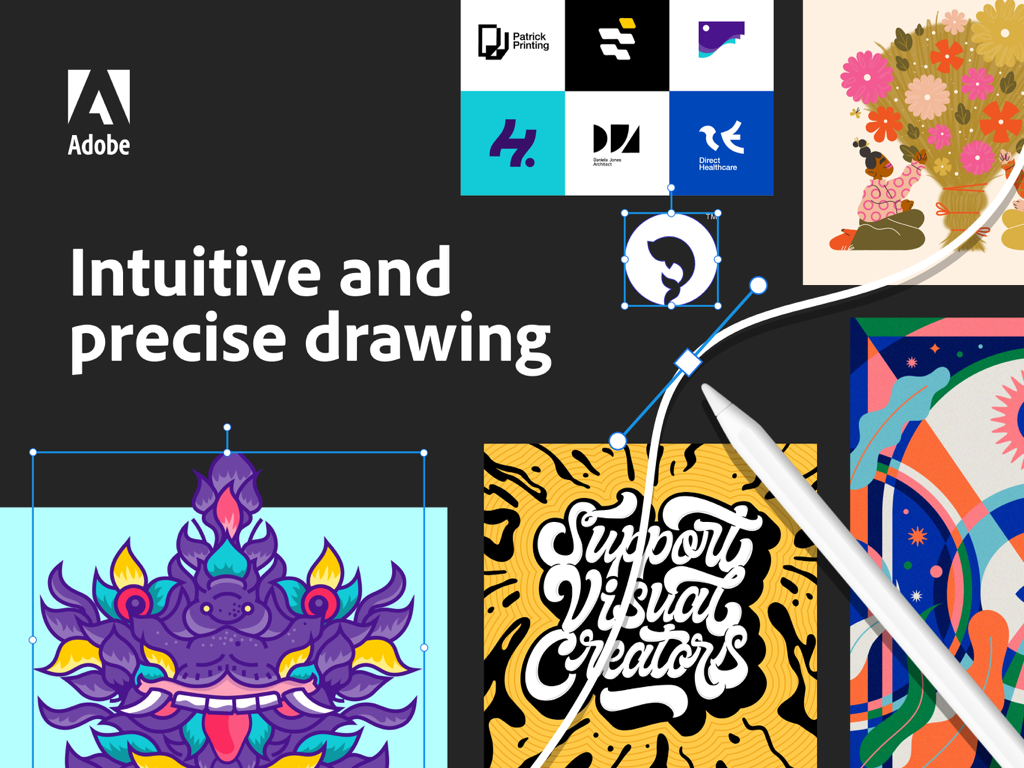
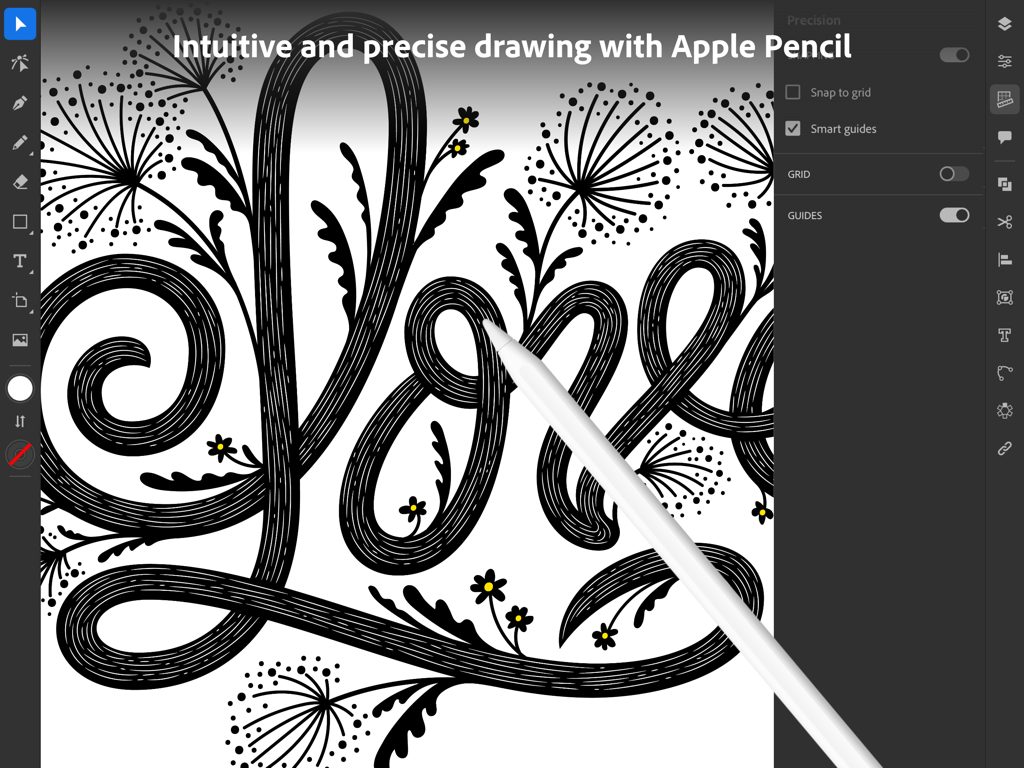
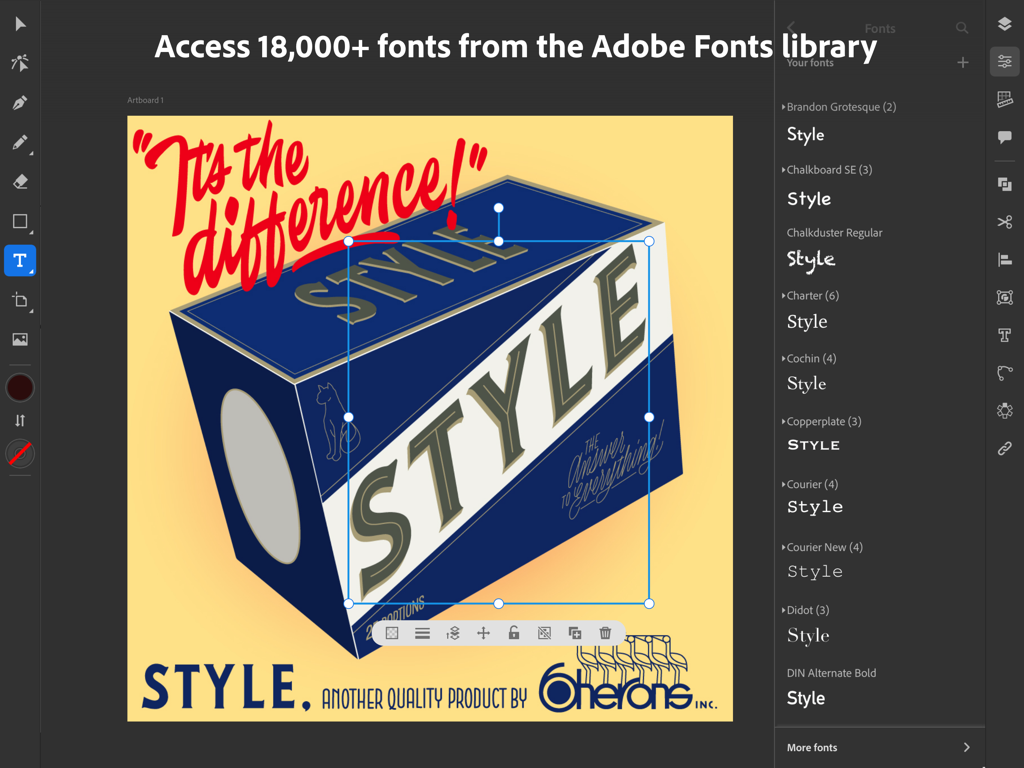
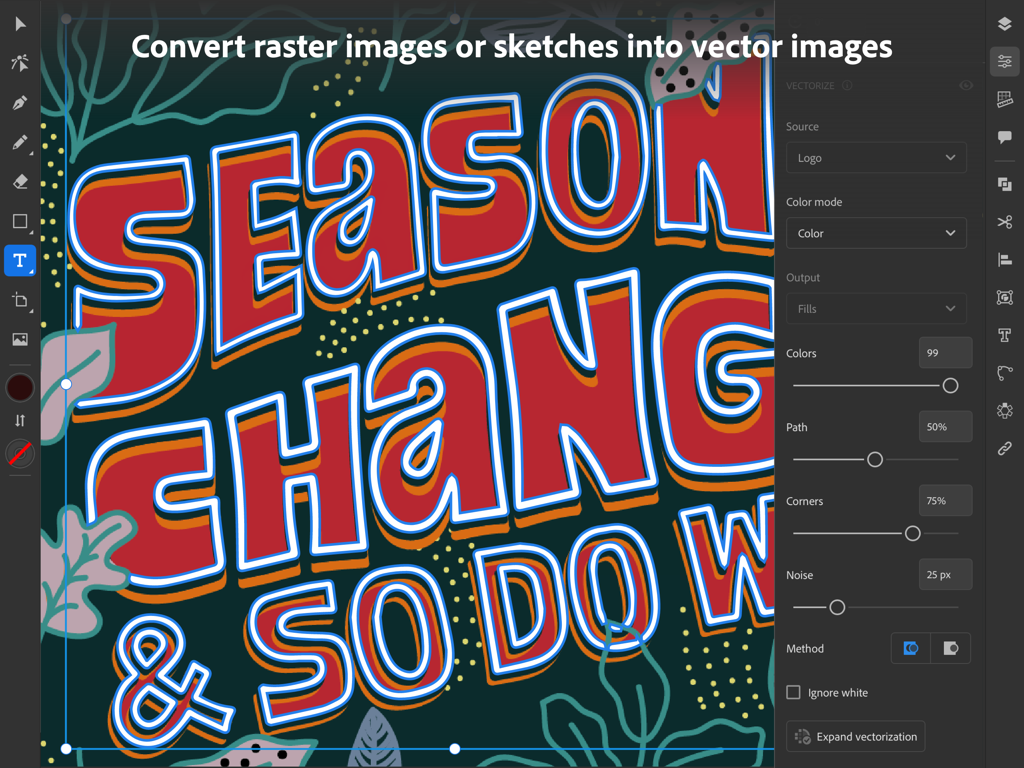
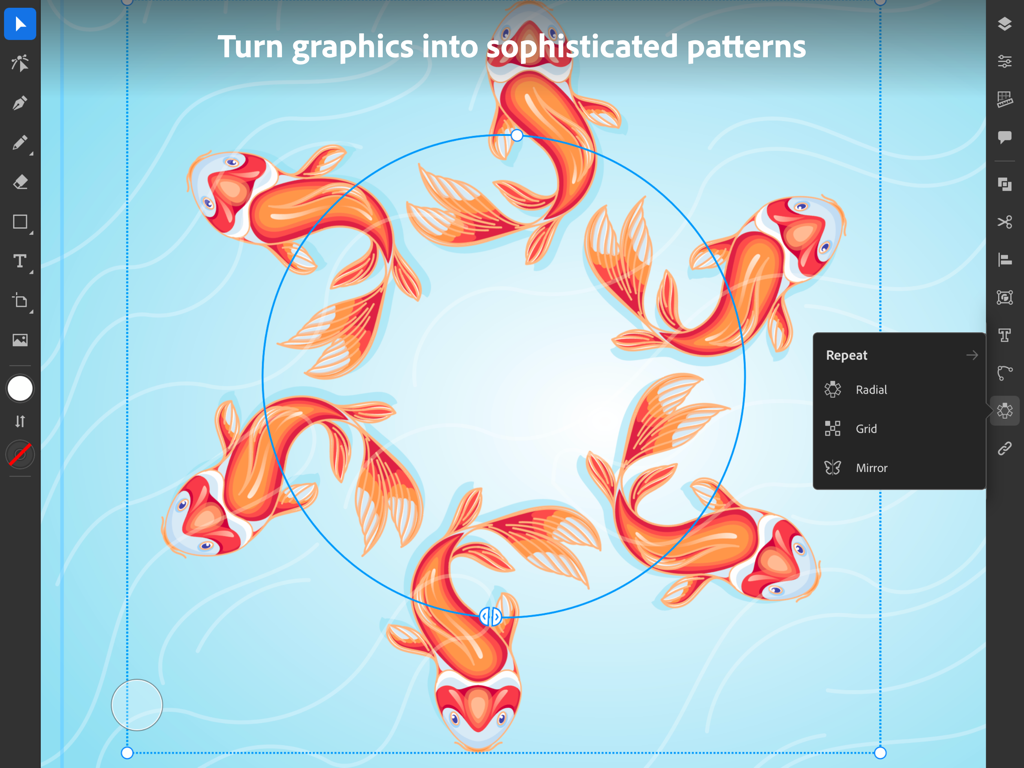
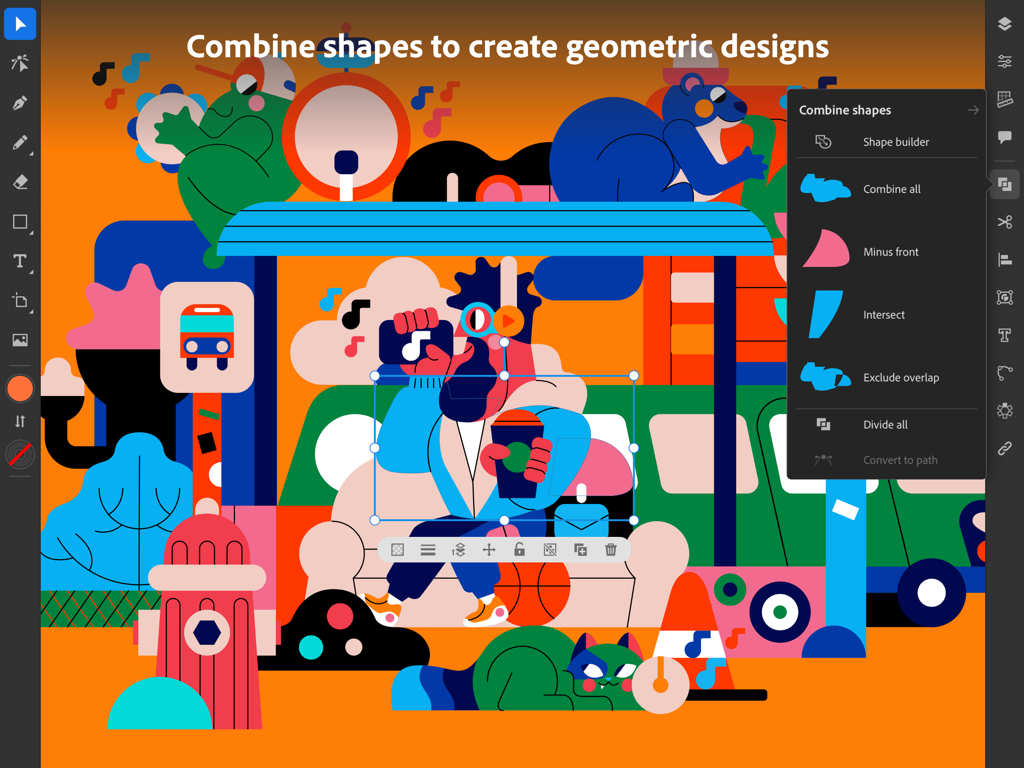
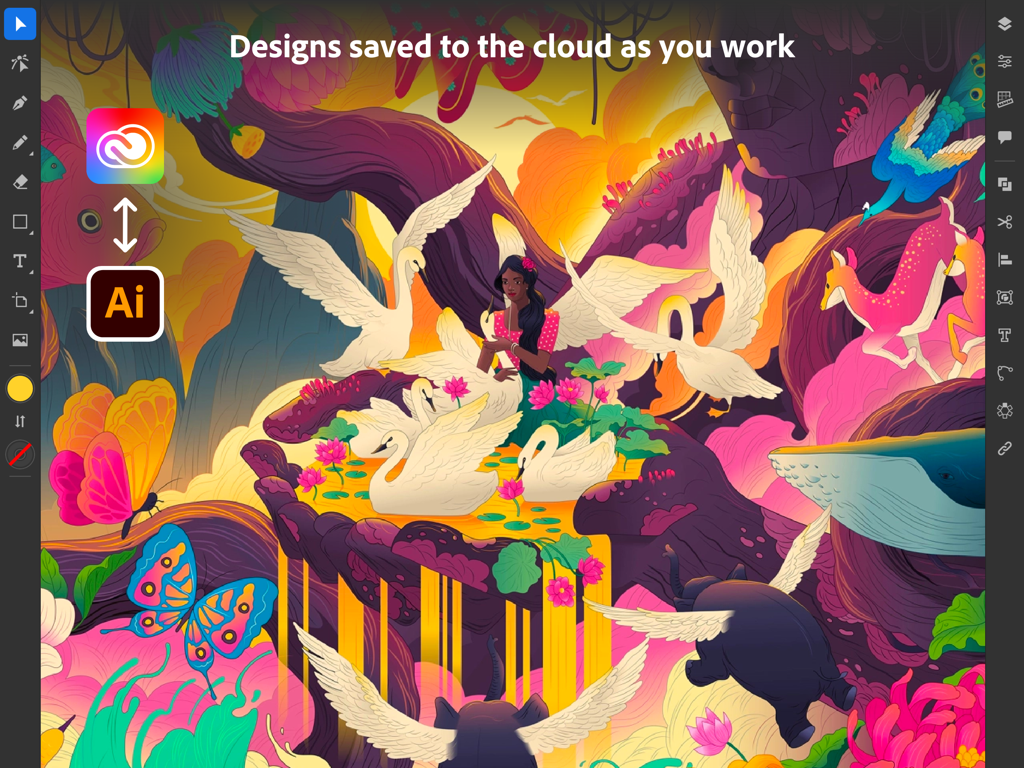
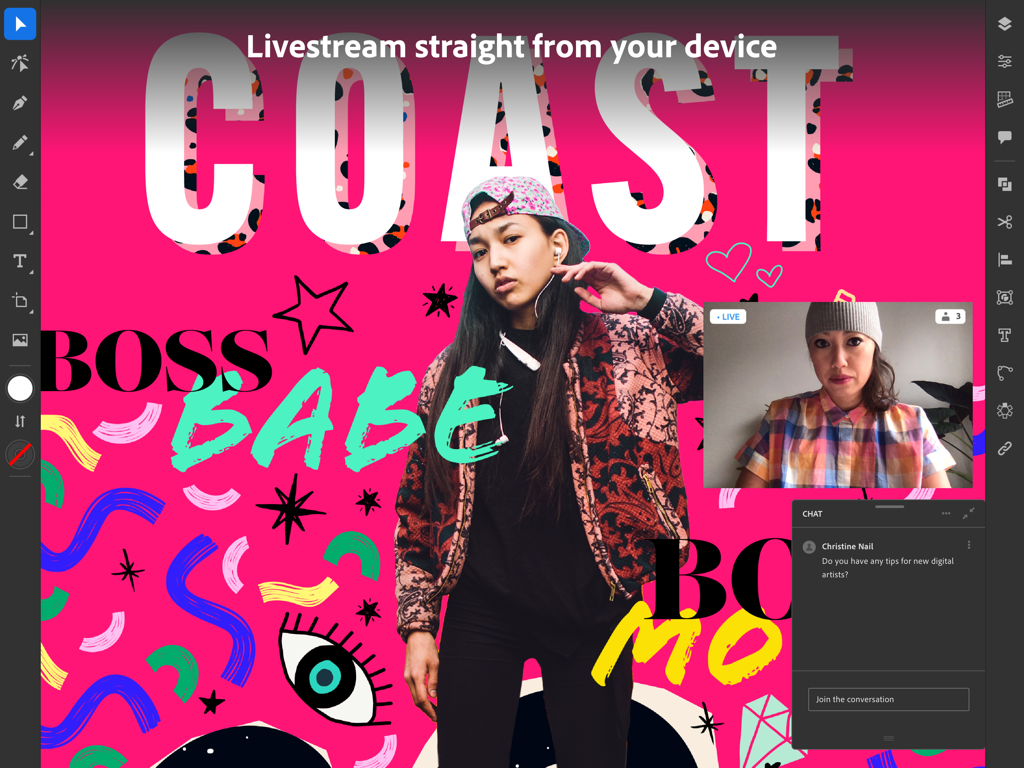
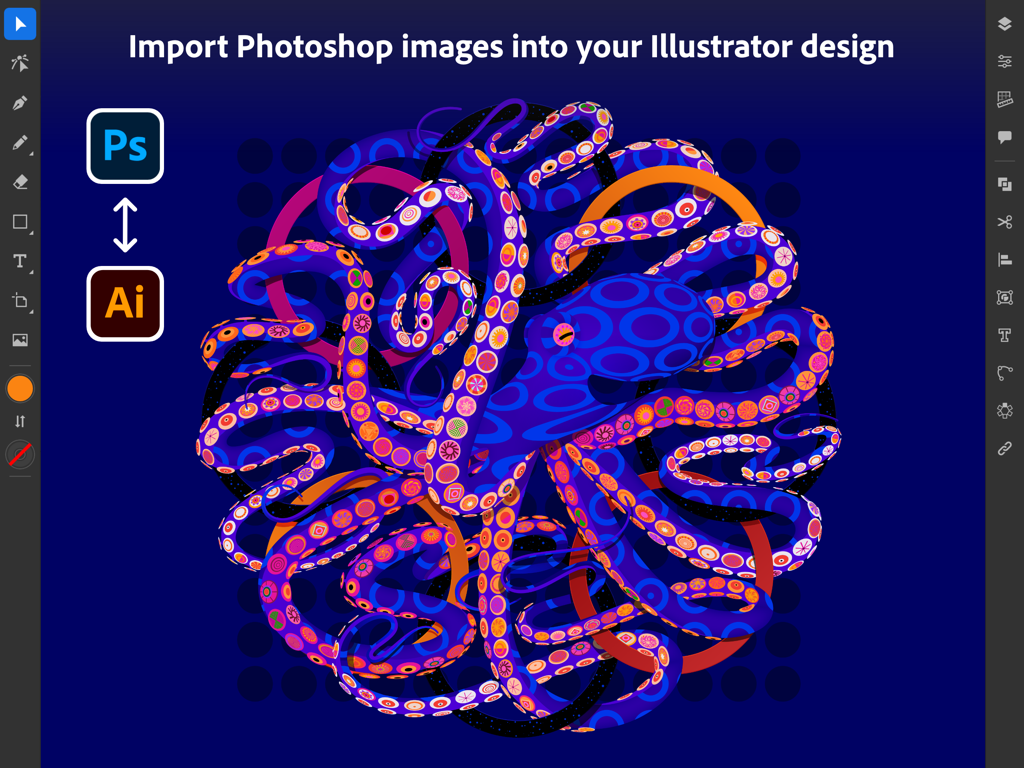
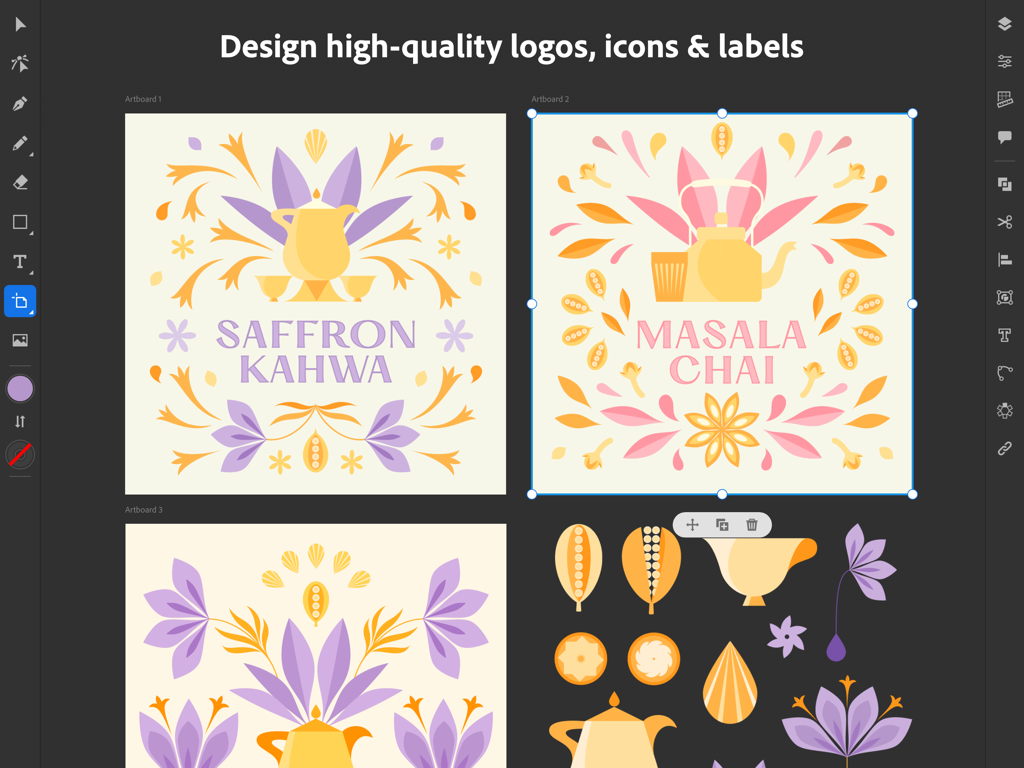
The tools that make this app stand out, trusted by 7M+ users.
Draw vector lines and curves as naturally as pen on paper. Use intuitive gestures and the Apple Pencil to design with pinpoint accuracy without being tethered to a desk.
Start on your iPad and finish on your desktop. Your projects automatically sync across devices, allowing you to pick up exactly where you left off, anywhere.
Instantly turn hand-drawn sketches or raster images into clean, scalable vector graphics. Professional-grade output that's ready for everything from social posts to billboards.
Trusted by 7M+ people who love this app.
"As a freelance logo designer, the ability to create precise vector art while away from my desk is essential. The Apple Pencil integration feels incredibly natural, and the fact that my projects sync instantly to my desktop via Creative Cloud has completely streamlined my branding workflow. It is the professional standard, now truly mobile."
"I transitioned from traditional sketching to digital art, and this app made the move seamless. The Vectorize feature is a lifesaver for turning my paper drawings into clean graphics, and the built-in tutorials have helped me level up my skills significantly. It is perfect for managing my design side-hustle on the go."
Insights from user reviews.
Sentiment Score
Summary
This mobile app receives overwhelmingly negative feedback, with users frequently reporting frustrating crashes, freezing, and loss of work, sometimes linked to specific updates like version 26.0.1. Many criticize the app's lack of essential features compared to its desktop counterpart, such as the "width tool" and "Free Transform," alongside issues with misleading "free" advertising and inadequate language support. While some users appreciate the app's intuitiveness and express optimism about its potential and continuous improvement, particularly noting recent improvements in handling large files without crashing, the pervasive technical issues severely hinder the user experience.
Common Themes
Everything you need to know about Adobe Illustrator: Graphic Art.
Description
Latest Version
3.0.10
Size
856.2 MB
First Released
Oct 19, 2020
Bring your most ambitious ideas to life with the power of Illustrator and the precision of Apple Pencil. Take your professional workflow from the studio to the world and never miss a moment of inspiration.
Everything you need to know about Adobe Illustrator: Graphic Art
Yes, Adobe Illustrator: Graphic Art is free for Creative Cloud members whose plan includes Illustrator. It is part of the Adobe Creative Cloud suite of applications.
Adobe Illustrator: Graphic Art allows users to create logos, illustrations, and various graphics. It enables design with vector lines, shapes, type, gradients, and effects.
Yes, Adobe Illustrator on the iPad is designed to work intuitively with the Apple Pencil. This allows for precise drawing and natural interaction, similar to pen and paper.
Yes, you can design with Adobe Illustrator: Graphic Art on your iPad even when offline. This feature allows for creative work from any location without an internet connection.
Yes, Illustrator work created on the iPad automatically syncs to the Creative Cloud. This ensures projects are accessible to you and your team across desktop and iPad devices.
Adobe Illustrator: Graphic Art provides access to over 18,000 high-quality fonts from the Adobe Fonts library. Users can also upload and utilize their own licensed fonts.
Yes, Adobe Illustrator on the iPad includes a 'Vectorize' feature that converts raster images or paper sketches into editable vector graphics directly within the app.
Yes, Adobe Illustrator: Graphic Art allows importing Photoshop images directly into an Illustrator design. It supports seamless workflow across Adobe Illustrator, Photoshop, and Fresco.
Adobe Illustrator: Graphic Art supports exporting designs into common file formats such as SVG, PDF, PNG, and PSD. This ensures quality and compatibility across platforms.
Yes, Adobe Illustrator: Graphic Art features livestreaming within the app. Users can watch and learn from leading design-industry creatives daily, and discover new trends.
Apps with similar features and user experience

Serif (Europe) Ltd.

Pixite Inc.

Synium Software GmbH

Appycron Interactive e.K.

Envoza Ltd

Belight Software, ltd

Picta, Inc

Jonathan OFarrow

TouchAware Limited