Vector & SVG Maker - Assembly

Vector & SVG Maker - Assembly

Download on App Store
Spark by MWM logo
Logo of Vector & SVG Maker - Assembly

Assembly: Professional Vector Design Made Simple

Create stunning logos, icons, and illustrations in minutes. Harness the power of desktop-grade vector tools on your mobile device to build, edit, and export your vision with ease.

Download on App Store

Publisher

Pixite Inc.

Category

Graphics & Design

Downloads

2M+

User Rating

4.5/5

Total Ratings

12K+

Locales

2

Pro Design, Simplified

Discover the interface used by 2M+ users.
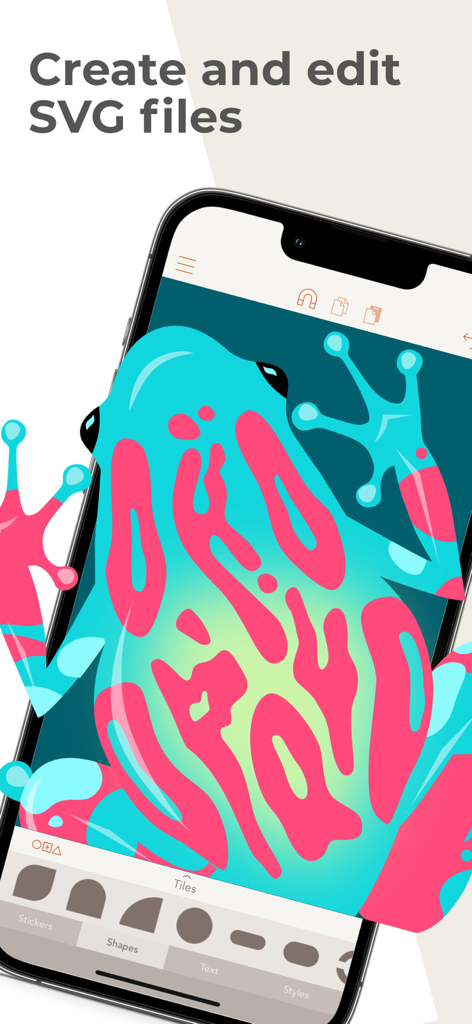
Vector illustration of a colorful frog being edited in the Assembly app

Vector illustration of a colorful frog being edited in the Assembly app

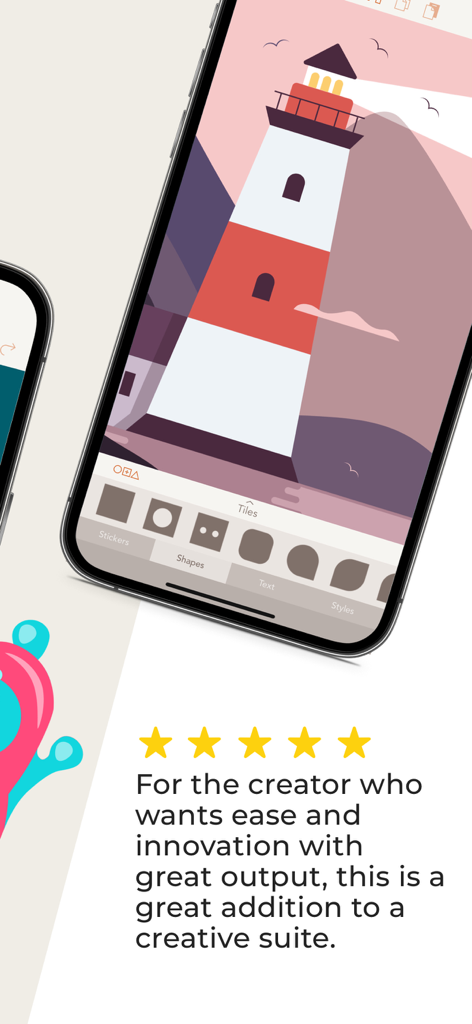
iPhone screen showing a lighthouse illustration in the Assembly vector design app with a five star review

iPhone screen showing a lighthouse illustration in the Assembly vector design app with a five star review

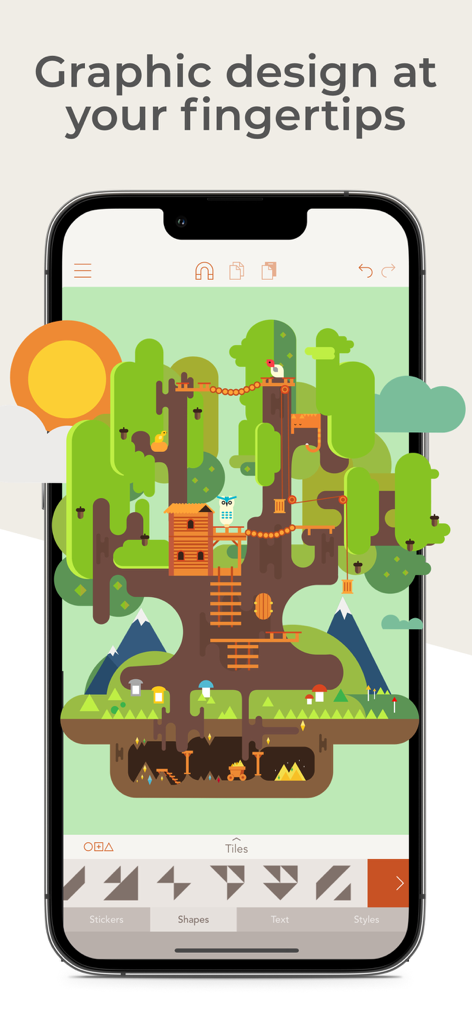
Assembly mobile app interface displaying a detailed vector illustration of a treehouse

Assembly mobile app interface displaying a detailed vector illustration of a treehouse

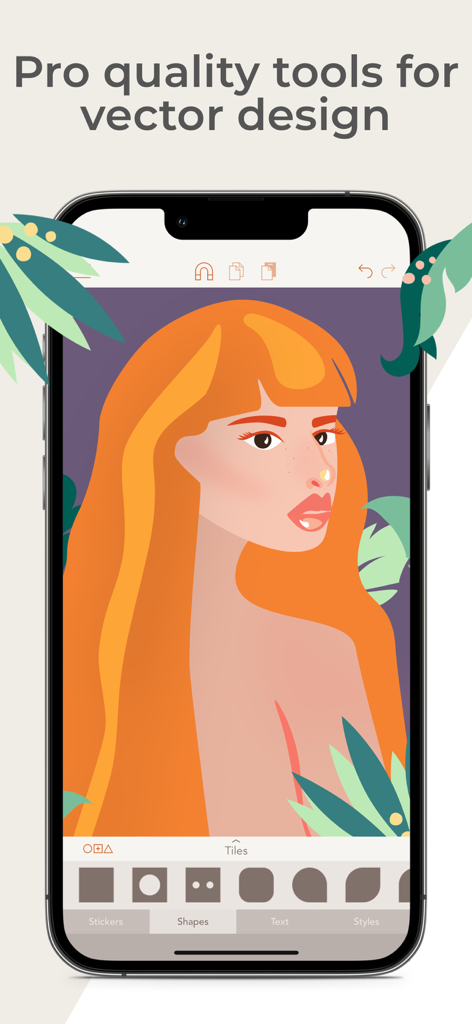
Mobile interface of Assembly vector design app featuring a professional illustration of a woman

Mobile interface of Assembly vector design app featuring a professional illustration of a woman

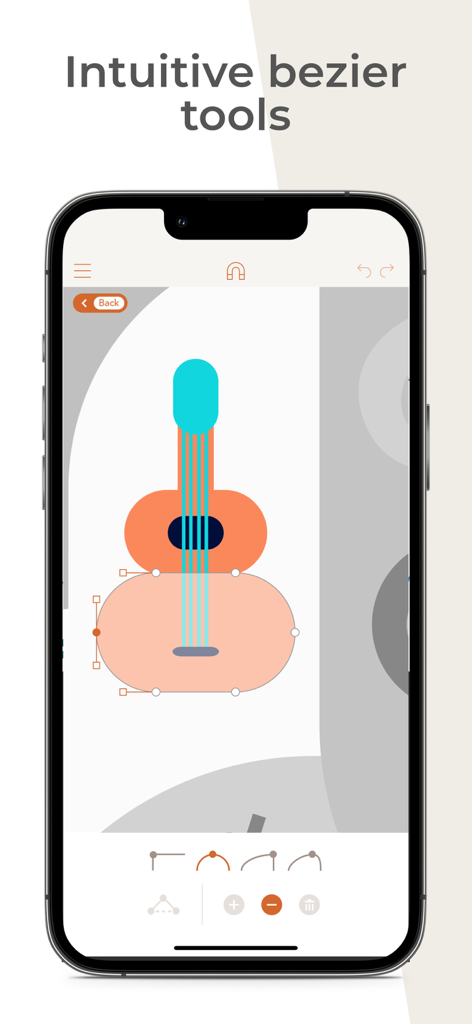
A vector illustration of a guitar being edited using intuitive bezier curve tools in the Assembly app.

A vector illustration of a guitar being edited using intuitive bezier curve tools in the Assembly app.

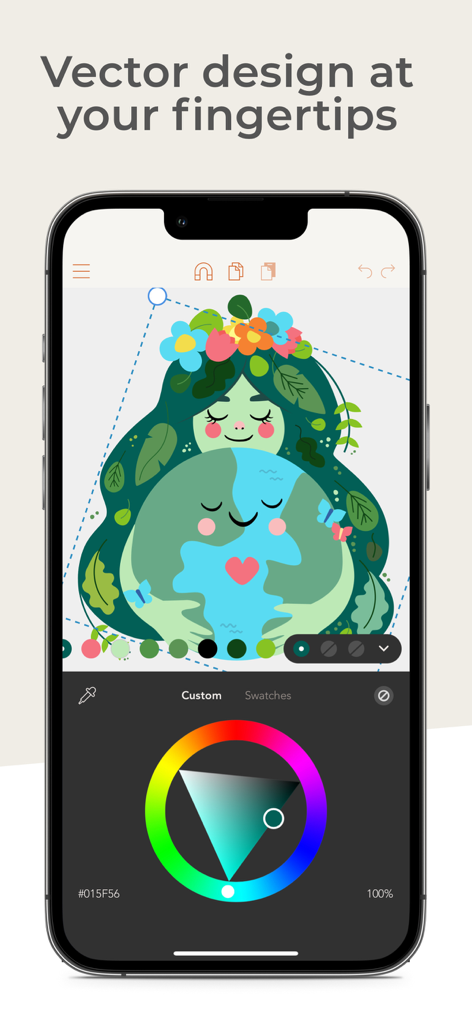
Graphic design on iPhone using Assembly app showing a vector illustration and color wheel.

Graphic design on iPhone using Assembly app showing a vector illustration and color wheel.

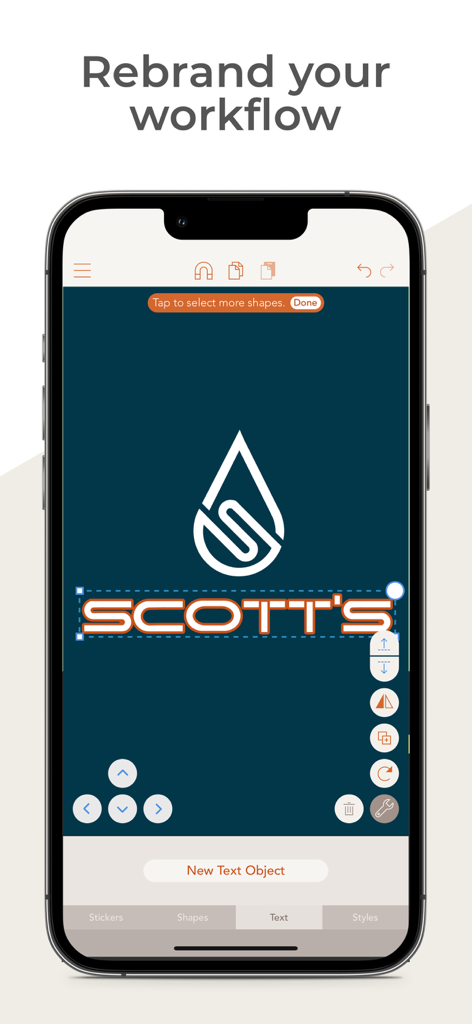
A mobile app interface for vector logo design showing a water drop icon and text editing for a brand named Scotts

A mobile app interface for vector logo design showing a water drop icon and text editing for a brand named Scotts

Professional Vector Design, Simplified

The tools that make this app stand out, trusted by 2M+ users.

🧩

Smart Shape Construction

Skip the sketchbook. Combine and intersect over 1,000 pre-designed shapes to build complex, professional graphics in seconds.

🖋️

Precision Point Editing

Master every detail with industry-standard Bezier curves. Professional-grade point editing gives you full control over your artistic vision.

📤

Studio-Grade Output

Export in high-resolution PNG, JPG, or professional SVG and PDF formats. Ready for web, print, or your favorite desktop design software.

Loved by users worldwide

Trusted by 2M+ people who love this app.

"

"As a freelance brand designer, Assembly has completely replaced my desktop setup for logo creation. The ability to manipulate bezier curves and export high-res SVGs on my iPad is revolutionary. It's powerful enough for client work but intuitive enough to keep my creative flow moving without the usual software bloat."

Chloe M.
"

"Finally, a design tool that doesn't feel like a chore! I use Assembly to create all my social media icons and custom stickers. The pre-made shape packs are a huge head start, and the snapping system makes everything look perfectly aligned. It’s the perfect bridge between a simple photo app and a complex pro suite."

Jordan R.

About the app

Everything you need to know about Vector & SVG Maker - Assembly.

Description

Create logos, icons, illustrations, and more using powerful, easy to use features usually only found in professional desktop software. Assembly is the revolutionary vector design tool that lets you imagine and produce quality work in half the time. Skip the sketch book and rough out designs by quickly combining predesigned elements. From basic primitives to ornate illustrations, cut, combine and intersect shapes creating complex groups of graphics. Dive a layer deeper to manipulate your designs further with the powerful point editing system using industry standard bezier curves. Get professional results using powerful tools found in high-end graphic design suites. Design quickly and easily using a simple interface that provides only the features you need as you need them. Output in high resolution JPG and PNG as well as popular vector formats SVG and PDF. Powerful yet intuitive, Assembly is the perfect creative tool. Simple professional vector design for artists of any background or skill level. Just the tools you need without all the bloat you don’t. Design anything, anywhere. = = = = = FEATURES: - Point editing with bezier curves - Combine, cut-out and intersect shapes - Import SVG / PNG / JPG and export SVG / PNG / PDF / JPG up to 8192 x 8192 - Complete text engine with 25 versatile, hand-selected fonts or import your own - Multi-select and nested grouping - Copy, flip and rotate shapes and groups - Save groups and projects to the custom shape pack - Fill, stroke, and shadow options - Convert strokes to fills - Intelligent snapping system for easy shape placement - 21 themed shape packs with over 1,000 shapes - Over 250 fully finished stickers that can be customized, reused and remixed - Create and save your own custom stickers - Share stickers in iMessage - 35 pre-made color palettes - Create and save your own custom color palettes - Eyedropper color sampling tool - Optional use of color or photo backgrounds - Save as transparent PNG - Assembly project file output - Sync projects across devices with iCloud = = = = = ASSEMBLY PRO Assembly Pro is an auto-renewing subscription service that provides professional features to elevate your work to the next level. You can get Assembly Pro for free for 7-days with a free trial. After the free trial you will be automatically renewed to the weekly subscription which you can cancel at any time. The paid subscription costs $2.99 USD per week for the weekly plan, $4.99 USD per month for the monthly plan, and $29.99 USD per year (50% discount off the monthly plan) for the yearly plan. Prices are subject to change. Assembly Pro automatically renews unless auto-renew is turned off at least 24-hours before the end of the current period. Your account will be charged for renewal within 24-hours prior to the end of the current period. Payment will be charged to your iTunes account at confirmation of purchase. You may manage Assembly Pro subscriptions and turn off auto-renewal by going to your Account Settings after purchase. Any unused portion of a free trial period will be forfeited when you purchase a Assembly Pro subscription. Privacy Policy http://pixiteapps.com/privacy-policy/ Terms of Use http://pixiteapps.com/terms-of-use/

Latest Version

2.4.7

Size

154.2 MB

First Released

Oct 9, 2015

Ready to design like a pro, anywhere?

Join over 2 million creators and start building professional-grade logos and vectors in half the time. Your iPad is now your studio.

Download on App Store
FAQ

Frequently Asked Questions

Everything you need to know about Vector & SVG Maker - Assembly

What is Assembly (Vector & SVG Maker)?

Assembly is a revolutionary vector design tool for creating logos, icons, and illustrations. It provides powerful, easy-to-use features usually found in professional desktop software, enabling quality work efficiently.

Can Assembly create and edit SVG files?

Yes, Assembly is a Vector & SVG Maker that allows users to create and edit SVG files. It supports importing SVG/PNG/JPG and exporting designs in SVG, PDF, PNG, and JPG formats.

Does Assembly offer professional vector design tools?

Yes, Assembly offers professional quality tools for vector design, including point editing with bezier curves, shape combination, and a complete text engine. These features are found in high-end graphic design suites.

What is the cost of Assembly Pro?

Assembly Pro costs $2.99 USD weekly, $4.99 USD monthly, or $29.99 USD annually. This auto-renewing subscription service provides professional features. Prices are subject to change.

Does Assembly Pro include a free trial?

Yes, Assembly Pro offers a 7-day free trial. After this period, the subscription automatically renews to the weekly plan, which users can cancel at any time.

Which file formats can the Assembly app export?

The Assembly app exports designs in high-resolution JPG and PNG, as well as vector formats like SVG and PDF up to 8192 x 8192. It also outputs Assembly project files.

Can I import custom fonts into Assembly?

Yes, Assembly's complete text engine allows users to import their own custom fonts. It also includes 25 versatile, hand-selected fonts for diverse design needs.

Does Assembly sync projects across devices?

Yes, Assembly supports iCloud sync, which allows projects to be synchronized across multiple devices. This ensures users can access and work on their designs anywhere.

How do I cancel an Assembly Pro subscription?

Users can manage Assembly Pro subscriptions and turn off auto-renewal in their Account Settings after purchase. Auto-renew requires cancellation at least 24 hours before the current period ends.

Is the Assembly app easy for beginners?

Yes, Assembly is designed to be powerful yet intuitive, making professional vector design accessible for artists of any background or skill level. It provides a simple interface.