
BluetoothAssistant



The essential toolkit for engineers and makers. Scan surrounding devices, log raw data packets, and streamline your workflow with batch writing and signal strength detection.
Publisher
Category
Developer ToolsDownloads
255K+User Rating
Total Ratings
9K+Locales
9Discover the interface used by 255K+ users.
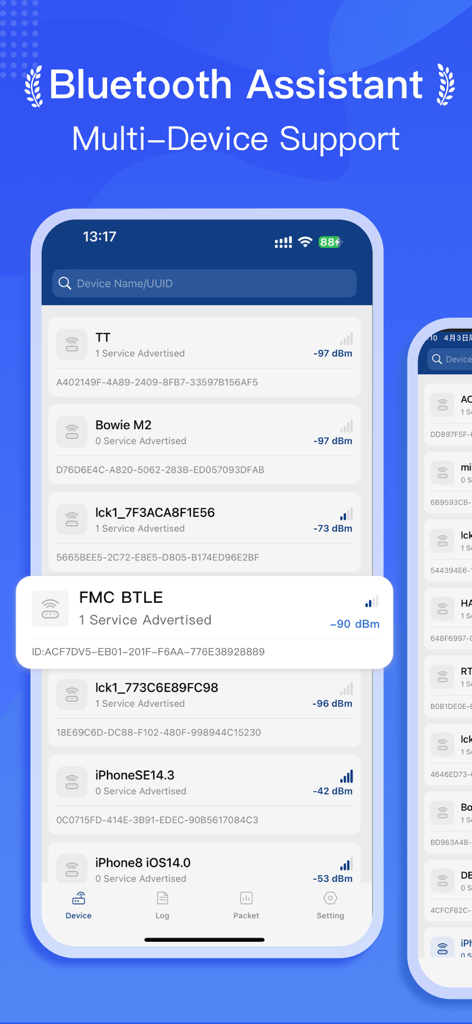
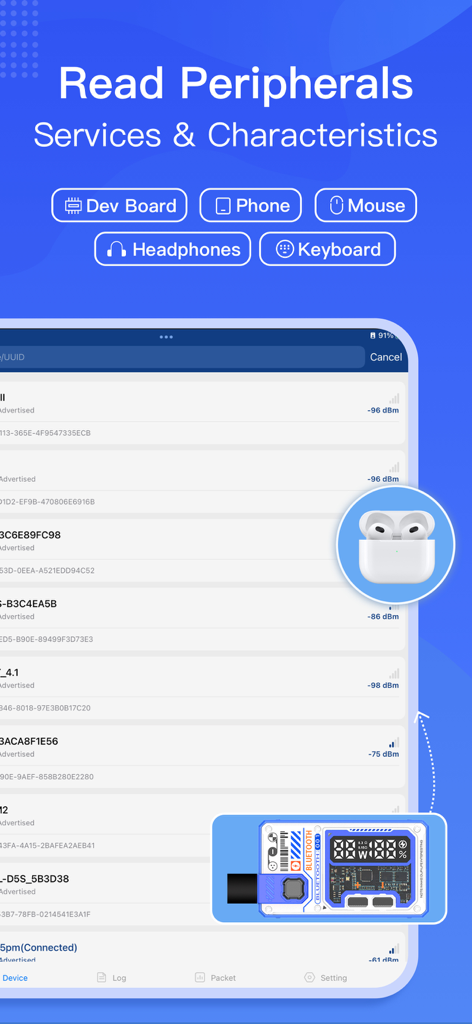
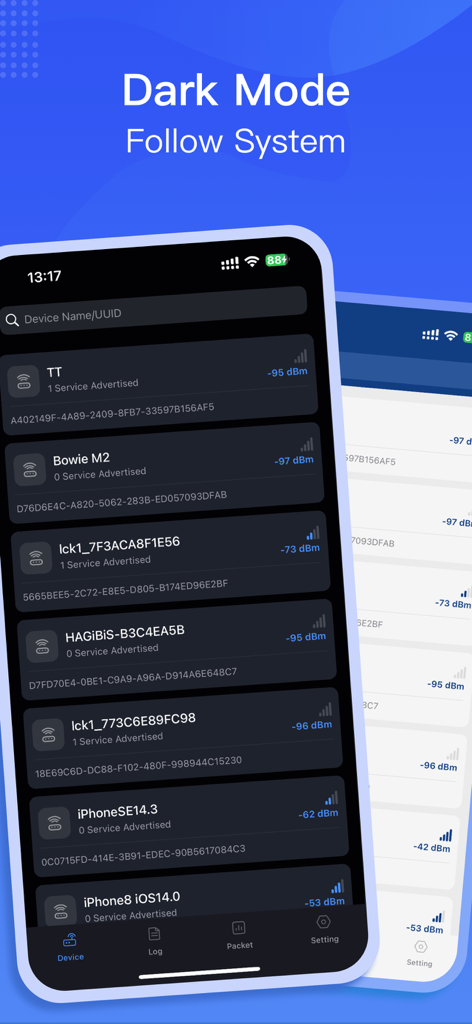
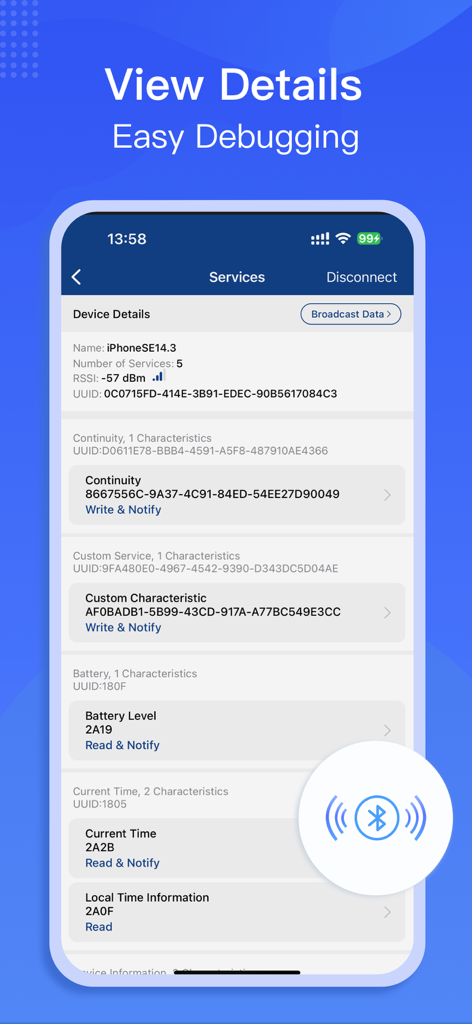
The tools that make this app stand out, trusted by 255K+ users.
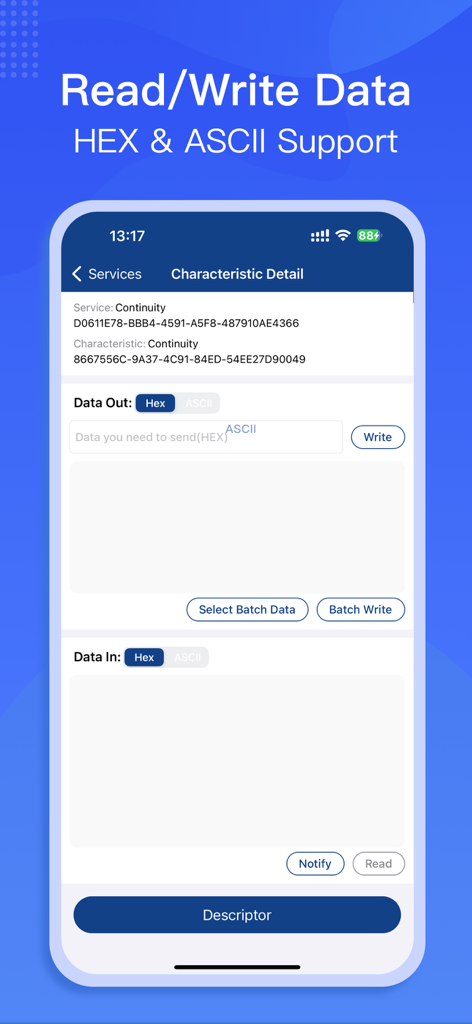
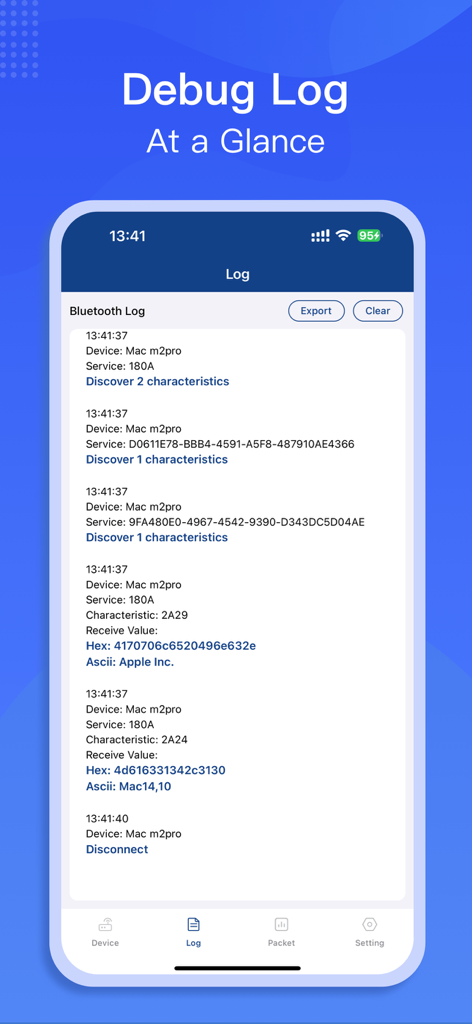
Read, write, and log raw data packets to monitor device behavior and troubleshoot firmware in real-time.
Save time by automating command sequences and storing frequently used data packets for rapid hardware testing.
Visualize RSSI and signal strength to pinpoint connection drops and optimize the placement of your IoT devices.
Trusted by 255K+ people who love this app.
"As a firmware developer, BluetoothAssistant has become an essential part of my toolkit. The ability to perform batch writing and review detailed log data directly on my iPhone has significantly sped up our QA process for new hardware prototypes."
"I love using this app for my home automation projects. It is perfect for debugging connection issues with my ESP32 boards and the signal strength detection is incredibly accurate. It provides the technical depth I need with a very clean interface."
Everything you need to know about BluetoothAssistant.
Description
Latest Version
2.9.0
Size
77.4 MB
First Released
Oct 26, 2020
Equip yourself with the professional-grade debugging tools used by over 255,000 engineers and makers to master hardware connectivity.
Everything you need to know about BluetoothAssistant
BluetoothAssistant discovers, connects, and debugs surrounding Bluetooth devices. It offers features like device scanning, signal strength detection, and data reading and writing.
Yes, BluetoothAssistant supports connecting to multiple Bluetooth devices. It scans for surrounding devices and allows users to connect them for debugging and data operations.
Yes, BluetoothAssistant displays the signal strength of nearby Bluetooth devices. It shows the RSSI (Received Signal Strength Indicator) for each discovered device.
Yes, BluetoothAssistant allows reading and writing data to Bluetooth devices. It provides interfaces supporting both HEX and ASCII data formats for input and output.
Yes, BluetoothAssistant supports batch writing data. The app provides functionality to select and perform batch write operations for Bluetooth devices.
BluetoothAssistant handles user privacy in accordance with its privacy policy. Users can access the full policy document through the provided link in the app description.
Yes, BluetoothAssistant records debug information. It provides a detailed Bluetooth log that users can view, export, and clear directly within the application.
Yes, BluetoothAssistant features a dark mode. This functionality enables the app's appearance to automatically align with the system's dark mode settings.
Yes, BluetoothAssistant allows viewing detailed information for connected devices. This includes name, number of services, RSSI, UUID, and specific characteristic details for easy debugging.
Apps with similar features and user experience
Proxyman LLC

Punch Through Design LLC

Minimalist Network Co., Ltd.

Stephen Bove

Vuong Anh

Ahammam Lahcen

Stream Lab Inc.

And a Dinosaur

Surge Networks Inc.