
Blur Photo Editor: blur effect



Hide messy backgrounds, pixelate sensitive info, or add a trendy glitter touch in seconds. Join 933K+ creators crafting clean, share-ready photos for Instagram and TikTok.
Publisher
Category
Photo & VideoDownloads
933K+User Rating
Total Ratings
12K+Locales
2Discover the interface used by 933K+ users.
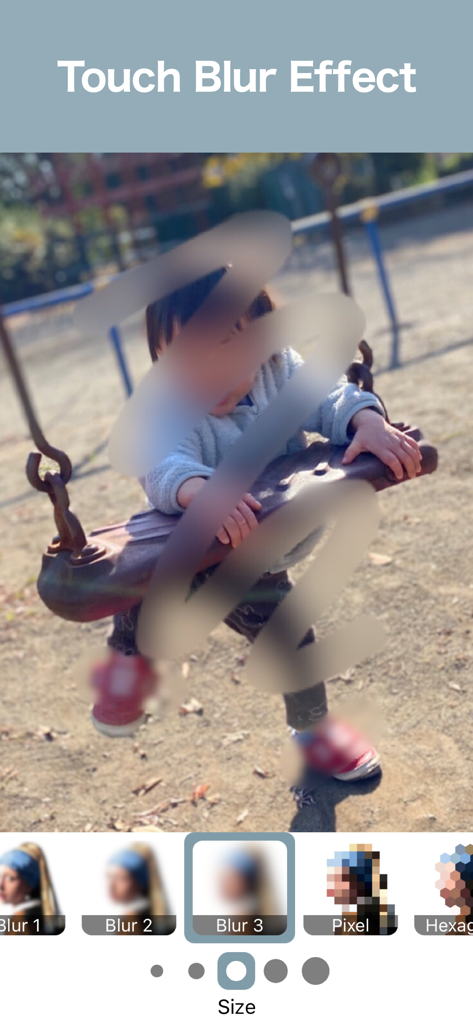
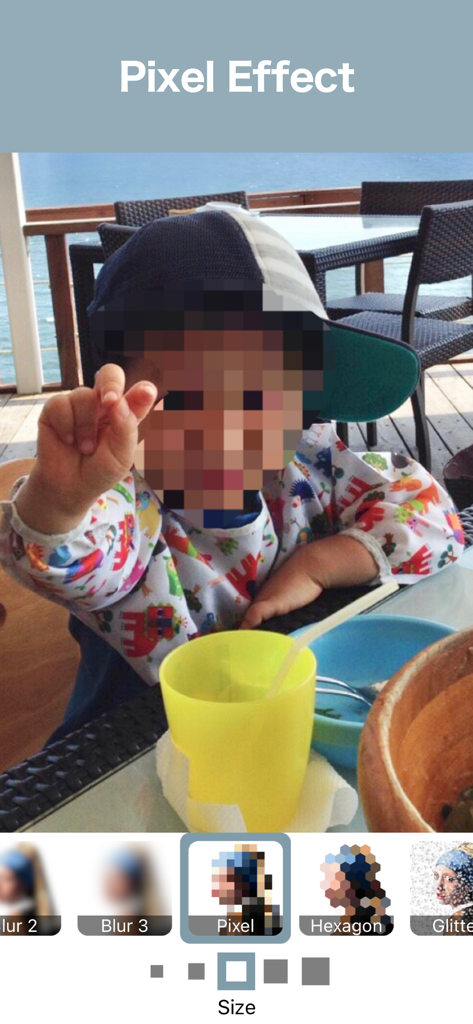
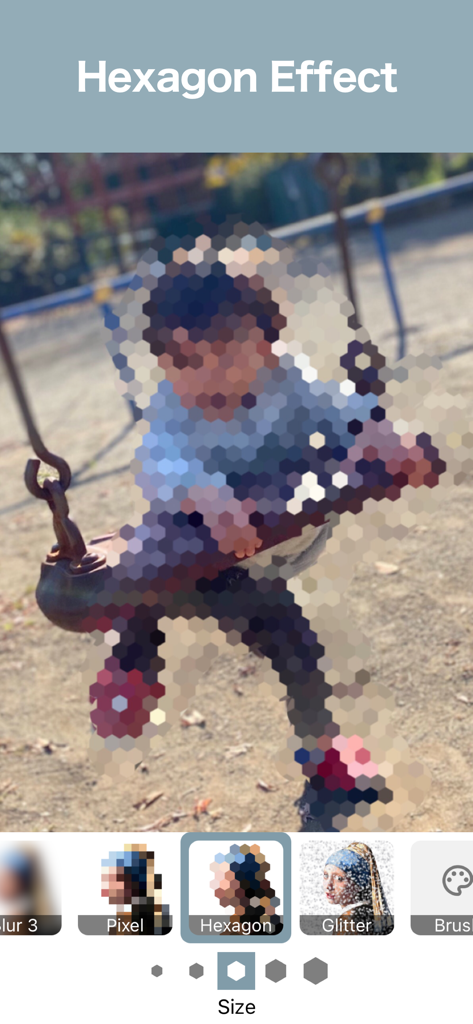
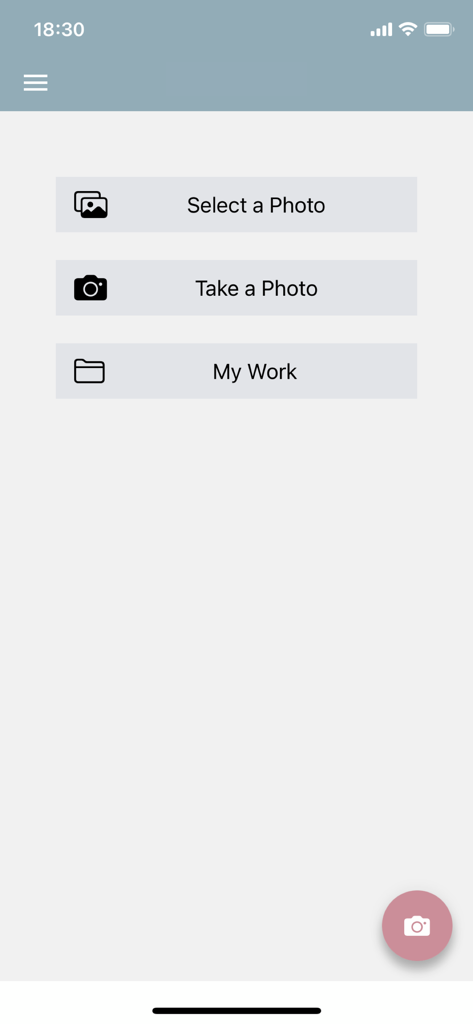
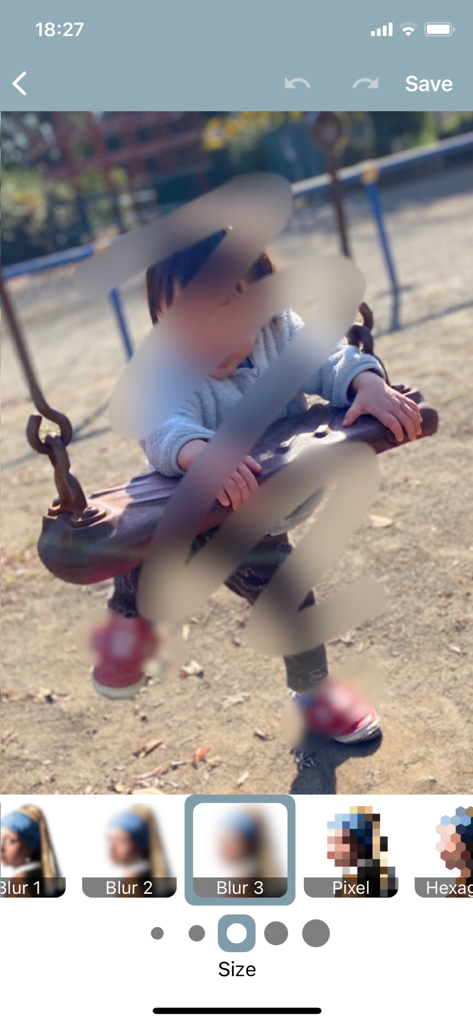
The tools that make this app stand out, trusted by 933K+ users.
Easily pixelate faces, license plates, or sensitive documents to keep your digital identity safe before sharing on social media.
Create professional bokeh effects by blurring out messy backgrounds, ensuring your main subject always looks sharp and focused.
Go beyond basic blurring with trendy hexagon pixelation and glitter brushes designed for the modern content creator.
Trusted by 933K+ people who love this app.
"Finally an app that makes privacy easy! I use it every day to blur out my kids' faces before posting on social media. It’s super fast, and the pixelate feature looks really clean. A must-have for any parent."
"As someone who sells a lot on Depop and Poshmark, this app is essential. I can quickly hide my address on labels and blur out background clutter so my items stand out. The glitter brush is also such a cute bonus for my stories!"
Everything you need to know about Blur Photo Editor: blur effect.
Description
Latest Version
1.7.2
Size
16.9 MB
First Released
Jan 20, 2022
Join nearly 1 million users who blur sensitive details and create aesthetic backgrounds in seconds. Fast, lightweight, and designed for your social life.
Everything you need to know about Blur Photo Editor: blur effect
Blur Photo Editor: blur effect is an application that allows users to quickly blur photos using various effects. It provides tools for Gaussian Blur, Pixelate, Hexagon Pixelate, and Glitter Effect.
Yes, Blur Photo Editor: blur effect allows blurring photos with a few taps. Users can apply effects like Gaussian Blur, Pixelate, and Hexagon Pixelate directly on images.
Yes, Blur Photo Editor: blur effect includes a Pixelate feature. Users can apply a standard pixelation effect or a Hexagon Pixelate effect to their photos.
Yes, the Blur Photo Editor app includes Undo & Redo functionality. This allows users to revert or reapply changes made to their photos during the editing process.
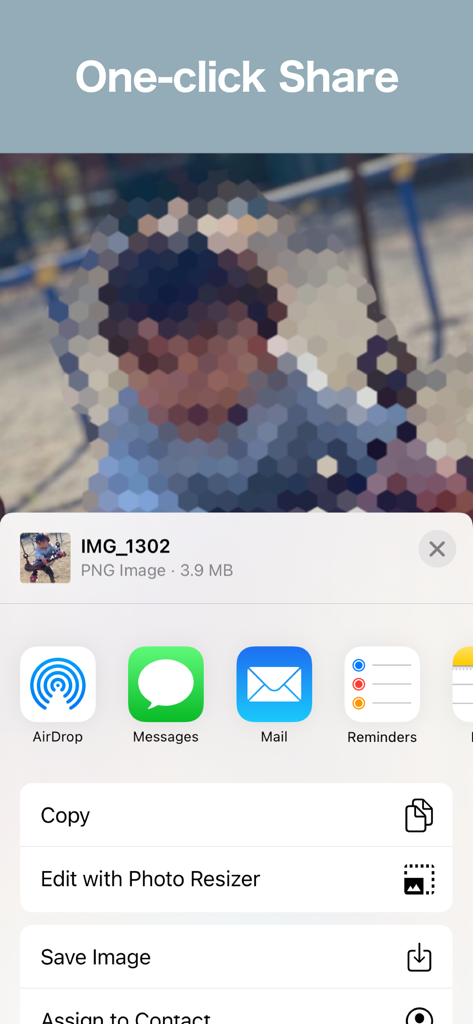
Users can share their edited photos directly from Blur Photo Editor: blur effect. The app offers a Save & Share feature, allowing one-click sharing through standard iOS options.
Blur Photo Editor: blur effect offers several blur types, including Gaussian Blur, Pixelate, Hexagon Pixelate, and Glitter Effect. It also provides a Color Brush and Eraser tool.
Yes, Blur Photo Editor: blur effect allows users to save edited images. The app includes a "Save & Share" feature, enabling export of the finished photo to their device.
Yes, Blur Photo Editor: blur effect includes a Color Brush tool. This feature enables users to apply color-based effects or modifications to their photos.
Yes, the Blur Photo Editor app supports the Glitter Effect. This feature is listed among its core capabilities, allowing users to apply a glitter aesthetic to their images.
Yes, Blur Photo Editor: blur effect provides an eraser tool. This allows users to selectively remove applied effects or parts of edits from their photos, ensuring precise control.
Apps with similar features and user experience

Shiho Sadamizu
Honk Honk Punch Pty Ltd
Sohel Ibna Saad

Alenrom sp. z o.o.

Daria Khalitova
Viacheslav Khakhulin
AI Photo Editor Lab SRL
SUNWOONG JANG

Appenvision Ltd
