Blur Photo Editor

Blur Photo Editor

Download on App Store
Spark by MWM logo
Logo of Blur Photo Editor

Blur Photo Editor: Professional Aesthetic Blurs & AI Privacy Tools

Achieve DSLR-quality bokeh for your social feed or instantly censor sensitive info with AI-powered face and object blurring—all in one powerful app.

Publisher

Sohel Ibna Saad

Category

Photo & Video

Downloads

4M+

User Rating

4.6/5

Total Ratings

43K+

Locales

33

Focus on What Matters

Discover the interface used by 4M+ users.
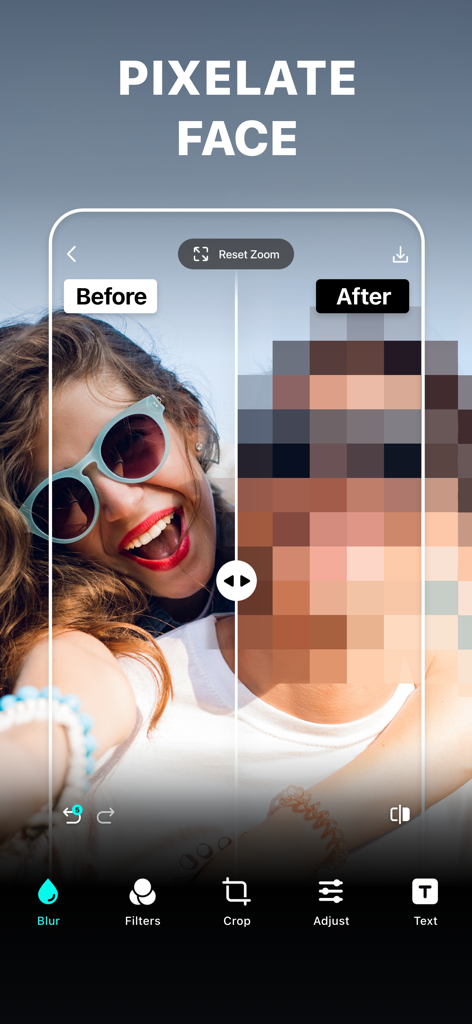
Before and after comparison showing a pixelated face for privacy in the Blur Photo Editor app

Before and after comparison showing a pixelated face for privacy in the Blur Photo Editor app

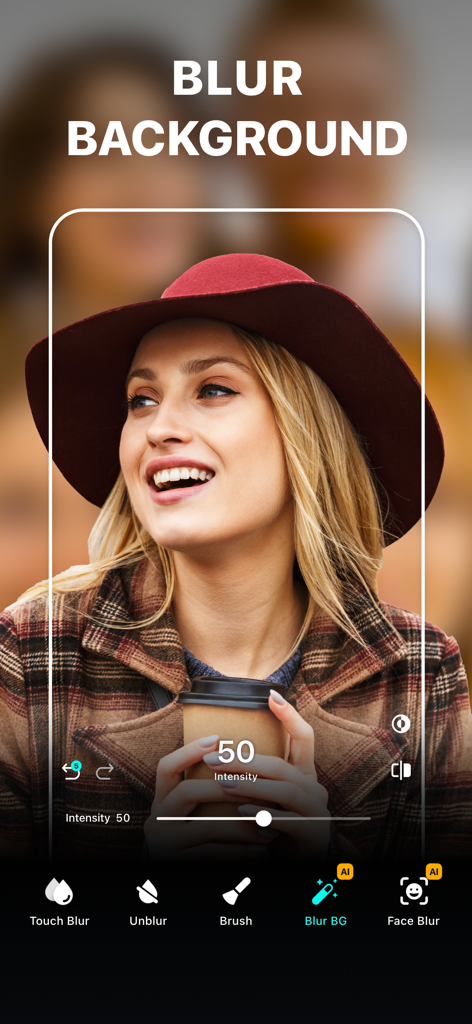
Interface of the Blur Photo Editor app showing the background blur tool applied to a portrait of a woman wearing a hat

Interface of the Blur Photo Editor app showing the background blur tool applied to a portrait of a woman wearing a hat

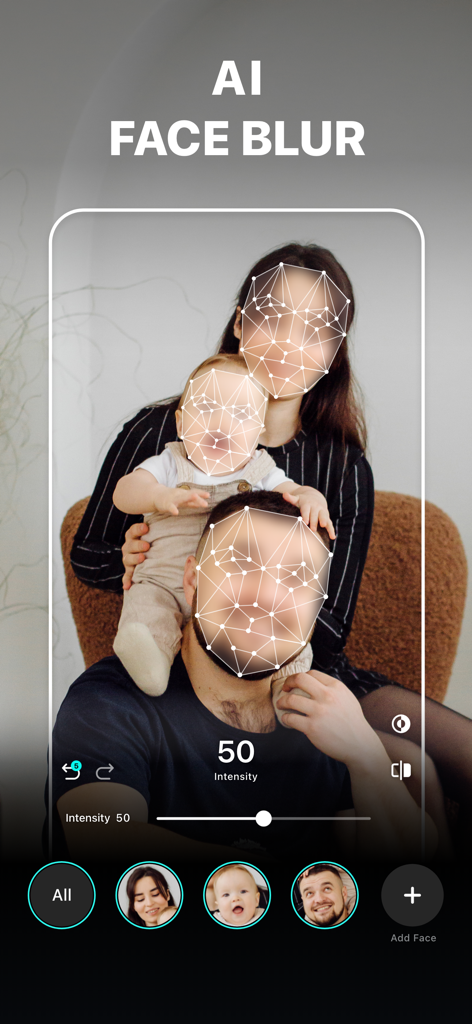
Interface of the Blur Photo Editor app showing the AI Face Blur feature censoring a family portrait for privacy.

Interface of the Blur Photo Editor app showing the AI Face Blur feature censoring a family portrait for privacy.

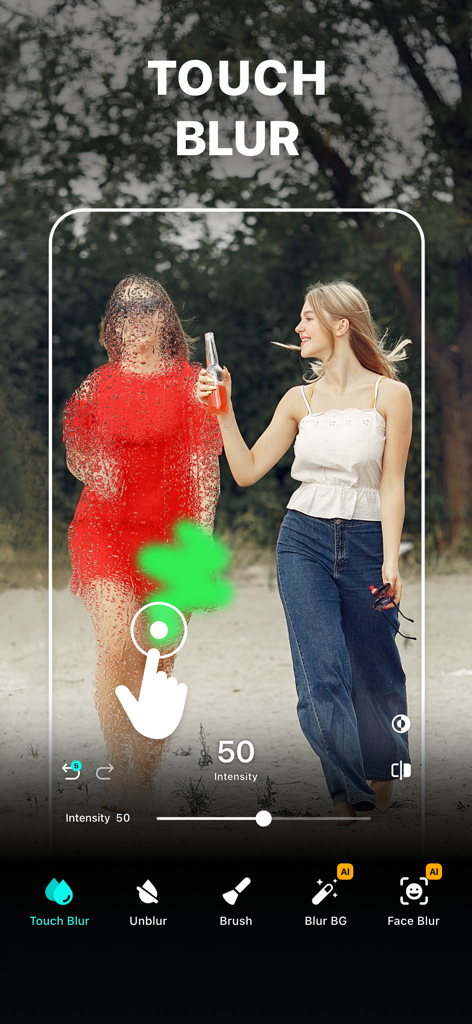
A person using the touch blur tool in the Blur Photo Editor app to manually censor a figure in a photograph.

A person using the touch blur tool in the Blur Photo Editor app to manually censor a figure in a photograph.

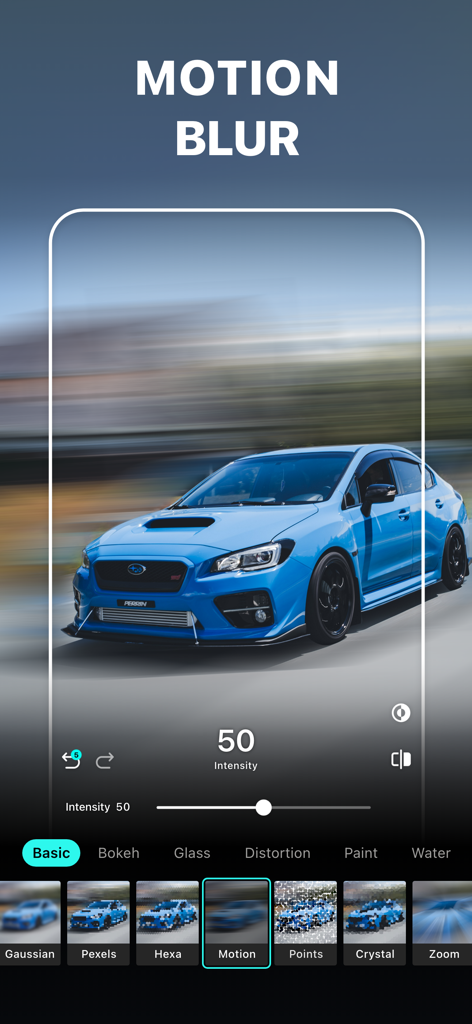
A blue sports car with a motion blur effect applied in the Blur Photo Editor app interface

A blue sports car with a motion blur effect applied in the Blur Photo Editor app interface

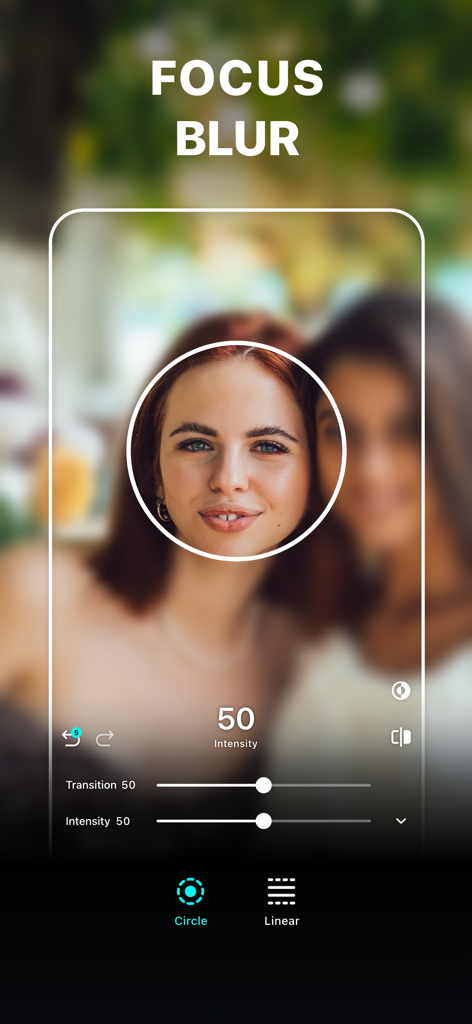
Focus blur tool with a circular focus area on a woman's portrait

Focus blur tool with a circular focus area on a woman's portrait

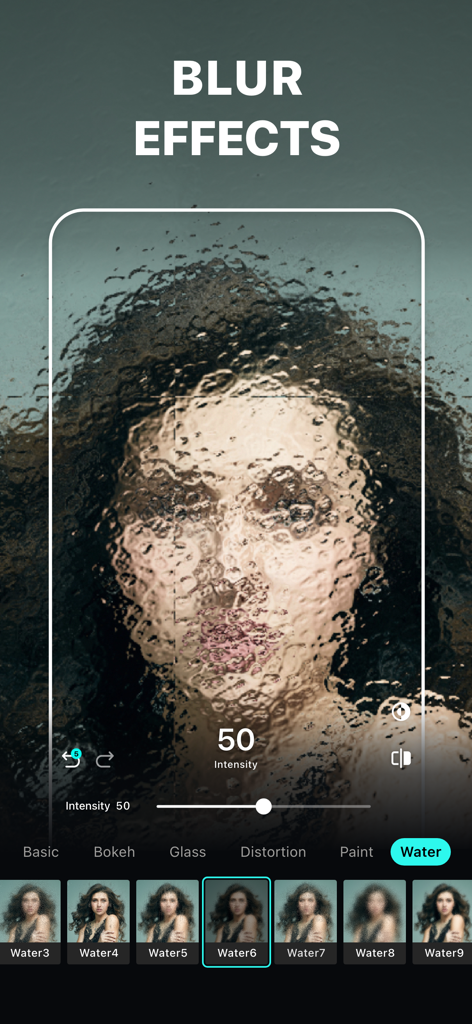
Blur Photo Editor app interface showing an artistic water blur effect applied to a portrait photo

Blur Photo Editor app interface showing an artistic water blur effect applied to a portrait photo

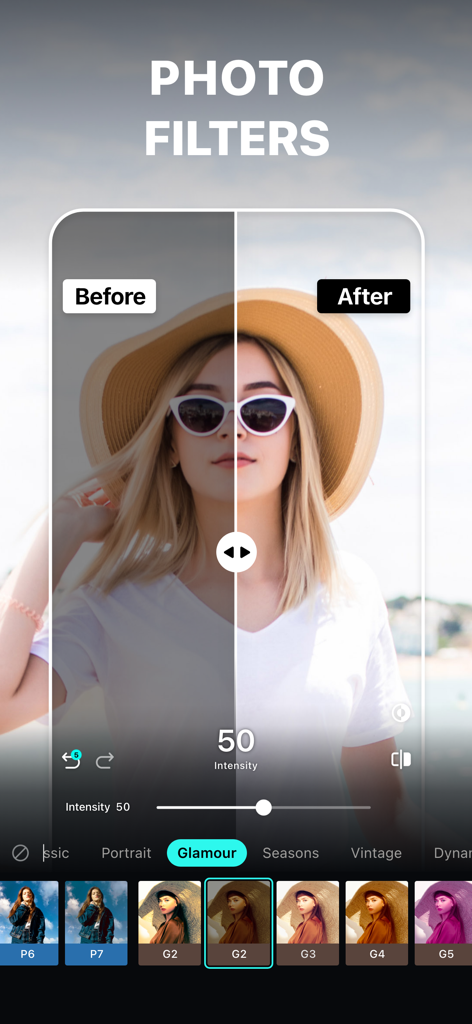
Before and after comparison of a photo filter in the Blur Photo Editor app showing a woman wearing a hat

Before and after comparison of a photo filter in the Blur Photo Editor app showing a woman wearing a hat

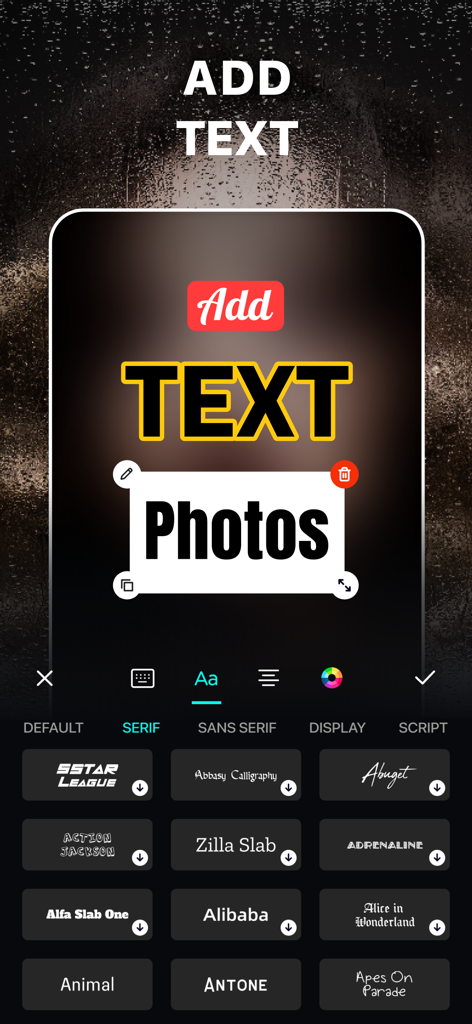
Interface of the Blur Photo Editor app showing how to add and customize text on photos with various font options

Interface of the Blur Photo Editor app showing how to add and customize text on photos with various font options

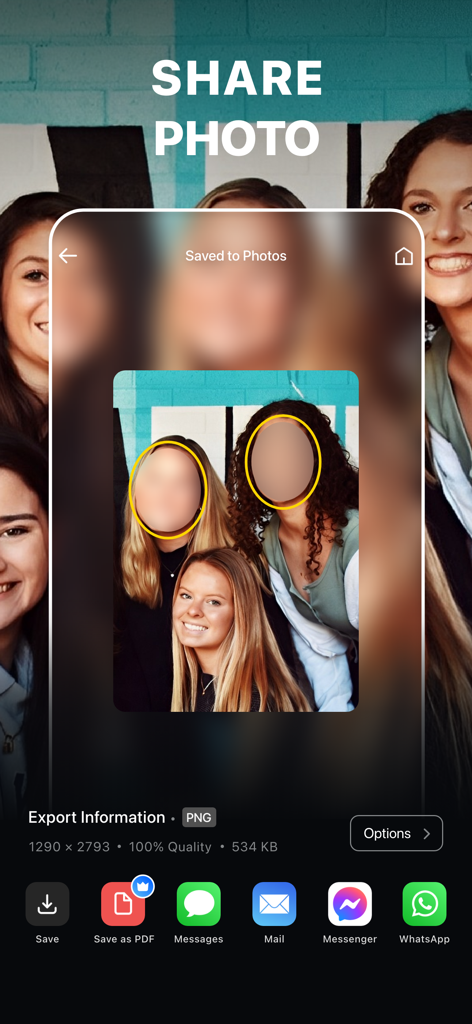
Mobile app interface showing the share screen with options to export a photo with censored faces to various platforms

Mobile app interface showing the share screen with options to export a photo with censored faces to various platforms

Master Your Privacy & Style

The tools that make this app stand out, trusted by 4M+ users.

📸

Cinematic DSLR Effects

Transform ordinary shots into professional portraits using high-end bokeh, motion, and lens blur tools.

🛡️

Smart Privacy Shield

Keep sensitive data safe by instantly censoring faces, license plates, and private info with AI-powered pixelation.

🎯

Pixel-Perfect Control

Achieve total accuracy with zoom-in editing and manual unblur brushes to highlight exactly what you want.

Loved by users worldwide

Trusted by 4M+ people who love this app.

"

"I've tried so many apps to get that perfect bokeh effect, but this one is the best. The precision tools let me fix edges that Portrait Mode usually misses, making my feed look like it was shot on a professional DSLR. Total game changer for my Instagram content!"

Chloe M.
"

"As a parent, I love sharing memories but I'm very careful about my kids' privacy. The AI face censoring is fast and looks much cleaner than a sticker. I also use it to blur license plates on Facebook Marketplace—it's an essential tool for digital safety."

Sarah J.

About the app

Everything you need to know about Blur Photo Editor.

Description

Blur Photo Editor is the best photo blurring app for iPhone and iPad to precisely blur backgrounds, license plates, or credit card numbers. Easily pixelate or censor faces, hide unwanted objects, apply stunning blur effects and filters, crop and rotate photos, adjust brightness and contrast, and add custom text to create clean, share-ready photos. Key Features of Blur Photo Editor: • Wide range of blur effects for professional results • One-tap background blur • AI-powered face censoring • Unblur part of the images that you accidentally blurred • Zoom in for precise editing • Apply depths using lens blur, featuring circle and linear blurs • Use shape blurs to highlight or hide parts creatively • Large catalog of photo filters • Edit with tools like crop, rotate, and fine-tune using brilliance, denoise, etc. • Photo collage maker with multiple layouts • Add custom text to photos with fonts, colors, and styles. • Blend images with artistic double exposure effects. • "My Project" to save work in progress Amazing Blur Effects Effectively blur out the backgrounds or parts of an image that you want to hide using blur effects. Add Gaussian, bokeh, motion, and mosaic blur effects to make your selfies or photos stand out from the rest. You can also make fuzzy backgrounds by applying water, glass, distortion, and the paint blur effect. Powerful Photo Blur tools Using the Blur Photo Editor, make your photos more striking by applying the Lens Blur effect. Replicate DSLR-like shallow depth of field using the circle blur or linear blur. Shift the center of attention for any photos and create a cinematic look. You can also unblur part of a photo that may have been blurred unintentionally with the help of the unblurring feature. Unique Photo Filters Try out a huge collection of filters, including B&W, sepia, classic, portrait, vintage, and more, to give your clicks the desired effects. Tap into your creativity and add the desired artistic photo effects to already edited, blurred backgrounds. How to blur a picture on iPhone or iPad using the Blur Photo Editor app? To blur an object in a picture, follow these steps. • Tap the (+) button and select a photo. • Tap on Blur and swipe your finger across the photo to blur it. • Go to Effects and select the desired blur effect. • Adjust blur intensity as needed. • Tap tick and then save the photo by using the save button in the top right corner. Auto-Renewable Subscription Terms: Subscribe to get unrestricted access to all the features outlined above. • Subscription Length: Weekly, Yearly • Subscription with a free trial period will automatically renew to a paid subscription unless it is canceled at least 24 hours before the end of the trial period. • Payment will be charged to iTunes Account at confirmation of purchase. • Your Apple ID account will be charged for renewal within 24 hours before the end of the trial period. • You can manage and cancel your subscriptions by going to your account settings on the App Store. • Any unused portion of a free trial period, if offered, will be forfeited when the user purchases a subscription to that publication, where applicable. • By signing up for this subscription, you agree to our Terms of Use and Privacy Policy. Terms of Use: https://pixeltouch.net/legal/blurphoto/terms.html Privacy Policy: https://pixeltouch.net/legal/blurphoto/privacy.html Disclaimer: This app is free to download, but you will be required to sign-up for an auto-renewing subscription to access the app's full functionality.

Latest Version

5.8.7

Size

244.3 MB

First Released

Nov 13, 2015

Elevate Your Photos. Protect Your Privacy.

Join over 4 million creators using Blur Photo Editor to achieve professional DSLR-quality effects and secure sensitive information in just one tap.

Download on App Store
FAQ

Frequently Asked Questions

Everything you need to know about Blur Photo Editor

What is Blur Photo Editor?

Blur Photo Editor is an iOS app that blurs backgrounds, pixelates faces, hides objects, and applies various blur effects and filters to photos. It is designed for precise photo editing on iPhone and iPad.

Can I blur specific parts of an image with Blur Photo Editor?

Yes, Blur Photo Editor allows precise blurring of specific areas like backgrounds, faces, license plates, or credit card numbers. It includes features such as touch blur and AI-powered tools for targeted edits.

Does Blur Photo Editor offer AI features?

Yes, Blur Photo Editor offers AI-powered features. These include AI-powered face censoring and one-tap background blurring, which simplify and enhance the photo editing process for users.

How do I blur a picture using the Blur Photo Editor app?

To blur a picture, open Blur Photo Editor, tap the (+) button to select a photo, tap Blur, swipe your finger across the photo, choose an effect, adjust intensity, and then save the photo.

What types of blur effects are available in Blur Photo Editor?

Blur Photo Editor provides diverse effects including Gaussian, bokeh, motion, mosaic, water, glass, distortion, and paint blurs. It also features lens blur options like circle and linear, and shape blurs.

Can I add text and filters to my photos with Blur Photo Editor?

Yes, Blur Photo Editor allows users to apply various photo filters, such as B&W, sepia, and vintage. It also enables adding custom text to photos with different fonts, colors, and styles.

Is Blur Photo Editor a free app?

No, Blur Photo Editor is free to download, but it requires an auto-renewing subscription to unlock and access the app's full functionality and all its advanced features.

What subscription options does Blur Photo Editor offer?

Blur Photo Editor offers weekly and yearly auto-renewable subscription options. These subscriptions include a free trial period, which automatically converts to a paid plan if not cancelled at least 24 hours prior.

Can I unblur a part of an image in Blur Photo Editor?

Yes, Blur Photo Editor includes an unblurring feature. This tool allows users to precisely restore or unblur specific parts of an image that may have been accidentally blurred during editing.

Does Blur Photo Editor support photo collage creation?

Yes, Blur Photo Editor features a photo collage maker. It provides multiple layouts, allowing users to combine various images into a single collage directly within the application.