Blur Video & Mosaic

Blur Video & Mosaic

Download on App Store
Spark by MWM logo
Logo of Blur Video & Mosaic

Blur Video & Mosaic: Your All-in-One Video Privacy & Creative Editor

Automatically blur faces, license plates, and backgrounds with AI. Perfect for TikTok creators, parents, and professionals who need fast, smart, and secure video editing.

Download on App Store

Publisher

Yu Abe

Category

Photo & Video

Downloads

2M+

User Rating

4.5/5

Total Ratings

34K+

Locales

36

Privacy in Every Frame

Discover the interface used by 2M+ users.
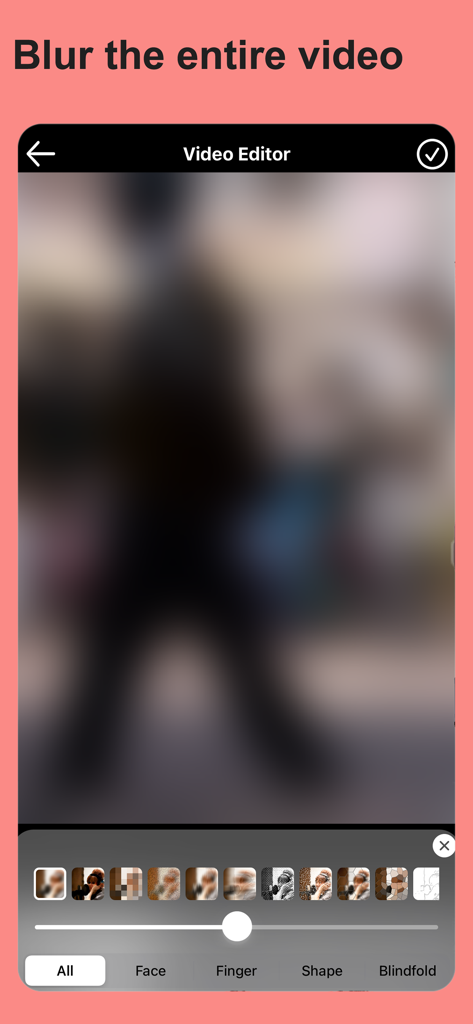
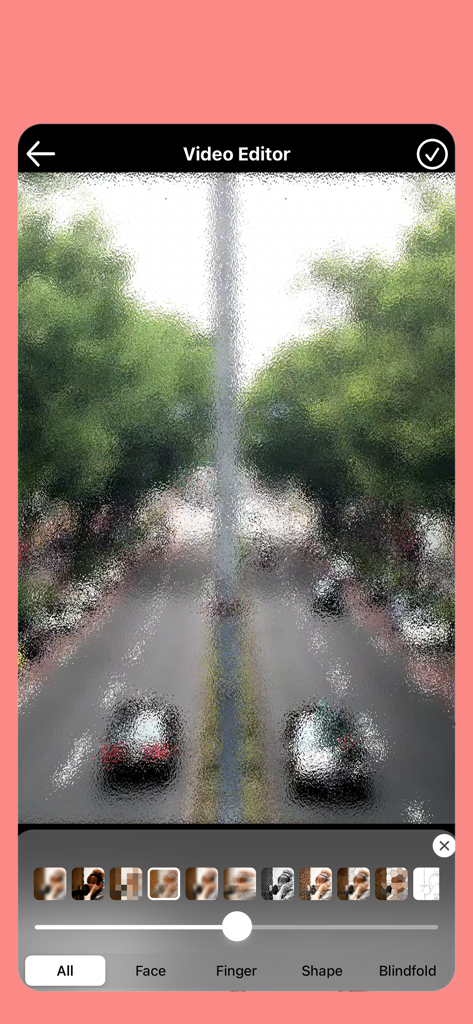
Mobile interface of Blur Video and Mosaic app showing a fully blurred video frame with various mosaic options

Mobile interface of Blur Video and Mosaic app showing a fully blurred video frame with various mosaic options

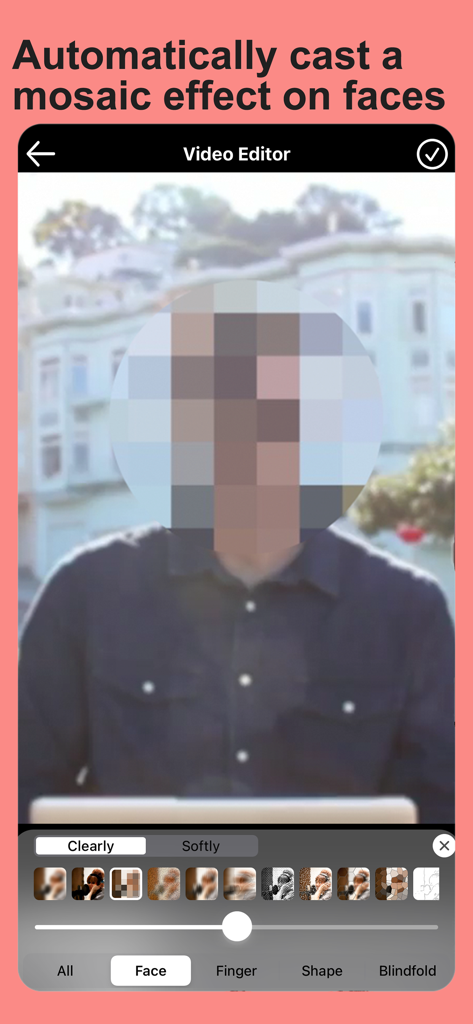
A video editing app interface showing a circular mosaic effect automatically applied to a person's face for privacy.

A video editing app interface showing a circular mosaic effect automatically applied to a person's face for privacy.

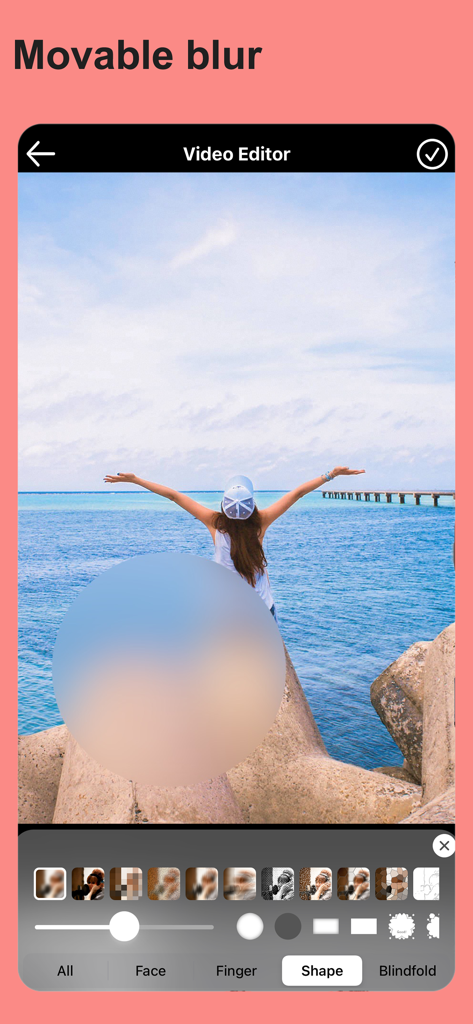
Mobile video editor interface showing a circular movable blur effect applied to a scenic video

Mobile video editor interface showing a circular movable blur effect applied to a scenic video

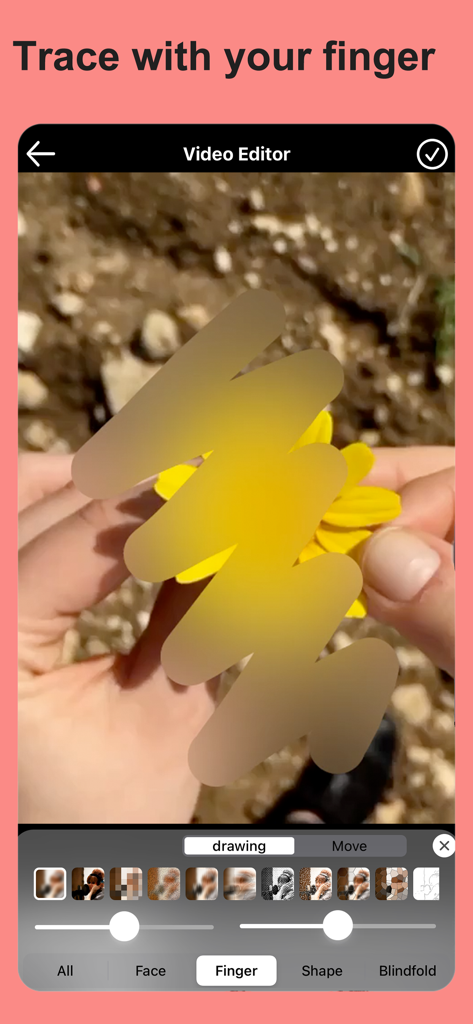
A video editing screen showing the manual finger tracing feature to apply a blur effect to a yellow flower

A video editing screen showing the manual finger tracing feature to apply a blur effect to a yellow flower

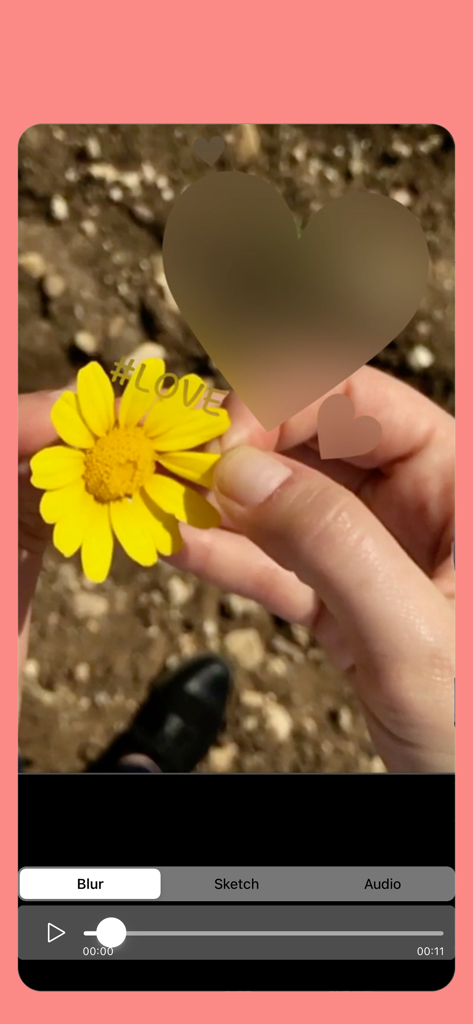
Applying a heart shaped blur to a video of a yellow flower within the Blur Video and Mosaic app interface

Applying a heart shaped blur to a video of a yellow flower within the Blur Video and Mosaic app interface

Video editor interface displaying a street scene with a textured mosaic blur effect applied to the whole frame

Video editor interface displaying a street scene with a textured mosaic blur effect applied to the whole frame

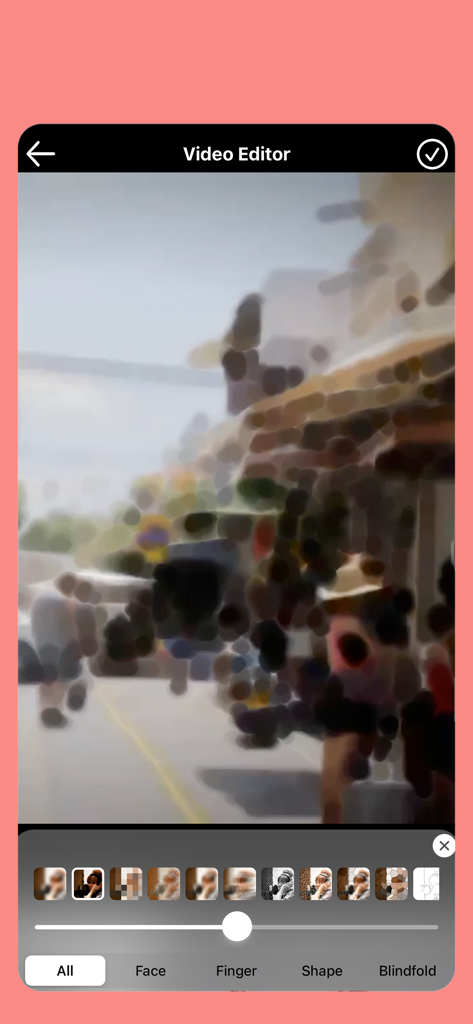
Interface of the Blur Video and Mosaic app showing various artistic blur filters applied to a street scene video.

Interface of the Blur Video and Mosaic app showing various artistic blur filters applied to a street scene video.

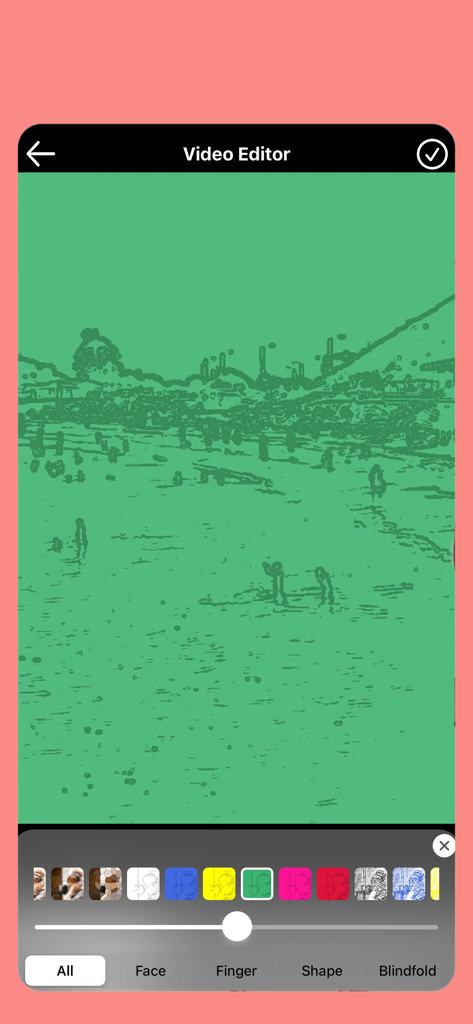
A screenshot of the Blur Video and Mosaic app editor showing a green artistic filter applied to a video

A screenshot of the Blur Video and Mosaic app editor showing a green artistic filter applied to a video

Powerful Privacy, Professional Results

The tools that make this app stand out, trusted by 2M+ users.

🛡️

Automated AI Tracking

Save hours of manual editing with smart AI that automatically detects and blurs faces or license plates as they move through the frame.

🎨

Aesthetic Background Control

Instantly remove distractions or swap backgrounds for solid colors and 'fluffy' filters to keep your content clean and professional.

✂️

Total Precision Masking

Take full control with finger-trace blurring for specific details and integrated audio processing to protect every layer of your privacy.

Loved by users worldwide

Trusted by 2M+ people who love this app.

"

"As a travel vlogger, I'm constantly filming in crowded city squares and cafes. This app's auto-face blur is an absolute lifesaver. It handles all the tracking for me, so I can post my Reels immediately without worrying about privacy complaints or manual editing on my laptop."

Chloe Vance
"

"I love sharing my kids' soccer highlights with my family on Facebook, but I always want to be respectful of the other children's privacy. The mosaic tool is so intuitive—I just trace over the faces with my finger and the app does the rest. It's fast, simple, and gives me peace of mind."

Mark Thompson

About the app

Everything you need to know about Blur Video & Mosaic.

Description

It is an application that can blur and mosaic videos. You can blur the entire video, blur a part by moving the mosaic while playing the video, blur the part traced with your finger, automatically blur only the face, or decide the shape to blur. You can also process audio. You can also change the video speed. You can also create a video that he fluffy and he fluffy. In addition to hiding ads, subscription features include Automatically blur background, remove, replace with color Auto blur of car license plate there is.

Latest Version

217.3

Size

150.9 MB

First Released

Jan 3, 2017

Protect Your Privacy in Seconds

Join over 2 million creators and parents using AI-powered automation to blur faces, license plates, and backgrounds instantly. Perfect your videos for TikTok, Reels, and YouTube without the hassle.

Download on App Store
FAQ

Frequently Asked Questions

Everything you need to know about Blur Video & Mosaic

Can I blur an entire video using the Blur Video & Mosaic app?

Yes, Blur Video & Mosaic allows users to blur an entire video. This feature provides a complete mosaic or blur effect over the entire video frame, making privacy easy and effective.

Does Blur Video & Mosaic provide automatic face blurring?

Yes, the Blur Video & Mosaic app automatically blurs faces in videos. This feature identifies faces and applies a blur effect, ensuring privacy for individuals appearing in your content.

How do I blur specific areas or objects in a video using Blur Video & Mosaic?

Blur Video & Mosaic offers flexible blurring options, including the ability to blur specific areas by moving the mosaic during playback or by tracing areas with your finger for custom effects.

Does the Blur Video & Mosaic app allow users to edit video audio?

Yes, Blur Video & Mosaic includes the functionality to edit audio within the app. Users can adjust audio tracks alongside their video edits, enhancing the overall production quality.

What premium features are available in Blur Video & Mosaic?

The premium features of Blur Video & Mosaic include ad-free editing, automatic background blur, background removal or color replacement, and automatic car license plate blur for enhanced privacy and customization.