Elgato Stream Deck Mobile



Take total control of your workflow with a single tap. Automate apps like OBS, Zoom, and Spotify, customize your layout with endless icons, and experience the power of a pro-grade setup on the device already in your pocket.
Publisher
Category
ProductivityDownloads
884K+User Rating
Total Ratings
9K+Locales
19Discover the interface used by 884K+ users.
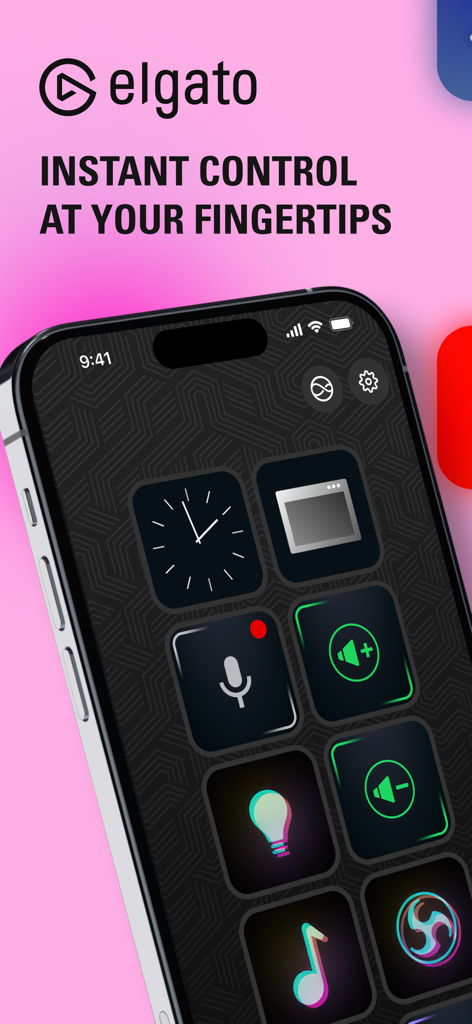
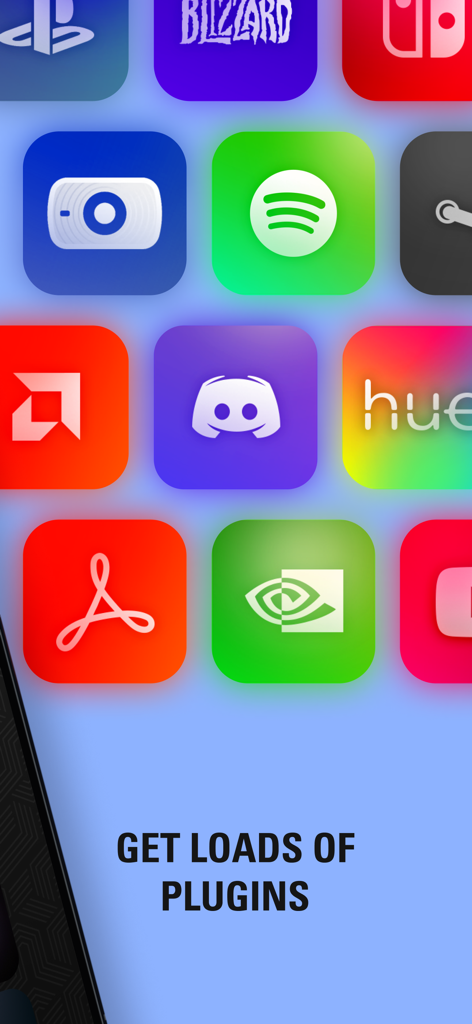
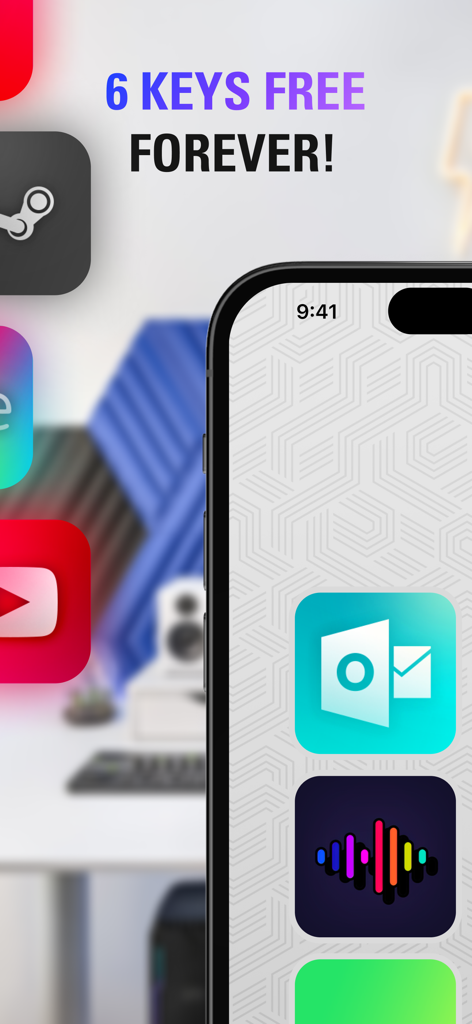
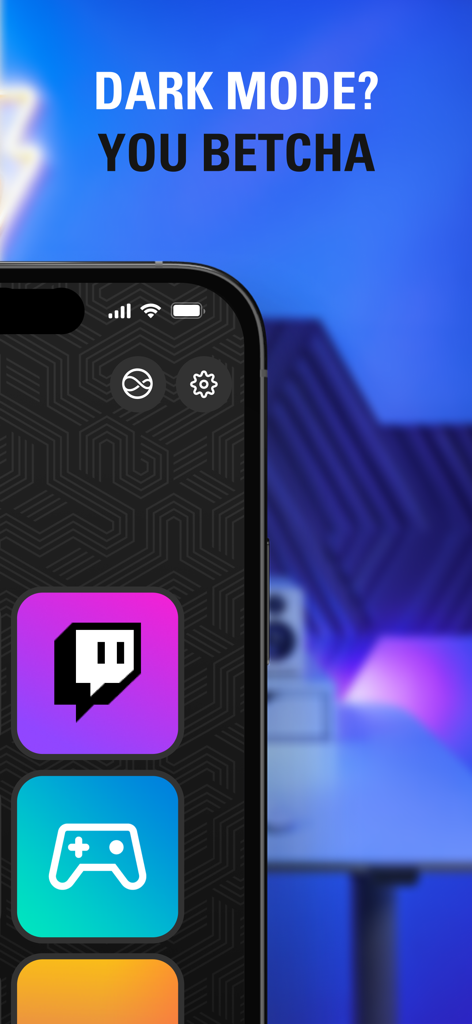
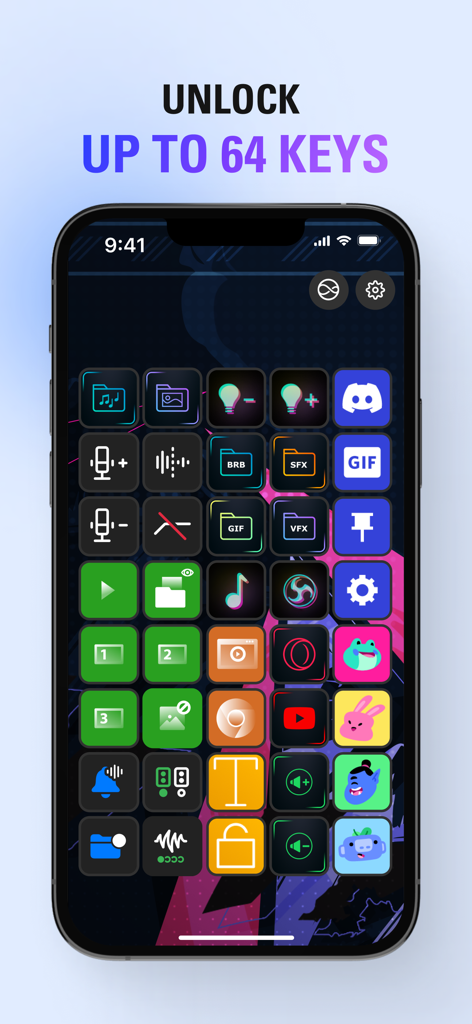
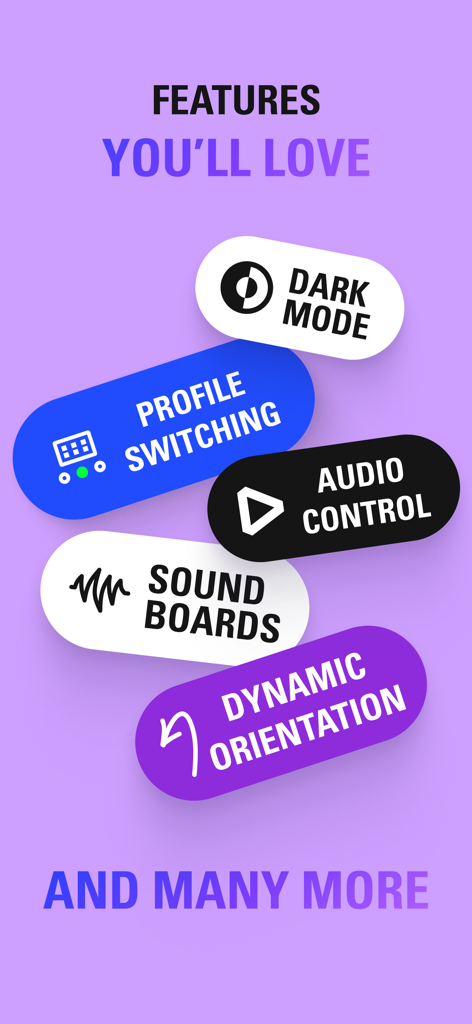
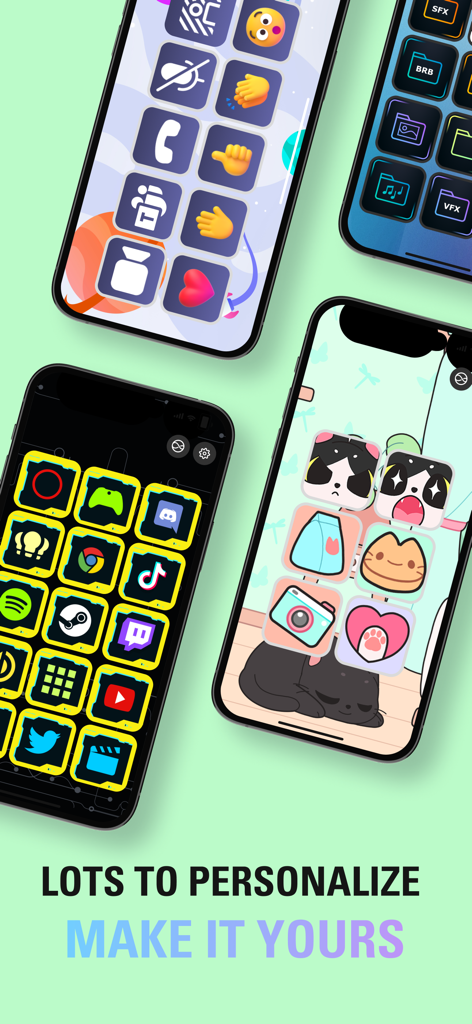
The tools that make this app stand out, trusted by 884K+ users.
Turn complex sequences into a single tap. Launch your apps, adjust lighting, and post to social media simultaneously to stay in your creative flow.
Express your style with custom icons and faceplates. Design your ideal layout with up to 64 keys to match your specific desk aesthetic and professional needs.
Seamlessly control the tools you use most, including OBS, Twitch, Zoom, and Microsoft Teams. Access a library of community plugins to expand your setup instantly.
Trusted by 884K+ people who love this app.
"As a freelance designer and part-time streamer, this app is a total game-changer. I have mapped all my Photoshop shortcuts and Zoom controls to my iPad. It feels like a professional cockpit for my workflow without adding more hardware clutter to my desk."
"I always wanted the Elgato experience for my Twitch streams but was on a tight budget. This app is the perfect solution. Being able to trigger alerts and control my lighting from my iPhone is incredible. The Multi-actions feature is a lifesaver!"
Everything you need to know about Elgato Stream Deck Mobile.
Description
Latest Version
2.4.0
Size
185.2 MB
First Released
May 17, 2019
Join thousands of creators and professionals optimizing their workflow. Experience the legendary power of Stream Deck on the device you already own—start for free today.
Everything you need to know about Elgato Stream Deck Mobile
Elgato Stream Deck Mobile is a virtual keypad app that allows users to control applications and tools on their computer without touching a mouse or keyboard. It offers customizable actions and profiles.
Elgato Stream Deck Mobile connects wirelessly to the Stream Deck desktop application on your macOS or Windows computer. It then functions as a customizable control interface for various apps and tools.
Yes, Elgato Stream Deck Mobile offers a free version with 6 keys and unlimited actions forever. Users can upgrade to a Pro version for more keys and advanced customization options.
Stream Deck Mobile Pro provides up to 64 keys, double the largest physical Stream Deck. It also includes personalized backgrounds, custom layouts (e.g., 5x3 or 8x8 keys), and additional customization choices.
Elgato Stream Deck Mobile controls many apps including OBS Studio, Twitch, YouTube, Discord, Spotify, Zoom, and Teams. It integrates with various popular tools for content creation and productivity.
Yes, Elgato Stream Deck Mobile supports "Hey Siri" voice commands. Users can create custom voice commands to control their setup, enabling hands-free operation of the app's functions.
Yes, Elgato Stream Deck Mobile supports both dark and light modes. Users can swap between modes manually or set them to change automatically, with some faceplates adapting their appearance.
Yes, Elgato Stream Deck Mobile supports iPad multitasking. Users can run the app alongside other applications or websites, and even operate two Stream Deck Mobile keypads simultaneously on an iPad.
Yes, Stream Deck Mobile allows extensive customization. Users can personalize keys with colorful icons and animations, organize actions into folders, and create specialized keypads with profiles.
Yes, Elgato Stream Deck Mobile can pair with multiple computers. Users can also run Stream Deck Mobile on multiple devices simultaneously, enhancing control across different setups.
Apps with similar features and user experience