Streamlabs Controller



Transform your mobile device into a powerful tactile control center. Switch scenes, mix audio, and manage your broadcast instantly—all without the need for expensive dedicated hardware.
Publisher
Category
Social NetworkingDownloads
2M+User Rating
Total Ratings
5K+Locales
1Discover the interface used by 2M+ users.
The tools that make this app stand out, trusted by 2M+ users.
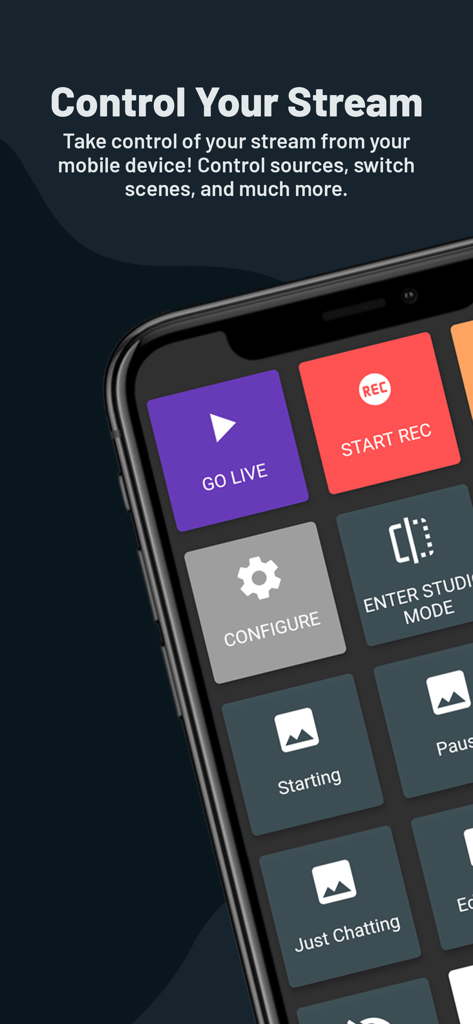
Skip the expensive $150 stream decks. Use your iPhone or iPad as a fully customizable hotkey system to trigger scenes and sources instantly.
Stop Alt-Tabbing and stay in the game. Switch scene collections, toggle source visibility, and start or stop your stream with a single tap.
Stay engaged without a second monitor. Monitor live chat and track recent events like subs and donations directly on your mobile screen.
Trusted by 2M+ people who love this app.
"As a college student starting out on Twitch, I couldn't afford a $150 hardware controller. This app turned my iPhone into a professional stream deck. I can switch scenes and mute my mic instantly without ever having to Alt-Tab out of my game. It is a total game changer for my single-monitor setup!"
"The Streamlabs Controller is essential for my broadcast workflow. I love being able to monitor my chat and recent events on my phone while I'm focused on the main screen. It makes managing audio levels and source visibility so much more tactile and fluid. It really helps me stay engaged with my community."
Insights from user reviews.
Sentiment Score
Summary
User reviews for the Streamlabs app highlight significant issues with connectivity, login functionality, and overall app stability. Many users report frequent disconnections, inability to connect their mobile device to PC, and persistent login errors with platforms like Twitch and YouTube. While some users appreciate the app as a free alternative to a Stream Deck and its core remote control features, common complaints include a lack of support for newer platforms like Kick and TikTok, along with buggy chat features and scenes not loading correctly after recent updates.
Common Themes
Everything you need to know about Streamlabs Controller.
Description
Latest Version
3.8.16
Size
50.5 MB
First Released
Aug 26, 2019
Turn your phone into the ultimate command center. Switch scenes, mix audio, and engage with your community—all without the expensive hardware.
Everything you need to know about Streamlabs Controller
Streamlabs Controller is a mobile application that transforms your smartphone into a remote control for your Streamlabs Desktop broadcast, serving as an efficient hotkey system without requiring expensive hardware.
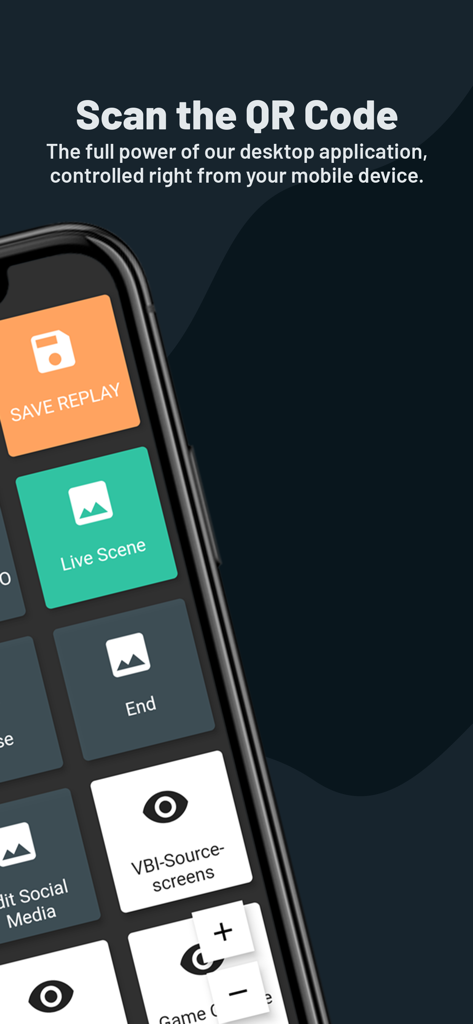
Yes, Streamlabs Controller connects to Streamlabs Desktop by linking your mobile device via the same network your desktop is streaming from. Screenshot #2 also indicates scanning a QR code for connection.
Yes, Streamlabs Controller allows users to switch between scenes and scene collections, control the broadcast, and enter studio mode directly from their mobile device.
Yes, Streamlabs Controller enables users to start and stop the recording of their live stream and save replays directly from their mobile device. A "START REC" button is visible.
Yes, Streamlabs Controller provides control over audio sources, allowing users to mute, unmute, and precisely adjust the sound volume for individual audio mixer sources.
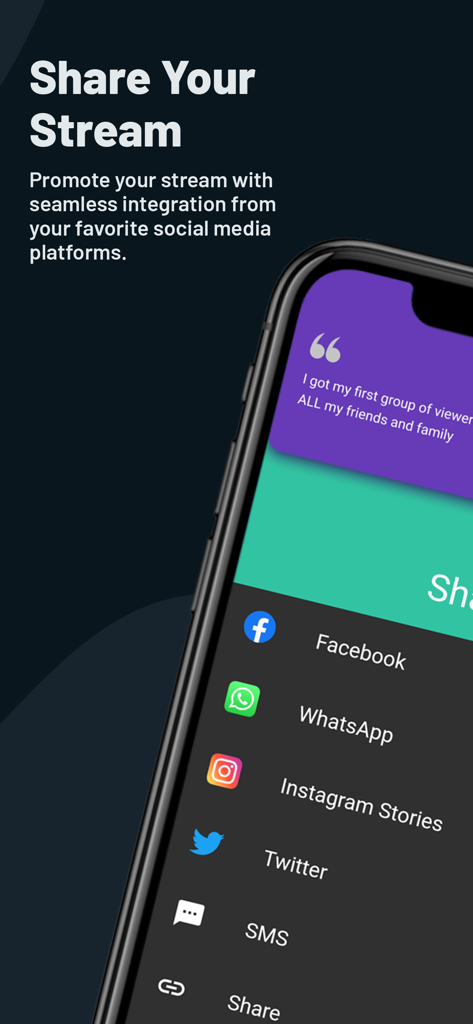
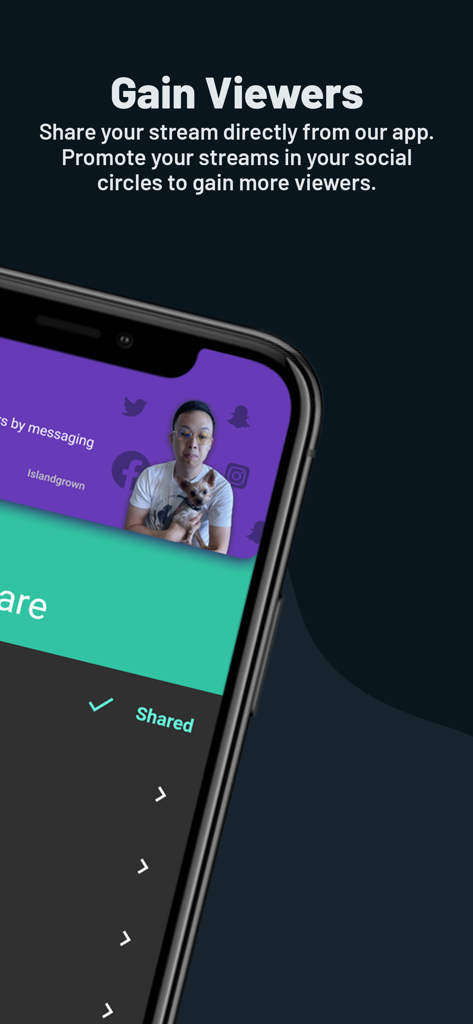
Yes, Streamlabs Controller integrates social media sharing. Users can promote their stream directly to platforms like Facebook, WhatsApp, Instagram Stories, and Twitter.
Apps with similar features and user experience