#FAX from iPhone: free sending

#FAX from iPhone: free sending

Download on App Store
Spark by MWM logo
Logo of #FAX from iPhone: free sending
#FAX from iPhone: The Professional Way to Send and Receive Faxes Anywhere

Skip the office run and ditch the bulky hardware. Scan documents, add sleek cover pages, and manage your personal fax number directly from your device. Try your first faxes for free!

Download on App Store

Publisher

Vahagn Gevorgyan

Category

Business

Downloads

500

User Rating

4.9/5

Total Ratings

6K+

Locales

1

A Glimpse Inside

Discover the interface used by 500 users.
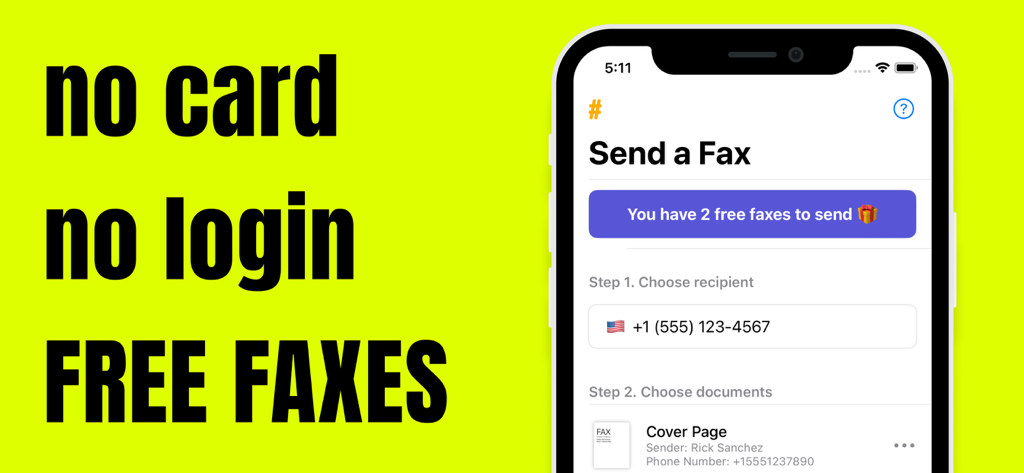
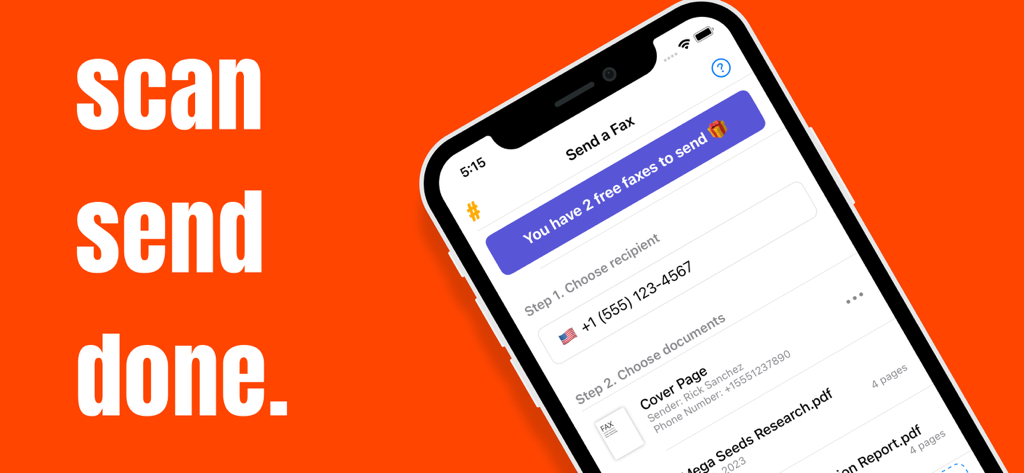
iPhone screen showing the FAX app interface with two free faxes and no login required

iPhone screen showing the FAX app interface with two free faxes and no login required

iPhone screen showing the Send a Fax interface of the #FAX app with 2 free faxes available

iPhone screen showing the Send a Fax interface of the #FAX app with 2 free faxes available

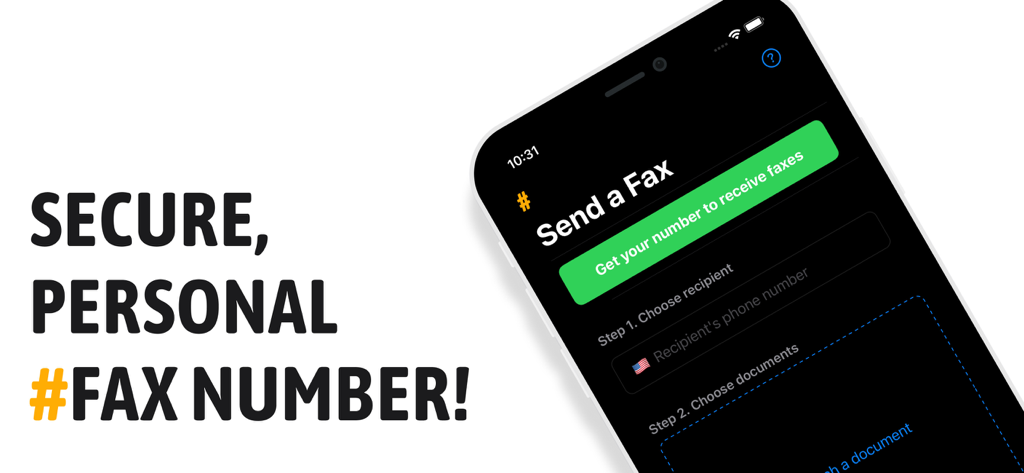
Interface of the #FAX app on iPhone showing options to get a personal fax number and send documents

Interface of the #FAX app on iPhone showing options to get a personal fax number and send documents

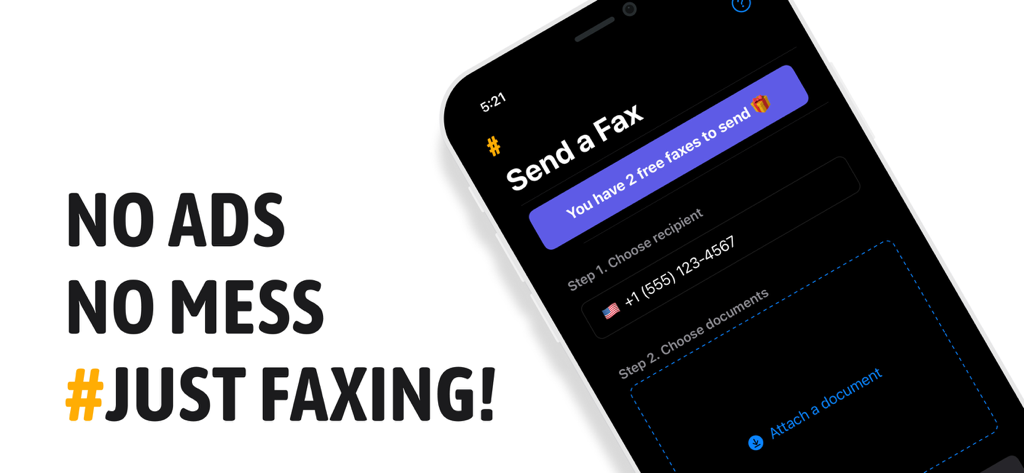
iPhone screen showing the #FAX app interface to send documents with no ads.

iPhone screen showing the #FAX app interface to send documents with no ads.

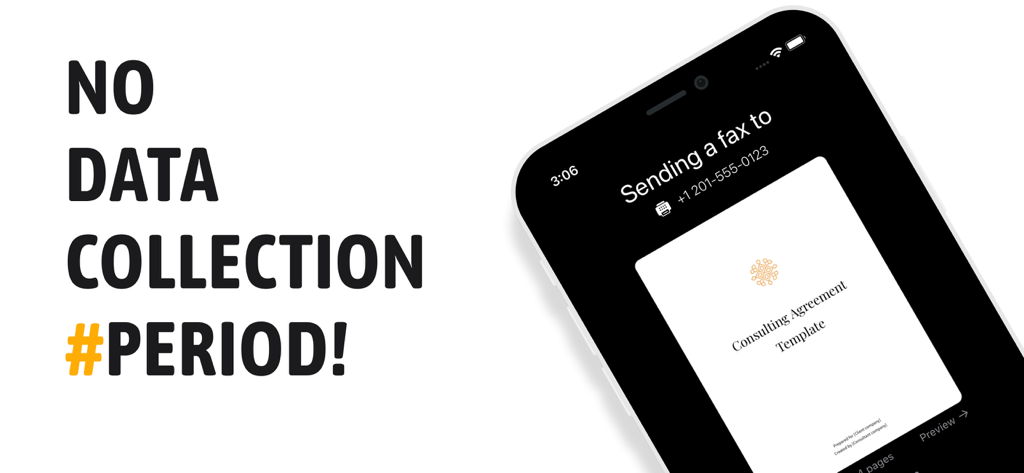
Mobile app interface showing a secure fax being sent from an iPhone with no data collection notice

Mobile app interface showing a secure fax being sent from an iPhone with no data collection notice

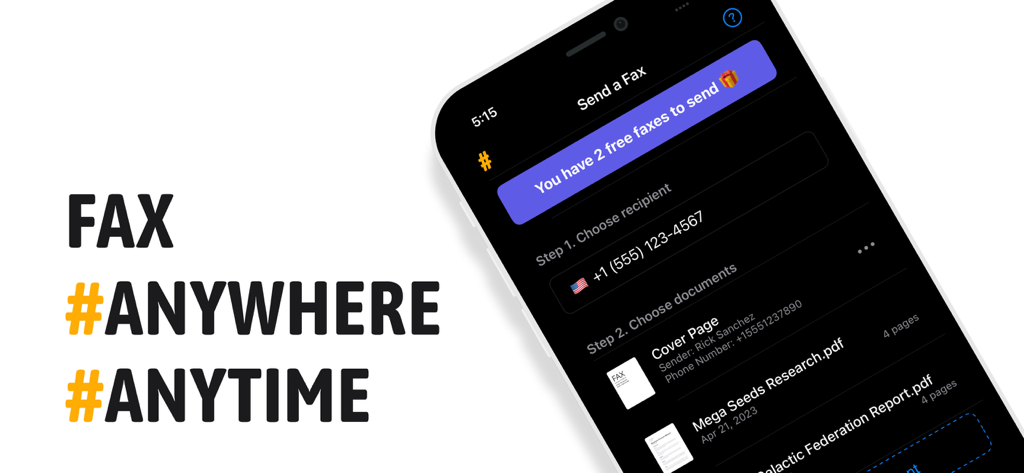
A smartphone displaying the FAX app interface to send documents with the slogan FAX ANYWHERE ANYTIME

A smartphone displaying the FAX app interface to send documents with the slogan FAX ANYWHERE ANYTIME

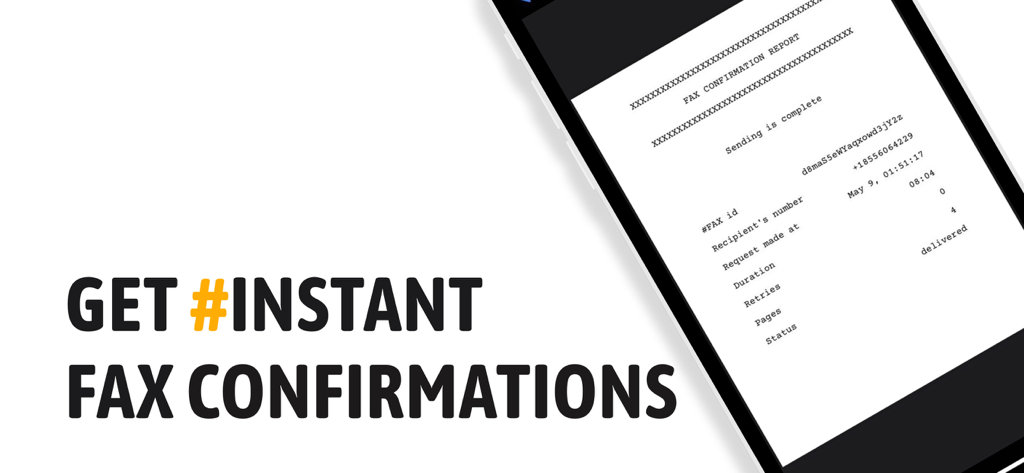
A smartphone displaying a digital fax confirmation report with a delivered status.

A smartphone displaying a digital fax confirmation report with a delivered status.

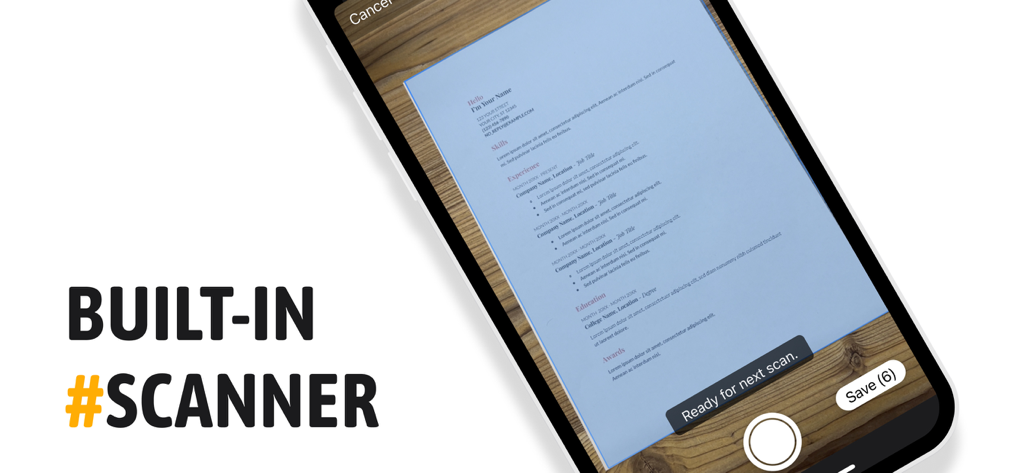
Mobile phone screen showing the built in scanner feature for faxing documents

Mobile phone screen showing the built in scanner feature for faxing documents

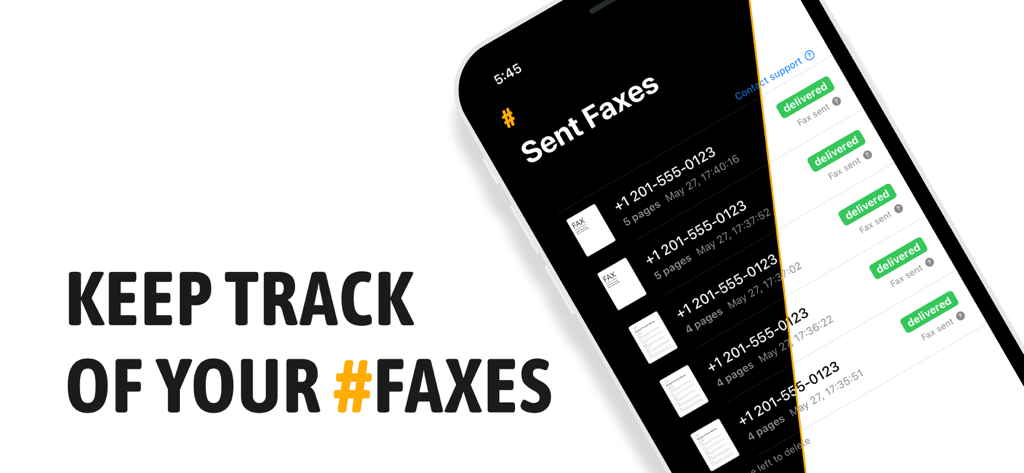
Mobile app screen showing a list of sent faxes with delivery status

Mobile app screen showing a list of sent faxes with delivery status

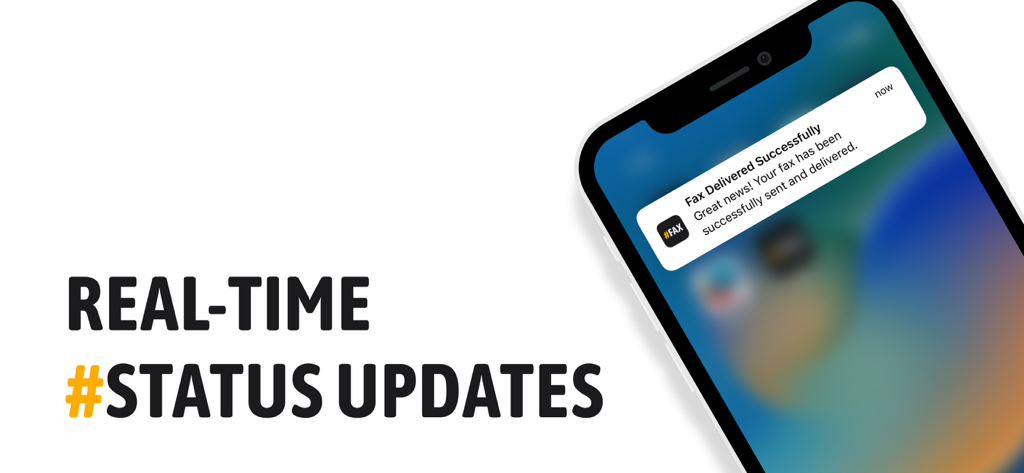
A smartphone displaying a real-time notification for a successfully delivered fax

A smartphone displaying a real-time notification for a successfully delivered fax

Power Your Business Without the Paperwork

The tools that make this app stand out, trusted by 500 users.

📲

A Portable Fax Machine

Skip the trip to the print shop. Send secure faxes globally right from your iPhone or iPad, no landline or office equipment required.

🔍

Instant Document Scanning

No scanner? No problem. Use your device camera to turn physical contracts and forms into high-quality, fax-ready documents in seconds.

🏢

Professional Business Identity

Get a dedicated personal fax number to receive sensitive documents securely, giving your freelance or small business a professional edge.

Loved by users worldwide

Trusted by 500 people who love this app.

"

"As a freelance paralegal, I constantly need to send secure documents to courts that still live in the stone age. #FAX has been a lifesaver. The interface is so clean, and having my own dedicated fax number makes my business look way more professional. No more driving to the copy shop at the last minute!"

Sarah Jenkins
"

"I was skeptical about finding a fax app that actually worked, but this one delivered. I had to send a signed contract while on-site with a client, and the built-in scanner turned my photo into a perfect, professional fax in seconds. It is easily the most reliable tool in my mobile office."

Marcus Reed

About the app

Everything you need to know about #FAX from iPhone: free sending.

Description

Welcome to #FAX, the coolest way to send and receive faxes straight from your iPhone or iPad. Who needs those clunky old fax machines when you've got our super easy and reliable app? #FAX is more than just a fax app – it's a whole new way to fax. Plus, we're probably the only app that lets you send a couple of faxes for FREE before you decide to subscribe. You get to try us out first, so you know you're going to love it. Need to send a fax? With #FAX, you can preview it first, ensuring it's exactly right. We support a variety of file types, including doc and docx, so you can fax just about anything. And to give your fax a professional look, we've got sleek cover pages ready to use. New! Receive Faxes Too! Not only can you send faxes, but you can also receive them with #FAX! Get your personal phone number for sending and receiving faxes. No need to rely on old fax machines or printing services. Keep track of all your sent and received faxes with our history feature. Need to fax a paper document? No sweat! With our app, you can quickly convert any document into a fax-ready format, right from your iPhone or iPad. No extra scanner needed! #FAX is all about keeping things simple and user-friendly. Our interface is easy to navigate, making faxing a breeze. Just a couple of taps, and your fax is on its way! So, why wait? Download #FAX today, send a few faxes on us, and discover just how simple faxing can be! Subscription Options Send Only: 1 week - $2.99 USD 1 month - $7.99 USD 12 months - $79.99 USD Send and Receive + Get Personal Fax Number: 1 week - $4.99 USD 1 month - $9.99 USD 12 months - $99.99 USD Please note the subscription automatically renews unless auto-renew is turned off at least 24-hours before the end of the current period. By using #FAX, you are agreeing to our Privacy Policy and Terms of Use: Privacy Policy: https://faxapp-7c258.web.app/privacy_policy.html Terms of Use: https://faxapp-7c258.web.app/terms.html Payment will be charged to iTunes Account at confirmation of purchase. Account will be charged for renewal within 24-hours prior to the end of the current period, and identify the cost of the renewal. Subscriptions may be managed by the user and auto-renewal may be turned off by going to the user's Account Settings after purchase. Any unused portion of a free trial period, if offered, will be forfeited when the user purchases a subscription to that publication, where applicable.

Latest Version

2.4.8

Size

20.8 MB

First Released

Feb 14, 2023

Ready to Send Your First Fax for Free?

Join over 6,000 professionals who have ditched the bulky office machine. Download now to turn your iPhone into a powerful fax station and get your business documents moving in seconds.

Download on App Store
FAQ

Frequently Asked Questions

Everything you need to know about #FAX from iPhone: free sending

How many free faxes does #FAX offer?

#FAX offers two free faxes before requiring a subscription. Users can try the app's sending capabilities without any initial cost or commitment.

Can I receive faxes with the #FAX app?

Yes, users can receive faxes with the #FAX app. The app provides a personal phone number specifically for both sending and receiving faxes.

What types of documents can I send with #FAX?

The #FAX app supports various file types for sending, including doc and docx. Users can also convert paper documents into a fax-ready format using the built-in scanner.

Does the #FAX app include a scanner?

Yes, the #FAX app features a built-in scanner. This allows users to quickly convert any paper document into a fax-ready format directly from their iPhone or iPad.

What are the subscription costs for #FAX?

#FAX offers 'Send Only' subscriptions for $2.99/week, $7.99/month, $79.99/year. 'Send and Receive' subscriptions, with a personal fax number, cost $4.99/week, $9.99/month, $99.99/year.

Does #FAX collect user data?

No, the #FAX app does not collect user data. The service focuses strictly on providing faxing functionalities without any personal data collection.

Is it possible to preview faxes before sending them with #FAX?

Yes, #FAX allows users to preview their fax before sending it. This feature ensures the document is exactly right prior to transmission, giving users full control.

Does the #FAX app have ads?

No, the #FAX app does not contain ads. The interface is designed to be clean and focused solely on faxing, providing a seamless user experience.

How do I manage my #FAX subscription auto-renewal?

Users manage #FAX subscription auto-renewal through their iTunes Account Settings after purchase. Auto-renewal must be turned off at least 24 hours before the current period ends.

Does #FAX provide real-time status updates for faxes?

Yes, #FAX provides real-time status updates for faxes. Users receive instant notifications, such as 'Fax Delivered Successfully,' to track their transmissions efficiently.

Can I track my sent and received faxes in #FAX?

Yes, #FAX includes a history feature. This allows users to keep track of all their sent and received faxes directly within the app, ensuring easy record-keeping.