FAX from iPhone: Send Doc App

FAX from iPhone: Send Doc App

Download on App StoreDownload on Google Play
Spark by MWM logo
Logo of FAX from iPhone: Send Doc App

FAX from iPhone: Send Doc App – The Professional Way to Fax from Anywhere

Turn your iPhone into a powerful, secure fax machine. Scan, send, and track documents globally in seconds—no hardware or office trips required.

Download on App Store

Publisher

Municorn Limited

Category

Business

Downloads

6M+

User Rating

4.8/5

Total Ratings

379K+

Locales

8

Your Office, Anywhere

Discover the interface used by 6M+ users.
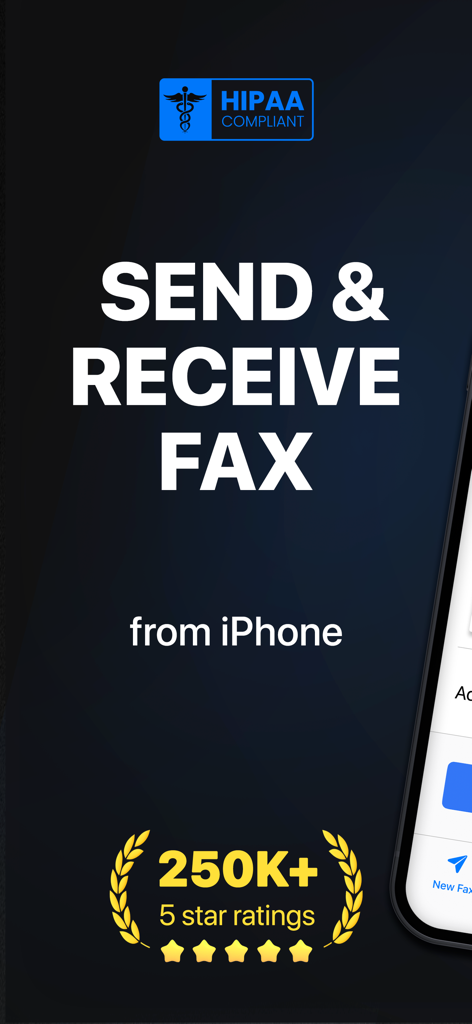
FAX from iPhone app home screen showing HIPAA compliance and two hundred fifty thousand five star ratings

FAX from iPhone app home screen showing HIPAA compliance and two hundred fifty thousand five star ratings

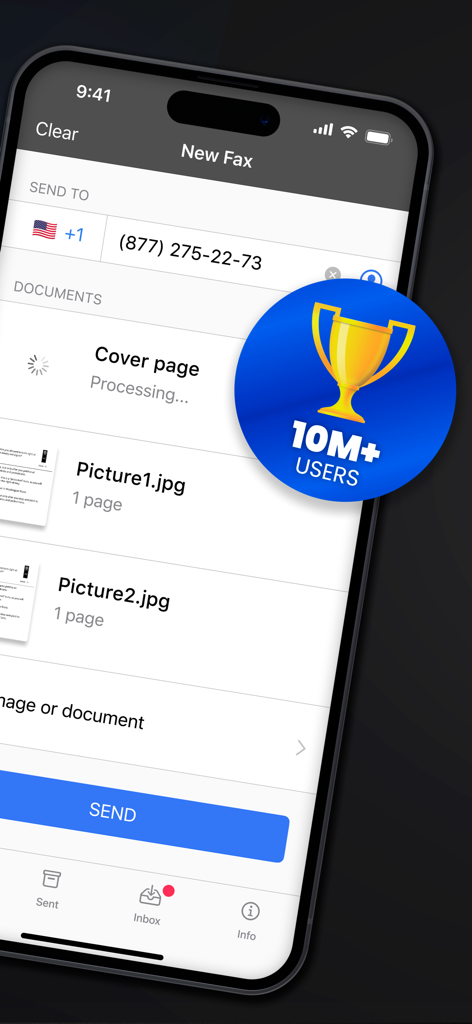
Mobile app interface showing a new fax setup with attached images and a 10 million users badge.

Mobile app interface showing a new fax setup with attached images and a 10 million users badge.

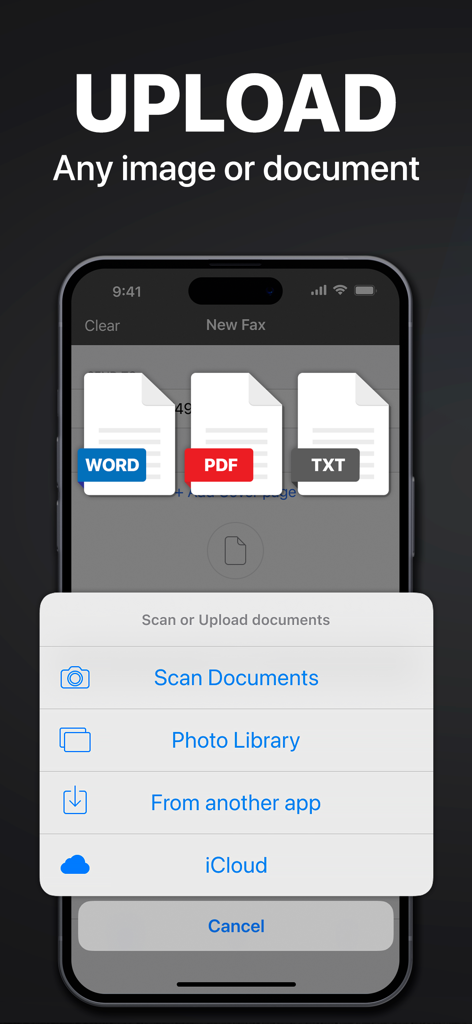
Interface showing options to upload Word PDF and text documents to send a fax from iPhone

Interface showing options to upload Word PDF and text documents to send a fax from iPhone

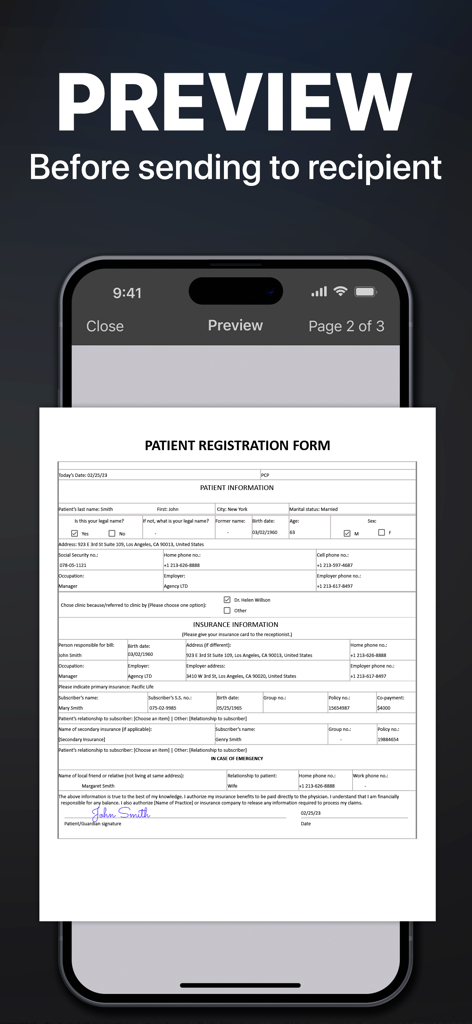
A medical patient registration form being previewed on the FAX from iPhone app interface before sending.

A medical patient registration form being previewed on the FAX from iPhone app interface before sending.

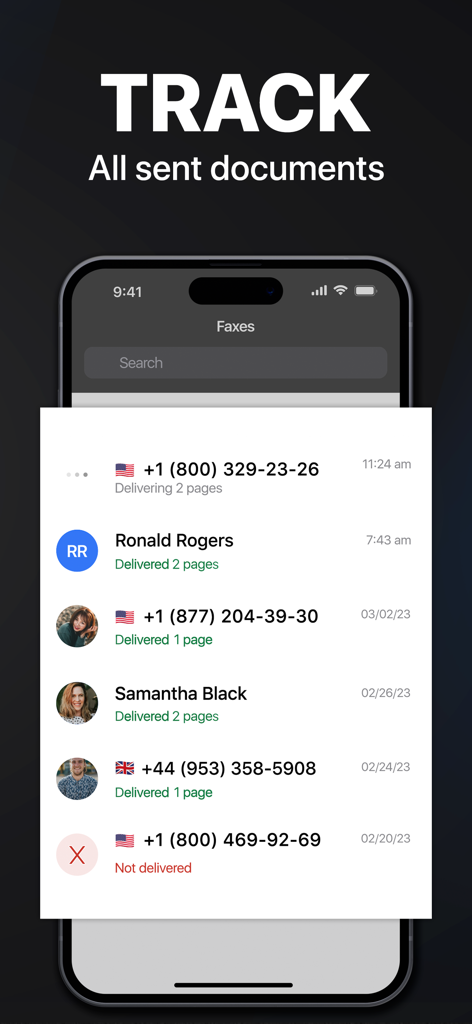
Smartphone screen showing the tracking status and delivery history of sent fax documents

Smartphone screen showing the tracking status and delivery history of sent fax documents

The Ultimate Toolkit for Modern Professionals

The tools that make this app stand out, trusted by 6M+ users.

📱

A Fax Machine in Your Pocket

Scan, sign, and send contracts or medical records to over 90 countries without ever leaving your home or office.

🛡️

Certified Secure Delivery

Get real-time tracking and delivery confirmation for every document, ensuring your sensitive files reach their destination safely.

☁️

Seamless Workflow Integration

Effortlessly pull documents from Google Drive, Dropbox, or iCloud and combine multiple files into one professional fax.

Loved by users worldwide

Trusted by 6M+ people who love this app.

"

"Being a real estate agent means I'm rarely at a desk. This app has turned my iPhone into a mobile office. I can scan contracts and fax them to title companies instantly. The document quality is crystal clear, and the status tracking is a game-changer for my workflow."

Sarah J., Realtor
"

"I was tired of driving to the local shipping center every time I needed to fax a permit for my business. This app paid for itself in the first week. It's incredibly easy to pull documents from Google Drive and send them globally. No hardware, no hassle."

Michael R., Small Business Owner

About the app

Everything you need to know about FAX from iPhone: Send Doc App.

Description

Send & receive faxes from iPhone or iPad on the go. Fast and easy! No Fax Machine Required! Send any document everywhere. NO need to use an old school fax machine or go to a fax office. Key Features: Powerful fax app: - Fax from iPhone in 90+ international countries; - Advanced document scanner & image processing; - Best possible quality achieved no matter what types of documents you use; - Combine multiple documents into a ​single fax; - Preview any document before sending; Receiving faxes: - Dedicated number to receive faxes; - Receive faxes from anywhere in the world; Upload any types of documents: - Send just about any file type as a fax (PDF, DOC, JPG, PNG & TIFF, HTML); - Create new documents with images as you go (Photo Gallery, Camera); - Import any types of documents (Dropbox, iCloud, Google Drive, Box or any other source). Try powerful tracking: - Track sent documents status via fax app. Note, please: ------------------ For free: 1. Download for free and streamline your faxing without ads; 2. Prepare and process documents at no charge; 3. Try it out by sending a demo fax to any number for free. Ongoing fax services require an Active subscription. *Opt for an annual subscription and save up to 52% compared to weekly payments. ------------------ Information about the auto-renewal of subscription: - Payment will be charged to iTunes Account at confirmation of purchase; - Subscription automatically renews unless auto-renew is turned off at least 24-hours before the end of the current period; - The account will be charged for renewal within 24-hours before the end of the current period. The cost depends on the selected plan; - Subscriptions may be managed by the user and auto-renewal may be turned off by going to the user’s Account Settings after purchase; Privacy Policy: https://comfax.com/privacy/ Terms of Use: https://comfax.com/terms/ For any questions or inquiries, please get in touch: support@comfax.com * iPhone and iPad are trademarks of Apple Inc.

Latest Version

2.13.17

Size

100.7 MB

First Released

May 20, 2015

Ready to Send Your Next Fax Without the Office Trip?

Join 6 million+ professionals who have ditched the fax machine. Start sending, receiving, and tracking secure documents directly from your iPhone today.

Download on App StoreDownload on Google Play
FAQ

Frequently Asked Questions

Everything you need to know about FAX from iPhone: Send Doc App

Is the FAX from iPhone: Send Doc App HIPAA compliant?

Yes, the FAX from iPhone: Send Doc App is HIPAA compliant. This ensures secure handling of sensitive health information when sending faxes.

Can I send faxes to international numbers using the FAX from iPhone app?

Yes, you can send faxes from the FAX from iPhone app to over 90 international countries. The app supports global faxing capabilities.

Can I receive faxes with the FAX from iPhone: Send Doc App?

Yes, the FAX from iPhone: Send Doc App provides a dedicated number for you to receive faxes from anywhere in the world directly to your device.

What file types does the FAX from iPhone: Send Doc App support for sending faxes?

The FAX from iPhone: Send Doc App supports sending various file types including PDF, DOC, JPG, PNG, TIFF, and HTML as faxes.

Does the FAX from iPhone: Send Doc App allow tracking of sent fax documents?

Yes, the FAX from iPhone: Send Doc App features powerful tracking, enabling users to monitor the status of all sent documents directly within the app.

Is the FAX from iPhone: Send Doc App free to use?

The app is free to download and allows document preparation and a demo fax for free. Ongoing fax services require an active subscription.

How does the subscription renewal work for the FAX from iPhone app?

Subscriptions automatically renew unless auto-renew is turned off at least 24 hours before the current period ends. Payment is charged to your iTunes Account.

Can I preview documents before sending them as a fax with the FAX from iPhone app?

Yes, the FAX from iPhone: Send Doc App allows users to preview any document before sending it to the recipient, ensuring accuracy.

How can I upload documents to the FAX from iPhone: Send Doc App for faxing?

You can upload documents from your Photo Gallery, Camera, Dropbox, iCloud, Google Drive, Box, or any other source, and even scan new ones.

How many users does the FAX from iPhone: Send Doc App have?

The FAX from iPhone: Send Doc App has garnered a significant user base, exceeding 10 million users worldwide.